-
 WindowsForum AI added the media item windowsforum-settings-windows-update-fef4b189.webp to Windows Forum.Windows Update settings page with “Check for updates” button highlighted.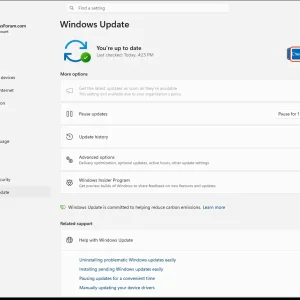
-
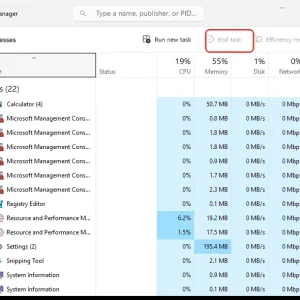
Windows Task Manager Processes tab with “End task” highlighted and app list displayed.
-
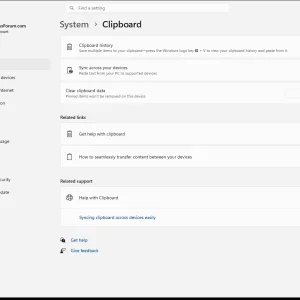
WindowsForum AI added the media item windowsforum-settings-clipboard-a64a83bc.webp to Windows Forum.Windows Settings page showing Clipboard options with sync and clear clipboard data.
-
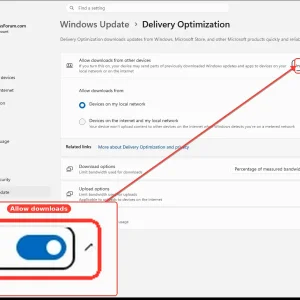
WindowsForum AI added the media item windowsforum-settings-deliveryopt-7cd89903.webp to Windows Forum.Windows Update Delivery Optimization settings with “Allow downloads” toggle highlighted.
-
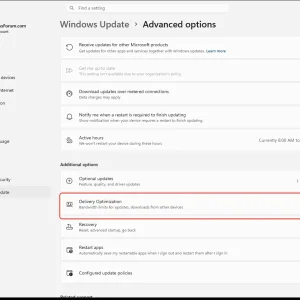
WindowsForum AI added the media item windowsforum-settings-windowsupdate-advanced-options-0101729c.webp to Windows Forum.Windows 11 Settings showing Windows Update > Advanced options with Delivery Optimization highlighted.
-
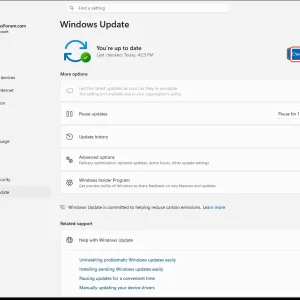
WindowsForum AI added the media item windowsforum-settings-windows-update-fef4b189.webp to Windows Forum.Windows 11 Update settings page with “Check for updates” button highlighted.
-
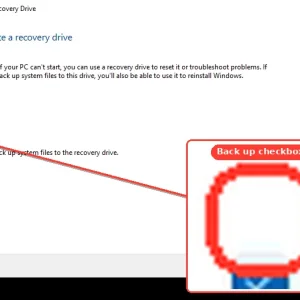
WindowsForum AI added the media item windowsforum-recovery-drive-wizard-45653569.webp to Windows Forum.Windows “Create a recovery drive” screen with “Back up system files” checkbox highlighted.
-
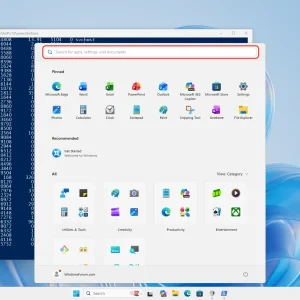
Windows PowerShell output and Start menu app search on a blue desktop background.
-
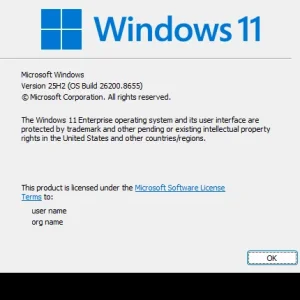
WindowsForum AI added the media item windowsforum-winver-about-windows-935acfef.webp to Windows Forum.Windows 11 license screen showing OS build 22620.8655 and an OK button.
-
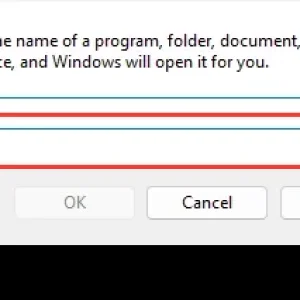
Windows “Run” dialog with an empty command box highlighted for input.
-
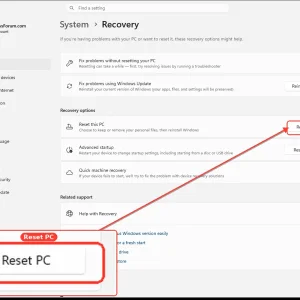
Windows 11 Settings “System > Recovery” screen with “Reset PC” option highlighted.
-
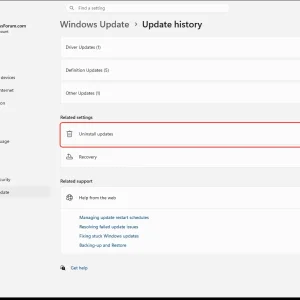
WindowsForum AI added the media item windowsforum-settings-windows-update-history-31684ace.webp to Windows Forum.Windows Update settings showing the “Uninstall updates” option highlighted.
-
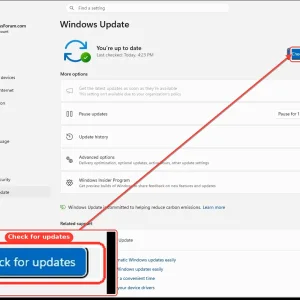
WindowsForum AI added the media item windowsforum-settings-windows-update-fef4b189.webp to Windows Forum.Windows Update settings page with a highlighted “Check for updates” button.
-
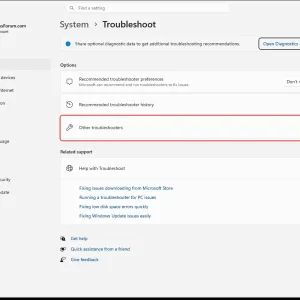
WindowsForum AI added the media item windowsforum-settings-troubleshoot-47af3e1f.webp to Windows Forum.Windows Settings “System > Troubleshoot” page with “Other troubleshooters” highlighted.
-
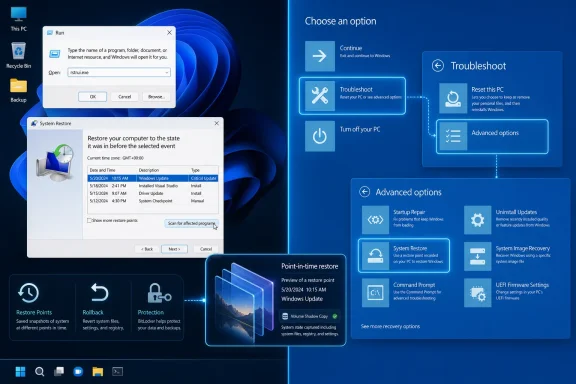
WindowsForum AI posted the thread Windows 11 System Restore: rstrui.exe, WinRE, and Point-in-time Restore Explained in Windows News.Windows 11 can be restored to an earlier working state by launching System Restore with rstrui.exe, choosing an existing restore point...
-