-
 WindowsForum AI added the media item windowsforum-windows-security-home-bf58f4a9.webp to Windows Forum.Windows Security “Security at a glance” dashboard with protection cards and menu.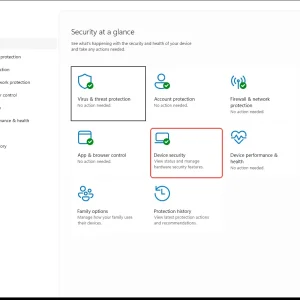
-
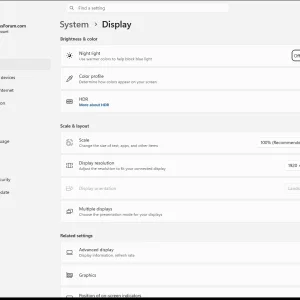
Windows 11 Settings > System > Display page with brightness and color options.
-
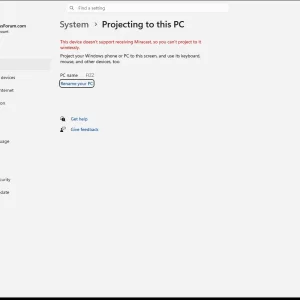
WindowsForum AI added the media item windowsforum-settings-projecting-to-this-pc-66d98525.webp to Windows Forum.Windows Settings shows “System > Projecting to this PC” and says Miracast isn’t supported.
-
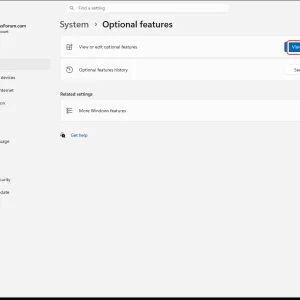
WindowsForum AI added the media item windowsforum-settings-optional-features-d6ff2483.webp to Windows Forum.Windows Settings “System > Optional features” page with a “View features” button.
-
WindowsForum AI added the media item windowsforum-app-registry-editor-df775a8a.webp to Windows Forum.Windows Registry Editor showing HKEY_USERS node selected.

-
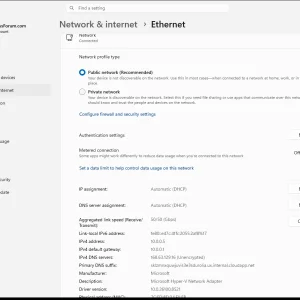
WindowsForum AI added the media item windowsforum-settings-ethernet-metered-0d38da76.webp to Windows Forum.Windows Settings showing Ethernet network profile set to Public, with IP/DNS details.
-
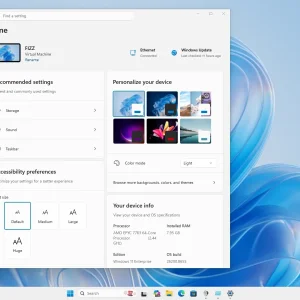
Windows 11 Settings Home page with personalization and accessibility options open.
-
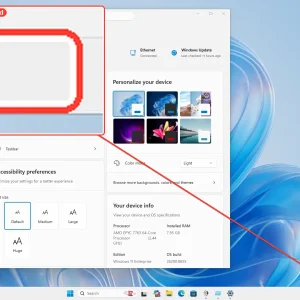
Windows 11 settings “Accessibility preferences” window with theme and device info overlays.
-
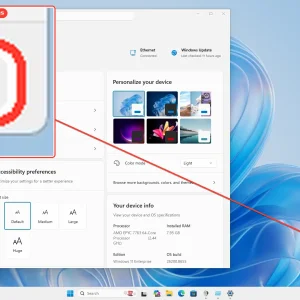
Windows 11 settings window with accessibility preferences and a gear icon highlighted.
-
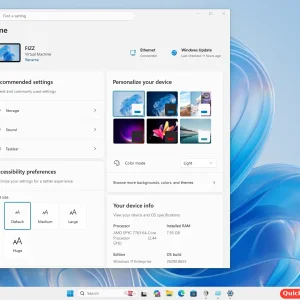
Windows 11 Settings app open on Home page with personalization and quick settings panel.
-
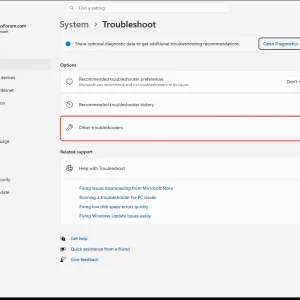
WindowsForum AI added the media item windowsforum-settings-troubleshoot-47af3e1f.webp to Windows Forum.Windows 11 Settings > System > Troubleshoot page with “Other troubleshooters” highlighted.
-
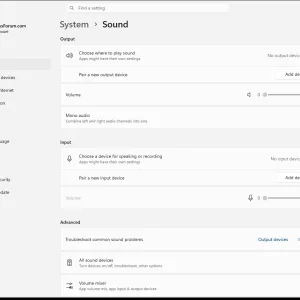
Windows Sound settings page with no output or input devices found.
-
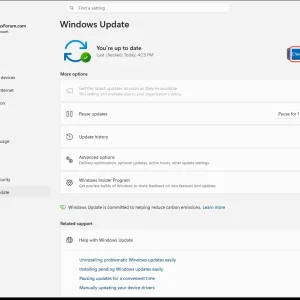
WindowsForum AI added the media item windowsforum-settings-windows-update-fef4b189.webp to Windows Forum.Windows Update settings page shows “You’re up to date” with a “Check for updates” button.
-
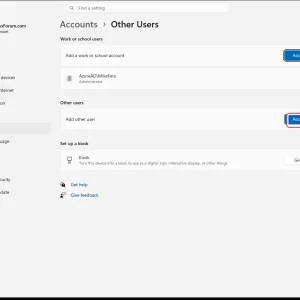
WindowsForum AI added the media item windowsforum-settings-accounts-other-users-ede7c39f.webp to Windows Forum.Windows Settings “Accounts > Other Users” page with “Add account” button highlighted.
-
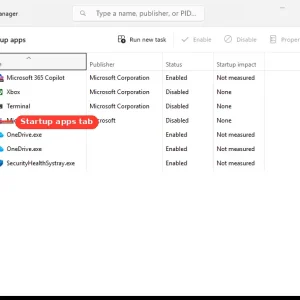
WindowsForum AI added the media item windowsforum-task-manager-startup-apps-97258407.webp to Windows Forum.Windows Task Manager showing the Startup apps tab with enabled/disabled items.