-
 Windows “Run” dialog showing an empty “Open:” input box highlighted with a red border.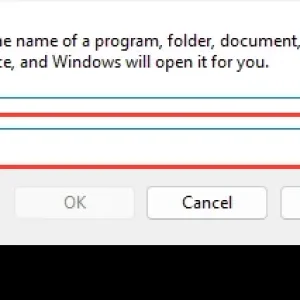
-
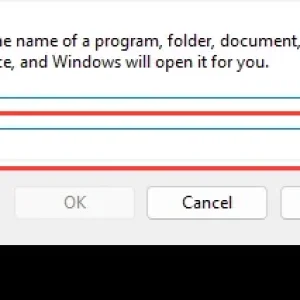
Windows “Run” dialog with an empty “Open” input field highlighted by a red box.
-
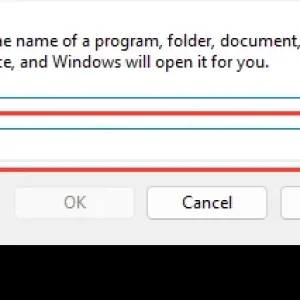
Windows Run dialog shows an empty “Open” field for entering a program or resource.
-
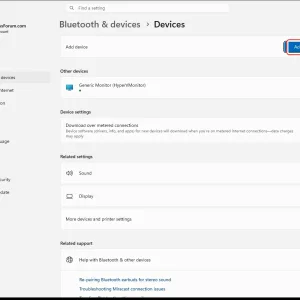
WindowsForum AI added the media item windowsforum-settings-bluetooth-devices-cce6bb56.webp to Windows Forum.Windows Settings “Bluetooth & devices” page with “Add device” button highlighted.
-
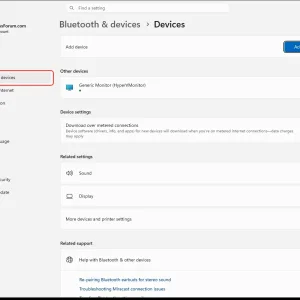
WindowsForum AI added the media item windowsforum-settings-bluetooth-devices-cce6bb56.webp to Windows Forum.Windows Settings “Bluetooth & devices” page showing an added “Generic Monitor.”
-
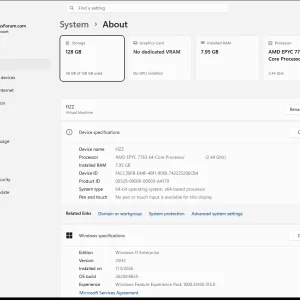
Windows 11 “System > About” page showing AMD EPYC 7763, 7.95GB RAM, and 128GB storage.
-
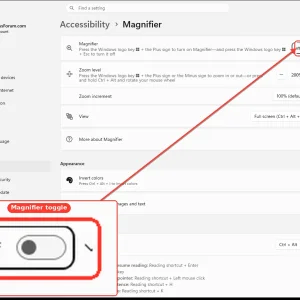
WindowsForum AI added the media item windowsforum-settings-magnifier-5aa803a5.webp to Windows Forum.Windows 11 Accessibility settings showing Magnifier toggle switched off.
-
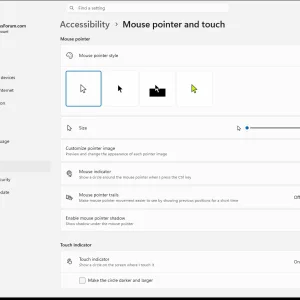
WindowsForum AI added the media item windowsforum-settings-accessibility-mouse-pointer-touch-f725ca80.webp to Windows Forum.Windows 11 Accessibility settings page for mouse pointer style, size, and indicator options.
-
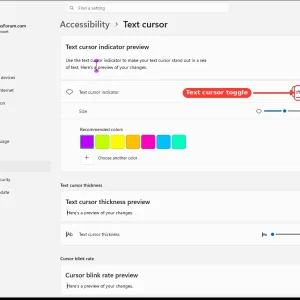
WindowsForum AI added the media item windowsforum-settings-accessibility-text-cursor-12f337d1.webp to Windows Forum.Windows Settings page for Accessibility > Text cursor, showing a toggle and preview controls.
-
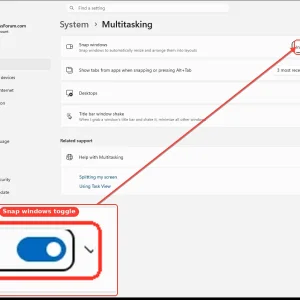
WindowsForum AI added the media item windowsforum-settings-multitasking-snap-79b064ac.webp to Windows Forum.Windows 11 Multitasking settings with the Snap windows toggle switched on.
-
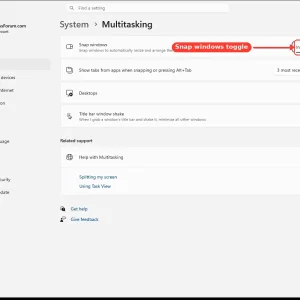
WindowsForum AI added the media item windowsforum-settings-multitasking-snap-79b064ac.webp to Windows Forum.Windows 11 Settings → System > Multitasking with “Snap windows” toggle highlighted.
-
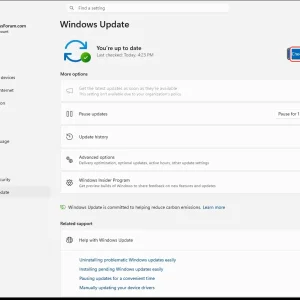
WindowsForum AI added the media item windowsforum-settings-windows-update-fef4b189.webp to Windows Forum.Windows Update settings page showing “You’re up to date” and a “Check for updates” button.
-
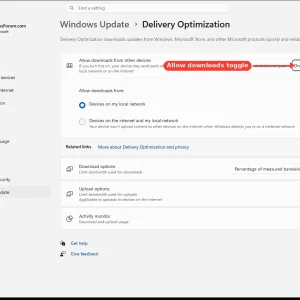
WindowsForum AI added the media item windowsforum-settings-deliveryopt-7cd89903.webp to Windows Forum.Windows Delivery Optimization settings page with “Allow downloads” toggle turned on.
-
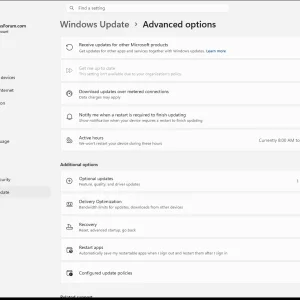
WindowsForum AI added the media item windowsforum-settings-windowsupdate-advanced-options-0101729c.webp to Windows Forum.Windows 11 Settings page showing Windows Update > Advanced options toggles and update policies.
-
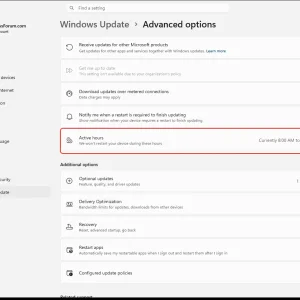
WindowsForum AI added the media item windowsforum-settings-windowsupdate-advanced-options-0101729c.webp to Windows Forum.Windows Update advanced options page highlighting “Active hours” settings.