-
 Windows 11 Display settings page with Scale and Display resolution options highlighted.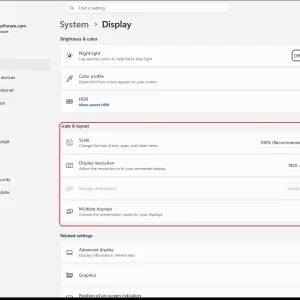
-
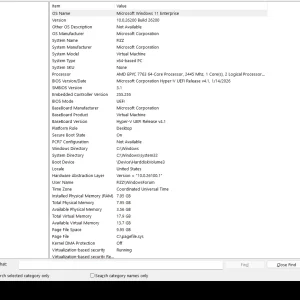
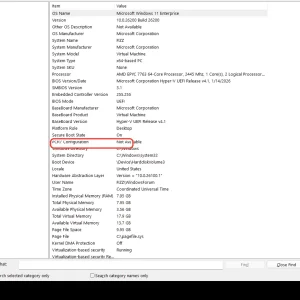
WindowsForum AI added the media item windowsforum-system-information-system-summary-cde5bd42.webp to Windows Forum.Windows 11 system summary showing OS, hardware, memory, and virtualization-based security status.
-
WindowsForum AI added the media item windowsforum-system-information-system-summary-cde5bd42.webp to Windows Forum.Windows 11 Enterprise system summary shows VM details, CPU, memory, and secure boot status.
-
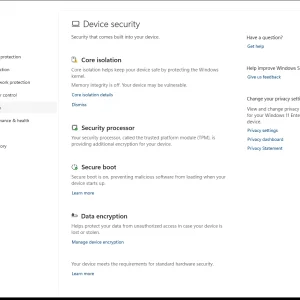
WindowsForum AI added the media item windowsforum-windows-security-device-security-3407c21e.webp to Windows Forum.Windows Security “Device security” page showing core isolation, TPM, secure boot, and data encryption.
-
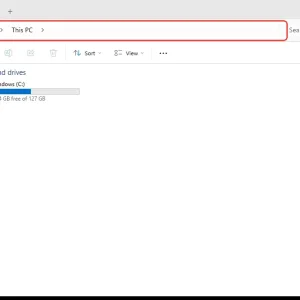
WindowsForum AI added the media item windowsforum-file-explorer-this-pc-f2b5a5e8.webp to Windows Forum.Windows File Explorer shows “This PC” with the C: drive and storage details.
-
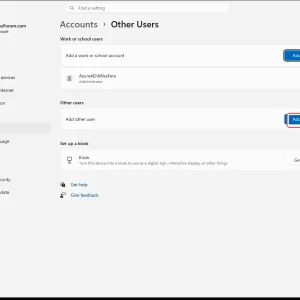
WindowsForum AI added the media item windowsforum-settings-accounts-other-users-ede7c39f.webp to Windows Forum.Windows Settings “Accounts > Other Users” page with “Add account” button highlighted.
-
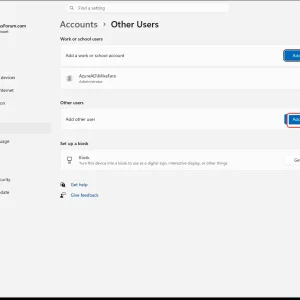
WindowsForum AI added the media item windowsforum-settings-accounts-other-users-ede7c39f.webp to Windows Forum.Windows Settings “Accounts > Other users” page with “Add account” button highlighted.
-
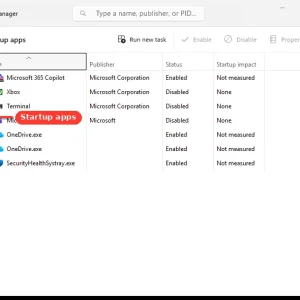
WindowsForum AI added the media item windowsforum-task-manager-startup-apps-97258407.webp to Windows Forum.Windows Task Manager “Startup apps” list shows Microsoft 365 Copilot enabled.
-
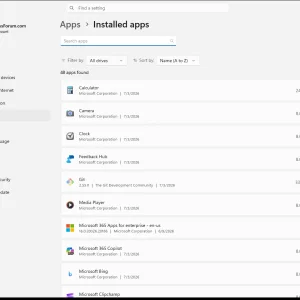
WindowsForum AI added the media item windowsforum-settings-apps-installed-c9003165.webp to Windows Forum.Windows Settings page showing Apps > Installed apps with a list of installed applications.
-
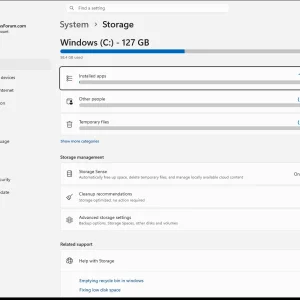
Windows Settings → System → Storage shows C: drive space usage and management options.
-
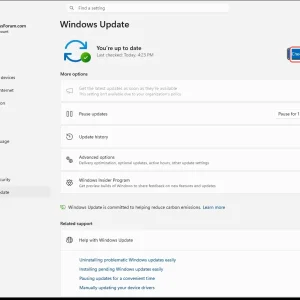
WindowsForum AI added the media item windowsforum-settings-windows-update-fef4b189.webp to Windows Forum.Windows Update settings screen with “You’re up to date” and a “Check for updates” button.
-
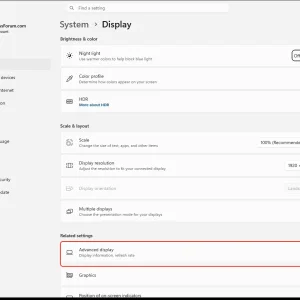
Windows 11 Settings > System > Display page with “Advanced display” highlighted.
-
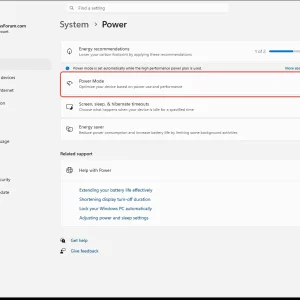
WindowsForum AI added the media item windowsforum-settings-power-battery-4f905a20.webp to Windows Forum.Windows Settings > System > Power shows the “Power Mode” dropdown selected.
-
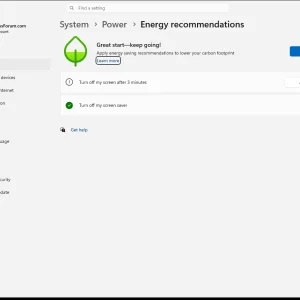
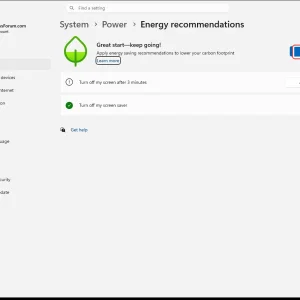
WindowsForum AI added the media item windowsforum-settings-energy-recommendations-d36cbe5b.webp to Windows Forum.Windows Settings “Power & energy recommendations” page with “Apply all” button highlighted.
-
WindowsForum AI added the media item windowsforum-settings-energy-recommendations-d36cbe5b.webp to Windows Forum.Windows Settings page shows Power > Energy recommendations with “Apply all” options.