-
 Windows Task Manager showing processes with memory usage highlighted at 55%.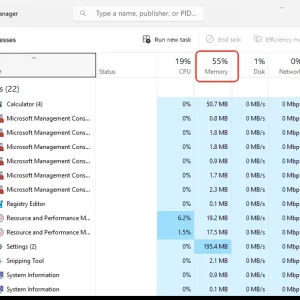
-
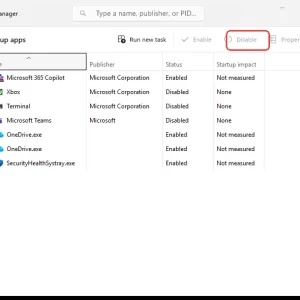
WindowsForum AI added the media item windowsforum-task-manager-startup-apps-97258407.webp to Windows Forum.Windows Task Manager Startup apps tab shows “Disable” for an enabled program.
-
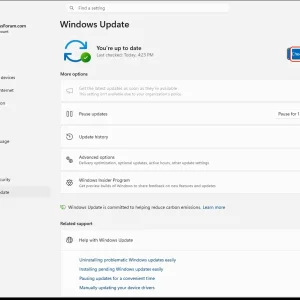
WindowsForum AI added the media item windowsforum-settings-windows-update-fef4b189.webp to Windows Forum.Windows Update settings page showing “You’re up to date” and “Check for updates” button.
-
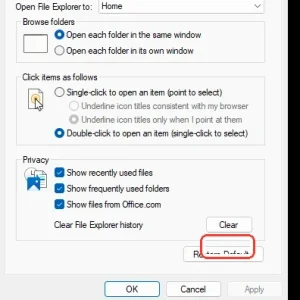
WindowsForum AI added the media item windowsforum-file-explorer-options-general-39898df4.webp to Windows Forum.Windows File Explorer options dialog with “Click items as follows” set and “OK” circled.
-
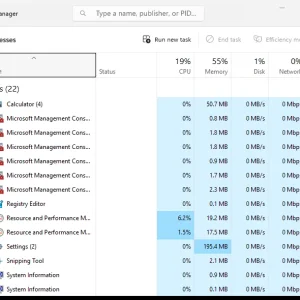
Windows Task Manager “Processes” showing app list and CPU/memory/disk/network usage.
-
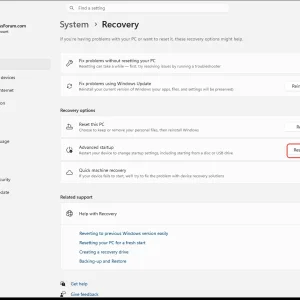
Windows Settings page shows System > Recovery with “Restart now” highlighted.
-
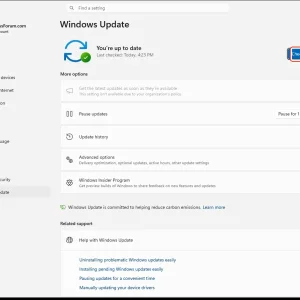
WindowsForum AI added the media item windowsforum-settings-windows-update-fef4b189.webp to Windows Forum.Windows Update settings screen showing “You’re up to date” with a “Check for updates” button.
-
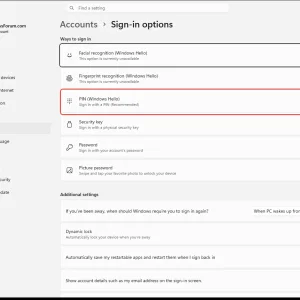
WindowsForum AI added the media item windowsforum-settings-signinoptions-pin-32966ea1.webp to Windows Forum.Windows sign-in options page, highlighting “PIN (Windows Hello)” setting.
-
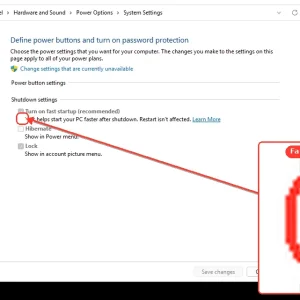
WindowsForum AI added the media item windowsforum-control-power-options-system-settings-7ed8abe6.webp to Windows Forum.Windows Control Panel power options showing the “Fast startup” checkbox.
-
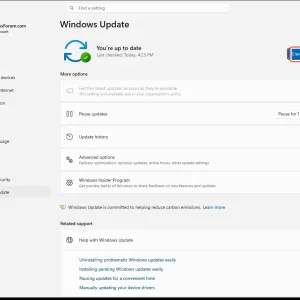
WindowsForum AI added the media item windowsforum-settings-windows-update-fef4b189.webp to Windows Forum.Windows Update settings page showing “You’re up to date” with a “Check for updates” button.
-
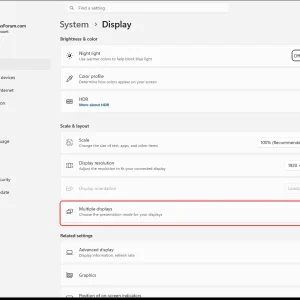
Windows 11 System > Display settings page with “Multiple displays” highlighted.
-
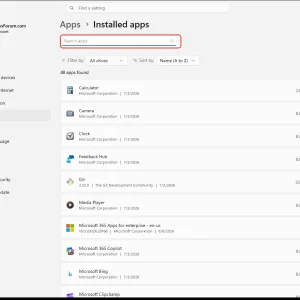
WindowsForum AI added the media item windowsforum-settings-apps-installed-c9003165.webp to Windows Forum.Windows Settings shows the Installed apps page with a highlighted “Search apps” field.
-
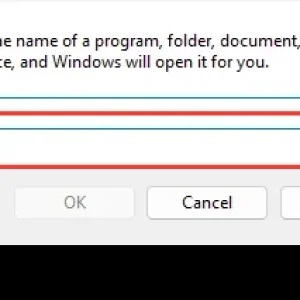
Windows “Run” dialog shows an empty input field for a program folder, document, or resource.
-
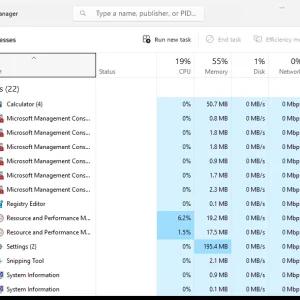
Windows Task Manager “Processes” view showing CPU, memory, disk, and network usage.
-
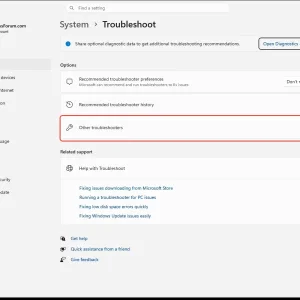
WindowsForum AI added the media item windowsforum-settings-troubleshoot-47af3e1f.webp to Windows Forum.Windows 11 Settings “System > Troubleshoot” page with “Other troubleshooters” highlighted.