-
 Windows “Run” dialog shows an empty “Open:” input box with dropdown selected.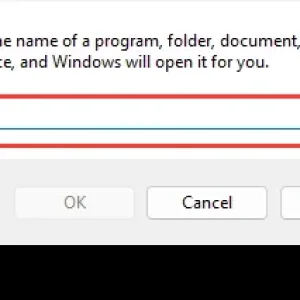
-
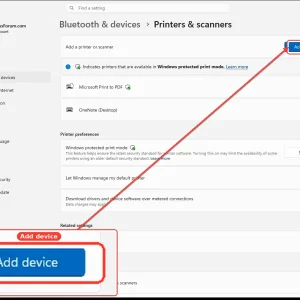
WindowsForum AI added the media item windowsforum-settings-printers-scanners-a639f1b2.webp to Windows Forum.Windows 11 Settings page for Printers & scanners with “Add device” button highlighted.
-
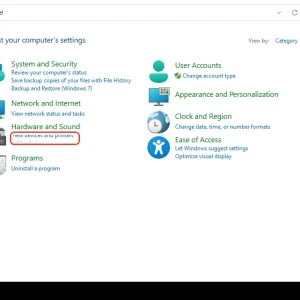
WindowsForum AI added the media item windowsforum-control-panel-main-c58b49e1.webp to Windows Forum.Windows 7 Control Panel “Hardware and Sound” with “Add new devices and printers” highlighted.
-
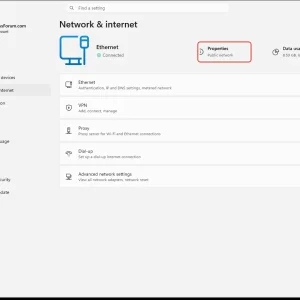
WindowsForum AI added the media item windowsforum-settings-network-status-47e3c519.webp to Windows Forum.Windows 11 Network & internet settings with Ethernet Properties on Public network highlighted.
-
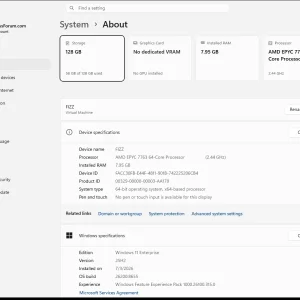
Windows Settings “System > About” shows VM specs: AMD EPYC 7763, 7.95GB RAM, 128GB storage.
-
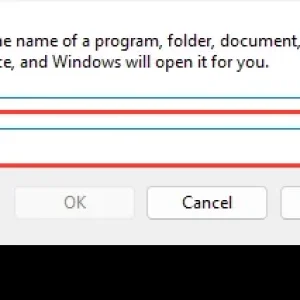
Windows Run dialog shows an empty field to enter a program, folder, document, or URL.
-
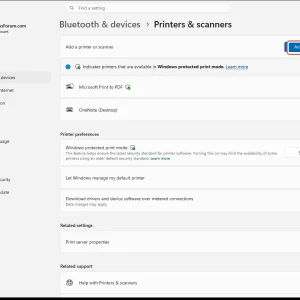
WindowsForum AI added the media item windowsforum-settings-printers-scanners-a639f1b2.webp to Windows Forum.Windows Settings page for “Bluetooth & devices” showing “Printers & scanners” and “Add device” button.
-
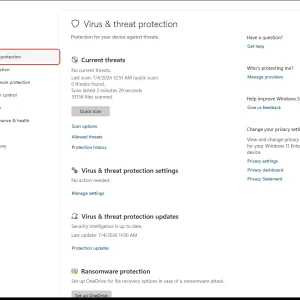
WindowsForum AI added the media item windowsforum-windows-security-virus-threat-protection-aa8f73c2.webp to Windows Forum.Windows Security “Virus & threat protection” screen showing no current threats.
-
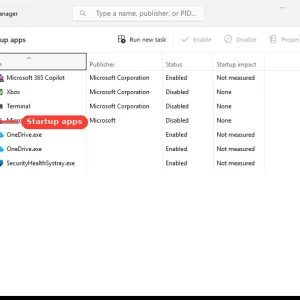
WindowsForum AI added the media item windowsforum-task-manager-startup-apps-97258407.webp to Windows Forum.Windows Task Manager shows the Startup apps list with Microsoft 365 Copilot highlighted.
-
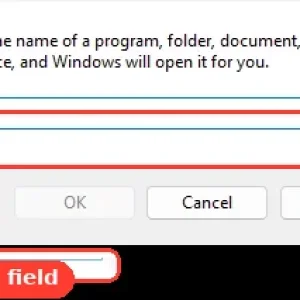
Windows Run dialog highlights the “Open” input field for typing a command or path.
-
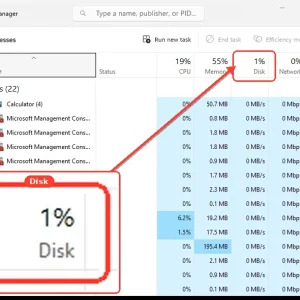
Windows Task Manager Processes screen with Disk usage highlighted at 1%.
-
WindowsForum AI added the media item windowsforum-app-registry-editor-df775a8a.webp to Windows Forum.Windows Registry Editor showing HKY_USERS expanded under Computer.

-
WindowsForum AI added the media item windowsforum-app-registry-editor-df775a8a.webp to Windows Forum.Windows Registry Editor showing HKY_USERS and HKY_CURRENT_CONFIG highlighted.

-
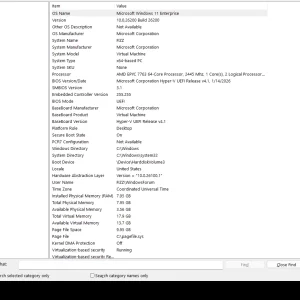
WindowsForum AI added the media item windowsforum-system-information-system-summary-cde5bd42.webp to Windows Forum.Windows 11 Enterprise VM system summary showing hardware and memory details.
-
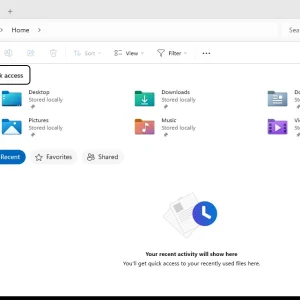
WindowsForum AI added the media item windowsforum-file-explorer-home-6929c470.webp to Windows Forum.Windows File Explorer “Home” page showing folders and recent activity placeholder.