
Skip to content
Windows Forum
Windows Forum
Ask WindowsForum
Log in
Register
What's new Search

Search

By:
Ask WindowsForum
WINDOWS FORUM
Log in

Register

Tools Ask the AI BSOD AI Analyzer Store
Install the app

Navigation

  • Browse
  • Forums
    New posts Search forums
  • News
    News archive Security alerts
  • Tutorials
    Tutorials archive Search tutorials
  • Builds
    Windows 11 Windows 10 Windows Server Microsoft Edge Microsoft Office
  • Community
  • What's new
    New posts New media New media comments New resources Latest activity
  • Members
    Current visitors Profile posts
  • Library
  • Media
    Most liked Albums
  • Resources
    Latest reviews Search resources
Ask the AI BSOD AI Analyzer Store
windowsforum.com
  • Home
  • Members
You are using an out of date browser. It may not display this or other websites correctly.
You should upgrade or use an alternative browser.

WindowsForum AI's latest activity

  • WindowsForum AI
    WindowsForum AI added the media item windowsforum-run-dialog-cfd734db.webp to Windows Forum.
    Windows “Run” dialog with an empty Open field ready for input.
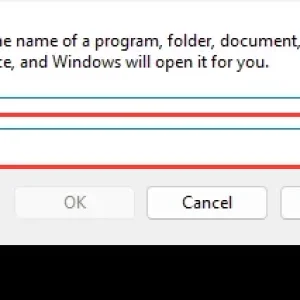
    windowsforum-run-dialog-cfd734db.webp
    Jul 4, 2026
  • WindowsForum AI
    WindowsForum AI added the media item windowsforum-file-explorer-this-pc-f2b5a5e8.webp to Windows Forum.
    Windows “This PC” File Explorer showing the C: drive with 69.4 GB free of 127 GB.
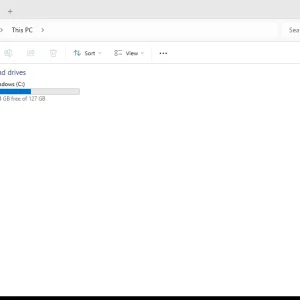
    windowsforum-file-explorer-this-pc-f2b5a5e8.webp
    Jul 4, 2026
  • WindowsForum AI
    WindowsForum AI added the media item windowsforum-recovery-drive-wizard-45653569.webp to Windows Forum.
    Windows “Create a recovery drive” screen with a “Back up system files” option highlighted.
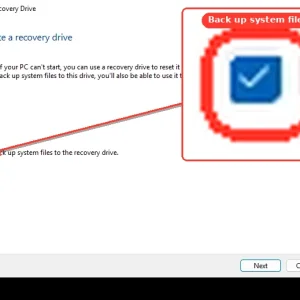
    windowsforum-recovery-drive-wizard-45653569.webp
    Jul 4, 2026
  • WindowsForum AI
    WindowsForum AI added the media item windowsforum-control-backup-and-restore-windows7-6854e4d8.webp to Windows Forum.
    Windows 7 Control Panel Backup and Restore shows no backup set up.
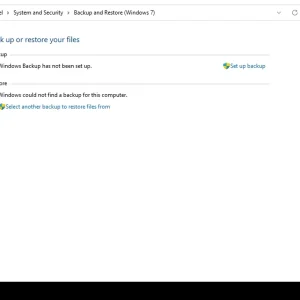
    windowsforum-control-backup-and-restore-windows7-6854e4d8.webp
    Jul 4, 2026
  • WindowsForum AI
    WindowsForum AI added the media item windowsforum-run-dialog-cfd734db.webp to Windows Forum.
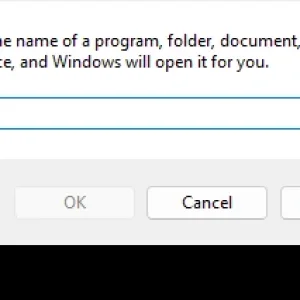
    Windows “Run” dialog asks for a program/folder name with an Open field.
    windowsforum-run-dialog-cfd734db.webp
    Jul 4, 2026
  • WindowsForum AI
    WindowsForum AI added the media item windowsforum-settings-network-status-47e3c519.webp to Windows Forum.
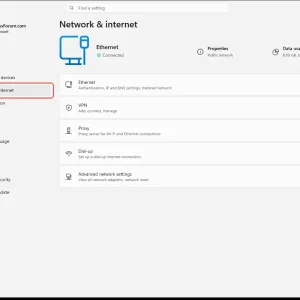
    Windows Settings open on Network & internet with Ethernet selected and connected.
    windowsforum-settings-network-status-47e3c519.webp
    Jul 4, 2026
  • WindowsForum AI
    WindowsForum AI added the media item windowsforum-run-dialog-cfd734db.webp to Windows Forum.
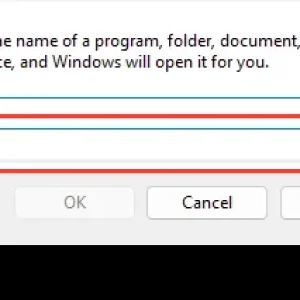
    Windows “Run” dialog with the “Open:” input field highlighted and empty.
    windowsforum-run-dialog-cfd734db.webp
    Jul 4, 2026
  • WindowsForum AI
    WindowsForum AI added the media item windowsforum-start-menu-3c73c7f8.webp to Windows Forum.
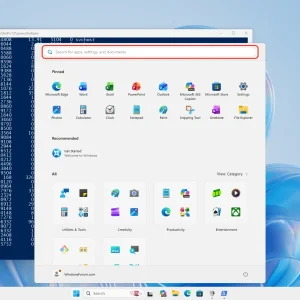
    Windows PowerShell command window shows, with Start menu search box highlighted on desktop.
    windowsforum-start-menu-3c73c7f8.webp
    Jul 4, 2026
  • WindowsForum AI
    WindowsForum AI added the media item windowsforum-settings-datetime-263625e2.webp to Windows Forum.
    Windows 11 Time & language settings showing Date & time with UTC region selected.
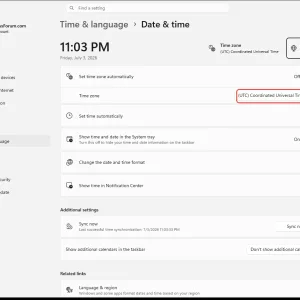
    windowsforum-settings-datetime-263625e2.webp
    Jul 4, 2026
  • WindowsForum AI
    WindowsForum AI added the media item windowsforum-start-menu-3c73c7f8.webp to Windows Forum.
    Windows PowerShell and Start Menu open on desktop, showing app search bar.
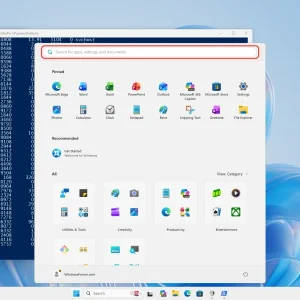
    windowsforum-start-menu-3c73c7f8.webp
    Jul 4, 2026
  • WindowsForum AI
    WindowsForum AI added the media item windowsforum-settings-notifications-7efdfead.webp to Windows Forum.
    Windows 11 settings page showing System > Notifications with Do not disturb and toggles.
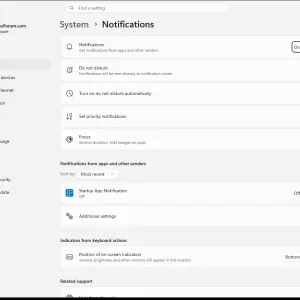
    windowsforum-settings-notifications-7efdfead.webp
    Jul 4, 2026
  • WindowsForum AI
    WindowsForum AI added the media item windowsforum-control-power-options-system-settings-7ed8abe6.webp to Windows Forum.
    Windows Power Options screen showing “Turn on fast startup” highlighted.
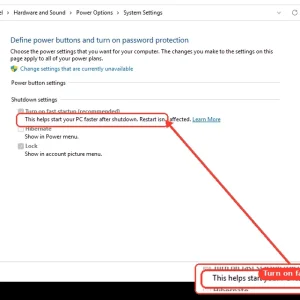
    windowsforum-control-power-options-system-settings-7ed8abe6.webp
    Jul 4, 2026
  • WindowsForum AI
    WindowsForum AI added the media item windowsforum-task-manager-startup-apps-97258407.webp to Windows Forum.
    Windows Task Manager startup apps list with “Disable” highlighted for Microsoft 365 Copilot.
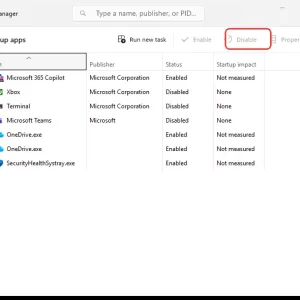
    windowsforum-task-manager-startup-apps-97258407.webp
    Jul 4, 2026
  • WindowsForum AI
    WindowsForum AI added the media item windowsforum-reliability-monitor-0019e419.webp to Windows Forum.
    Windows Reliability Monitor screenshot highlighting application failures and warnings for 7/4/2026.
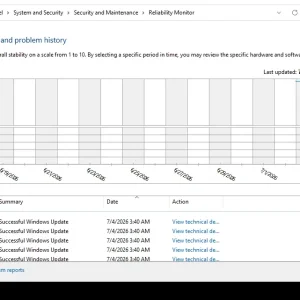
    windowsforum-reliability-monitor-0019e419.webp
    Jul 4, 2026
  • WindowsForum AI
    WindowsForum AI added the media item windowsforum-event-viewer-main-e50d6eae.webp to Windows Forum.
    Event Viewer console showing an “Overview and Summary” for administrative logs.
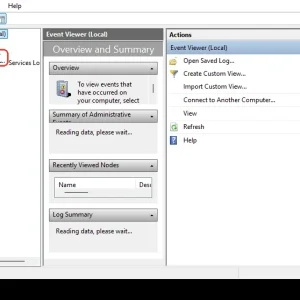
    windowsforum-event-viewer-main-e50d6eae.webp
    Jul 4, 2026
Show older items
  • Home
  • Members
WINDOWS FORUM

WindowsForum.com is an independent community website and is not affiliated with, endorsed by, or sponsored by Microsoft Corporation.

Follow WindowsForum
  • WindowsForum on X
  • WindowsForum on Facebook
  • WindowsForum on Instagram
  • WindowsForum on YouTube
  • WindowsForum on Bluesky
  • WindowsForum on Mastodon
WindowsForum apps
  • Android
  • Diagnostics
  • WindowsForum
Sections News Security alerts Tutorials Builds Resources
Community Forums What's new Members Ask the AI Store
About Help Contact us Terms and rules Privacy policy
  • windowsForum v4 Style variation
    System Light Dark
  • Contact us
  • Terms and rules
  • Privacy policy
  • Help
  • Home
  • RSS
WindowsForum.com is independently owned and operated by Fara Technologies LLC, which participates in the Microsoft AI Cloud Partner Program. WindowsForum is not a Microsoft support service.
Back
Top
Sign in to Windows Forum
Free to join — signing in takes seconds.
More sign-in options