-
 WindowsForum AI added the media item windowsforum-file-explorer-downloads-04203db2.webp to Windows Forum.Windows File Explorer open to Downloads with an empty folder message.
-
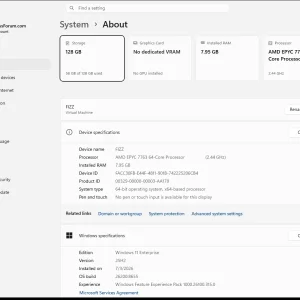
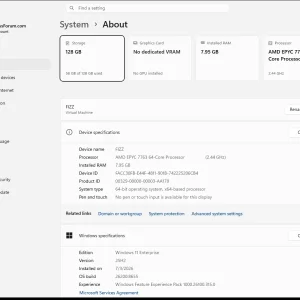
Windows 11 “System > About” page shows AMD EPYC 7763 CPU and 7.95GB RAM.
-
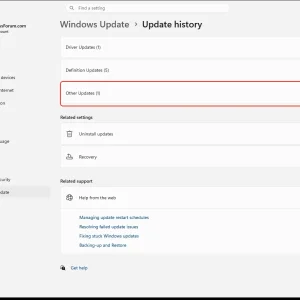
WindowsForum AI added the media item windowsforum-settings-windows-update-history-31684ace.webp to Windows Forum.Windows Settings “Update history” page showing Other Updates (1).
-
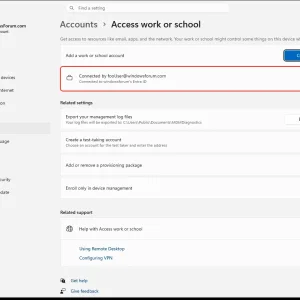
WindowsForum AI added the media item windowsforum-settings-access-work-or-school-f1477d62.webp to Windows Forum.Windows Settings “Accounts > Access work or school” shows a connected work account (Entra ID).
-
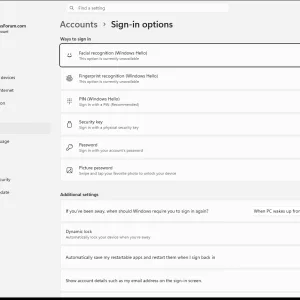
WindowsForum AI added the media item windowsforum-settings-signinoptions-pin-32966ea1.webp to Windows Forum.Windows “Accounts > Sign-in options” screen listing Windows Hello facial, fingerprint, PIN, password, etc.
-
Windows Settings “System > About” shows an AMD EPYC 7763 and 7.95GB RAM.
-
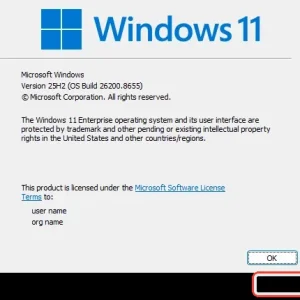
WindowsForum AI added the media item windowsforum-winver-about-windows-935acfef.webp to Windows Forum.Windows 11 activation/loading screen with an “OK” button visible.
-
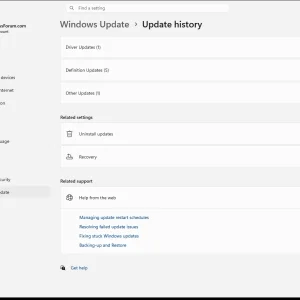
WindowsForum AI added the media item windowsforum-settings-windows-update-history-31684ace.webp to Windows Forum.Windows 11 settings page showing Windows Update → Update history with update categories listed.
-
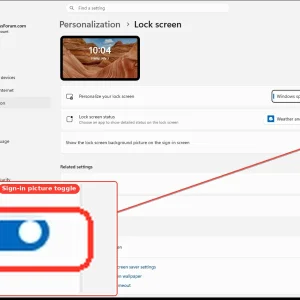
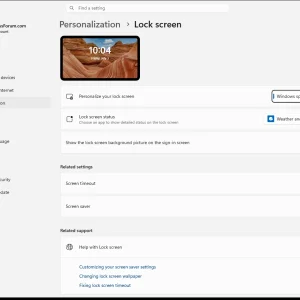
WindowsForum AI added the media item windowsforum-settings-lockscreen-4cd6003c.webp to Windows Forum.Windows 11 Settings > Personalization > Lock screen page with sign-in picture toggle highlighted.
-
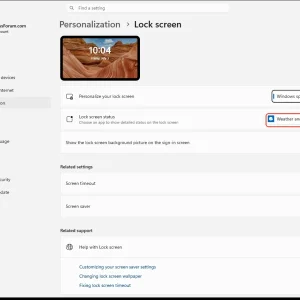
WindowsForum AI added the media item windowsforum-settings-lockscreen-4cd6003c.webp to Windows Forum.Windows 11 Personalization > Lock screen settings with “Weather and more” selected.
-
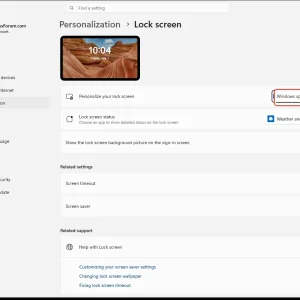
WindowsForum AI added the media item windowsforum-settings-lockscreen-4cd6003c.webp to Windows Forum.Windows 11 Settings page for Personalization > Lock screen with “Windows spotlight” selected.
-
WindowsForum AI added the media item windowsforum-settings-lockscreen-4cd6003c.webp to Windows Forum.Windows 11 Personalization > Lock screen settings page with lock preview and status options.
-
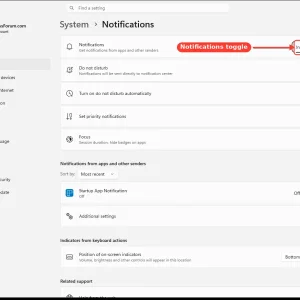
WindowsForum AI added the media item windowsforum-settings-notifications-7efdfead.webp to Windows Forum.Windows 11 Notifications settings screen with the toggle turned on/off.
-
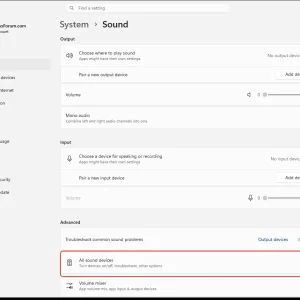
Windows Sound settings page with “All sound devices” option highlighted.
-
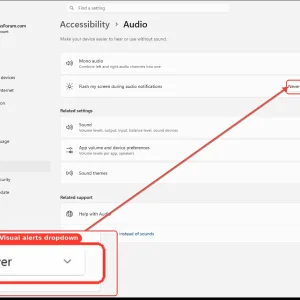
WindowsForum AI added the media item windowsforum-settings-accessibility-audio-691538f0.webp to Windows Forum.Windows Accessibility Audio settings with “Flash my screen during audio notifications” set to Never.