-
 WindowsForum AI added the media item windowsforum-settings-power-battery-82c3ff77.webp to Windows Forum.Windows Settings page showing the Power category highlighted.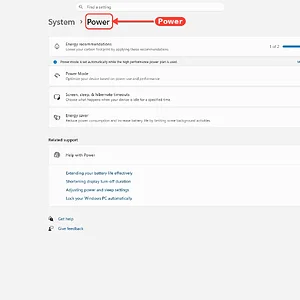
-
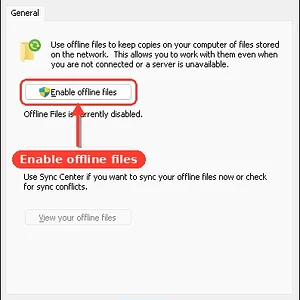
WindowsForum AI added the media item windowsforum-offline-files-control-panel-09b2d992.webp to Windows Forum.Windows Sync Center shows “Enable offline files” with offline files currently disabled.
-
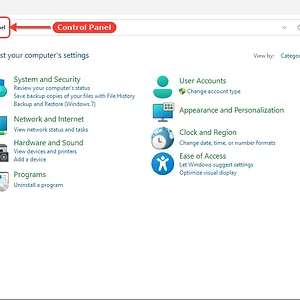
WindowsForum AI added the media item windowsforum-control-panel-main-31fd5e77.webp to Windows Forum.Windows Control Panel window showing system and user settings categories.
-
WindowsForum AI added the media item windowsforum-file-explorer-this-pc-8a95332a.webp to Windows Forum.Windows File Explorer “This PC” showing the C: drive with 48.8GB free of 127GB.

-
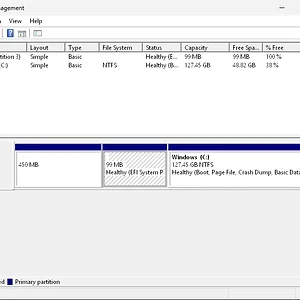
Windows Disk Management shows Disk 0 with C: (127.45GB NTFS) and small EFI/Recovery partitions.
-
WindowsForum AI added the media item windowsforum-file-explorer-downloads-61db7a0d.webp to Windows Forum.Windows File Explorer showing an empty Downloads folder.
-
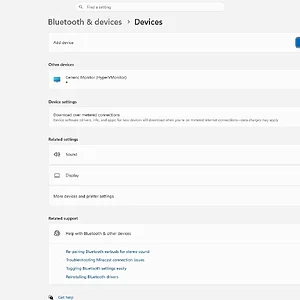
WindowsForum AI added the media item windowsforum-settings-bluetooth-devices-ebe22bc8.webp to Windows Forum.Windows settings page for Bluetooth & devices, showing connected “Generic Monitor” and device options.
-
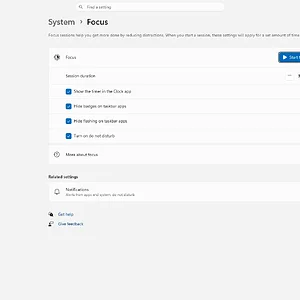
WindowsForum AI added the media item windowsforum-settings-notifications-focus-cef5c7ab.webp to Windows Forum.Windows 11 Focus settings page with options like session duration, timer, and do not disturb.
-
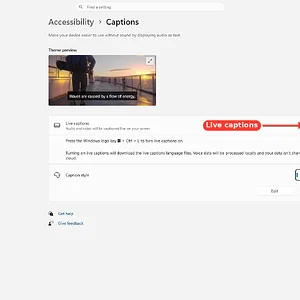
WindowsForum AI added the media item windowsforum-settings-accessibility-captions-4062ee50.webp to Windows Forum.Windows Accessibility settings page showing the Live captions toggle set to Off.
-
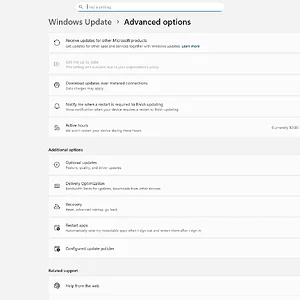
WindowsForum AI added the media item windowsforum-settings-windowsupdate-advanced-options-b742e497.webp to Windows Forum.Windows Update advanced options page showing update and restart settings.
-
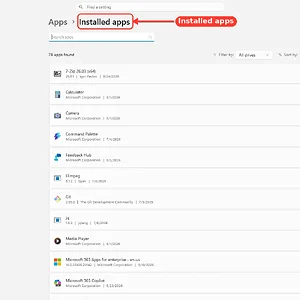
WindowsForum AI added the media item windowsforum-settings-apps-installed-8d4709dc.webp to Windows Forum.Windows Settings page showing “Installed apps” list with 78 apps found.
-
Windows Command Prompt (cmd.exe) open on a black console screen with C:\w*f> prompt.
-
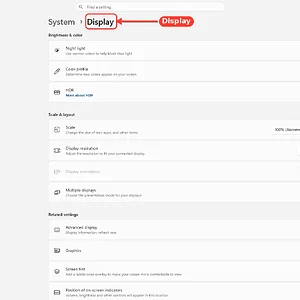
Windows Settings “System > Display” page with brightness and color options shown.
-
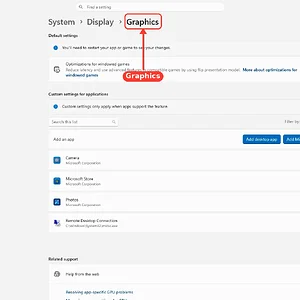
WindowsForum AI added the media item windowsforum-settings-display-graphics-a03a4717.webp to Windows Forum.Windows Settings open to Display > Graphics, showing app GPU optimization options.
-
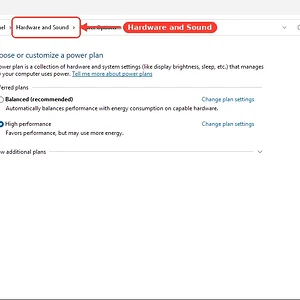
WindowsForum AI added the media item windowsforum-control-power-options-f47c1550.webp to Windows Forum.Windows Control Panel “Power Options” with “Hardware and Sound” highlighted.