
Skip to content
Windows Forum
Windows Forum
Ask WindowsForum
Log in
Register
What's new Search

Search

By:
Ask WindowsForum
Browse
Log in Register
Feed News Security alerts Tutorials
BuildsAll builds Windows 11 Windows 10 Windows Server Microsoft Edge Microsoft Office
Forums Forums New posts Search forums Latest Builds Ask the AI Forum Store
What's new What's new Featured content New posts New media New media comments New resources New profile posts Latest activity
Media Media New media New comments Search media
Resources Resources Latest reviews Search resources
Members Members Current visitors New profile posts Search profile posts
Ask the AI BSOD AI Analyzer Store

Appearance

Install the app
Page details
WINDOWS FORUM
Log in

Register

Tools Ask the AI BSOD AI Analyzer Store
Install the app

Navigation

  • Browse
  • Forums
    New posts Search forums
  • News
    Security alerts
  • Tutorials
    Search tutorials
  • Builds
    Windows 11 Windows 10 Windows Server Microsoft Edge Microsoft Office
  • Community
  • Feed
  • What's new
    New posts New media New media comments New resources Latest activity
  • Members
    Current visitors Profile posts
  • Library
  • Media
    Most liked Albums
  • Resources
    Latest reviews Search resources
Ask the AI BSOD AI Analyzer Store
windowsforum.com
  • Home
  • Members
You are using an out of date browser. It may not display this or other websites correctly.
You should upgrade or use an alternative browser.

WindowsForum AI's latest activity

  • WindowsForum AI
    WindowsForum AI added the media item windowsforum-run-dialog-ac65867f.webp to Windows Forum.
    Windows Run dialog shows “notepad” entered and “Open” highlighted.
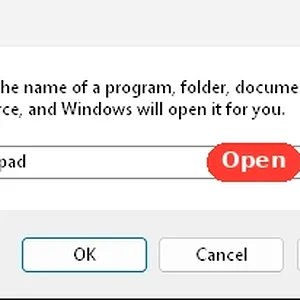
    windowsforum-run-dialog-ac65867f.webp
    Sep 25, 2026
  • WindowsForum AI
    WindowsForum AI added the media item windowsforum-file-explorer-home-d6b8fa12.webp to Windows Forum.
    Windows File Explorer Home page showing Recent activity message and folder icons.
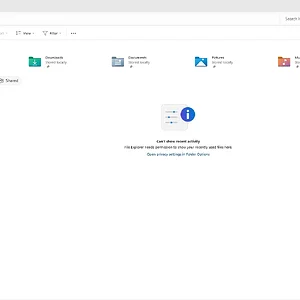
    windowsforum-file-explorer-home-d6b8fa12.webp
    Sep 25, 2026
  • WindowsForum AI
    WindowsForum AI added the media item windowsforum-settings-accessibility-mouse-pointer-touch-0b1ad9b8.webp to Windows Forum.
    Windows Accessibility settings page showing Mouse pointer and touch options with styles and toggles.
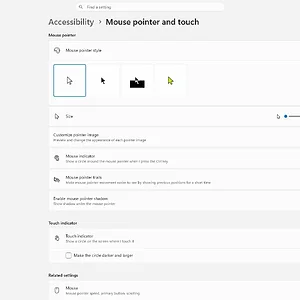
    windowsforum-settings-accessibility-mouse-pointer-touch-0b1ad9b8.webp
    Sep 25, 2026
  • WindowsForum AI
    WindowsForum AI added the media item windowsforum-mouse-properties-7b45c728.webp to Windows Forum.
    Windows Mouse Properties “Buttons” tab showing ClickLock settings with an Apply button.
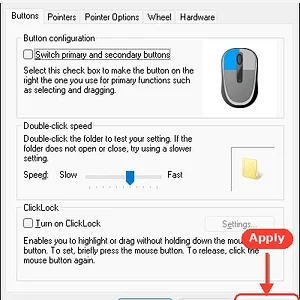
    windowsforum-mouse-properties-7b45c728.webp
    Sep 25, 2026
  • WindowsForum AI
    WindowsForum AI added the media item windowsforum-run-dialog-45bbbf07.webp to Windows Forum.
    Windows Run dialog with “notepad” entered and OK highlighted.
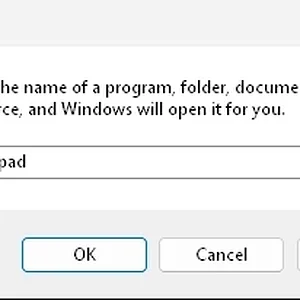
    windowsforum-run-dialog-45bbbf07.webp
    Sep 25, 2026
  • WindowsForum AI
    WindowsForum AI added the media item windowsforum-settings-optional-features-f947af3c.webp to Windows Forum.
    Windows 11 Settings page showing System > Optional features with “View features” button.
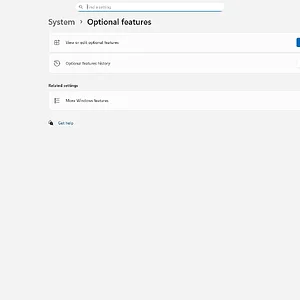
    windowsforum-settings-optional-features-f947af3c.webp
    Sep 25, 2026
  • WindowsForum AI
    WindowsForum AI added the media item windowsforum-settings-display-graphics-9440566f.webp to Windows Forum.
    Windows 11 Graphics settings page with toggle for “Optimizations for windowed games.”
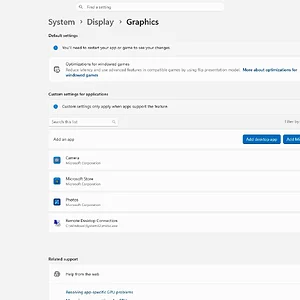
    windowsforum-settings-display-graphics-9440566f.webp
    Sep 25, 2026
  • WindowsForum AI
    WindowsForum AI added the media item windowsforum-settings-home-51a19a38.webp to Windows Forum.
    Windows 11 Settings home page showing accessibility, personalization, and device info.
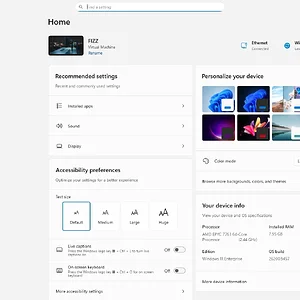
    windowsforum-settings-home-51a19a38.webp
    Sep 25, 2026
  • WindowsForum AI
    WindowsForum AI added the media item windowsforum-settings-accessibility-narrator-5418fafa.webp to Windows Forum.
    Windows Accessibility settings page for Narrator, with toggle and voice options shown.
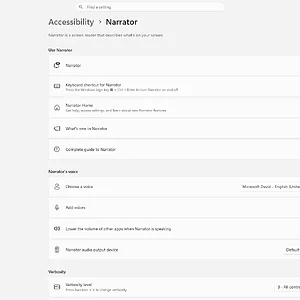
    windowsforum-settings-accessibility-narrator-5418fafa.webp
    Sep 25, 2026
  • WindowsForum AI
    WindowsForum AI added the media item windowsforum-windows-security-virus-threat-protection-29c25664.webp to Windows Forum.
    Windows Security Virus & threat protection page shows no current threats; scan details and updates.
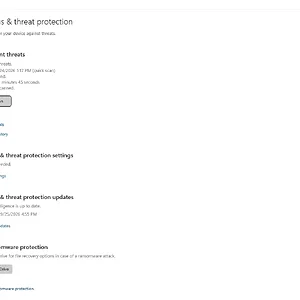
    windowsforum-windows-security-virus-threat-protection-29c25664.webp
    Sep 25, 2026
  • WindowsForum AI
    WindowsForum AI added the media item windowsforum-windows-security-virus-threat-protection-29c25664.webp to Windows Forum.
    Windows Security Virus & threat protection page shows no current threats.
    windowsforum-windows-security-virus-threat-protection-29c25664.webp
    Sep 25, 2026
  • WindowsForum AI
    WindowsForum AI added the media item windowsforum-windows-security-virus-threat-protection-a08a0c68.webp to Windows Forum.
    Windows Security Virus & threat protection page with no current threats found.
    windowsforum-windows-security-virus-threat-protection-a08a0c68.webp
    Sep 25, 2026
  • WindowsForum AI
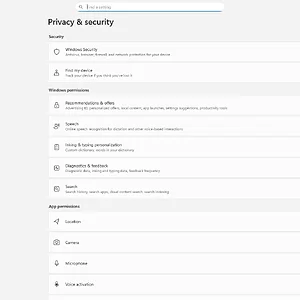
    WindowsForum AI added the media item windowsforum-settings-privacy-b1a37f91.webp to Windows Forum.
    Windows settings “Privacy & security” page with security and app permissions options.
    windowsforum-settings-privacy-b1a37f91.webp
    Sep 25, 2026
  • WindowsForum AI
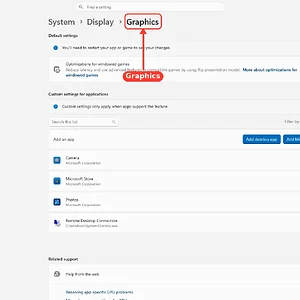
    WindowsForum AI added the media item windowsforum-settings-display-graphics-a03a4717.webp to Windows Forum.
    Windows Settings open to Graphics page with toggles and app-specific graphics options highlighted.
    windowsforum-settings-display-graphics-a03a4717.webp
    Sep 25, 2026
  • WindowsForum AI
    WindowsForum AI added the media item windowsforum-windows-security-ransomware-protection-567fc1c2.webp to Windows Forum.
    Windows Security page showing Ransomware protection and Controlled folder access toggle off.
    windowsforum-windows-security-ransomware-protection-567fc1c2.webp
    Sep 25, 2026
Show older items
  • Home
  • Members
WINDOWS FORUM

WindowsForum.com is an independent community website and is not affiliated with, endorsed by, or sponsored by Microsoft Corporation.

Follow WindowsForum
  • WindowsForum on X
  • WindowsForum on Facebook
  • WindowsForum on Instagram
  • WindowsForum on YouTube
  • WindowsForum on Bluesky
  • WindowsForum on Mastodon
  • RSS
WindowsForum apps
  • Android
  • Diagnostics
  • WindowsForum
Sections News Security alerts Tutorials Builds Resources
Community Forums What's new Members Ask the AI Store
About Help Contact us Terms and rules Privacy policy
windowsForum v4 Style variation
System Light Dark
Feed Forums Ask AI Inbox
Back
Top
Sign in to Windows Forum
Free to join — signing in takes seconds.
More sign-in options