-
 Windows 11 Storage settings page showing C: drive usage and free space.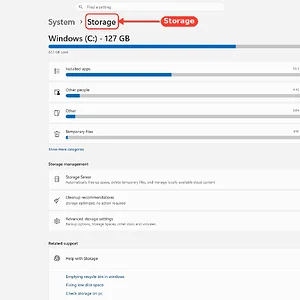
-
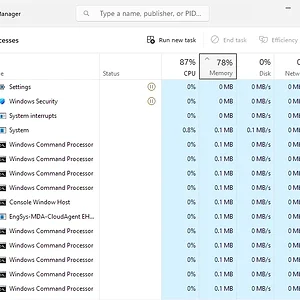
Windows Task Manager Processes tab shows CPU ~0% and memory ~0MB across tasks.
-
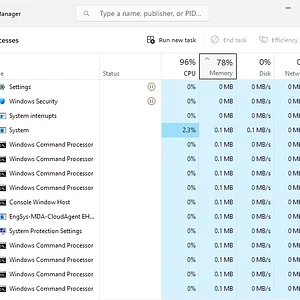
Windows Task Manager Processes tab shows low CPU/memory usage across system processes.
-
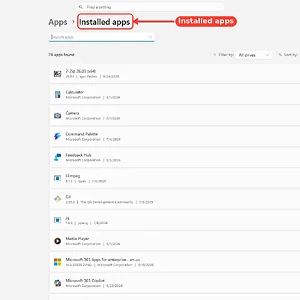
WindowsForum AI added the media item windowsforum-settings-apps-installed-c128e658.webp to Windows Forum.Windows 11 Settings page showing the “Installed apps” list with app entries.
-
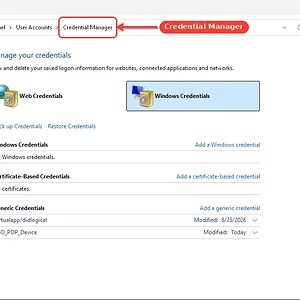
WindowsForum AI added the media item windowsforum-control-credential-manager-1c7eeeba.webp to Windows Forum.Windows Control Panel Credential Manager showing stored Windows and generic credentials.
-
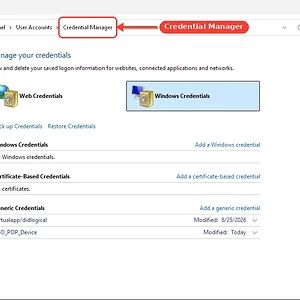
WindowsForum AI added the media item windowsforum-control-credential-manager-1c7eeeba.webp to Windows Forum.Windows Control Panel “Credential Manager” showing saved credentials lists.
-
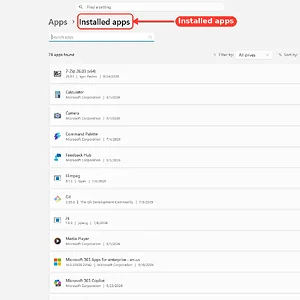
WindowsForum AI added the media item windowsforum-settings-apps-installed-be8b0c0f.webp to Windows Forum.Windows Settings “Apps” page listing installed applications on a computer screen.
-
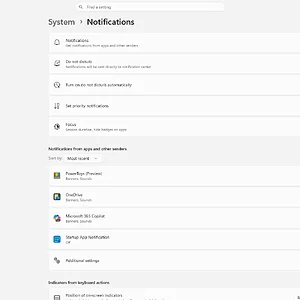
WindowsForum AI added the media item windowsforum-settings-notifications-0680ce42.webp to Windows Forum.Windows 11 Settings page showing System > Notifications with app notification toggles.
-
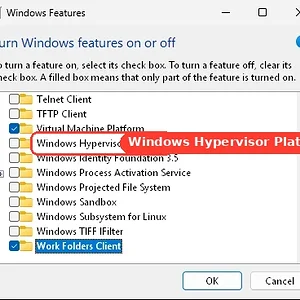
WindowsForum AI added the media item windowsforum-windows-features-sandbox-3236fd86.webp to Windows Forum.Windows Features window with Windows Hypervisor Platform highlighted.
-
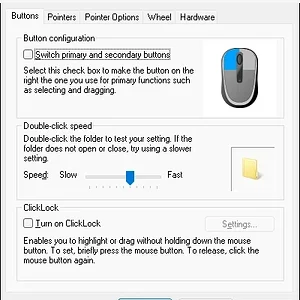
Windows “Mouse Properties” dialog shows button and speed settings with an OK/Cancel bar.
-
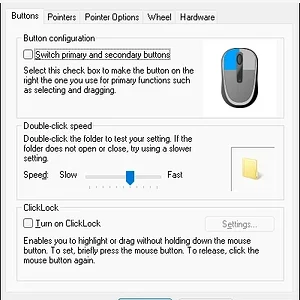
Windows Mouse Properties window showing Button configuration options and sliders.
-
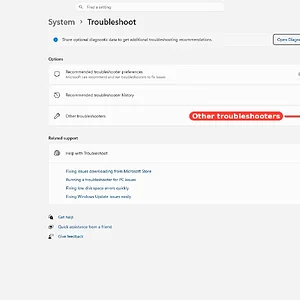
WindowsForum AI added the media item windowsforum-settings-troubleshoot-35870b3f.webp to Windows Forum.Windows Settings “System > Troubleshoot” page showing “Other troubleshooters” button.
-
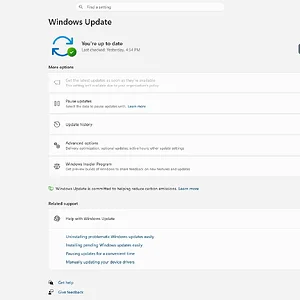
WindowsForum AI added the media item windowsforum-settings-windows-update-8527a9bb.webp to Windows Forum.Windows Update settings page shows the PC is up to date with a “Check for updates” button.
-
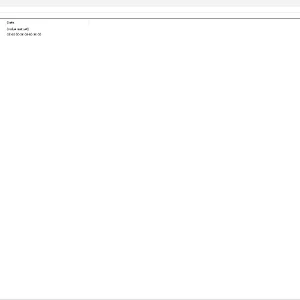
WindowsForum AI added the media item windowsforum-app-registry-editor-f6c9243e.webp to Windows Forum.Windows Registry Editor displaying Control Panel settings with a DWORD registry value.
-
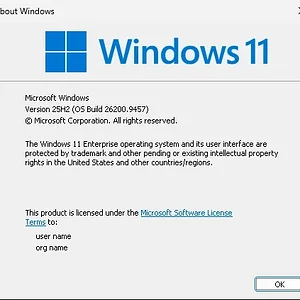
WindowsForum AI added the media item windowsforum-winver-about-windows-0da0c8db.webp to Windows Forum.Windows 11 “About” dialog showing version 25H2 Build 26200.9457.