

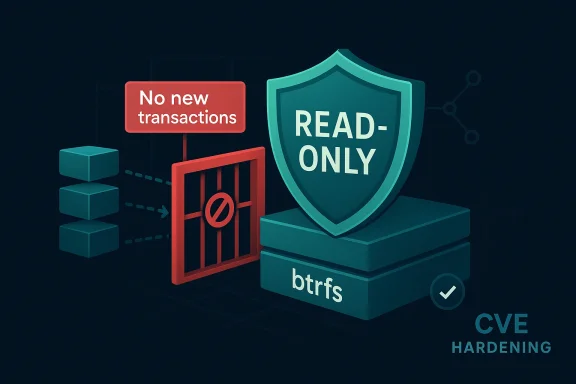
The wording of the CVE title suggests a Linux btrfs fix that hardens transaction handling when a filesystem has already been forced into a fully read-only state, but the Microsoft Security Update Guide page you linked is not currently available. Based on the kernel documentation, btrfs supports read-only authenticity and integrity features such as fs-verity, and the filesystem’s design relies on transaction management to keep metadata updates consistent even when write paths are restricted.
What this likely means in practice is that a bug in btrfs could have allowed a new transaction to start even after the filesystem had transitioned into a state where no further writes should be accepted. That kind of edge-case failure matters because modern filesystems use transaction boundaries as a safety net: once the filesystem is read-only, the kernel should stop all new mutation attempts rather than letting them sneak in through an outdated state check or a race. The Linux kernel’s own API documentation notes that filesystems commonly block new transactions as part of freeze and protection logic, which makes the title of this CVE consistent with a guardrail fix rather than a feature change.
Because the advisory page is unavailable, I can’t confirm Microsoft’s exact impact statement, CVSS score, or whether the issue was backported to specific Linux kernel branches from the page you linked. Still, the title itself is highly suggestive: the defect appears to be about refusing transaction creation under a fully read-only state, not about data corruption during normal read/write use. That distinction is important, because it points to a bug that can be triggered only after the filesystem has already entered a protected mode, which usually narrows exploitability but does not eliminate operational risk.
Source: MSRC Security Update Guide - Microsoft Security Response Center
