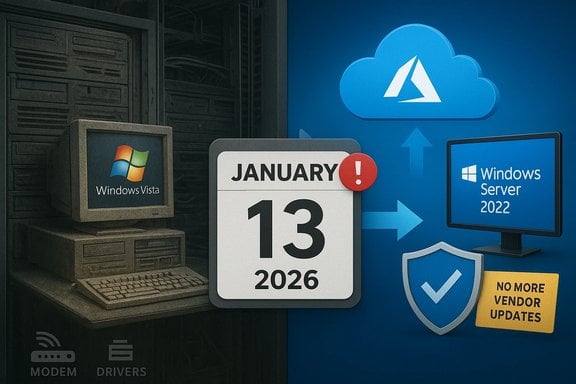
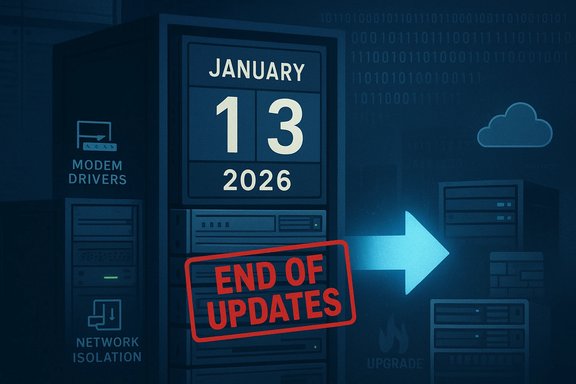
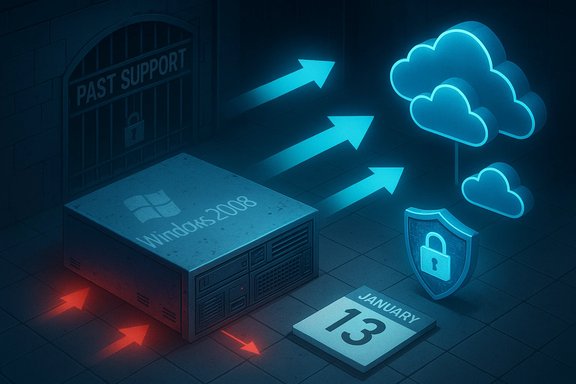
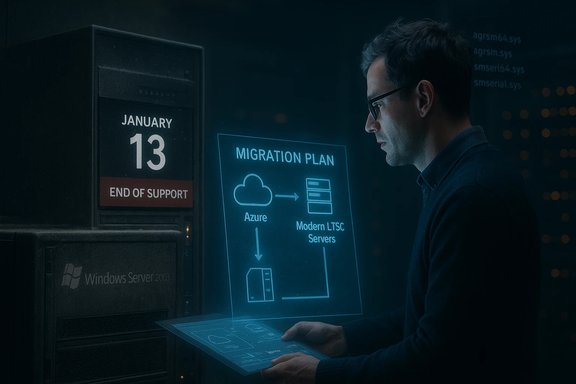
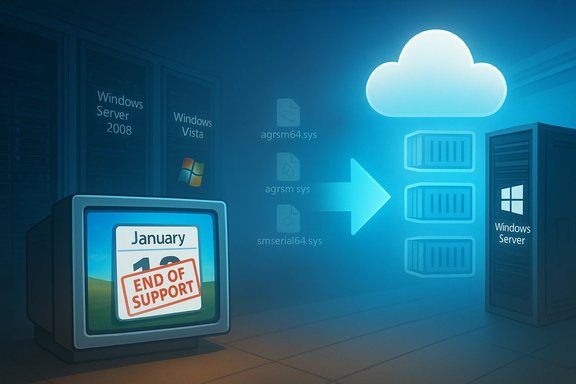
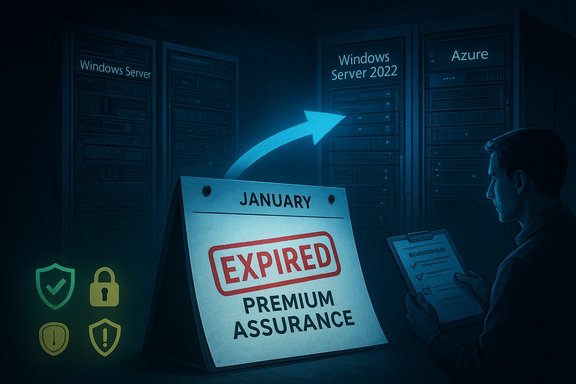
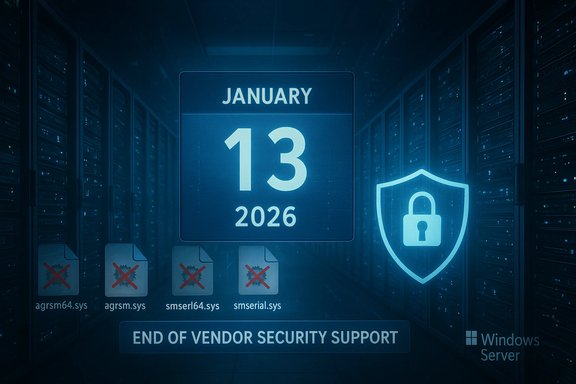
Microsoft has quietly drawn a line under one of the longest‑lived branches of Windows: the Vista‑derived codebase that powered Windows Server 2008 has reached the absolute end of vendor‑supplied security updates, with the final paid lifecycle option (Premium Assurance) closing on January 13, 2026.
Windows Server 2008 — codenamed Longhorn Server and built on the Windows Vista kernel family — shipped to manufacturers in early 2008 and saw broad enterprise deployment across the following decade and a half. Microsoft’s standard lifecycle policy placed mainstream support and the following extended support windows, but for customers who needed more time the company offered time‑boxed paid solutions (Extended Security Updates or ESUs) and, earlier, the Premium Assurance add‑on tied to Software Assurance. Microsoft’s product lifecycle pages document the official support milestones and the ESU timelines that delivered staged, paid coverage beyond the standard extended‑support phase. Why this matters now: the January 13, 2026 deadline represents the last Microsoft‑supported security patch for the Vista/Windows Server 2008 codebase under any vendor program. That means there is no further vendor‑issued security remediation for newly discovered Critical or Important vulnerabilities for this code line once those final Premium Assurance updates are published. Independent trade reporting and community archives reflected the same timeline and placed the end of support in context.
That reality is both a security imperative and an operational inflection point. The extension programs served a useful purpose — buying predictable time for complex migrations — but they were never a substitute for modernization. The safest path forward is a planned migration: either to modern Windows Server LTSC releases, a cloud platform that enables modernization and free ESU transition windows, or to alternative architectures that remove legacy OS dependencies entirely.
For organizations still running Vista‑era systems, the immediate next steps are clear: complete inventories, prioritize externally facing systems, test for driver removals and peripheral breakage, and execute a phased migration plan with compensating controls in place until decommissioning completes. The end of this codebase is not a surprise; it is the predictable end of a long lifecycle — but the consequences for security, compliance, and operations are real and immediate.
Microsoft’s lifecycle tables, ESU FAQs and the recent KB notices are the authoritative technical references for these timelines and patch specifics; administrators should consult their Microsoft lifecycle and update channels for exact SKU applicability and installation guidance when building their migration and patching plans.
Source: How-To Geek After 18 years, this Windows version is finally retired
 Background / Overview
Windows Server 2008 — codenamed Longhorn Server and built on the Windows Vista kernel family — shipped to manufacturers in early 2008 and saw broad enterprise deployment across the following decade and a half. Microsoft’s standard lifecycle policy placed mainstream support and the following extended support windows, but for customers who needed more time the company offered time‑boxed paid solutions (Extended Security Updates or ESUs) and, earlier, the Premium Assurance add‑on tied to Software Assurance. Microsoft’s product lifecycle pages document the official support milestones and the ESU timelines that delivered staged, paid coverage beyond the standard extended‑support phase. Why this matters now: the January 13, 2026 deadline represents the last Microsoft‑supported security patch for the Vista/Windows Server 2008 codebase under any vendor program. That means there is no further vendor‑issued security remediation for newly discovered Critical or Important vulnerabilities for this code line once those final Premium Assurance updates are published. Independent trade reporting and community archives reflected the same timeline and placed the end of support in context. A short history of extended lifecycles: ESU and Premium Assurance
What ESU actually is — and isn’t
- Extended Security Updates (ESU) is a time‑limited, security‑only program. It supplies fixes classified as Critical or Important for a limited number of years after a product’s formal extended support ends. ESU does not restore technical support, new features, or general bug fixes; it is explicitly a stopgap while customers migrate. Microsoft documents the program and its eligibility rules, including separate tracks for commercial (volume licensing) and consumer enrollments.
- Azure incentive for ESU: to accelerate cloud migrations, Microsoft has historically offered an additional ESU year at no extra ESU charge for eligible virtual machines hosted in Azure. This has been a recurring cloud incentive for older Windows Server and SQL Server families. Microsoft’s Azure ESU guidance makes clear that Azure‑hosted VMs are entitled to free ESU coverage under defined conditions.
Premium Assurance: the final bridge
- Premium Assurance (PA) was a legacy add‑on to Software Assurance that extended security updates for certain products beyond the years offered by ESU. PA was only available to customers who purchased it in a narrow window and was later discontinued for new customers. Microsoft honored existing PA commitments, and those remaining contracts carried the Windows Server 2008 family into mid‑January 2026 as their absolute last vendor coverage. This final expiration is what closed the door on Vista‑era code updates from Microsoft.
What changed on January 13, 2026 — the practical facts
- The final paid support coverage tied to Premium Assurance for the Windows Server 2008/Vista codebase ended on January 13, 2026. For any customers still on that codebase, there are now no vendor‑supplied security updates available after that date.
- Microsoft’s ESU program had already wound down for non‑Azure deployments in earlier years, and Azure‑only ESU coverage had provided a limited extension into 2024 for VMs migrated to Microsoft’s cloud. The Premium Assurance expiry is the last vendor commitment.
- In the same January 2026 patch cadence Microsoft also removed several long‑deprecated modem drivers from supported images. Those driver removals are documented in Microsoft’s KBs and product notes and can cause legacy modem hardware to stop functioning on updated images (drivers such as agrsm64.sys/agrsm.sys and smserl64.sys/smserial.sys were targeted). Administrators should treat that removal as an early example of how maintaining vintage hardware on a patched environment can break functionality.
Why the Vista codebase lasted so long — and what that legacy means
Vista’s public reputation has been mixed since its consumer debut, but the underlying NT 6.0 kernel family remained a stable platform for many server workloads. Several factors contributed to the unusually long lifecycle of the Vista‑derived code path:- Enterprises often move slowly: long validation cycles, application compatibility constraints, and regulatory or change‑control hurdles make server migrations multi‑year projects.
- Paid lifecycle extensions exist for a reason: ESUs and Premium Assurance allowed risk‑averse organizations to buy deterministic runway to migrate, rather than rush costly or risky replacements.
- Microsoft’s cloud incentives softened the migration cost: free ESU years in Azure and licensing benefits lowered the immediate financial pain of migration for customers able to move server workloads to Microsoft’s cloud.
The real security and operational consequences
Immediate consequences for organizations
- No more vendor patches: new vulnerabilities discovered in the OS kernel, drivers, or platform services will not receive vendor‑issued fixes from Microsoft after January 13, 2026. That increases exposure for internet‑connected hosts and for any software that relies on OS‑level mitigations.
- Compliance risk: regulated environments (healthcare, finance, government) that require vendor‑supported software for compliance or insurance may now be in violation if they continue to run unsupported systems without compensating controls.
- Hardware breakage risk: Microsoft’s driver removals show that keeping an image patched can also remove legacy device support. Organizations using serial modems, embedded controllers, or bespoke hardware tied to those drivers must test and plan around such removals.
What ESU buyers already experienced
- ESU is narrow by design: vendors classify and deliver only Critical and Important security fixes. ESU does not include new features, non‑security bug fixes, or standard vendor support channels for troubleshooting non‑security issues.
- Cost and complexity: ESU is typically licensed through volume channels, and pricing often scales annually. Missing a renewal year commonly requires buying coverage for prior years to re‑enter the support window. Those mechanics create administrative complexity and potential surprise costs.
For smaller organizations and home users
- Consumer ESU programs exist in other end‑of‑life scenarios, but most consumers and small organizations lack the budgets and license entitlements that enterprise customers use to buy ESU or PA. The practical advice remains the same: migrate to a supported OS or isolate and mitigate the legacy host’s exposure.
Migration choices: cloud, on‑prem, or hybrid — pros and cons
Cloud migration (Azure)
Benefits:- Free ESU in Azure for eligible VMs during the transition window and improved integration for long‑term modernization. Microsoft explicitly offers ESU coverage for Azure VMs as a cloud incentive.
- Opportunity to modernize architecture (lift‑and‑shift to newer server SKUs, take advantage of managed services such as Azure SQL or PaaS).
- Reduced on‑prem hardware management and lifecycle complexity.
- Cloud costs can rise over time; economics must be modeled against on‑prem refresh.
- Data residency, compliance, and latency considerations may complicate migration.
On‑premises migration (in‑place upgrade or hardware refresh)
Benefits:- Maintains physical control and may meet regulatory constraints.
- Can preserve certain legacy connectivity and peripherals.
- Upgrading in place from Windows Server 2008 is often not supported directly; staged migrations or full rebuilds are commonly required.
- Hardware refresh and licensing costs can be substantial.
Hybrid approaches
- Use Azure Arc or hybrid management to enroll on‑prem servers in Azure management tooling, deploy ESU via Update Manager, or centralize patch orchestration. Microsoft documents options for Azure Arc‑enabled ESU management and deployment.
A practical migration checklist (technical and project steps)
- Inventory everything
- Identify every host running Windows Server 2008 (and any Vista‑era clients).
- Catalog roles, applications, dependencies, network routes, and peripheral devices.
- Prioritize by risk and business impact
- Rank hosts by internet exposure, regulatory sensitivity, and application criticality.
- Treat externally accessible services and domain controllers as highest priority.
- Assess application compatibility
- Use vendor compatibility matrices and test environments to validate apps on supported OS versions.
- If an application is incompatible, explore containerization, refactoring, or vendor upgrades.
- Choose migration targets
- For server OS: consider Windows Server 2022 (LTS) or newer LTSC releases where supported, or plan a move to Azure‑hosted VMs or PaaS alternatives.
- For on‑prem constraints: evaluate running modern OS in virtualized hosts on updated hardware.
- Plan for device and driver loss
- Test legacy peripheral support under patched images; identify alternatives or device replacements if Microsoft’s updates have removed drivers (as seen with modem driver removals in January 2026 patches).
- Implement compensating controls (if short term)
- Network segmentation and micro‑segmentation to isolate legacy hosts.
- Strict firewall rules, limited management plane access, and jump hosts for administrative tasks.
- Host‑based EDR/XDR and enhanced monitoring to detect exploitation attempts.
- Execute migration in phases
- Use pilot groups, staggered migrations, and rollback plans.
- Maintain a documented backout plan and backup/restore verification.
- Decommission safely
- Remove deprecated images from patch and deployment systems to avoid accidental redeployment.
- Retire hardware securely and update asset and compliance records.
Licensing, cost mechanics, and practical budgeting
- ESU pricing mechanics: commercial ESU is sold through volume licensing programs with per‑device (or per‑core) pricing models. Pricing tends to increase annually to nudge migrations. If a customer misses a renewal year, they often must purchase the prior year’s license before acquiring current coverage. Microsoft’s lifecycle FAQs and ESU ordering guidance cover these mechanics.
- Azure economics: Azure offers free ESU for eligible VMs and licensing benefits such as Azure Hybrid Benefit. That makes cloud migration economically attractive for many organizations, especially for short‑term migration windows where a new OS image can be deployed in minutes instead of months of hardware procurement. However, long‑term cloud TCO should be modeled with consumption, storage, backup and licensing differences in mind.
- Hidden costs of staying: continuing to run unsupported servers can carry hidden costs — increased security monitoring, incident response readiness, potential risk of regulatory fines, and higher insurance premiums. Those costs should be included in the migration business case.
Technical deep dive: driver removals and what administrators should test
Microsoft’s January 2026 updates included the removal of several legacy modem drivers from current images. That change illustrates two practical points administrators must test:- Device breakage: hardware dependent on removed drivers will cease to function after applying the cumulative updates. Test any serial or modem‑based peripherals in a controlled environment before pushing updates broadly.
- Vulnerability reduction: removing outdated, vulnerable drivers reduces attack surface for privilege escalation or local‑code exploits, but it may force OEM or third‑party driver replacement or hardware modernization.
- Build test images with the January 2026 cumulative updates and validate all I/O and peripheral scenarios.
- Catalog any devices with manufacturer‑only drivers and coordinate vendor support or replacement plans.
- For embedded hardware with no vendor path, evaluate network isolation and protocol gateways that can remove direct OS dependencies.
Risks and mitigation — a balanced assessment
Notable strengths of the ESU / PA approach (what worked)
- ESU and PA provided predictable, paid runway for complex migrations, avoiding rushed decisions that can worsen reliability or security.
- Azure incentives offered a pragmatic, lower‑cost migration path for many workloads, enabling rehost and modernization programs to run with reduced immediate risk.
Potential risks and weaknesses
- ESU’s security‑only scope can create a false sense of safety: systems remain vulnerable to non‑security bugs that can be operationally critical but won’t be fixed under ESU.
- Licensing complexity and per‑core or per‑device pricing can surprise budgeting cycles and force last‑minute migrations.
- Driver and component removals during late lifecycle patches can break legacy hardware unexpectedly, creating operational outages.
Fast checklist for admins rolling into 30–90 day planning cycles
- Run a comprehensive inventory and export it to a CSV for stakeholders.
- Identify and isolate any externally reachable Windows Server 2008 hosts.
- Schedule pilot migrations to Azure VMs for at‑risk hosts if on‑prem migration is blocked.
- Validate backups and recovery time objectives (RTOs) for any migration target.
- Confirm any ESU/PA entitlements, purchase history, and renewal dates in license portals.
- Test the January 2026 cumulative updates against a staging image to discover driver or app breaks before broad deployment.
Final analysis and verdict
The formal expiration of Premium Assurance on January 13, 2026 marks the definitive, vendor‑backed end of the Vista/Windows Server 2008 code lineage. Microsoft’s lifecycle documentation and the company’s ESU guidance make the state of vendor support unambiguous: the vendor lifeline is gone. Enterprises and resource‑constrained organizations that relied on paid extensions must now finish migrations or operate without future vendor patches.That reality is both a security imperative and an operational inflection point. The extension programs served a useful purpose — buying predictable time for complex migrations — but they were never a substitute for modernization. The safest path forward is a planned migration: either to modern Windows Server LTSC releases, a cloud platform that enables modernization and free ESU transition windows, or to alternative architectures that remove legacy OS dependencies entirely.
For organizations still running Vista‑era systems, the immediate next steps are clear: complete inventories, prioritize externally facing systems, test for driver removals and peripheral breakage, and execute a phased migration plan with compensating controls in place until decommissioning completes. The end of this codebase is not a surprise; it is the predictable end of a long lifecycle — but the consequences for security, compliance, and operations are real and immediate.
Microsoft’s lifecycle tables, ESU FAQs and the recent KB notices are the authoritative technical references for these timelines and patch specifics; administrators should consult their Microsoft lifecycle and update channels for exact SKU applicability and installation guidance when building their migration and patching plans.
Source: How-To Geek After 18 years, this Windows version is finally retired