📎 AI Summary:
The thread discusses solutions for preventing red-eye in photographs. Initially, the original poster seeks advice on avoiding red-eye rather than fixing it afterward, with suggestions ranging from understanding camera settings (like turning off auto and using aperture mode) to using camera features like red-eye reduction functions. Later contributors recommend turning off the red-eye feature on cameras, increasing lighting, using external flashes, and upgrading to better cameras, with some emphasizing that professional software like Photoshop, although paid, provides more reliable results over mobile apps. Overall, the consensus leans toward adjusting camera settings and hardware to prevent red-eye, along with software retouching as a backup.

el1zabeth

New Member
Joined
Mar 5, 2022
Messages
1
Thread Author #1
Hi, guys!
I often met up with red eye issue on my photos, and I tried plenty of apps to fix them. Basically, everything that I found in this article: Link Removed. But still, I want to know how to avoid this issue, but not to fix it every time. So, maybe you can advise me something cool and really working.

Thanks!
 

Solution
The easiest thing to do is to turn off the red-eye function on the camera, many cameras have it. My old camera didn't have that function, now I have a Sony and that problem is gone. You can also make the lighting brighter, I did that before, and I also used an external flash. Actually a lot depends on the camera itself, I wasn`t always 100% able to eliminate this flaw, I retouched in cleanup pictures and other programs. But since I changed my camera, I don't have that problem anymore. I`d still recommend changing to another product. If you don't already use Photoshop, suggest to start, FaceTune and other mobile apps aren't so reliable.

ussnorway

Windows Forum Team
Staff member
Joined
May 22, 2012
Messages
4,597
you have to pay a sub to use Photoshop i.e, rent the software and Adobe is dropping parts of it like 3D so many people feel its time to move on Peny

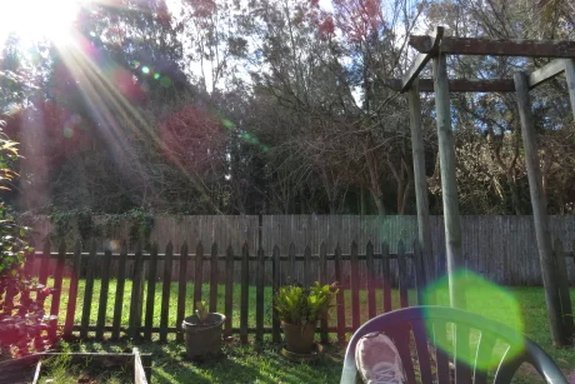
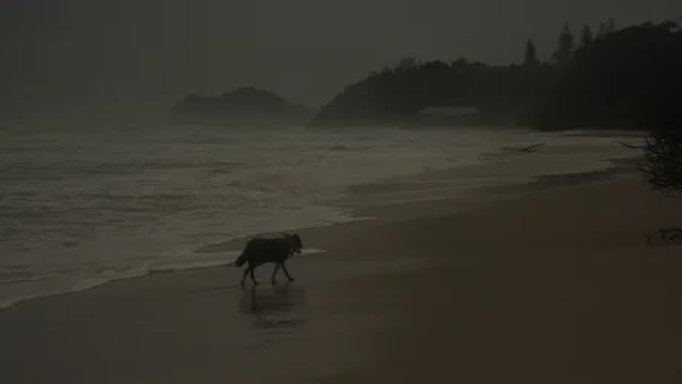
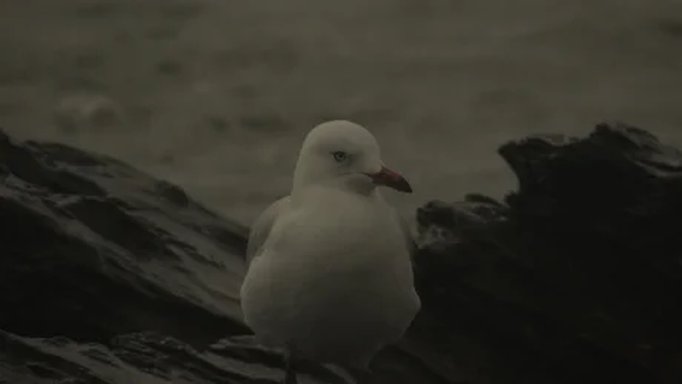
as for how to take photos without red eye, thats down to understanding your camera settings; take it off auto and put it into speed or aperture mode... generally aperture mode is what you want for humans unless they are riding past on a horse but red eye happens when there is too much light for the image like having the flash on in sunny outside shots or if the lens is too blurry

examples of over and under blur
[ATTACH type="full" align="right" alt="An image from 'Red eye removal apps'. 1. Sunny backyard with a wooden fence, plants, and garden furniture in the foreground.
2. Dark beach scene with a lone dog walking along the shore near the waves.
3. Close-up of a seagull perched on rocks with a blurred ocean background."]40414[/ATTACH][ATTACH type="full" align="right" alt="An image from 'Red eye removal apps'. 1. Sunny backyard with a wooden fence, plants, and garden furniture in the foreground.
2. Dark beach scene with a lone dog walking along the shore near the waves.
3. Close-up of a seagull perched on rocks with a blurred ocean background."]40415[/ATTACH]
[ATTACH type="full" align="right" alt="An image from 'Red eye removal apps'. 1. Sunny backyard with a wooden fence, plants, and garden furniture in the foreground.
2. Dark beach scene with a lone dog walking along the shore near the waves.
3. Close-up of a seagull perched on rocks with a blurred ocean background."]40416[/ATTACH]
sometimes you want the light dul or blurry in order to catch the mood but for eye shots you need to have the balance correct
 

Attachments

  • over blur.webp
    over blur.webp
    39.6 KB · Views: 168
  • under blur.webp
    under blur.webp
    3.7 KB · Views: 150
  • just right.webp
    just right.webp
    4.2 KB · Views: 148
Last edited by a moderator:

Penyhyzupo

Senior Member
Joined
Mar 3, 2022
Messages
14
you have to pay a sub to use Photoshop i.e, rent the software and Adobe is dropping parts of it like 3D so many people feel its time to move on Peny

as for how to take photos without red eye, thats down to understanding your camera settings; take it off auto and put it into speed or aperture mode... generally aperture mode is what you want for humans unless they are riding past on a horse but red eye happens when there is too much light for the image like having the flash on in sunny outside shots or if the lens is too blurry

examples of over and under blur
View attachment 40414View attachment 40415
View attachment 40416
sometimes you want the light dul or blurry in order to catch the mood but for eye shots you need to have the balance correct
You have a point, thanks. I'm a zero in photography, so your explanations are useful for me. P.S. I like the photos you attached.
 

jacamylan

New Member
Joined
Dec 29, 2022
Messages
1
The easiest thing to do is to turn off the red-eye function on the camera, many cameras have it. My old camera didn't have that function, now I have a Sony and that problem is gone. You can also make the lighting brighter, I did that before, and I also used an external flash. Actually a lot depends on the camera itself, I wasn`t always 100% able to eliminate this flaw, I retouched in cleanup pictures and other programs. But since I changed my camera, I don't have that problem anymore. I`d still recommend changing to another product. If you don't already use Photoshop, suggest to start, FaceTune and other mobile apps aren't so reliable.
 

Solution