-
 Windows Event Viewer window showing “Overview and Summary” with actions and log panes.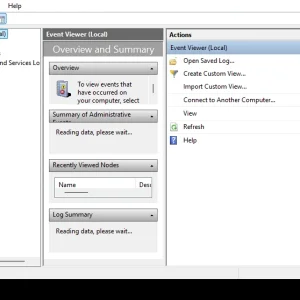
-
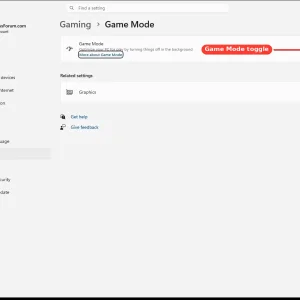
WindowsForum AI added the media item windowsforum-settings-game-mode-d34ae4e3.webp to Windows Forum.Windows 11 Settings page for Gaming → Game Mode with a toggle switched on.
-
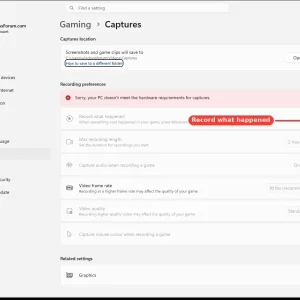
WindowsForum AI added the media item windowsforum-settings-gaming-captures-f92625c3.webp to Windows Forum.Windows 11 Gaming Captures settings page shows a “hardware requirements not met” warning.
-
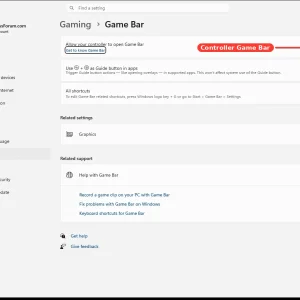
WindowsForum AI added the media item windowsforum-settings-gaming-xbox-game-bar-1c4ec4ac.webp to Windows Forum.Windows Settings “Gaming > Game Bar” with controller Game Bar toggle enabled.
-
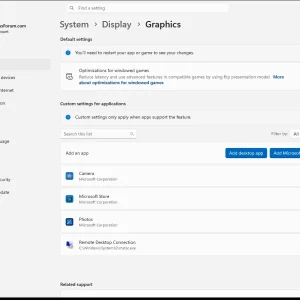
WindowsForum AI added the media item windowsforum-settings-display-graphics-7ea0d02b.webp to Windows Forum.Windows 11 Settings page on System > Display > Graphics, with gaming optimization toggle.
-
Windows desktop with Sound settings window open over blue swirls background.
-
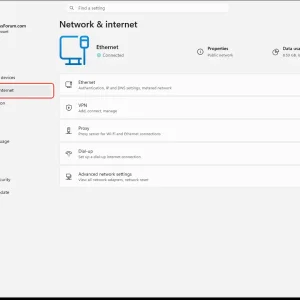
WindowsForum AI added the media item windowsforum-settings-network-status-47e3c519.webp to Windows Forum.Windows 11 Settings page showing Network & internet with Ethernet set to Connected.
-
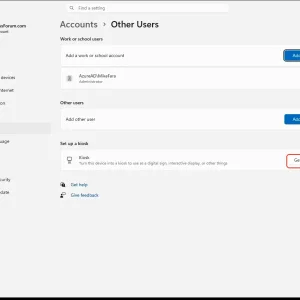
WindowsForum AI added the media item windowsforum-settings-accounts-other-users-ede7c39f.webp to Windows Forum.Windows Settings > Accounts > Other Users with “Add account” and “Get started” for kiosk.
-
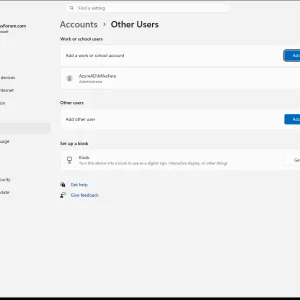
WindowsForum AI added the media item windowsforum-settings-accounts-other-users-ede7c39f.webp to Windows Forum.Windows 11 Settings page showing Accounts > Other Users with an “Add account” option.
-
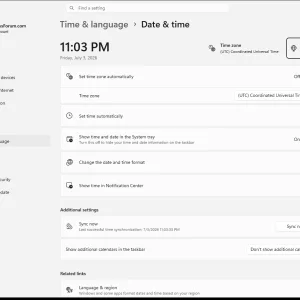
Windows 11 Time & language settings page showing date, time, and timezone options.
-
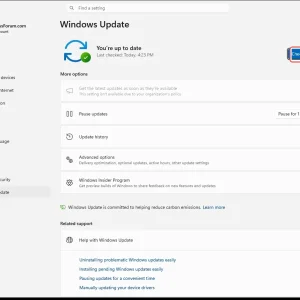
WindowsForum AI added the media item windowsforum-settings-windows-update-fef4b189.webp to Windows Forum.Windows Update page shows the PC is up to date with a “Check for updates” button.
-
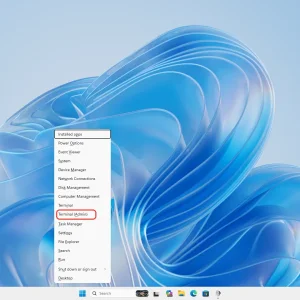
Windows 11 desktop with Start menu open and “Terminal (Admin)” highlighted.
-
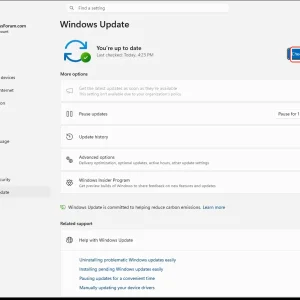
WindowsForum AI added the media item windowsforum-settings-windows-update-fef4b189.webp to Windows Forum.Windows Update settings showing “You’re up to date” with a “Check for updates” button.
-
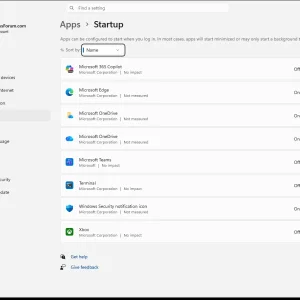
WindowsForum AI added the media item windowsforum-settings-apps-startup-9e0c8e48.webp to Windows Forum.Windows 11 Settings “Apps > Startup” page listing startup apps with toggles.
-
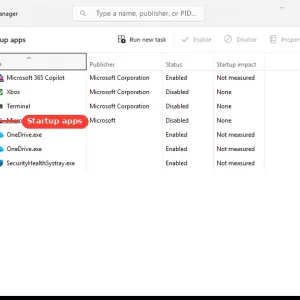
WindowsForum AI added the media item windowsforum-task-manager-startup-apps-97258407.webp to Windows Forum.Windows Task Manager “Startup apps” list is shown with items like Microsoft 365 Copilot.