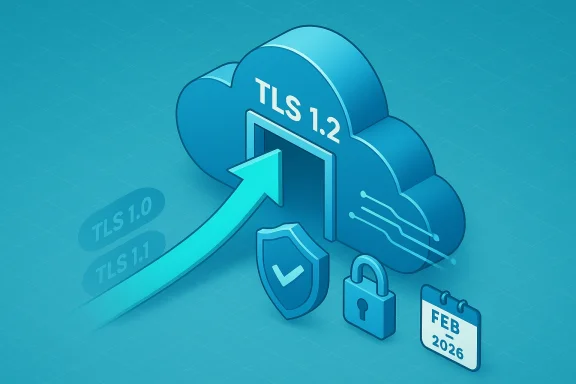
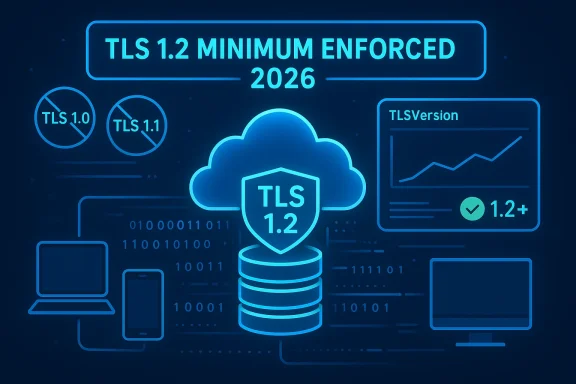
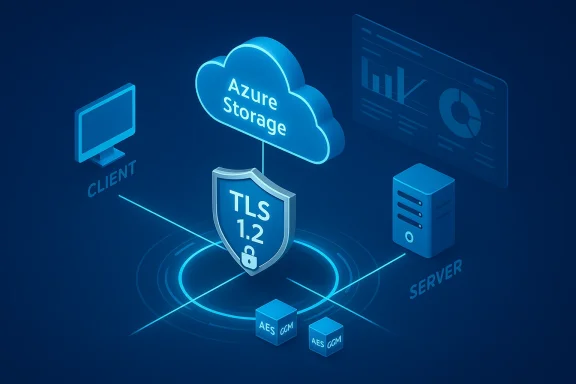
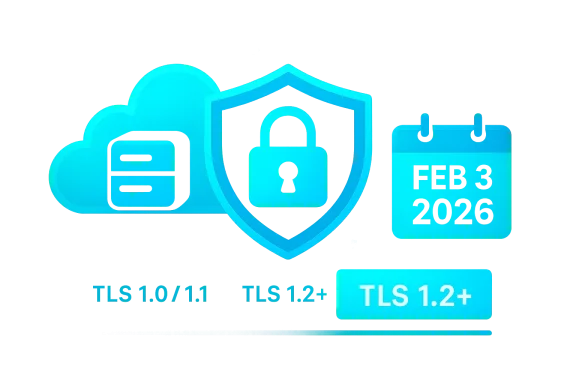
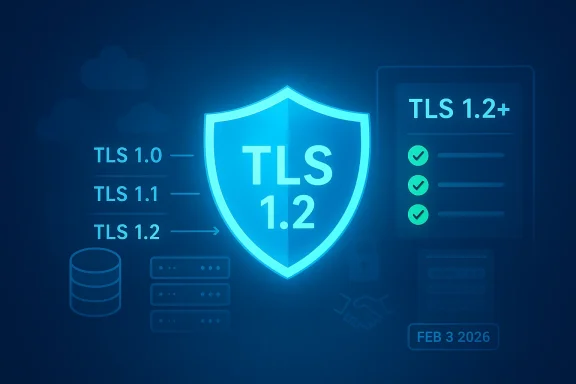
Microsoft has formally enforced the removal of TLS 1.0 and TLS 1.1 for Azure Blob Storage effective February 3, 2026; from this date onward Azure Storage public HTTPS endpoints will accept only TLS 1.2 or newer and any client attempting to negotiate TLS 1.0/1.1 will see connections fail. This is a platform‑level enforcement that applies to new and existing storage accounts across all Azure clouds, and Microsoft has made clear there are no exceptions or per‑account extensions. The change was announced well in advance, but the enforcement today means IT teams, application owners, and integrators need to confirm compatibility now or face outages for workloads that still rely on legacy TLS stacks.
Azure Storage historically accepted older TLS versions (1.0 and 1.1) for backward compatibility. Over the last several years the industry has progressively marked those versions as insecure: they lack modern cipher and key‑exchange options, they fail to meet recent compliance baselines, and they are the common vector behind downgrade and protocol‑level attacks.
Microsoft announced a phased approach: at an earlier date new storage accounts were made TLS 1.2‑only by default, and a global enforcement date was set for February 3, 2026 to remove support for TLS 1.0 and 1.1 from all Azure Storage public endpoints. The stated rationale is straightforward: to align with security best practices and regulatory expectations (for example modern NIST and FedRAMP guidance) and to reduce organizational risk by eliminating deprecated cryptographic protocols from a critical infrastructure surface.
The path forward is clear: inventory, detect, remediate, and monitor. Use storage diagnostics and Azure management tools to find non‑compliant clients, update runtimes and OS images to modern versions, and—where appropriate—use account‑level enforcement as a staged, proactive test. Treat this enforcement as an opportunity to modernize cryptography and reduce long‑term risk: require TLS 1.2+, prefer TLS 1.3, harden cipher suites, and bake these controls into deployment policies so future resources are secure by default. If you haven’t validated your storage callers yet, do it now — the platform will no longer accept legacy TLS, and the only guaranteed outcome of inaction is service disruption.
Source: Neowin https://www.neowin.net/news/microsoft-ends-azure-blob-storage-support-for-legacy-tls-versions-today/
 Background
Azure Storage historically accepted older TLS versions (1.0 and 1.1) for backward compatibility. Over the last several years the industry has progressively marked those versions as insecure: they lack modern cipher and key‑exchange options, they fail to meet recent compliance baselines, and they are the common vector behind downgrade and protocol‑level attacks.Microsoft announced a phased approach: at an earlier date new storage accounts were made TLS 1.2‑only by default, and a global enforcement date was set for February 3, 2026 to remove support for TLS 1.0 and 1.1 from all Azure Storage public endpoints. The stated rationale is straightforward: to align with security best practices and regulatory expectations (for example modern NIST and FedRAMP guidance) and to reduce organizational risk by eliminating deprecated cryptographic protocols from a critical infrastructure surface.
What changed (technical summary)
- Enforcement date: February 3, 2026 — after this date Azure Blob Storage will reject TLS 1.0 and TLS 1.1 handshakes.
- Minimum required TLS version: TLS 1.2 becomes the enforced minimum for public HTTPS endpoints that serve Azure Storage.
- Scope: Applies to Blob Storage and any storage services (Files, Queues, Tables) that share the same storage account settings; applies to both new and existing accounts across all Azure clouds.
- No exceptions: Microsoft states there are no per‑account exemptions; support cases cannot re‑enable legacy TLS once enforcement begins.
- Effect on connections: Clients negotiating TLS 1.0/1.1 will fail the TLS handshake and be unable to read, write, list, or authenticate to storage endpoints.
Why Microsoft did this (concise rationale)
- Security: TLS 1.2 and TLS 1.3 support modern cipher suites, forward secrecy, and more secure negotiation than the deprecated TLS 1.0/1.1 protocols.
- Compliance alignment: Removing legacy TLS simplifies compliance with standards and regulations that require up‑to‑date cryptography.
- Operational consistency: Standardizing on TLS 1.2+ reduces the attack surface and the complexity of supporting mixed‑protocol environments.
Who is affected and how to prioritize assessments
Not every customer will be impacted, but the following groups are at the highest risk and should be triaged immediately:- Legacy on‑premises systems and appliances that use old OS or embedded stacks (for example, network appliances, old load balancers, or legacy backup agents).
- Old runtimes and frameworks that default to older TLS versions unless explicitly configured: many legacy .NET Framework apps, older Java runtimes, outdated OpenSSL/cURL builds, and older language runtimes can negotiate TLS 1.0/1.1 unless updated.
- IoT devices and embedded systems using firmware that hasn’t been updated in years and might only implement TLS 1.0.
- Third‑party vendor integrations (monitoring, backup, ETL, SDKs) where the vendor’s client stack may not support TLS 1.2 by default.
- Automation scripts and legacy tooling (PowerShell, older CLI tools) that run on older OS images with TLS 1.2 disabled or not available.
- Inventory every system that connects to Azure Storage (including CI/CD, backup, file sync, CDN pulls, app gateways that fetch from storage).
- Triage by volume and criticality: high‑transaction production services first, then ancillary tooling.
- Validate whether the client can negotiate TLS 1.2 today; if not, schedule upgrades or mitigations immediately.
How to detect incompatible clients (practical steps)
Begin with telemetry and audit logs — Microsoft provides resource logs that include a TLS version field which you can query to discover traffic that still uses legacy TLS. Implement these detection steps as early as possible:- Enable diagnostic logging for storage accounts and route logs to a Log Analytics workspace, Event Hub, or archive storage. Diagnostic logs contain per‑request metadata including a field indicating the negotiated TLS version.
- Run Kusto (Log Analytics) queries over the past 7–30 days to summarize TlsVersion usage and identify callers. A useful approach is to union the storage logs (blob, file, queue, table) and group by TlsVersion to find any activity where TlsVersion is less than TLS 1.2.
- Query storage account configuration across subscriptions to find accounts that still have a minimum TLS version set to older values (some accounts created via older tooling may have minimumTlsVersion left at TLS1.0).
- Confirm diagnostic settings are enabled for each storage account.
- Search logs for: TlsVersion values not equal to TLS 1.2 (and TLS 1.3 if applicable).
- Project CallerIpAddress and UserAgentHeader to identify source systems.
- Use the CLI/PowerShell to list storage accounts and inspect their MinimumTlsVersion property.
- Inspect a storage account’s minimum TLS setting:
- Azure CLI: az storage account show --name <storage-account> --resource-group <rg> --query minimumTlsVersion
- PowerShell: (Get-AzStorageAccount -ResourceGroupName <rg> -Name <acct>).MinimumTlsVersion
- Update a storage account to require TLS 1.2 (see remediation below).
How to remediate — an actionable migration checklist
Remediating incompatible clients is a two‑part task: update the client platform or application, and optionally proactively enforce TLS 1.2 on storage accounts to detect remaining non‑compliant clients.- Inventory & prioritize connections
- Map applications, services, devices, and vendors that connect to Blob/File/Queue/Table endpoints.
- Tag owners and set timelines for remediation.
- Enable logging and find legacy TLS traffic
- Turn on diagnostic logging and send data to a Log Analytics workspace; query TlsVersion and identify callers.
- Update client stacks
- Upgrade runtime/libraries to versions that support TLS 1.2 or TLS 1.3.
- For services/applications running on Windows:
- Ensure OS and .NET updates are applied and that system cryptography settings (SchUseStrongCrypto and SystemDefaultTlsVersions registry keys) are configured where needed.
- If using .NET Framework ≤4.5.x, consider retargeting or upgrading to a more recent .NET runtime. Newer .NET Framework versions and .NET (Core/5+/6+) adopt system defaults and support TLS 1.2.
- For Java:
- Update to a recent JDK/JRE where TLS 1.2 is enabled by default; adjust java.security disabledAlgorithms only with caution.
- For Linux/OpenSSL services:
- Ensure OpenSSL versions support TLS 1.2 (and prefer TLS 1.3 where supported) and rebuild/redeploy packages only if required.
- Test in preproduction
- Use staging environments and test harnesses to validate TLS negotiation with storage endpoints.
- Use network captures (for example with Wireshark) or client logging to confirm TLS 1.2/1.3 is used.
- Proactively enforce minimum TLS 1.2 in Azure (optional pre‑enforcement)
- Set the storage account configuration to require TLS 1.2. This is a controlled way to fail early and identify clients that must be updated before global enforcement.
- Monitor and iterate
- Continue monitoring diagnostic logs for post‑change errors, authentication failures, and failed requests that correlate to TLS negotiation failures.
- Final validation on enforcement date
- Verify production flows once legacy TLS is being rejected to confirm there are no last‑minute outages.
- Set storage account minimum TLS version to TLS 1.2
- Azure CLI:
az storage account update --name <storage-account> --resource-group <rg> --min-tls-version TLS1_2 - PowerShell:
Set-AzStorageAccount -ResourceGroupName <rg> -AccountName <storage-account> -MinimumTlsVersion TLS1_2
Platform‑specific notes and common pitfalls
- .NET Framework and PowerShell:
- Older .NET Framework versions do not enable TLS 1.2 by default. Microsoft’s guidance is to rely on the OS/system default where possible, or to enable strong cryptography via registry keys such as SchUseStrongCrypto and SystemDefaultTlsVersions for .NET Framework apps. If your application targets very old frameworks, consider upgrading or applying the registry and patch workarounds that enable the OS to negotiate TLS 1.2.
- PowerShell sessions inherit TLS behavior from the underlying .NET stack; in some environments you may need a script to set [System.Net.ServicePointManager]::SecurityProtocol = [System.Net.SecurityProtocolType]::Tls12 before outbound calls.
- Java:
- Modern Java builds (recent updates to Java 8 and later) often disable TLS 1.0/1.1 by default. If you run an older Java release, upgrade to a supported update that enables modern TLS versions or explicitly set the TLS protocols for your HTTP client libraries.
- Windows Server / client OS:
- Newer Windows Server releases (2012 R2 and later, and modern Windows 10/11 variants) support TLS 1.2 by default; very old OS images (Windows Server 2008/2008 R2) require updates and registry changes to enable TLS 1.2. Check vendor support lifecycles before planning upgrades for OS images.
- Embedded devices and appliances:
- Firmware updates may be required. If vendor firmware is not maintained, you must plan to replace in‑field devices or isolate them from direct public storage access (for example, by using a hardened proxy or gateway that speaks TLS 1.2+ on their behalf).
- Third‑party libraries and middleware:
- Some SDKs or commercial appliances may ship with older embedded crypto stacks. Contact vendors for supported updates or a compatibility plan.
How to test and verify a successful migration
- Functional test: perform typical read/write/list operations to blob containers from updated clients and verify success.
- TLS inspection: confirm the negotiated TLS version in client‑side logs or by capturing the TLS handshake with a packet capture tool.
- Server logs: query Azure Storage diagnostic logs and confirm that TlsVersion entries show TLS 1.2 or TLS 1.3 for the observed requests.
- Load test: if a service is high‑transaction, run a controlled load test to ensure no unhandled fallback paths cause a surge of TLS negotiation failures.
- Fallback plan: do not disable legacy TLS across your estate immediately unless every client is validated — prefer staged validation with account‑level enforcement to reveal problem callers.
- Summarize TLS versions in the past week to find non‑TLS1.2 clients.
- List top user agents and caller IPs for requests negotiating TLS < 1.2.
Risks, trade‑offs, and potential operational impacts
- Risk of service breakage: Any client that still uses TLS 1.0/1.1 will fail to connect, and from an application’s perspective that will look like a storage outage. This can affect backup jobs, ingestion pipelines, function apps, CDN synchronization, and more.
- Vendor and OEM lag: Some vendors of industrial or embedded hardware do not provide frequent firmware updates; those devices can become single points of failure unless mitigated.
- Operational burden: For large organizations, inventorying all consumers of Azure Storage can be nontrivial (especially where service accounts and automation scripts are used across teams).
- False sense of security if not coupled with cipher hardening: Enforcing TLS 1.2 is necessary but not sufficient — weak cipher suites and misconfigured TLS parameters can still expose risk. Review cipher suite configuration and prefer TLS 1.3 where feasible.
- Use an intermediary upgrade/proxy layer that accepts legacy clients and fronts Azure Storage using a modern TLS profile — but treat this as a temporary mitigation and migrate clients to modern stacks as soon as possible.
- Use Azure Policy to enforce TLS 1.2 across subscriptions so new storage accounts don’t inadvertently allow legacy TLS.
- Maintain a rollback and communication plan for stakeholders in case unanticipated systems fail after minimum TLS enforcement.
Recommended long‑term posture
- Move to TLS 1.3 where possible: It provides better performance and stronger defaults; adopt it for services and clients that support it.
- Adopt secure cipher suites and TLS hardening: Combine TLS version enforcement with strong cipher selection and prefer forward secrecy.
- Shift left on compliance: Use automation to enforce TLS minimums via Azure Policy and deployment templates so newly provisioned accounts are secure by default.
- Rotation and key management: Use modern authentication (managed identities, OAuth, SAS tokens with tight scope) and avoid falling back on older authentication stacks that may be tightly coupled to legacy clients.
- Continuous telemetry: Keep diagnostic logging enabled and integrate checks into your security posture reviews so you detect regressions quickly.
Quick mitigation playbook (for responders in the next 24–72 hours)
- Immediately enable storage diagnostic logs to your Log Analytics workspace if not already streaming.
- Run a diagnostic query to list any requests negotiating TLS < 1.2 in the last 7 days and identify their CallerIpAddress/UserAgentHeader.
- Contact application owners for any high‑volume or production clients found using legacy TLS.
- If necessary, update a noncritical storage account to require TLS 1.2 to replicate the enforcement behavior and identify failing clients in a controlled way.
- Schedule urgent updates for affected apps: patch OS, update runtime libraries, rotate service images, or replace devices that can’t be upgraded.
- Document changes and inform downstream teams (CI/CD, vendors, contractors) of the enforcement and remediation expectations.
Conclusion
February 3, 2026 marks the platform‑wide end of legacy TLS support for Azure Blob Storage. For many organizations the impact will be minimal — modern operating systems, language runtimes, cloud SDKs, and vendor tools already negotiate TLS 1.2 or higher. But for numerous legacy apps, embedded devices, and overlooked automation scripts, this enforcement can produce sudden outages unless clients are upgraded or remediated.The path forward is clear: inventory, detect, remediate, and monitor. Use storage diagnostics and Azure management tools to find non‑compliant clients, update runtimes and OS images to modern versions, and—where appropriate—use account‑level enforcement as a staged, proactive test. Treat this enforcement as an opportunity to modernize cryptography and reduce long‑term risk: require TLS 1.2+, prefer TLS 1.3, harden cipher suites, and bake these controls into deployment policies so future resources are secure by default. If you haven’t validated your storage callers yet, do it now — the platform will no longer accept legacy TLS, and the only guaranteed outcome of inaction is service disruption.
Source: Neowin https://www.neowin.net/news/microsoft-ends-azure-blob-storage-support-for-legacy-tls-versions-today/