

- Thread Author
- #1
Hello. I have an question. My case is Fractal Design R5. I have pc few months and of course which is normal many dust on case on up panel on moduvent cover.
Screen from internet case and panel moduvent( not mine screen etc ). Case panel from screen is clean without dust but it is only for show:
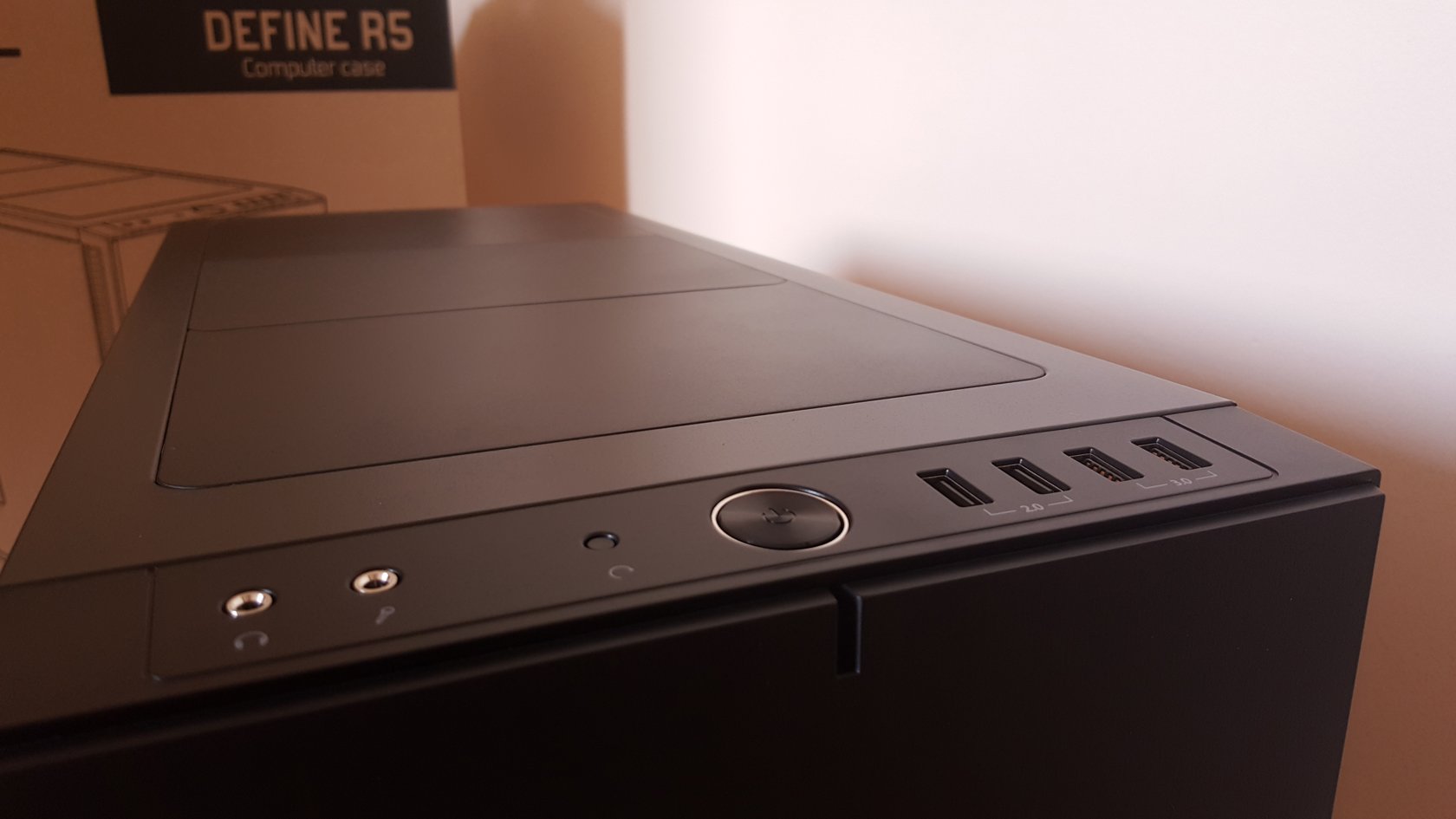
There are many dust on my case on up panel on moduvent cover. But…i dont know why some day i saw on moduvent covers a scratch ( not physically scratch but a trial looking like scratch ),like somebody used a pen or pencil to remove dust . . But like i said i dont touch case, dust dissapeared itself in this part. Is this possible?
One day i saw a clean strip on the dusty case, as if someone had dragged a pencil's eraser end or a finger across it, and i wondering if the strip could possibly have appeared by itself and not caused by someone or something, as if by magic.
I dont have any extra added vents in case. Only gpu and cpu fan. Thats all. I swear i dont touch case and my mother dont touch too. Please explain me . Thanks.Or maybe i am lunatic?
Screen from internet case and panel moduvent( not mine screen etc ). Case panel from screen is clean without dust but it is only for show:
There are many dust on my case on up panel on moduvent cover. But…i dont know why some day i saw on moduvent covers a scratch ( not physically scratch but a trial looking like scratch ),like somebody used a pen or pencil to remove dust . . But like i said i dont touch case, dust dissapeared itself in this part. Is this possible?
One day i saw a clean strip on the dusty case, as if someone had dragged a pencil's eraser end or a finger across it, and i wondering if the strip could possibly have appeared by itself and not caused by someone or something, as if by magic.
I dont have any extra added vents in case. Only gpu and cpu fan. Thats all. I swear i dont touch case and my mother dont touch too. Please explain me . Thanks.Or maybe i am lunatic?

