Microsoft Moves Build to the AI Industry’s Front Porch
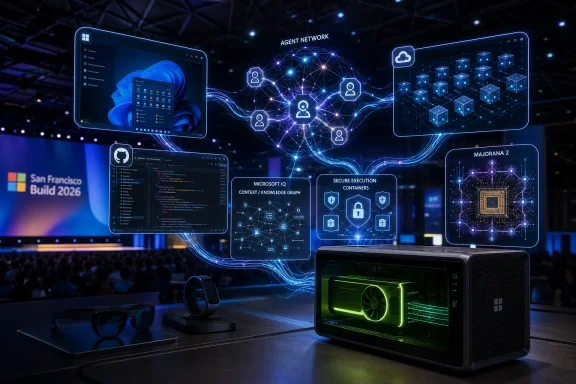
Build has always been Microsoft’s way of telling developers where the company wants them to place their bets. In the Windows 8 era, that meant Metro apps and touch-first interfaces. In the Azure boom, it meant cloud services, identity, containers, and enterprise integration. In 2026, the signal is harder to miss: Microsoft wants developers to build agents, ship AI-enhanced applications, and treat Windows as a platform where human users are no longer the only constituency that matters.
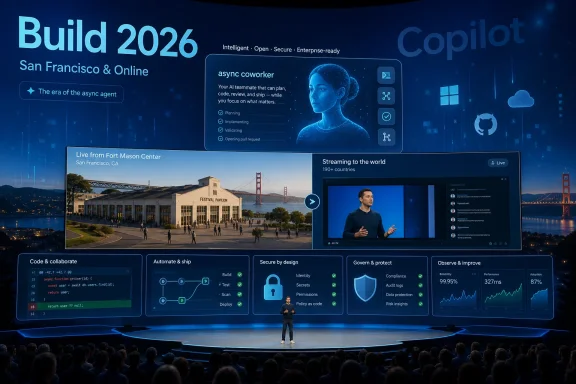
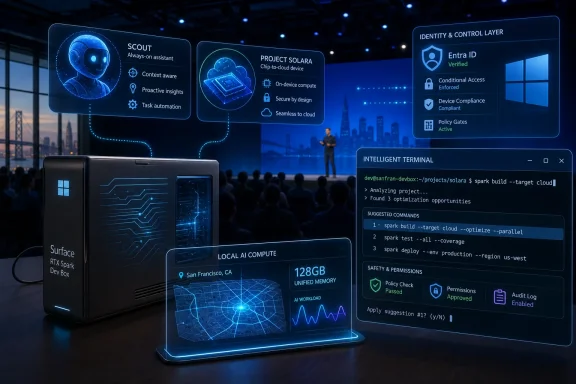
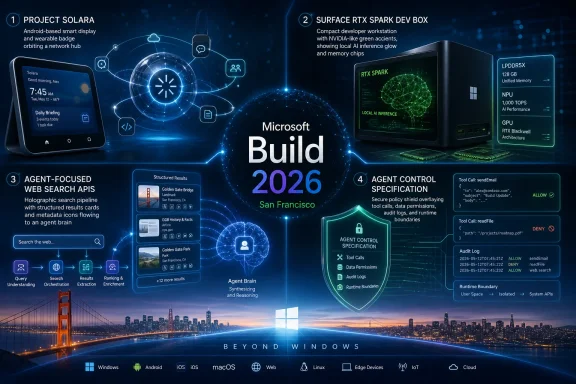
The move from Seattle to San Francisco matters because conferences are theater as much as logistics. Fort Mason Center is smaller than the Seattle Convention Center, and Microsoft is framing the event as a more focused gathering for AI developers, technical leaders, and enterprise developers. That does not sound like a consumer Windows relaunch. It sounds like a platform company inviting the people who will decide whether its AI runtime, developer tools, and cloud integrations become default infrastructure.
That makes this year’s Build more interesting than a typical Windows feature preview. Microsoft does not need to announce “Windows 12” for Build 2026 to matter. If the company spends two days showing developers how to build agents for Windows, how to supervise coding systems, how to move Linux-first AI software into a Windows workflow, and how to port x86 applications to Arm with AI assistance, it will have said plenty about the operating system’s direction without changing the version number.
The risk is that Microsoft’s developer ambition and user tolerance are no longer moving at the same speed. Developers may hear “new platform surface.” Sysadmins may hear “new attack surface.” Ordinary users may hear “more Copilot.” Build 2026 is shaping up as the place where Microsoft tries to convince the first group while not alarming the second and third too much.
The Windows User Is No Longer the Only User
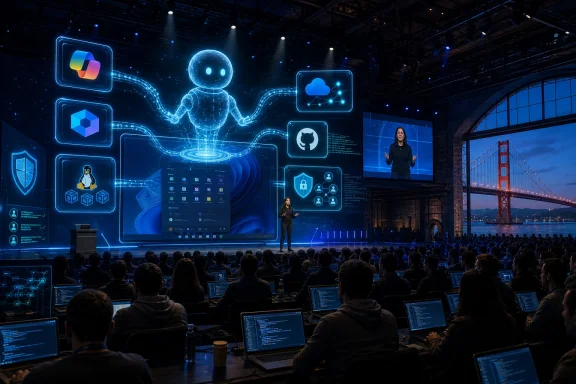
The most revealing phrase in the Build preview material is not “AI” but the idea of designing systems for both people and large language models. That is the conceptual jump Microsoft is trying to normalize. Software has historically been designed for humans, with APIs provided for other software. Agentic AI blurs that boundary by imagining systems that can inspect interfaces, take actions, call tools, read files, write code, and operate across applications with some degree of autonomy.
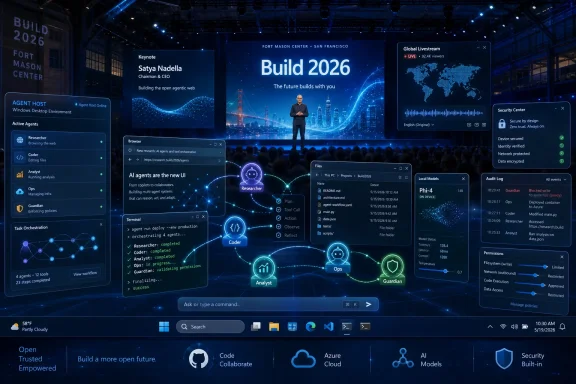
That is why the attention around OpenClaw-style agents is important, even if the specific implementation remains experimental and controversial. Desktop agents need a desktop. They need windows, permissions, files, application state, browser sessions, terminals, and identity context. A cloud chatbot can answer a question; a desktop agent can do something with the answer. That difference is precisely why Windows suddenly looks strategic again.
For years, Microsoft’s Windows story has often felt defensive. The company needed to keep the PC relevant while developers shifted attention toward phones, browsers, SaaS platforms, and cross-platform frameworks. AI agents give Microsoft a new argument: the PC is where a user’s work actually happens, and therefore the PC is where an agent can be most useful. Windows becomes not merely an operating system for launching apps, but a workbench where agents observe, automate, and coordinate tasks.
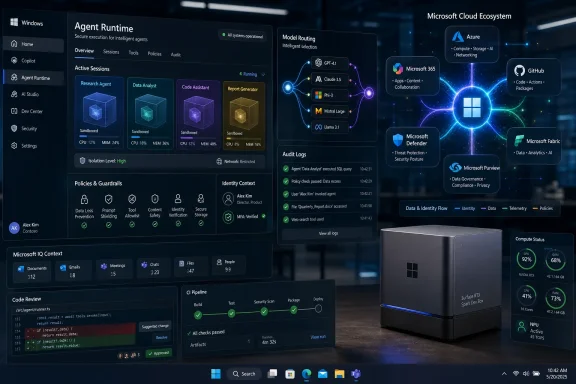
That promise also explains the discomfort. A useful agent must see enough to act; a safe agent must be constrained enough not to cause damage. Microsoft’s challenge is not simply to add agents to Windows. It is to create a permission, identity, logging, and management model that enterprises can tolerate and consumers can understand. If Build treats that as an implementation detail, it will miss the point.
Windows 365 Shows the Escape Hatch for Risky Automation
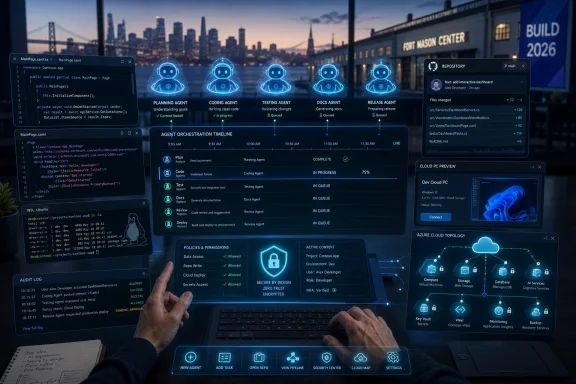
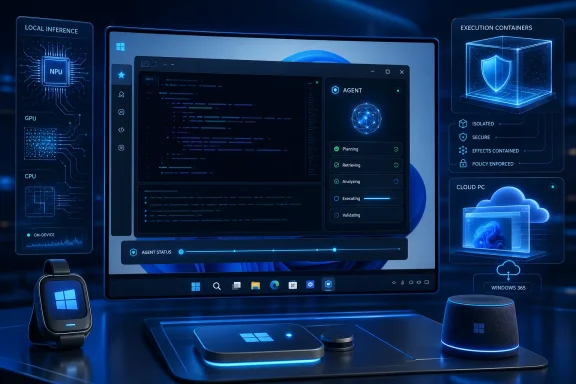
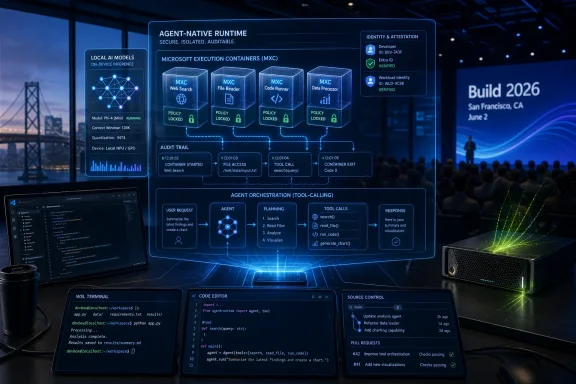
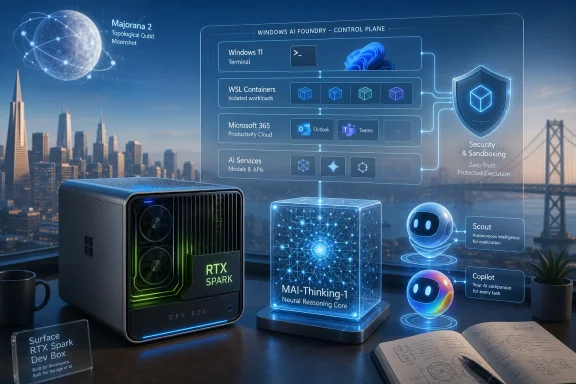
One of the more telling ideas in the Build agenda is using Windows 365 cloud PCs to run AI agents instead of relying entirely on local machines. That is not just a performance story. It is a containment story. If agents are going to click, script, inspect, test, or orchestrate workflows, many organizations will prefer to run them in managed cloud desktops rather than on an employee’s primary PC.
This fits neatly into Microsoft’s enterprise instincts. Windows 365 already gives IT departments a controlled Windows environment with policy, identity, provisioning, and monitoring hooks. Put agents there, and Microsoft can pitch automation without asking every admin to trust a roaming AI assistant on unmanaged hardware. In that model, the agent becomes less like a personal helper and more like a managed worker running in a virtual cubicle.
The upside is obvious for regulated industries and large enterprises. An agent can process a workflow, test software, handle repetitive administrative tasks, or run developer tooling in an environment that can be reset, audited, and isolated. The downside is equally obvious: if the future of advanced Windows automation is safest in cloud PCs, Microsoft has another reason to pull Windows usage deeper into subscription infrastructure.
That is the quiet business story behind the technical one. Agentic Windows is not just about AI features on a laptop. It is about binding Windows, Microsoft 365, Azure, GitHub, identity, and endpoint management into a single automation fabric. The more powerful the agents become, the more valuable the management layer becomes.
AI Coding Is Microsoft’s Trojan Horse for Native Windows Apps
For much of the last decade, native Windows development has been caught between nostalgia and neglect. Developers who wanted reach often chose the web. Developers who wanted mobile growth targeted iOS and Android. Developers who wanted cross-platform desktop apps often reached for Electron or other frameworks that made Windows just one target among many. Microsoft kept improving Windows UI frameworks, but it struggled to make native Windows feel like the obvious place for new application energy.
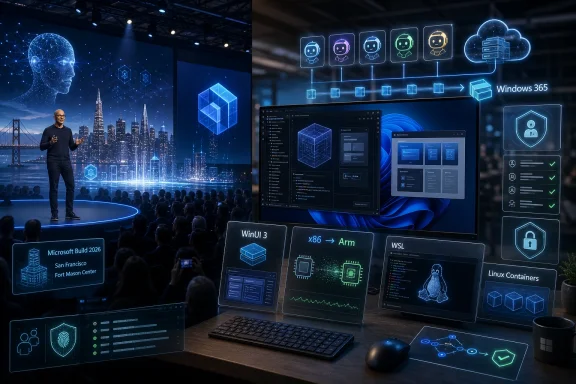
AI-assisted coding gives Microsoft a new pitch: native development can become less expensive, less specialized, and less risky if coding agents shoulder more of the boilerplate and porting work. A Build session focused on using AI agents to create native Windows apps with WinUI 3 is therefore more than a niche developer talk. It is a sign that Microsoft sees AI as a way to reopen a door that web-first development partially closed.
The argument is seductive. If a small team can use agentic tooling to generate UI scaffolding, wire up platform APIs, test accessibility, handle packaging, and produce modern Windows experiences faster than before, native Windows development starts to look less like a costly detour. Microsoft does not need every developer to abandon the web. It needs enough developers to rediscover the value of Windows-specific capabilities at a moment when AI PCs, NPUs, and local inference give the platform new differentiators.
But there is a trap here. AI can generate code faster than organizations can review it, secure it, and maintain it. A productivity boom that produces fragile, unreviewed native applications would not be a renaissance; it would be technical debt with a Copilot logo. Microsoft’s task at Build is to show not merely that AI can write Windows apps, but that the surrounding tooling can help developers understand, test, and govern what those agents produce.
That is why the phrase “agent supervision is the new senior engineering skill” lands harder than typical conference marketing. It suggests a real shift in software labor. The valuable developer is not merely the person who writes every line by hand, but the person who can direct, constrain, verify, and integrate machine-generated work. Microsoft is betting GitHub Copilot can become the control room for that shift.
Arm Windows Needs Developers More Than It Needs Benchmarks
The Arm angle is just as important. Windows on Arm has improved dramatically, and Qualcomm’s Snapdragon X-class hardware changed the conversation around battery life and performance. But platform transitions do not succeed on benchmarks alone. They succeed when users stop worrying about whether their applications will run well.
Microsoft’s reported Build emphasis on using agentic AI to port x86 applications to Arm is a practical admission that compatibility layers are not the same as native support. Emulation can bridge a gap, but native Arm applications are the destination. If AI can lower the cost of identifying portability issues, modifying code, running tests, and producing Arm-native builds, Microsoft gains a lever it did not have during earlier Windows on Arm pushes.
That matters for Copilot+ PCs because the hardware story and software story are intertwined. Microsoft can promote NPUs, battery life, and local AI all day, but buyers still ask the old question: will my stuff work? For enterprises, the question becomes sharper: will our internal tools, security agents, drivers, line-of-business applications, and developer utilities behave predictably on Arm hardware?
AI-assisted porting is not a magic wand, especially for low-level code, drivers, old dependencies, or applications with obscure build systems. But it could change the economics of the middle. If the annoying 70 percent of porting work becomes cheaper, more developers may do the remaining 30 percent. That would be a meaningful shift for Windows hardware diversity.
Linux Has Become Part of the Windows AI Strategy
The presence of Windows Terminal, WSL, and Azure Linux in the Build story says something Microsoft would once have struggled to admit: the modern Windows developer experience depends heavily on Linux. That is not a defeat. It is an adaptation. Developers building cloud-native software, containers, machine learning pipelines, and AI tools frequently start from Linux assumptions, and Microsoft has spent years making Windows hospitable to that reality.
WSL is now more than a compatibility layer for developers who prefer Bash. It is one of Microsoft’s bridges into AI development because so much local AI tooling, model experimentation, and open-source infrastructure arrives Linux-first. If Microsoft wants Windows to be a serious AI development machine, it cannot ask developers to wait for every project to become Windows-native. It has to make Linux-based workflows feel natural on Windows.
Azure Linux 4.0 deepens that story. Microsoft’s own Linux distribution is not aimed at turning Windows users into traditional desktop Linux users. It is about consistency between cloud, containers, and developer environments. When the same company controls Windows, WSL, Azure, GitHub, and a Linux distribution tuned for cloud-native and AI workloads, it can offer developers a more coherent path from laptop to production.
There is an irony here that longtime Windows watchers will appreciate. Microsoft spent decades treating Linux as a rival platform. Now Linux is part of the Windows value proposition. The modern Windows developer machine is powerful precisely because it can host Visual Studio Code, PowerShell, Windows Terminal, WSL, container tools, cloud SDKs, and Linux-native AI software in one environment.
For IT pros, this hybrid model is both useful and messy. It expands what a Windows workstation can do, but it also expands what must be patched, monitored, and governed. WSL instances, package managers, model files, local services, developer secrets, and GPU-enabled workloads are not imaginary risks. They are the operational cost of making Windows a first-class AI development platform.
The Security Problem Is Not a Side Quest
Every agent demo has an implied security demo hiding behind it. If an agent can read a screen, parse a document, call a tool, edit a file, send a message, or execute code, then attackers will try to manipulate those capabilities. Prompt injection is not an abstract academic phrase when the prompt can lead to an action inside a real operating system.
That is why the OpenClaw influence is double-edged. Experimental agent systems are useful because they expose what is possible. They are alarming because they also expose how much trust the model, the tools, and the operating environment must share. A desktop agent that acts across applications can easily cross boundaries that traditional app permissions were never designed to express.
Microsoft has a long history of learning platform security lessons in public. Windows XP’s security reckoning led to major changes in Vista and beyond. Office macros, ActiveX, browser plugins, signed drivers, PowerShell abuse, and cloud identity attacks all forced Microsoft to rethink convenience as an attack vector. Agentic AI may become the next chapter in that same story.
The company’s best argument is that Microsoft, unlike a startup shipping a clever agent demo, can build the enterprise control plane around this technology. It can integrate agents with Entra ID, Intune, Defender, Purview, Windows 365, audit logs, conditional access, and policy management. But that argument only works if the controls arrive with the capability, not years later after the first wave of abuse.
For consumers, the problem is even harder. Enterprise admins can read documentation and configure policy. A home user sees a button, a consent dialog, or a Copilot pane. If Microsoft wants agents in mainstream Windows, it needs user experience language that explains what an agent can see, what it can change, and how to undo its actions. The old permissions model of “allow” or “deny” is too crude for software that may perform chains of actions across time.
Build Is Not Really About a New Windows Version
The temptation around every Build is to ask whether Microsoft will unveil a new Windows release. That framing misses the more interesting story. Microsoft can change Windows substantially without changing the brand on the box. Windows 11 itself has become a rolling platform where features, inbox apps, AI integrations, developer tools, and cloud-connected services evolve on their own timelines.
That makes Build 2026 less likely to be a consumer OS spectacle and more likely to be a platform repositioning. The important announcements may be APIs, developer previews, Copilot integrations, GitHub tooling, Windows 365 scenarios, WSL updates, and AI runtime improvements. Those are less flashy than a new desktop shell, but they are how Microsoft actually changes what Windows is for.
This is also consistent with the company’s recent caution around shoving Copilot into every visible corner of Windows. Microsoft has already faced user fatigue over AI features that felt more promotional than essential. The smarter move is to make AI indispensable in workflows where it clearly saves time: coding, testing, porting, documentation, enterprise search, automation, and development environments.
That does not mean general users are unaffected. Developer platform shifts eventually surface in everyday software. If Microsoft succeeds, Windows users may see more native apps, more Arm-compatible applications, more local AI features, more agents embedded into productivity tools, and more cloud-backed automation. Build is where the foundation gets poured before the furniture arrives.
Xbox and Surface Are the Dogs That Probably Will Not Bark
The PCMag Australia preview sensibly downplays Xbox and Surface expectations, and that restraint is important. Build is not E3, and it is not a Surface showcase. Microsoft can always surprise people, but the published direction of the conference points overwhelmingly toward AI development, cloud infrastructure, agents, Windows tooling, and enterprise workflows.
That does not make gaming irrelevant to the broader AI story. Game developers will use AI-assisted coding, asset workflows, testing automation, and cloud infrastructure like everyone else. But a lack of gaming sessions suggests Microsoft is not planning to make Xbox the center of this particular stage. That is notable given the company’s ongoing effort to redefine Xbox as a service, storefront, hardware family, and cross-device ecosystem rather than a single console identity.
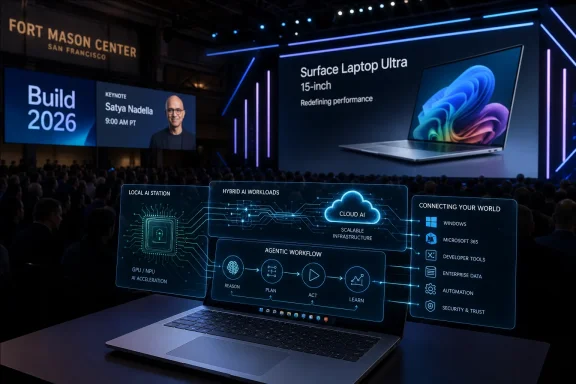
Surface hardware is similarly unlikely to be the main event. Microsoft has already refreshed business-focused Surface machines, and consumer hardware timing appears better suited to separate announcements. Build attendees are not primarily there to admire magnesium chassis. They are there to see the tools and APIs Microsoft wants them to build against.
That distinction matters because it keeps the analytical focus where it belongs. Build 2026 is not about whether Microsoft can produce another attractive laptop. It is about whether Windows remains a compelling development and execution platform in an AI era increasingly shaped by cloud GPUs, browser apps, mobile ecosystems, and Linux-first tooling.
The Real Audience Is the IT Department That Has to Say Yes
The most consequential Build audience may not be the developer excited to prototype an agent. It may be the IT leader who has to decide whether these capabilities can enter a managed environment. Microsoft’s consumer AI story often receives the loudest backlash, but the enterprise story is where adoption becomes durable.
Enterprise IT will ask practical questions. Can agents be disabled by policy? Can their actions be logged? Can administrators restrict which files, applications, tenants, plugins, and external services they can access? Can a company separate approved internal agents from random tools downloaded by enthusiastic employees? Can data loss prevention policies understand agent-mediated workflows?
These questions are not hostile to Microsoft’s vision. They are the conditions under which the vision becomes deployable. If Microsoft wants agents to become mainstream in Windows, it needs to make them boring enough for procurement, compliance, and security teams. That means management before magic.
Windows has an advantage here because it is already embedded in enterprise management systems. Microsoft does not have to invent the administrative relationship from scratch. But it also has a burden: Windows is where the sensitive work already is. A mistake on this platform has consequences beyond a failed demo.
The enterprise path also explains why some of the most important AI features may arrive first in controlled settings rather than consumer PCs. Windows 365, Microsoft 365 Copilot, GitHub Enterprise, Azure AI Foundry, Defender, and Intune provide Microsoft with safer deployment channels. Consumers may see the branding; enterprises may shape the architecture.
The Developer Productivity Boom Will Need a Hangover Plan
Microsoft shares with the rest of Big Tech a belief that AI-assisted programming can create a productivity boom. The Build agenda reflects that conviction. Coding agents, app generation, porting assistance, and senior-engineer-style supervision are all part of a future in which software production accelerates.
The hard part is what happens after the acceleration. More code means more review. More generated code means more uncertainty about provenance, licensing, security, and maintainability. More automated porting means more test burden. More agents means more orchestration logic that someone must understand when it breaks at 2 a.m.
This is where Microsoft’s developer tooling could either justify the hype or expose it. GitHub Copilot cannot merely autocomplete functions if the company wants it to become an agentic engineering platform. It must help developers reason about changes, generate tests, explain architectural consequences, identify vulnerabilities, and integrate with issue trackers, CI pipelines, package registries, and deployment systems.
For Windows specifically, the productivity boom thesis has an interesting upside. The platform has decades of APIs, frameworks, legacy applications, enterprise dependencies, and compatibility baggage. AI tools may be unusually useful in precisely this environment because there is so much code to modernize, port, wrap, test, and document. The messiness of Windows could become a market for AI-assisted cleanup.
But Microsoft should resist overselling. AI will not automatically make mediocre apps good, nor will it make abandoned applications maintainable without human ownership. The best case is not that agents replace Windows developers. It is that they make Windows development less punishing and more economically attractive.
The San Francisco Build Is a Bet That Windows Can Become the Agent Platform
The deepest argument of Build 2026 is that Windows can matter more in the AI era, not less. That is not guaranteed. A plausible alternative future has users interacting with AI mostly through browsers, phones, chat apps, SaaS tools, and cloud-hosted workspaces, with the local operating system fading further into the background. Microsoft is trying to prevent that outcome by making Windows a place where agents can act with context.
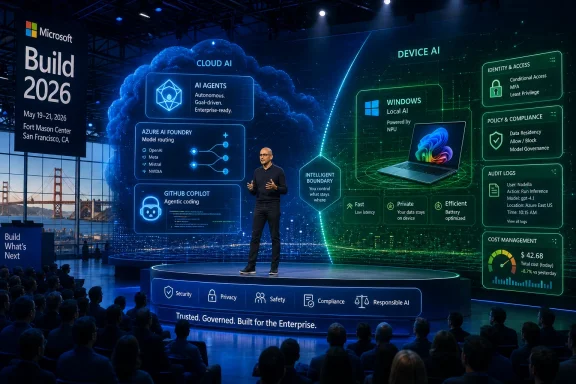
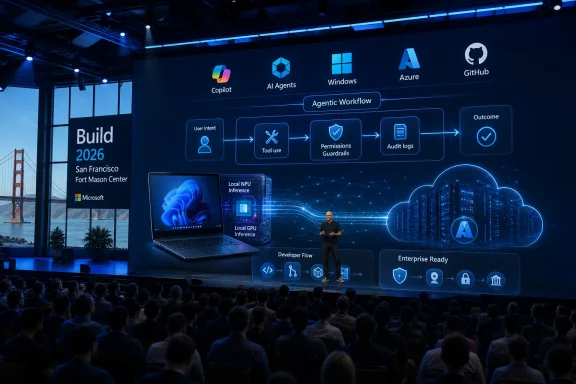
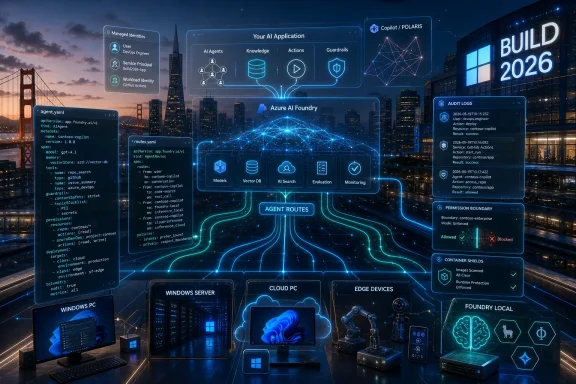
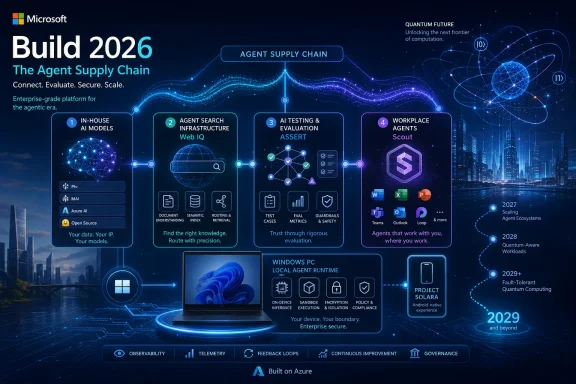
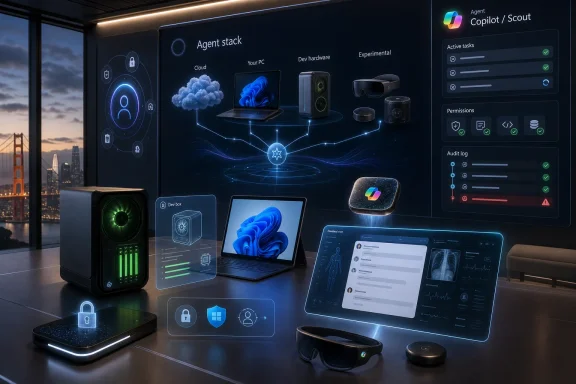
That strategy depends on three layers working together. The local PC must provide performance, privacy, device access, and a familiar workspace. The cloud must provide scale, management, model access, and persistent execution. The developer platform must make it realistic to build apps and agents that move across both. Build 2026 appears designed to tell that three-layer story.
The challenge is that users do not experience strategy layers. They experience interruptions, settings, battery drain, confusing prompts, broken apps, and features they did not ask for. Microsoft’s AI ambitions will be judged not only by what developers can build, but by how gracefully those capabilities appear in real Windows environments.
This is why the company’s recent willingness to pull back from unnecessary Copilot entry points matters. If Microsoft learned anything from the first wave of AI branding, it is that visibility is not the same as value. The next phase has to be less about putting Copilot buttons everywhere and more about making specific workflows meaningfully better.
Build 2026 is therefore a credibility test. Microsoft must show that its AI plans for Windows are not just a layer of chat over old software, but a coherent platform shift with security, management, developer economics, and user control built in. That is a much harder story to tell than a keynote demo, but it is the only story that will survive contact with administrators and power users.
The Details Windows Watchers Should Not Miss in the Keynote Fog
The most useful way to watch Build 2026 is not to count how many times Microsoft says “agent.” It is to look for the plumbing behind the word. A short keynote demo can make automation look inevitable. The session catalog, SDKs, policy controls, preview timelines, and developer commitments will reveal whether Microsoft is building a platform or staging a moment.
- Microsoft is holding Build 2026 on June 2–3 in San Francisco and online, signaling a tighter, AI-centered developer event rather than a broad consumer Windows showcase.
- The most important Windows story is likely to be agents, especially how they are built, supervised, isolated, and managed across local PCs and Windows 365 cloud PCs.
- Native Windows development may get a new push if AI-assisted coding can make WinUI 3 apps and Arm ports cheaper to build and maintain.
- WSL, Windows Terminal, and Azure Linux show that Microsoft now sees Linux compatibility as central to making Windows credible for AI development.
- Enterprise adoption will depend less on impressive demos than on policy controls, auditability, identity integration, data protection, and clear boundaries around agent behavior.
- A major consumer Windows announcement is possible but not the most likely center of gravity; Build’s real impact will be in the developer platform decisions that shape Windows over the next several years.
The story to watch after Build is not whether Microsoft can make AI appear inside Windows; it already can, and in many places already has. The real question is whether Microsoft can make AI feel native to Windows without making Windows feel captured by AI. If the company gets that balance right, Build 2026 may be remembered as the moment the PC became an agent platform; if it gets it wrong, it will be remembered as another keynote where the future arrived before the trust model did.
References
- Microsoft Build 2026 Preview: The AI Takeover of Windows Has Officially Begun - PCMag Australia PCMag Australia · Thu, 28 May 2026 12:00:00 GMT