Highwayman

Extraordinary Member
Joined
Jun 3, 2009
Messages
3,969
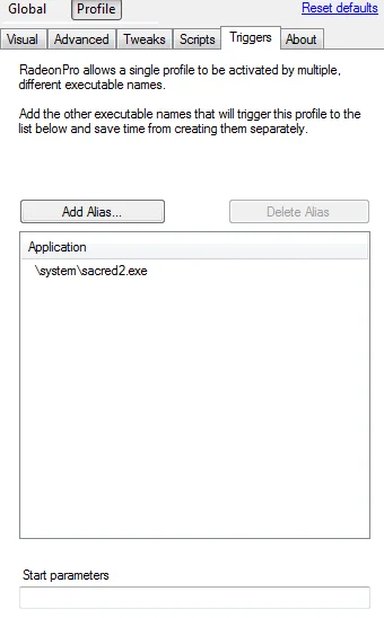
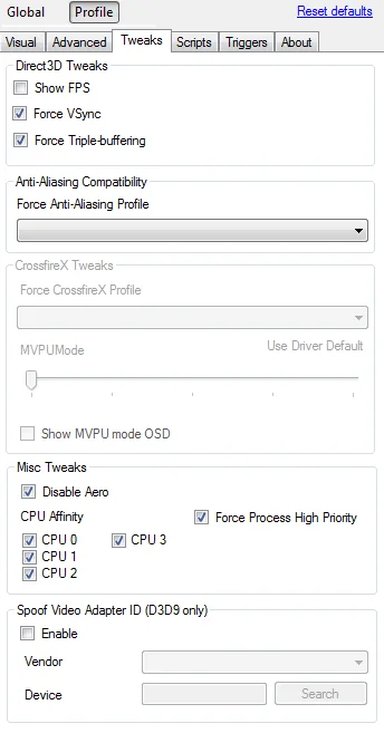
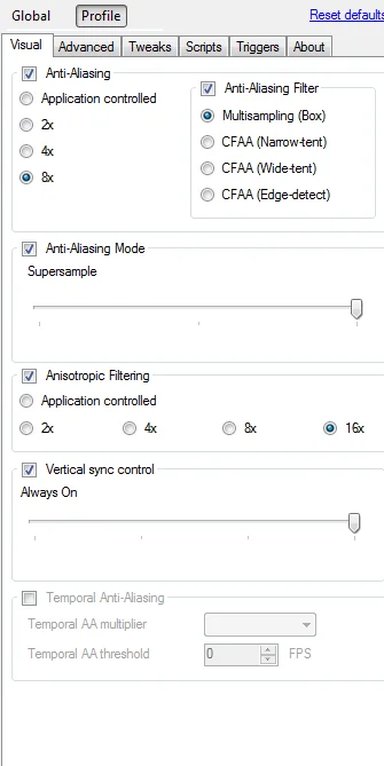
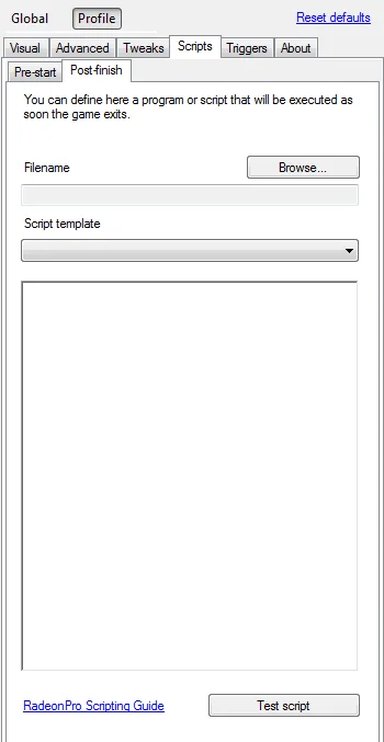
I came across this nice little customable launcher app for games, while I realise Catalyst has a basic game profile system, this app seem to do the job a whole lot better...and its free. One of the main features I like is that you can assign how many CPU cores to dedicate, task priority, as well as some of the compatibilty options all in once place.

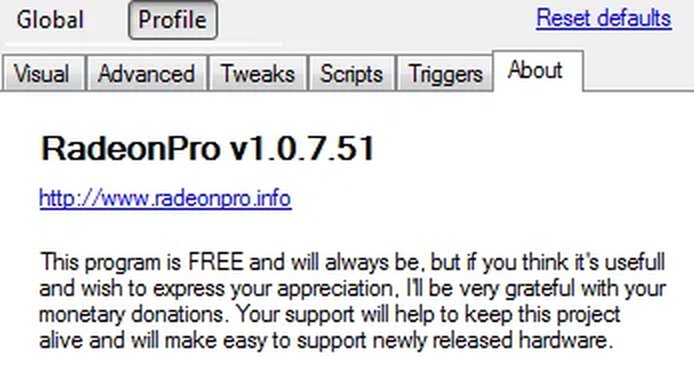
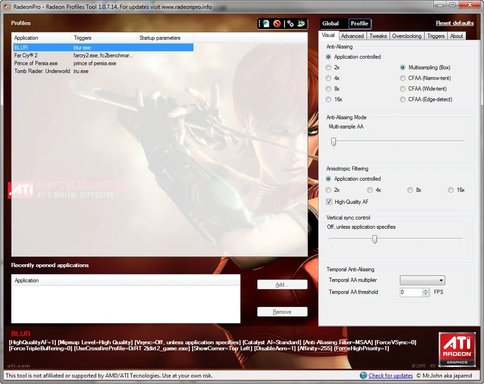
RadeonPro is a free utility to automate Catalyst Profiles to be applied upon user's game or application start. Just setup 3D settings for each game and have all those settings applied automatically everytime you play!

No more desktop or keyboard shortcurts to remember, create it once, play it the way it's meant to be!

RadeonPro :: Radeon Profiles Tool

example:
atiruby.webp
2.webp5.webp6.webp3.webp1.webp4.webp
 

Last edited:

kemical

Essential Member
Joined
Aug 28, 2007
Messages
36,176
Nice find.. I tend to use profiles myself so I'll give this a look over.
 

Highwayman

Extraordinary Member
Joined
Jun 3, 2009
Messages
3,969
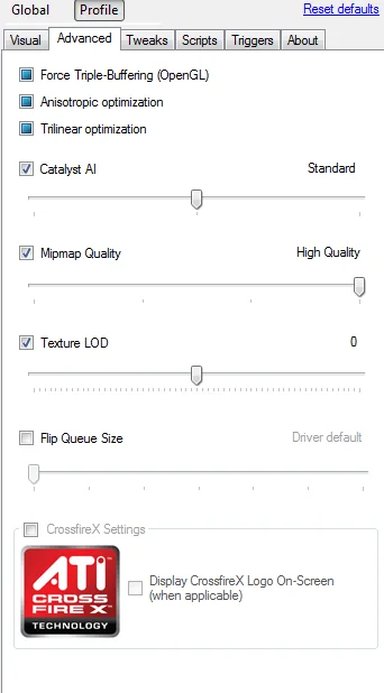
iv'e been fiddling with this app with a number of games this evening and I'm really liking some of the hidden options, such as texture LOD which can crisp up low res textures etc...
 

kemical

Essential Member
Joined
Aug 28, 2007
Messages
36,176
This is a great app!
Here's some screenshots taken with the inbuilt 'screenshot taker'..

(it also should be noted that I'm running several mods in Oblivion)

Plus the LOD Texture tool is great!
 

Last edited:

cybercore

New Member
Joined
Jul 7, 2009
Messages
15,641
The ability to adjust Texture LOD Bias sounds good. Any ideas why this option is not present in Catalyst yet?
 

Solution

kemical

Essential Member
Joined
Aug 28, 2007
Messages
36,176
I think it could be that this app is a private app and not made by the devs over at ATI. Who knows though? Now it's been used here maybe the'll take a hint.. :)
 

cybercore

New Member
Joined
Jul 7, 2009
Messages
15,641
Now it's been used here maybe the'll take a hint..

Texture lod bias aspect has existed for ages and the well-known 'ATI tray tools' already has this option. (Not to mention NVIDIA control panel). So, it's time to introduce it in Catalyst too, hopefully they will. :(
 

Highwayman

Extraordinary Member
Joined
Jun 3, 2009
Messages
3,969
Yea it's canny like, I've been mainly experimenting with the 24x AA sampling (edge detect filter) with super sampling quality, which although can be done in catalyst its much quicker to swap settings around, and boy does it look nice...

The main thing is just going through all my games which will take an age, just to find the sweet spot before it hinders performance, tested Dirt 1 with 12x Edge detect last night and makes up a lot for the very low definition on the textures in the game, if I get time i'll post some grabs later.

@ Kemical
BTW is that Quarls texture mod ya using there???
 

Last edited:

kemical

Essential Member
Joined
Aug 28, 2007
Messages
36,176
No I'm using the OBGEv2 shader pack. This allows access to advanced shaders but takes an age to set up right... Get it wrong and the game looks awful.
 

kemical

Essential Member
Joined
Aug 28, 2007
Messages
36,176
This page will get you started: Link Removed

You will have to sign in to get the biggest file (2mb) but essentially the page above will give you all that you need apart from OBSE v0018 which you can download here: OBSE

Any problems, give me shout.. :)
 

Joined
May 31, 2013
Messages
77
I came across this nice little customable launcher app for games, while I realise Catalyst has a basic game profile system, this app seem to do the job a whole lot better...and its free. One of the main features I like is that you can assign how many CPU cores to dedicate, task priority, as well as some of the compatibilty options all in once place.

RadeonPro is a free utility to automate Catalyst Profiles to be applied upon user's game or application start. Just setup 3D settings for each game and have all those settings applied automatically everytime you play!

No more desktop or keyboard shortcurts to remember, create it once, play it the way it's meant to be!

RadeonPro :: Radeon Profiles Tool

example:
View attachment 7495
View attachment 7496View attachment 7497View attachment 7498View attachment 7499View attachment 7500View attachment 7501
good news !