

BringMeASunkist
Extraordinary Member
Member details
- Joined
- Jan 18, 2015
- Messages
- 4
Some time ago I lost the tabs ay the top of my task manager that allowed me to check my processes and performance. How do I get that back?
Attachments
-
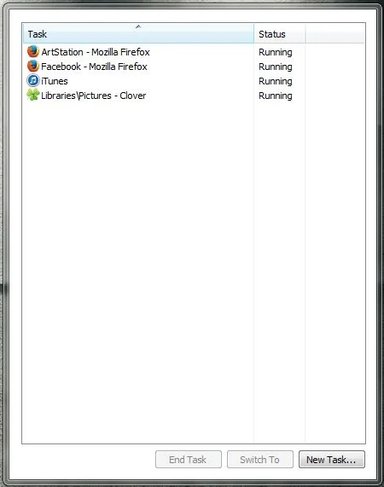 Microsoft Defender: No threats detected Scan detailsCapture.webp11.5 KB · Views: 305

