Background
Windows 11 has been steadily evolving from a traditional desktop OS into a platform that surfaces AI assistance across core components — taskbar search, the Copilot sidebar, Microsoft 365 companion apps, and now File Explorer. Over the last year Microsoft introduced the "Ask Copilot" context‑menu action, taskbar Copilot composers, Copilot Vision for screen analysis, and experimental agent workflows; each moved the assistant closer to the places users actually work. Those earlier changes are established in preview channels and have been documented in multiple hands‑on reports. File Explorer has not been an afterthought in Microsoft's Copilot strategy. Right‑click actions already let users send a file to Copilot for analysis — a convenience that uploads the selected file to the Copilot app and opens a chat session — but that flow still forces a context switch away from the explorer window. The invisible button discovery hints at a different UX: one where a Copilot conversation can be started and kept within File Explorer, so the assistant can refer to the currently selected file or folder without the user leaving the file‑browsing context.
What was found in preview builds
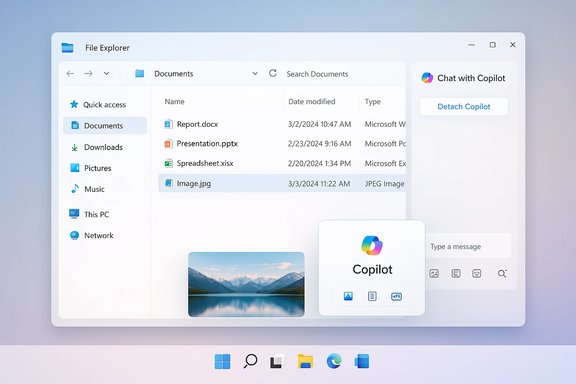
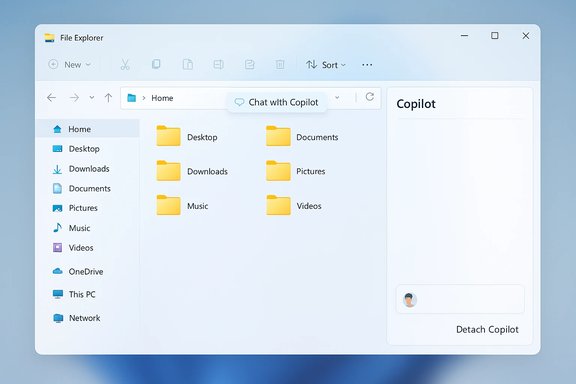
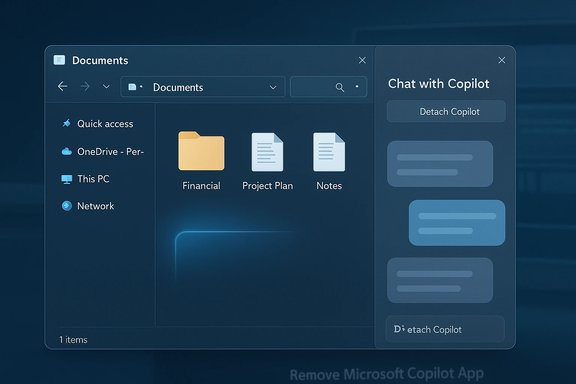
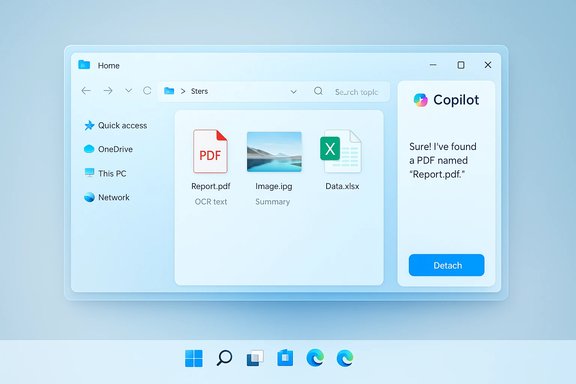
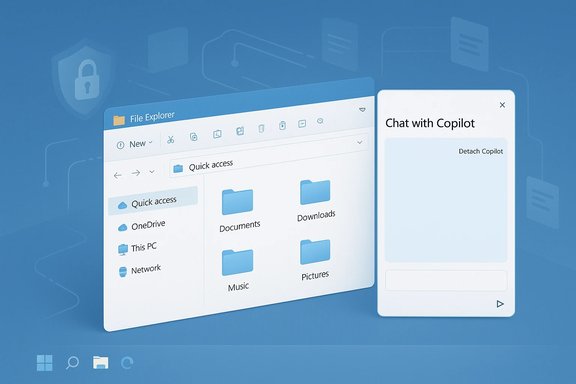
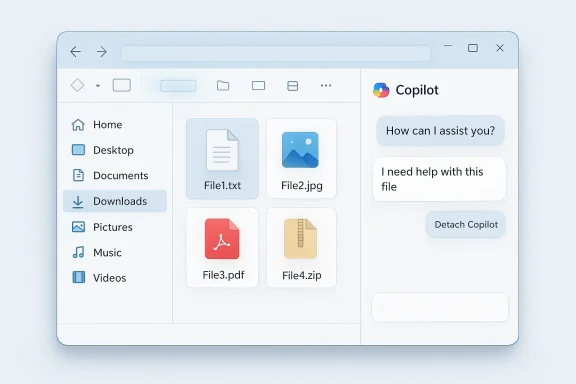
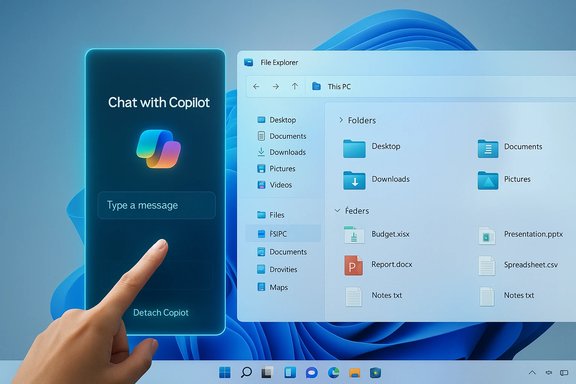
Windows Insiders and sleuths monitoring recent preview builds noticed a responsive hotspot in File Explorer’s navigation bar — no visible icon until hover, and then only an affordance that indicates an interactive element is present. String constants in the build files reference "Chat with Copilot" and a setting that would detach Copilot from File Explorer into a separate window or pane. The control is non‑functional in public preview builds; it does not yet open a panel or accept input. The strings, however, point to the intended behavior and the naming convention Microsoft is using for in‑app Copilot prompts.
Why that matters: this pattern mirrors recent changes across Windows where Copilot can be invoked in situ (for example, from the taskbar composer or from the OneDrive web UI). Embedding a chat trigger directly in File Explorer would reduce friction for common tasks — summarizing a document, extracting text, identifying objects in an image, or producing a quick FAQ for a file — without launching separate apps or switching work contexts. Practical proofs of concept for similar behaviors already appear in other Microsoft surfaces.
Technical contours and verified build context
Reporters and Insider documentation have repeatedly tied recent Copilot experiments to specific preview builds and cumulative packages. The taskbar "Ask Copilot" pill and early agent frameworks were surfaced in the 26220.x family of Insider builds, which Microsoft distributed across Dev and Beta channels while gating feature exposure server‑side. File Explorer Copilot behaviors (context‑menu "Ask Copilot," hover affordances in Home views, and companion app handoffs) have been rolling out in a similar staged fashion. That rollout approach is important because having the binary installed does not guarantee feature visibility — server flags, account entitlements and region gating influence whether a particular device sees the test.
Technical specifics to note:
- The existing context‑menu "Ask Copilot" is added via a shell extension and currently appears for documents, PDFs, and many image types; it hands files off to Copilot for analysis. Multiple outlets confirm the option and provide registry workarounds to remove it for users who prefer not to have it.
- The taskbar Copilot composer integrates Windows Search index results with conversational prompts and supports vision/voice flows; it was introduced as an opt‑in toggle in preview settings. The composer shares architectural patterns — permissioned access to local data, session‑bound vision captures, and hybrid on‑device/ cloud inference — with the broader Copilot stack.
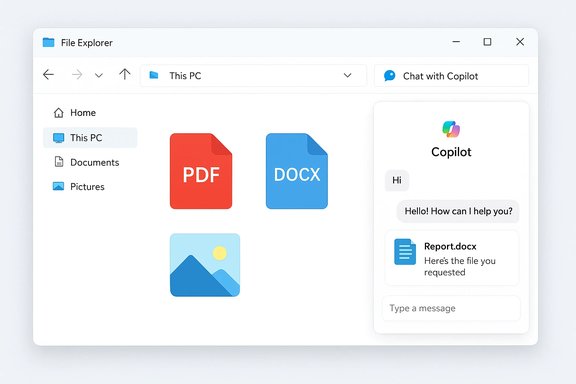
Where the new File Explorer button fits is currently speculative but technically plausible: the UI element would likely open a Copilot panel that uses the Windows Search APIs or direct file URIs to provide the assistant with the selected file's content or metadata, then render a conversation in a docked or detachable pane. Microsoft has been explicit about permissioning — Copilot won’t read local content beyond what the user consents to — and earlier builds show careful prompts when any file is exposed to Copilot. Those safeguards will be relevant to any File Explorer integration.
UX possibilities: how Copilot could behave in File Explorer
If the invisible button is a preview of an integrated Copilot chat, a few design outcomes are likely:
- A docked Copilot sidebar or small floating pane that remains attached to File Explorer and updates contextually as the user selects different files.
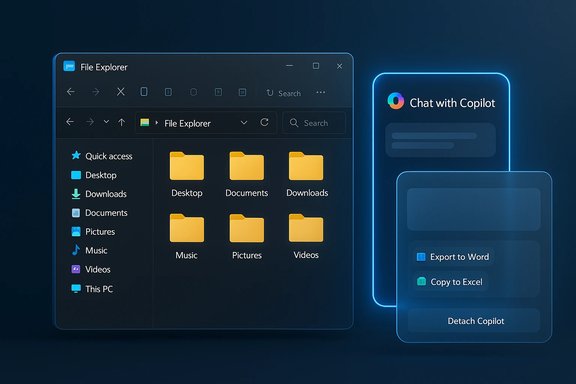
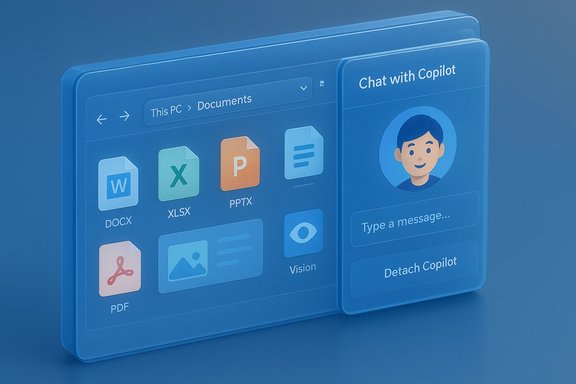
- A detachable mode to let users "pop out" the chat into a separate window for sustained work, editing, or copying responses — consistent with the detach string discovered in the build.
- Per‑file quick actions: summarize document, extract bullets from slides, list image contents, create a caption, or export content to Office formats (Word, Excel, PowerPoint).
- Multimodal inputs: paste an image into the chat or use Copilot Vision to analyze an open image preview in the Explorer pane.
These flows would mirror Microsoft’s existing Copilot handoffs (for example, the Microsoft 365 Copilot pipeline used by the Files companion app) and provide continuity between discovery (File Explorer) and action (Copilot chat). Early Microsoft messaging indicates that when tenant data or deeper Microsoft 365 context is required, the experience will escalate into the Microsoft 365 Copilot instance — a distinction that affects licensing and grounding.
Benefits for everyday users and power users
A truly integrated Copilot in File Explorer could yield real productivity gains:
- Faster triage: glance at a folder of documents and ask Copilot which file contains the quarterly figures; get a quick summary without opening large files.
- Reduced app switching: avoid launching Word, Acrobat, or Photos just to get the gist of a file.
- Contextual file actions: generate a short email draft referencing a selected PDF, or extract a table from a spreadsheet preview.
- Accessibility gains: Copilot could read or summarize content for users who rely on assistive workflows, offering a new layer of desktop accessibility.
For power users, the detachable chat and multimodal inputs would let Copilot be a rapid research companion while retaining the filesystem context that traditional assistants lack. These are precisely the scenarios Microsoft has been evangelizing as the value proposition for Copilot in the OS.
Privacy, security, and governance — the central tension
Embedding Copilot in File Explorer raises the same fundamental questions that surfaced when Microsoft expanded Copilot elsewhere — and adds a few new considerations because File Explorer is the local file hub for users and organizations.
Key risks and mitigations:
- Data exposure: uploading a file to a cloud service (even to provide richer answers) creates telemetry and storage considerations. Microsoft’s current posture emphasizes permissioned uploads and session‑bound Vision captures, but the UX must make consent explicit when files are being analyzed.
- Prompt injection and agentic threats: when agents can act on files, adversarial content embedded in documents could try to influence Copilot’s behavior (cross‑prompt injection). Microsoft’s approach — sandboxed agent workspaces, opt‑in agent enabling, and tamper‑evident logs — will likely be applied here, but they are mitigations, not absolute guarantees. Security teams will need to evaluate the additional attack surface.
- Enterprise controls and licensing: deeper Microsoft 365 grounding (tenant‑aware Copilot) requires paid Copilot licensing. Organizations will want admin controls to opt out of automatic feature rollouts, disable Copilot access to certain folders, and audit file handoffs. Microsoft has previously provided tenant‑level opt‑outs for companion apps and admin toggles for Copilot features; similar controls will be essential for File Explorer integrations.
A conservative rollout — opt‑in, with clear consent prompts, per‑file confirmations for sensitive folders, and enterprise policy controls — would reduce risk. Absent strong defaults and admin tooling, however, File Explorer Copilot could become a source of opacity in enterprise environments where local files contain regulated or proprietary data.
Licensing and product strategy implications
Not all Copilot features are created equal. Microsoft today distinguishes between:
- The system Copilot experiences built into Windows (taskbar composer, local assistant).
- Microsoft 365 Copilot, which can reason over tenant data and is gated behind paid licensing for commercial customers.
If File Explorer’s chat surface includes tenant‑aware capabilities — for example, summarizing files in SharePoint or combining local files with tenant mail context — Microsoft will likely gate those behaviors behind Microsoft 365 Copilot entitlements. Consumers may get basic, web‑grounded or local analyses while business users with paid Copilot add‑ons gain enhanced contextual reasoning. Past communications and preview notes make this licensing split explicit; expect similar patterns for File Explorer features.
Administrators should prepare for:
- Policy controls to block or allow Copilot file access.
- Audit and logging requirements to track file handoffs.
- Communication plans for end users explaining when files will be shared with cloud services.
Reality check: what’s verified, and what remains speculative
Verified:
- The right‑click "Ask Copilot" context menu exists in current preview builds and uploads selected files to the Copilot app. This behavior has been observed and documented.
- Microsoft has tested and shipped other Copilot integrations in the taskbar, companion apps, and vision/voice flows; these are proven in preview builds and public documentation.
- Insider builds in the 26220.x family include many of these Copilot experiments, and feature visibility is often server‑gated.
Unverified or still experimental:
- The invisible button’s full functionality (what the chat panel looks like, what file types are supported, whether analysis happens locally or is uploaded) is not functional in public builds and therefore not confirmed. The strings indicate intent but not final behavior, and Microsoft could change or cancel the feature before public release. Treat the button as a preview artifact rather than a shipping guarantee.
Cautionary language is warranted: until Microsoft flips server flags or releases a documented feature note, specifics about file upload behaviors, data retention policies, and exact UI will remain subject to change.
Enterprise and admin guidance (practical recommendations)
For IT teams and administrators preparing for more Copilot surface area inside Windows:
- Inventory entitlement and licensing: map who in the organization has Microsoft 365 Copilot paid entitlements; tenant‑aware features typically require those licenses.
- Review update policies: Microsoft uses staged, server‑side rollouts; confirm whether your managed devices receive Insider builds or opt‑in updates that might expose preview features.
- Prepare governance controls: plan Group Policy / Intune settings to restrict Copilot behaviors (if and when Microsoft provides them), and test registry or extension blocking approaches for quick remediation on endpoints where needed.
- Establish logging and monitoring: when Copilot actions involve external connectors or file handoffs, ensure logs capture the file, user consent, and the agent interaction for audit trails.
These measures reflect the reality that Copilot in File Explorer is less a single feature and more a policy and operational surface that will change how files are handled on endpoints.
What to expect next and rollout signals to watch
Microsoft’s pattern has been gradual: introduce the binary to preview channels, gate visibility server‑side, collect telemetry, iterate UI and privacy controls, then widen availability. For the File Explorer Copilot button specifically, watch for:
- Official Windows Insider blog entries or Microsoft product documentation that mentions a new "Chat with Copilot" File Explorer affordance.
- Release notes for cumulative preview packages (the 26220.x family has been a recent vector) that list File Explorer Copilot tests.
- UI walkthroughs and early hands‑on reporting from outlets that frequently cover Insider builds; those stories typically include screenshots and behavior notes.
If Microsoft intends to ship detachable chats, there will likely be language in the documentation about where session history is stored, whether transcripts are saved to cloud chat logs, and how to clear or opt out of memory features.
Critical analysis: strength, product reasoning, and potential pitfalls
Strengths
- Reduction of context switching is the most compelling win: users often open multiple apps just to verify what a file contains; an in‑Explorer Copilot removes that friction.
- Task efficiency: for content triage, quick summaries and extractions are high ROI operations for knowledge workers.
- Consistent platform strategy: bringing Copilot to the file discovery surface aligns with Microsoft’s broader aim to make the assistant natively discoverable across Windows and Microsoft 365.
Potential pitfalls
- Privacy surprise: if the UI or consent model is insufficiently transparent, users may unintentionally upload sensitive files. Clear, per‑action permission prompts are essential.
- Fragmented Copilot experiences: Microsoft currently runs multiple Copilot surfaces (system Copilot, Microsoft 365 Copilot, companion apps). Without a consistent mental model, users and admins may be confused about which Copilot instance is active and what data it can access.
- Security attack surface: agentic features and file handoffs invite new prompt‑injection and exfiltration risks that require robust runtime protections and observability.
Bottom line: the product reasoning is strong — delivering insights where files live is an obvious productivity enhancement — but execution must be conservative on privacy and explicit in permissions to avoid backlash.
Conclusion
The invisible Copilot affordance spotted in File Explorer is a meaningful data point in Microsoft’s ongoing strategy to make Copilot the assistant users meet where they work. While the current preview artifact is non‑functional and could change, the strings and surrounding preview activity suggest an intention to let users start Copilot chats directly from File Explorer, with a detachable option for longer interactions. That would deliver clear productivity value, especially for fast triage and content extraction tasks.
However, the feature raises important governance, privacy, and security questions that Microsoft must answer before broad release. Administrators should be ready to manage entitlements and control exposure, and users should expect opt‑in defaults and explicit consent dialogs if the feature reaches wider release. For now, this is a test in progress — an intriguing preview of a desktop assistant that may soon be able to work alongside users inside the very app they use to manage their files.