
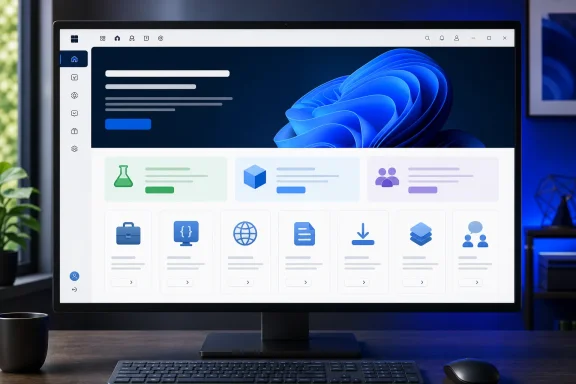
Published July 31, the updated experience puts the practical route into preview testing ahead of promotional material: users can register for the program, install Windows Insider Preview Builds, and submit feedback through Feedback Hub. Microsoft also surfaces the Flight Hub, Insider build release notes, SDK and ISO availability, and a guide to changing Insider channels.
 The Channel Choice Is More Explicit
The redesign describes the Experimental channel as the place for technical enthusiasts willing to test early ideas and longer-lead Windows 11 features. Microsoft positions the Beta channel as the more stable pre-release track, aimed at users testing features that may be weeks from retail availability.
Release Preview remains available for people seeking early access to production-bound updates, but Microsoft directs users to enable it through Advanced Options in Windows Insider Program settings rather than presenting it alongside the two primary tracks.
That distinction matters for administrators and enthusiasts who still treat “Insider” as a single risk category. Microsoft’s new layout makes the expected trade-off clearer: Experimental carries the greatest likelihood of change and disruption, while Beta is the nearer-to-shipping validation path.
Business and Developer Paths Move Into View
Microsoft’s refreshed page also gives the Windows Insider Program for Business and the Windows Insider Program for Developers dedicated visibility.
For IT teams, the Business program is framed around validating apps, infrastructure, and Windows Server previews before deployments. For developers, the emphasis is on Windows SDK Insider Preview Builds and feedback tooling intended to help teams test applications against upcoming platform changes.
The practical effect is modest but useful: the public site now acts less like a general sign-up page and more like a directory for the program’s separate audiences. That should make it easier for a home tester, enterprise validation lead, or Windows developer to find the correct starting point without relying solely on Insider blog posts.
Documentation Becomes Part of the Front Door
The redesign places Microsoft’s documentation hub directly alongside the program overview. The Flight Hub is positioned as the dashboard for current development builds, while release notes and the deeper guide to preview builds cover build changes, channel switching, and related mechanics.
Microsoft has not announced a change to the underlying Insider enrollment process or the Windows Update controls used to select a channel. The update is chiefly a web-experience refresh—but one that makes the program’s channel model, feedback role, and testing resources easier to find before a device is enrolled.
