
📎 AI Summary:
The thread is about a tool called “Windows 7 in a Box,” which provides a faster, Control Panel–free interface for accessing Windows 7 system settings. The main question is essentially whether the program is easy to set up and how it works; the post answers that installation is quick (unzip, place the executable in Program Files, create a shortcut) and that the UI uses drop-down menus that make settings navigation straightforward. Overall sentiment is positive, framing the tool as a convenient alternative for users who find the Control Panel too slow or layered.
Thread Author
Link Removed
sshot20091202184838.png

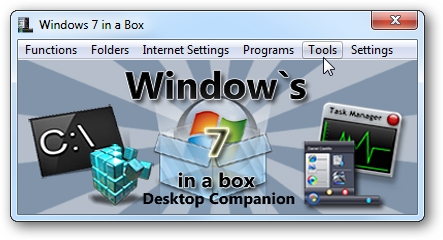
Are you looking for a quicker way to access your system settings without using the Control Panel? Then “Windows 7 in a Box” is a program that you should take a closer look at.

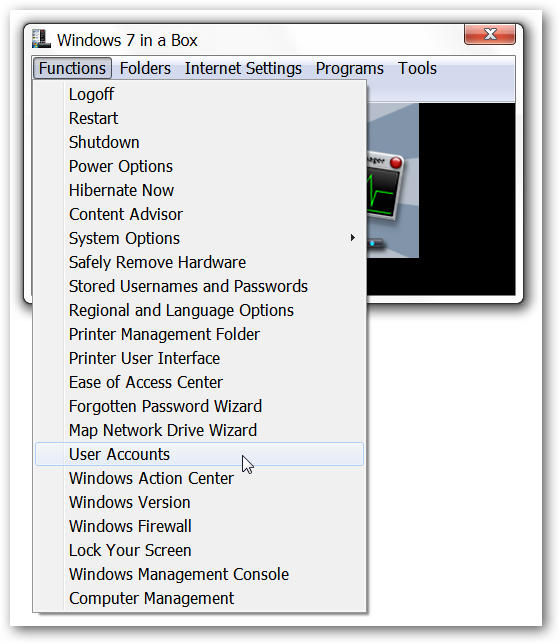
Setting “Windows 7 in a Box” up is very quick and easy. Simply unzip the rar file, place the exe file in an appropriate “Program Files” folder, and create a shortcut. Once started the interface is easy to navigate and use with drop down menus.

If you have been wanting a quick way to access settings without going through the multiple layers of the Control Panel, then you will certainly enjoy “Windows 7 in a Box”.

inabox08.png