



Singapore’s proposed Digital Infrastructure Bill is an attempt to regulate the physical and operational foundations beneath cloud computing, rather than only the software services that users see. For Windows organisations that depend on hosted Microsoft workloads, virtual desktops, identity platforms, backups or cloud-based line-of-business systems, the proposal matters because it focuses on the kinds of failures that can turn a distant data-centre problem into an extended local outage...

Proofpoint’s new SOC Analyst Agent is best understood as an early, narrowly scoped security-operations product rather than proof that AI has solved the analyst-workload problem. It is a Proofpoint product that uses OpenAI Daybreak models for part of the investigation and reasoning work, while Proofpoint retains control of the security-data connections, workflows and policies around it. That division matters: the value to a security team will depend at least as much on its own data quality...

Reports that NEC stopped quantum-computer hardware development at the end of March 2026 mark a consequential change for a company with a long history in superconducting-qubit research. But the most useful reading is narrower than the headlines: independent reporting supports a reported withdrawal from quantum-computer machine or hardware development, not yet a fully documented, program-by-program public shutdown notice from NEC. It also does not prove a simple pivot in which all former...

AMD’s Ryzen 7 7700X3D is not a new performance tier so much as a carefully positioned alternative to the Ryzen 7 7800X3D. Its published specifications preserve the ingredients that made the older eight-core X3D chip notable for gaming—Zen 4, eight cores and 16 threads, 96 MB of L3 cache, Socket AM5, and a 120 W default TDP—but reduce its rated clocks. That makes the buying decision unusually direct: the 7700X3D can make sense when it carries a meaningful discount, but the 7800X3D remains the...

Microsoft’s latest look at a high-volume phishing operation is a reminder that email evasion does not always require a malicious attachment, a novel exploit, or an AI-generated hidden command. In this case, the trick was smaller: invisible Unicode tag characters inserted into finance-themed words so that a message could appear normal to a recipient while presenting a different character sequence to simplistic security checks.
That distinction matters. The campaign Microsoft described on...

Berlin’s response to the compromise of its state IT network has moved from containment into a difficult second phase: determining what was taken, what has been published, whose data or systems may be at risk, and which warnings must go out first. The crucial distinction is that the city has confirmed an intrusion, data outflow and the publication of stolen material. It has not completed a public forensic inventory that validates the attackers’ claimed data volume, file count or detailed...

A terse declaration from Microsoft Distinguished Engineer David Fowler—“Typing code is absolutely over.”—has become an appealing shorthand for the AI-era software industry. It is also easy to read more into than the available evidence supports. Independent reports reproduced the sentence from a September 3, 2026 post, but the original post and any accompanying discussion were not directly available for inspection. That means the wording is corroborated more firmly than Fowler’s full intended...

Windows 11’s Dynamic Refresh Rate (DRR) is designed to make a high-refresh display less wasteful when a higher refresh rate is not helping. The feature can lower the refresh rate during ordinary desktop work and raise it for interactions that benefit from greater responsiveness, such as scrolling and inking. That sounds straightforward, but it is often confused with gaming variable refresh rate (VRR), and that confusion can lead to the wrong expectations—or the wrong troubleshooting steps...
AI infrastructure spending could make conventional DRAM harder and more expensive to obtain in 2027, but that is not the same prediction as an across-the-board shortage of every kind of memory chip. The strongest evidence concerns DRAM: high-bandwidth memory (HBM) for AI accelerators uses manufacturing resources that can compete with ordinary DRAM used in servers and PCs. NAND flash—the storage technology behind SSDs—faces a different demand and supply equation. It may share in higher cloud...
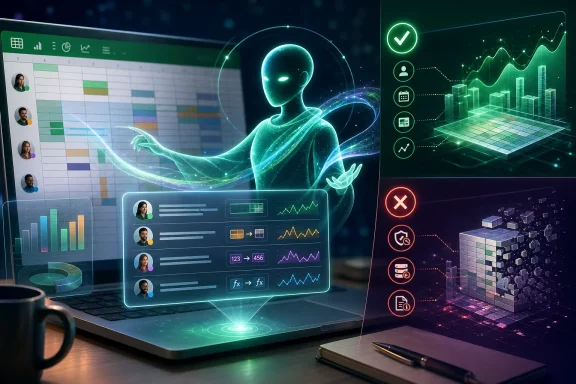
Microsoft’s August 2026 Excel update added a Copilot change-history skill intended to make collaborative workbooks easier to understand after the fact. For Windows users who inherit a budget model, project tracker, forecast, or operational spreadsheet, the appeal is immediate: instead of manually combing through a long record of edits, Copilot can describe what changed, who changed it, and what happened over a defined period.
That convenience should not be confused with a new, complete...
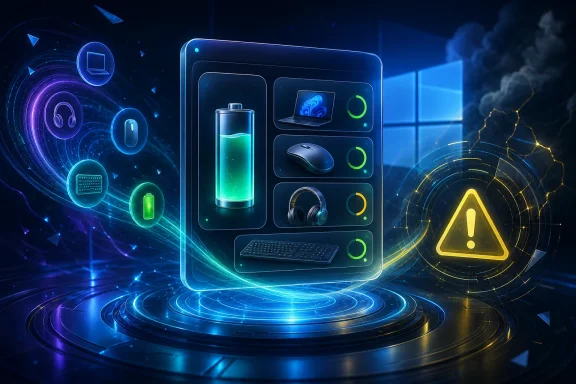
A report that Windows 11 contains clues to a battery-status widget is interesting precisely because it addresses a practical gap: laptop owners often have to hunt through Bluetooth settings, vendor utilities, or individual device apps to check the charge on their mouse, headset, keyboard, and PC. But the available evidence supports a narrower conclusion than “Windows 11 is getting” the feature. References and visual assets have reportedly been found in preview builds, yet the widget is said...
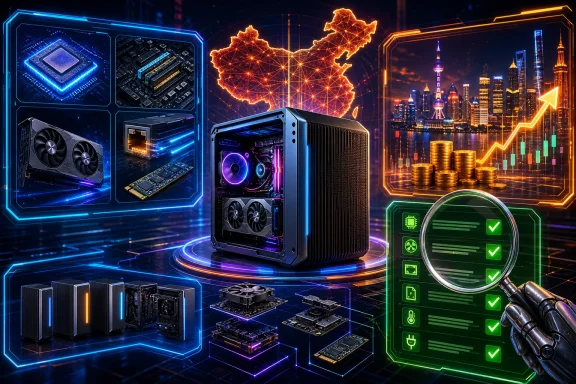
FEVM’s FN80G is an unusually ambitious small-form-factor PC on paper: an Intel desktop Core Ultra 200S processor paired with graphics ranging from an RTX 5060 Laptop GPU to an RTX 5090 Laptop GPU, plus unusually strong networking and storage expansion for a roughly 2.6-litre chassis. But the details matter more than the headline. The machine was reported to have gone on sale in China on September 3, 2026—not September 7, the publication date of one early report—and the frequently repeated...

DLSS 5’s first official game implementation brings an unusually stark trade-off into view: its image-processing ambitions can demand a major amount of GPU time, even on NVIDIA’s current RTX 50-series hardware. Community tools promise a clever workaround by moving the neural-rendering workload earlier in the graphics pipeline, where it handles fewer pixels. That idea is technically plausible, but it is not the same as NVIDIA’s native integration, and it has not yet been independently shown to...
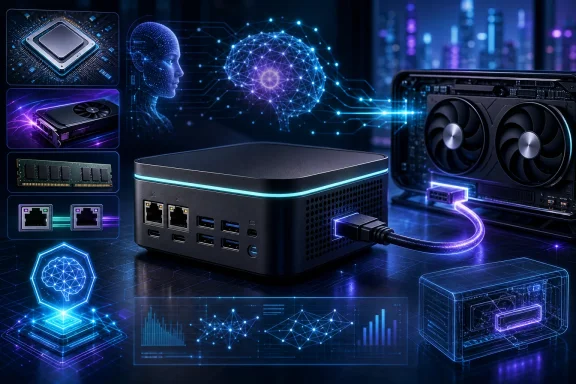
Acer’s Veriton RI110 AI Mini Workstation is an unusually expansion-minded mini PC on paper: it combines a Core Ultra X7 358H processor, Intel Arc B390 graphics, substantial LPDDR5X memory capacity, dual high-speed Ethernet, and a dedicated OCuLink connection for external PCIe devices. That combination matters more than the compact chassis alone. It suggests a desktop intended for organisations and developers that want local AI experimentation, fast network access, and a path to more graphics...

Colorful’s COLORFIRE MEOW X16 Pro is a gaming laptop whose deliberately playful orange-cat styling risks obscuring the more consequential story: it pairs an eight-core AMD Ryzen HX processor with an Nvidia RTX 5060 Laptop GPU in a 16-inch, 1600p/180 Hz chassis aimed at the performance-focused midrange. On paper, it has the ingredients that matter to Windows gamers—high-refresh display hardware, wired 2.5GbE, a reasonably large battery, modern wireless networking and storage expansion—but...

The U.S. Department of Justice has entered the consolidated OpenAI copyright litigation with a consequential but limited proposition: copying protected written works to train a large language model can be an exceptionally transformative use under fair-use law. That position, filed on September 1, 2026 in In re OpenAI, Inc. Copyright Infringement Litigation, is important because it supports a legal route under which model training is not broadly subject to copyright liability or mandatory...
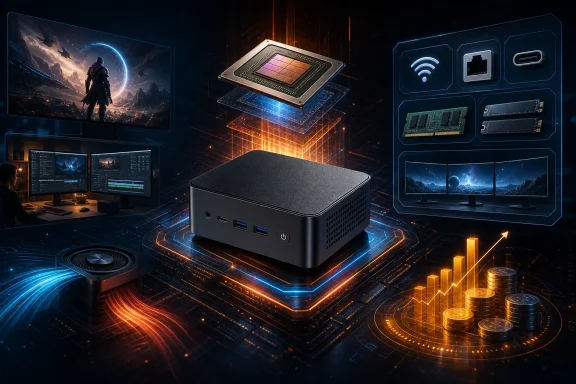
Minisforum’s UM750 Neo is an unusual mini PC not because it uses an AMD chip, but because it uses the standard Ryzen Z1: a processor AMD designed for handheld gaming systems. That decision makes the UM750 Neo harder to judge by a simple specification checklist. Its compact-PC fundamentals look practical—fixed 16GB memory, two SSD slots, USB4, 2.5GbE, Wi-Fi 6E and support for three displays—but the Z1 is also a notably cut-down graphics configuration beside the better-known Z1 Extreme. The...
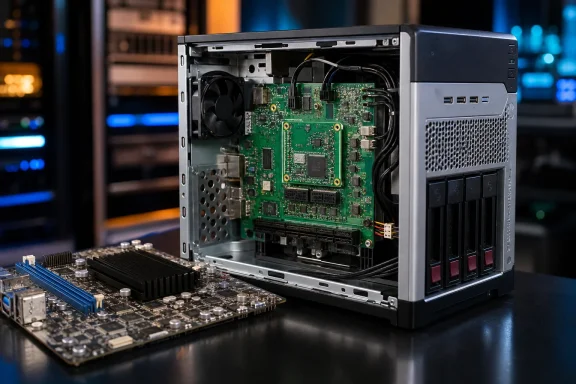
A striking homelab project has given an HP ProLiant MicroServer N40L a second life—but not in the usual sense of upgrading an old server. EastMakes has replaced the original computing platform with a purpose-built carrier board for Raspberry Pi’s Compute Module 5 (CM5), shaped and connected for the N40L chassis. It is an inventive example of hardware reuse, yet its practical limits matter as much as its clean fit: the old chassis is demonstrably being reused, while the old AMD motherboard...
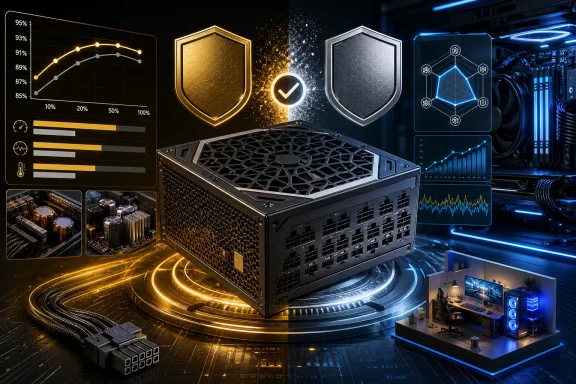
The FSP MEGA GM 1200W is a high-capacity ATX 3.1 power supply whose basic proposition is straightforward: provide a modern 1,200 W platform, a native 12V-2x6 graphics cable, and long warranty coverage without relying on an unnamed third-party design. What is less straightforward is its efficiency branding. FSP’s own product listing calls this exact model Gold-rated, yet certification records for the same MEGA-1200GM model document Platinum-level results. That mismatch matters because a...