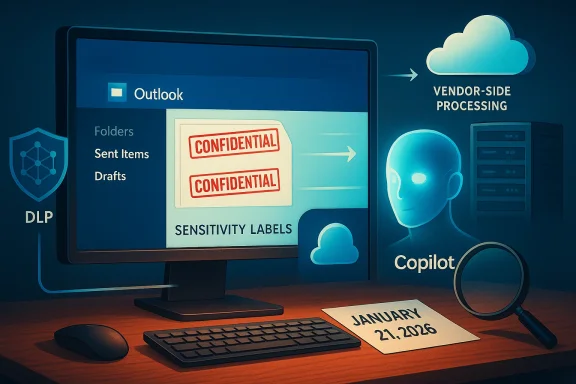
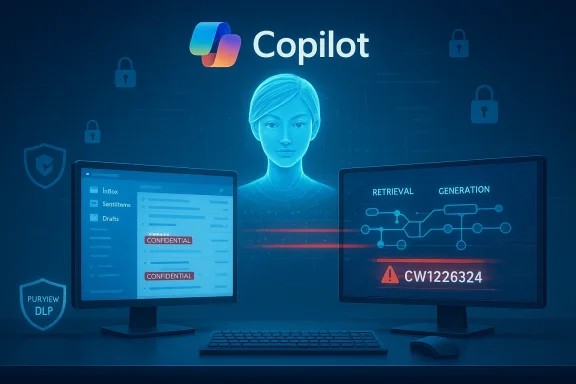
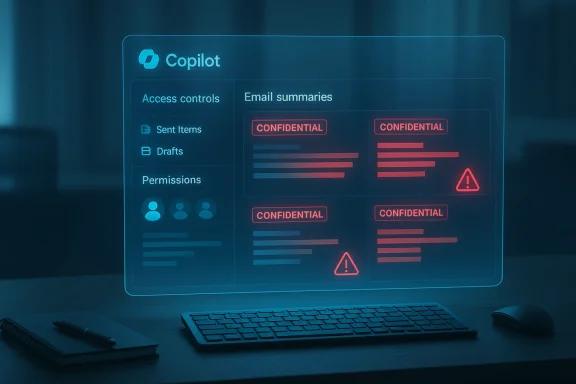
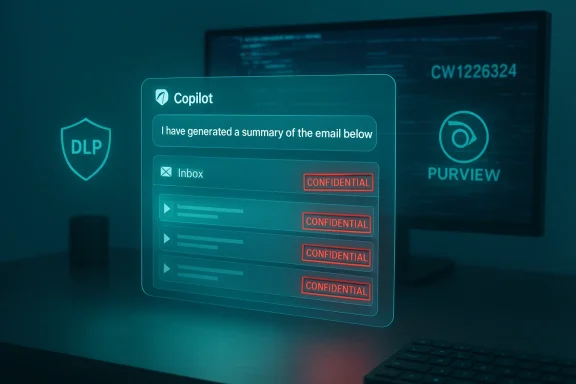
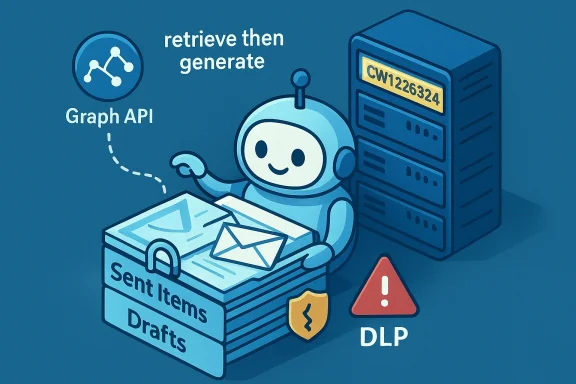
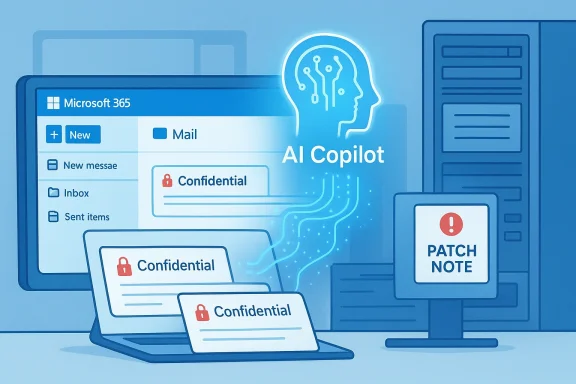
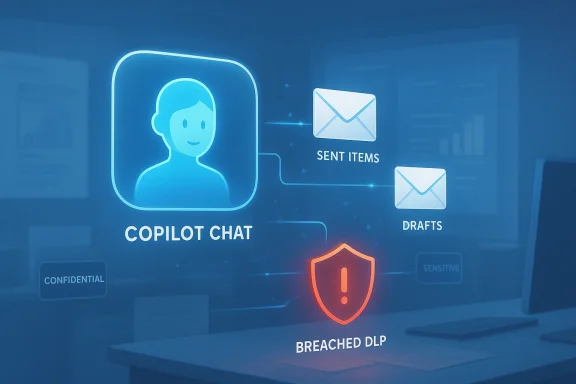
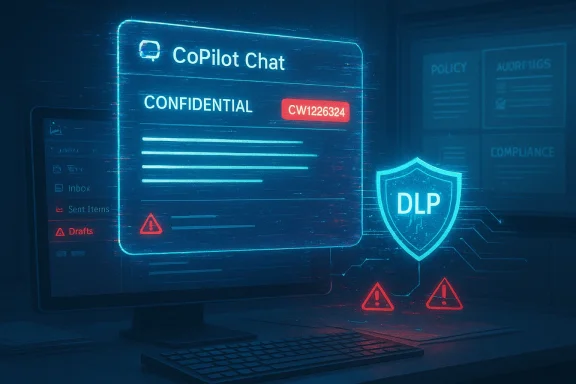
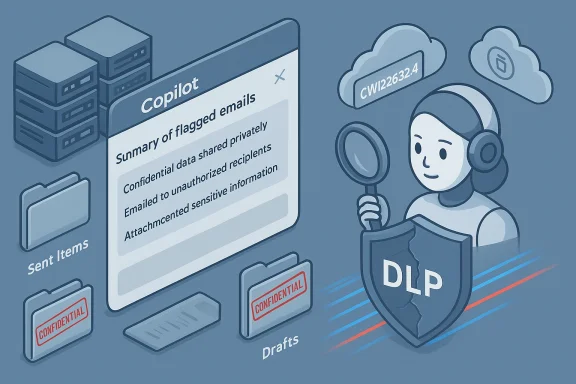
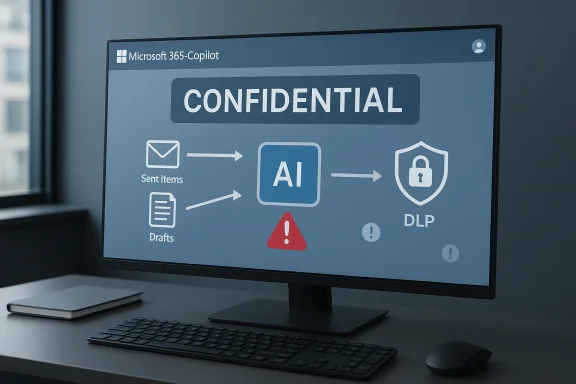
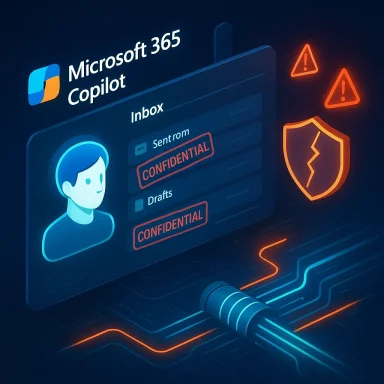
Microsoft’s flagship productivity AI for Microsoft 365 has a glaring privacy problem: for weeks a code error allowed Copilot Chat to read and summarize emails that organizations had explicitly labelled as confidential, bypassing Data Loss Prevention (DLP) controls and undermining a core tenant of enterprise data governance. The issue, tracked by Microsoft as CW1226324, was first detected in late January and — according to service alerts and multiple independent reports — affected the Copilot “work tab” conversation experience by pulling messages out of users’ Sent Items and Drafts even when those messages carried sensitivity labels meant to block automated ingestion.
Microsoft 365 Copilot is designed to be a context-aware assistant: it indexes organizational content (documents, email, SharePoint, Teams chats) and uses that context to answer questions, draft content, and summarize material for users. To make Copilot safe for enterprise use, Microsoft exposed administrative controls and sensitivity-label-aware exceptions so that tenants could instruct Copilot to exclude certain documents or messages from model processing. Those protections are foundational for regulated industries and any organization that treats confidentiality labels as enforceable policy.
The bug revealed how fragile those protections can be in practice. According to Microsoft’s advisory and corroborating reporting, a code issue allowed Copilot to access items in Sent Items and Drafts despite a sensitivity label such as Confidential being present and a DLP policy to exclude such content from Copilot processing. The problem was not a policy misconfiguration on the customer side; Microsoft’s servers were incorrectly applying exclusions for these specific folders.
The lack of deeper transparency — incident timelines, forensics, queries that triggered the content retrieval, or a tenant-level audit tool for admins — is what elevates this from a technical bug to a governance problem. Organizations demand the ability to confirm whether sensitive data left their control, and Microsoft’s current public updates offer limited promise and little forensic evidence that would allow customers to conclude definitively whether their confidential correspondence was ingested or otherwise exposed.
This reaction is predictably conservative, but it highlights a political reality: until vendors can prove robust, auditable controls that prevent unauthorized AI ingestion, public-sector bodies are likely to restrict AI features by policy or technical enforcement.
In short: treat this as a wake-up call. Fixes will arrive, but expectations must evolve — for vendors and customers alike — toward auditable, provable controls for AI agents that handle enterprise data.
Source: TechCrunch Microsoft says Office bug exposed customers' confidential emails to Copilot AI | TechCrunch
 Background
Microsoft 365 Copilot is designed to be a context-aware assistant: it indexes organizational content (documents, email, SharePoint, Teams chats) and uses that context to answer questions, draft content, and summarize material for users. To make Copilot safe for enterprise use, Microsoft exposed administrative controls and sensitivity-label-aware exceptions so that tenants could instruct Copilot to exclude certain documents or messages from model processing. Those protections are foundational for regulated industries and any organization that treats confidentiality labels as enforceable policy.The bug revealed how fragile those protections can be in practice. According to Microsoft’s advisory and corroborating reporting, a code issue allowed Copilot to access items in Sent Items and Drafts despite a sensitivity label such as Confidential being present and a DLP policy to exclude such content from Copilot processing. The problem was not a policy misconfiguration on the customer side; Microsoft’s servers were incorrectly applying exclusions for these specific folders.
What exactly happened
The technical failure, in plain language
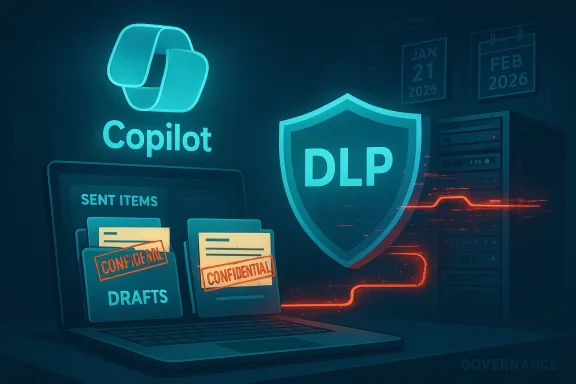
The problem was narrow in scope but high in consequence. Copilot’s “work tab” Chat should respect DLP policies and sensitivity labels that tell Microsoft services not to ingest or use certain content for automated processing. Instead, a code path error meant that messages saved in Sent Items and Drafts were indexed by Copilot and then surfaced to queries or prompts posed to the chat assistant — including summaries of the content — even when those messages were labelled confidential and a DLP policy was in place to stop that very behavior. Microsoft described the root cause simply as a “code issue” that allowed those items to be “picked up” by Copilot, and began deploying a remediation in early February.Folders mattered
Crucially, this wasn’t a tenant-wide collapse of sensitivity labels across Exchange or SharePoint. Microsoft’s advisory and subsequent tests reported by industry analysts show the issue appeared limited to messages in Sent Items and Drafts; other folders did not appear to be affected. That makes the failure narrower but more insidious: Sent Items routinely contains corporate correspondence that has been sent externally — precisely the kinds of messages organizations expect to keep out of an AI assistant’s ingestion scope.How long it lasted and who noticed
Multiple independent reports say Microsoft first detected the behavior around January 21, 2026, and began rolling out a fix in the first weeks of February 2026. Microsoft has been contacting subsets of affected tenants to confirm remediation as the patch “saturates” across its environments, language commonly used for staged server-side rollouts. Microsoft has not disclosed a global count of affected tenants or detailed telemetry about what content was accessed, which has left many customers and security teams demanding audit tools and transparency.Timeline (concise)
- January 21, 2026 — Microsoft first detects anomalous Copilot behavior that processed confidential emails in certain folders.
- January 21–February 3, 2026 — Customers and IT professionals report that Copilot is summarizing emails labelled confidential; Microsoft records the issue as service advisory CW1226324.
- Early February 2026 — Microsoft begins deploying a server-side fix and reaches out to subsets of customers to validate remediation as the rollout continues. Microsoft indicates monitoring of the fix’s deployment.
Microsoft’s official posture and what it tells us
Microsoft’s public advisory language was succinct and factual: messages with a confidential sensitivity label were being “incorrectly processed” by Microsoft 365 Copilot Chat, specifically in the Chat function of the “work” tab. The company attributed the cause to a code issue and reported that remediation began in early February, with follow-up updates as its rollout progressed. Microsoft has not published a detailed post‑incident report, and it has not provided a definitive count of affected tenants or specifics about access logs or data retention for the content Copilot processed during the exposure window.The lack of deeper transparency — incident timelines, forensics, queries that triggered the content retrieval, or a tenant-level audit tool for admins — is what elevates this from a technical bug to a governance problem. Organizations demand the ability to confirm whether sensitive data left their control, and Microsoft’s current public updates offer limited promise and little forensic evidence that would allow customers to conclude definitively whether their confidential correspondence was ingested or otherwise exposed.
Who was affected — likely scope and practical risk
No public list of affected customers has been released. However, several operational signals point to a measurable but not necessarily catastrophic exposure model:- Microsoft began a fix rollout fairly quickly, implying either rapid detection or a controlled remediation path.
- The advisory’s folder-focused wording (Sent Items and Drafts) suggests the issue was specific and not a blanket bypass across all Microsoft 365 storage.
- Service advisories were converted to targeted communications for affected tenants, which is consistent with an incident Microsoft considered scoped rather than universally impacting.
Why this matters for enterprise security and compliance
DLP and sensitivity labels are not mere tags
For security and compliance teams, sensitivity labels and DLP policies are enforceable controls tied to regulatory requirements, contractual obligations, and risk frameworks. When a vendor-provided control path fails, organizations can’t simply accept a soft assurance; they need verifiable evidence of exposure and the ability to remediate or notify as required by law or contract. The Copilot incident highlights that:- Vendor-hosted AI features extend the attack surface to server-side model pipelines that call back to corporate content.
- Traditional DLP testing that focuses on client-side or on‑premise flows will miss server-side ingestion bugs unless explicitly tested.
Auditability and incident response gaps
Microsoft’s current remediation communications emphasize fix deployment and tenant outreach, but do not yet offer a universal tenant-level audit to show which queries accessed which items during the exposure window. Without robust access logs and machine-readable audit trails, organizations have limited ability to prove to regulators or customers whether confidential content was processed. That lack of auditability increases legal risk and complicates post-incident remediation.How administrators should respond right now
If your organization uses Microsoft 365 Copilot, implement these pragmatic, prioritized steps immediately.- Confirm whether your tenant received any Microsoft advisory or targeted message referencing CW1226324. If so, follow the contact instructions and open a support ticket if a timeline or audit data is not provided.
- Run a targeted search for messages labelled Confidential in Sent Items and Drafts between January 21, 2026 and the date your tenant received remediation confirmation. Export metadata (sender, recipients, timestamps) and preserve copies for legal and compliance review.
- Request an evidence package from Microsoft: ask for Copilot access logs and any server-side telemetry that shows retrieval or summarization events tied to Copilot queries for your tenant. If Microsoft cannot provide this, document that gap formally.
- Validate your DLP for Copilot rules and consider a temporary hard exclusion: use Restricted Content Discovery (RCD) or equivalent features to remove highly sensitive SharePoint sites and mailboxes from Copilot’s scope until you can verify tools and policies.
- Rotate any credentials, secrets, or tokens that may have been referenced in exposed messages, particularly if message content suggested keys or access strings. Treat such content as compromised until proven otherwise.
- Run tabletop exercises and update incident response plans to include server-side AI ingestion failures as a distinct class of event. Assign responsibilities for vendor engagement and regulatory notification.
Microsoft’s remediation and the transparency problem
Microsoft’s immediate technical fix is necessary but not sufficient from a governance standpoint. Fixing the code path that allowed certain folders to be processed removes the immediate vulnerability, but the absence of a fully transparent audit timeline leaves customers uncertain whether confidential items were accessed and, if accessed, what happened to derived summaries or embeddings. Enterprise customers will reasonably expect:- Clear incident timelines and root-cause analysis in a post-incident report (PIR).
- Tenant-level audit logs for Copilot interactions for the exposure window.
- Confirmation about retention or model training: whether any extracted content was persisted in intermediate services or used for model fine-tuning. Microsoft’s general Copilot privacy FAQ states uploaded files are not used to train Copilot generative models by default and that files can be stored for up to a retention window, but this incident raises questions that customers will want answered specifically for any content Copilot processed erroneously.
Regulatory and legal implications
Different jurisdictions have differing disclosure rules for breaches of sensitive information. If Copilot’s summaries included personally identifiable information, health data, financial details, or other regulated categories, organizations may be required by law to inform impacted parties and regulators. The complication: this event centers on a vendor-side AI inference engine, not a traditional exfiltration through an external attacker. Regulators will need to clarify whether misprocessing by a vendor-hosted AI counts as a reportable data breach under existing frameworks. In the meantime, conservative legal advice will likely push organizations toward disclosure and documentation if confidential, regulated, or contractually protected content was impacted.Broader implications for AI governance in enterprises
This incident is the latest in a string of events that show how enterprise adoption of generative AI forces a rethink of long-standing security controls.- AI agents blur the lines between access and use. Traditional DLP focuses on preventing unauthorized access or transmission. With AI agents, use — summarization, derivation of insights, or indexing — becomes a distinct risk category that must be governed.
- Vendor operational transparency matters more than ever. Organizations must demand auditable, machine-readable evidence from vendors for any operation that touches regulated data.
- Off-device cloud processing adds a second layer of trust. Even when data remains inside a tenant, server-side AI processing changes threat models: a single code bug in the vendor’s pipeline can nullify tenant controls.
The political fallout: public institutions are reacting
The Copilot incident also rippled into public-sector caution. The European Parliament’s IT department recently instructed lawmakers to disable built-in AI features on work devices, citing the risk that AI tools could upload confidential correspondence to cloud services. That move is emblematic of a wider caution among governments and regulators who have already flagged AI data governance as a priority. The Parliament’s internal memo, reported by several outlets, emphasized the uncertainty around what data these tools share with cloud providers and advised staff to keep built-in AI features switched off until the data flows are fully understood.This reaction is predictably conservative, but it highlights a political reality: until vendors can prove robust, auditable controls that prevent unauthorized AI ingestion, public-sector bodies are likely to restrict AI features by policy or technical enforcement.
Strengths and weaknesses of Microsoft’s approach
Strengths
- Microsoft moved quickly to identify the issue and deploy a server-side remediation, which limited the potential exposure window. The ability to push a backend fix rather than require customer-side patches is operationally useful for urgent incidents.
- Microsoft provides multiple controls for Copilot governance — including sensitivity labels, DLP rules targeted to Copilot, and Restricted Content Discovery for SharePoint — which, when working correctly, offer customers strong levers for control.
Weaknesses and risks
- Lack of tenant-level audit packages and incomplete transparency about the scope of exposure create legal and compliance risk for customers. Microsoft’s public messaging stops short of providing customers the forensic data they need.
- The incident shows a systemic testing gap: scenarios involving Sent Items and Drafts should be explicit in any DLP-for-AI test plan. That suggests Microsoft’s pre-release testing either missed a regression or the code path was introduced in a way that bypassed expected checks.
Practical recommendations for long-term defense
- Insist on auditable vendor SLAs for AI processing that include retention of query logs and the ability to request search-forensic exports for defined windows.
- Require vendor contractual clauses that commit to post-incident PIRs with technical detail and tenant-level telemetry where regulated data may be involved.
- Treat AI ingestion as a first-class risk in your information security framework; include it explicitly in classification and labeling policies and in DLP testing matrices.
- Implement automated compliance tests that verify DLP and sensitivity label enforcement against real-world scenarios, including Sent Items and Drafts, on a recurring schedule.
- Consider a defense-in-depth approach: for the most sensitive content, use encryption or segregated stores that are not accessible to AI agents even when vendor controls claim to exclude them.
Conclusion
The Copilot incident tracked as CW1226324 is a cautionary moment for enterprises that have rushed to adopt convenience-focused generative AI without ensuring that vendor-side controls are demonstrably effective and auditable. Microsoft’s prompt remediation is encouraging, but remediation alone does not satisfy the need for forensic evidence, regulatory certainty, and long-term governance controls. Organizations that rely on sensitivity labels and DLP to meet legal and contractual obligations must assume that vendor-hosted AI systems can fail in novel ways and must demand the tools, telemetry, and contractual assurances necessary to manage that risk.In short: treat this as a wake-up call. Fixes will arrive, but expectations must evolve — for vendors and customers alike — toward auditable, provable controls for AI agents that handle enterprise data.
Source: TechCrunch Microsoft says Office bug exposed customers' confidential emails to Copilot AI | TechCrunch