

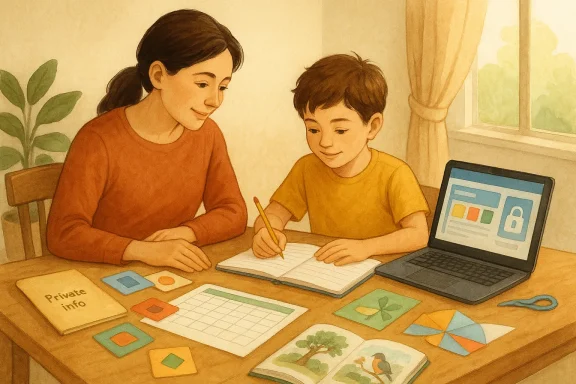
AI can be genuinely useful in home education, but the best way to think about it is as a support tool, not a replacement for the parent or tutor guiding the child. In the BBC Bitesize piece, home-educating parent Sasha Jackson describes AI as something that can generate quizzes, discussion prompts, creative project ideas, crafts, and age-appropriate explanations tailored to a child’s interests, and she suggests using it to build study plans, check work, personalize revision, and surface learning hidden in everyday activities. That makes AI less of a “teacher in a box” and more of a flexible planning and enrichment assistant.
Here are practical ways to use it well:
- Build a tailored study plan
- Ask AI to create a day, week, or month plan based on your child’s age, current level, and interests.
- Example: a child who likes nature could get a four-week plan blending reading, science, and art.
- Turn everyday life into lessons
- You can describe something your child just did, such as building a cardboard house, and ask AI what learning areas were covered and how to extend them.
- This is useful for spotting literacy, maths, engineering, and creative thinking in ordinary play.
- Generate subject-specific practice
- Use it for quizzes, flashcards, discussion questions, spelling practice, or comprehension questions.
- For older children, it can also create exam-style practice, such as GCSE-style questions on Macbeth, if you specify the exam board and topic.
- Differentiate explanations
- AI can rephrase a topic in simpler language, a story format, or a more advanced way depending on the child.
- That is especially helpful when one child needs a playful explanation and another needs a more formal one.
- Support revision and memory
- Ask it to turn notes into flashcards, summary sheets, retrieval quizzes, or revision timetables.
- This can reduce prep time for parents while keeping practice consistent.
- Help with feedback
- AI can highlight mistakes in writing or short answers and suggest ways to improve them.
- Used carefully, it can function like a first-pass editor before the parent reviews the work.
A good rule is to use AI in three stages:
- Plan: ask it for ideas, schedules, and alternatives.
- Practice: use it for quizzes, examples, and explanations.
- Review: have it point out gaps, mistakes, or missing detail.
A few good prompt examples:
- “Create a one-week home education plan for an 8-year-old who loves animals, covering reading, maths, and science.”
- “Give me five age-appropriate discussion questions about photosynthesis for a 10-year-old.”
- “Turn this paragraph into three simple comprehension questions.”
- “Suggest a craft activity that teaches symmetry to a child aged 7.”
- “Create a GCSE-style Macbeth question suitable for the AQA exam board.”
Just as importantly, keep privacy in mind. The University of Waterloo guidance in the retrieved materials warns against putting personal or sensitive data into public AI tools, and recommends using approved accounts or safer settings where possible. That is good advice for home educators too, especially when children’s names, school records, or learning difficulties are involved.
In short, AI can help home education by making it more personalised, efficient, and creative. The strongest use cases are planning, explanation, revision, feedback, and enrichment. The weakest use case is handing over the learning itself.
Source: BBC How to use AI safely when educating your child at home - BBC Bitesize
Last edited:
