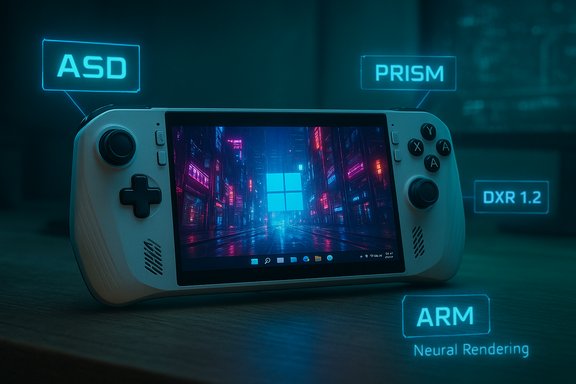
Windows 11’s gaming story in 2025 reads less like an incremental update and more like a deliberate course correction: handhelds that behave like consoles, meaningful progress for Windows on Arm, and DirectX features that make ray tracing and AI-driven rendering practical beyond demos. These shifts are anchored in three visible threads—purpose-built hardware (the ROG Xbox Ally family), software infrastructure (Advanced Shader Delivery, Prison/Prism updates and anti‑cheat plumbing), and graphics platform advances (DXR 1.2 and early neural rendering hooks)—and together they change where and how many players will choose to game on Windows going forward.
Windows has long been the most flexible PC gaming platform: open storefronts, broad engine support and a massive legacy catalog. But portability and consistent first‑run experiences have been pain points for years—long shader compile waits, desktop‑first UX on handhelds, and fragmented Arm support have all limited the appeal of Windows handheld devices. In 2025 Microsoft and partners pushed several coordinated changes to address those exact frictions: a console‑style full‑screen shell, cloud‑assisted shader delivery, emulator improvements for Arm, Expanded anti‑cheat support and DirectX upgrades that materially accelerate ray‑tracing workloads.
That said, the ecosystem still needs time—independent benchmarks across a broad set of games, continued anti‑cheat vendor porting, and careful driver QA are all necessary. For players and developers who value portability, lower first‑run friction and a modern rendering toolset, 2025 was a turning point. For those who demand absolute maximum framerate and the deepest stability today, a high‑end x86 desktop still leads. The direction is clear: Microsoft and partners are closing the distance, and the result is a richer set of choices for PC gamers across handhelds, laptops and desktops.
Source: Windows Blog Windows PC gaming in 2025: Handheld innovation, Arm progress and DirectX advances
 Background
Windows has long been the most flexible PC gaming platform: open storefronts, broad engine support and a massive legacy catalog. But portability and consistent first‑run experiences have been pain points for years—long shader compile waits, desktop‑first UX on handhelds, and fragmented Arm support have all limited the appeal of Windows handheld devices. In 2025 Microsoft and partners pushed several coordinated changes to address those exact frictions: a console‑style full‑screen shell, cloud‑assisted shader delivery, emulator improvements for Arm, Expanded anti‑cheat support and DirectX upgrades that materially accelerate ray‑tracing workloads. Handheld innovation: ROG Xbox Ally and the console‑grade Windows experience
The ROG Xbox Ally and ROG Xbox Ally X are the clearest, most tangible expression of Microsoft’s handheld playbook: purpose‑built Windows hardware, co‑engineered features and a controlled target for new platform capabilities. ASUS and Xbox announced availability and full specifications for the Ally family ahead of an October 16, 2025 retail launch, with the Ally X positioned as the premium, NPU‑equipped model and the base Ally focused on energy‑efficient play.What the hardware brings
- ROG Xbox Ally (base): AMD Ryzen Z2 A APU, 16 GB LPDDR5X, 512 GB M.2 SSD, 7" FHD 120 Hz panel, 60 Wh battery.
- ROG Xbox Ally X (premium): AMD Ryzen AI Z2 Extreme (Zen 5 APU with integrated NPU), up to 24 GB LPDDR5X‑8000, 1 TB M.2, larger 80 Wh battery and higher sustained power targets for demanding titles.
Xbox Full Screen Experience (FSE): Windows in a gaming posture
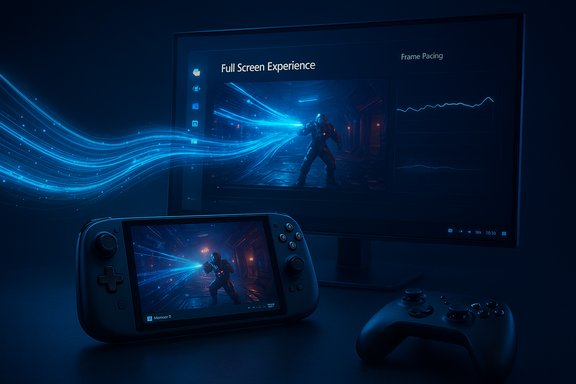
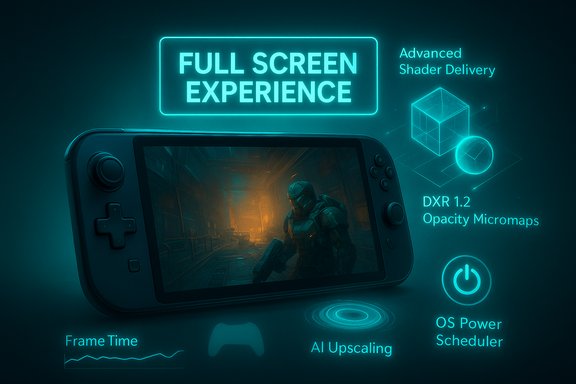
The Xbox Full Screen Experience (FSE) is not a new OS; it’s a session posture that runs a controller‑first shell on top of Windows 11. FSE boots into a console‑style launcher (often the Xbox PC app), defers non‑essential desktop services, suppresses noisy explorer ornaments and prioritizes controller navigation. That approach keeps core Windows pieces (drivers, security, anti‑cheat, DirectX) intact while giving handhelds more consistent frame pacing and lower background overhead. Early telemetry and hands‑on reporting show measurable memory savings and smoother minimum frame rates in some titles when FSE is active.- Key user benefits:
- Controller‑first UI and large, thumb‑friendly tiles.
- Aggregated game library and Game Pass discoverability.
- Session policies that reduce background CPU wakeups and free up RAM for games.
Advanced Shader Delivery (ASD): ending the “first run tax”
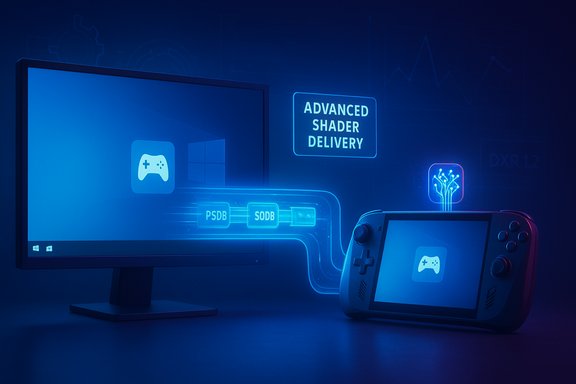
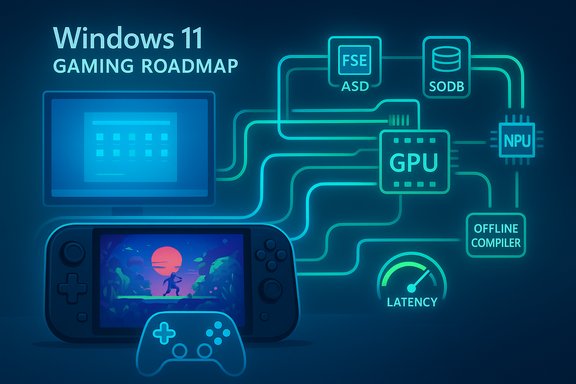
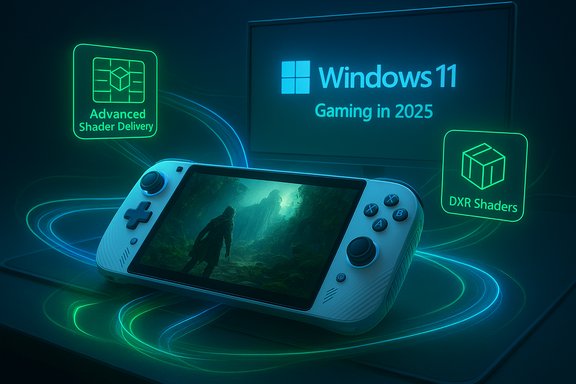
Advanced Shader Delivery (ASD) is one of the most consequential platform changes for real players because it attacks a problem that every PC gamer knows: long first‑run shader compilation and the stutters that follow. ASD moves shader compilation off devices and delivers precompiled, driver‑validated shader databases (PSDBs) at install time via the Xbox PC app and related tooling (Agility SDK), eliminating much of the wait and early‑session stutter. Microsoft and partners report large reductions in first‑run load times—Avowed saw reductions in the high‑80s percentage range in internal testing, while other examples were even more dramatic. Independent reporting corroborates large gains in specific titles, though exact numbers vary by engine, GPU and driver build.- Why ASD matters:
- Faster time‑to‑play and less battery/watt spent on compilation.
- More consistent frame pacing on constrained handheld APUs.
- A distribution path that lets Microsoft and partners push PSDB updates when drivers change (reducing regressions).
System‑level performance polish
Beyond FSE and ASD, this year delivered dozens of incremental but meaningful platform and driver fixes: tuned power profiles, lower CPU overhead for input and RGB services, improved UMA behavior on AMD Ryzen APUs and targeted per‑title driver fixes. Much of this came via coordinated engineering with AMD and ASUS, and these end‑to‑end fixes are the sort of small advantages that compound into a better handheld experience.Windows on Arm: compatibility, emulation, and anti‑cheat
2025 was also pivotal for Windows on Arm. Improvements spanned several fronts: Prism emulation, downloadable GPU drivers and anti‑cheat vendor support—each of which removes a different blocker for local, native gaming on Arm laptops and thin handhelds.Prism: AVX/AVX2 and broader instruction support
Microsoft’s Prism emulator expanded support for common x86 SIMD extensions—AVX and AVX2 (plus BMI, FMA, F16C)—a crucial step because a large number of modern games and middleware rely on those instructions. This extended translation capability significantly improves compatibility for emulated titles and reduces the number of immediate publisher ports required. Microsoft’s documentation and community updates confirm the rollout across Windows 11 builds and note opt‑in compatibility settings for specific apps.- Practical reality: emulation still carries CPU overhead; the update improves compatibility and performance but does not magically make Arm silicon equal to high‑end x86 silicon in raw compute. Expect good results in GPU‑bound games and a narrower but real gap for CPU‑heavy scenes.
Native anti‑cheat: EAC and others step up
Anti‑cheat has historically been the single largest blocker to multiplayer parity on Arm. This year Epic Games (Easy Anti‑Cheat/EAC) added Arm support and distributed SDK updates to publishers, and other vendors such as BattlEye, Denuvo and XIGNCODE3 also worked to support Arm builds. Fortnite became a notable early example of a mainstream title validated for Windows on Arm multiplayer. These vendor moves, combined with Windows security primitives (VBS, Secure Boot, TPM 2.0), make competitive play on Arm notebooks a practical reality for an increasing set of titles.- What remains: not every anti‑cheat vendor supports Arm yet; titles that rely on vendor tech that hasn’t ported will still block local multiplayer. Publishers’ willingness to ship Arm‑native builds also varies.
DirectX advances: DXR 1.2, neural rendering hooks and the ray‑tracing story
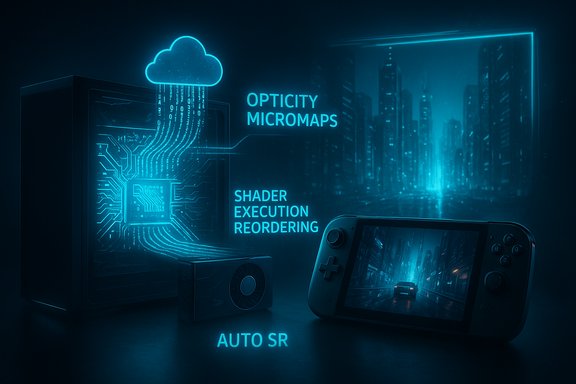
For graphics and rendering, DXR 1.2 is the headline: Opacity Micromaps (OMM) and Shader Execution Reordering (SER) are practical, spec‑level advances that substantially reduce ray‑tracing costs in common scenarios. Microsoft presented DXR 1.2 at GDC 2025 and demonstrated real gains—OMMs avoid expensive any‑hit shader invocations on alpha‑tested geometry (fences, foliage), and SER improves GPU efficiency by grouping similar shader work. Microsoft and partners report up to 2.3× gains in path‑traced scenes for supported workloads. Independent vendor writing and developer blogs (including NVIDIA technical analysis) show OMM and SER delivering meaningful frame‑time and memory benefits in path‑traced and heavy alpha geometry scenes.- Why this is important:
- OMMs and SER convert previously expensive ray‑traced effects into practical rendering choices for live titles.
- Hardware and driver support are rolling out (NVIDIA committed driver support early, with AMD/Intel/Qualcomm coordination ongoing).
Neural rendering and Shader Model 6.9
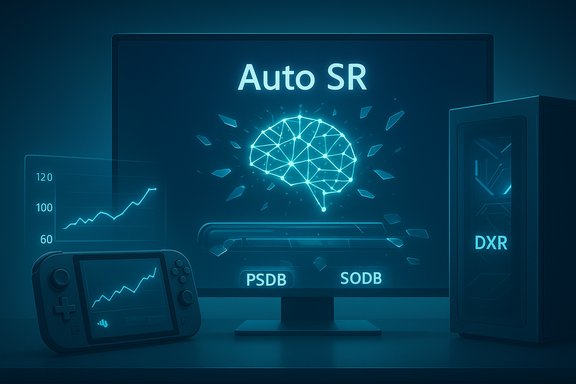
DirectX’s roadmap now includes early support for cooperative vectors in Shader Model 6.9—language features that make integrating efficient ML inference into render pipelines realistic. The immediate use cases are denoising, AI upscaling and material reconstruction; the long view is a hybrid rendering model where neural operators shoulder tasks that were previously prohibitively expensive. These APIs are in preview, intended first for experimental adoption by engine teams and then broader tooling. The path from preview to mainstream will hinge on hardware support (NPUs, tensor cores) and compact, fast models that preserve latency budgets for interactive rendering.Audio, wireless and accessibility: Bluetooth LE Audio
Windows 11 added robust Bluetooth LE Audio support and a super‑wideband stereo mode in 2025 that removes the old tradeoff between chat quality and game audio fidelity. Instead of dropping to narrow‑band mono when using a headset mic, LE Audio with LC3 can maintain stereo, higher‑sample‑rate audio while voice traffic is active—significantly improving in‑game communication quality for gamers using compatible headsets. The platform update also expands direct hearing‑device support and lowers latency compared to legacy A2DP/HFP arrangements. This is a practical accessibility and quality improvement for many gamers.- Practical note: LE Audio benefits depend on device firmware and vendor driver support; not every Bluetooth 5.x product exposes LE Audio features without OEM/driver updates.
Developer and platform implications
For studios and engine teams, the 2025 platform changes shift a few engineering calculations:- ASD and Agility SDK create a low‑effort path to faster first runs—teams should evaluate PSDB integration and QA for driver variants.
- DXR 1.2’s OMM and SER unlock new production‑level ray‑traced content, but require testing across hardware and driver versions to capture worst‑case regressions.
- Arm support (native or emulated) changes the deployment matrix: Arm64, Arm64EC hybrid builds or relying on improved Prism emulation are all valid strategies with tradeoffs in performance, QA and maintenance. Verify anti‑cheat and middleware vendors early in the porting process.
Strengths, risks and what to watch next
Strengths (what’s genuinely improved)
- Tighter hardware‑software co‑engineering reduces fragmentation and raises the probability that system features behave predictably on validated devices.
- ASD materially reduces first‑run friction—a real UX win for all players, especially handheld owners with limited battery and thermal headroom.
- DXR 1.2 turns ray tracing from an expensive luxury into a practical toolset for some real‑world game scenarios, particularly path tracing and alpha‑heavy scenes.
- Arm gaming is no longer blocked by single‑vendor gaps—Prism updates, downloadable drivers and anti‑cheat vendor moves make local play on Arm plausible for many titles.
Risks and caveats (what still needs watching)
- ASD’s cloud bundling model raises operational and privacy questions. Precompiling shaders in the cloud and distributing PSDBs improves UX, but developers and enterprises should validate build provenance, driver mismatch handling and how updates are pushed when drivers change. Where precise numbers come only from Microsoft’s internal tests (e.g., some single‑title claims), treat them as indicative but subject to independent verification. I flagged such Microsoft‑supplied performance figures when they lacked third‑party confirmation.
- Emulation overhead remains real. AVX/AVX2 support narrows the compatibility gap, but translated code still consumes cycles and will not match native x86 performance in CPU‑bound workloads; high‑end x86 remains the performance leader for ultra‑competitive or maximum‑settings play.
- Driver cadence and regressions. Faster and more frequent driver updates—especially on Arm where vendors shifted from mobile‑style update models—improves responsiveness but increases the chance of regressions unless paired with robust QA and staged OEM channels.
- Anti‑cheat coverage is improving but incomplete. EAC, BattlEye, Denuvo and others now support Arm in many cases, but a non‑trivial tail of vendors and title integrations remains to be ported; multiplayer parity will be incremental.
- Hardware variability matters. Handheld outcomes depend on OEM thermal budgets, power profiles and firmware choices—benchmarks on engineering samples or demo rigs don’t always translate 1:1 to retail units.
Practical advice for players, developers and IT pros
- Players: If you want a hassle‑free handheld experience, target devices explicitly validated for FSE and ASD (ROG Xbox Ally family initially) and check lists for ASD‑enabled games. Join Insider or OEM preview channels only after backing up data.
- Developers: Evaluate ASD and DXR 1.2 in your engine pipelines. Use Agility SDK for shader bundle validation and test OMM/SER on multiple GPU drivers early. If you target Arm, prioritize anti‑cheat vendor compatibility and consider Arm64EC hybrids for a smoother port path.
- IT/enterprise: Treat Windows on Arm gaming improvements as a maturing consumer platform, not a turnkey replacement for corporate gaming or simulation workloads—confirm support for enterprise tooling, security posture (VBS/TPM) and any specialized software before mass deployment.
Conclusion: incremental engineering, structural momentum
2025 didn’t flip the gaming industry overnight, but it stitched together a pragmatic, cross‑stack engineering effort that removes prominent blockers to portable, local PC gaming. Purpose‑built handheld hardware (ROG Xbox Ally), platform plumbing (ASD, FSE), emulator expansion (Prism with AVX/AVX2) and DirectX advances (DXR 1.2 + neural hooks) combine to make Windows 11 gaming faster, more portable and more visually capable than it was a year before. The work is cumulative: small system‑level savings add up to real improvements in battery life and frame pacing; driver and anti‑cheat coordination unlock multiplayer; graphics platform features make denser visual fidelity economically sensible.That said, the ecosystem still needs time—independent benchmarks across a broad set of games, continued anti‑cheat vendor porting, and careful driver QA are all necessary. For players and developers who value portability, lower first‑run friction and a modern rendering toolset, 2025 was a turning point. For those who demand absolute maximum framerate and the deepest stability today, a high‑end x86 desktop still leads. The direction is clear: Microsoft and partners are closing the distance, and the result is a richer set of choices for PC gamers across handhelds, laptops and desktops.
Source: Windows Blog Windows PC gaming in 2025: Handheld innovation, Arm progress and DirectX advances