


Bekrah
Extraordinary Member
Member details
- Joined
- Nov 24, 2012
- Messages
- 7
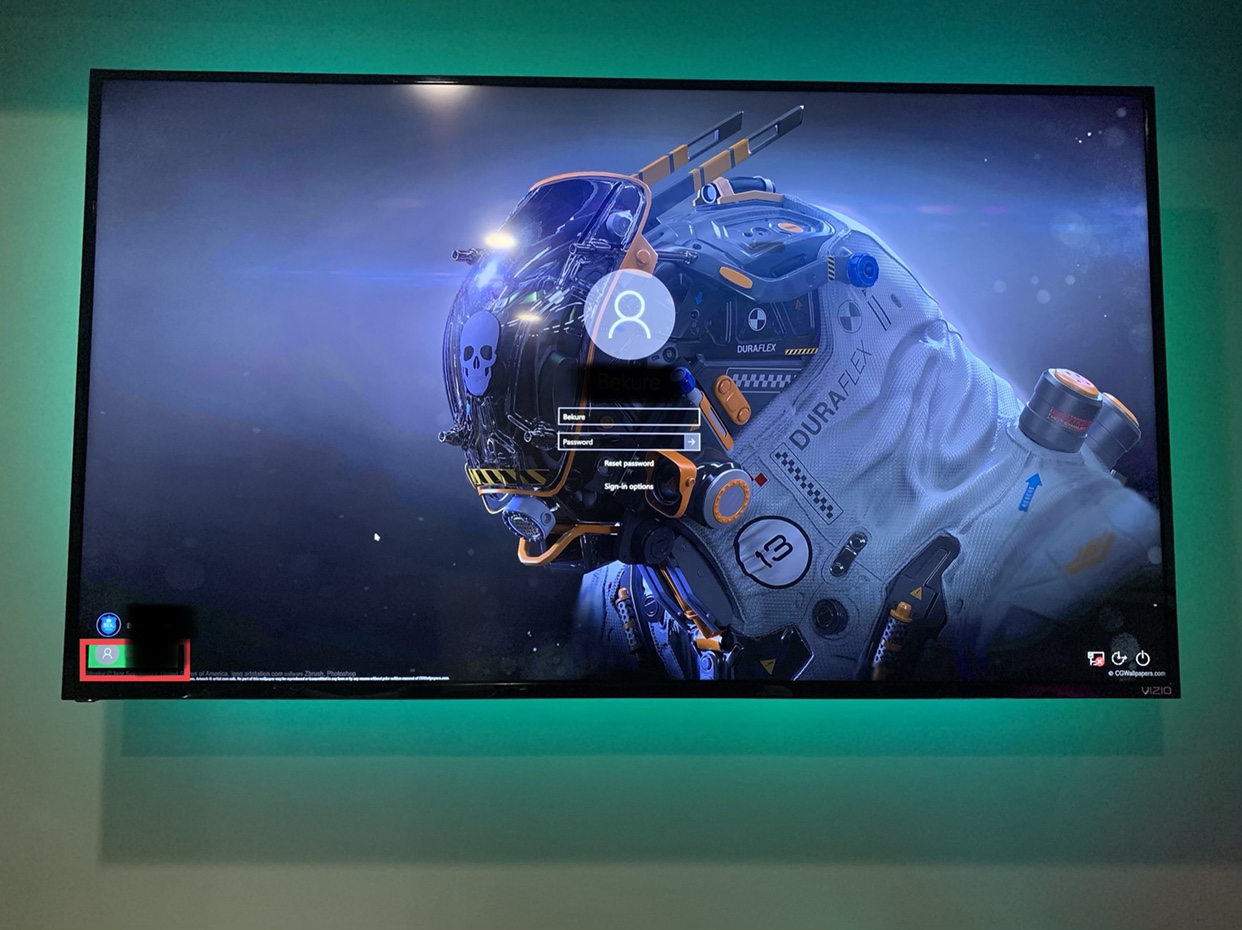
I have recently notice that after I changed the name of my PC, my computer no longer automatically logs into Windows after a reboot. It gets hung up on the login screen and now I notice TWO profiles at the lower left hand corner. I don’t need the profile which is highlighted in red. I assume that if I got rid of it, then my problem would be solve. How do I go about getting rid of it?
Any tips would be appreciated. Thanks in advance.
Sent from my iPhone using Tapatalk
Any tips would be appreciated. Thanks in advance.
Sent from my iPhone using Tapatalk


