

Hi, a year ago I transferred around 200 photos from my iPhone 4s to my PC.
It seems there is an issue with all the files, less than 10% of the photos are viewable, the rest are not. When I open a folder containing maybe 100 photos, all the thumbnails load up to show the whole photo, then a second later they change and show the top section of the photo and the rest is one solid colour.
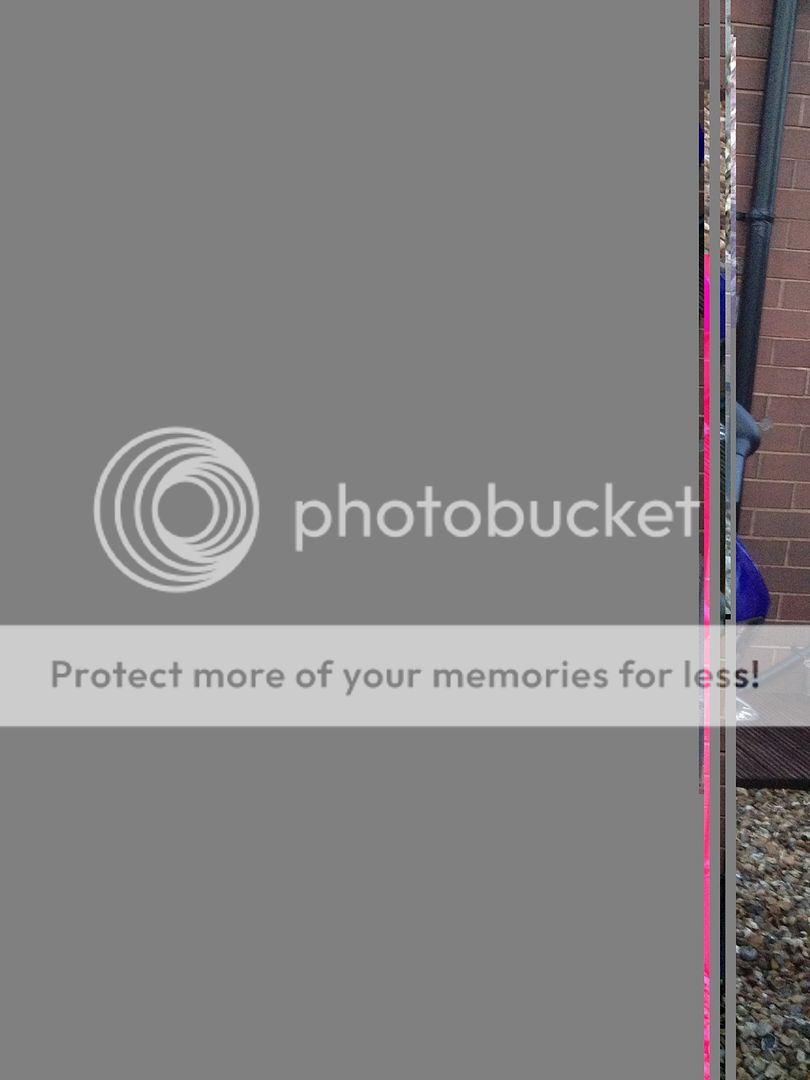
And obviously when I click to view the photo it only shows a little section at the top and the rest is one solid colour.
I'll add an image to the thread so you know what I mean.
Is there anything I can do to retrieve photos? Do you think there's any hope I'll get all of them back?
Thanks in advance.

It seems there is an issue with all the files, less than 10% of the photos are viewable, the rest are not. When I open a folder containing maybe 100 photos, all the thumbnails load up to show the whole photo, then a second later they change and show the top section of the photo and the rest is one solid colour.
And obviously when I click to view the photo it only shows a little section at the top and the rest is one solid colour.
I'll add an image to the thread so you know what I mean.
Is there anything I can do to retrieve photos? Do you think there's any hope I'll get all of them back?
Thanks in advance.

