
📎 AI Summary:
The thread discusses a Windows 8 installation issue where the user cannot find the checkbox to accept the license terms during setup. kemical suggests restarting the process and following a detailed guide to locate the acceptance checkbox, noting that it's before the current setup screen. Medico recommends seeking in-person help from the retailer, emphasizing the importance of completing all setup steps. The overall tone is helpful, focusing on troubleshooting and guiding the user through the installation process.

whoRu

New Member
Member details
Joined
Dec 25, 2012
Messages
1
Thread Author #1
hi i just got a new laptop with window 8. at the personalize screen. i wont let me connect because it say i need to check box to accept the license terms. but i dont see the box to accept the license terms anywhere on the screen.anyone know where is the box to accept the license terms at? thanks.screenshot of the screen..
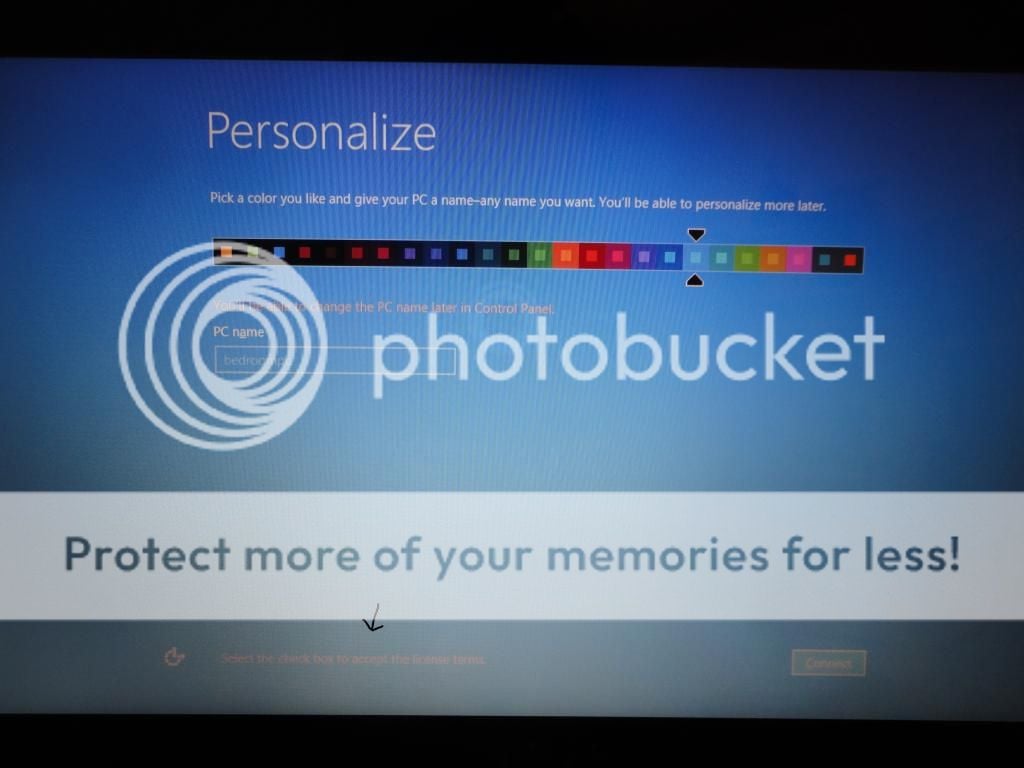
DSC02873ss_zpsa26df444.jpg
 

Medico

Essential Member
Member details
Joined
Sep 20, 2011
Messages
1,144
You could also take the laptop to the retailer where you purchased it to get help from them. As kemical shows, it is important not to miss a step.