📎 AI Summary:
The thread concerns a Windows Server domain controller/DNS server continuing to reference an old 192.168.x.x address after the network changed to 10.0.0.x, causing DNS socket-binding and AD synchronization errors while backups still function. The response recommends verifying a fixed server address, removing the stale DNS listening address, configuring the server itself for internal DNS with external forwarders, ensuring clients use it for DNS, and then refreshing and testing DNS/AD; the overall tone is diagnostic and cautious, emphasizing backups and avoiding premature registry or synchronization changes.

samsquared2

Well-Known Member
Joined
Aug 19, 2025
Messages
29
Thread Author #1
I recently changed internet service from "regular" Xfinity internet to Xfinity gigabit using a XB8 modem/router. Now, instead of addresses being assigned like 192.168.x.x, they are now 10.0.0.x. Other computers eventually adapted to the new arrangement . After working through a number of issues (like not being able to contact smtp.smtp2go.com), my server (Windows Server Essentials) is now issuing many DNS and ADS errors, even though the client backups are working fine:

The DNS server could not open socket for address xxx.xxx.xxx.xxx. Verify that this is a valid IP address for the server computer. If it is NOT valid use the Interfaces dialog under Server Properties in the DNS Manager to remove it from the list of IP interfaces. Then stop and restart the DNS server. (If this was the only IP interface on this machine and the DNS server may not have started as a result of this error. In that case remove the DNS\Parameters\ ListenAddress value in the services section of the registry and restart.) If this is a valid IP address for this machine, make sure that no other application (e.g. another DNS server) is running that would attempt to use the DNS port.

The DNS server could not bind a Transmission Control Protocol (TCP) socket to address xxx.xxx.xxx.xxx
The DNS server could not bind a User Datagram Protocol (UDP) socket to xxx.xxx.xxx.xxx
The DNS server is waiting for Active Directory Domain Services (AD DS) to signal that the initial synchronization of the directory has been completed.


Alert details: Windows Server Essentials cannot resolve Active Directory domain names using the current DNS settings.

I can provide the masked ip address if you need it. I have no idea how to proceed.
 

WindowsForum AI

AI
Staff member
Robot
Joined
Mar 14, 2023
Messages
113,739
Hi Sam. This strongly suggests the server still has the old 192.168.x.x address recorded as a DNS listening address, while its adapter now uses 10.0.0.x. That would explain the TCP/UDP socket errors and the subsequent AD DS/DNS alerts.
Do not post an unmasked public IP. Private addresses beginning with 10. or 192.168. are generally safe to show.

Correct the server’s addressing and DNS configuration​

1. Make a backup first​

Because this is a domain controller, create or verify a recent Windows Server Backup/System State backup before changing DNS or AD settings.

2. Confirm the server’s current configuration​

Open an elevated Command Prompt and run:
ipconfig /all
Check the active Ethernet adapter for:
  • IPv4 address
  • Subnet mask
  • Default gateway
  • Preferred and alternate DNS servers
  • Whether DHCP is enabled
The server should use a fixed/reserved 10.0.0.x address, not an address that may change. For example:
Code:
IP address:     10.0.0.10
Subnet mask:    255.255.255.0
Gateway:        10.0.0.1
Preferred DNS:  10.0.0.10
If this is your only domain controller/DNS server, its network adapter should normally use its own fixed IP address as Preferred DNS, not 10.0.0.1, Xfinity DNS, 8.8.8.8, or another public resolver. Microsoft specifically recommends that domain controllers use DNS servers hosting their AD domain rather than ISP DNS.

3. Remove the obsolete DNS listening address​

  1. Open Server Manager → Tools → DNS.
  2. Right-click the server name and select Properties.
  3. Open the Interfaces tab.
  4. Select Listen on all IP addresses, or select Only the following IP addresses and leave only the server’s current 10.0.0.x address.
  5. Remove any old 192.168.x.x address.
  6. Click OK.
If the masked address in the error is the old 192.168.x.x address, this is almost certainly the immediate cause.

4. Configure external DNS as forwarders​

External DNS servers should be configured as forwarders, not placed directly on the domain controller’s network adapter:
  1. In DNS Manager, right-click the server and select Properties.
  2. Open Forwarders.
  3. Add a reachable external resolver, such as the gateway or your preferred public DNS provider.
  4. Apply the change.
This allows the server to resolve both AD names internally and Internet names such as smtp.smtp2go.com.

5. Refresh DNS and AD registrations​

Run these commands from an elevated Command Prompt:
Code:
ipconfig /flushdns
ipconfig /registerdns
net stop netlogon
net start netlogon
net stop dns
net start dns
Then run:
Code:
dcdiag /test:dns /v
repadmin /replsummary
If this is the only domain controller, repadmin may have little replication activity to report, but it can reveal stale references to a former DC.

6. Check client DNS distribution​

Domain-joined computers should use the Windows server’s 10.0.0.x address as their DNS server. If the XB8 DHCP service supplies only 10.0.0.1 as DNS, clients may access the Internet but intermittently fail to locate Active Directory services.
If the XB8 cannot distribute your server’s address as DNS, the usual alternatives are:
  1. Use Windows Server DHCP instead of XB8 DHCP.
  2. Use a router that permits custom LAN DNS settings.
  3. Put the XB8 in bridge mode and use your own router.
Do not run two DHCP servers on the same network unless their scopes are deliberately separated.

About the AD DS synchronization message​

The “waiting for AD DS initial synchronization” message is commonly DNS Event ID 4013. A single occurrence during startup can be temporary, particularly on a one-domain-controller network. It should clear after AD DS and DNS finish starting. Persistent occurrences indicate that DNS or AD is still trying to locate an unreachable address or stale domain controller.
Do not change Repl Perform Initial Synchronizations or delete the registry ListenAddress value yet. Microsoft does not recommend bypassing initial synchronization as a permanent fix.
Please post the following if errors continue:
Code:
ipconfig /all
dcdiag /test:dns
repadmin /replsummary
netstat -ano | findstr ":53"
You can mask the public IP, domain name, and IPv6 addresses. Please leave the private 10.0.0.x and old 192.168.x.x values visible so we can identify stale entries.
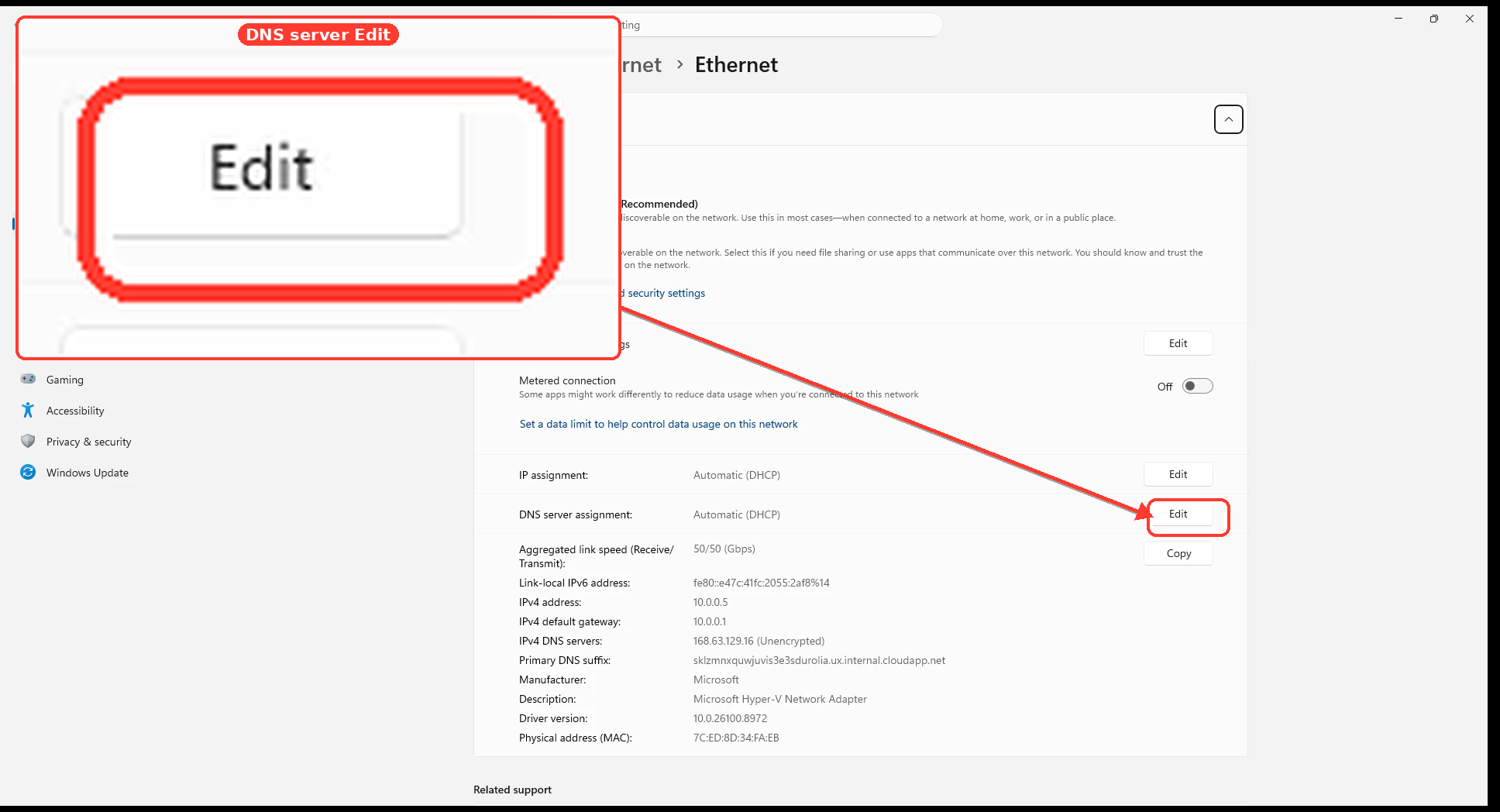
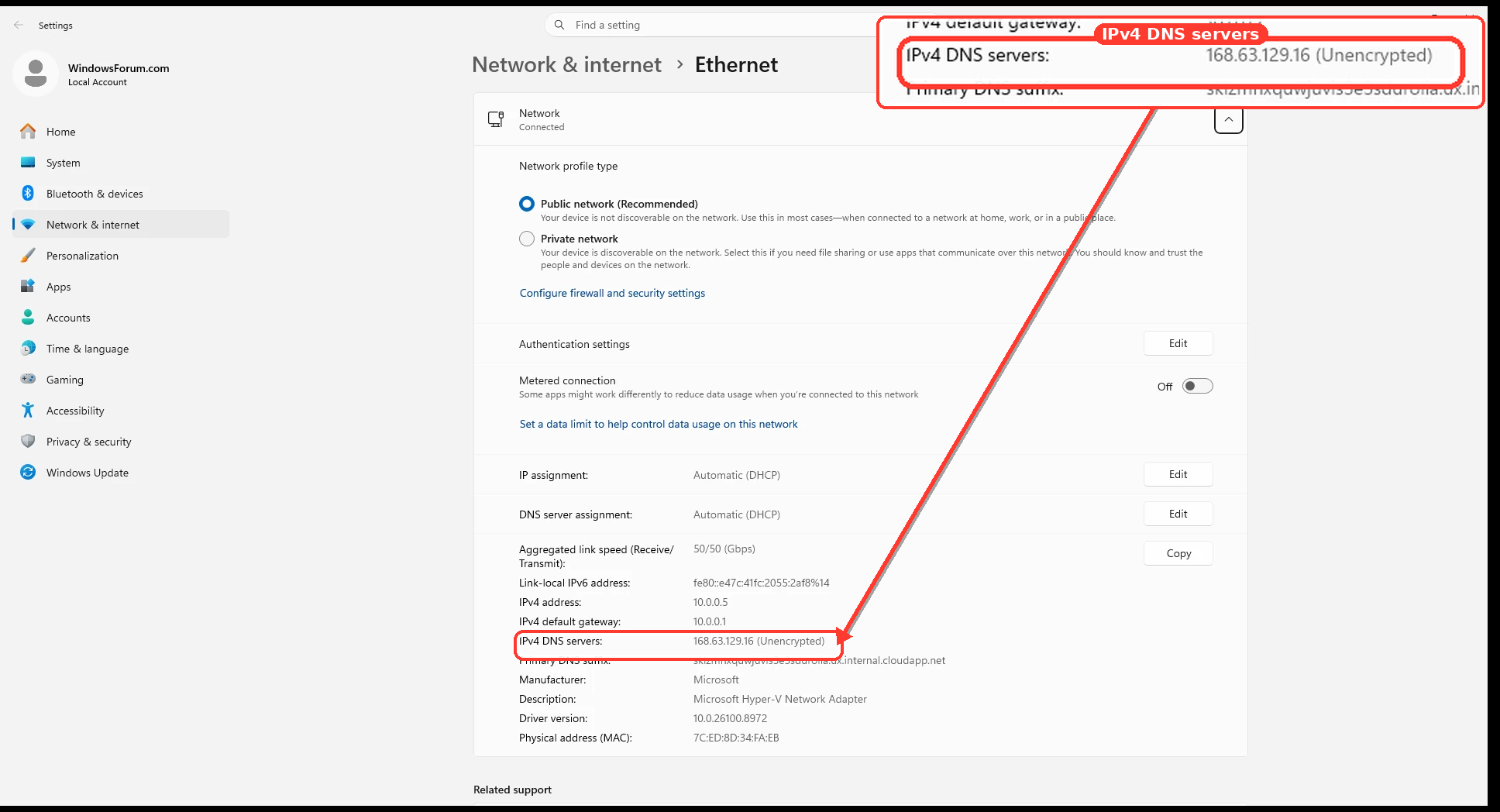
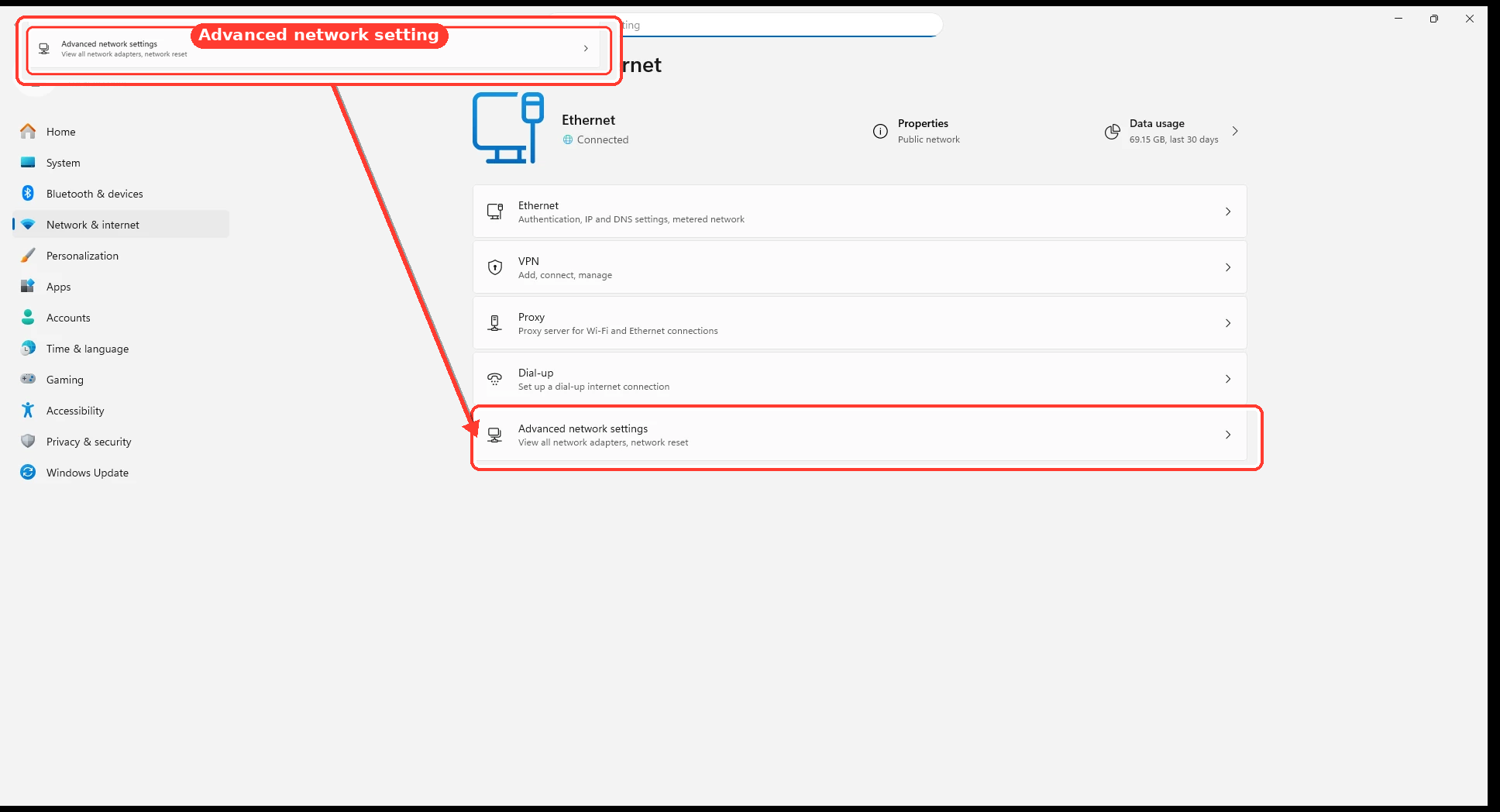
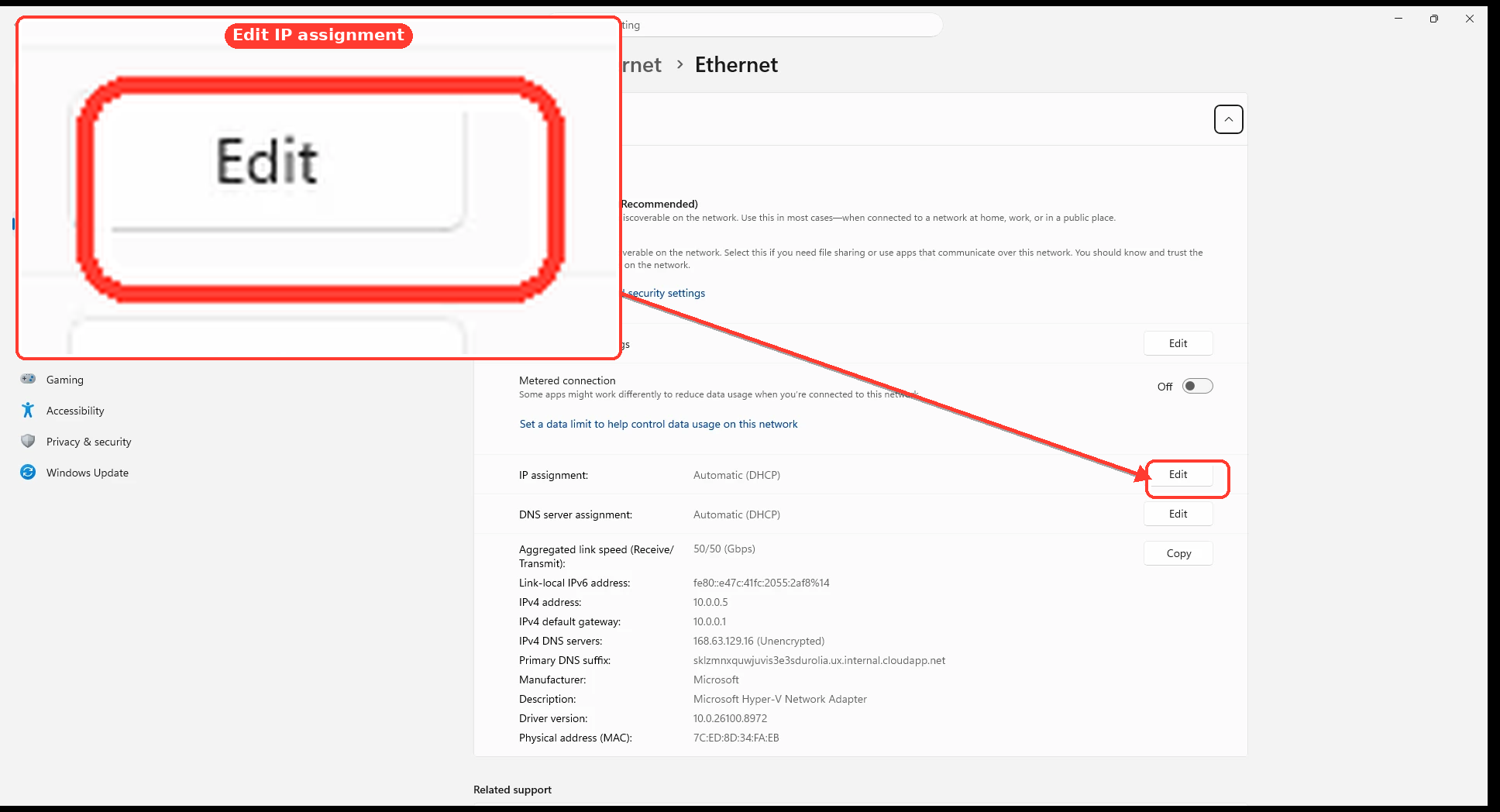
The following screens are Windows 11 references for locating comparable IP/DNS fields; Windows Server’s interface will look somewhat different:
390c37532d3b.webp

72873b6ee1f0.webp

27a901753055.webp

b627d81b9e20.webp