shipscook New Member Joined Jan 25, 2010 Messages 26 Jan 25, 2010 Thread Author #1 I would like to get rid of the Bing searchbar which seemed to popup a while ago. I have tried various methods with no success. Thanks Jack
I would like to get rid of the Bing searchbar which seemed to popup a while ago. I have tried various methods with no success. Thanks Jack
Solution shipscook Jan 26, 2010 Success at last. It was that simple I went into Tools>Add-ons There was the MSN Toolbar listed, clicked Disable Restarted Firefox no Bing!
Success at last. It was that simple I went into Tools>Add-ons There was the MSN Toolbar listed, clicked Disable Restarted Firefox no Bing!
shipscook New Member Joined Jan 25, 2010 Messages 26 Jan 26, 2010 Thread Author #2 Sorry regarding screenshot, I have tried without success to do one. I have tried using Prt Scr to copy it but been unable to paste it. jack Upvote 0 Downvote
Sorry regarding screenshot, I have tried without success to do one. I have tried using Prt Scr to copy it but been unable to paste it. jack
Sonny Fantastic Member Joined Nov 17, 2009 Messages 1,387 Jan 26, 2010 #3 Link Removed due to 404 Error Are you talking about the search bar in IE8? Last edited: Jan 26, 2010 Upvote 0 Downvote
shipscook New Member Joined Jan 25, 2010 Messages 26 Jan 26, 2010 Thread Author #4 Actually I am using Firefox 3.5. Its in its search bar. jack Upvote 0 Downvote
R RAK Extraordinary Member Joined Jul 6, 2009 Messages 2,502 Jan 26, 2010 #5 I got annoyed with that also. This is what finally worked for me. Click the coloured icon in the Bing search bar. Click one of the other search offers there. (Google is the obvious choice) Click again and select "manage search engines" Delete Bing. Upvote 0 Downvote
I got annoyed with that also. This is what finally worked for me. Click the coloured icon in the Bing search bar. Click one of the other search offers there. (Google is the obvious choice) Click again and select "manage search engines" Delete Bing.
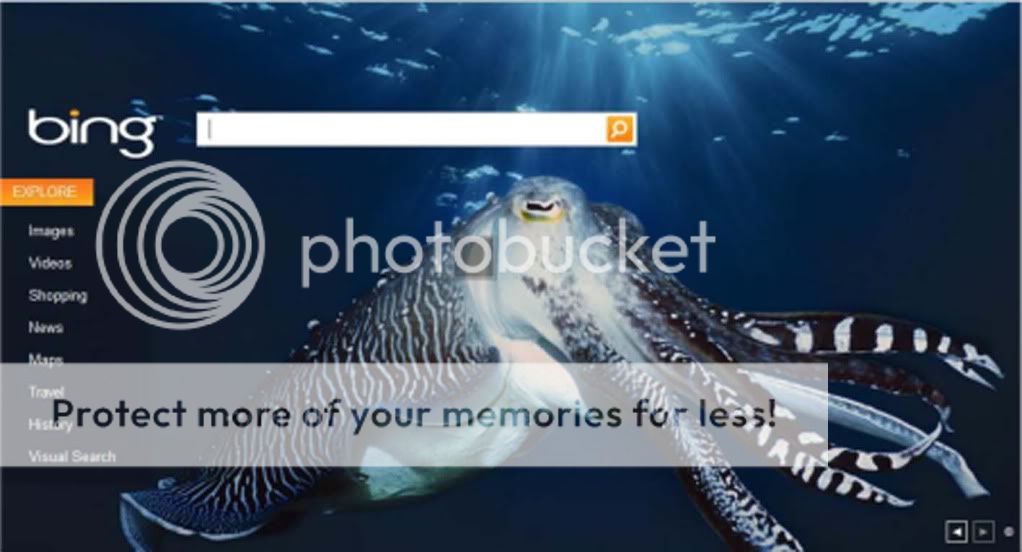
shipscook New Member Joined Jan 25, 2010 Messages 26 Jan 26, 2010 Thread Author #6 No joy for me, I clicked the orange icon in the Bing search bar and this is what came up (excuse the size) No mention of google Upvote 0 Downvote
No joy for me, I clicked the orange icon in the Bing search bar and this is what came up (excuse the size) No mention of google
shipscook New Member Joined Jan 25, 2010 Messages 26 Jan 26, 2010 Thread Author #7 Success at last. It was that simple I went into Tools>Add-ons There was the MSN Toolbar listed, clicked Disable Restarted Firefox no Bing! Upvote 1 Downvote Solution
Success at last. It was that simple I went into Tools>Add-ons There was the MSN Toolbar listed, clicked Disable Restarted Firefox no Bing!