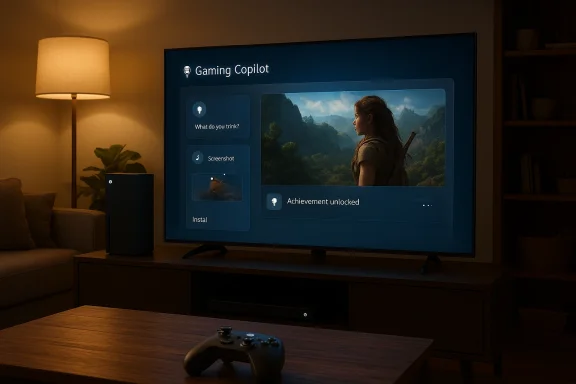
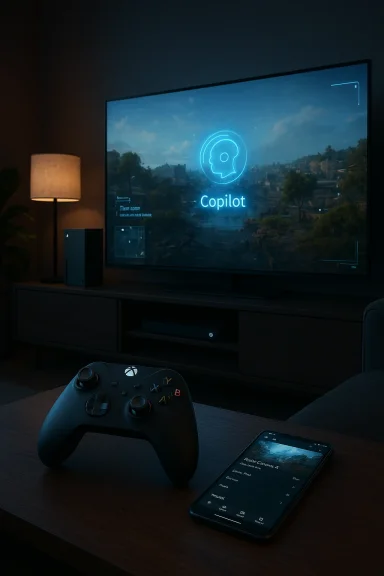
• Thread Author
Microsoft’s Gaming Copilot — the AI assistant Microsoft has been testing inside Xbox Game Bar and on mobile — is officially headed to Xbox Series X|S consoles later this year, the company confirmed during its GDC 2026 presentation. What began as a Windows-centered beta and mobile preview is now being positioned as a cross-platform gaming sidekick that will live on console hardware for the first time, promising recommendations, contextual in-game help, and personalized coaching. The announcement marks a significant step in Microsoft’s plan to fold Copilot-style AI into the everyday player experience across Windows, mobile, handhelds, and now consoles — but it also raises a raft of technical, privacy, and design questions that Microsoft and developers will need to answer before this becomes a seamless, welcome feature on living-room hardware.

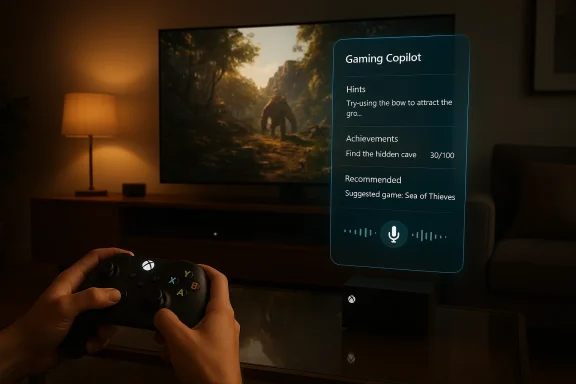
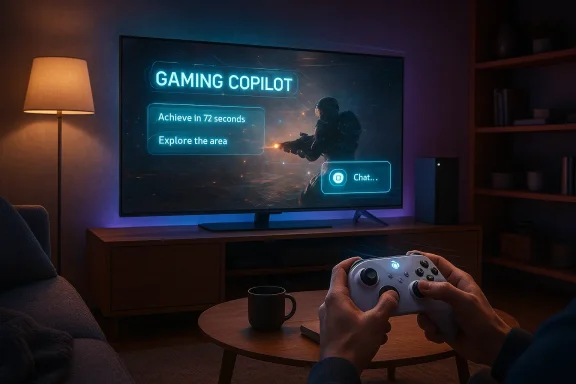
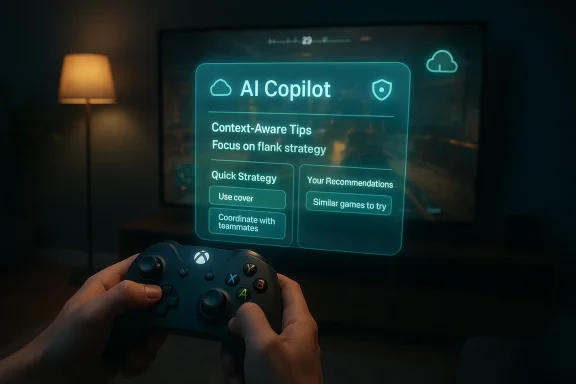
A person uses an Xbox controller as a holographic AI Copilot displays tips.Background / Overview​

Gaming Copilot started life as an Xbox-led experiment to bring the Microsoft Copilot concept into gaming: an AI assistant that understands your play history, the game on screen, and your account context to deliver in-the-moment guidance. The public beta has been available on Windows via the Xbox Game Bar and rolled out to the Xbox mobile app and a handful of handheld Windows devices during 2025, where it provides features like game recommendations, strategy tips, and contextual help that can use active screenshots when the Copilot overlay is invoked.
At the GDC Festival of Gaming session led by Microsoft’s Gaming AI team, Xbox representatives framed their work as a cautious, player-first approach: refine interactions, respect gameplay flow, and ensure AI-driven assistance meaningfully improves the experience. During that session Microsoft’s team indicated the next logical step is bringing Gaming Copilot to the current generation of consoles later in 2026. That shift would place Copilot directly on Xbox Series X|S hardware, expanding availability to millions more players and bringing console-specific UX and platform integration challenges to the fore.

What Gaming Copilot Does Today​

Core capabilities in the current beta​

  • Context-aware advice: Copilot can answer questions about what’s happening in a game while it’s running — for example, pointing out missed items or strategy adjustments based on a screenshot or session context when the feature is active.
  • Personalized recommendations: It suggests new games based on play history, favorite genres, and critical reception; it can also surface Game Pass renewal reminders and account-centric details.
  • Strategy and coaching: Copilot offers quick strategy guides, in-game tips, and personalized coaching aimed at helping players improve specific skills or navigate tricky encounters.
  • Convenience tasks: From reinstalling a game the AI thinks you were playing to reminding you where you left off, Copilot aims to remove friction between the player and their games.
These are the headline features Microsoft has been testing on Windows and mobile, and they form the baseline expectations for what a console-bound Copilot would need to deliver.

Interaction model​

The current Windows/mobile model is designed to be intentionally unobtrusive: Copilot is an overlay or widget you summon rather than a persistent assistant that interrupts gameplay. It pulls context from available signals — active window, recent account activity, and optionally screenshots taken while Copilot is actively used — to respond more helpfully. Microsoft has emphasized opt-in-style control in messaging around the beta.

Why Console Matters: The Strategic Case​

Bringing Gaming Copilot to Xbox Series X|S is not just about porting software; it’s a strategic pivot with multiple implications.
  • It extends Microsoft’s Copilot ecosystem across the places players already spend most of their time: living-room consoles.
  • Consoles are a curated environment where platform-level features can be standardized, enabling deeper integration with achievements, Game Pass, social features, and controller-based UX.
  • Microsoft has an economic incentive: tighter Copilot integration could increase Game Pass engagement and retention by reducing friction for discovering, re-installing, and resuming games.
  • For players, consoles represent a different use case than PC: longer play sessions, shared-screen local play, and controller-first interfaces. Copilot’s success on consoles will rest on how well it adapts to those realities.

Technical and UX Challenges of Bringing Copilot to Xbox Series X|S​

Putting an AI assistant on a console is deceptively complex. Microsoft faces several engineering and product design constraints it must solve to get this right.

Overlay and input model​

Consoles typically favor minimal overlays to preserve an uninterrupted TV experience. Game Bar on Windows is built for quick overlays and keyboard/mouse input; consoles demand a controller-first interface that is readable at distance on large screens. Microsoft will need to rework Copilot’s UI for:
  • Controller navigation and voice input.
  • Clear visual presentation on TVs and projectors.
  • Non-intrusive triggers that don’t accidentally interrupt local multiplayer or livestreams.

Performance and latency​

In-game assistance that analyzes live gameplay must do so without introducing lag or framerate drops. On consoles this is especially sensitive: players expect consistent performance. Microsoft can mitigate this by:
  • Offloading heavy inference to cloud infrastructure.
  • Caching model outputs locally for frequent queries.
  • Using lightweight on-device models for simple tasks and cloud models for heavier reasoning.
Each option carries trade-offs in bandwidth, latency, and privacy.

Integration with achievements, saves, and state​

Consoles rely on strict rules for achievements, trophies, and save-state integrity. If Copilot performs assisted actions — like showing exact controller inputs, or in a more extreme case, a cloud helper playing a segment — Microsoft must ensure:
  • Proper attribution of achievements.
  • Clear player consent before any helper modifies a save state.
  • Robust safeguards to prevent exploitation in competitive or leaderboard contexts.

Offline and single-player scenarios​

A console-bound Copilot must gracefully handle offline sessions. Players expect games to work without indefinite online requirements. The assistant should degrade features intelligently when network access or cloud services are unavailable.

Privacy, Data Use, and the ‘Screenshots’ Debate​

One of the louder controversies around Gaming Copilot has revolved around how Copilot collects context from gameplay. Microsoft’s public guidance for the beta states that Copilot uses screenshots captured when the assistant is actively invoked to better understand the game state, and that those captures are not used for model training by default. But players and privacy advocates raised concerns after early reports suggested unexpected captures or unclear defaults.
Key privacy considerations Microsoft must handle for a console launch:
  • Explicit consent and clear defaults: Players should explicitly enable or disable in-game context captures. Opt-out or complicated removal flows breed distrust.
  • Transparency about data use: If screenshots, telemetry, or account activity are used for personalization, the company must disclose whether that data feeds model training, is stored, or is ephemeral.
  • Parental controls and age gating: Console environments often host minors. Copilot must respect age restrictions and prevent inappropriate content or interactions.
  • Local vs cloud processing choices: The more processing occurs in the cloud, the greater the privacy surface. Local-only modes (with reduced features) could provide users with safer, privacy-respecting options.
Microsoft’s official materials for Copilot to date emphasize limited screenshot usage while the overlay is active and note that screenshots aren’t used for training. Whether that stance holds in all regions, and whether there are exceptions, will be important details for the console roll-out.

The Patent Signals: Where Copilot Could Go Next​

Recent patent filings unearthed in the industry suggest Microsoft has been exploring sophisticated help sessions that go beyond chat-based guidance.
  • Descriptions in the filings point to cloud-based helper sessions, where either an AI or another player could be connected into a saved game state to demonstrate solutions or take temporary control. That’s a different, more interactive model than the current Copilot overlay.
  • Patents indicate automatic detection of optimal trigger points for help — where the system might proactively suggest assistance when a player repeatedly fails a challenge.
  • There’s an explicit focus on versatility across genres: racing helpers could recommend optimal driving lines, while action-adventure helpers might demonstrate complex input sequences.
While patents are not product roadmaps, they do illuminate potential directions: “ghost” play helpers, real-time shared sessions, and cloud-streamed assistance. These features, if implemented, would have major implications for gameplay fairness, achievements, and developer control.
Sony’s own patent filings describing a “ghost assistance” system (a ghost character trained on footage to model how to play a section) demonstrate that the whole industry is exploring AI-assisted gameplay. That parallelism increases the likelihood that we’ll see some form of assisted, demonstrative gameplay in the future.

Developer and Publisher Considerations​

Game creators are central stakeholders in Copilot’s evolution. If Copilot becomes a platform-level helper on Xbox consoles, developers will want:
  • APIs and opt-in controls so they can decide how Copilot interacts with their game (e.g., whether Copilot can alter game state, show walkthroughs, or offer step-by-step input).
  • Monetization and attribution mechanisms for guide creators whose content Copilot may surface.
  • Tools to protect competitive integrity for multiplayer titles: administrators will expect Copilot to be neutral and not provide unfair help in online matches.
  • Quality controls so Copilot’s tips don’t propagate stale, incorrect, or exploitative advice.
Microsoft has talked about partnering with studios to verify and credit curated guidance rather than scraping the web indiscriminately. That pathway would reduce copyright and accuracy risks, but it requires significant investment and developer buy-in.

Player Benefits — Where Copilot Can Shine​

If executed thoughtfully, Copilot on console offers real, tangible benefits:
  • Lower friction for discovery: Faster reinstallation, resuming play, and relevant Game Pass recommendations tailored to your habits could save time and surface games you’ll actually enjoy.
  • Improved accessibility: Players with disabilities might use Copilot for adaptive input suggestions, alternative strategies, or to remap controls more effectively.
  • Learning and practice: Coaching for skill growth — from racing lines to combat tips — could make games less frustrating for newcomers and help veterans refine technique.
  • Contextual troubleshooting: Faster solutions for technical problems or setup tasks will reduce support calls and improve player satisfaction.
Those upsides are compelling, especially for single-player and casual audiences who want help, not hand-holding.

Risks, Abuse Vectors, and Competitive Concerns​

With great assistance comes great potential for misuse. Key risks include:
  • Cheating and competitive imbalance: If Copilot can actively change game state or share optimal inputs, it could be abused in ranked or speedrunning contexts unless strictly limited.
  • Privacy creep: Poor defaults or opaque data collection could erode trust and invite regulatory scrutiny, particularly in jurisdictions with strong data-protection laws.
  • Content provenance and monetization tensions: If Copilot surfaces third-party guides without compensation or attribution, creators will push back.
  • Performance and reliability: Cloud dependency for crucial assistance could leave players stranded during outages, creating a worse experience than no Copilot at all.
  • Toxicity and misuse of human helpers: If systems permit human helpers to connect into sessions, Microsoft must guard against harassment, fraud, and age-inappropriate interactions.
Addressing these will require careful policy design, engineering safeguards, and community oversight.

What To Expect in Microsoft’s Console Launch (Realistic Timeline and Feature Parity)​

Microsoft’s public messaging frames the console launch as a 2026 objective with “coming later this year” language. Based on the current beta footprint and technical complexity, a few realistic expectations:
  • Phased rollout: Expect Copilot on consoles to arrive in stages — initial UI/UX and mobile-parity features first (recommendations, chat, context-aware tips), followed later by deeper in-game overlays or cloud-assist mechanisms.
  • Feature parity limits: Some PC-only conveniences (keyboard shortcuts, advanced overlays) will be adapted or reduced for console. Early console Copilot will likely prioritize voice/gesture-friendly interactions and account-level recommendations.
  • Xbox Insider preview: Microsoft typically opens console feature testing to Xbox Insiders before broad release. Expect a fast-follower approach where platform bugs and privacy UX are iterated publicly.
  • Developer opt-in: Microsoft will likely provide developers with toggles to control Copilot’s reach inside their games, at least for the initial releases.

Recommendations for Microsoft (and What Players Should Watch For)​

To maximize benefits and minimize harm, Microsoft should prioritize:
  • Explicit opt-in and easy opt-out: Players must be able to control Copilot’s data access and screenshot capture with clear, one-click toggles.
  • Transparent privacy documentation: Plain-language explanations of what is captured, how long it’s stored, and whether anything feeds model training.
  • Developer-facing controls: Simple APIs that let creators define allowed Copilot behaviors per title to protect competitive integrity.
  • Third-party content attribution: Mechanisms that allow Copilot to surface, credit, and potentially compensate guide authors whose work it uses.
  • Local processing mode: A privacy-first option with reduced capabilities for users who cannot or will not send gameplay context to the cloud.
  • Age-appropriate filters and moderation: Strong protections when minors are present, including vetted human helper flows or limited AI responses.
Players should watch for privacy settings during the first console preview and scrutinize the default behaviors for screenshot capture and cloud-sent data. Those defaults will be the clearest indicator of Microsoft’s stance on player privacy.

How This Could Affect the Broader Industry​

Microsoft’s embrace of in-game AI assistance on consoles will accelerate a market-wide response. Expect:
  • Platform competition: Other console makers are already exploring similar patents and features; we’ll see competing assistant systems emerge.
  • Game design shifts: Developers may design systems with assistance hooks (help checkpoints, segmented state saves) to allow safe, supported interactions with helpers.
  • New creator economies: If Copilot aggregates and surfaces third-party guides at scale, a new monetization model for guide creators could arise — or friction if it doesn’t.
  • Regulatory attention: As platforms collect more gameplay context and potentially connect humans for help sessions, regulators may probe data protection, COPPA-style protections for minors, and fair-competition implications in esports.

Final Analysis: Promise Tempered by Complexity​

The console launch of Gaming Copilot is a natural next step in Microsoft’s Copilot strategy, and it has meaningful upside: smoother game discovery, faster troubleshooting, and accessible, contextual help on the platform most people use for big-screen play. Microsoft’s public language about caution and responsible design is encouraging, and the company’s existing Windows and mobile beta gives it real-world usage data to iterate from.
But the move also brings critical challenges. Consoles require a controller-first UX, stricter performance guarantees, developer partnership, and iron-clad privacy and data-handling promises. Patents hint at ambitious future features — cloud helpers, ghost play, and proactive assistance — but patents can overpromise; they are design options, not guarantees. The console user experience will hinge on Microsoft’s ability to deliver tangible benefits without introducing intrusive behavior, privacy surprises, or an uneven competitive landscape.
For players, the sensible stance is cautious curiosity: test the feature when it arrives in the Insider rings, scrutinize the privacy and data defaults, and hold platform and developer partners to clear standards for attribution and fair play. For Microsoft, the test is trust: make Copilot helpful, transparent, and optional, and it will be a win for players and creators alike. Fail on any of these fronts, and Copilot could reinforce the worst fears about in-game AI — intrusive, inaccurate, or unfair assistance that ultimately hurts the player experience.
The console Copilot is coming — and with it, a new chapter in the relationship between game, player, and platform. How Microsoft, developers, and the community choose to shape that chapter will determine whether Gaming Copilot becomes a beloved helper or another feature that divides players.

Source: GamingBolt Gaming Copilot is Coming to Xbox Series X/S in 2026
 

Microsoft will bring its Gaming Copilot AI assistant to Xbox Series X|S consoles later in 2026, the company confirmed at the Game Developers Conference — a concrete step that turns an experimental, Windows- and mobile‑first feature into a cross‑platform gameplay tool that will live on living‑room hardware for the first time. The move formalizes what Microsoft has been testing since 2025: a context‑aware, overlay‑driven assistant designed to answer in‑game questions, recommend titles, surface achievement details, and (critically) help players get past the moments that stop them from enjoying a session. The console announcement and Microsoft’s public rollout plans were discussed at GDC by Xbox’s Gaming AI team and reported by outlets tracking the presentation and the company’s beta program. m]

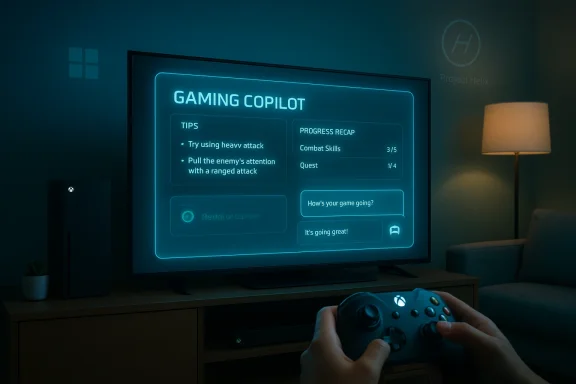
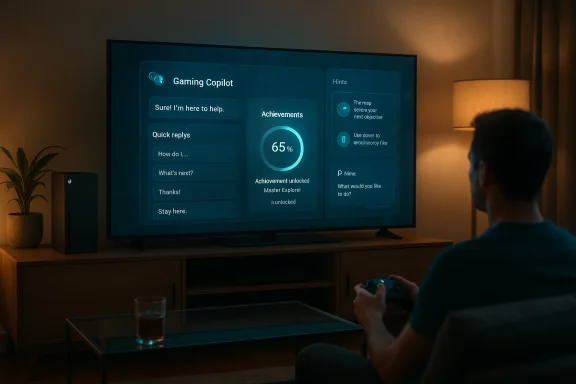
A gamer holds an Xbox controller while a holographic Gaming Copilot panel offers tips and a recommended game.Background / Overview​

Gaming Copilot began life as a component of Microsoft’s broader Copilot strategy: a cluster of AI experiences that range from productivity tools to vision and voice enhancements. Microsoft first surfaced a gaming‑specific Copilot in 2025, rolling a beta into the Windows Game Bar and the Xbox mobile app and expanding testing across Xbox Insiders and select handheld devices. The stated design goals are simple: reduce friction, keep help in your session, personalize suggestions, and let players solve problems without leaving a game. The feature is already available in Game Bar on Windows and in the Xbox mobile app, and Microsoft’s official messaging has repeatedly signalled console support is next.
That incremental posture — preview on PC, mobile, and handheld, then consoles — reflects a deliberate product play: mature the feature where overlays and second‑screen interactions are already common, then ship to the platform with the largest engagement: the living‑room console. Xbox’s public documentation flags age gating (18+ in supported regions) and makes clear the tool is optional; Microsoft has also highlighted efforts to work with game creators to ensure Copilot’s tips are accurate and appropriate for specific titles.

How Gaming Copilot Works Today​

A fast explanation for players​

Gaming Copilot is a context‑aware assistant accessible while you play. On PC, it lives in the Xbox Game Bar overlay; on mobile it sits inside the Xbox app; and on Xbox Ally handhelds it’s reachable via the device’s command interface. Players can ask it to solve a puzzle, explain an achievement, recommend games tailored to their library and preferences, or view account and progress details — all without leaving the active play session. The experience supports both text chat and a voice mode, which speeds up interaction when a keyboard is impractical.

What it currently does (feature list)​

  • Real‑time, game‑aware help: hints for puzzles, tips for boss fights, and walkthrough steps tuned to the player’s current context.
  • Achievement and account info: quick displays of objectives, progress, and recommended next steps to complete trophies or achievements.
  • Personalized recommendations: game suggestions based on play history and stated genre preferences.
  • Multimodal input: text chat and voice commands, with voice expected to be dominant on consoles.
These capabilities are intentionally modest compared with the most radical patent filings from the industry, which we’ll address later, but they already change how players look for help — from searching web guides and watching videos to asking something inside the game itself.

What Microsoft announced at GDC and what “coming to consoles” means​

At GDC 2026, Microsoft’s Xbox Gaming AI group reiterated the company’s commitment to bring Gaming Copilot to “current‑generation consoles” later in 2026. Executives framed this as a continuation of the beta learning cycle: collect Insiders’ feedback on PC, mobile, and handhelds, then migrate lessons and guardrails to consoles where voice and controller interaction patterns dominate. The GDC session — led by Xbox’s Gaming AI team — was explicit that console deployment is tactical: integrate the assistant into the platform-level UI so players can summon it without disrupting a session.
“Current‑generation consoles” in Microsoft statements has been interpreted by press and community outlets as a reference to Xbox Series X|S. Microsoft’s own Xbox Wire and developer messaging have repeatedly emphasized Xbox’s cross‑device roadmap (PC, cloud, handhelds, consoles) and have previously signalled consoles as the natural next stop after the initial beta. That aligns with Xbox Wire’s September 2025 updates and later posts that placed consoles in the company’s near‑term plans while pushing the public beta into Game Bar and mobile first.
Caveats: Microsoft did not publish a day‑by‑day release plan at GDC, and the company continues to test content safety, developer opt‑in mechanisms, and anti‑cheat interactions. Where Microsoft is explicit is on two points: 1) the feature will be optional and 2) the team is working with developers to reduce the risk of inaccurate or game‑breaking advice. Those are important constraints that will shape how Copilot lands on consoles.

Console UX: what to expect on Xbox Series X|S​

Input and invocation​

Becaroller is slow, voice will be the primary interaction model for console users. Expect Gaming Copilot to be reachable through the controller’s menu system or a dedicated overlay, much like Game Bar on PC. On the Xbox Ally handheld, Microsoft already exposes Copilot through the Command Center, which provides a working template for how a console overlay could behave: minimal, session‑aware, and dismissible without losing game focus.

Design philosophy​

Microsoft’s public comments emphasize an assistant that is helpful but not intrusive. That means short, actionable responses, clear signals when the assistant’s help is uncertain, and easy developer control for game‑specific behavior. On consoles, the balance will be more delicate — an assistant that pops up during a high‑pressure multiplayer moment could be harmful if not tightly scoped — so expect Xbox to limit in‑match interventions and prioritize non‑competitive or single‑player guidance at launch.

Integration with Xbox ecosystem​

Gaming Copilot is likely to surface via the console UI and tie into existing Xbox systems: account data, achievements, Play History, and Game Pass recommendations. Microsoft has previously shown a play history tile and related UI elements that Copilot can leverage to make contextual recommendations and recap past sessions. Expect cross‑device continuity: a hint started on mobile or PC can show up in the console session, and vice versa.

Why this matters to players and to Microsoft​

  • For players: Copilot reduces friction. Instead of pausing, alt‑tabbing, or rifling through a web guide, a player can get tailored help in seconds and get back to playing. That’s particularly valuable for story games and single‑player titles where players often quit because of a single stuck point.
  • For Microsoft: Gaming Copilot is a strategic glue. It increases engagement with Xbox services (Game Bar, Xbox app, Game Pass), gives Microsoft first‑party telemetry about where players struggle, and extends the Copilot brand deeper into entertainment. It also positions Xbox as a platform that helps players finish games rather than abandon them.
  • For developers: Copilot can both help and complicate. If well‑implemented and curated, it reduces support tickets and improves player retention. If poorly implemented, it risks misguiding players and undermining in‑game discovery and challenge design. Microsoft says it’s building developer controls and opt‑out mechanisms; how those are implemented will determine adoption.

Cross‑industry context: patents, competition, and the broader trend​

The arrival of Gaming Copilot fits into a broader industry move toward in‑game AI assistance. Sony’s recently publicized patent for an “AI‑generated ghost player” that can demonstrate or even take over to get past a hard section drew attention for suggesting similar assists could live inside PlayStation titles. Microsoft, too, has patented systems for “help sessions” where humans or AI take temporary control to clear difficult segments — patents that outline more radical assistance models than Copilot’s current hint‑and‑recommendation capabilities. These filings show the industry exploring the whole spectrum from subtle hints to full‑on play‑for‑you experiences. Readers should note: patents indicate research directions, not product commitments.
Why it matters: patents and R&D create expectations — and anxieties. The notion of AI temporarily taking control of a player’s session raises philosophical and practical questions about achievement legitimacy, fairness in competitive games, and the social meaning of “winning.” Microsoft and Sony appear to be pursuing different tradeoffs: Microsoft’s public Copilot is conservative and optional; patents show the company is also exploring assisted play more aggressively behind the scenes.

Strengths: what Gaming Copilot gets right​

  • Convenience and context: Copilot brings help into the session rather than offloading players to search engines or long videos. This reduces context switching and preserves immersion.
  • Cross‑device continuity: Microsoft’s ecosystem advantage — Xbox on consoles, PC Game Bar on Windows, mobile Xbox app, cloud services — means Copilot can reuse player data to offer genuinely personalized suggestions. That consistency is a win for users who play across devices.
  • Developer control and safety signals: Microsoft claims it’s building tools so developers can opt into how Copilot behaves per title. If implemented well, this mitigates risks of incorrect or inappropriate guidance in complex or multiplayer scenarios.
  • Accessibility and retention: For players with disabilities or those who hit an unscalable difficulty spike, Copilot can make games playable and reduce churn — a practical accessibility win that could broaden audiences.

Risks, unknowns, and critical questions​

Hallucinations and factual accuracy​

Large language models are powerful but imperfect. Independent reporting about early Copilot testing flagged the chance of “hallucinations” — confident but incorrect answers — which is particularly dangerous when guidance is procedural or timing‑sensitive (for example, a boss strategy that requires a specific sequence). Microsoft is aware and has said it’s working with game creators to validate responses, but the risk remains until the system is proven at scale. Players and developers should expect guardrails: confidence markers, source citations, and an explicit “I’m not sure” fallback.

Competitive fairness and anti‑cheat​

In multiplayer or esports contexts, in‑game assistants can blur lines. If Copilot were allowed to provide live, actionable strategy in ranked matches, it could confer an unfair advantage. Microsoft’s public signals suggest the company will limit Copilot’s intrusiveness during competitive matches, but the precise anti‑cheat and policy boundaries are not fully disclosed. Developers and tournament organizers will need clarity around when an AI assistant is permissible and how to detect misuse.

Data collection and privacy​

Copilot’s value comes from context: what game you’re in, what your progress looks like, and how you play. That implies telemetry — game state snapshots, achievement records, and perhaps short clips or inputs in some scenarios. Microsoft’s privacy documentation for Copilot‑style services explains data collection for service improvement and personalization, and Copilot is only available in supported regions and to players 18+. Users concerned about data use should expect explicit settings and opt‑outs, but the default experience will likely include telemetry for quality improvements. Transparency and clear controls will be essential.

Creative impact and community effects​

There’s a creative tension. Hints and guided assistance can reduce frustration and keep players engaged; over‑curation or automated walkthroughs can diminish the satisfaction of discovery, weaken community content (streamers and guide authors), and reduce the value of player‑to‑player help. Microsoft and developers must strike a balance that respects designer intent and the habits of communities that create value through manuals, guides, and long‑form creator content.

Developer perspective: opt‑ins, controls, and design guidance​

Microsoft has publicly stated it wants creators involved. For developers, the most important controls will be:
  • Whether Copilot can access fine‑grained game state or only offer generalized suggestions.
  • Whether the developer can disable Copilot in specific modes (e.g., ranked multiplayer).
  • How Copilot credits sources and how it surfaces citations for strategy that might rely on community guides.
  • Tools for training or validating Copilot responses, such as an API or SDK hooks to send verified hints.
If Microsoft provides robust, granular controls and a lightweight SDK that lets developers define “safe” hint sets, Copilot will be easier to adopt. If the platform’s controls are coarse, adoption will be slower and friction will remain high. Microsoft’s outreach and GDC briefings suggest the company is aware of these needs and is prioritizing developer conversations.

Accessibility and inclusion: an immediate win​

Gaming Copilot’s ability to provide voice‑driven, instant hints is potentially transformative for players who struggle with conventional UI controls or who rely on assistive technologies. By reducing the need to pause and type or scan text guides, Copilot lowers the activation energy for play. Microsoft has historically leaned into accessibility with hardware and software efforts (for example, the Xbox Adaptive Controller), and Copilot’s arrival on consoles could be a meaningful extension of that commitment — provided the company builds accessible conversational flows and accounts for players with speech differences or limited input methods.

The competitive landscape: where Copilot sits among rivals​

  • Sony: patent filings indicate interest in an AI “ghost” that can demonstrate or play segments for users — a different approach with overlapping goals. Patents don’t eey show the strategic thinking in the industry.
  • Third‑party tools and creators: independent guide makers and modders will continue to exist alongside platform assistants. Copilot can complement those resources by surfacing creator content or summarizing it, but platform policy will have to balance curator rights and fair use.
  • Cloud and streaming players: AI assistants that pair with cloud gaming services can offer even richer “help sessions,” including stateful, rapid assistance. Microsoft’s patent work suggests the company is exploring human + AI help sessions delivered through cloud infrastructure. Whether or not that ever reaches full product form, it’s consistent with the broader cloud‑first posture in gaming.

What to watch next (short checklist for readers and developers)​

  • Console rollout timing: Microsoft said “later in 2026,” but watch for an Xbox Insider channel preview or a software update announcement that confirms the exact month and feature set.
  • Developer SDK and opt‑out controls: adoption hinges on how easily studios can integrate or restrict Copilot behavior per title.
  • Anti‑cheat and tournament rules: clarity on what Copilot can do during ranked matches will matter to competitive communities.
  • Privacy settings and telemetry defaults: readers should check Copilot’s settings when it reaches consoles to control what is shared for personalization.
  • Early console reviews and player feedback: field reports will expose both strengths and hallucinatory failures; these will be the most practical indicator of readiness.

Final analysis and outlook​

Gaming Copilot’s console debut will be a milestone: the transition from overlay and second‑screen novelty into a platform‑level assistant that sits where most players actually play. Microsoft has taken a careful path to this point — piloting on PC and mobile, leaning into the Xbox ecosystem, and signalling developer collaboration. Those choices matter: they reduce the risk of a sudden, poorly scoped launch and give the company room to refine the AI’s accuracy and safety measures.
But there are real open questions. Model hallucination, anti‑cheat interactions, data collection transparency, and the potential erosion of player discovery are all substantive issues that Microsoft and the broader industry must address. Patent filings from multiple players show that more radical AI assistance — helpers that play for you, persistent ghost players, or human‑assisted cloud sessions — are being explored, which keeps the debate alive about where assistance should end and replacement should begin.
For players, the near‑term promise is clear: fewer interruptions, faster help, and a single place to ask questions while you play. For developers, the promise is conditional: Copilot will be beneficial if it fits into developer workflows and respects game design and competitive integrity. For Microsoft, Gaming Copilot is both a product and a strategic lever — a way to expand Copilot across entertainment, increase engagement with Xbox services, and stitch together device experiences from PC to console to cloud.
Expect the dialogue to intensify as Microsoft ships console previews later in 2026. The launch will be as much a test of policy and ecosystem governance as it is of model accuracy. If Microsoft strikes the right technical and ethical balance, Gaming Copilot could become a quiet but powerful enhancer of play. If not, it risks becoming another controversial experiment in gaming AI: useful in some corners, disruptive in others, and hotly debated across forums and streams.

Microsoft’s Gaming Copilot is arriving on consoles at a consequential moment: the industry is experimenting, players are demanding help without friction, and platform owners are wrestling with how to integrate generative AI responsibly. On balance, Copilot’s conservative, optional design and Microsoft’s iterative rollout strategy give it a solid chance to land as a helpful tool rather than a headline‑grabbing experiment — provided the company continues to prioritize accuracy, developer choice, and player privacy as it moves from beta to the living room.

Source: Windows Central Microsoft's Xbox AI Gaming Copilot is coming to consoles later in 2026
 

Microsoft used the Game Developers Conference stage to make a simple-but-profound announcement: Gaming Copilot — the AI assistant Microsoft has been piloting in the Windows Game Bar, Xbox mobile app, and on handheld partners — is coming to Xbox Series X|S consoles this year, a move that recasts Copilot from a second-screen companion into a living‑room feature for console players.

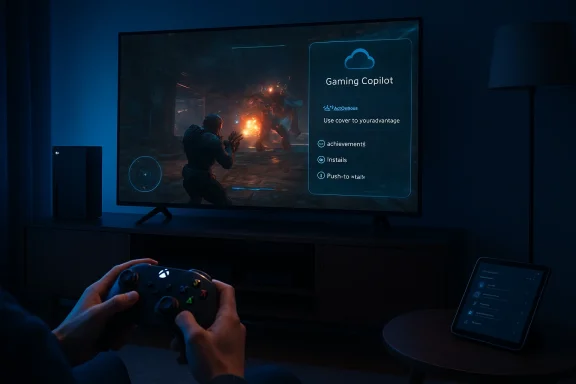
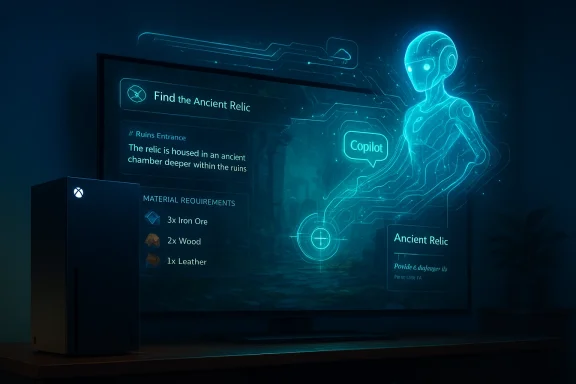
A living room gaming setup with a neon blue 'Gaming Copilot' HUD on the TV and an Xbox controller.Background​

Microsoft’s strategy for the last two years has been to weave Copilot — its umbrella name for AI assistants — into as many user touchpoints as possible. What began as a productivity tool in Office and Windows has already been reshaped into a gaming-focused product: Gaming Copilot. It arrived in beta on Windows via the Xbox Game Bar and expanded to the Xbox mobile app and select handhelds such as the ROG Xbox Ally. Those earlier rollouts were explicitly framed as tests: Microsoft called Gaming Copilot “a personal gaming sidekick” and positioned the feature as an optional convenience for players rather than a system-level mandate.
At GDC 2026, Xbox executives tied that rollout to a larger software and hardware roadmap: while Gaming Copilot will soon live on Series X|S hardware, Microsoft also used the conference to outline Project Helix — its next-generation Xbox platform — and a more explicit push to make Xbox-style experiences first-class on Windows 11. Those platform-level moves give Copilot a broader runwayn across console, PC, mobile, and handheld devices.

What Gaming Copilot actually is​

Gaming Copilot is best described as a context-aware, conversational gaming assistant that runs as an overlay or companion surface while you play. Its core capabilities include:
  • Real‑time, context-aware help for in‑game problems (tips, walk-through snippets, boss strategies).
  • Recommendations for new games based on play history and preferences.
  • Quick access to achievements, progress summaries, and session recaps.
  • Game management tasks such as launching titles, installing updates, or finding where a particular item or setting lives in menus.
  • Voice and text conversational access so users can ask questions without leaving their session.
Microsoft has emphasized that Copilot is optional and designed to be non‑intrusive — available as an overlay or secondary display reaction to the player’s request rather than a constant on‑screen presence. That posture is intended to reduce friction and preserve the core gameplay experience while offering on-demand help to those who want it.

Key UX points​

  • On PC, Gaming Copilot runs inside the Xbox Game Bar (Win+G), where it can watch game state and respond in real time.
  • On mobile, the Xbox app provides a companion UI so players can query Copilot while a console or PC session runs.
  • On handheld devices such as the ROG Xbox Ally, Copilot is optimized for on‑device interaction and a controller-first workflow.
  • On consoles, Microsoft’s messaging indicates Copilot will appear as a context-aware overlay accessible from the controller — a design that attempts to avoid interrupting active play while still letting players summon help when they need it.

Why Xbox is pushing Copilot onto consoles now​

There are three strategic drivers behind Xbox bringing Gaming Copilot to Series X|S this year:
  • Platform unification: Microsoft is aligning Xbox, Windows, and handheld experiences under a common set of features — Xbox Mode on Windows, Game Bar improvements, and Copilot create a coherent cross-device fabric. This reduces fragmentation and makes it easier to reuse features across form factors.
  • Competitive differentiation: AI assistants are becoming table stakes in consumer software. For gaming, an integrated AI that understands play state — without third‑party overlays — can be a unique value add for Game Pass subscribers and casual players alike. Microsoft’s prior Copilot investments give it an integration advantage.
  • Developer and hardware roadmap alignment: The presence of Copilot on current‑gen consoles now helps Microsoft smooth the transition to Project Helix later — designers can evaluate Copilot-driven features on Series X|S while studios prepare for Helix’s capabilities and tooling. Microsoft confirmed alpha Project Helix developer kits will be distributed to studios starting in 2027, and it is pushing a “console‑style” Xbox Mode to Windows 11 as soon as April to accelerate parity across devices.

Timeline and what “coming this year” really means​

Microsoft’s public messaging has been deliberately cautious. Xbox’s official posts in 2025 described Copilot as “coming to Xbox consoles in the near future,” and GDC 2026 briefings reinforced the intention to ship console support during 2026. Multiple outlets covering GDC reported that Copilot will arrive on Xbox Series X|S “later this year,” though Microsoft has not published a calendar‑day launch date for the console rollout as of the GDC presentations. Readers should therefore understand two facts:
  • Microsoft has publicly committed to bringing Gaming Copilot to current Xbox hardware during 2026.
  • There is no specific day/month commitment from Microsoft in the official GDC materials released to date; some outlets and secondary reporting have used phrases like “later this year” or “by the end of 2026,” but those are reporting summaries and not firm Microsoft release notes. Treat any specific end‑of‑year deadline as reported rather than officially confirmed unless Microsoft publishes an exact date.
I will repeat the cautionary point: if you see a headline promising an exact console release date for Copilot in 2026, double‑check it against Microsoft’s official Xbox announcements. Several outlets have paraphrased Xbox’s GDC remarks and added estimated timelines; those are useful for planning but not definitive.

Technical implications and architecture (what we can verify)​

Microsoft has not published a complete technical spec for how Copilot will run on console hardware, but we can verify and infer several important points from Xbox’s documentation and public reporting:
  • Copilot already runs as a local overlay on Windows Game Bar, which integrates with the Xbox PC app to read game state and provide context. This means the assistant can be context-aware without fully hijacking the game process.
  • For handheld partners (ROG Xbox Ally), Microsoft and Asus worked together to optimize Copilot for constrained thermal/power budgets and controller input; this suggests a hybrid approach where some inference can be done locally and some services rely on cloud processing. Xbox has consistently used mixed local/cloud architectures for demanding features, and Azure’s gaming services are a natural backend for heavier LLM or multimodal workloads. That said, Microsoft has not published an explicit statement confirming whether console Copilot will run entirely locally or chiefly in the cloud. Treat claims about fully local inference on Series X|S as unverified until Microsoft details them.
  • Hardware demands: Running large multimodal models entirely on a console would be expensive in compute and power. Practical deployments often use lightweight on‑device models for responsiveness and cloud models for heavier tasks (detailed inference, summarization, etc.). Expect Microsoft to follow a hybrid pattern similar to other consumer AI products unless otherwise stated. This inference is based on typical industry practice (hybrid compute), not on an Xbox-specific disclosure, so it should be considered plausible but not confirmed.

Privacy, moderation, and policy concerns​

An AI assistant that watches your play, reads state, and gives recommendations raises nontrivial privacy questions. Microsoft has already placed some guardrails on Gaming Copilot’s beta rollouts:
  • Age gating and regional availability: Microsoft’s public pages specify Gaming Copilot availability only for players aged 18 and over in regions where Copilot is supported, and the initial rollouts have excluded mainland China in some phases. That age restriction is important because Copilot’s contextual awareness touches gameplay choices that could involve minors or mature content.
  • Data handling: Microsoft’s Copilot platforms typically send telemetry and conversational inputs to cloud services for processing; Copilot privacy policies for other products describe data retention windows, opt‑outs, and controls. For Gaming Copilot specifically, Microsoft has not released a separate, comprehensive data policy at GDC, so users should expect the standard Copilot/ Xbox telemetry disclosures to apply and watch for an explicit gaming-specific privacy page. Until Microsoft publishes those details, there is a gap in public verification. Flag: data flow and retention specifics for Copilot on console are not fully detailed publicly as of GDC.
  • Moderation & spoilers: AI helpers can inadvertently produce spoilers, give too much handholding, or suggest unsafe user behavior (exploits, spearphishing-style social engineering in multiplayer contexts). Microsoft’s history with Copilot on productivity and Edge shows an awareness of content moderation issues, but implementing robust spoiler suppression and safe-response thresholds in a real-time play setting is an unsolved UX challenge that developers and policy teams will need to address. This is a cautionary observation grounded in prior Copilot incidents across Microsoft products.

Developer impact and the Project Helix connection​

Microsoft used GDC to make a broader point: the next era of Xbox is being designed to make console features and PC tooling converge. Project Helix — the next console platform — is being developed alongside a set of Windows‑grade developer tools so studios can target a common runtime and rendering stack.
  • Project Helix: Microsoft confirmed alpha developer kits for Project Helix will ship starting in 2027; the platform is described as a custom AMD system‑on‑chip with significant improvements for ray tracing and machine learning workloads. That schedule means studios will be able to design Helix-aware features while Copilot experiments on Series X|S help Microsoft refine the assistant’s console UX before full Helix integration.
  • For developers, Copilot presents both opportunity and responsibility. Microsoft’s platform will likely expose APIs or telemetry hooks that allow Copilot to better understand a game’s state and provide accurate help; at the same time, studios will want controls to prevent Copilot from revealing snded difficulty, or misrepresenting developer intent. Expect Microsoft to publish developer guidance, SDKs, and opt-in/opt-out flags for Copilot integration over the coming months. The company has signaled this cooperation in developer sessions at GDC and on its dev portal.

Community reaction: enthusiasm and skepticism​

The reception to Copilot’s console announcement is predictably mixed:
  • Enthusiasts are excited about an optional assistant that can reduce frustration, accelerate onboarding for newcomers, and surface Game Pass recommendations tailored to personal playstyle.
  • Skeptics worry about spoilers, the erosion of discovery and emergent play, potential monetization creep (AI upsells in-game), and the implications of Microsoft’s growing system‑level reach across hardware and OS. Several community threads and social posts reflected both guarded optimism and sharp criticism after the GDC remarks.
From a product perspective, the central community request is straightforward: give players granular control — toggles for spoilers, difficulty-aware assistance levels, and privacy controls — and make Copilot truly optional by default. Microsoft’s prior Copilot rollouts suggest the company will pay attention to feedback loops, but the proof will be in the product’s shipped behavior.

How this compares to other AI efforts in gaming​

Microsoft is not alone. Several companies and partners are exploring AI assistants tailored to play:
  • NVIDIA and other hardware vendors have experimented with in‑game assistants or “G‑Assist” concepts tied to GPU/driver ecosystems.
  • Razer has prototyped Project Ava, and handheld makers have started shipping controller‑aware software that mimics Copilot’s overlay approach.
  • Microsoft’s advantage is twofold: the Copilot brand (and cross‑product integration) and the vertical stack with Azure, Xbox OS, Game Pass, and developer tooling.
These competitive moves matter because they drive expectations: players will come to expect safe, context-aware AI help across platforms, and developers will have to account for multiple assistant paradigms when designing their UX.

Practical guide: how to try Gaming Copilot today and what to expect this year​

If you want to experiment with Gaming Copilot right now, here are the verified ways to access it today:
  • On Windows PC: Open the Xbox Game Bar (Win+G) and use the Copilot widget. You’ll need the Xbox PC app installed and to be enrolled in the correct Insider ring for some beta features.
  • On mobile: Update the Xbox mobile app and open the Copilot tab while playing or streaming to your console; the mobile app acts as a companion surface and chat window.
  • On compatible handhelds (ROG Xbox Ally): Copilot is optimized for those devices and will be available as a built-in overlay for supported titles, with partner firmware updates coordinated with Microsoft.
Practica- Start with a narrow question (e.g., “How do I beat the boss on level 3?”) before asking the assistant to summarize entire play sessions.
  • Use the recommended privacy settings and review any activity logs if you’re concerned about telemetry.
  • If you’re a developer, watch Xbox’s dev portal for upcoming SDK guidance on controlling what Copilot can and cannot access inside your game.

Risks and unknowns you should watch for​

No new platform feature ships without risk. Here are the major ones to track:
  • Spoiler risk: AI helpers that index game state can inadvertently spoil story beats unless a robust spoiler filter is enforced.
  • Monetization risk: Will Copilot remain a free, optional assistant, or could Microsoft tie personalization or advanced features to Game Pass tiers or add AI-driven marketplace suggestions? The company has not announced paywalled Copilot tiers for gaming as of GDC; that remains an area to monitor.
  • Privacy and data governance: The absence of a dedicated Copilot-for-Gaming privacy whitepaper at launch leaves open questions about retention, third‑party use, and cross‑product telemetry.
  • Accessibility mismatch: While AI helpers can improve accessibility for many players, poorly designed assistance could replace essential in‑game accessibility features rather than complement them. Developers and advocacy groups should be included as Copilot is integrated.
Where claims are unverifiable: how much inference happens on device versus in the cloud, exactly what telemetry Copilot will collect on consoles, and the detailed developer interfaces for controlling Copilot — these are all specifics Microsoft has not fully documented in public GDC materials. Treat any detailed statements about those points as provisional until Microsoft publishes a technical or privacy whitepaper. We flag those details as unverified and note that they require Microsoft confirmation.

What this means for players, studios, and the industry​

For players, Copilot’s arrival on consoles could reduce friction and make complex, modern titles more approachable. For studios, Copilot opens both opportunity (reach new players; offer dynamic hints) and responsibility (control spoilers; maintain design integrity). For the industry, Microsoft’s push is another sign that gaming will be defined not just by hardware specs but by ecosystem services — recommendation engines, AI assistants, cloud tooling, and cross‑device continuity.
Project Helix and Xbox Mode on Windows 11 show Microsoft’s play is bigger than a single feature: it is designing a platform where an AI assistant can be a persistent, consistent persona across phone, handheld, PC, and console. How consumers respond to that integrated persona will shape whether Copilot is merely a convenience or the defining interaction layer of the next console generation.

Final assessment: strengths, trade‑offs, and what to watch next​

Strengths
  • Seamless help: Copilot’s in‑game, context‑aware assistance can cut frustration and make long, complex games more accessible.
  • Ecosystem leverage: Microsoft can leverage Game Pass, Azure, and its dev tooling to scale Copilot more quickly than most rivals.
  • Cross‑device continuity: Copilot’s presence on mobile, PC, handhelds, and consoles creates a unified player experience that benefits multi‑device gamers.
Trade‑offs and risks
  • Privacy and data handling remain insufficiently specified for consoles; players need clarity.
  • Design integrity could be eroded if Copilot is allowed to undermine intended challenge or discovery in games.
  • Community backlash is real and immediate: Microsoft must prioritize opt‑outs, granular controls, and transparent policies to avoid long‑term reputational damage.
What to watch next
  • Microsoft’s official console launch date and the detailed feature matrix for Series X|S (exact day/month of 2026).
  • A Copilot-for-Gaming privacy and data governance whitepaper from Microsoft.
  • Developer SDKs and policy guidance for controlling Copilot in shipped games.
  • Any signals from Microsoft about whether advanced Copilot capabilities will remain free or be tied to subscription tiers.
Microsoft’s move to bring Gaming Copilot to the Xbox living room is not just another feature update — it’s a visible expression of a strategic bet that AI assistants will become a permanent and expected layer of modern digital experiences. Done well, Copilot can be a legitimately useful companion that lowers barriers to play. Done poorly, it risks becoming an intrusive, privacy‑ambiguous overlay that undermines game design and player trust. The next few months — and Microsoft’s follow‑up documentation and settings — will determine which outcome becomes reality.
Conclusion
Gaming Copilot’s migration to Xbox Series X|S completes a clear arc: from Game Bar beta to a full console‑side feature, and ultimately into the broader Project Helix era. The promise is tangible: smarter help, better discovery, and one‑stop advice for players. The challenge is equally real: Microsoft must publish clear privacy rules, give players and developers control, and resist temptations that would tie helpful AI to monetization or intrusive telemetry. For players, the near term brings the opportunity to try Copilot now on PC, mobile, and supported handhelds, and to expect a console rollout during 2026 — but hold Microsoft to its own standard for transparency and user control as the feature lands in the living room.

Source: Tech4Gamers Microsoft Adding Gaming Copilot To Xbox Series S|X As Part of AI Push
 

Microsoft is bringing its AI-powered Gaming Copilot from the PC and mobile preview onto Xbox Series X|S consoles later this year, turning a second‑screen assistant into an in‑living‑room feature that promises contextual coaching, installation help, achievement lookups, and voice‑first, overlay‑style assistance while you play. ps://news.xbox.com/en-us/2025/11/25/xbox-november-update-gaming-copilot-full-screen-experience/)

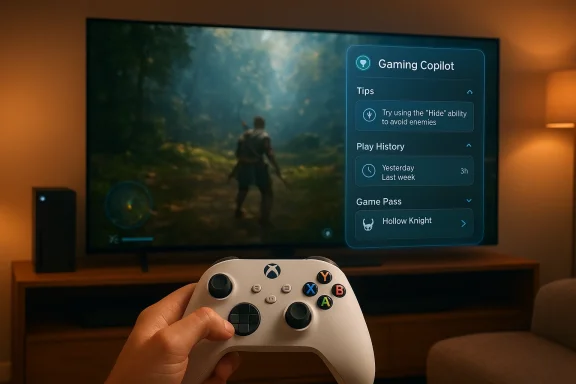
Gamer plays a console game on a large TV, with a Gaming Copilot UI panel on display.Background​

Microsoft’s Copilot brand expanded rapidly across productivity and consumer products after the initial Copilot rollouts in Windows and Office. In 2025 the company began testing a gaming‑specific variant—Gaming Copilot—as an overlay inside the Xbox Game Bar on Windows and as a mobile companion inside the Xbox mobile app. The early releases targeted the Xbox Insider Program and public betas, with Microsoft describing the feature as a voice‑enabled, screenshot‑aware assistant that ctions, remember recent play state, and help manage installs and updates.
That Windows/Mobile preview shaped expectations: Copilot for Gaming was positioned as a contextual helper rather than a game‑altering overlay. Early documentation and press briefings emphasized optpush‑to‑talk voice activation, and a design intent to stay out of the way during critical play moments. Community feedback from Insider builds has informed iterative changes, from how Copilot reads screenshots to how it surfaces achievement and library information.

What Microsoft announced (GDC 2026): consoles are next​

At the Game Developers Conference (GDC) 2026, Microsoft confirmed that Gaming Copilot will be coming to Xbox Series X|S consoles later in 2026. That shift reframes the assistant from a second‑screen or PC overlay into a platform‑level capability that will be available directly on console hardware for the first time. The company showe‑console Copilot that can provide:
  • Contextual, in‑game help without forcing you to alt‑tab or leave the session.
  • Voice and text interaction from a controller or companion device.
  • Recommendations for games, achievement checklists, and progress recaps.
  • Quick system tasks such as installing, updating, or launching a title. ([developer.microsoft.com](GDC 2026: Exploring the Xbox Booth the move as part of a broader strategy to embed Copilot experiences across its ecosystem. The console announcement is not a rebrand so much as an expansion: Gaming Copilot will be the same family of features adapted for TV‑first, controller‑centric play, rather than a wholly new product. That continuity matters because the Windows / mobile betas already demonstrate the core capabilities Microsoft plans to port to console.

How Gaming Copilot works (practical features and user flows)​

The console version is expected to re‑use the interaction model from the Game Bar and mobile releases, adapted for a living‑room environment:
  • Overlay UI: A small, context‑aware overlay or dock that can be summoned while the game runs full‑screen. The overlay reads what’s on your screen (with permission) to give targeted answers.
  • Voice + Text: Support for voice queries (push‑to‑talk) and typed questions through companion devices, enabling controller‑based interactions and phone‑based conversations.
  • Screenshot and State Awareness: When asked, Copilot can analyze a screenshot or the current game scene to offer tactical tips, route suggestions, or item recommendations.
  • Account Integration: Copilot ties into your Xbox account to look up achievements, play history, owned titles, and subscription entitlements, so suggestions are personalized. ([news.xbox.x.com/en-us/2025/11/25/xbox-november-update-gaming-copilot-full-screen-experience/)
  • System Actions: Use Copilot to install or update a game, toggle settings, or resume a paused session—useful for reducing friction when managing large libraries.
These features aim to minimize disruption—Microsoft has repeatedly said Copilot will be optional and designed to avoid interfering with competitive or cinematic moments. However, adapting an overlay for console requires different UX choices: controller input is slower than keymatters in shared living rooms, and latency expectations are different when the assistant runs on an always‑on TV screen.

Availability and rollout plan​

Microsoft’s public communications and the Xbox rollout timeline are consistent:
  • 2025: Gaming Copilot entered public beta on Windows through the Xbox Game Bar and started expanding to the Xbox mobile app for Xbox Insiders. These releases were the testing ground for voice, screenshot analysis, and account‑aware features.
  • 2026 (later this year): Microsoft confirmed at GDC 2026 that it will bring Gaming Copilot to Xbox Series X|S consoles, converting the second‑screen concept into a console feature. Availability will likely begin with Xbox Insider rings before a broader release.
If you want to try Copilot early, Microsoft’s official guidance remains consistent: join the Xbox Insider Program and opt into the relevant preview rings. Microsoft’s blog posts show that feature testing typically lands in Insider channels first, collects feedback, and then rolls out more widely. That pattern suggests a console preview before a global launch.

Developer implications: integration, SDKs, and studio controls​

Players aren’t the only audience for Copilot—developers and publishers will need to consider how Copilot interacts with games:
  • Hooks and APIs: Microsoft has indicated that Gaming Copilot will expose ways for games to return richer contextual data or block the assistant during critical sequences. Expect SDKs and recommended integration practices aimed at ensuring Copilot respects moment‑to‑moment gameplay integrity.
  • Guardrails for Competitive Games: Studios of competitive multiplayer titles will likely get controls to restrict or limit what Copilot can access or reveal in matchmaking or ranked play to preserve fairness. Microsoft’s messaging repeatedly emphasizes opt‑in design and studio collaboration.
  • Discoverability and Monetization: Copilot’s recommendations could influence game discovery and traffic; studios and platform teams will decide whether Copilot surfaces first‑party or storefront content preferentially. That economic axis — how suggestions shape engagement — is a live question for publishers.
In short, Microsoft is positioning Copilot as both a platform feature and a developer toolset. The company’s developer pages around GDC show intent to offer guidance and resources so studios can opt in or limit Copilot’s access where appropriate.

Technical considerations and performance​

Bringing an AI assistant to console hardware raises technical questions about where computation happens and how responsive the assistant feels:
  • On‑device vs t variants run with a mix of local and cloud compute. The Game Bar and mobile implementations offload heavier tasks to cloud services for natural language understanding and multimodal analysis. For the console rollout, Microsoft will likely use a hybrid approach — light parsing and UI locally, heavy inference in the cloud — to balance responsiveness with console resource constraints. This hybrid model is consistent with Microsoft’s broader Copilot architecture across Windows and Xbox.
  • Latency and Frame Impact: An overlay that inspects the framebuffer or performs screenshot analysis must minimize latency and avoid frame drops. Early bets on Windows showed the team prioritizing light, asynchronous analysis and non‑blocking UI updates; the console variant will need equal or stronger guarantees to avoid impacting gameplay.
  • Input Modalities: Console players rely on controllers, so Copilot’s push‑to‑talk, quick reply templates, and companion‑device typing will be critical. The mobile preview has already exercised many of these interaction patterns.
Microsoft has experience distributing Copilot features across device classes. Still, the console is a new runtime environment with unique performance and UX constraints. Until we see the final runtime profile, exact resource requirements remain subject to change. Where statements about on‑console compute persist as rumors, treat them cautiously.

Privacy, data handling, and safety​

Any AI assistant that reads gameplay screens, uses voice input, and links to account data raises legitimate privacy and safety concerns. Microsoft has addressed several of these in its public communications, but some uncertainty remains:
  • Opt‑in and permissions: Microsoft’s public posts and beta UI require explicit permission before Copilot reads screenshots or account activity. Users can opt out and manage what the assistant can access.
  • Data sent to cloud: To provide meaningful answers, Copilot sends data to backend services for processing. Microsoft’s documentation emphasizes escoped contexts, but the precise data retention policies and model‑training uses require scrutiny in official privacy pages and terms. We note that independent coverage of the feature has raised questions about telemetry and retention, signaling an area to watch.
  • Voice and household privacy: In a living‑room setting, voice queries may be overheard by other household members. Microsoft’s push‑to‑talk design is intended to mitigate always‑on concerns, but households should expect to manage device‑level audio privacy settings.
  • Safety in multiplayer: There are potential fairness issues if Copilot gives real‑time strategic advice in multiplayer matches. Microsoft will need to enforce studio controls and possibly feature flags preventing Copilot from sharing exploitative or match‑swaying information in competitive contexts. Early commentary from developers and press has highlighted thi area.
Bottom line: Microsoft is building privacy and permission flows into Copilot, but the devil will be in the policy details and how the feature is configured by users, families, and studios.

Accessibility and potential benefits​

Gaming Copilot has clear potential as an accessibility tool:
  • Real‑time explanations and walkthroughs can help players with cognitive or learning disabilities traverse complex quests without reading long walkthrough pages.
  • Voice controls and automated session management reduce menu navigation friction for players with mobility challenges.
  • Copilot’s screenshot analysis can serve as an on‑demand hint system that preserves player agency by offering incremental nudges rather than full solutions.
Microsoft has a history of integrating accessibility features into Xbox, and Copilot could be one of the most impactful additions if the company prioritizes accessible defaults and inclusive UX patterns.

Risks, hallucinations, and content accuracy​

Generative assistants are fallible. Gaming Copilot inherits known risks:
  • Hallucinations: The assistant may give incorrect or misleading advice — a nuisance in a single‑player campaign, but potentially harmful in competitive settings where incorrect guidance could alter match outcomes.
  • Outdated or stale guidance: As patches and game updates change mechanics, Copilot’s suggested strategies must stay current. Microsoft’s back‑end data pipelines and content refresh cadence will determine how quickly Copilot adapts to patch notes.
  • Overreliance: Players might become dependent on Copilot for routine tasks, reducing discovery and the satisfactions of organic problem‑solving. That effect is subjective but real for some players and communities.
  • Competitive imbalance: If Copilot provides deeper insights to casual players than experienced playersowledge, it could reshape skill gaps in unpredictable ways. Studio controls and matchmaking policies will be essential mitigations.
Microsoft is aware of these pitfalls and has publicly framed Copilot as optional, with studio and user controls. Still, the accuracy and trustworthiness of in‑game assistance should be listed as primary areas for ongoing review by both Microsoft and developers.

Community reaction and early signals​

Community and press reactions to the PC/mobile previews have been mixed: excitement for the convenience and accessibility benefits, paired with skeptical takes about accuracy and competitive fairness. Insider reports and forum threads captured the early tone—players praised helpful tips and installation convenience but flagw Copilot might affect challenge discovery and multiplayer fairness.
Independent press coverage from major outlets tracked the rollout timeline and echoed those same themes: Windows and mobile betas show promise, but a console integration raises a fresh set of policy and technical questions. That echoed coverage was visible in both platform blogs and general tech press reporting.

How to prepare (for players and communities)​

If you wantole Copilot or test it early, here’s a practical checklist:
  • Join the Xbox Insider Program and choose the appropriate preview ring to get early console builds.
  • Review and adjust privacy and permissions in the Xbox settings; disable screenshot sharing or voice features if you prefer.
  • For competitive players, check studio and developer guidance on whether Copilot is allowed in ranked or tournament play. Exo restrict Copilot in competitive modes.
  • Test Copilot first on single‑player or offline modes to get a feel for accuracy, latency, and the nature of the responses.
  • Give feedback through Insider channels; Microsoft iterate based on community input.
These steps will help you evaluate whether Copilot improves your experience and configure the feature to suit your household and playstyle.

What remains unverified and where to watch​

Several important details are still not fully public or remain subject to change:
  • Exact launch window and phased region availability for consoles beyond the broad 2026 “later this year” commitment. Microsoft typically stages console rollouts via Insider rings; however, specific month and region timelines are not yet finalized in public documentation. Treat any precise date claims as tentative until Microsoft posts official release notes.
  • The precise model of computation and compute residency: Microsoft’s hybrid approach is likely, but whether certain Copilot features will require persistent cloud connectivity or can operate offline on console hardware has not been fully documented publicly. Exercise caution when reading speculative performance claims.
  • Policy enforcement details for competitive multiplayer: Microsoft has announced controls, but the enforcement model (automatic flags, developer toggles, or player honor systems) is still evolving and will depend on game developers’ integration choices.
We recommend readers consult Microsoft's official Xbox updates and the Xbox Wire posts for definitive timelines and policy details as they are published.

Industry context: why this matters​

Embedding an on‑console AI assistant represents a convergence of trends:
  • Platform‑level AI: Moving Copilot from sidebar and mobile into console hardware signals that AI assistants are becoming a platform capability—similar to cloud storage or achievements—rather than an app add‑on.
  • Accessibility as a differentiator: Copilot’s potential to lower barriers for new and diverse players aligns with a broader industry focus on inclusive gaming.
  • Developer economics and discovery: AI‑driven recommendations can shift discoverability dynamics on storefronts and libraries; platform teams and publishers will need transparent policies to avoid perceiveicrosoft, console Copilot is both a consumer feature and a strategic bet: it reinforces the Copilot brand across device classes and deepens engagement within the Xbox ecosystem. For players, it offers convenience and new accessibility tools — but also requires careful policy and privacy consideration.

Verdict: promise, pragmatism, and caution​

Gaming Copilot’s migration to Xbox Series X|S is a logical next step for Microsoft’s Copilot strategy. The feature is already proving useful on Windows and mobile previews by reducing friction (installs, updates, achievement lookups) and delivering just‑in‑time help. Bringing those capabilities to console will make the assistant meaningfully more accessible to living‑room players and could be a boon for accessibility and casual play.
That said, the console rollout amplifies the high‑stakes questions: accuracy in critical gameplay moments, data privacy in shared households, and fairness in competitive settings. Microsoft’s public statements and developer guidance suggest the company understands these risks and plans to implement opt‑in controls and studio hooks. But the real test will be in the details and enforcement—how studios use the available APIs, and how Microsoft calibrates privacy, retention, and model‑training policies.
If you care about these outcomes, the practical steps are straightforward: join the Insider program, test the feature on non‑competitive modes, review privacy controls, and feed your experience back to Microsoft. The promise of a helpful in‑game assistant is real; the work now is making it accurate, safe, and fair for every kind of player.

Takeaway​

Microsoft’s Gaming Copilot arriving on Xbox Series X|S later in 2026 marks a meaningful expansion of AI into console gaming. Expect a hybrid cloud/local assistant designed for voice and controller interaction, built to help with tips, installs, and account‑aware tasks. The upside includes better accessibility and convenience; the downside risks center on accuracy, privacy, and competitive fairness. Keep an eye on the Xbox Insider builds and Microsoft’s official rollout notes for the concrete details that will determine whether console Copilot becomes a welcomed co‑pilot or a contested system feature.

Source: The Verge Microsoft’s Copilot AI assistant is coming to current-gen Xbox consoles this year
Source: The Tech Buzz https://www.techbuzz.ai/articles/xbox-gaming-copilot-ai-hits-consoles-this-year/
 

Microsoft says the Xbox experience will get a built-in, conversational AI assistant this year as Gaming Copilot — the same Copilot technology already rolling out in Windows 11 Game Bar, the Xbox mobile app, and select handhelds — and the company confirmed console support will arrive on “current‑generation consoles” later in 2026.

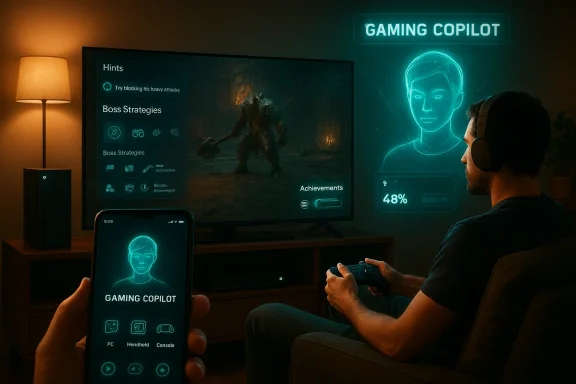
Gamer with headphones uses a neon holographic Gaming Copilot while playing on a large TV and phone.Background: what Gaming Copilot is and where it started​

Gaming Copilot (sometimes called Copilot for Gaming) began life as Microsoft’s attempt to adapt its broader Copilot strategy to gameplay: a contextual, conversational assistant that can see what’s happening in a game session, respond to voice or typed prompts, and offer in‑context help without forcing players to leave play. The feature first appeared in Microsoft’s public messaging in 2025 and was rolled into a beta on Windows 11’s Game Bar and the Xbox mobile app through a staged Insider program.
On PC and handhelds, Copilot works as an overlay or second‑screen companion. It can analyze screenshots, parse on‑screen context, provide step‑by‑step tips, suggest builds or strategies, explain how to beat specific bosses, and even manage basic tasks such as launching games or checking achievement progress. Voice Mode — a core interaction option — allows hands‑free chat while a player remains in full‑screen gameplay. These are the capabilities Microsoft has demonstrated in its previews and product pages.
Microsoft’s stated ambition with Gaming Copilot is twofold: make play more accessible by reducing friction when players get stuck, and deepen engagement by providing personalized discovery and coaching tied to the Xbox ecosystem (including Game Pass and cross‑device play). Early public tests have focused on adult users 18+ and have excluded mainland China in initial regional rollouts.

What changed at GDC 2026: console support and the timeline​

At the Game Developers Conference presentations in March 2026, Microsoft officials — including Xbox’s Partner Group Product Manager for Gaming AI, Sonali Yadav — confirmed the company will deliver Gaming Copilot to “current‑generation consoles” later in 2026. That language was used onstage while Microsoft walked developers through its AI strategy for gameplay; Microsoft continues to optimize Copilot for console form factors and living‑room usage patterns before wide release.
This announcement clarifies that Copilot’s move from second‑screen and PC previews to living‑room consoles is imminent — but it is deliberately non‑specific about which models are targeted. In context, “current‑generation” is widely read to mean Xbox Series X and Series S hardware families, but Microsoft did not enumerate every SKU in its GDC remarks. Reporters at the show and Microsoft’s developer communications framed the rollout as a staged expansion: mobile and Game Bar → handheld devices (ROG Xbox Ally family) → consoles.

How Gaming Copilot works (a technical look)​

Architecture and interaction models​

Gaming Copilot operates as a context‑aware assistant that combines visual analysis, telemetry from the Xbox ecosystem, and large‑language‑model style conversational responses. On PC and handhelds this already uses an overlay that can access the game window (with user permission), process screenshots to identify in‑game elements, and apply pre‑trained game‑specific heuristics to produce relevant, short‑form guidance. Voice Mode translates spoken instructions into the same conversational pipeline. Microsoft’s Game Bar integration is an explicit example of this overlay strategy.
Crucially, Microsoft has balanced between edge/on‑device features (for low latency, privacy‑sensitive tasks) and cloud processing (for deeper reasoning or cross‑title knowledge). The public documentation for Gaming Copilot emphasizes that it will be “there when you need help and out of the way when you don’t,” suggesting dynamic enabling of features and user controls for how and when Copilot monitors gameplay. These technical trade‑offs — on‑device responsiveness vs. cloud capability — underpin much of the engineering work Microsoft is still performing before console launch.

What Copilot can and can’t do today​

  • What it can do:
  • Provide hints, walkthrough steps, and boss strategies tailored to the current in‑game context.
  • Recommend weapons, builds, or tactical changes by analyzing recent play or screenshots.
  • Surface achievement progress and onboarding help (how to unlock or improve).
  • Execute simple ecosystem tasks (launch game, check inventory, pull up patch notes) via the Xbox mobile app or Game Bar.
  • What it will not do (Microsoft’s stated guardrails):
  • Replace player skill or automatically play for a user.
  • Provide answers that would enable cheating in multiplayer or competitive scenarios — Microsoft has emphasized responsible deployment and moderation for gameplay features. The company’s public session track at GDC reinforced an emphasis on “responsible innovation” for Gaming AI.

Project Helix: next‑generation Xbox and how Copilot fits (developer timeline)​

Microsoft used GDC to also provide an early roadmap for Project Helix, the next‑generation Xbox platform. The company confirmed the following key points in its developer briefings and press coverage:
  • Project Helix is a custom‑AMD‑SoC powered platform designed to deliver a substantial generational leap, with hardware features focused on advanced ray tracing, neural rendering, and machine‑learning driven frame generation.
  • Microsoft said alpha hardware kits will ship to developers beginning in 2027; the timetable is explicitly for developer hardware, not general consumer availability. That sets an earliest plausible developer alpha window in calendar year 2027 rather than a consumer release in 2027.
  • Microsoft’s messaging frames Project Helix as part of a broader initiative to “break down artificial barriers between PC and console,” meaning much of the next‑gen hardware roadmap is designed to be relevant to Windows game developers as well as console teams. That cross‑platform intent creates an obvious intersection with Gaming Copilot’s evolution: Copilot can be built as a cross‑device service layer that spans Windows, handhelds, consoles, and next‑gen Helix hardware.

Why this matters: benefits for players, studios, and Xbox​

For players: accessibility, discovery, and reduced friction​

Gaming Copilot promises several concrete advantages for everyday players:
  • Accessibility gains. For players with disabilities or who rely on assistive tech, a voice‑driven or conversational help system that explains mechanics and maps controls in plain language is a major usability boost.
  • Lowered friction for new or lapsed players. Copilot’s ability to explain progression, suggest suitable titles based on play history, and queue up updates reduces the time cost of getting back into a game.
  • Personalized discovery. Tighter integration with Game Pass and Xbox’s activity data can produce on‑target game recommendations that help players find titles they’ll enjoy.

For developers and studios: new hooks and telemetry​

Studios stand to gain new ways to connect with players if Microsoft exposes robust, privacy‑aware APIs. Copilot can surface tutorial micro‑moments, highlight underused systems, and funnel players to paid or free DLC more effectively — all while giving developers analytics around where players typically need assistance. Microsoft pitched this kind of developer support at GDC and in its developer sessions.

For Xbox as a platform: retention and ecosystem value​

From a platform perspective, Copilot is a natural feature to increase retention for Game Pass subscribers and to make the Xbox ecosystem stickier across devices. Features that reduce churn (helping players overcome a frustrating boss or find the right difficulty setting) directly influence playtime and subscription perceived value. Microsoft’s product messaging has emphasized Copilot as part of a cross‑device, ecosystem‑level strategy.

Risks, tradeoffs, and hard questions​

No major platform feature is risk‑free. Gaming Copilot raises several issues that Microsoft, developers, and players must confront.

1) Competitive integrity and cheating concerns​

An AI that can analyze game state and suggest exact routes or tactics creates a slippery slope in online or esports contexts. Even if Microsoft prohibits certain usages, enforcing those rules in real time across thousands of titles (many of them owned and operated by third parties) will be complex. Esports organizers and competitive communities will almost certainly demand toggleable, enforceable restrictions or entirely blocked Copilot usage during sanctioned play. ([windowscentral.com](Microsoft's Gaming Copilot wants to help you be a better gamer, and it's rolling out now 2) Spoilers, discovery, and the soul of play
A longstanding tension in games is between helpful guidance and spoiler‑free discovery. Rapid access to walkthrough steps or boss solutions can diminish emergent play experiences. Microsoft acknowledges this tension and — at least in its messaging — is orienting Copilot as a sidekick rather than a spoiler engine, but how the product navigates the boundary between hinting and answering will determine whether core‑game audiences accept it.

3) Privacy, telemetry, and data governance​

Copilot’s utility depends on access: screenshots, session telemetry, and account activity. That raises questions about how long that data is stored, whether raw images leave a device, whether audio is retained, and how Microsoft will present meaningful, granular privacy controls to users. Microsoft’s GDC sessions about "Responsible Innovation" indicate the company is aware of these governance obligations, but successful real‑world privacy UX and auditing practices will be essential to trust.

4) Hallucination and incorrect guidance​

Generative models are fallible. If Copilot gives wrong or dangerous advice (e.g., incorrect crafting recipes, misleading boss strategies), the user experience degrades quickly. Microsoft will need robust mitigations: model grounding to verified game data, human‑in‑the‑loop moderation for sensitive outputs, and clear UI cues when suggestions are inferred rather than factual. There is no engineering shortcut here — model accuracy and conservative defaults will matter.

5) Monetization pressure and feature creep​

There is a plausible product play where AI features are used to upsell DLC, subscriptions, or premium hints. Gamers will be skeptical if Copilot’s helpfulness becomes gated by payments or if recommendations increasingly promote monetized content over player‑first utility. Xbox’s historical focus on Game Pass and ecosystem monetization makes this a live commercial risk to watch.

How Microsoft and studios should prepare (practical guidance)​

  • Opt into early testing responsibly.
  • Players and studios should join Microsoft’s Insider channels to test behavior patterns and stress conditions, but keep test data segregated and privacy‑audited.
  • Define clear gameplay boundaries.
  • Developers building competitive functionality should explicitly mark modes where Copilot should be disabled and surface API hooks to Microsoft so the platform can enforce those rules server‑side when necessary.
  • Design for transparency.
  • Game UX should indicate when Copilot is acting on observed state versus when it’s inferring from general knowledge; players should be able to see why a suggestion was made.
  • Prepare QA and model‑validation cycles.
  • Studios should add Copilot scenarios to QA matrices to validate that AI suggestions do not break progression or create imbalances.
  • Educate the community.
  • Launches succeed when communities understand the feature’s limits and benefits; clear documentation and opt‑out settings will reduce backlash.

Community reaction and the conversation inside Xbox circles​

Community sentiment is mixed: some players welcome in‑game assistance and accessibility gains, while others fear an influx of intrusive AI that changes the core pleasures of discovery. Forum threads and internal community chatter captured after the GDC announcements show both enthusiasm for improved onboarding and skepticism about AI in the living‑room. The discourse reflects the same bifurcation Microsoft will have to manage in its public rollout.

What to expect next (timelines and practical rollout notes)​

  • Consoles: Microsoft has said Gaming Copilot will come to “current‑generation consoles” later in 2026; expect a staged rollout to Xbox Series X|S owners with an initial opt‑in beta for Insiders before broader availability. The GDC remarks that prompted this were delivered in March 2026.
  • Handhelds and PC: Gaming Copilot is already available (beta) on Windows 11 Game Bar and the Xbox mobile app, and it has shipped with optimizations for ROG Xbox Ally handhelds. These channels will continue to be Microsoft’s proving ground for updates and feature experiments.
  • Project Helix: Developer alpha kits for Microsoft’s next‑gen Project Helix are scheduled to begin shipping to studios in 2027; that hardware timeline is separate from Copilot’s 2026 console arrival, but Helix’s machine‑learning features may provide deeper local inference capabilities for future Copilot iterations. Expect Microsoft to emphasize cross‑device parity as Helix tooling rolls into developer pipelines.

Final analysis: a pragmatic verdict​

Gaming Copilot is a logical extension of Microsoft’s Copilot umbrella and a credible step toward making the Xbox platform more accessible and connected across devices. Technically, the feature already demonstrates practical value on PC and handhelds. If Microsoft executes well on privacy, model accuracy, and integration controls, Copilot can be a genuine utility for millions of players and a platform differentiator for Xbox.
However, the upside is matched by meaningful risks. Competitive fairness, spoilers, privacy governance, and the model‑hallucination problem are real and solvable only by careful product design, conservative defaults, and transparent policies — not by marketing alone. Microsoft’s GDC messaging and developer sessions signal awareness of these hazards, and the Project Helix timeline indicates the firm is thinking long term about hardware that can support richer AI features. The coming months — from Insider tests to a wider console beta — will show if Xbox can translate ambition into a trusted, enjoyable in‑game companion.

Practical advice for Xbox players today​

  • Try the Game Bar or Xbox mobile Copilot beta to understand how it works and to preconfigure privacy settings.
  • If you compete in ranked or tournament play, plan to disable Copilot during matches until tournament organizers issue guidance.
  • For accessibility needs, evaluate voice mode and conversational help as a legitimate accessibility aid and provide Microsoft feedback through Insider channels.
  • Keep an eye on developer updates around Project Helix and Xbox Mode for Windows 11 if you’re a studio or advanced PC player; those roadmaps will shape Copilot’s mid‑term future.
Microsoft’s announcement at GDC marks a decisive moment: AI is no longer just a second‑screen experiment for Xbox — it is being positioned as a first‑class platform capability. Whether Gaming Copilot becomes a friend at the console or an unwelcome intrusion will depend largely on how Microsoft manages the details now: transparency, developer collaboration, and responsible defaults will determine whether Copilot enhances the play experience or dilutes it.

Source: 디지털투데이 Microsoft to add AI Copilot to Xbox, set for release this year
 

Microsoft will bring its AI-powered Gaming Copilot to Xbox Series X|S consoles in 2026, turning an overlay-style, context-aware assistant that has been tested on PC and mobile into a living-room feature for console players — a move announced during Microsoft’s presentations at GDC and confirmed by Xbox representatives.

A person plays a neon-lit game on a large TV in a cozy living room.Background / Overview​

Microsoft's Copilot brand has expanded rapidly across productivity and consumer products; Gaming Copilot is the company's gaming-specific implementation designed to provide in-play, contextual help rather than replace human skill or community-created guides. The feature debuted as a beta within Windows 11's Xbox Game Bar and moved to the Xbox mobile app and select handhelds during 2024–2025, where it offered voice-first queries, screenshot-aware analysis, achievement lookups, and personalized recommendations.
The announcement at the Game Developers Conference framed the console rollout as a deliberate next step in Copilot’s evolution: what began as a second‑screen companion and desktop overlay is being recast as a first-class console feature that will live on Xbox Series X and S hardware later this year (2026). Microsoft framed the expansion as part of a broader strategy to weave Copilot into the gaming ecosystem across devices, complementing work on next‑generation hardware and developer tooling presented at GDC.

What Microsoft actually announced at GDC​

Microsoft used several GDC sessions and developer blog posts to make two linked announcements: continued investment in the next‑generation console platform (Project Helix) and the console launch of Gaming Copilot in 2026. Onstage comments from Xbox product leadership stressed the intent to bring Copilot to “current‑generation consoles later this year,” while reiterating that Copilot is a platform-level assistant meant to serve players across PC, mobile, handheld, and console. Games press outlets that covered the GDC sessions reported the same timeline and quoted Xbox staff describing Copilot’s console debut as imminent.
The messages sent were twofold: (1) Copilot is ready to leap from second-screen and PC overlays onto living‑room hardware, and (2) Microsoft intends to make Copilot a cross‑device service rather than a one-off experiment. That positioning matters because consoles operate under different expectations — local hardware constraints, stricter certification, and live‑service ecosystems — and Microsoft signaled it will continue incremental rollouts with testing through Insider channels before wide availability.

How Gaming Copilot will work on Xbox Series consoles​

Microsoft has described Gaming Copilot as an overlay-driven, voice- and chat-capable assistant that understands screenshots, game context, and user intent. On PC (Game Bar) and mobile, Copilot already performs tasks like:
  • Answering in‑game questions and offering walkthrough steps when players are stuck.
  • Recommending related titles and personalized content based on play history.
  • Managing game installs, updates, and library organization on request.
  • Surfacing achievement help, build guides, and short strategy summaries.
  • Providing voice-first and text chat interactions to keep players in the moment.
On consoles, Microsoft intends to deliver a comparable experience adapted for living-room use: an unobtrusive overlay that can be summoned by voice or controller, quick contextual prompts tied to the current game session, and an opt-in approach that respects parental and account controls. Developers can expect Copilot to rely on a combination of local telemetry (what’s currently running) and cloud models for deeper analysis or content synthesis; explicit details on local-versus-cloud processing remain a topic Microsoft has signaled it will clarify during beta testing.

Features users should expect at launch​

Based on the PC and mobile previews and Microsoft’s GDC remarks, early console features will likely include:
  • Contextual coaching: Step-by-step hints and strategies for single‑player encounters and puzzles.
  • Achievement lookups: Quick explanations of how to unlock in‑game achievements or collectibles.
  • Installation and update help: Voice-driven prompts to install or update games and manage storage.
  • Game discovery and recommendations: Personalized suggestions drawn from play history and Game Pass data.
  • Overlay screenshots and analysis: Screenshot-aware assistance that can interpret the current screen and offer targeted tips.
Microsoft has already shipped several of these capabilities in the Xbox Game Bar and mobile Copilot beta, so the console experience will be an adaptation rather than a wholly new product. That reduces technical surprise but raises platform-specific questions around latency, input methods, and certification.

Why this matters: potential upsides​

The console-native Gaming Copilot carries several immediate benefits for players and developers alike.
  • Accessibility: For players with mobility, vision, or cognitive challenges, a voice-driven assistant that explains objectives and highlights routes can be transformative. Copilot’s presence could lower barriers for new or returning players who find modern games complex.
  • Reduced friction: Installation, updates, and library management are tasks gamers dislike. Copilot promises a natural-language shortcut for these chores, keeping players in the experience rather than buried in menus.
  • On-demand learning: Instead of pausing to search forums or watch lengthy videos, players could receive concise, context-aware walkthroughs that preserve immersion.
  • Better game discovery: Personalized recommendations driven by play history and Game Pass signals can help smaller titles find players, potentially benefiting independent studios within Microsoft’s ecosystem.
These benefits are not speculative — they are the same outcomes Microsoft has been testing on PC and mobile releases of Copilot, and the company sees the console rollout as scaling those advantages to a broader audience.

The risks and trade-offs Microsoft must manage​

As compelling as the use cases are, integrating an always-on or easily summoned AI into consoles raises material concerns that Microsoft and the industry must handle carefully.
  • Privacy and telemetry: Copilot will require context about what a player is doing — screenshots, achievement state, installed games, and possibly voice audio. Players will rightly ask what is stored, what is sent to Microsoft, and how long it’s retained. Microsoft’s public documentation on Gaming Copilot to date emphasizes opt-in experiences and age restrictions, but the console launch will demand explicit, accessible privacy controls and logging transparency.
  • Hallucinations and incorrect advice: Generative models are not infallible. In-game advice that is plausible but wrong can ruin an experience or lead to frustration — particularly when Copilot’s suggestions are time-sensitive or affect progression. Microsoft must build guardrails, confidence scoring, and easy ways for users to report and correct bad guidance.
  • Cheating and multiplayer fairness: Real-time hints or route planning could create unfair advantages in competitive multiplayer if used improperly. Integration with anti-cheat systems and limits on Copilot’s capabilities in competitive contexts will be necessary to preserve fair play. Microsoft has indicated developer and moderation tooling will be a focus, but the community will scrutinize enforcement closely.
  • Copyright and content licensing: When Copilot summarizes guides or extracts game information, who owns that output? Game developers may be worried about synthesized walkthroughs republishing proprietary content. Contracts and developer opt-ins/outs for what Copilot can reference will be a point of negotiation.
  • Monetization and ecosystem incentives: If Copilot begins to surface paid content or preferential recommendations (for Game Pass titles, for example), transparency about ranking signals will be required to prevent marketplace distortions and preserve developer trust.
These are more than theoretical problems — they are concrete tension points between convenience and control, and Microsoft will have to balance them to avoid alienating players or studios.

Technical and platform considerations​

Delivering a responsive Copilot experience on a console is technically different from a PC overlay or a mobile app. Key engineering questions include:
  • Latency and compute: Voice and screenshot analysis can be compute-intensive. Microsoft may use a hybrid model that runs fast, privacy-preserving inference locally for trivial tasks while routing heavier generation queries to cloud-based models. The balance affects responsiveness and offline behavior.
  • Input modalities: Consoles depend on controllers and TVs; voice input will be important for a comfortable experience. Microsoft’s history with voice features on Xbox suggests voice-first Copilot interactions will be emphasized, but robust fallbacks for controller navigation are essential.
  • Integration with developer pipelines: Studios will expect SDKs, policy controls, and testing sandboxes so they can validate how Copilot interacts with their game. Microsoft’s developer content at GDC emphasized multi-device workflows and new tools, indicating the company is aware that dev support is a make-or-break factor.
  • Anti-cheat and multiplayer rules: Microsoft must ensure Copilot cannot access or infer information that would enable cheating. That likely requires tight coordination with the anti-cheat stack and in-game rule enforcement mechanisms.
These engineering trade-offs will shape the user experience. If Microsoft leans too heavily on cloud processing, players without stable connections will suffer; if it tries to do everything locally, feature breadth could be constrained.

Developer implications: opportunities and obligations​

For developers, Copilot presents both new distribution channels and integration responsibilities.
  • Opportunity: Exposure to Copilot-driven discovery can route curious players to niche titles. Developers who provide short, sanctioned hints or selective guide hooks could see improved retention.
  • Obligation: Studios will need to consider how Copilot interprets their in-game content. Options to annotate assets, mark spoilers, or provide canonical help content should be available so Copilot’s outputs remain accurate and respectful of intended player experiences. Microsoft’s developer messaging at GDC emphasized improved tools for cross-device compatibility and developer workflows, suggesting the company plans to provide such integration points.
  • Moderation and policy: Multiplayer titles will demand explicit settings to restrict Copilot assistance during competitive play. Developers should expect to receive APIs or manifest flags to limit Copilot’s access in particular game modes.
The studios that embrace Copilot as a distribution and support channel while retaining clear guardrails will benefit most.

Industry context and competition​

Microsoft is not operating in a vacuum. Other platform holders and publishers are experimenting with AI-driven companions, and the GDC announcements were part of a larger industry conversation about AI in games, next‑gen hardware, and cross‑platform play. Commentary from the trade press following Microsoft’s GDC sessions emphasized that console AI assistants are an industry trend and that Microsoft’s console debut could accelerate similar moves by other platforms.
For Microsoft, coupling Copilot with Project Helix — the company’s next-gen console initiative discussed at GDC — signals a long-term plan to unify Xbox and PC experiences, where AI features become an expected part of the platform rather than experimental extras. How well Microsoft harmonizes Copilot across current- and next-gen hardware will be a critical metric of success.

Rollout expectations and timeline​

Microsoft has said the console rollout will occur “later this year” (2026) and will likely follow the same staged approach used for PC and mobile: Insider testing, staged region availability, and incremental feature additions. Historically, Xbox has used Insider rings for feature validation and to collect telemetry and community feedback prior to broad release, and Copilot’s console debut is expected to follow that pattern.
Players should expect:
  • An initial Insider/preview period on select consoles and markets.
  • A limited feature set at launch focused on single‑player and non‑competitive use cases.
  • Gradual expansion of functionality after developer- and community-driven refinements.
  • Clear opt-in controls and family/age gating consistent with Microsoft’s existing Copilot guidelines.
Those staged phases will determine how fast Copilot becomes ubiquitous across Xbox’s install base.

Ethical, legal, and moderation considerations​

AI assistants in gaming raise thorny legal and ethical questions that Microsoft must address pre-launch:
  • Age gating and parental control: Microsoft has indicated support for age restrictions in prior Copilot rollouts; consoles — a platform often used by children — will require robust parental controls and distinct handling for accounts under 18.
  • Content moderation: Copilot must avoid providing spoilers, abusive language, or harmful strategies (e.g., exploits). Moderation layers and user-reporting mechanisms are essential.
  • IP and copyright: When Copilot summarizes in-game dialog, lore, or proprietary mechanics, the legal footing is complicated. Microsoft should provide opt-out pathways for developers who prefer to keep content off-limits for synthesized output.
  • Transparency: Players should be able to see why Copilot made a recommendation (signals and confidence) and how to correct or disable it. Lack of transparency risks eroding trust.
Failure to address these issues will not only create user friction but could invite regulatory scrutiny in certain jurisdictions.

Recommendations for Microsoft, developers, and players​

To maximize promise while minimizing harm, stakeholders should consider these steps:
For Microsoft:
  • Ship Copilot with strong, visible privacy controls and a simple toggle to disable data sharing or cloud inference.
  • Provide developer tooling that allows studios to annotate content, opt-in/opt-out of Copilot indexing, and set mode‑specific restrictions (e.g., disable in ranked multiplayer).
  • Publish a transparent retention and telemetry policy and include a public errors-and-corrections channel for Copilot outputs.
For developers:
  • Prepare canonical, short-form help assets that Copilot can reference to reduce hallucinations.
  • Use available manifest flags to restrict Copilot access in competitive modes.
  • Monitor telemetry for unexpected behavior and collaborate with Microsoft on fixes.
For players:
  • Try Copilot in preview channels to understand its benefits and limitations before relying on it.
  • Use parental controls and privacy toggles if you share your console with children or prefer local-only experiences.
These measures will help useful product ecosystem rather than a surprise-laden rollout.

Final assessment: balanced optimism with cautious scrutiny​

The console arrival of Gaming Copilot represents a big, practical step in making AI a first-party feature inside mainstream gaming hardware. If executed with solid privacy controls, clear developer partnerships, and careful anti-cheat and moderation measures, Copilot could reduce friction, improve accessibility, and surface new discovery paths for smaller games.
Conversely, missteps in transparency, moderation, or developer relations could produce backlash: players who feel surveilled, studios worried their IP is being republished, or competitive communities undermined by assistant-driven advantages. Microsoft’s explicit mention of staged rollouts and developer-focused tooling at GDC shows the company is aware of these tensions, but execution matters more than intent.
For now, the sensible viewpoint is cautious optimism: this is an evolution of features Microsoft already ships on PC and mobile, not an entirely new concept. The console launch will test Microsoft’s ability to scale Copilot responsibly across diverse hardware and user populations. Players, developers, and moderators should watch the Insider phases closely, provide structured feedback, and hold the platform accountable for clear privacy, fairness, and accessibility outcomes.

In the months ahead, expect previews and community testing to reveal the real contours of Gaming Copilot on consoles — how fast it responds, how well it respects creators’ boundaries, and whether it genuinely helps players without undermining the social and competitive fabric that makes gaming meaningful. The first rule of a good in‑game assistant is simple: be helpful without being intrusive. If Microsoft can deliver that balance, Gaming Copilot on Xbox Series X|S will be a valuable platform feature; if not, it will be a case study in the limits of convenience without consent.

Source: TechPowerUp Microsoft Will Add Gaming Copilot To Xbox Series Consoles in 2026
 

Microsoft is bringing its AI-powered Gaming Copilot out of the PC and mobile beta and into the living room: Xbox Series X|S consoles will receive a built‑in Gaming Copilot experience in 2026, the company confirmed during its Game Developers Conference presentations and follow-up briefings. This is the clearest sign yet that Microsoft intends to make conversational, context‑aware AI a first‑class part of the Xbox platform — not an optional second screen — and it has major implications for gameplay, accessibility, publisher workflows, and the broader business model around consoles and services.

Person playing video games on a large TV displaying a 'Gaming Copilot' interface.Background​

Microsoft first introduced Copilot as an umbrella brand for embedded AI across Office, Windows and its consumer services. The gaming‑specific iteration — variously called Copilot for Gaming, Gaming Copilot, or simply Gaming Copilot (Beta) — has been under public testing on Windows 11 via the Xbox Game Bar and as a second‑screen assistant in the Xbox mobile app since 2025. Those early previews emphasized overlay‑aware help (screenshot understanding, achievement lookups), voice and text queries, and recommendations informed by your play history. The company framed the feature as a player‑driven assistant intended to help when you are stuck or want a hint — not a replacement for in‑game learning.
At GDC 2026 Microsoft signaled a significant change of posture: Gaming Copilot is moving from second‑screen and PC overlays to the console itself, becoming a built‑in, in‑living‑room assistant for Xbox Series X and S devices later in the year. Executives on stage and in associated developer sessions positioned Copilot as a cross‑platform feature that will live on console hardware and integrate with Xbox services and developer tooling.

What Gaming Copilot on Xbox Series X|S will be — a practical summary​

Microsoft has not published a full, itemized spec sheet for the console release yet. Based on the beta experience on PC and mobile and the GDC statements, the Xbox implementation is being presented as an overlay‑style, context‑aware assistant that will offer:
  • Contextual, in‑game help — hints, explanations, or step‑by‑step guidance based on screenshots, save data, or the current state of play.
  • Personalized coaching — suggested strategies or practice drills aimed at improving player performance over time.
  • Achievement and progression lookups — details on how to unlock achievements or finish quests without alt‑tabbing to a browser.
  • Installation and management — voice or chat controls for installing, updating, and launching titles.
  • Game discovery and recommendations — personalized suggestionsry, Game Pass usage, and play patterns.
  • Voice and text input — support for controller text entry, on‑console keyboard, and likely microphone/voice commands where available.
Those core features mirror the Gaming Copilot functionality already available on Windows Game Bar and Xbox mobile — but on console the interaction model will be more living room oriented (controller input, optional voice interaction, and an overlay UI designed for TVs). Microsoft told developers at GDC the feature will be available on current‑generation consoles later in 2026; the company framed this as the next stage of Copilot’s cross‑platform rollout.

Why this matters: three strategic layers​

1) Player experience and retention​

For players, the promise is tangible: fewer interruptions, faster problem solving, and an assistive layer that reduces friction when you’re stuck, hunting an obscure item, or trying to master difficult mechanics. For newcomers and accessibility‑focused players, contextual hints and coaching could lower barriers to entry and make longer, more complex games approachable.
  • Short‑term benefits: faster onboarding, fewer abandoned play sessions, less time searching for external guides.
  • Long‑term benefits: personalized skill growth, better cross‑title discovery, and higher engagement for subscription services like Game Pass.

2) Developer and platform economics​

From Microsoft’s perspective, embedding Copilot deeper into consoles locks AI‑driven services into the Xbox experience. That supports Game Pass engagement, cross‑platform continuity (PC to console to handheld), and potential monetization pathways that range from premium Copilot features to publisher partnerships.
Developers gain new tooling and telemetry: Copilot’s context‑aware assistance relies on game metadata, achievement definitions, and possibly curated guidance from studios. Microsoft has been updating developer docs and GDK workflows to make Xbox and PC parity easier; adding Copilot to the console ecosystem expands the types of metadata and APIs studios must manage or opt into. That dataset is valuable for personalized recommendations and measuring feature efficacy — but it also raises integration work for studios.

3) Platform convergence and future hardware​

The console rollout is also a stepping stone in Microsoft’s broader strategy to blur lines between PC and console — think “Xbox Mode” for Windows 11 and Project Helix next‑generation hardware. Copilot on console strengthens the argument that Xbox is a service rather than simply a hardware SKU, with AI as a cross‑device glue. That matters for future hardware designs (local AI acceleration, edge inference options) and for how Microsoft positions Xbox in the broader gaming and PC ecosystems.

Technical questions and what we can verify now​

Microsoft has provided high‑level statements but stopped short of a full technical disclosure; here’s what we can verify and what remains unconfirmed.

Verified or directly stated​

  • Microsoft confirmed at GDC 2026 that Gaming Copilot will come to current‑generation consoles later in 2026. The phrasing from Xbox representatives and press coverage indicates the target hardware is Xbox Series X|S.
  • Gaming Copilot already exists in beta on Windows 11 (Game Bar) and as part of the Xbox mobile experience; the console rollout is an extension of that product trajectory.
  • Xbox developer resources and GDC sessions emphasize cross‑platform alignment (developer tooling updates and new platform targets) that make Copilot integration feasible.

Unverified or speculative (flagged)​

  • Whether Copilot on console will run inference locally, partially on‑device, or fully in the cloud has not been publicly confirmed by Microsoft. The current PC and mobile beta relies on cloud models; a console release could follow the same pattern or mix local/edge inference depending on latency and privacy tradeoffs. This distinction matters for performance, responsiveness, and offline availability — and should be treated as unresolved until Microsoft publishes specifics. Caution: treat claims about local NPU acceleration or hardware Copilot support on existing Series consoles as speculative.
  • Pricing and monetization. Microsoft has not announced whether advanced Copilot features will be free, gated behind Game Pass tiers, or paid as a premium add‑on. Any suggestion that Copilot will be bundled with Game Pass or sold separately is currently conjecture. Flagged until Microsoft clarifies business terms.
  • Regional availability and age gating. Historically, Copilot features and AI rollouts have launched with regional limitations tied to legal and regulatory regimes; Microsoft has not published a global availability map for console Copilot yet. Expect staged rollouts and age restrictions in some markets. This remains to be confirmed.

UX and interaction design: how Copilot must work on TV​

Bringing a text‑and‑voice assistant to a TV environment is non‑trivial. Console UX constraints (controller input, couch posture, shared screens) require different design priorities than desktop or phone:
  • Non‑intrusive overlay: Copilot must not obscure critical HUD elements or break immersion; a discrete overlay with quick expand/collapse gestures is essential.
  • Controller‑first flows: While voice is attractive, many players don’t use microphones in the living room. Native controller navigation, predictive suggestions, and fast quick‑reply buttons will be mandatory.
  • Privacy and party contexts: Copilot should respect party chat and multiplayer privacy—what a player asks privately should not be broadcast to a team. Microsoft will need clear push‑to‑talk and privacy mode affordances.
  • Accessibility hooks: For players with disabilities, Copilot can be transformative (real‑time text descriptions, on‑demand difficulty scaffolding). Microsoft has invested in accessibility before, and console Copilot should extend those features.
If Microsoft gets these details right, Copilot could become one of the most widely used accessibility features on Xbox. If they get it wrong — intrusive prompts, poor voice detection, or privacy slipups — the feature risks heavy pushback.

Privacy, moderation, and cheating: the thorny risks​

AI assistants touching gameplay create a set of familiar and novel hazards:
  • Privacy of in‑game data: To provide context‑aware assistance, Copilot needs access to screenshots, achievement metadata, and potentially play session telemetry. Microsoft will have to publish what data is used, how it is stored, and for how long; without clear controls this will alarm privacy‑conscious users. Note: Microsoft has had past incidents where Copilot/AI interactions raised data control questions; transparency will be critical.
  • Cheating and competitive fairness: In multiplayer or esports contexts, an AI that gives real‑time strategic advice could be abused. Microsoft will likely need to enforce game mode gating — disabling Copilot in ranked play or tournament modes — and offer strong developer APIs so studios can declare which modes allow assistance. That capability is not yet fully described and will be vital to maintaining competitive integrity.
  • Toxic or hallucinated guidance: Generative models can hallucinate or produce incorrect guidance. If Copilot suggests a wrong strategy that causes progress loss, responsibility and recourse paths must be clarified. Guardrails, content moderation, and fallback to human‑verified walkthroughs or developer‑provided tips will reduce risk; Microsoft has signaled an intention to implement guardrails broadly across its AI offerings, but specifics for in‑game help remain to be published. Caveat: the extant reporting indicates Microsoft is thinking about guardrails, but details are thin.

Publisher and developer responsibilities​

For Copilot to be useful and safe, studios must participate:
  • Provide canonical tips: Developers should be able to supply curated, canonical hints and walkthrough steps to prevent hallucinations and ensure quality.
  • Define boundaries: Studios will need a straightforward API to declare when Copilot must be disabled (ranked multiplayer, spectator mode) and what game data it can access.
  • Opt‑in metadata: Achievement descriptions, challenge definitions, and quest hooks should be exposed as structured metadata so Copilot can give precise, verifiable guidance.
Microsoft’s developer updates at GDC point in this direction — the company is improving GDK documentation and platform parity to lower friction for these integrations. But adopting those specs is extra work for studios and could create uneven Copilot experiences across titles.

Accessibility and inclusion: an opportunity​

Gaming Copilot could be a major accessibility win if implemented thoughtfully. Imagine:
  • A turn‑by‑turn hint system for players with cognitive or motor challenges.
  • Real‑time narration of menus and HUD elements for visually impaired players.
  • Adaptive difficulty recommendations tuned to player performance and fatigue.
These are not hypothetical luxuries; Microsoft has publicly framed Copilot as an accessibility‑friendly tool in past developer and product communications. Delivering on that promise could make Copilot one of the most impactful accessibility features on Xbox since built‑in narration and controller remapping. Implementation fidelity and developer cooperation will determine the real impact.

Business and competitive implications​

Microsoft’s Copilot push on consoles signals a few market realities:
  • AI as a retention lever. Embedding assistance and discovery into the console increases the value of Microsoft’s subscription services, especially Game Pass, by reducing friction between discovery and play.
  • Platform differentiation. If Sony or Nintendo do not follow with comparable, integrated in‑TV assistants, Microsoft can claim a unique, cross‑device AI ecosystem advantage.
  • New monetization levers. While Microsoft has not announced pricing, premium Copilot capabilities (developer‑curated guides, curated coaching sessions, or advanced analytics) could become upsell opportunities — a model already explored in other digital services. But to be clear, Microsoft has not committed to any of these monetization strategies for console Copilot.

What to watch next (concrete items and timelines)​

  • Microsoft publishing an official rollout plan for consoles, including:
  • Exact timing and staged availability by region and SKU.
  • Requirements for players (age, account type, mic/headset usage).
  • Whether Copilot will be available on Xbox Series S as well as X equally.
  • Technical details on inference strategy:
  • Cloud‑only models, hybrid local inference, or optional local acceleration on future hardware.
  • Latency commitments for real‑time help in fast‑paced games. This is a key unanswered technical question.
  • Developer APIs and guardrails:
  • How studios opt into curated help, how they declare protected modes, and how Copilot queries are scoped.
  • Tools for moderation and telemetry that avoid leaking player secrets.
  • Privacy documentation:
  • What data Copilot collects on consoles, retention policies,for players. Given prior Copilot‑related data concerns in other product areas, Microsoft must be explicit.
  • Competitive and regulatory response:
  • Watch for competitor announcements from Sony or Nintendo and for regulatory scrutiny around AI in consumer electronics. Microsoft will likely face questions around fairness, safety, and consumer protection as Copilot climbs the adoption curve.

Practical advice for players and administrators​

  • If you’re privacy‑sensitive, wait for Microsoft’s console privacy documentation before enabling Copilot on your primary account. The feature may be optional, but platform defaults matter.
  • If you compete in ranked play or esports, expect Copilot to be switchable or disabled for competitive modes — but confirm on a per‑game basis. Developers will set rules for each title.
  • For households with kids, use family account controls to manage access and age‑appropriate limits for Copilot queries.
  • Join the Xbox Insider program if you want early hands‑on experience and to feed feedback into Microsoft’s refinement loop.

Strengths, risks, and final assessment​

Strengths​

  • Convenience and engagement: Copilot reduces context switching and keeps players in the game, which is a clear quality‑of‑life win.
  • Accessibility promise: Straightforward potential to assist players who need help with control schemes, cognitive load, or visual cues.
  • Platform stickiness: A well‑executed Copilot strengthens Xbox as a platform service, not merely a hardware vendor.

Risks​

  • Privacy and data governance: Without clear, granular controls players could justifiably push back.
  • Competitive fairness: Improper gating of Copilot in multiplayer settings risks undermining fair play.
  • Implementation inconsistency: If studios must opt in to deliver canonical guidance, Copilot quality will vary drastically across the install base.
  • Monetization backlash: Any premium gating of critical help features could provoke negative community reaction if not handled transparently.

Final assessment​

Gaming Copilot on Xbox Series X|S is a logical next step for Microsoft: it extends a working beta into the largest single‑device gaming footprint the company controls. If Microsoft publishes clear privacy policies, robust developer APIs for guardrails, and sensible UX defaults that respect competitive integrity, Copilot could safely and meaningfully improve the Xbox experience.
However, the initiative will only be as good as its execution. The most important near‑term signals to watch are Microsoft’s answers to the technical inference model (cloud vs. local), explicit privacy documentation for console data, and the developer tooling for gating Copilot in competitive contexts. Until those details are public, many critical risk factors remain unresolved.

Every major platform shift brings tradeoffs. Microsoft’s decision to move Gaming Copilot onto Xbox Series consoles in 2026 is consequential and, if handled well, could redefine how millions of people learn, discover, and master games. But it will require transparent policies, developer cooperation, and measured UX choices to deliver on that potential without undermining fairness, privacy, or player trust.

Source: TechPowerUp Microsoft Will Add Gaming Copilot To Xbox Series Consoles in 2026 | TechPowerUp}
 

Microsoft’s push to make AI an everywhere companion for players took another step this week when an Xbox executive confirmed that Gaming Copilot will expand from PC and mobile into “current‑generation consoles” later this year, a move that—if it arrives as described—will put a persistent, context‑aware AI assistant directly on Xbox Series X and Series S hardware for the first time. The remark, delivered at a Game Developers Conference panel and reported on March 12, 2026, crystallizes a strategy that Microsoft has been quietly pursuing since Gaming Copilot first surfaced in beta on Windows Game Bar and the Xbox mobile app: bake AI into the play loop, not just into productivity apps or second‑screen experiences.

A holographic mission briefing shows finding the ancient relic, with a copilot figure beside an Xbox console.Background / Overview​

Gaming Copilot is Microsoft’s gaming‑focused offshoot of the Copilot family: a conversational, context‑aware assistant designed to help players learn, optimize, and interact with games without leaving the experience. It first appeared publicly as a beta integrated into the Windows Game Bar and later as a companion feature inside the Xbox mobile app and on select Windows‑based handheld devices. Over the past year Microsoft has extended the feature in stages—adding screenshot analysis, voice input, memory and personalization options, and an array of in‑game help functions—while testing privacy and telemetry options in the background.
What changed at GDC is the timeline and scope. According to reporting from journalists who attended the session, Sonali Yadav, who leads the gaming AI partner group at Xbox, said the company plans to bring Gaming Copilot to current‑generation consoles “later this year.” The shorthand in public discussion is that “current‑generation” means Xbox Series X and Xbox Series S, though the company has not yet published a formal console rollout date or a feature matrix that lists which Copilot capabilities will appear at launch on console hardware.

What Gaming Copilot is today: features and mechanics​

To assess what console Copilot might do, it helps to list the capabilities already in place on other platforms. Gaming Copilot (in its current beta form) is a bundle of interlocking features:
  • Context‑aware assistance: Copilot can analyze a snapshot of what’s on screen—using image analysis and OCR—and answer questions about visible UI elements, objectives, items, or text. That lets players ask questions like “what materials do I need to craft X?” without Alt+Tabbing.
  • Voice Mode and hands‑free operation: The assistant supports voice input so players can ask for help mid‑session without pausing the game or reaching for a keyboard.
  • Personalized hints and progress reminders: Copilot can surface achievement status, suggest next steps based on play history, and recommend activities drawn from a user’s own play data.
  • Search and recommendation: The assistant can propose games, guides, or relevant tips—effectively acting as a discoverability engine inside the gaming ecosystem.
  • Second‑screen companion: On mobile, Copilot functions as a companion to console or PC play by letting players query progress, check achievements, and research strategies while the main game keeps running elsewhere.
  • Developer and platform support: Microsoft has signaled that Copilot will be tailored around publisher and developer partnerships, and that integration will be tested on partner hardware such as Windows handhelds.
Those capabilities are enabled by a mix of local processing (on NPU‑equipped devices when available) and cloud services for heavy lifting, model inference, and personalization. The service depends on telemetry—screenshots, play history, optional personalization toggles—to deliver contextually relevant responses.

The console announcement: what we actually know (and what we don’t)​

The key public claim to date is the GDC remark that Gaming Copilot will appear on current‑generation consoles “later this year.” Important clarifications and caveats:
  • Who said it: The comment came from an Xbox AI group lead during a GDC panel, according to journalists who attended the session.
  • What “current‑generation” likely means: In practice, that almost certainly refers to Xbox Series X and Series S. Microsoft did not enumerate platforms explicitly at the time of the panel.
  • What’s definitive vs speculative: The statement is a roadmap comment not an official console launch press release. Microsoft’s formal communications as of March 2026 have not published a console rollout schedule or a full capability list for the console deployment.
  • Phased rollouts are the norm: On PC and mobile, Microsoft used staged betas and region‑gated releases to test features and gather telemetry. A similar, phased approach should be expected for console deployment.
Put plainly: the company signalled intent and a timeline window; Xbox has not yet delivered a public, detailed roadmap with exact console launch dates or an authoritative feature list.

Why Microsoft is doing this: strategy and business logic​

This move is aligned with several broader strategic objectives:
  • Ecosystem stickiness: Integrating Copilot with the console fosters deeper engagement inside Xbox services—Game Pass discovery, social features, cloud saves, and telemetry flows all become more tightly coupled with Microsoft’s AI layer.
  • Monetization avenues: While Copilot is presented as a free play assistant today, the ability to surface personalized recommendations and enable premium experiences creates long‑term opportunities for subscription add‑ons, promotions, or differentiated Copilot tiers.
  • Data advantage: AI improves with data—and no company in the ecosystem has as direct a line to rich gameplay signals across devices as Microsoft. Integrating Copilot into consoles scales that signal set beyond PC and mobile.
  • Differentiation: As console hardware generations plateau in raw power, features that reshape the user experience—like intelligent assistants that reduce friction—become a device differentiator.
This is pragmatic product thinking. But the technical and ethical trade‑offs are non‑trivial.

Privacy, telemetry, and the risks of screen‑aware AI​

Some of the most difficult questions around Gaming Copilot are about data collection and model training. The assistant’s core utility—understanding what’s on a user’s screen—depends on capturing image data and transforming it into text or semantic inputs. That has generated three core concerns:
  • What Copilot captures: In its PC rollout, Copilot’s screenshot and OCR pipeline has been shown to extract on‑screen text and submit it to cloud processing for inference and, by default in some configurations, model training. That implies that anything exposed on your in‑game HUD—chat messages, private session text, or even pre‑release NDA content—could be processed unless the setting is disabled.
  • Model training defaults: Early reporting and user testing revealed a “model training on text” option that was enabled by default in some deployments. That default choice raised alarms because users might reasonably assume screenshots are only used transiently and not fed into training pipelines.
  • Regulatory and legal exposure: Different regions have differing standards for consent and data processing. Sending screenshot text upstream for model training without transparent, consented disclosure may create friction with privacy laws such as GDPR and other regional frameworks.
Microsoft’s privacy documentation now lists AI training uses and offers opt‑out controls, but the implementation details and the user experience around consent matter enormously. A robust rollout on consoles will need:
  • Clear, front‑loaded disclosure during the feature onboarding flow.
  • Explicit, easy‑to‑find toggles for disabling any training or upload of screenshots.
  • Granular controls (e.g., allow local inference only; allow anonymized telemetry; exclude game clips under NDA).
  • Retention policies and transparency about what Microsoft actually stores.
Until those controls are visible and tested in console builds, privacy remains the single largest reputational risk to the product launch.

Accuracy, hallucinations, and the limits of in‑game advice​

Beyond privacy, there’s the matter of quality. Generative systems—no matter how well trained—are not immune to errors. When applied to games, those errors can be harmless, amusing, or actively harmful:
  • Wrong walkthrough steps: A Copilot suggestion that misstates a sequence in a high‑stakes multiplayer environment could cost a player time or competitive advantage.
  • Hallucinated content: The assistant might invent plausible‑sounding but incorrect guidance about game mechanics, crafting recipes, or quest locations. Players relying solely on Copilot without cross‑checking could be misled.
  • Developer IP and spoilers: In cases where Copilot synthesizes information drawn from multiple sources, it may inadvertently reveal spoilers or leak design details that publishers would prefer to keep controlled.
Microsoft has an incentive to tune Copilot to be conservative and to clearly cite sources where possible. But the architecture—mixing local and cloud inference and pulling from broad web sources or internal knowledge bases—means users and publishers should treat Copilot outputs with the same healthy skepticism they would apply to any automated assistant.

The performance question: will Copilot affect gameplay?​

Console players are sensitive to anything that might reduce frame rates, increase loading times, or introduce latency. The good news is that a well‑architected Copilot can avoid performance drag:
  • On‑demand inference: If Copilot performs inference in the cloud or on a discrete background thread only when invoked, the impact on frame rates can be negligible.
  • Edge processing: Modern consoles include low‑power cores and could run many lightweight ML tasks locally. Offloading heavier tasks to the cloud keeps latency controlled.
  • Resource policies: Microsoft can implement strict CPU/GPU/NPU quotas for Copilot processes so they don’t interfere with game priority scheduling.
But consumers should watch for two things at launch: whether Copilot runs background telemetry persistently (which could use network bandwidth) and whether enabling Voice Mode or screenshot capture forces any synchronous processing that stalls the main game thread. Microsoft’s engineering choices will determine whether consoles suffer measurable impact.

Ecosystem consequences: discoverability, publishers, and the web​

The assistant’s ability to answer questions and link to or summarize guides raises an underappreciated industry tension: the monetization and traffic flow of knowledge work. If Copilot summarizes a walkthrough without linking a publisher’s detailed guide or without driving traffic, the original creators lose audience and revenue. The effects could be:
  • A contraction in independent guide sites, wikis, and creators who rely on ad or affiliate income.
  • Friction with publishers who have monetized strategy content.
  • Calls for compensation frameworks or attribution standards if Copilot consumes and synthesizes third‑party content.
Microsoft will need to negotiate these waters carefully, perhaps by including source attributions, offering monetization routes for creators, or throttling content reproduction to respect site owners’ rights.

Developer and platform considerations​

For game developers and studios, Copilot on console introduces both opportunity and responsibilities:
  • Opportunity: Copilot can elevate discoverability for in‑game systems, reduce support tickets, and democratize accessibility for players who struggle with complex mechanics.
  • Responsibility: Devs will want fine‑grained controls to opt out of having in‑development content or live session data used for training; they’ll also demand guarantees about anti‑cheat boundary enforcement and how Copilot interacts with protected game memory or live multiplayer state.
  • Integration points: Publishers may be given APIs to register canonical help content, to mark spoilers, or to provide curated hints. Good integration could make Copilot materially better than generic web answers.
In short, the rollout will be as much a platform negotiation between Microsoft and publishers as it is a technical deployment.

What players should watch for and how to prepare​

If you’re an Xbox owner, here’s a practical checklist to manage the Copilot arrival:
  • Audit privacy toggles: When Copilot shows up on your console, check onboarding screens for options concerning screenshot uploads, model training, and personalization. Disable training if you’re uncomfortable.
  • Test in safe contexts: Avoid using Copilot with games you’re testing under NDA or with private multiplayer sessions until you understand its data handling.
  • Demand an off switch: Insist on the ability to fully disable Copilot at the OS or profile level. That should be a default consumer expectation.
  • Monitor resource usage: Compare performance and network usage with Copilot enabled vs disabled. If there’s a significant impact, bring it to Microsoft’s attention via official feedback channels.
  • Cross‑check advice: Use Copilot as a convenience, not an oracle. When an answer seems critical, verify it with official patch notes or trusted community resources.

What Microsoft needs to get right​

For console Copilot to land cleanly, Microsoft should prioritize these items:
  • Transparent consent UX: Don’t bury model‑training defaults in settings. Use explicit, contextual consents during initial setup.
  • Granular privacy controls: Allow users to choose local inference only, no training, or limited analytics with clear retention windows.
  • Source attributions: When Copilot pulls from web content, provide visible citations or links (and consider a revenue share or affiliate model for creators who supply the original work).
  • Developer opt‑outs: Provide publishers with straightforward controls to exclude pre‑release content and to register canonical help documentation.
  • Performance safeguards: Ship with conservative resource allocation that prioritizes game performance by default.
  • Independent audits: Consider third‑party privacy and accuracy audits for the rollout to build credibility with regulators and the community.

The broader industry question: will console AI assistants change how we play?​

A functional, reliable gaming assistant on consoles will change three major dynamics:
  • Learning curve compression: New players can overcome barriers faster, which could broaden game accessibility and retention.
  • Content monetization shift: The way players discover and consume guide content may move from long‑form web pages and videos into short, dialogic interactions—threatening traditional traffic models.
  • Design incentives: Game designers may lean into or against Copilot. Some will design with Copilot in mind—exposing telegraphed systems that the assistant can help with—while others may restrict critical secrets or design anti‑Copilot mechanics for competitive balance.
The arrival of Copilot on consoles is therefore more than a feature update; it’s a potential shift in how game information is distributed and who controls it.

Verdict: promising, but conditional​

Gaming Copilot heading to Xbox Series X|S is a significant development in Microsoft’s long‑term strategy to make AI a first‑class member of the gaming experience. There’s clear upside: faster learning, immediate help, better accessibility, and tie‑ins with Microsoft’s broader ecosystem that can create seamless cross‑device play flows.
At the same time, the launch will only succeed if Microsoft handles privacy, consent, accuracy, and ecosystem fairness responsibly. The current evidence—beta rollouts on PC and mobile, partnered handheld launches, and the GDC timeline comment—shows Microsoft knows the pieces that must be in place. The company now has to execute on the promises, not just the plan.
For players and publishers, the watchwords are transparency, control, and verification. Demand clear choices in the console UI, test the assistant conservatively, and treat Copilot outputs as helpful but not definitive until the system demonstrates consistent accuracy and safe handling of sensitive content.

How the next six months could unfold​

  • Microsoft releases an Xbox Insider build with Copilot preview, accompanied by a console‑specific privacy and resource guidance flow.
  • Players and press stress‑test the assistant in diverse game genres; Microsoft collects telemetry, tunes hallucination behavior, and iterates.
  • Publishers opt into or out of content indexing and work with Microsoft to provide canonical in‑game help content.
  • Regulators and advocacy groups probe the privacy defaults; Microsoft responds with clarified opt‑outs and retention policies.
  • The feature reaches general availability later in the year with controls that address community concerns—or the rollout stalls until Microsoft can provide stronger guarantees.

By the time Gaming Copilot reaches millions of Xbox consoles, it will either be a quiet quality‑of‑life feature that helps players without controversy, or it will be an emblem of the industry’s biggest debates over data, creators’ livelihoods, and the growing footprint of AI inside everyday devices. Both outcomes are still possible; the difference hinges on Microsoft’s execution and the community’s demands for control and transparency. The promise is real—but it’s conditional.

Source: Windows Report https://windowsreport.com/gaming-copilot-is-reportedly-coming-to-xbox-series-xs-later-this-year/
 

Microsoft confirmed at the Game Developers Conference that its Gaming Copilot AI assistant will arrive on current‑generation Xbox hardware later this year, marking the first time the feature will live natively on consoles rather than only on PC, mobile, and the ROG Xbox Ally handhelds.

A person holds an Xbox controller as a Gaming Copilot HUD appears on the TV.Background​

Microsoft introduced Gaming Copilot in beta across non‑console surfaces over the past year, embedding the assistant into the Windows Game Bar, the Xbox mobile app, and select handheld hardware where it can provide context‑aware tips, walkthroughs, and account information. At GDC, Sonali Yadav, Xbox’s Partner Group Product Manager for Gaming AI, told attendees that Xbox will “bring Gaming Copilot to the current‑generation consoles” later in the year, and that Microsoft intends to expand the assistant to other places players play in the future.
That short announcement is the key development: an AI assistant that until now has been an optional companion on PC and mobile will be moved onto the living‑room platform millions of gamers use. Microsoft has not published a specific release date or a full list of supported titles for the console rollout, and it has described the target simply as “current‑generation consoles,” which industry observers reasonably interpret as the Xbox Series X and Series S.

What Gaming Copilot is today​

Gaming Copilot is an AI overlay and conversational helper designed to sit alongside your gameplay and answer questions or take action without forcing you to leave the experience. On platforms where it is available now, Copilot offers a range of features:
  • Context‑aware help: Ask questions about the current quest, mission objectives, or how to craft an item and receive targeted guidance.
  • Personalized history & account details: Pull up your play history, recent sessions, and Game Pass subscription information.
  • Walkthrough and media discovery: Get recommended videos, speedrun snippets, or strategy clips relevant to where you are in a game.
  • Conversational tips: Request builds, class suggestions, or combat approaches and get human‑style explanations.
  • Integrated access: In Windows, it’s surfaced via Game Bar; on handhelds like the ROG Xbox Ally it’s integrated into the system UI.
The assistant is marketed as a “companion” that behaves like a patient co‑player: it knows common strategies and resources, can summarize complex objectives, and is tuned to be helpful without taking over.

Why the console arrival matters​

Moving Gaming Copilot to Xbox Series X/S changes the calculus for both Microsoft and players for three reasons: scale, context, and product positioning.

Scale: reach and impact​

Consoles represent a concentrated install base of consistent hardware, often used for session‑long gameplay and streaming to larger screens. Releasing Copilot on Series X/S will expose the assistant to a broader and more mainstream audience than the fragmented Windows, mobile, and handheld ecosystems.
  • Consoles are frequently shared among family and friends, which raises adoption potential quickly once the feature is toggled on by a single user.
  • The living‑room context often pairs with big displays and streaming — Copilot’s video and walkthrough features become more meaningful when players have easy sight lines to lengthy guides.

Context: the TV couch and controller interface​

PC players can type or use voice readily; mobile users can tap; handhelds provide touch and keyboard shortcuts. Consoles rely heavily on controller navigation, a crucial UX constraint Microsoft must solve.
  • Controller‑first conversational flows must be intuitive and require few keystrokes.
  • Voice input is possible via headsets or console microphones, but many players do not use voice in shared living rooms — that affects adoption and dictates a strong on‑screen keyboard and UI experience.
  • The assistant will need to be mindful of the 10‑foot UI paradigm (visibility and readability at distance) and provide concise, scannable answers.

Product positioning: Game Pass and platform strategy​

Gaming Copilot ties neatly into Microsoft’s ecosystem goals: deepen Game Pass engagement, provide a unique Xbox differentiator, and collect behavioral signals that can be used to improve discoverability and retention.
  • Copilot can surface Game Pass recommendations, remind users of subscription statuses, and suggest titles to try — a direct lever to increase Game Pass consumption.
  • A console‑native Copilot could become a visible Xbox exclusive feature, giving Microsoft an edge over competitors that rely on mobile or platform‑agnostic overlays.

What we know — and what Microsoft hasn’t said​

Microsoft has been explicit about the console plan in concept, but intentionally sparse on the details. Here’s a summary of confirmed and unconfirmed facts.

Confirmed​

  • Microsoft will bring Gaming Copilot to “current‑generation consoles” later in the year, per the GDC panel.
  • The assistant has been publicly available in beta on Windows Game Bar, Xbox mobile app, and on the ROG Xbox Ally handheld devices.
  • Current capabilities include context‑aware help, play history access, Game Pass integration cues, and media recommendations.

Not confirmed / still open​

  • Exact launch date for Series X/S rollout. Microsoft only specified “later this year.”
  • List of titles or developer opt‑in requirements. It’s unclear whether Copilot will function ubiquitously across every Xbox title or require developer hooks.
  • Input & accessibility mechanisms on consoles: whether voice will be the default interaction on living‑room consoles, or whether controller typing and canned quick prompts will be the main path.
  • Data, telemetry, and privacy terms specific to console usage — how Copilot collects, stores, and processes gameplay data on consoles has not been fully detailed publicly.
Because these are fundamental operational details, absence of clarity is noteworthy and should temper early expectations.

Strengths and opportunities​

Shipping an in‑console AI helper has several immediate benefits and long‑term opportunities for Microsoft and gamers alike.

Better onboarding and retention​

New players often hit a steep learning curve. An in‑game assistant that gives non‑judgmental, step‑by‑step help reduces friction and shortens the time to enjoyment for many titles.
  • Players who frequently quit because they feel stuck may now continue with guided tips.
  • Game developers can use Copilot to reduce churn for complex or opaque systems by offering “how‑to” micro tutorials tailored to each player.

Seamless discovery of content​

Copilot’s ability to recommend videos, community content, and Game Pass titles can transform discovery from a separate internet task into an integrated console feature.
  • This keeps players engaged within the Xbox ecosystem rather than sending them to external websites or apps.
  • It enables cross‑promotion of titles and increased utilization of subscription services.

Accessibility and inclusivity​

An assistant that can explain mechanics in plain language, suggest control remappings, or give alternative strategies is an important accessibility tool.
  • Players with cognitive or motor challenges could benefit from contextual guidance and simplified step lists.
  • The assistant could provide alternate text cues or procedural breakdowns that help non‑native speakers or newcomers.

Developer tooling and analytics​

If Microsoft opens Copilot hooks to developers, studios could build bespoke prompts and guidance into their games — a potential new layer of authorable experiences.
  • Developers could author micro‑tutorials that Copilot surfaces when players show specific behaviors.
  • Aggregated insights from Copilot interactions might help studios identify where players struggle most and iterate faster.

Risks, trade‑offs, and unresolved questions​

Critical adoption depends not only on feature polish but also on trust, fairness, and ecosystem balance. Here are the key risks and trade‑offs to watch.

Privacy and telemetry concerns​

Any assistant that “watches” gameplay to deliver contextual help necessarily collects game state and possibly screen or audio data. On consoles, where households share accounts or have children, that raises questions:
  • What telemetry is being sent to Microsoft? Is it session metadata, screenshots, voice transcripts, or raw video?
  • How long is this data retained? Can users opt out entirely while keeping other Copilot features?
  • Will Copilot use personal account data to personalize responses — and if so, how transparent is that linkage?
Microsoft has public privacy commitments for many services, but the console context brings family settings, shared devices, and regional regulation (e.g., privacy laws) into sharper relief.

Competitive fairness and multiplayer integrity​

If Copilot is capable of delivering real‑time tips based on live gameplay, it could unintentionally reshape competitive play:
  • In single‑player titles, Copilot is a boon. In online multiplayer, however, in‑match assistance that gives tactical insights or live cues could confer unfair advantages.
  • Microsoft and studios will need to clarify Copilot behavior in multiplayer contexts to prevent abuse or unbalanced experiences.

Accuracy, hallucinations, and developer control​

AI assistants occasionally produce incorrect or misleading answers (hallucinations). In gaming, an incorrect gameplay hint can lead to frustrating, time‑wasting detours.
  • How will Copilot avoid hallucinating game mechanics or inventing nonexistent approaches?
  • Will developers be able to override or curate Copilot’s knowledgebase for their game to ensure factual correctness?
  • Is there a human moderation layer or feedback mechanism that rapidly corrects misbehaving prompts?

UX friction on controller‑first platforms​

Typing complex queries via a controller or navigating nested menus could be painful for console users.
  • Microsoft must design a controller‑optimized conversation model: short quick‑select prompts, voice fallback, and contextually generated action buttons.
  • If the interaction model is clumsy, players may simply ignore Copilot — negating the intended benefit.

Monetization and ecosystem implications​

There’s a long‑term risk that AI assistants become a monetizable layer that changes how games are sold or discovery works.
  • Will Copilot nudge players toward Game Pass titles more aggressively in exchange for promotional deals?
  • Could studios be pressured to optimize for Copilot‑detected signals to get surfaced more often?
Transparency about commercial incentives will be important to maintain trust.

How Microsoft can and should address the above​

If Microsoft wants Gaming Copilot to be a positive, durable console feature, several practical steps will be essential.

Make privacy controls visible and granular​

Provide clear, console‑native toggles for:
  • Data collection levels (none, minimal, contextual only).
  • Local vs cloud processing preferences (where possible).
  • Account‑level vs device‑level settings, so families can control access per profile.
Transparency dashboards that show what Copilot learned from a session will help users trust the feature.

Offer developer hooks and authoritative modes​

A developer API or authoring interface where studios can supply canonical guidance and checkpoints would reduce hallucinations and keep advice accurate.
  • Studios could publish vetted Copilot cards that the assistant prefers over model‑generated answers.
  • An “authoritative mode” toggled by developers for critical gameplay sections should force Copilot to only surface developer‑provided content.

Distinguish single‑player and multiplayer behavior​

Copilot should enforce strict boundaries in multiplayer matches:
  • Disable real‑time strategic tips that could be used in competitive play.
  • Limit Copilot to post‑match analysis or non‑competitive overlays where live assistance would be unfair.

Design for controller and living‑room UX​

Controller‑first design patterns are non‑negotiable:
  • Provide short, one‑click “Help” cards tied to the current objective.
  • Support short voice prompts with automatic punctuation and suggested quick replies.
  • Offer a compact summary mode designed for 10‑foot reading that highlights steps in numbered order.

Provide robust feedback and correction paths​

A lightweight, in‑UI feedback button that allows players to mark an answer as incorrect and request clarification will help Microsoft iteratively improve the model’s performance for each title.
  • Collecting structured corrections from players can be invaluable training data, subject to opt‑in.

Broader industry context: the AI gaming assistant arms race​

Microsoft isn’t alone. Google launched its Play Games Sidekick — a Gemini Live‑backed overlay for Android — to deliver similar in‑game assistance for mobile titles. The Play Games Sidekick can “see” game context via screen sharing and offer tips, and it integrates with Google’s Play ecosystem to power discovery and retention in a manner conceptually similar to Copilot.
The arrival of multiple platform vendors offering in‑game AI assistants creates both opportunity and competition:
  • Users benefit from richer in‑game support no matter the platform.
  • But fragmentation could lead to inconsistent experiences across devices and titles, with developers needing to support multiple assistant SDKs or opt‑in policies.
  • The competition also raises the stakes for privacy practices and accuracy; players and regulators will compare how different vendors treat telemetry and data rights.

Practical considerations for players today​

If you’re an Xbox owner curious about Copilot on console, here’s what to expect and how to prepare:
  • Try Copilot now (if available): If you have a Windows PC, the Xbox mobile app, or an ROG Xbox Ally, you can experiment with the beta today to understand how the assistant phrases answers and the kinds of help it provides. That experience will shape expectations when it arrives on console.
  • Review privacy settings on your Microsoft account and Xbox profile now — familiarize yourself with telemetry, diagnostics, and cloud data settings so you can make informed choices when Copilot lands on console.
  • Watch developer guidance: When studios publish their Copilot‑aware features or policies, read them for clarity on multiplayer restrictions and the extent of in‑game help.
  • Prepare for UX changes: Gamers who are used to researching guides on a second screen will need to adapt to receiving that information on the main display; consider whether you want Copilot content forced to the TV or available on companion mobile devices.

The developer perspective: opportunities and concerns​

For studios, Copilot represents both a new distribution surface and an integration challenge.

Opportunities​

  • Ship curated help content that surfaces inside Copilot to reduce support tickets and minimize negative reviews for complex systems.
  • Increase game discoverability via Copilot recommendations that point to paid or Game Pass titles.
  • Use aggregated interaction data (if provided under clear consent) to identify difficulty spikes and fix design issues faster.

Concerns​

  • The risk of misinterpretation if an AI misrepresents a game mechanic and players complain publicly.
  • The potential need to dedicate resources to author Copilot guidance, which may be a recurring maintenance cost.
  • The worry that platform‑level assistants dilute the studio’s own in‑game tutorial design choices.
Studios will need clear SDKs, authoring tools, and contract terms from Microsoft to make Copilot integration sustainable.

Regulatory and competitive oversight​

AI features that process user data, provide advice, or influence purchasing decisions increasingly attract regulatory attention. Expect the following areas of scrutiny:
  • Data protection regulators will ask whether screen capture, audio, and context‑aware telemetry comply with regional laws.
  • Consumer protection authorities may probe whether Copilot’s recommendations are transparent, especially if commercial incentives influence surfacing.
  • Esports and competitive bodies may need to formalize rules around AI assistants in sanctioned play.
Microsoft will need to carefully coordinate with regulators, esports organizations, and platform partners to avoid legal and reputational pitfalls.

Final assessment: cautious optimism​

Bringing Gaming Copilot to Xbox Series X|S is a logical next step for Microsoft’s AI in gaming strategy. The concept is compelling: an always‑available, context‑aware helper that can lower the barrier to entry, speed up discovery, and make complex systems more approachable. Copilot has tangible benefits for accessibility and retention, and its integration with Game Pass is an obvious strategic win for Microsoft.
But the transition from PC and handheld to the console living room is nontrivial. Microsoft must solve controller UX, clearly delineate multiplayer boundaries, and provide transparent privacy controls. The company must also work with developers to ensure Copilot is an accurate and helpful extension of their design intent rather than an unpredictable third party.
If Microsoft executes well — offering granular controls, developer authoring tools, and a clear, privacy‑forward data model — Gaming Copilot could become a mainstream feature that meaningfully improves how people play and discover games on Xbox. If not, it risks being ignored, misused, or becoming a source of privacy concerns and competitive imbalance.
For players and developers, the right approach is to track the rollout closely: test the assistant where it exists today, demand clarity on console behaviors, and push for controls that keep the experience helpful without compromising privacy or fairness. Microsoft has signaled intent; the rest will come down to design details and governance. The gaming world should welcome better in‑game help — but only if it’s accurate, respectful of user data, and fair to every player at the match.

Source: Digital Trends Microsoft is bringing an AI helper to Xbox consoles
 

Microsoft used the Game Developers Conference in March 2026 to make a decisive step: the company confirmed that its AI-powered Gaming Copilot — an assistant that began life on PC and mobile — will arrive on current‑generation Xbox consoles later this year, bringing conversational, context‑aware help directly into the living room.

Blue neon holographic avatar and icons hover around a PS5 setup in a dark living room.Background / Overview​

Microsoft has steadily expanded the Copilot brand from productivity and search into gaming over the past 18 months. What launched as experiments inside Windows and the Xbox mobile app matured into a formal product line: Gaming Copilot (also called Copilot for Gaming), a multimodal assistant that can answer voice and text questions, analyze screenshots, surface achievement and play‑history details, and recommend titles tailored to a player’s tastes. Microsoft began public beta testing for the feature in the Windows Game Bar in August 2025 and documented mobile and later desktop rollouts through Xbox Wire and product announcements in late 2025.
Community reporting and developer chatter have tracked this evolution closely: insiders and forum communities flagged the Game Bar beta and subsequent mobile previews as the core proof of concept that paved the way for a console deployment announced at GDC 2026. The community threads collected from our internal files trace the same timeline and capture early reactions to the beta and mobile tests.

What Microsoft announced at GDC 2026​

  • Microsoft told developers at GDC 2026 that Gaming Copilot will be moved onto “current‑generation consoles” — widely understood and consistently reported to mean Xbox Series X and Series S — later in 2026. The announcement was framed as part of Xbox’s broader strategy to make AI a first‑class part of the platform, not merely a second‑screen companion.
  • The GDC disclosures contextualized the console move within a larger push: Xbox is expanding developer tools, cloud services, and a future hardware roadmap (Project Helix), and it views AI as an enabler across those surfaces. Microsoft’s dev outreach at GDC emphasized interoperability between console, PC, handhelds and cloud experiences.
  • Xbox representatives and product managers on stage reaffirmed that the console Copilot will build on the Game Bar experience: it will provide in‑game help, coach players with situation‑specific guidance, surface account and achievement info, and recommend titles based on play history and preferences. Early reporting captured quotes from Microsoft staff noting that the feature will be rolled out carefully and expanded to “more services that players are playing.”
These are not hypothetical promises. The feature has been available in beta on Windows since August 6, 2025, and Xbox Wire documented iterative improvements through September and November 2025 updates. That track record is why Microsoft felt confident announcing a console arrival at GDC.

How Gaming Copilot works today — technical snapshot​

Multimodal, account‑aware assistant​

Gaming Copilot is intentionally multimodal: it accepts voice and typed queries, can analyze screenshots taken in‑game, and integrates with Xbox account data such as achievements and play history. The Windows Game Bar widget demonstrates the overlay UX approach Microsoft plans to bring to consoles.

Hybrid architecture: local UI, cloud models​

Microsoft’s public documentation and early reporting describe a hybrid architecture: local client components handle capture, permissions and UI responsiveness, while heavier AI reasoning (natural language understanding, multimodal image analysis) is performed by cloud‑hosted models. This design balances responsiveness with capability: local code keeps latency low for UI interactions, cloud models provide the deep reasoning and cross‑account knowledge needed for personalized answers. Independent previews have corroborated this mixed approach.

Platform integrations​

  • Game Bar (Windows 11) — the initial platform for the beta rollout.
  • Xbox mobile app — a second‑screen client that added voice and chat earlier in the preview cycles.
  • Handheld partners (ROG Xbox Ally, ROG Xbox Ally X) — Microsoft worked with hardware partners to optimize Copilot for handheld devices and button mappings.

Key consumer features Microsoft is shipping or testing​

  • Voice Mode: talk to Copilot in natural language for hands‑free help. This is central to the Game Bar experience and the mobile preview.
  • Screenshot awareness: Copilot can analyze pinned screenshots so you don’t have to describe what you’re seeing. Useful for puzzles, HUD elements, or when you want help with a specific on‑screen situation.
  • Achievement and play history lookups: Ask about recent achievements or resume a save location across devices. ([news.xbox.com](Your Personal Gaming Sidekick Awaits: Gaming Copilot (Beta) is Coming to Windows PC and Xbox on Mobile - Xbox Wire recommendations:** Copilot uses account data and play patterns to suggest new games or modes.
  • Installation and session management: voice shortcuts and Copilot‑assisted flows can reduce friction for downloads, installs, and session handoffs between devices.
These features are not only convenience tools; they are designed to be accessible enhancements that reduce interruption and make help feel immediate and context aware. Forum reactions to early previews highlighted the accessibility and session continuity benefits for players who prefer to remain in‑game rather than alt‑tabbing or pulling up external guides.

Why consoles matter: the strategic rationale​

Moving Gaming Copilot onto Xbox Series X|S is strategic, not incremental.
  • Consoles are a primary living‑room touchpoint where players want seamless experiences. Embedding Copilot on the console makes it a first‑class platform feature rather than an optional second screen. That reduces friction for the majority of Xbox users who primarily play on console.
  • For Microsoft, Copilot is both a retention and discovery play. Personalized recommendations and easier installation flows can drive engagement and Game Pass consumption. AI assistance that lowers the barrier to entry for complex games may increase the time players spend in the ecosystem.
  • From a developer relations perspective, bringing Copilot Xbox’s vision of a multi‑endpoint ecosystem where console, PC, handheld, and cloud make up a single player surface. That helps Microsoft present a unified developer story at GDC and beyond.

Strengths — what works in Microsoft’s favor​

  • Accessibility gains: Copilot’s voice and screenshot features can make games more approachable for neurodiverse players, those with limited mobility, or anyone who relies on assistive tech. Early community feedback praised Copilot’s potential for accessibility.
  • Reduced friction: Instead of pausing a game to search the web for a walkthrough, players can get targeted advice without losing immersion. This lowers session interruption and keeps flow intact.
  • Unified discovery funnel: By combining account data with recommendation models, Copilot can turn individual curiosity into acquisitiont a trial, launch the install — a streamlined conversion funnel for Xbox.
  • Developer tooling promise: Microsoft is pitching Copilot as part of a broader developer ecosystem. Better tooling and predictable platform behavior can reduce the friction developers face when shipping cross‑device experiences.

Risks and open questions — what to watch closely​

Microsoft is shipping an ambitious product, and ambition carries trade‑offs. These are the main areas that deserve scrutiny.

1. Privacy, screenshots and voice data​

Copilot’s screenshot analysis and voice capture necessarily involve collecting in‑game visual and audio data. While Microsoft states that privacy and permission guardrails exist, many details remain unconfirmed publicly: retention windows for captured screenshots, whether images are stored for model training, and who (within Microsoft or partners) can access logged voice transcripts. Until Microsoft publishes granular retention and access policies, these are valid concerns.

2. Competitive fairness and anti‑cheat​

An in‑game assistant that can parse HUDs and offer strategy in real time raises legitimate esports and competitive fairness questions. Will Copilot be disabled or restricted in ranked or multiplayer matches? How will anti‑cheat systems differentiate between benign in‑game assistance and prohibited automation? The platform must clearly define boundaries for sanctioetitive modes. Community discussion has already flagged this as a major pain point.

3. Accuracy and hallucinations​

Large language models are powerful but not infallible. Inaccurate or confidently wrong guidance — hallucinations — is more than an annoyance in a game; it can ruin player progress or frustrate new users. Microsoft must continuously tune Copilot’s game‑aware knowledge sources and present uncertainty when appropriate. Early reviewers of the Game Bar beta already noted cases where Copilot’s suggestions needed clearer provenance and confidence indicators.

4. Performance and UX friction on console hardware​

Although gaming consoles are powerful, overlaying a multimodal assistant adds CPU, memory, and network demands. Microsoft’s hybrid architecture aims to minimize the local footprint, but the console UX must remain snappy and predictable. Any perceptible input lag, overlay stuttering, or bandwidth spikes (for households with constrained upstream) will sour the experience. Community feedback during betay to performance issues in competitive and fast‑paced games.

5. Developer relations and unintended side‑effects​

Developers may worry about Copilot altering intended player experiences. For narrative or puzzle games, hints that erode intended challenge or spoil plot beats could be undesirable. Microsoft will need clear developer controls: opt‑out flags, context restrictions, and an API that allows creators to specify where and how Copilot can intervene. Forum threads show developers already requesting granular controls and clearer guidance from Microsoft.

How Microsoft should mitigate the risks (recommended guardrails)​

  • Default to opt‑in and clear consent flows. Make the console rollout opt‑in by default and provide granular toggles for screenshot sharing, voice capture, and history retention. Present explicit, contextual consent prompts the first time players enable Copilot.
  • Transparent retention policies. Publish precise, machine‑readable retention windows for screenshots and voice logs, and provide a simple user portal where players can view and delete their Copilot data.
  • Competitive mode detection and hard boundaries. Implement technical safeguards that automatically restrict Copilot in ranked or tournament matches. Offer developer‑facing flags and enforceable rules via the Xbox developer portal to prevent misuse.
  • Confidence indicators and provenance. When Copilot recommends strategies, show a (e.g., “based on your last save at location X” or “derived from official game guide”); when uncertain, Copilot should frame answers as suggestions, not facts.
  • **Developer opt‑oGive studios explicit controls: per‑title or per‑scene opt‑outs, content tagging (avoid spoilers), and the ability to shape Copilot’s behavior via metadata and an SDK.
  • Independent audits for fairness and privacy. Commission third‑party audits of Copilot’s data usage, model bias, and fairness in multiplayer contexts to build trust with the community and regulators.

Developer impact and integration considerations​

For studios shipping new titles​

  • Expect a new set of platform tests: compatibility with overlays, capture permissions, and potential UI conflicts. Games that use custom full‑screen overlays or input capture will need to be tested to ensure Copilot’s presence does not introduce focus or input issues.
  • Narrative and puzzle titles should be able to mark content as no‑hint zones to preserve designer intent. Microsoft’s developer-facing GDC materials emphasize the need for studio control across the Xbox portfolio.

For competitive and esports titles​

  • Developers and tournament organizers will need clear guidance from Microsoft on sanctioned and unsanctioned Copilot usage. This includes how to audit match replays for Copilot‑derived assistance and whether server‑side telemetry will flag suspicious use. Community threads already show strong concern about fairness.

For middleware and tool providers​

  • Tools that modify rendering pipelines or HUDs may require updates for compatibility. Microsoft’s GDC guidance on cross‑device workflows suggests this will be a transitional period where partners adjust to a multi‑endpoint world.

Competitive context: how this compares to other in‑game assistants​

Two broad approaches have emerged among vendors:
  • Cloud‑anchored, account‑aware assistants (Microsoft’s approach): leverage cloud models for deep reasoning and integrate account data (achievements, play history) for personalization. This yields richer, cross‑device experiences but raises more privacy and latency questions.
  • Local, GPU‑accelerated assistants (NVIDIA’s Project G‑Assist and some on‑device strategies): run inference on local hardware for lower latency and fewer privacy compromises since less data leaves the machine. This approach reduces dependency on cloud services but may be limited by local compute and model scope.
Microsoft’s hybrid model tries to balance both — local capture and UX with cloud reasoning — but that balance is the very hinge on which user trust and satisfaction will swing.

Community pulse — praise, skepticism, and the real‑time reaction​

Our internal forum captures and public reporting show a split reaction.
  • Enthusiasts and accessibility advocates applaud Copilot’s promise to lower barriers for players and reduce friction when learning complex systems. Early beta users praised the swift, in‑game help and the convenience of voice mode.
  • Skeptics focus on privacy, accuracy and fairness. Threads flagged the potential for Copilot to capture private overlays or modded UIs via screenshots, and raised questions about whether Microsoft’s guardrails are sufficient. Competitive players and esports communities are worried about how Copilot might tilt skill‑based play.
These reactionptive platform features. The success of the console rollout will depend on Microsoft’s responsiveness to these concerns and the speed at which it provides developer and user controls.

Business outlook — monetization, retention, and platform economics​

Gaming Copilot is not primarily a direct revenue feature; it’s a platform amplifier.
  • By reducing friction to starting and enjoying games, Copilot supports higher Game Pass engagement and could increase conversion from discovery to play. That’s a powerful retention lever for an ecosystem built around subscription value.
  • Better discovery and personalized recommendations can increase long‑tail engagement, nudging players toward catalog titles they might otherwise miss. For publishers, that can mean renewed interest in older back catalogues — an economic benefit for Microsoft and partners.
  • The feature also strengthens Microsoft’s broader Copilot narrative: if users come to expect intelligent assistants across productivity and entertainment surfaces, the company can unify experiences and data flows that enhance cross‑product cohesion. That, in turn, creates stickiness for Microsoft accounts and services.

What to expect next — practical timeline and user advice​

  • The console arrival is slated for later in 2026; Microsoft’s GDC announcements and coverage by outlets indicate the feature will roll out to current‑generation consoles this calendar year. Until Microsoft publishes a precise date or an Xbox Insider ring schedule, expect staged rollouts and region gating during the first public console release wave.
  • If you want to try the experience today on PC or mobile: Gaming Copilot has been available in beta on Windows Game Bar since August 6, 2025, and the Xbox mobile previews were documented in September and November 2025 Xbox Wire posts. Those channels will remain the best preview of the console experience.
  • Players should prepare by reviewing and updating their privacy settings, and by keeping a watchful eye on consent dialogs when Copilot appears on consoles. Developers and community moderators should subscribe to Microsoft’s developer updates for the upcoming SDK and policy guidance released after GDC.

Final assessment — opportunity vs. obligation​

Microsoft’s decision to bring Gaming Copilot to Xbox Series X|S consoles is a logical next step for a company that has committed heavily to AI across its products. The move leverages strengths Microsoft already controls — deep account integration, a multi‑endpoint ecosystem, and developer channels — to create a richer, more unified player experience.
At the same time, the feature raises substantial obligations. Microsoft must deliver practical privacy controls, clear competitive boundaries, transparent data governance, and developer tools that respect creative intent. The company’s track record — iterative beta testing and visible developer outreach at GDC — is a promising start, but community trust will be won or lost by execution.
If Microsoft gets the balance right, Gaming Copilot could become a defining Xbox feature: a true living‑room assistant that helps players discover, learn, and enjoy games without breaking immersion. If they falter on privacy or fairness, the community backlash could be swift and durable. The technology is compelling; what matters now is the policy, the controls, and the care Microsoft applies to the rollout.

Microsoft has left the door open: consoles later in 2026, wider platform integration, and a developer story tied to Project Helix and the multi‑endpoint future. Between now and the public console rollout, the three things to watch are: the privacy and retention policies Microsoft publishes, the competitive mode guardrails, and the developer SDK that will determine how studios can shape Copilot experiences inside their games. Get those right, and Copilot will be an asset. Fail them, and it risks being a liability.

Source: Analytics Insight Microsoft Brings Xbox Gaming Copilot AI Features To Console Gaming
 

Microsoft confirmed at GDC 2026 that its Gaming Copilot — the conversational, context-aware AI assistant Microsoft has been testing on PC and mobile — will arrive natively on current‑generation Xbox consoles later in 2026, a move that turns a second‑screen experiment into a living‑room feature for Series X|S players.

Cozy living room with a large TV showing Gaming Copilot UI and a game scene, plus a console and controller.Background / Overview​

Microsoft's Copilot brand has expanded quickly across productivity and consumer products; Gaming Copilot grew out of that effort as a game‑focused assistant that first appeared in beta inside the Windows 11 Game Bar and later as a feature in the Xbox mobile app and on select Windows handhelds. The company publicly launched the Game Bar beta in August 2025 and extended a full‑screen mobile experience later that year, explicitly positioning Gaming Copilot as an in‑game, voice‑first companion able to read screenshots, answer contextual questions, and surface account‑aware information like achievements and play history.
Community discussion and early technical write‑ups captured during the beta phase describe Gaming Copilot as a hybrid system: a local overlay client (the Game Bar/widget) that interacts with cloud models to deliver natural language answers and multimodal analysis. Those early previews highlighted features such as a Voice Mode, screenshot analysis, achievement lookups, quick in‑game tips, and proactive coaching suggestions — all whileions to play.
Microsoft's GDC remarks signaled the next step: bring that same experience to Xbox Series X and S hardware. The console arrival is framed as the final leg of a phased rollout that began on PC (Game Bar), extended to mobile, and touched handhelds before moving to dedicated living‑room hardware. Community archives assembled from early threads and coverage document this progression and the company's stated intent to expand Copilot to "more services that players are playing."

What Gaming Copilot on Xbox Series X|S will look like​

Overlay, voice, and context​

On PC and mobile, Gaming Copilot operates as an overlay or second‑screen chat with voice input. The console version, as described in GDC coverage, is expected to adopt an overlay or dashboard approach that keeps the player's view intact while listening or responding via a small UI element. The goal is to let players ask real‑time questions — “How do I beat this boss?” or “What do I need to craft X?” — without alt‑tabbing or leaving the game. Early previews show the assistant using screenshot context to anchot in‑game situation, a capability Microsoft has already demonstrated on the Game Bar beta.

Key consumer features likely to be included​

  • Voice Mode: natural language voice queries and conversational followups while you play.
  • Screenshot/contextual analysis: capture or observe the current frame to provide targeted hints or UI explanations.
  • Achievement & account integration: pull play history, achievement status, and Game Pass recommendations tied to your Xbox account. ([news.xbox.ccom/en-us/2025/11/25/xbox-november-update-gaming-copilot-full-screen-experience/)
  • Installation and session management: voice or chat control for installing, updating, and launching games.
  • Proactive coaching: timely tips or nudges based on detected player progress and behavior (opt‑in).
All of these are consistent with Microsoft’s beta behaviour and the features already rolled out on other platforms, and GDC statements make it clear the company intends console support as the next distribution channel.

Technical architecture and model considerations​

Local overlay + cloud inference​

Public documentation and technical previews indicate Gaming Copilot is a hybrid system where a local client collects limited context (active game ID, optional screenshots, voice input subject to permission) and forwards data to cloud‑hosted models for inference. This architecture is what enables screenshot understanding and natural language responses while keeping the in‑game overlay lightweight. Microsoft’s Game Bar rollout documentation and developer discussions make this design explicit.

Which models power Copilot?​

Microsoft has not published a definitive mapping between Gaming Copilot and a named LLM version in public product pages or the GDC panel coverage. Given Microsoft’s wider Copilot strategy and its deep Azure investments, the safe inference is that console Copilot will rely on Microsoft’s cloud AI stack — a combination of internal models and Azure OpenAI services — but the exact model family (for example, which proprietary variant or commercial model) is not confirmed publicly and should be treated as unverified until Microsoft provides specifics. I flagle claim: model identity and model‑card details are not yet public.

Latency, compute, and local fallbacks​

Running conversational AI with low perceived latency inside fast‑paced games is nontrivial. To keep perceived latency low, Microsoft can:
  • Use lightweight local client caching for common answers and surface those instantly.
  • Send short, prioritized context to cloud inference endpoints to minimize payload size.
  • Provide asynchronous responses for heavier tasks (detailed walkthroughs, video clips) that appear in the UI once ready.
Community testing in the Game Bar beta shows the overlay remains responsive on typical broadband connections, but performance will depend on network conditions and Microsoft's cloud provisioning in particular regions. These are engineering realities developers and players should expect.

Privacy, telemetry, and permissions — what to watch for​

Microsoft’s own beta documentation and community reporting emphasize permission controls: Copilot requires explicit consent to access screenshots or voice input, and device‑level controls are available through the Game Bar on Windows. That model will likely extend to Xbox consoles, but console integration raises additional surface area (home living room, multiple profiles, potential for minors). Users and administrators should expect granular toggles, as well as parental controls and age gating in early releases; however, the console rollout will require careful scrutiny of default settings and telemetry opt‑in mechanisms.
Key privacy questions to monitor:
  • What data is retained server‑side and for how long?
  • Are screenshots or snippets of gameplay stored for model training or quality improvement?
  • Can account owners view or purge Copilot telemetry associated with their profiles?
  • How will Copilot handle multi‑user households and shared consoles?
Until Microsoft publishes the console‑specific privacy docs, these remain open issues; any claim about data retention or training usage should be treated with caution. The Game Bar beta offered some transparency about screenshot capture and permission, but the console release is still pending formal documentation.

Accessibility, discovery, and user benefits​

Gaming Copilot’s most immediate and least controversial wins are in accessibility and discovery. For players who struggle with text‑dense tutorials, memory limits, or physical constrassistant that can explain UI elements, outline step‑by‑step actions, or summarize objectives can be genuinely liberating. The Game Bar beta priorities reflect this: Microsoft repeatedly framed Copilot as a tool to keep players in the game rather than pulling them into an external wiki or video.
Benefits for discovery and Game Pass engagement are also clear:
  • Faster onboarding into deep games via quick, contextual how‑tos.
  • Personalized recommendations drawing on your play history.
  • Reduced friction for installing and resuming titles across devices.
These features are particularly meaningful on consoles, where UI navigation and installation flows can be slower than on a PC, and where Game Pass discovery pipelines can directly improve engagement metrics.

Developer, competitive, and fairness implications​

For game developeving on consoles introduces both opportunity and complexity. Developers will need to decide whether to actively integrate Copilot hooks (in‑game telemetry endpoints that improve context) or to opt for a hands‑off approach where Copilot treats the game as a black box. Microsoft has signaled that Copilot will work withut of the box, but tighter integration could unlock:​

  • richer contextual hints tied to game state,
  • developer‑curated hint libraries to avoid spoilers,
  • or premium creator‑authored coaching content.
At the same time, developers must be mindful of competitive integrity: any assistant that can parse game state and provide real‑time tactical advice raises the possibility of misuse in competitive multiplayer. Anti‑cheat teams and standards bodies will need to outline what constitutes acceptable assistance compared to exploitative automation. Community threads captured during testing already flagged fairness concerns and the need for clear boundaries.

For the platform and market​

ox Series X|S plugs directly into Microsoft’s broader strategy — making AI a value add for Xbox owners and a differentiator for Game Pass. The move could accelerate console engagement metrics and hand Microsoft greater influence over play‑time discovery loops. Competitors will likely watch closely; Sony and Nintendo have historically been cautious about pushing cloud‑based conversational assistants deeply into the console UX, and Microsoft’s cross‑device Copilot play (PC → mobile → handheld → console) sets a distinct trajectory. GDC technical sessions and the Project Helix narrative underline Microsoft’s push toward tighter integration between PC and console ecosystems.

Risks, downsides, and areas of skepticism​

  • Hallucinations and misinformation: LLMs still make confident but incorrect statements. In the context of an in‑game assistant, a wrong hint can be mildly annoying or, in competitive contexts, materially unfair. Microsoft’s safety layers will matter.
  • Cheating and competitive balance: Real‑time advice for mechanics, optimal loadouts, or map positioning could be used to gain an unfair edge in multiplayer. Platform policy will need to clearly separate permissible coaching (single‑player help, accessibility) from assistance that undermines anti‑cheat rules.
  • Privacy and family safety: Consoles are often shared devices used by minors. If Copilot listens or captures screenshots by default, misconfiguration could expose young users to undue data collection. Clear parental controls and conservative defaults are essential.
  • Commercialization and attention capture: There is a risk the assistant could become a vector for recommendations that prioritize Microsoft’s commercial interests (Game Pass promotion, Store pushes) over neutral user value. Transparently labeling recommendations and providing opt‑outs will be important. Community feedback during the beta stressed the need for non‑intrusive monetization.
  • Performance and network dependency: Cloud reliance means laggy or offline sessions reduce usefulness. Offline fallback behavior and local caching strategies will define the real‑world quality of experience.
Where claims about model provenance, retention windows, or training data usage are made — and Microsoft has not published console‑specific details — treat those claims as unverified until official documentation is published.

Rollout expectations and timeline​

Microsoft announced at GDC that Gaming Copilot will reach “current‑generation consoles later this year.” That phrase has been widely interpreted as meaning Xbox Series X and Series S; Microsoft’s previous staged rollout (Game Bar beta in August 2025, mobile full‑screen experience in November 2025, handheld support during the Ally launches) suggests the company prefers a phased approach, using Insider channels first before a broad availability push. Expect the following pattern:
  • Xbox Insider preview (select regions): opt‑in testers on current firmware build to validate console UX and telemetry.
  • Gradual region expansion: rollouts tied to Azure region readiness and compliance checks.
  • Broad global availability: after fixing early issues and documenting privacy/parental control settings.
Exact dates remain unannounced beyond “later this year”; Xbox public materials and media coverage repeat that language without pinning a specific month, so readers should expect a staged 2026 rollout and monitor official Xbox channels for Insider invitations. (windowscentral.com

How to prepare as a player or developer​

Players — quick checklist​

  • Inspect privacy controls when Copilot arrives on your console; disable screenshot/voice capture if you prefer.
  • Review parental control and profile‑level settings for shared hardware.
  • Test Copilot in single‑player contexts first to understand response quality and latency.
  • Keep console firmware and the Xbox app updated to get the latest safety patches.

Developers — recommended early steps​

  • Evaluate whether to integrate Copilot hooks anrails to avoid spoiling narrative content.
  • Work with platform guidance to flag multiplayer modes where assistance should be limited or disabled.
  • Test overlay interactions to ensure Copilot UI does not obscure critical gameplay elements.
  • Engage with Xbox’s developer documentation and SDK updates announced at GDC to prepare for console Copilot scenarios.

Critical analysis: why this matters and what Microsoft must get right​

Bringing Copilot natively to Xbox consoles is strategically sensible: Microsoft is creating a consistent, cross‑device AI assistant that can increase engagement, help with discovery, and reduce friction for new or returning players. For players who want faster help, better accessibility, or seamless installation/resume flows, the assistant promises clear, immediate benefits. The Game Bar beta shows these scenarios already work in practice on PC and handhelds.
However, the feature sits at a tricky intersection of UX, ethics, and platform stewardship. Microsoft must prove it can:
  • keep accuracy high enough to avoid frustration or competitive harm,
  • provide transparent privacy controls, and
  • implement fairness rules that prevent Copilot from becoming a cheating vector in multiplayer.
From a business perspective, the console rollout also signals Microsoft’s confidence that Copilot can be a cross‑selling lever for Game Pass and a differentiator against competitors. Yet heavy‑handed recommendations or opaque data practices could invite consumer backlash and regulatory scrutiny.
In short: the idea is compelling and the technical progress encouraging, but the execution — especially around privacy defaults, anti‑cheat boundaries, and transparency about data usage — will determine whether Copilot is embraced or resisted by the broader Xbox community. Community discussion from the beta underscores a mix of enthusiasm and skepticism that Microsoft will need to address in the console release.

Final thoughts and what to watch next​

Microsoft’s GDC announcement that Gaming Copilot will arrive on Xbox Series X|S later in 2026 is the clearest sign yet that AI is becoming a first‑class feature in mainstream console gaming. The staged approach — Game Bar → mobile → handheld → console — makes technical and business sense, and the existing beta demonstrates both the promise and the pitfalls.
What to watch in the coming months:
  • Microsoft’s official console privacy and data‑use documentation when the Insider preview begins.
  • Platform policy clarifications about multiplayer and anti‑cheat interactions.
  • Early Insider feedback on latency, accuracy, and parental controls during the console preview.
Gaming Copilot can make consoles more accessible and games easier to approach — if Microsoft balances convenience with clear controls and safeguards. The feature’s success will hinge not on novelty alone, but on disciplined product governance, transparent defaults, and respectful integration into the console experience. The community will be watching closely as Microsoft moves from beta experimentation to living‑room deployment.

Source: Mix Vale Microsoft launches Copilot virtual assistant for Xbox Series consoles to support games
 

Back
Top