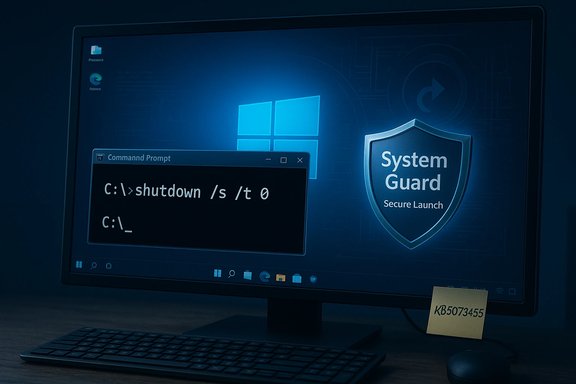
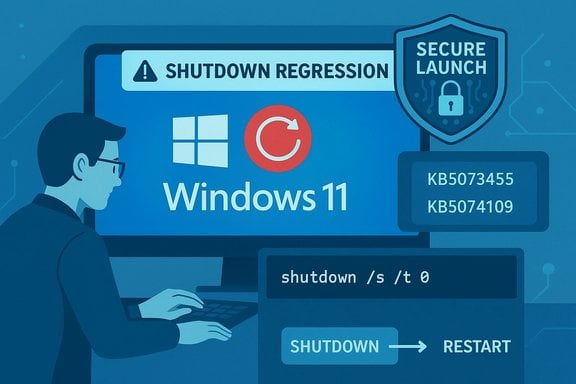
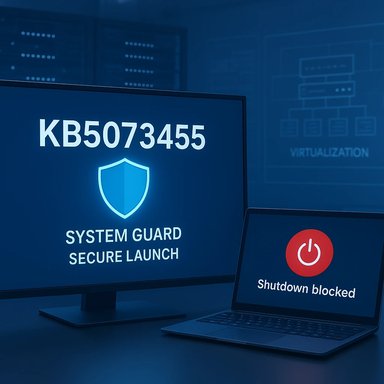
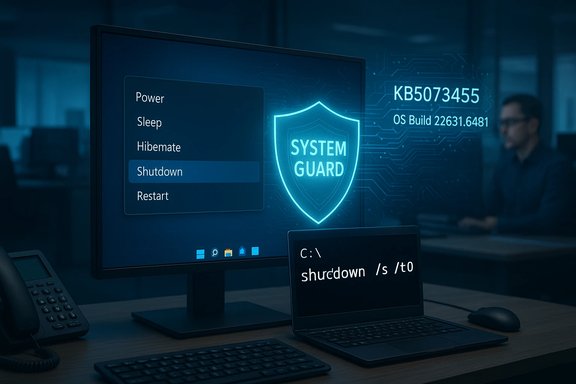
A patch released in January 2026 is causing some Windows 11 PCs to restart when users try to shut them down or put them to sleep, and Microsoft has published an emergency workaround while it works on a permanent fix.
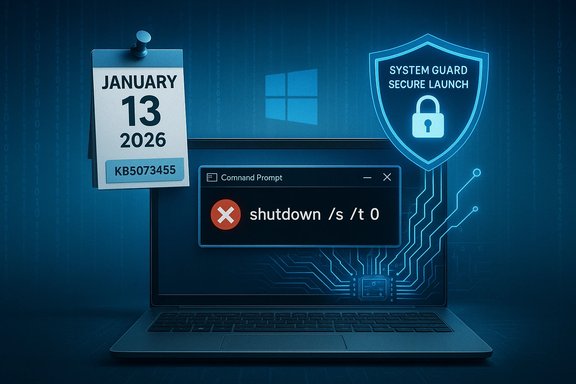
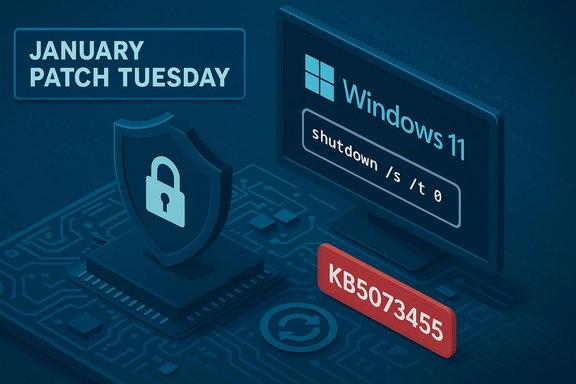
Microsoft shipped its January cumulative updates on January 13, 2026. One of those updates—distributed to Windows 11, version 23H2 Enterprise and IoT editions as KB5073455—introduced a regression that can cause systems with System Guard Secure Launch enabled to fail to power off or enter hibernation. Instead of powering down, affected devices sometimes restart immediately after a shutdown or hibernate request. Microsoft acknowledged the problem in its Release Health advisory and instructed users to use a command-line shutdown until a fix is available. This is not a universal problem: the issue is narrow in scope (Enterprise and IoT SKUs of Windows 11 23H2 with Secure Launch enabled), but the impact is operationally significant for those who rely on deterministic power-state behavior—especially laptops (battery drain), managed fleets, and automated maintenance workflows. Independent reporting and community telemetry corroborate Microsoft’s advisory.
Administrators should treat this incident as a reminder to:
Source: PCMag Windows 11 Bug Stops Some PCs Shutting Down: Here Is Microsoft's Temporary Fix
 Background / Overview
Microsoft shipped its January cumulative updates on January 13, 2026. One of those updates—distributed to Windows 11, version 23H2 Enterprise and IoT editions as KB5073455—introduced a regression that can cause systems with System Guard Secure Launch enabled to fail to power off or enter hibernation. Instead of powering down, affected devices sometimes restart immediately after a shutdown or hibernate request. Microsoft acknowledged the problem in its Release Health advisory and instructed users to use a command-line shutdown until a fix is available. This is not a universal problem: the issue is narrow in scope (Enterprise and IoT SKUs of Windows 11 23H2 with Secure Launch enabled), but the impact is operationally significant for those who rely on deterministic power-state behavior—especially laptops (battery drain), managed fleets, and automated maintenance workflows. Independent reporting and community telemetry corroborate Microsoft’s advisory. What exactly is broken — the technical high level
Secure Launch, servicing, and power intent
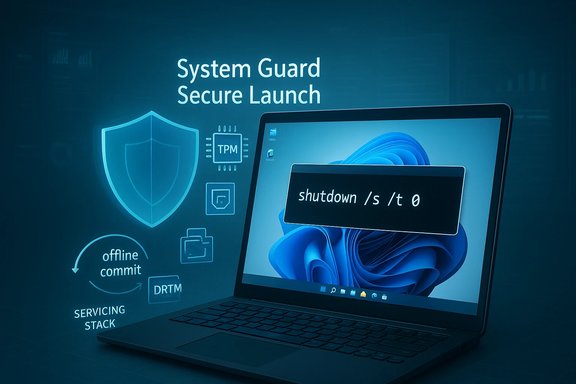
System Guard Secure Launch is a virtualization‑based security feature that hardens the early boot path against firmware-level attacks by establishing a secure, measured environment before the OS kernel loads. That early virtualization boundary changes assumptions about the platform state during startup and shutdown. When servicing operations (the work Windows Update performs to replace files and commit changes) must do offline commits during reboot/shutdown, the OS needs to preserve the user’s final power intent (shutdown, restart, or hibernate) through multiple stages. On a subset of Secure Launch–enabled configurations, that orchestration has been disrupted by the January servicing change—so the final decision has been misinterpreted and the machine comes back instead of powering off.Why the symptom is intermittent and environment-dependent
The failure mode is inherently environment-dependent because it sits at the intersection of several moving parts:- Multi‑phase servicing (staging + offline commit) that may require intermediate reboots.
- Fast Startup / hybrid shutdown semantics that change how kernel state is persisted.
- Firmware and driver interactions that can force a restart to replace in‑use components.
- The virtualization boundary introduced by Secure Launch that modifies the boot-time state.
Who’s affected
- Windows 11, version 23H2 — Enterprise and IoT SKUs that have the January 13, 2026 update (KB5073455) installed.
- The device must have System Guard Secure Launch enabled; consumer Home/Pro editions and machines without Secure Launch are largely not impacted.
How the bug presents in real-world use
Users and administrators have reported consistent symptoms:- Choosing Shut down or Hibernate results in the device restarting and returning to the sign‑in screen rather than powering off.
- Hibernation is unavailable as a workaround—Microsoft explicitly says there is no workaround to make hibernate behave correctly while the regression exists.
- The symptom can lead to overnight battery drain on laptops and break scripted maintenance windows or imaging workflows that expect a deterministic power off.
Microsoft’s published guidance and the emergency workaround
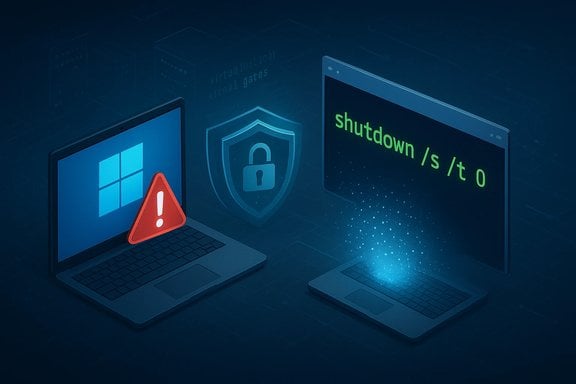
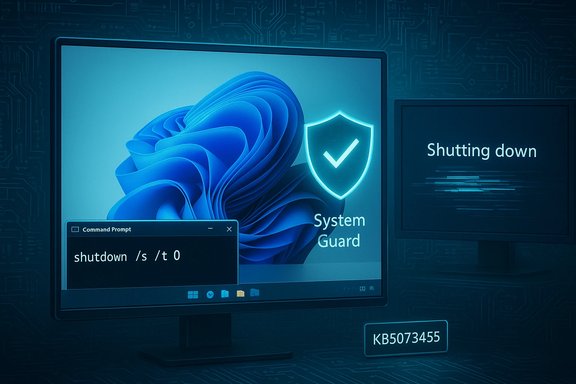
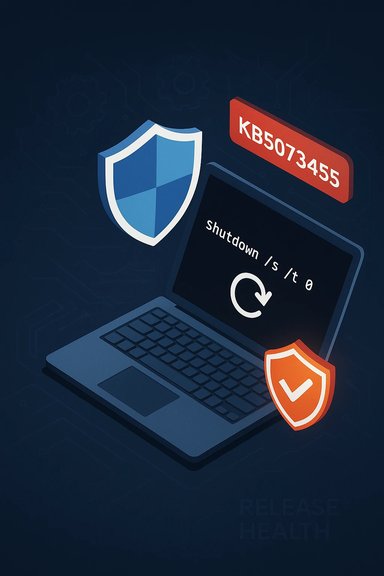
Microsoft’s Release Health advisory and related support channels recommend a clear, manual workaround to guarantee a shutdown while the vendor prepares a corrective update:- Open Start, type cmd, and select Command Prompt.
- In the Command Prompt window, run:
shutdown /s /t 0
- The workaround is manual and must be used each time a guaranteed power‑off is required.
- Running this command will forcibly shut down the machine—save in-progress work first.
- There is no supported way to force hibernation until Microsoft ships a fix.
How to check whether your machine is vulnerable
Follow this checklist to determine exposure:- Confirm Windows 11 edition and build:
- Open Settings → System → About or run winver. If you’re on version 23H2 Enterprise or IoT, continue to the next checks.
- Check installed updates:
- Open an elevated Command Prompt and run:
DISM /online /get-packages | findstr 5073455 - Or view Settings → Windows Update → Update history and look for KB5073455 (installed on or after January 13, 2026).
- Verify whether System Guard Secure Launch is enabled:
- On many systems this is enabled via Group Policy, firmware settings, or OEM provisioning; check your device’s security configuration or ask your IT team.
- If all conditions match, assume the device is at risk and adopt the workaround until Microsoft distributes a fix.
Steps for home users, power users, and administrators
Home / single PC users
- If you rely on hibernation or predictable shutdowns and you run an Enterprise/IoT image (uncommon for most consumers), consider pausing installation of the January 13 updates until Microsoft issues a corrective package or you can validate behavior on a test machine.
- If the update is already installed and you need a guaranteed power off, use the emergency Command Prompt workaround: shutdown /s /t 0. Save work first.
IT administrators and managed fleets
- Inventory and scope: identify devices with KB5073455 and Secure Launch enabled across your estate.
- Apply mitigation for AVD if relevant: Use Microsoft’s Known Issue Rollback (KIR) where applicable for the separate AVD regression, and provide alternate connection guidance (AVD Web client or classic Remote Desktop client) for affected users.
- Consider gating the January rollouts: pause or roll back the update in critical rings until a tested remediation is available.
- If immediate atomic fixes are required for production systems, test the emergency shutdown command and educate users on saving work; do not rely on hibernation until Microsoft confirms a fix.
How to safely roll back or uninstall the January update (administrators only)
Uninstalling a cumulative update will remove security fixes and should be treated as a last resort. If the operational impact of the restart-on-shutdown bug outweighs the risk of unpatched vulnerabilities in a controlled environment, administrators can:- Identify the KB package and confirm dependencies.
- Use centralized management tools (WSUS, SCCM, Intune/Endpoint Manager) to remove the update from affected devices, or
- Block further deployment to production rings and deploy the Known Issue Rollback (KIR) artifact where Microsoft has published one for related regressions.
- Removing a security LCU reduces protection and may expose endpoints to known vulnerabilities.
- Test rollback procedures on representative hardware before mass deployment.
Risks, trade‑offs, and why this matters beyond annoyance
This issue illustrates several broader points about modern OS servicing:- Security vs. availability trade-off: Monthly security rollups are essential, but when they cause availability regressions in critical subsystems (power management, remote access), organizations must weigh risk and mitigation carefully.
- Hidden costs: On laptops, a device that restarts instead of hibernates can exhaust batteries overnight, cause data loss, or disrupt scheduled maintenance and imaging operations.
- Complexity of modern boot chains: Features like Secure Launch and Fast Startup interact with the servicing stack in subtle ways; a behavior that looks like a simple UI mismatch can involve kernel-level orchestration and firmware interactions.
- Testing and staged rollout: This regression underscores why pilot rings and telemetry‑driven rollouts are essential for fleets with diverse hardware.
What Microsoft has done and what to expect next
Microsoft has publicly documented the regression on its Release Health page and advised the emergency shutdown command while it prepares a corrective update. The vendor’s public guidance states a fix will be delivered in a future update; however, Microsoft has not committed to a specific timeline in the advisory. Independent reporting and community threads confirm Microsoft’s advisory and recommend standard mitigation playbooks for administrators. Cautionary note on timelines and unverifiable claims:- Any forecast about exactly when Microsoft will push the remedial update is speculative until the company publishes an update or a hotfix KB. Treat predictions about precise release dates as unverified unless Microsoft posts them in Release Health or a KB entry.
Practical checklist — what to do right now (concise)
- Confirm whether your devices have KB5073455 installed and Secure Launch enabled.
- If affected, save work frequently and use the emergency shutdown:
- Open Command Prompt and run: shutdown /s /t 0.
- For fleets: inventory affected devices, consider pausing deployment for critical rings, and prepare a KIR or rollback plan if operational impact is severe.
- Do not rely on hibernation—there is currently no workaround for hibernate behaviour.
- Monitor Microsoft’s Release Health dashboard and official KB pages for the fix.
Defensive recommendations and long-term posture
- Maintain a staged update policy: pilot → broad → production. Deploy January updates to pilot devices first and verify shutdown/hibernate semantics on representative hardware.
- Increase telemetry and logging for affected devices: collect msinfo32, Event Viewer logs, and any firmware OEM logs useful to provide to Microsoft if you need escalation.
- For laptops used by knowledge workers, communicate the risk and the emergency shutdown technique to reduce the chance of data loss or drained batteries.
- Re-evaluate Secure Launch deployment policies in environments where deterministic shutdown semantics are operationally critical—balancing security requirements with practical availability needs.
Why this is a useful case study for IT teams
This regression highlights how a security-focused servicing change can have outsized practical consequences. The problem is not merely cosmetic: it affects power management (a basic user expectation), automation, and battery lifecycle in ways that matter in production. It reinforces the principle that low-level features—boot hardening, virtualization boundaries, and servicing orchestration—require thorough, representative testing across diverse firmware and driver ecosystems.Administrators should treat this incident as a reminder to:
- Run targeted tests for update-and-shutdown flows as part of patch validation.
- Keep communication channels open with end users when updates affect predictable behaviors.
- Use Known Issue Rollback (KIR) artifacts and other surgical mitigations where possible instead of blunt uninstalls.
Conclusion
Microsoft’s January 13, 2026 cumulative update KB5073455 introduced a regression that can cause some Windows 11 23H2 Enterprise and IoT devices with System Guard Secure Launch enabled to restart instead of shutting down or hibernating. Microsoft has acknowledged the issue and published an emergency workaround—run shutdown /s /t 0 from Command Prompt—to force a clean power off until a patched update is released. The issue is limited in scope but significant where it appears, and it underscores the fragility of interactions between the servicing stack, virtualization-based security, firmware, and power-management features. Administrators should inventory exposure, apply conservative rollout policies, and prepare mitigation or rollback procedures; single-PC users who are affected should save frequently and use the command-line shutdown to avoid lost work or battery drain. Monitor Microsoft’s Release Health and KB announcements for the permanent fix; any precise ETA should be treated as unconfirmed until Microsoft publishes it in its advisory channels.Source: PCMag Windows 11 Bug Stops Some PCs Shutting Down: Here Is Microsoft's Temporary Fix