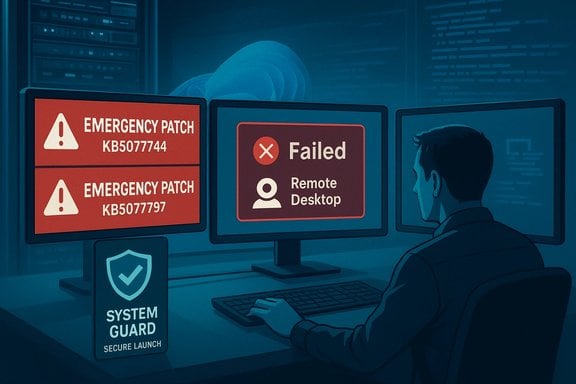
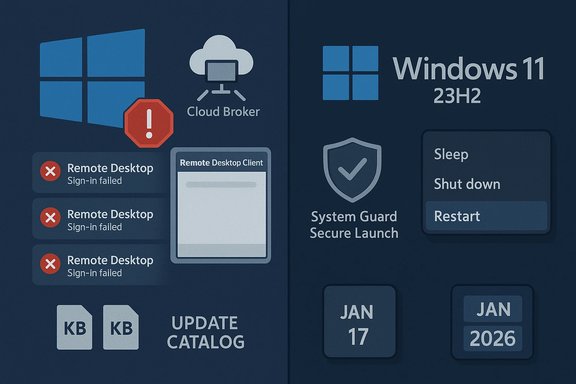
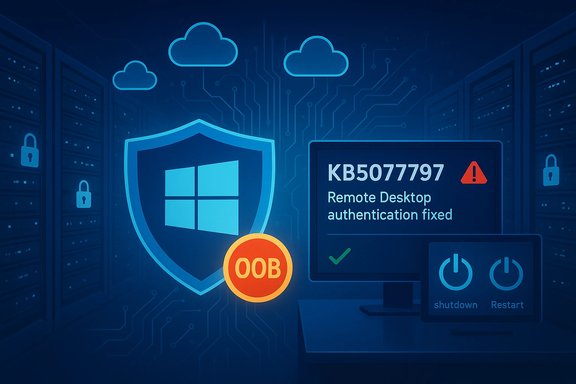
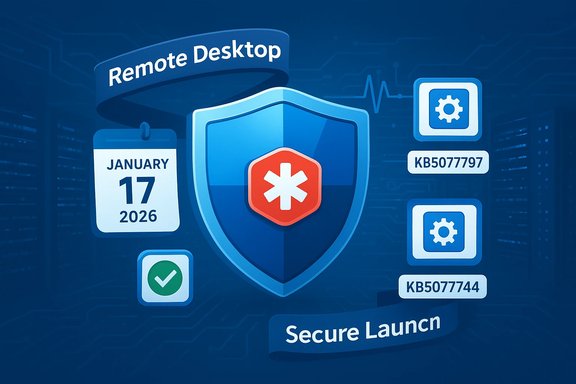
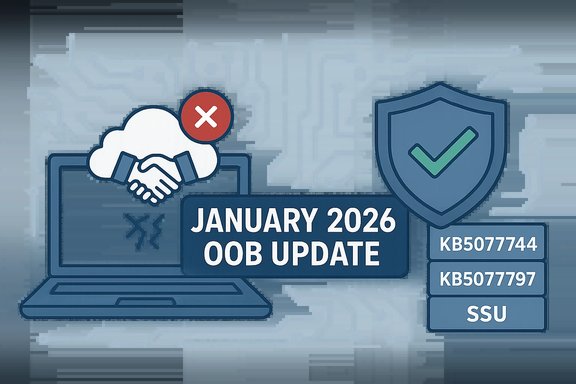
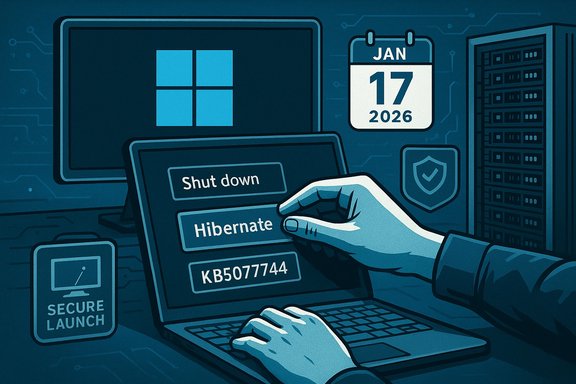
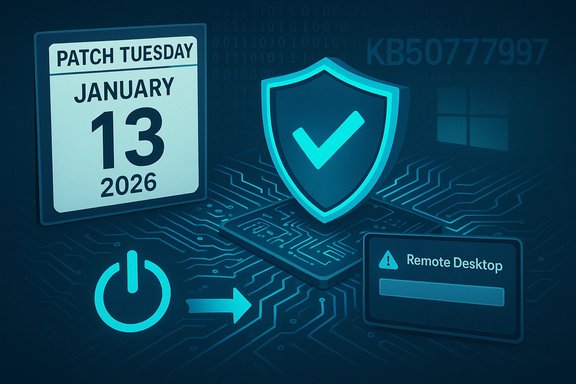
Microsoft’s January update cycle took an unexpected detour this week when a Patch Tuesday release introduced a narrowly scoped but disruptive regression that left some Windows 11 systems unable to shut down or enter hibernation, forcing Microsoft to ship emergency out‑of‑band (OOB) updates on January 17, 2026 to address Remote Desktop authentication failures and the Secure Launch shutdown problem.
The January 13, 2026 security rollup was distributed across multiple Windows families as part of the regular Patch Tuesday wave. That rollout included cumulative updates for Windows 11 versions 25H2, 24H2 and 23H2, and for several Windows Server and extended servicing branches. Within days of the release, telemetry and customer reports began to converge on two distinct issues: (1) authentication and connection failures affecting remote‑connection applications and Cloud PC/RDP scenarios; and (2) a restart‑instead‑of‑shut‑down regression that specifically affected devices with System Guard Secure Launch enabled on Windows 11, version 23H2. Microsoft acknowledged the problems and published guidance that led to two separate OOB packages on January 17, 2026. The emergency fixes were delivered as cumulative OOB updates targeted at affected builds and editions, not as feature updates—an important distinction for IT teams managing rollout and rollback processes.
The January patch introduced a change that, in the specific servicing combination delivered for 23H2 with Secure Launch active, caused the shutdown path to short‑circuit to a restart. This is consistent with a regression where a status or flag that indicates "RTC wake/hibernate" or "restart request" is being set or read erroneously. The behavior’s narrow scope indicates an interaction bug rather than a broad kernel corruption. Microsoft’s targeted OOB remedied this interaction.
The January update altered or replaced a component involved in those flows; this change broke the authentication handshake for particular client‑server combinations and Cloud PC connection paths. The failure manifested as sign‑in prompts that either looped or produced errors. Microsoft’s OOB restored the expected behavior by rolling back or correcting the problematic component in the affected builds.
Source: The Verge Microsoft’s first Windows 11 update of 2026 stopped some computers from shutting down
 Background
The January 13, 2026 security rollup was distributed across multiple Windows families as part of the regular Patch Tuesday wave. That rollout included cumulative updates for Windows 11 versions 25H2, 24H2 and 23H2, and for several Windows Server and extended servicing branches. Within days of the release, telemetry and customer reports began to converge on two distinct issues: (1) authentication and connection failures affecting remote‑connection applications and Cloud PC/RDP scenarios; and (2) a restart‑instead‑of‑shut‑down regression that specifically affected devices with System Guard Secure Launch enabled on Windows 11, version 23H2. Microsoft acknowledged the problems and published guidance that led to two separate OOB packages on January 17, 2026. The emergency fixes were delivered as cumulative OOB updates targeted at affected builds and editions, not as feature updates—an important distinction for IT teams managing rollout and rollback processes. What happened: the two primary regressions
Remote connection and authentication failures
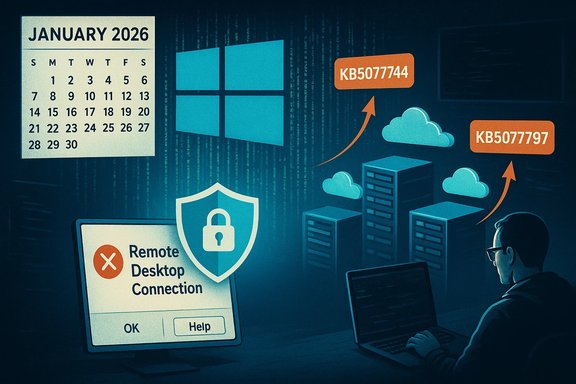
Shortly after the January 13 updates were applied, organizations reported users being unable to authenticate to Cloud PCs, Azure Virtual Desktop sessions, and some Remote Desktop clients. Sign‑in prompts either failed to accept credentials or sessions dropped unexpectedly during authentication. The issue affected multiple platforms, including Windows 11 (25H2 and related builds), Windows 10 extended servicing channels, and Windows Server builds. Microsoft identified the symptom, confirmed the scope, and moved to provide an OOB correction to resolve authentication steps during remote connections. Why it matters: remote desktop and Cloud PC connectivity are foundational to hybrid work and managed desktop services. Authentication failures can block access for large numbers of users and escalate into business continuity incidents within minutes if administrators lack alternate access paths. The OOB patch addressed these authentication problems for the impacted builds.Secure Launch: shutdown and hibernation regression (Windows 11 23H2)
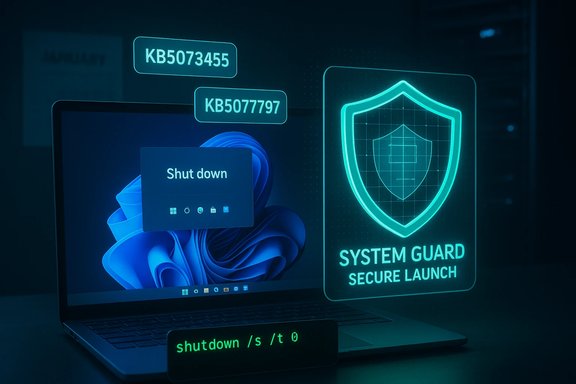
A separate and more narrowly focused regression emerged on devices running Windows 11 version 23H2 where System Guard Secure Launch was enabled. Instead of shutting down or entering hibernation, affected devices would restart—a behavior that can be confusing to end users and problematic for power‑dependent workflows (such as field devices, kiosks, and automated test rigs). Microsoft explicitly stated the condition affects devices that both have KB5073455 installed and have Secure Launch configured and running, a profile common in enterprise and IoT images but uncommon on consumer installations. Interim workaround: Microsoft recommended running an elevated Command Prompt command to force an immediate shutdown—shutdown /s /t 0—which provides a deterministic path to power off but does not restore hibernation behavior. At the time of the advisory, Microsoft stated there was no workaround for hibernation. Why it matters: Secure Launch is an early‑boot hardening feature that leverages virtualization‑based security to protect against firmware‑level attacks. While the population of devices running Secure Launch is smaller than the total Windows install base, those devices tend to be critical endpoints in corporate fleets or specialized appliances. A regression affecting shutdown or hibernation on such systems can complicate patch management, remote troubleshooting, and scheduled power management policies.The patches: what Microsoft released and when
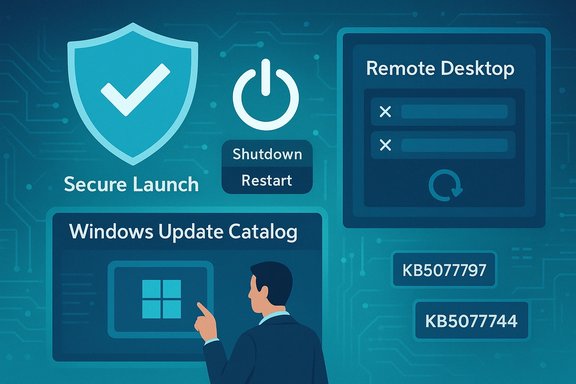
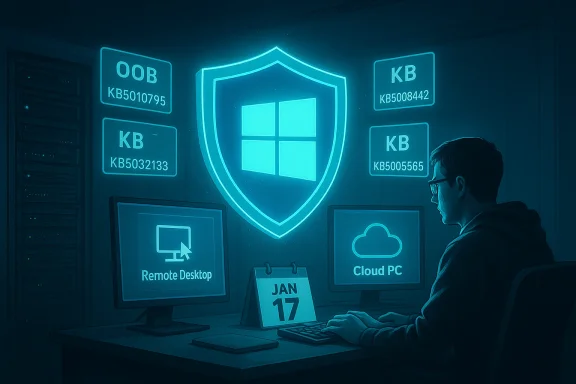
Microsoft issued out‑of‑band updates on January 17, 2026 targeted at affected builds and editions. Key OOB packages included:- KB5077744: An out‑of‑band cumulative update for Windows 11, version 25H2 and 24H2, which bundled prior January fixes and addressed Remote Desktop sign‑in failures among other quality improvements.
- KB5077797: An out‑of‑band cumulative update for Windows 11, version 23H2 (OS build 22631.x) that explicitly remedied the Secure Launch shutdown/hibernate regression and Remote Desktop authentication problems for that build.
Technical analysis: root causes and mechanisms
How an update can turn shutdown into restart
Modern Windows power transitions (shutdown, hibernate, hybrid sleep) rely on a chain of components: kernel power manager, device drivers, firmware interfaces, virtualization‑based security hooks, and power state transitions negotiated with ACPI. Secure Launch interposes additional security checks during early boot and may add state and control paths that interact with the kernel’s shutdown path. A small change in how the kernel or a driver signals completion of the shutdown sequence can cause the platform to interpret the event as a warm restart rather than a power‑off or hibernate request.The January patch introduced a change that, in the specific servicing combination delivered for 23H2 with Secure Launch active, caused the shutdown path to short‑circuit to a restart. This is consistent with a regression where a status or flag that indicates "RTC wake/hibernate" or "restart request" is being set or read erroneously. The behavior’s narrow scope indicates an interaction bug rather than a broad kernel corruption. Microsoft’s targeted OOB remedied this interaction.
Why Remote Desktop authentication failed
Remote Desktop authentication flows rely on several subsystems: credential providers, security packages, network authentication stacks, and token exchange mechanisms with Azure AD and NLA (Network Level Authentication). Changes to authentication libraries, TLS/Schannel handling, or an update to components consumed by the Windows App and Remote Desktop clients can break sign‑in flows if the order or contents of token exchanges change.The January update altered or replaced a component involved in those flows; this change broke the authentication handshake for particular client‑server combinations and Cloud PC connection paths. The failure manifested as sign‑in prompts that either looped or produced errors. Microsoft’s OOB restored the expected behavior by rolling back or correcting the problematic component in the affected builds.
Who was affected — consumer vs enterprise impact
- Enterprise and IoT systems running Windows 11 version 23H2 with Secure Launch enabled were the primary group affected by the shutdown regression. These devices are more likely to have Secure Launch enabled through corporate imaging or by specific security policies.
- Remote connection and Cloud PC authentication issues were broader, affecting Windows 11 versions 25H2 and related builds, Windows 10 extended servicing channels, and Windows Server variants used in cloud and VDI infrastructures. Organisations using Azure Virtual Desktop, Cloud PC, or remote connection gateways were the most visibly impacted.
- Consumer Home and Pro machines not configured with Secure Launch were far less likely to see the shutdown regression. However, remote connection authentication issues still had the potential to impact any user reliant on Cloud PC or RDP access.
Immediate steps IT should take (prioritized)
- Inventory and identification
- Identify devices running Windows 11 23H2 with Secure Launch enabled. Secure Launch is typically enabled by policy or imaging in enterprise fleets; confirm via endpoint management tools or local system checks.
- Locate systems that applied January 13 updates (KB5073455 or equivalent builds) and map them against Secure Launch status.
- Apply Microsoft’s OOB updates
- For affected builds, deploy the January 17 OOB packages (KB5077797 for 23H2 and KB5077744 or equivalents for 24H2/25H2) immediately through managed update channels.
- Use staged deployment (pilot → broader ring) to confirm success before mass rollout.
- Temporary workarounds and administrator guidance
- For devices that cannot immediately receive the OOB patch, instruct users or helpdesk staff on the documented workaround for forced shutdown: run shutdown /s /t 0 from an elevated Command Prompt to power off. Note that this does not restore hibernation behavior.
- Update remote access contingencies
- Where RDP or Cloud PC authentication problems persist, provide alternate access paths (web client, secondary admin accounts) and consider temporarily relaxing nonessential multi‑factor flows only as a last resort while preserving security. Apply the OOB update as soon as validation completes.
- Logging and post‑mortem
- Collect logs (Event Viewer, System and Security logs, Remote Desktop logs, and any VDI gateway traces) to verify the success of patches and to document impact. Coordinate with support channels for escalations if anomalies persist after OOB installation.
Recommended policy adjustments for patch management
- Staged rollout remains critical: continue using multiple deployment rings (pilot, early adopter, broad) and lengthen pilot windows slightly for major cumulative updates that touch security and kernel components.
- Increase telemetry and rollback readiness: ensure Known Issue Rollback (KIR) configuration is understood and that rollback scripts or OS‑level removal commands are validated in a lab prior to mass remediation.
- Maintain an emergency update playbook: include steps for how to download OOB packages, apply them offline, and use offline servicing (DISM) when networked update servers are unavailable.
- Use WSUS/ConfigMgr staging and verify SSU + LCU combined package behavior in a controlled environment before broad deployment. Microsoft’s OOB packages included servicing stack fixes; those need to be applied in the proper order for safe installation.
Risk assessment and broader implications
Strengths in Microsoft’s response
- Rapid acknowledgment and targeted OOB delivery: Microsoft confirmed the issues publicly and issued OOB updates within four days, which is a reasonable timeframe for complex, high‑risk regressions that require precise fixes across multiple servicing families. The OOB updates were narrowly scoped and cumulative, reducing the chance of collateral impact.
- Clear interim guidance: Microsoft provided an explicit command to force shutdown and clarified that there was no hacky workaround for hibernation, preventing administrators from experimenting with unreliable fixes. That clarity helps reduce misconfiguration and escalations.
Weaknesses and risks
- Regressions in security‑centric features: a bug that interacts with Secure Launch is notable because that feature is designed to harden devices against firmware attacks. Regressions here risk eroding confidence in enabling advanced hardening features and complicate adoption in security‑sensitive environments.
- Operational cost of emergency patches: OOB updates, while necessary, impose operational overhead—validation, distribution, and rollback testing—outside normal maintenance windows. Frequent OOBs can strain IT resources and increase patch fatigue.
- The narrowness of scope can hide real world impact: although the shutdown regression affected a limited configuration, those configurations often belong to endpoints where uptime, predictable power transitions, and remote management are essential. The actual impact on business operations can be disproportionate to the number of affected devices.
For home users and enthusiasts
- Most consumer devices running Windows 11 Home or Pro without Secure Launch will be unaffected by the shutdown regression, but could still have experienced remote connection problems if they rely on Cloud PC services. Verify the update history via Settings → Update & Security → Windows Update to confirm whether January updates were installed.
- If you encounter a shutdown that becomes a restart after installing January updates, run shutdown /s /t 0 as an immediate, manual power‑off step and check for updates again to retrieve the January 17 OOB patch. If you’re uncomfortable editing system settings, contact your OEM or managed IT support.
Longer‑term takeaways for IT leaders
- Rethink default enablement of advanced hardening features in large fleets: features like Secure Launch deliver meaningful security benefits, but they also add complexity; ensure staged enablement and sufficient telemetry before enabling across a broad fleet.
- Invest in rapid response playbooks: maintain tested procedures for applying OOB packages across the organization, including offline installation methods and verification checks, because production impact can escalate quickly.
- Improve communication with end users: short, clear status updates, a standardized knowledge base entry for the incident, and centralized helpdesk scripts will reduce load and speed remediation during patch regressions.
- Demand additional validation from vendors: when rolling out enterprise images that enable Secure Launch or other virtualization‑based protections, build validation steps for patch cycles that include both security checks and power transition tests (shutdown, hibernate, update‑and‑shutdown scenarios).
What to watch next
- Patch validation: IT should confirm OOB installation success across pilot groups within 24–48 hours of deployment and escalate to Microsoft support for any edge cases where the OOB does not resolve the symptom.
- Release health updates: Microsoft’s Windows release health dashboard and individual KB pages will be the authoritative source for further corrections or rollbacks. Monitor those channels for any follow‑up KIRs or additional OOB releases.
- Broader Patch Tuesday patterns: organizations should watch whether the frequency of OOB fixes increases across 2026; a pattern could indicate systemic pressures in testing, distribution, or complexity of the Windows codebase that merit changes to patch windows and validation requirements.
Conclusion
The January 2026 update cycle demonstrated both the strengths and friction points of modern OS servicing: Microsoft responded quickly with targeted out‑of‑band updates (delivered January 17) to fix Remote Desktop authentication failures and a Secure Launch shutdown regression on Windows 11 23H2, but the incident also highlighted how a narrowly scoped regression can produce outsized operational disruption in enterprise and IoT scenarios. Administrators should treat this episode as a reminder to maintain robust pilot rings, keep emergency deployment playbooks current, and validate high‑security configurations—like Secure Launch—during patch cycles. Users and IT teams should install the January 17 OOB packages promptly, use the provided shutdown workaround where necessary, and continue to monitor release health advisories for any additional follow‑ups.Source: The Verge Microsoft’s first Windows 11 update of 2026 stopped some computers from shutting down