Forty years after Windows first shipped to manufacturers on November 20, 1985, Microsoft finds itself at an inflection point: a company-wide push to make Windows an “agentic OS” has reignited old frustrations about reliability, privacy and user control while promising a fundamentally different model for how people — and AI agents — will get work done on PCs.
Microsoft used its Ignite stage and accompanying messaging to outline a future where Windows is not merely a shell for apps but a platform that hosts persistent, permissioned AI agents that can observe context, orchestrate multi-step workflows, and act on behalf of users. The company has bundled this vision into several concrete pieces: the Model Context Protocol and Windows AI Foundry for running and integrating models, Copilot features (voice, vision, “Ask Copilot” taskbar entry), and a new hardware tier called Copilot+ PCs with on-device NPUs targeting 40+ TOPS for accelerated local inference. The reaction was immediate and vocal. A short post from Windows leader Pavan Davuluri that Windows is “evolving into an agentic OS” leaked outside partner circles and triggered a wave of negative replies from power users, developers and privacy advocates. Microsoft subsequently limited replies on the post and Davuluri later acknowledged the feedback, conceding “we know we have a lot of work to do” on usability and developer experience. This moment is a collision of two realities. On one hand, Microsoft has assembled plausible technical building blocks for more capable on-device and hybrid AI: runtimes, protocols, and silicon partnerships. On the other, there is a widely felt deficit of trust — a long catalogue of usability regressions, heavy-handed upsells, telemetry debates and a set of privacy flashpoints (most notably the Recall screenshot feature) that make many users wary of introducing initiative-taking systems into their everyday workflows.
Source: The Verge As Windows turns 40, Microsoft faces an AI backlash
 Background / Overview
Microsoft used its Ignite stage and accompanying messaging to outline a future where Windows is not merely a shell for apps but a platform that hosts persistent, permissioned AI agents that can observe context, orchestrate multi-step workflows, and act on behalf of users. The company has bundled this vision into several concrete pieces: the Model Context Protocol and Windows AI Foundry for running and integrating models, Copilot features (voice, vision, “Ask Copilot” taskbar entry), and a new hardware tier called Copilot+ PCs with on-device NPUs targeting 40+ TOPS for accelerated local inference. The reaction was immediate and vocal. A short post from Windows leader Pavan Davuluri that Windows is “evolving into an agentic OS” leaked outside partner circles and triggered a wave of negative replies from power users, developers and privacy advocates. Microsoft subsequently limited replies on the post and Davuluri later acknowledged the feedback, conceding “we know we have a lot of work to do” on usability and developer experience. This moment is a collision of two realities. On one hand, Microsoft has assembled plausible technical building blocks for more capable on-device and hybrid AI: runtimes, protocols, and silicon partnerships. On the other, there is a widely felt deficit of trust — a long catalogue of usability regressions, heavy-handed upsells, telemetry debates and a set of privacy flashpoints (most notably the Recall screenshot feature) that make many users wary of introducing initiative-taking systems into their everyday workflows. What Microsoft actually announced at Ignite
Agentic OS: concrete primitives, not just a buzzword
Microsoft’s description of an “agentic OS” is not purely rhetorical. The company showcased (and documented) platform primitives designed to let agents:- Maintain context across windows, files and sessions.
- Access scoped platform capabilities (file system, window management, network) through a standardized protocol.
- Run models locally or hybridize to cloud models depending on privacy, latency and capability.
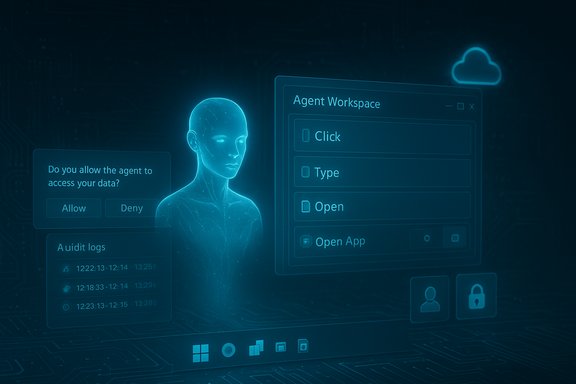
- Execute multi-step automations (agentic workflows) with explicit permission and audit controls.
Copilot placed everywhere — taskbar, File Explorer, and hardware
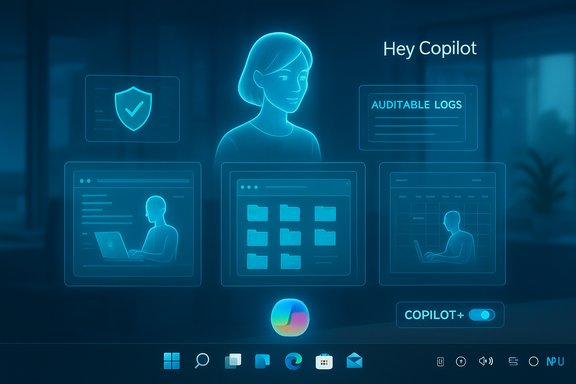
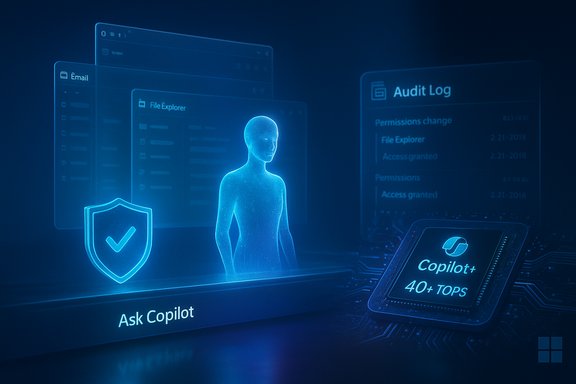
Windows’ agent roadmap is centered on Copilot as the visible entrypoint: a taskbar “Ask Copilot” surface, File Explorer contextual help, and taskbar badges to monitor agent activity. Microsoft also formalized a device class — Copilot+ PCs — intended to offload latency-sensitive inference to on-board NPUs rated at 40+ TOPS, enabling features such as Recall, Cocreator image tooling, and near-real-time vision processing. These hardware and software elements were positioned as the path to privacy-preserving, low-latency AI experiences.Why users pushed back: a convergence of trust issues
The backlash is not solely a reaction to the word “agentic.” It stems from overlapping, material grievances:- Usability and polish: Long-time users and developers point to inconsistent dialogs, regressions in advanced workflows and frequent feature churn that surfaces new bugs. Many argued Microsoft should fix these fundamentals before broadening the OS’ responsibility.
- Privacy and surveillance risk: Features like Recall — which snapshots screen content to enable searchable histories — triggered privacy fears. Third-party developers and privacy-focused apps moved to block Recall by default, and regulators and commentators raised questions early on about scope and controls.
- State awareness and reliability of AI: Agentic features require accurate state awareness. Demonstrations and influencer videos that showed Copilot giving incorrect or redundant guidance (for example, recommending a display scaling change when the setting was already at the suggested value) amplified skepticism about whether agents can safely act on users’ behalf. Microsoft has even had to quietly retract or remove experimental promotional content after such missteps surfaced.
- Perception of enforced consumption: Many users feel nudged toward Microsoft cloud services, Edge and OneDrive; the prospect of agents requiring cloud accounts or premium hardware raised fears of lock-in or further in-OS upsells.
What’s technically plausible — and what’s still speculative
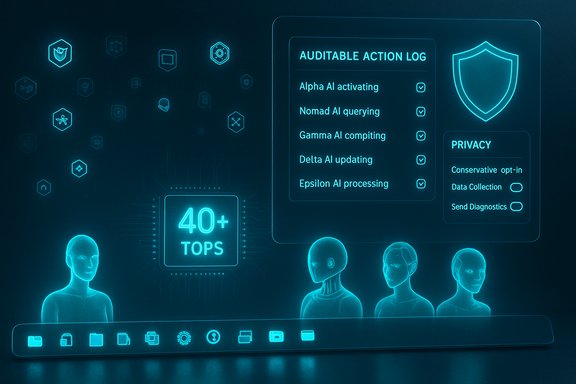
Microsoft has real, verifiable engineering work in the field:- Copilot+ PCs and NPU guidance: Microsoft’s Copilot+ marketing and Microsoft Learn developer guidance identify 40+ TOPS NPUs as the practical floor for the richest on-device experiences — a tangible specification partners are building toward. This is an engineering decision to reserve certain latency-sensitive tasks for devices that meet a hardware bar.
- Windows AI Foundry and MCP support: Company documentation and Ignite previews outline a runtime and protocol layer to let models discover and call capabilities (tools) on the device in a controlled fashion. Those are real software primitives being rolled out in preview form.
- TOPS numbers (40+ TOPS) are a coarse hardware metric: they are useful for vendor guidance but don’t translate automatically into consistent UX outcomes. Different model architectures, memory bandwidth, power envelopes and thermal constraints make real-world experience variable. Independent benchmarks will be required to confirm Microsoft’s promised on-device responsiveness across the device ecosystem.
- The behavioral problems of agent autonomy — permissioning, audit logs, revocation, and safe defaults — are product and governance problems as much as engineering problems. Announcing an agent runtime is only the first step; delivering transmissible, understandable user controls at global scale is the much harder work.
Strengths and potential benefits
When delivered responsibly, the agentic OS vision offers concrete benefits:- Productivity amplification: Agents that can coordinate across email, calendar, files and browser workflows could remove repetitive tasks and reduce context switching for knowledge workers.
- Accessibility gains: Persistent agents and multimodal inputs (voice and vision) can materially help users with disabilities by translating complex sequences into simpler interactions.
- Hybrid privacy and latency: When runtime decisions are correctly made about local vs. cloud inference, hybrid models can improve response time while limiting sensitive data transit.
- Standardized developer pathways: Model Context Protocol and Windows AI Foundry could reduce fragmentation, giving third-party agents consistent hooks into system capabilities and a clear permission model—if Microsoft gets the API and governance right.
Risks, trade-offs and real-world failure modes
The backlash highlights several high-risk failure modes that could erode Windows’ value:- Loss of user control and consent creep: If agents start with aggressive defaults or obscure persistence, users will feel watched or manipulated, amplifying the trust deficit.
- Security and supply-chain fragility: Windows is embedded in critical infrastructure — corporate systems, hospitals, ATMs and more — and recent incidents like the CrowdStrike faulty update that bricked systems in July 2024 are reminders of how quickly systemic problems propagate. A platform that gives agents broader system reach increases the attack surface unless accompanied by robust signing, attestation, and revocation mechanisms.
- Fragmentation and lock-in: If Microsoft reserves the best agent experiences for Copilot+ hardware and paid cloud services, enterprises and developers may splinter toward alternatives, reducing Windows’ role as a neutral development canvas.
- Misplaced marketing before maturity: Tactical promotions and influencer campaigns have highlighted failures in stateful behavior and accessibility guidance; these public misfires do not inspire confidence and risk undermining adoption.
What Microsoft must do next: a prioritized checklist
The path to acceptance requires tangible evidence — not just rhetoric. Recommended near- and medium-term actions:- Ship measurable fixes to fundamentals (Immediate).
- Deliver concrete stability targets and transparent timetables for reliability and UI consistency.
- Publish post-deployment metrics showing regressions fixed.
- Default conservatism for agentic features (Near-term).
- Make agentic capabilities opt-in by default.
- Provide clear, persistent indicators when agents are active and easy one-click revocation.
- Transparent permissioning and auditing (Near-term).
- Expose readable audit logs for agent activity.
- Allow administrators and users to scope agent lifetimes, memory retention and tool permissions.
- Independent validation of hardware claims (Medium).
- Fund third-party benchmarking of Copilot+ workloads and publish the results.
- Encourage partner transparency on NPU workloads and energy trade-offs.
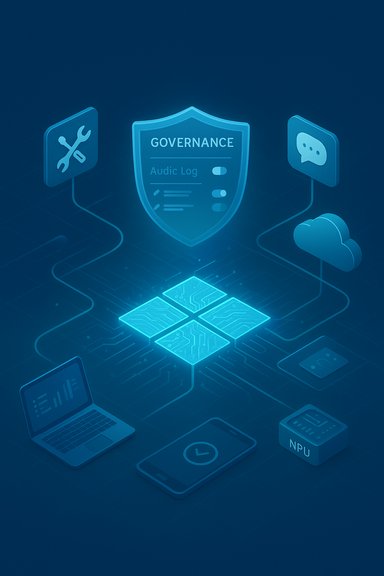
- Enterprise-grade governance primitives (Medium).
- Provide signing, attestation, and revocation APIs so IT can safely pilot and roll back agents at scale.
- Recalibrate marketing to reflect current capability (Immediate).
- Stop hero demos that imply omniscience; prefer annotated, controlled demos that show limits and permission flows.
A closer look at notable controversies and verifications
Recall and privacy controls: verified friction
Recall’s initial design — taking frequent encrypted screenshots to enable searching by memory cues — provoked early blocks by privacy-focused apps and browsers and drew scrutiny from regulators and commentators. In response, Microsoft adjusted recall behavior and emphasized opt-in controls, but developer complaints about insufficient app-level controls remain. This is a live policy and product pain point that directly colors user reaction to agentic automation.Copilot influencer campaign and demo missteps: marketing vs. reality
Microsoft has invested heavily in influencer outreach to normalize Copilot consumption. While the campaign increased visibility, at least one widely shared promotional clip demonstrated poor state awareness (suggesting a display scale change when it wasn’t needed), which was subsequently removed from official channels after criticism. These incidents are verifiable markers that stateful agent UX remains brittle in public-facing demos.The CrowdStrike outage: reminder of systemic dependency
The July 19, 2024, CrowdStrike faulty configuration update caused wide-scale Windows crashes and highlighted the systemic nature of Windows in critical infrastructure. Incidents like this illustrate why many enterprises and public systems worry about adding new systemic capabilities — especially initiative-taking ones — without rigorous operational controls. That episode is an instructive example of cascade risk when central pieces of the Windows ecosystem fail.Where this leaves enterprise IT, developers and consumers
- Enterprises should treat agentic features as a capability to pilot under strict governance. Trial programs must require:
- Clear SLAs around auditability.
- Segmented enablement (test, pilot, staged rollout).
- Explicit policy controls for revocation and signing.
- Developers must push for stable APIs and predictable behavior. The long-term health of Windows as a development platform depends on Microsoft delivering consistent primitives and backwards-compatibility assurances for agent tooling.
- Consumers will rightfully demand transparent defaults. An opt-in world with easy-to-find settings, visible agent activity indicators and simple revocation will reduce churn and mistrust.
Final assessment: opportunity tempered by a fragile social contract
Microsoft’s agentic OS ambition is technically credible and, if executed with discipline, could yield genuine productivity and accessibility gains. The company has invested in silicon partnerships, runtimes and protocol standards that make the idea feasible in ways it wasn’t five years ago. But the platform’s success will hinge less on AI model throughput or flashy demos and far more on a restored social contract: conservative defaults, visible controls, independent validation, and demonstrable fixes to the fundamentals that users have been asking for for years. Until Microsoft proves that agents can be permissioned, auditable and reliably helpful — not intrusive, brittle or monetized by default — the company risks repeating a cycle familiar to the Windows lifecycle: an ambitious reset that provokes fragmentation and, potentially, a reputation reset requiring a later “clean-up” release. The technical promise is real; trust, not hype, will determine whether Windows’ next decade is defined by utility or controversy.Source: The Verge As Windows turns 40, Microsoft faces an AI backlash