

vicn
New Member
- Joined
- Feb 6, 2010
- Messages
- 12
- Thread Author
- #1
I have a Toshiba Satellite laptop running WinXP. I have an external 24" LCD screen connected to the laptop via a VGA cable. I can enable both screens. Whatever is on my laptop screen appears on the 24" LCD screen. I can view videos files on the laptop screen. Here's the problem: the video does not appears on the external LCD screen. The video window appears all black on the external screen. (See the attached screen capture).
I tried 2 video players. The results were the same. The one I'm now running is VLC media player. I played with the options and it worked for a while. But when I opened another video file, it stopped working again. Just can't get it working again - even after reboot.
Any help will be appreciated.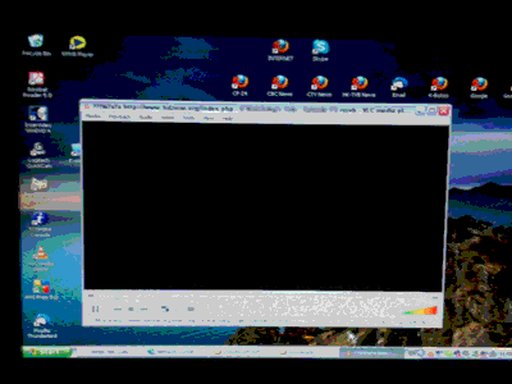
I tried 2 video players. The results were the same. The one I'm now running is VLC media player. I played with the options and it worked for a while. But when I opened another video file, it stopped working again. Just can't get it working again - even after reboot.
Any help will be appreciated.


