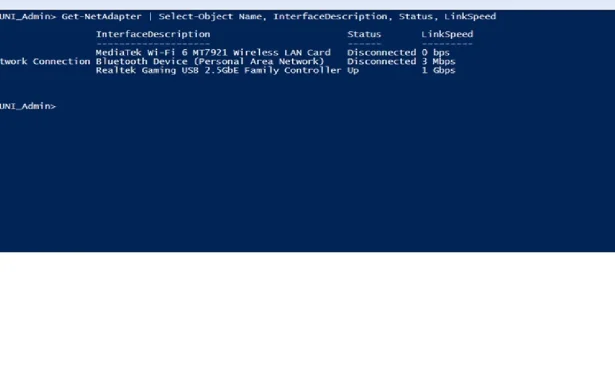
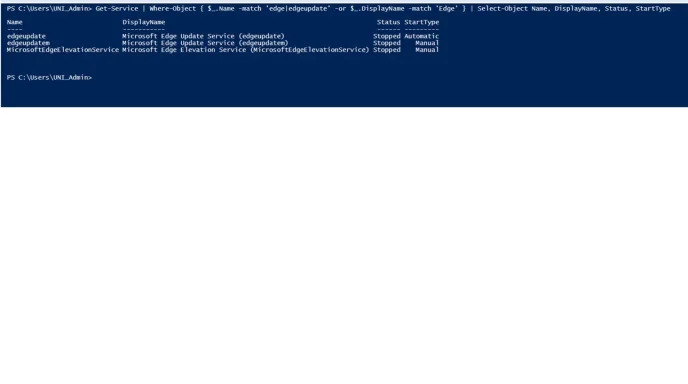
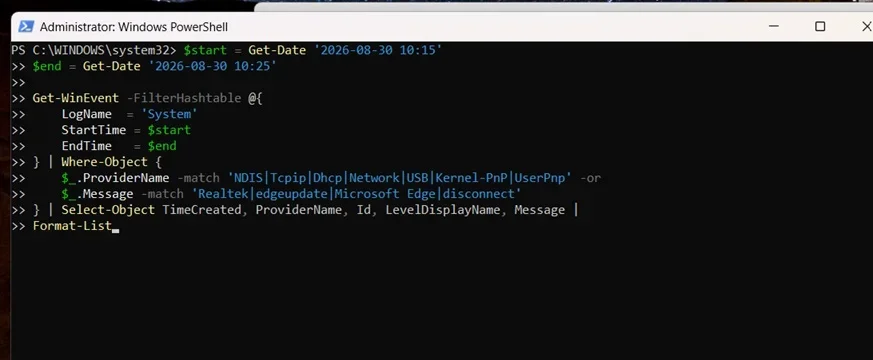
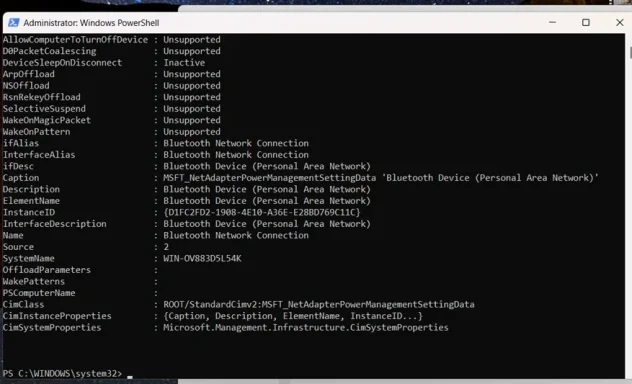
Hi folks. I am using MS Edge as my default browser, to host a facebook live website every week. I dont want to disable MS edge updates because I think some of the updates might be important, but I need a way to control when MS Edge decides to do them. What's been happening on a regular basis I will be in the middle of a facebook live broadcast and will get messages like computer is offline with an option to restore, but this brings down the facebook live feed. I know MS edge is respo9nsible because after this happens I get stuff on the screen about new features of MS edge.
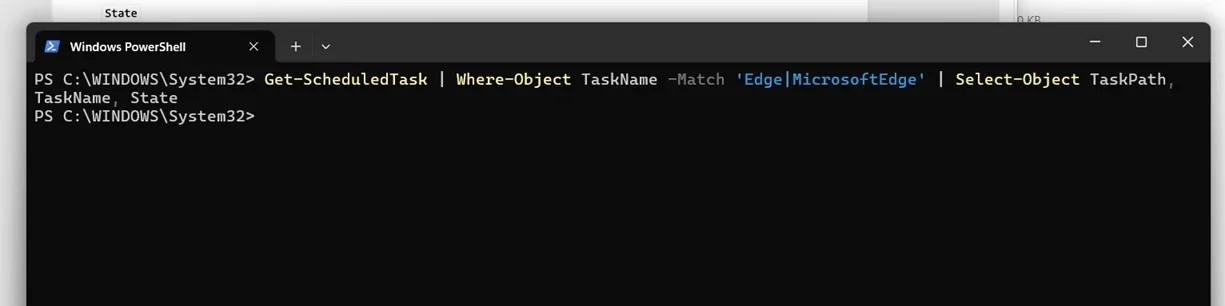
I would rather not disable the auto update of MS edge but I do need a way to schedule when they happen, currently they appear to happen during windows sign in, which does not work for me. Can I schedule them for a specific time? Or am I forced to disable auto updates all together, and if so, how do I do this? I should add MS edge does not prompt me when it begins one of its annoying updates, it just goes ahead and does them, knocking my facebook live screen offline
MS edge updates are very disruptive and frustrating. I will follow this forum and look for guidance. Thanks
I would rather not disable the auto update of MS edge but I do need a way to schedule when they happen, currently they appear to happen during windows sign in, which does not work for me. Can I schedule them for a specific time? Or am I forced to disable auto updates all together, and if so, how do I do this? I should add MS edge does not prompt me when it begins one of its annoying updates, it just goes ahead and does them, knocking my facebook live screen offline
MS edge updates are very disruptive and frustrating. I will follow this forum and look for guidance. Thanks