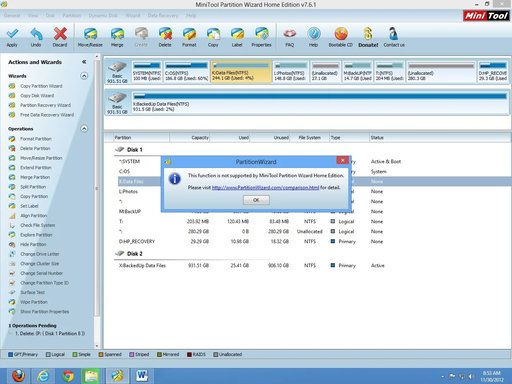
The thread discusses how to locate and expand System Restore storage on a Windows 8 system. The original poster, boblink, inquires about changing the restore point storage location, but is advised that Windows does not support moving the "System Volume Information" folder to another drive. Instead, the focus shifts to managing disk partitions: expert suggestions include resizing existing partitions using third-party tools, with detailed instructions on how to allocate unallocated space to the C: drive by shrinking other partitions first. Overall, the discussion emphasizes partition management techniques to optimize disk space for system restore points, with assistance from experienced users guiding the process.