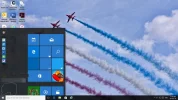
Ron Binmore is seeking advice on how to display "File Explorer-settings-power-all apps" at the bottom left of the screen, aside from restarting the computer. Neemobeer suggests using the Windows key + i to open Settings, then customizing the Start menu options through the "Choose which folders appear on Start" setting. The thread provides a troubleshooting-focused discussion on customizing the Start menu in Windows.