

I am unable to change any permission for any folder . every option that supposed to be available for setting the permission is gray out!! , for some of my files I see the owner is "unable to display the current owner". The problem is the same for every single folder and file. I checked other systems (friends laptops and desktops) and they are working just fine ! but I am just unable to modify any permission for any folder or file !! even I tried to change the owner but it didn't worked !!
I think it happened after a windows update
please help !!
Link Removed
Link Removed
Link Removed
I think it happened after a windows update
please help !!
Link Removed
Link Removed
Link Removed
Attachments
-
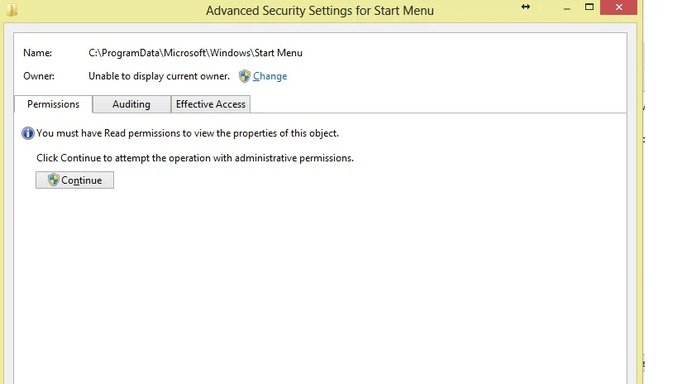 Microsoft Defender: No threats detected Scan detailserror 1.webp16.2 KB · Views: 305
 -
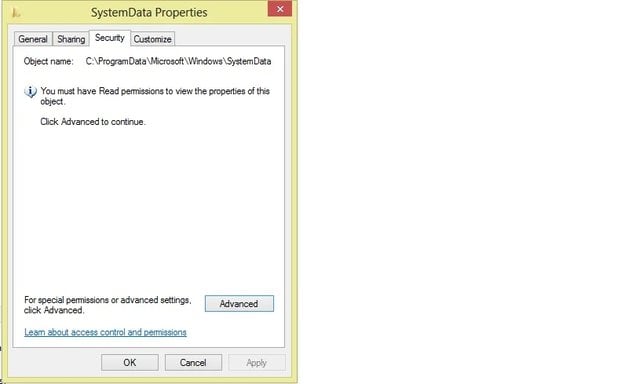 Microsoft Defender: No threats detected Scan detailserror 2.webp14.8 KB · Views: 293
 -
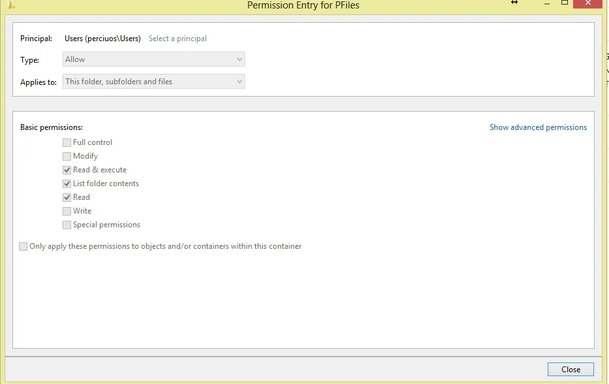 Microsoft Defender: No threats detected Scan detailserror 3.webp15.4 KB · Views: 303

