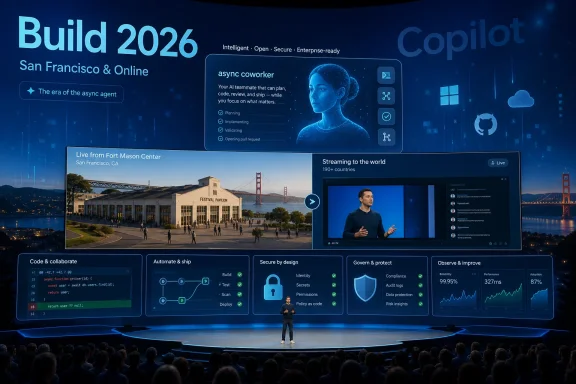
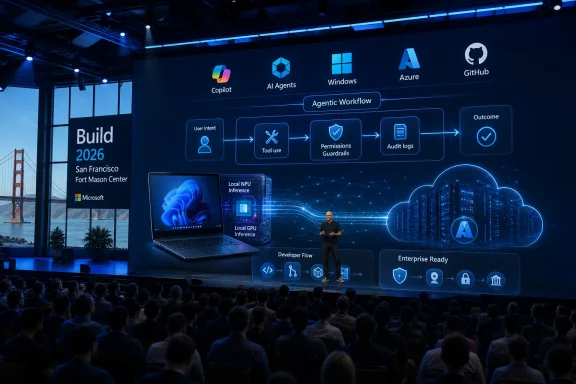
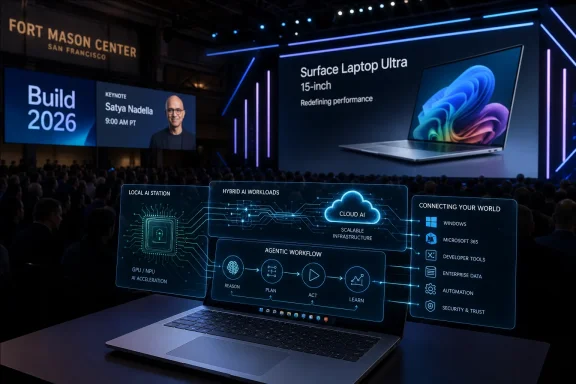
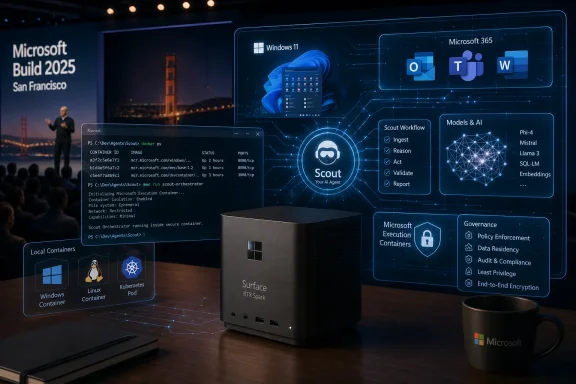
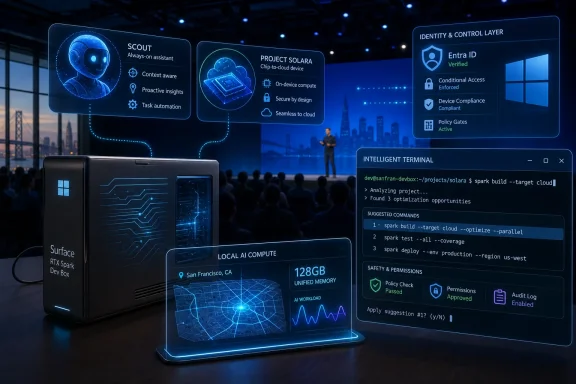
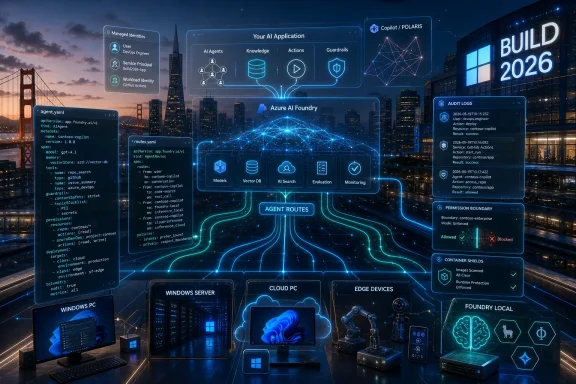
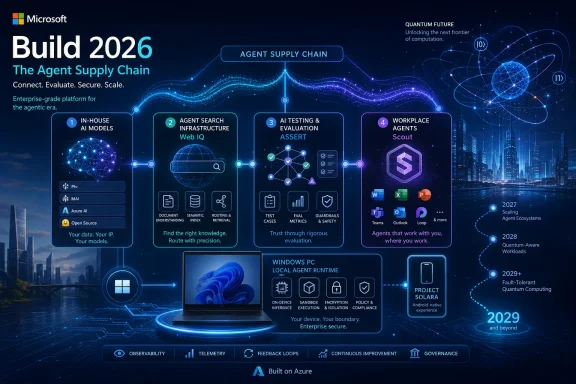
Microsoft Build 2026 is scheduled for June 2–3, 2026, at Fort Mason Center in San Francisco and online, with Satya Nadella opening the conference at 10 a.m. Pacific on June 2 before an audience Microsoft is explicitly narrowing around AI developers, technical leaders, and enterprise builders. That venue change is not cosmetic. Microsoft is moving its most important developer stage closer to the companies, investors, researchers, and infrastructure vendors now defining the AI stack. For Windows users and administrators, the message is blunt: the next phase of Windows will be shaped less by Start menu polish than by agents, local models, cloud PCs, Arm ports, Linux tooling, and developer workflows that treat the operating system as an execution environment for AI.

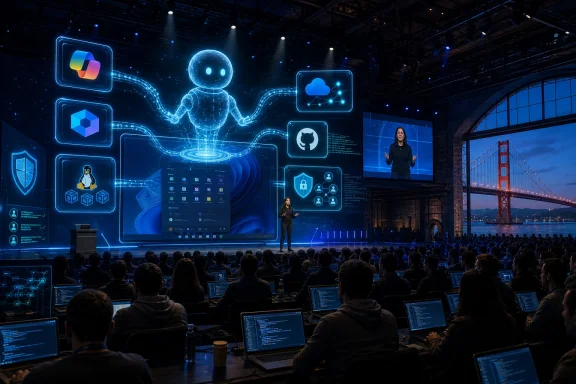
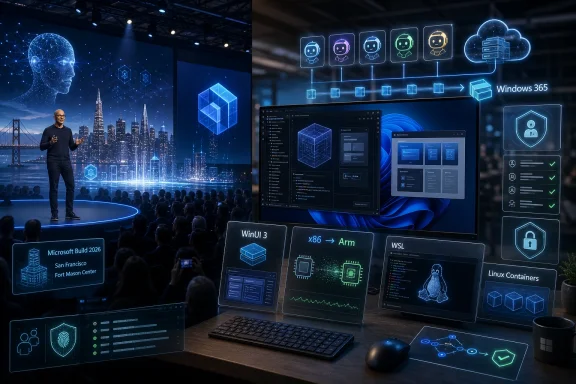
Tech conference stage with code/AI graphics and laptops showcasing Microsoft Windows 365, containers, and Linux.Microsoft Moves Build to the AI Industry’s Front Porch​

Build has always been Microsoft’s way of telling developers where the company wants them to place their bets. In the Windows 8 era, that meant Metro apps and touch-first interfaces. In the Azure boom, it meant cloud services, identity, containers, and enterprise integration. In 2026, the signal is harder to miss: Microsoft wants developers to build agents, ship AI-enhanced applications, and treat Windows as a platform where human users are no longer the only constituency that matters.
The move from Seattle to San Francisco matters because conferences are theater as much as logistics. Fort Mason Center is smaller than the Seattle Convention Center, and Microsoft is framing the event as a more focused gathering for AI developers, technical leaders, and enterprise developers. That does not sound like a consumer Windows relaunch. It sounds like a platform company inviting the people who will decide whether its AI runtime, developer tools, and cloud integrations become default infrastructure.
That makes this year’s Build more interesting than a typical Windows feature preview. Microsoft does not need to announce “Windows 12” for Build 2026 to matter. If the company spends two days showing developers how to build agents for Windows, how to supervise coding systems, how to move Linux-first AI software into a Windows workflow, and how to port x86 applications to Arm with AI assistance, it will have said plenty about the operating system’s direction without changing the version number.
The risk is that Microsoft’s developer ambition and user tolerance are no longer moving at the same speed. Developers may hear “new platform surface.” Sysadmins may hear “new attack surface.” Ordinary users may hear “more Copilot.” Build 2026 is shaping up as the place where Microsoft tries to convince the first group while not alarming the second and third too much.

The Windows User Is No Longer the Only User​

The most revealing phrase in the Build preview material is not “AI” but the idea of designing systems for both people and large language models. That is the conceptual jump Microsoft is trying to normalize. Software has historically been designed for humans, with APIs provided for other software. Agentic AI blurs that boundary by imagining systems that can inspect interfaces, take actions, call tools, read files, write code, and operate across applications with some degree of autonomy.
That is why the attention around OpenClaw-style agents is important, even if the specific implementation remains experimental and controversial. Desktop agents need a desktop. They need windows, permissions, files, application state, browser sessions, terminals, and identity context. A cloud chatbot can answer a question; a desktop agent can do something with the answer. That difference is precisely why Windows suddenly looks strategic again.
For years, Microsoft’s Windows story has often felt defensive. The company needed to keep the PC relevant while developers shifted attention toward phones, browsers, SaaS platforms, and cross-platform frameworks. AI agents give Microsoft a new argument: the PC is where a user’s work actually happens, and therefore the PC is where an agent can be most useful. Windows becomes not merely an operating system for launching apps, but a workbench where agents observe, automate, and coordinate tasks.
That promise also explains the discomfort. A useful agent must see enough to act; a safe agent must be constrained enough not to cause damage. Microsoft’s challenge is not simply to add agents to Windows. It is to create a permission, identity, logging, and management model that enterprises can tolerate and consumers can understand. If Build treats that as an implementation detail, it will miss the point.

Windows 365 Shows the Escape Hatch for Risky Automation​

One of the more telling ideas in the Build agenda is using Windows 365 cloud PCs to run AI agents instead of relying entirely on local machines. That is not just a performance story. It is a containment story. If agents are going to click, script, inspect, test, or orchestrate workflows, many organizations will prefer to run them in managed cloud desktops rather than on an employee’s primary PC.
This fits neatly into Microsoft’s enterprise instincts. Windows 365 already gives IT departments a controlled Windows environment with policy, identity, provisioning, and monitoring hooks. Put agents there, and Microsoft can pitch automation without asking every admin to trust a roaming AI assistant on unmanaged hardware. In that model, the agent becomes less like a personal helper and more like a managed worker running in a virtual cubicle.
The upside is obvious for regulated industries and large enterprises. An agent can process a workflow, test software, handle repetitive administrative tasks, or run developer tooling in an environment that can be reset, audited, and isolated. The downside is equally obvious: if the future of advanced Windows automation is safest in cloud PCs, Microsoft has another reason to pull Windows usage deeper into subscription infrastructure.
That is the quiet business story behind the technical one. Agentic Windows is not just about AI features on a laptop. It is about binding Windows, Microsoft 365, Azure, GitHub, identity, and endpoint management into a single automation fabric. The more powerful the agents become, the more valuable the management layer becomes.

AI Coding Is Microsoft’s Trojan Horse for Native Windows Apps​

For much of the last decade, native Windows development has been caught between nostalgia and neglect. Developers who wanted reach often chose the web. Developers who wanted mobile growth targeted iOS and Android. Developers who wanted cross-platform desktop apps often reached for Electron or other frameworks that made Windows just one target among many. Microsoft kept improving Windows UI frameworks, but it struggled to make native Windows feel like the obvious place for new application energy.
AI-assisted coding gives Microsoft a new pitch: native development can become less expensive, less specialized, and less risky if coding agents shoulder more of the boilerplate and porting work. A Build session focused on using AI agents to create native Windows apps with WinUI 3 is therefore more than a niche developer talk. It is a sign that Microsoft sees AI as a way to reopen a door that web-first development partially closed.
The argument is seductive. If a small team can use agentic tooling to generate UI scaffolding, wire up platform APIs, test accessibility, handle packaging, and produce modern Windows experiences faster than before, native Windows development starts to look less like a costly detour. Microsoft does not need every developer to abandon the web. It needs enough developers to rediscover the value of Windows-specific capabilities at a moment when AI PCs, NPUs, and local inference give the platform new differentiators.
But there is a trap here. AI can generate code faster than organizations can review it, secure it, and maintain it. A productivity boom that produces fragile, unreviewed native applications would not be a renaissance; it would be technical debt with a Copilot logo. Microsoft’s task at Build is to show not merely that AI can write Windows apps, but that the surrounding tooling can help developers understand, test, and govern what those agents produce.
That is why the phrase “agent supervision is the new senior engineering skill” lands harder than typical conference marketing. It suggests a real shift in software labor. The valuable developer is not merely the person who writes every line by hand, but the person who can direct, constrain, verify, and integrate machine-generated work. Microsoft is betting GitHub Copilot can become the control room for that shift.

Arm Windows Needs Developers More Than It Needs Benchmarks​

The Arm angle is just as important. Windows on Arm has improved dramatically, and Qualcomm’s Snapdragon X-class hardware changed the conversation around battery life and performance. But platform transitions do not succeed on benchmarks alone. They succeed when users stop worrying about whether their applications will run well.
Microsoft’s reported Build emphasis on using agentic AI to port x86 applications to Arm is a practical admission that compatibility layers are not the same as native support. Emulation can bridge a gap, but native Arm applications are the destination. If AI can lower the cost of identifying portability issues, modifying code, running tests, and producing Arm-native builds, Microsoft gains a lever it did not have during earlier Windows on Arm pushes.
That matters for Copilot+ PCs because the hardware story and software story are intertwined. Microsoft can promote NPUs, battery life, and local AI all day, but buyers still ask the old question: will my stuff work? For enterprises, the question becomes sharper: will our internal tools, security agents, drivers, line-of-business applications, and developer utilities behave predictably on Arm hardware?
AI-assisted porting is not a magic wand, especially for low-level code, drivers, old dependencies, or applications with obscure build systems. But it could change the economics of the middle. If the annoying 70 percent of porting work becomes cheaper, more developers may do the remaining 30 percent. That would be a meaningful shift for Windows hardware diversity.

Linux Has Become Part of the Windows AI Strategy​

The presence of Windows Terminal, WSL, and Azure Linux in the Build story says something Microsoft would once have struggled to admit: the modern Windows developer experience depends heavily on Linux. That is not a defeat. It is an adaptation. Developers building cloud-native software, containers, machine learning pipelines, and AI tools frequently start from Linux assumptions, and Microsoft has spent years making Windows hospitable to that reality.
WSL is now more than a compatibility layer for developers who prefer Bash. It is one of Microsoft’s bridges into AI development because so much local AI tooling, model experimentation, and open-source infrastructure arrives Linux-first. If Microsoft wants Windows to be a serious AI development machine, it cannot ask developers to wait for every project to become Windows-native. It has to make Linux-based workflows feel natural on Windows.
Azure Linux 4.0 deepens that story. Microsoft’s own Linux distribution is not aimed at turning Windows users into traditional desktop Linux users. It is about consistency between cloud, containers, and developer environments. When the same company controls Windows, WSL, Azure, GitHub, and a Linux distribution tuned for cloud-native and AI workloads, it can offer developers a more coherent path from laptop to production.
There is an irony here that longtime Windows watchers will appreciate. Microsoft spent decades treating Linux as a rival platform. Now Linux is part of the Windows value proposition. The modern Windows developer machine is powerful precisely because it can host Visual Studio Code, PowerShell, Windows Terminal, WSL, container tools, cloud SDKs, and Linux-native AI software in one environment.
For IT pros, this hybrid model is both useful and messy. It expands what a Windows workstation can do, but it also expands what must be patched, monitored, and governed. WSL instances, package managers, model files, local services, developer secrets, and GPU-enabled workloads are not imaginary risks. They are the operational cost of making Windows a first-class AI development platform.

The Security Problem Is Not a Side Quest​

Every agent demo has an implied security demo hiding behind it. If an agent can read a screen, parse a document, call a tool, edit a file, send a message, or execute code, then attackers will try to manipulate those capabilities. Prompt injection is not an abstract academic phrase when the prompt can lead to an action inside a real operating system.
That is why the OpenClaw influence is double-edged. Experimental agent systems are useful because they expose what is possible. They are alarming because they also expose how much trust the model, the tools, and the operating environment must share. A desktop agent that acts across applications can easily cross boundaries that traditional app permissions were never designed to express.
Microsoft has a long history of learning platform security lessons in public. Windows XP’s security reckoning led to major changes in Vista and beyond. Office macros, ActiveX, browser plugins, signed drivers, PowerShell abuse, and cloud identity attacks all forced Microsoft to rethink convenience as an attack vector. Agentic AI may become the next chapter in that same story.
The company’s best argument is that Microsoft, unlike a startup shipping a clever agent demo, can build the enterprise control plane around this technology. It can integrate agents with Entra ID, Intune, Defender, Purview, Windows 365, audit logs, conditional access, and policy management. But that argument only works if the controls arrive with the capability, not years later after the first wave of abuse.
For consumers, the problem is even harder. Enterprise admins can read documentation and configure policy. A home user sees a button, a consent dialog, or a Copilot pane. If Microsoft wants agents in mainstream Windows, it needs user experience language that explains what an agent can see, what it can change, and how to undo its actions. The old permissions model of “allow” or “deny” is too crude for software that may perform chains of actions across time.

Build Is Not Really About a New Windows Version​

The temptation around every Build is to ask whether Microsoft will unveil a new Windows release. That framing misses the more interesting story. Microsoft can change Windows substantially without changing the brand on the box. Windows 11 itself has become a rolling platform where features, inbox apps, AI integrations, developer tools, and cloud-connected services evolve on their own timelines.
That makes Build 2026 less likely to be a consumer OS spectacle and more likely to be a platform repositioning. The important announcements may be APIs, developer previews, Copilot integrations, GitHub tooling, Windows 365 scenarios, WSL updates, and AI runtime improvements. Those are less flashy than a new desktop shell, but they are how Microsoft actually changes what Windows is for.
This is also consistent with the company’s recent caution around shoving Copilot into every visible corner of Windows. Microsoft has already faced user fatigue over AI features that felt more promotional than essential. The smarter move is to make AI indispensable in workflows where it clearly saves time: coding, testing, porting, documentation, enterprise search, automation, and development environments.
That does not mean general users are unaffected. Developer platform shifts eventually surface in everyday software. If Microsoft succeeds, Windows users may see more native apps, more Arm-compatible applications, more local AI features, more agents embedded into productivity tools, and more cloud-backed automation. Build is where the foundation gets poured before the furniture arrives.

Xbox and Surface Are the Dogs That Probably Will Not Bark​

The PCMag Australia preview sensibly downplays Xbox and Surface expectations, and that restraint is important. Build is not E3, and it is not a Surface showcase. Microsoft can always surprise people, but the published direction of the conference points overwhelmingly toward AI development, cloud infrastructure, agents, Windows tooling, and enterprise workflows.
That does not make gaming irrelevant to the broader AI story. Game developers will use AI-assisted coding, asset workflows, testing automation, and cloud infrastructure like everyone else. But a lack of gaming sessions suggests Microsoft is not planning to make Xbox the center of this particular stage. That is notable given the company’s ongoing effort to redefine Xbox as a service, storefront, hardware family, and cross-device ecosystem rather than a single console identity.
Surface hardware is similarly unlikely to be the main event. Microsoft has already refreshed business-focused Surface machines, and consumer hardware timing appears better suited to separate announcements. Build attendees are not primarily there to admire magnesium chassis. They are there to see the tools and APIs Microsoft wants them to build against.
That distinction matters because it keeps the analytical focus where it belongs. Build 2026 is not about whether Microsoft can produce another attractive laptop. It is about whether Windows remains a compelling development and execution platform in an AI era increasingly shaped by cloud GPUs, browser apps, mobile ecosystems, and Linux-first tooling.

The Real Audience Is the IT Department That Has to Say Yes​

The most consequential Build audience may not be the developer excited to prototype an agent. It may be the IT leader who has to decide whether these capabilities can enter a managed environment. Microsoft’s consumer AI story often receives the loudest backlash, but the enterprise story is where adoption becomes durable.
Enterprise IT will ask practical questions. Can agents be disabled by policy? Can their actions be logged? Can administrators restrict which files, applications, tenants, plugins, and external services they can access? Can a company separate approved internal agents from random tools downloaded by enthusiastic employees? Can data loss prevention policies understand agent-mediated workflows?
These questions are not hostile to Microsoft’s vision. They are the conditions under which the vision becomes deployable. If Microsoft wants agents to become mainstream in Windows, it needs to make them boring enough for procurement, compliance, and security teams. That means management before magic.
Windows has an advantage here because it is already embedded in enterprise management systems. Microsoft does not have to invent the administrative relationship from scratch. But it also has a burden: Windows is where the sensitive work already is. A mistake on this platform has consequences beyond a failed demo.
The enterprise path also explains why some of the most important AI features may arrive first in controlled settings rather than consumer PCs. Windows 365, Microsoft 365 Copilot, GitHub Enterprise, Azure AI Foundry, Defender, and Intune provide Microsoft with safer deployment channels. Consumers may see the branding; enterprises may shape the architecture.

The Developer Productivity Boom Will Need a Hangover Plan​

Microsoft shares with the rest of Big Tech a belief that AI-assisted programming can create a productivity boom. The Build agenda reflects that conviction. Coding agents, app generation, porting assistance, and senior-engineer-style supervision are all part of a future in which software production accelerates.
The hard part is what happens after the acceleration. More code means more review. More generated code means more uncertainty about provenance, licensing, security, and maintainability. More automated porting means more test burden. More agents means more orchestration logic that someone must understand when it breaks at 2 a.m.
This is where Microsoft’s developer tooling could either justify the hype or expose it. GitHub Copilot cannot merely autocomplete functions if the company wants it to become an agentic engineering platform. It must help developers reason about changes, generate tests, explain architectural consequences, identify vulnerabilities, and integrate with issue trackers, CI pipelines, package registries, and deployment systems.
For Windows specifically, the productivity boom thesis has an interesting upside. The platform has decades of APIs, frameworks, legacy applications, enterprise dependencies, and compatibility baggage. AI tools may be unusually useful in precisely this environment because there is so much code to modernize, port, wrap, test, and document. The messiness of Windows could become a market for AI-assisted cleanup.
But Microsoft should resist overselling. AI will not automatically make mediocre apps good, nor will it make abandoned applications maintainable without human ownership. The best case is not that agents replace Windows developers. It is that they make Windows development less punishing and more economically attractive.

The San Francisco Build Is a Bet That Windows Can Become the Agent Platform​

The deepest argument of Build 2026 is that Windows can matter more in the AI era, not less. That is not guaranteed. A plausible alternative future has users interacting with AI mostly through browsers, phones, chat apps, SaaS tools, and cloud-hosted workspaces, with the local operating system fading further into the background. Microsoft is trying to prevent that outcome by making Windows a place where agents can act with context.
That strategy depends on three layers working together. The local PC must provide performance, privacy, device access, and a familiar workspace. The cloud must provide scale, management, model access, and persistent execution. The developer platform must make it realistic to build apps and agents that move across both. Build 2026 appears designed to tell that three-layer story.
The challenge is that users do not experience strategy layers. They experience interruptions, settings, battery drain, confusing prompts, broken apps, and features they did not ask for. Microsoft’s AI ambitions will be judged not only by what developers can build, but by how gracefully those capabilities appear in real Windows environments.
This is why the company’s recent willingness to pull back from unnecessary Copilot entry points matters. If Microsoft learned anything from the first wave of AI branding, it is that visibility is not the same as value. The next phase has to be less about putting Copilot buttons everywhere and more about making specific workflows meaningfully better.
Build 2026 is therefore a credibility test. Microsoft must show that its AI plans for Windows are not just a layer of chat over old software, but a coherent platform shift with security, management, developer economics, and user control built in. That is a much harder story to tell than a keynote demo, but it is the only story that will survive contact with administrators and power users.
The Details Windows Watchers Should Not Miss in the Keynote Fog​

The most useful way to watch Build 2026 is not to count how many times Microsoft says “agent.” It is to look for the plumbing behind the word. A short keynote demo can make automation look inevitable. The session catalog, SDKs, policy controls, preview timelines, and developer commitments will reveal whether Microsoft is building a platform or staging a moment.
  • Microsoft is holding Build 2026 on June 2–3 in San Francisco and online, signaling a tighter, AI-centered developer event rather than a broad consumer Windows showcase.
  • The most important Windows story is likely to be agents, especially how they are built, supervised, isolated, and managed across local PCs and Windows 365 cloud PCs.
  • Native Windows development may get a new push if AI-assisted coding can make WinUI 3 apps and Arm ports cheaper to build and maintain.
  • WSL, Windows Terminal, and Azure Linux show that Microsoft now sees Linux compatibility as central to making Windows credible for AI development.
  • Enterprise adoption will depend less on impressive demos than on policy controls, auditability, identity integration, data protection, and clear boundaries around agent behavior.
  • A major consumer Windows announcement is possible but not the most likely center of gravity; Build’s real impact will be in the developer platform decisions that shape Windows over the next several years.
The story to watch after Build is not whether Microsoft can make AI appear inside Windows; it already can, and in many places already has. The real question is whether Microsoft can make AI feel native to Windows without making Windows feel captured by AI. If the company gets that balance right, Build 2026 may be remembered as the moment the PC became an agent platform; if it gets it wrong, it will be remembered as another keynote where the future arrived before the trust model did.

References​

  1. Primary source: PCMag Australia
    Published: Thu, 28 May 2026 12:00:00 GMT
  2. Related coverage: techradar.com
  3. Related coverage: pingcap.com
  4. Official source: build.microsoft.com
  5. Related coverage: nvidia.com
  6. Related coverage: ebisuda.net
 

Microsoft Build 2026 will run June 2–3 at Fort Mason Center in San Francisco and online, with Satya Nadella opening the developer conference as Microsoft centers this year’s agenda on AI agents, Windows development, GitHub Copilot, WSL, and cloud-backed AI workflows. That is the calendar fact. The larger story is that Microsoft is no longer treating AI as an accessory bolted onto Windows. It is preparing developers for a version of Windows where software is built for people, copilots, and autonomous agents at the same time.
That makes Build 2026 less of a consumer launch event than a platform referendum. If the session catalog is the map, Microsoft is telling developers that the next phase of Windows will be defined by agentic software, native app modernization, Arm compatibility, Linux-based AI tooling, and cloud-hosted workspaces that blur the line between local PC and remote machine. For Windows users, the keynote may not bring a shiny new Start menu or a surprise Windows 12 reveal. But the more consequential change is already visible: Microsoft wants Windows to become the operating system where AI agents do work, not merely where AI chatbots answer questions.

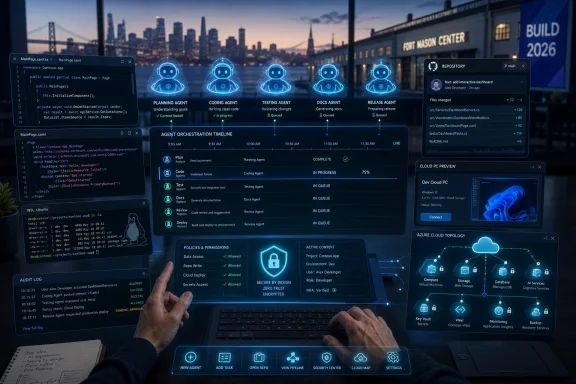
Developer hands control a futuristic AI agent dashboard showing coding, testing, and release workflows over a city skyline.Microsoft Moves Build to the AI Industry’s Front Porch​

The venue change matters more than it might first appear. Build has long been Microsoft’s developer high mass, but taking the event to San Francisco’s Fort Mason Center puts it physically closer to the companies, labs, venture networks, and engineers now defining the AI stack. Microsoft is not simply hosting another developer conference; it is staging Windows, Azure, GitHub, and Copilot inside the geographic center of the current AI boom.
The smaller, more selective in-person format also tells us something. This is not a mass-market Windows pep rally. It is aimed at AI developers, technical leaders, and enterprise builders who are trying to turn demos into systems that can be shipped, monitored, governed, and defended.
That emphasis is consistent with Microsoft’s broader strategy. The company has spent the past few years placing Copilot across Microsoft 365, Windows, GitHub, Edge, and Azure. Build 2026 appears designed to answer the next question: what happens when AI stops being a feature inside apps and becomes an actor that uses apps?
For WindowsForum readers, that distinction is crucial. A chatbot in the sidebar is annoying or useful depending on taste. An agent with access to files, credentials, applications, browser sessions, repositories, and cloud PCs is an architectural shift.

Agents Are Not a Feature Layer — They Are a New User Class​

The most revealing thread in the Build preview material is Microsoft’s attention to agents as entities that software must accommodate. A session framed around designing systems for both people and large language models captures the change neatly. The implicit message is that tomorrow’s software may have two audiences: human operators and automated agents acting under human authority.
That is a radical idea for Windows, even if it arrives wrapped in developer-session language. Windows has historically been built around interactive human intent: click, type, drag, approve, install, execute. Agentic systems complicate that model because they chain actions, interpret instructions, call tools, and operate across application boundaries.
OpenClaw-style agent systems loom over this conversation because they demonstrate both the promise and the danger. A desktop agent that can read mail, edit documents, operate software, inspect repositories, and call APIs is not just a smarter assistant. It is a new automation surface layered across the user’s digital life.
Microsoft seems to understand the security implications, at least in theory. Agent systems need permissions, isolation, audit trails, revocation, and reliable identity boundaries. The hard part is that agents become useful precisely when they are allowed to cross the walls that security models usually try to enforce.
That tension will define the next Windows cycle. Microsoft wants agents to be powerful enough to matter, but safe enough for enterprise deployment. Those goals are not impossible to reconcile, but they are in conflict by default.

The Windows Desktop Becomes the Agent’s Workplace​

The desktop operating system is suddenly strategically important again because AI agents need somewhere to operate. Web apps, SaaS APIs, and cloud services are essential, but much of the world’s actual work still happens across messy combinations of desktop apps, local files, remote sessions, internal tools, browsers, terminals, spreadsheets, and half-modernized line-of-business software.
That is where Windows has an advantage. It remains the default workbench for enterprises, developers, accountants, engineers, analysts, administrators, and support desks. If AI agents are going to automate real work rather than polished demo flows, they must eventually contend with Windows.
Microsoft’s interest in running agents on Windows 365 cloud PCs is especially telling. A cloud PC can provide a contained, resettable, policy-managed environment where an agent can operate without being given full run of a user’s physical machine. That does not solve every security problem, but it changes the blast radius.
There is also a business logic to this. If agents become heavy users of compute, storage, identity, and monitoring infrastructure, Microsoft would much rather host those agents in Azure-backed environments than leave them as unmanaged processes on consumer laptops. Windows 365 becomes not just a remote desktop service, but a possible runtime for digital workers.
For IT admins, this cuts both ways. Centralized agent environments may be easier to govern than local ones. But they also introduce another class of endpoint-like workload that must be licensed, patched, monitored, and constrained.

Microsoft Rediscovers Native Windows Apps Through AI​

One of the more intriguing signals from the Build 2026 agenda is Microsoft’s renewed interest in native Windows apps. After years in which web technologies seemed to absorb much of Microsoft’s own application energy, the company is again talking about WinUI, native Windows 11 development, and app experiences that feel tied to the platform rather than merely delivered through it.
AI-assisted coding is the likely bridge. Microsoft’s argument is not that developers have suddenly regained infinite time to write polished native clients. It is that agents and copilots can reduce the cost of producing them.
That is an appealing pitch because Windows has suffered from a quality gap in modern app experiences. Many users still live inside legacy Win32 applications, Electron apps, web wrappers, and hybrid interfaces. Some are excellent; many are heavy, inconsistent, or indifferent to Windows conventions.
If AI coding agents can help developers target WinUI 3, integrate with Windows APIs, and produce Arm-native builds with less manual labor, Microsoft could gradually improve the software ecology around Windows 11 and future Windows releases. That is the optimistic reading.
The skeptical reading is also obvious. Microsoft has repeatedly tried to reset Windows app development, from UWP to WinUI to Progressive Web Apps to cross-platform frameworks. Developers have learned to be cautious when Microsoft presents another preferred path. AI does not erase that institutional memory.

Arm Windows Needs More Than Emulation​

The Build preview’s emphasis on porting x86 applications to Arm matters because Copilot+ PCs exposed a familiar Windows problem in a new form. Qualcomm-powered Windows machines can run many existing applications, and emulation has improved substantially, but compatibility is not the same as confidence. Users and IT buyers still want to know that the software they depend on runs well, runs natively when it should, and does not turn the battery-life promise into a support-ticket trap.
Agentic porting tools could help here. If Microsoft can make it easier for developers to identify x86 assumptions, update dependencies, test builds, and generate Arm-compatible versions, it lowers one of the barriers to broader Windows on Arm adoption.
But again, the technology is only half the issue. Developers need incentives. Enterprises need validated app catalogs. Hardware vendors need performance consistency. Microsoft needs to prove that Arm Windows is not a recurring science project that surges every few years and then fades behind Intel and AMD roadmaps.
AI can accelerate porting, but it cannot manufacture ecosystem trust by itself. The work still has to be reviewed, tested, signed, deployed, and supported. For admins, a bad automated port is still a bad app.

GitHub Copilot Becomes a Management Problem​

The phrase “agent supervision is the new senior engineering skill” may sound like conference hype, but it points to a real shift in software development. Microsoft and GitHub are pushing beyond autocomplete and into agentic coding workflows where AI systems create branches, modify files, run tests, suggest fixes, and potentially handle multi-step engineering tasks.
For developers, that changes the unit of productivity. The question becomes less “How fast can I write this function?” and more “How effectively can I specify, constrain, review, and integrate work produced by an automated collaborator?”
For engineering managers, the governance implications are just as important. AI-generated code still carries risk: insecure patterns, licensing ambiguity, hallucinated APIs, brittle tests, and changes that pass locally while violating architectural intent. The more capable the agent, the more important the review process becomes.
This is where Microsoft has a powerful platform advantage. GitHub, Azure DevOps, Visual Studio, VS Code, and Microsoft Defender can be woven into a pipeline where AI agents do work but humans and policy systems approve it. That vision is coherent. It is also a reminder that Microsoft’s AI strategy is as much about workflow capture as it is about model intelligence.

WSL Becomes the Bridge for AI Workloads Windows Never Owned​

The Windows Subsystem for Linux has always been one of Microsoft’s most pragmatic developer moves. Instead of pretending Windows could absorb every Linux-native workflow, Microsoft made it easier to run Linux tooling alongside Windows. In the AI era, that decision looks even more important.
Much of the local AI ecosystem assumes Linux. Frameworks, model-serving tools, package chains, GPU workflows, and research code often arrive there first. Developers who want to build AI applications on a Windows laptop frequently need Linux compatibility not as a convenience, but as a prerequisite.
Build sessions around WSL and Windows Terminal therefore carry strategic weight. Microsoft cannot make Windows the best AI developer environment by insisting that every AI tool become a Windows-native citizen. It needs Windows to host Linux-based development gracefully.
Azure Linux 4.0 fits into that same story. Microsoft’s Linux work is no longer an awkward contradiction; it is part of the company’s cloud and AI foundation. The old Windows-versus-Linux culture war has been replaced by a more practical question: can Microsoft make Windows the best command center for workloads that may ultimately run on Linux in the cloud?
That answer matters to developers, but it also matters to enterprises. If Windows clients, WSL environments, Azure Linux servers, GitHub repositories, and Azure AI services can be managed as one coherent toolchain, Microsoft strengthens its position across the whole software lifecycle.

The Security Model Is the Unfinished Product​

The most important Build 2026 story may be the one Microsoft is least likely to present in keynote-friendly form: agent security. AI agents collapse familiar boundaries. They read untrusted content, interpret instructions, access privileged systems, and execute actions through legitimate user credentials.
That creates risks that classic endpoint protection does not fully address. Prompt injection is not just a chatbot problem when the agent can act. A malicious email, web page, document, issue ticket, or repository file can become a set of instructions that attempts to redirect the agent’s behavior.
The enterprise answer will require layered controls. Agents will need scoped permissions, separate identities, logging, sandboxing, policy enforcement, data-loss prevention, and clear user consent models. They will also need failure modes that are understandable when something goes wrong.
Microsoft has pieces of this puzzle. Entra ID, Defender, Purview, Intune, Windows security features, Azure policy infrastructure, and GitHub’s security tooling could all contribute to a defensible agent platform. But integration is not the same as resolution.
The uncomfortable truth is that the more useful an agent becomes, the more dangerous it becomes when compromised or misdirected. Microsoft can reduce that risk, but it cannot market it away.

Consumer Windows May Hear the Echo Later​

General Windows users should not expect Build 2026 to behave like a consumer feature event. Microsoft may show Windows AI experiences, Copilot improvements, or developer previews, but the conference is aimed squarely at builders. That does not mean consumers can ignore it.
Build is often where Microsoft reveals the scaffolding before the house is visible. APIs, developer tools, app frameworks, and cloud services announced for developers can later become everyday features in Windows. The agent infrastructure discussed now may determine how Copilot behaves on the taskbar, how apps expose actions to AI, and how Windows brokers permissions between users and automated systems.
The same is true for native app development. If Microsoft convinces developers to revisit Windows-specific experiences, users may eventually see better apps, faster Arm support, and richer integration with system features. If it fails, Windows remains a platform where many important apps are cross-platform compromises first and Windows experiences second.
The consumer risk is that Microsoft mistakes inevitability for consent. Many Windows users already feel that AI has been pushed into places where it was not requested. If agentic features arrive without clear controls, transparent privacy boundaries, and obvious value, the backlash will be predictable.
The enterprise risk is different. Companies may want agent productivity, but not unmanaged autonomy. They will ask hard questions about data access, auditability, compliance, and support responsibility. Microsoft’s success will depend on whether it can answer those questions before the pilots become production systems.

Windows 12 Speculation Misses the More Important Platform Shift​

It is tempting to frame every Build as a possible Windows 12 moment. That temptation is especially strong when AI dominates the agenda and Windows 11 continues to feel, for many users, like an operating system caught between unfinished modernization and aggressive cloud-service promotion.
But the more plausible story is not a sudden numbered release. It is a platform transition that happens underneath Windows 11, Copilot+ PCs, Windows 365, WSL, WinUI, GitHub Copilot, and Azure. Microsoft does not need to announce Windows 12 to change what Windows is for.
That may be less satisfying than a dramatic keynote reveal, but it is more consequential. Operating systems evolve through developer contracts as much as user interfaces. When Microsoft tells developers to build for agents, expose workflows to LLMs, modernize native apps, target Arm, and use Linux tooling inside Windows, it is reshaping the platform’s center of gravity.
The danger for Microsoft is that Windows becomes conceptually overloaded. It is already a consumer OS, an enterprise endpoint, a gaming platform, a developer workstation, a cloud PC front end, a security boundary, and a delivery vehicle for Microsoft services. Adding AI agent runtime to that list raises the stakes.
The opportunity is equally large. If Microsoft gets this right, Windows could become the most practical environment for hybrid human-and-agent work. If it gets it wrong, Windows becomes the place where users feel watched, interrupted, and automated against their will.

The Build 2026 Signal Is Clearer Than the Keynote Will Be​

The most concrete lesson from the Build 2026 preview is that Microsoft is aligning nearly every developer-facing surface around AI systems that act, not merely respond. The keynote may be polished, but the session catalog is the better tell. It shows a company preparing developers for agents as first-class participants in software ecosystems.
  • Microsoft Build 2026 is a developer and enterprise AI event first, not a consumer Windows launch show.
  • AI agents are becoming central to Microsoft’s Windows strategy because they need access to desktop workflows, cloud PCs, applications, and developer tools.
  • Native Windows app development is getting renewed attention because AI-assisted coding may lower the cost of building and porting platform-specific software.
  • Windows on Arm still needs stronger native application support, and Microsoft appears to see agentic porting as one way to accelerate that work.
  • WSL and Azure Linux are now part of Microsoft’s Windows AI story because much of the AI software ecosystem remains Linux-first.
  • Security, permissions, and governance will determine whether agentic Windows is useful infrastructure or another layer of risky automation.
This is the shape of Microsoft’s bet: Windows does not have to become the flashiest AI product if it becomes the place where AI work actually happens. That is a more durable ambition than another assistant demo, and a more dangerous one. Build 2026 will not settle whether users want agents in their operating system, whether developers trust Microsoft’s latest Windows app push, or whether enterprises can govern autonomous software safely. But it will likely mark the moment Microsoft stopped presenting AI as an add-on to Windows and started treating Windows as the stage on which agents, apps, cloud PCs, Linux tools, and human operators are expected to work together.

References​

  1. Primary source: PCMag UK
    Published: Thu, 28 May 2026 12:00:00 GMT
  2. Related coverage: techradar.com
  3. Official source: build.microsoft.com
  4. Official source: opensource.microsoft.com
  5. Related coverage: chatforest.com
  6. Related coverage: multishoring.com
 

Microsoft Build 2026 opens June 2 at Fort Mason Center in San Francisco, with Satya Nadella’s keynote scheduled for 9:30 a.m. Pacific and Microsoft’s published agenda centered on AI agents, GitHub Copilot, Azure AI Foundry, and Windows local AI. That is the factual answer; the more interesting one is that Build has become less a developer conference than a referendum on Microsoft’s platform strategy. The company is not arriving with a new Windows brand to unveil. It is arriving with a claim: the next platform shift is already here, and it will be governed through agents, cloud models, local inference, identity, and policy.

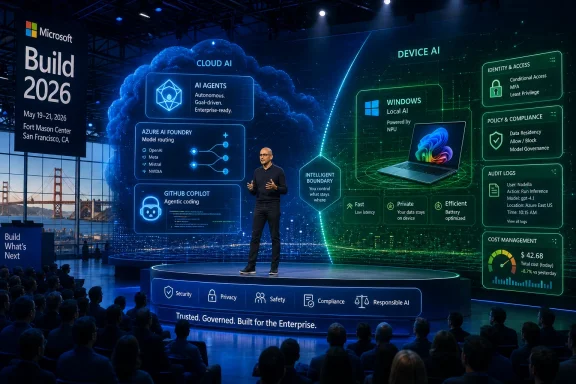
Microsoft Build 2026 keynote stage with AI/cloud graphics and a presenter showcasing Windows and security features.Microsoft Is Bringing a Platform Argument, Not a Product Launch​

Build has always been where Microsoft explains what it wants developers to build next. In the Ballmer years, that often meant Windows APIs, .NET evangelism, and a lot of stage time for whatever client platform Redmond needed to rescue. In the Nadella era, the center of gravity moved to Azure, GitHub, Visual Studio Code, and the connective tissue of cloud services.
Build 2026 looks like the most explicit version of that shift yet. The agenda is not organized around a single operating-system reveal or a consumer hardware moment. It is organized around the machinery required to make AI systems useful inside real companies: agent orchestration, model routing, developer productivity, governance, identity, cost control, and local execution.
That makes this year’s keynote more important than a surprise Windows 12 teaser would be. A new Windows version would dominate headlines for a day. A credible agent platform, if Microsoft can make one, would shape how businesses write software, secure data, and license productivity tools for years.
The omission is therefore part of the message. Microsoft has reportedly made clear that Windows 12 is not on the agenda, and that absence keeps attention on the stack Microsoft can sell today: Windows 11, Copilot, Azure AI Foundry, GitHub, Microsoft 365, and the newly commercialized governance layer around agents.

The Agent Era Needs a Control Plane Before It Needs More Demos​

The word agent has been stretched almost to meaninglessness over the past two years. In marketing copy, it can mean a chatbot with tools, a workflow automation script, a coding assistant, a digital employee, or a model that can call APIs and remember context. Build 2026 is Microsoft’s opportunity to narrow that haze into something developers and administrators can actually deploy.
That is where Microsoft Agent 365 matters. The company has positioned it as an enterprise control plane for AI agents, with general availability beginning May 1, 2026. The timing is not accidental: by the time Build opens, Microsoft can talk about agents not as a research frontier but as a licensed, governable, enterprise product category.
The pitch is obvious. If agents are going to read email, inspect files, file tickets, update records, summarize meetings, open pull requests, or execute business processes, then they need identity, permissions, logging, data protection, and security review. In other words, they need the same boring enterprise plumbing that turned cloud apps from shadow IT into sanctioned infrastructure.
That is also where the risk lives. Microsoft wants to convince customers that agent sprawl can be managed through the same administrative worldview that governs users, devices, apps, and data. But agents are not just another app registration. They can act, chain tools, generate outputs, and fail in ways that are difficult to audit after the fact.
The keynote will almost certainly celebrate what agents can do. The more consequential sessions will be the ones that show how they are constrained.

Azure AI Foundry Is Microsoft’s Bet That Model Choice Becomes Infrastructure​

Azure AI Foundry sits at the center of the Build 2026 agenda because Microsoft does not want the AI application layer to collapse into a single-model story. The company’s strategic advantage is not merely that it has access to OpenAI models. It is that it can offer a managed environment where developers choose among OpenAI, Anthropic, Mistral, DeepSeek, and other models while keeping deployment, monitoring, governance, and billing inside Microsoft’s cloud perimeter.
That is a deeply Microsoft move. The company has spent decades turning complexity into platform dependency. Windows abstracted hardware diversity. Azure abstracted infrastructure. Microsoft 365 abstracted enterprise productivity. Foundry is an attempt to abstract the increasingly messy world of models, prompts, tools, evaluations, data sources, and runtime policies.
For developers, the appeal is practical. Different models have different strengths, latency profiles, licensing terms, and costs. A coding assistant, a contract analyzer, a search assistant, and a customer-support agent may not need the same model. In a mature environment, routing work to the right model should be as normal as choosing a storage tier or compute instance.
For finance and security teams, the appeal is containment. Token consumption is no longer a lab curiosity; it is a budget line. Prompt logs, retrieval sources, and tool calls are no longer implementation details; they are audit concerns. Microsoft’s Foundry story at Build will be strongest if it treats cost governance and responsible AI as first-class developer constraints rather than after-the-fact dashboards.
The danger is that Foundry becomes another cathedral of knobs. Enterprise platforms often promise flexibility and deliver decision fatigue. Microsoft has to show that model choice, agent deployment, and policy enforcement can be made repeatable without requiring every company to assemble an internal AI platform team from scratch.

GitHub Copilot Is Moving From Assistant to Coworker, and That Changes the Trust Model​

GitHub Copilot began as autocomplete with ambition. It then became chat, code explanation, test generation, pull-request assistance, and increasingly a front end for software development workflows. At Build 2026, Microsoft is expected to push Copilot further into agentic coding: systems that can take a task, inspect a repository, modify files, run commands, and collaborate across development environments.
That is a bigger shift than it sounds. A coding assistant that suggests a line of code can be evaluated in the moment by a developer. An agent that edits a codebase, opens a pull request, or coordinates with other agents has crossed into delegated work. The question becomes less “Is this completion useful?” and more “What authority did we just give this system?”
Microsoft’s advantage is that GitHub is already where many developers live. VS Code, GitHub Actions, Codespaces, pull requests, issue trackers, and enterprise repositories give the company a nearly complete map of the developer workflow. If Copilot agents become embedded in that map, Microsoft can offer an AI development experience that feels less like a bolt-on and more like a native layer.
But the same integration also raises the stakes. Enterprises will want to know how Copilot agents handle secrets, dependency updates, generated tests, licensing risk, and access boundaries across repositories. Developers will want to know whether agentic workflows accelerate them or bury them in review debt.
The most credible Copilot announcements will not be the flashiest demos. They will be the ones that show the agent doing constrained, inspectable, reversible work. In software development, speed without review is not productivity. It is merely a faster path to an incident report.

Windows Local AI Is the Client Platform Story Microsoft Can Actually Tell​

The Windows angle at Build 2026 is not Windows 12. It is local AI.
That distinction matters. Microsoft does not need a new Windows brand to advance its client-platform ambitions. It needs developers to believe that Windows PCs, especially newer AI-capable hardware, can run meaningful AI workloads locally while coordinating with cloud models where appropriate.
Windows 11’s Copilot Runtime and related local AI efforts point toward that hybrid future. Some tasks belong in the cloud because they require large models, broad context, or centralized data. Others belong on the device because they involve latency, privacy, offline use, cost sensitivity, or direct interaction with local apps and files.
This is where Windows can reclaim relevance for developers. For years, the most exciting developer platforms were the browser, the phone, and the cloud. Windows remained enormous, profitable, and necessary, but not always exciting. Local AI gives Microsoft a new argument: the PC is not just an endpoint for cloud services; it is an inference-capable participant in the application stack.
The recent Insider attention around Start menu customization and local AI capabilities reinforces that Microsoft is trying to tune Windows in two directions at once. One direction is user trust: fewer unwanted surfaces, more control, and a Start menu that feels less like a billboard. The other is platform expansion: APIs and runtimes that let developers build AI features that feel native rather than pasted onto the desktop.
The tension is obvious. Users who are tired of Copilot prompts, recommended content, and shifting Windows defaults may not greet “more AI in Windows” with enthusiasm. Microsoft’s job at Build is to persuade developers that local AI can improve applications without making Windows feel more intrusive.

The Real Windows Story Is the Boundary Between Cloud and Device​

For sysadmins, the most interesting Windows question is not whether a future version number appears on a slide. It is where Microsoft draws the line between cloud-managed intelligence and local control.
A local model running on a Windows PC can offer privacy and responsiveness. It can summarize a document without sending it to a remote API, generate suggestions while offline, or help an application respond faster than a cloud round trip would allow. But local AI also creates a new management surface. Admins will need to know which models are installed, which apps can call them, how data is stored, and whether outputs are logged or governed.
That is why the Windows local AI track matters beyond developer enthusiasm. If Microsoft wants enterprises to deploy AI PCs at scale, it must make the management story as credible as the demo story. Group Policy, Intune, Defender, Purview, Entra, and Windows Update all become part of the local AI conversation.
This is also where Microsoft’s hardware partners have a stake. AI PCs need software that justifies their neural processing units. Developers need APIs that are stable enough to target. Enterprises need assurance that the hardware acceleration they buy in 2026 will not be stranded by another framework pivot in 2027.
Microsoft’s Build message will likely be that Windows can bridge local and cloud AI under a coherent developer model. The test will come later, when developers try to ship applications across a fragmented PC installed base with different chips, drivers, memory limits, and enterprise policies.

Responsible AI Has Become the Enterprise Buying Committee’s Language​

Responsible AI used to sound like a keynote virtue signal. In 2026, it is procurement language.
Every serious enterprise buyer now has some version of the same concerns. How do we prevent sensitive data from leaking into prompts? How do we know what an agent did? How do we enforce policy across tools built by different teams? How do we stop runaway costs? How do we evaluate outputs that are probabilistic rather than deterministic?
Microsoft’s Build catalog reflects that maturation. Responsible AI is no longer a side panel about ethics. It is becoming a deployment requirement, bundled with model evaluation, data governance, policy enforcement, security telemetry, and identity-aware access.
That shift favors Microsoft. The company already sells trust as an enterprise feature. Its customers are conditioned to think in terms of compliance portals, admin centers, conditional access, retention policies, endpoint protection, and audit logs. If AI becomes another domain governed by those tools, Microsoft can turn caution into lock-in.
But responsible AI also creates a credibility trap. Microsoft cannot merely promise that customers can govern agents. It has to show exactly how governance works when an agent crosses boundaries: from Copilot into a line-of-business app, from a Foundry-built workflow into Microsoft 365 data, from a local Windows component into a cloud model.
The companies attending Build do not need another abstract assurance that AI will be safe. They need implementation patterns that survive contact with legal, security, and finance.

The Keynote Will Sell Momentum; the Sessions Will Reveal the Maturity​

Satya Nadella’s keynote will almost certainly be polished, ambitious, and full of phrases about opportunity for developers in the AI era. That is the role of the keynote. It sets the narrative, frames the market, and tells customers that Microsoft has assembled the pieces.
The sessions matter more. They are where developers will see whether the pieces fit.
A credible Build 2026 will show agents moving from prototypes into production workflows. It will show Copilot doing more than generating clever snippets. It will show Foundry handling model choice, evaluation, and cost without burying teams in configuration. It will show Windows local AI as a practical developer target rather than an OEM talking point.
The company also needs to be careful with its own enthusiasm. The AI market is now full of customers who have run pilots, built demos, and discovered that production is harder than the keynote suggested. Retrieval quality varies. Model behavior drifts. Permissions are messy. Costs can surprise. Users resist tools that interrupt more than they help.
That is why the best Build announcements would be boring in the right way. Better logging. Clearer billing controls. Stronger admin policy. Easier evaluation. Safer tool calling. More predictable local runtime behavior. These are not viral demo moments, but they are the difference between AI theater and deployed software.

Developers Are Being Asked to Build on a Moving Floor​

For developers, Build 2026 presents both opportunity and fatigue. The opportunity is obvious: Microsoft is opening new surfaces across GitHub, Windows, Azure, and Microsoft 365. The fatigue is just as real: the AI stack is changing so quickly that last year’s architectural bets can already feel provisional.
A developer building an agent in 2026 has to think about models, tools, vector stores, retrieval, orchestration, evaluations, identity, access control, logging, observability, rate limits, and cost. That is a lot of infrastructure before the application even delivers business value. Microsoft’s promise is that its platform will hide enough of that complexity to let teams focus on outcomes.
The catch is that abstraction always has a price. Developers who build deeply into Microsoft’s agent frameworks, Foundry services, Copilot extensions, or Windows AI APIs may move faster, but they also become more dependent on Microsoft’s roadmap. That trade-off is familiar. It is the same bargain cloud customers have been making for years.
The strategic question is whether AI makes that bargain more acceptable or more dangerous. On one hand, nobody wants to hand-roll governance, evaluation, and tool orchestration for every internal agent. On the other hand, agent systems may become so central to business processes that platform lock-in carries a different weight.
Build will not settle that debate. It will give developers more evidence for deciding how much of the stack they want Microsoft to own.

IT Pros Will Watch the Licensing and Governance Fine Print​

WindowsForum readers know the pattern by now. Microsoft announces a powerful new capability, the demo looks compelling, and then the practical questions arrive: Which SKU includes it? Which admin center controls it? Which tenants are eligible? Which regions are supported? Which logs exist? Which defaults are enabled? Which features require another license?
Agent 365’s arrival as a paid control plane makes that scrutiny unavoidable. If AI agents are going to become a managed enterprise resource, organizations will want to know whether governance is an optional premium layer or a baseline safety requirement. That distinction matters.
Microsoft’s commercial instinct is to bundle upmarket. Its security instinct is to tell customers they need centralized governance. Those two instincts can collide. If the safest way to run agents requires a higher-tier license, smaller organizations may find themselves encouraged to adopt AI capabilities without being able to afford the best controls.
This is not a new Microsoft problem, but AI intensifies it. A misconfigured mailbox rule is one thing. A poorly governed agent with access to enterprise data and action-taking tools is another. Licensing design becomes part of security design.
Administrators should therefore read Build announcements with two columns in mind: what is technically possible and what is operationally available under their licensing, compliance, and management constraints. The gap between those columns is where many Microsoft rollouts get complicated.

The Windows 12 Non-Announcement Is a Feature, Not a Flaw​

The absence of Windows 12 will disappoint a certain kind of headline writer, but it may be the most disciplined choice Microsoft could make. A new Windows version would invite consumer speculation about UI changes, upgrade requirements, hardware compatibility, and whether Windows 11 is being abandoned. None of that helps Microsoft sell its AI developer platform.
Instead, Microsoft can use Windows 11 as the stable base while it layers in AI capabilities through runtimes, APIs, Copilot experiences, Store-delivered components, and Insider-tested features. That approach is less dramatic, but it matches how Windows now evolves. The operating system is no longer a once-every-several-years cliff. It is a rolling platform with periodic branding moments.
There is a risk, however, that this makes Windows feel permanently unfinished. Users have already lived through years of shifting Start menu behavior, taskbar changes, Settings migrations, Copilot positioning, and feature experimentation. Developers may welcome new APIs, but users judge the platform by whether it stays out of their way.
That is why the Start menu work adjacent to Build matters symbolically. Customization is not just a cosmetic issue. It is a signal that Microsoft understands the backlash to over-managed, over-promoted Windows surfaces. If the company wants users to accept local AI on the PC, it must first restore confidence that Windows will respect user intent.
Windows 12 can wait. Trust cannot.

The Most Important Announcements May Sound Like Plumbing​

The industry loves to talk about AI as if it were magic. Build 2026 is likely to show that the next phase is plumbing.
That plumbing includes identity for agents, permission boundaries for tools, model catalogs, local runtimes, evaluation systems, telemetry pipelines, policy engines, cost controls, and developer workflows. It is not glamorous, but it is where Microsoft is strongest. The company does not have to own every breakthrough model if it owns the environment in which models are selected, governed, deployed, and paid for.
This is the deeper platform play. Microsoft is trying to make itself the operating layer for enterprise AI, whether the workload runs in Azure, inside GitHub, across Microsoft 365, or locally on Windows. Build 2026 is where it will argue that these are not separate products but one connected system.
Skeptics should remain skeptical. Microsoft integration can be powerful, but it can also be heavy, expensive, and uneven. The company has a long history of naming churn, overlapping portals, licensing complexity, and half-finished transitions. AI does not magically erase those habits.
Still, Microsoft’s advantage is that enterprise technology rarely rewards purity. It rewards distribution, supportability, security posture, procurement familiarity, and the ability to survive audits. On those terms, Build 2026 is Microsoft’s home field.

The San Francisco Keynote Is Really About the Next Admin Boundary​

The most concrete lessons from Build 2026 will not be whether Microsoft says “agent” more often than “Copilot.” They will be found in how the company defines the boundary between developer freedom and administrative control.
  • Microsoft Build 2026 runs June 2–3 in San Francisco and online, with Satya Nadella opening the event on June 2 at 9:30 a.m. Pacific.
  • The published agenda points to AI agents, Azure AI Foundry, GitHub Copilot, Windows local AI, and responsible AI as the main pillars of the conference.
  • Microsoft Agent 365’s May 1 general availability gives the company a commercial governance story for enterprise agents just before Build begins.
  • Windows is expected to matter at Build through local AI APIs and runtime work, not through a Windows 12 announcement.
  • GitHub Copilot’s next phase is likely to focus on delegated, agentic coding workflows, which raises new questions about review, permissions, and trust.
  • The most useful announcements for IT pros may be the least flashy ones: cost controls, auditability, policy enforcement, identity integration, and deployment guidance.
Build 2026 will be judged by whether Microsoft can make AI feel less like a parade of demos and more like a platform that developers can build on, administrators can govern, and users can tolerate. The company has the pieces: Windows on the client, Azure in the cloud, GitHub in the workflow, Microsoft 365 in the enterprise, and a growing control plane for agents. What it still has to prove is that those pieces add up to a coherent future rather than another layer of complexity. If Microsoft succeeds, the most important announcement from Build may not be a new product name at all, but the normalization of AI agents as managed infrastructure.

References​

  1. Primary source: Notebookcheck
    Published: Sun, 31 May 2026 12:25:00 GMT
  2. Related coverage: techradar.com
  3. Related coverage: windowscentral.com
  4. Related coverage: tomsguide.com
  5. Official source: blogs.microsoft.com
  6. Related coverage: nvidia.com
 

Microsoft Build 2026 begins June 2 at Fort Mason Center in San Francisco, with CEO Satya Nadella scheduled to open the developer conference at 12:30 p.m. Eastern, as Microsoft uses its annual platform event to push AI agents, Copilot tooling, Windows development, and cloud-connected software. The practical story is not whether ordinary Windows 11 users will see a shiny new Start menu demo by Tuesday afternoon. It is whether Microsoft can persuade developers that Windows is again the place where the next generation of software should be built. Build 2026 looks less like a product launch and more like a referendum on Microsoft’s biggest operating-system bet in years: that AI agents can make Windows strategically unavoidable again.

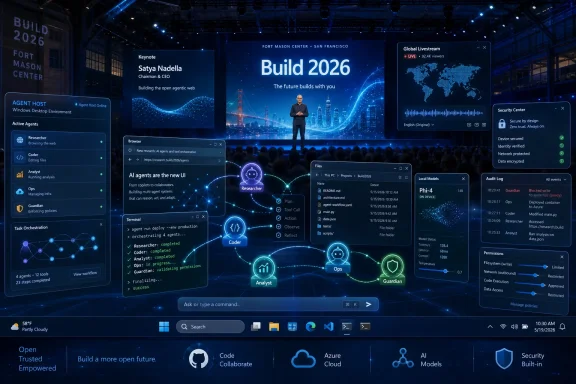
Tech conference stage with a presenter amid glowing AI cloud and security network visuals.Microsoft Takes Build Back to the City That Explains the Strategy​

Build’s move to San Francisco is more than a venue change. Microsoft is planting its developer flag in the geography of the AI boom, close to the companies, investors, labs, and enterprise buyers currently defining what “agentic” software is supposed to become. The event’s pitch to “AI developers, technical leaders, and enterprise developers” tells us the target audience before the keynote does.
That matters because Build has never been Microsoft’s version of a consumer spectacle. Apple’s WWDC often gives ordinary users a preview of what their iPhone will feel like in September; Google I/O can swing between Android, Search, Gemini, and hardware teasers. Build is more industrial. It is where Microsoft shows the wiring before the walls go up.
This year, the wiring appears to be almost entirely AI-shaped. The public agenda points to agents, Copilot, Windows-native development, Linux-on-Windows workflows, Azure AI infrastructure, and developer tooling. That combination is not accidental. It is Microsoft trying to make every layer of its stack — Windows, GitHub, Azure, Microsoft 365, and security management — speak the same language.
For Windows users, that can feel abstract. But platform shifts usually begin this way. The consumer experience changes last, after APIs, frameworks, developer tools, enterprise controls, and hardware assumptions have already moved underneath it.

The Livestream Is the Easy Part; Reading the Platform Signal Is Harder​

Watching Build 2026 should be straightforward. Microsoft is making the keynote available online, and digital registration opens access to streamed and recorded sessions. The in-person conference is a paid, approved-attendance event, which reinforces the sense that Microsoft is optimizing this year’s Build for developers and enterprise buyers rather than casual spectators.
The keynote begins Tuesday, June 2, at 9:30 a.m. Pacific time, or 12:30 p.m. Eastern. That timing is notable mostly because it will set the tone before dozens of narrower technical sessions begin filling in the details. Nadella keynotes tend to operate at the “platform narrative” level: less checkbox, more inevitability.
The risk for viewers is mistaking the keynote for the whole event. Build’s real signals often appear in session titles, SDK previews, migration guidance, and what Microsoft chooses to train developers to do. If several sessions tell developers how to design for agents, port Windows apps to Arm, or use cloud PCs as agent hosts, that is not filler. It is the operating model Microsoft wants normalized.
This is why the session catalog deserves more attention than the trailer video. A keynote announces a strategy; a catalog reveals the work Microsoft expects developers to perform on its behalf.

AI Agents Are Becoming the User Microsoft Designs Around​

The most consequential theme at Build 2026 is not “AI” in the broad, already-exhausted sense. It is the narrower claim that agents are becoming first-class actors inside software systems. Microsoft is no longer merely asking developers to add a chatbot to an app. It is nudging them toward systems where software can inspect, decide, click, call APIs, generate code, supervise workflows, and hand work back to people when needed.
That is a much more radical proposition for Windows than Copilot sitting in a sidebar. Windows is a graphical operating system with decades of assumptions built around a human at a keyboard and mouse. Agentic software challenges that model by treating the desktop, apps, files, terminals, browsers, and cloud services as terrain an automated worker might traverse.
The reference to OpenClaw-style agents is telling. Experimental desktop agents are impressive precisely because they operate where APIs end: on screens, in windows, across legacy applications, and through workflows that were never designed for automation. They are also alarming for the same reason. A tool that can operate your desktop can make your desktop useful in new ways, but it can also amplify mistakes, leak data, or click through consequences faster than a person would.
Microsoft’s task at Build is to make that idea look governable. It has to turn the agent from a parlor trick into a managed computing primitive. That means identity, permissions, audit logs, containment, endpoint controls, and developer guidance. Without those, “agents on Windows” sounds less like the future of productivity and more like Clippy with admin rights.

Windows Needs Agents Because Agents Need Windows​

There is a slightly awkward truth under Microsoft’s AI enthusiasm: agents make Windows more important precisely because so much of the world still runs on messy desktop workflows. If every business process had already become a clean web API, the operating system would matter less. But enterprises are full of thick clients, file shares, Office documents, browser dashboards, VPN tools, terminal sessions, and line-of-business applications that never quite die.
That is Windows territory. It is also the terrain where AI agents become commercially interesting. An agent that can summarize an email is useful; an agent that can reconcile a spreadsheet, pull data from a legacy app, file a ticket, update a customer record, and notify a team is closer to something a CIO might fund.
This is where Microsoft’s strategy becomes clearer. The company does not need Windows to become fashionable again among app developers in the old sense. It needs Windows to become the safest, most manageable place to run the next layer of office automation. That is a different competitive pitch from the Windows Store dreams of the 2010s.
It also explains why Windows 365 and cloud PCs keep appearing in the agent conversation. If agents are going to run for long periods, touch corporate data, and act semi-autonomously, many IT departments will prefer them in controlled, resettable, policy-bound environments rather than on unmanaged personal laptops. The “PC” in that world may be less a device on your desk than a managed workspace an agent can inhabit.

The Native Windows App Comeback Has an AI Twist​

Microsoft has spent years sending mixed signals about native Windows development. Win32 never disappeared, but the company’s strategic energy often drifted toward the web, cross-platform frameworks, Electron apps, cloud services, and Microsoft 365 experiences that treated Windows as one endpoint among many. Developers noticed. So did users, who watched many “Windows apps” become web wrappers with desktop icons.
Build 2026 suggests Microsoft wants to change that, or at least complicate it. Sessions around WinUI 3, AI-assisted app creation, and Windows-native development point to a renewed attempt to make native Windows software feel worth building. The difference this time is that Microsoft is not relying only on developer affection or platform loyalty. It is betting that AI-assisted coding can lower the cost of building native apps enough to make the old tradeoffs look different.
That is plausible, but not guaranteed. Native Windows development has suffered not because developers forgot how to write Windows apps, but because the market rewarded cross-platform reach, web deployment, and faster iteration. AI coding tools may reduce some friction, but they do not automatically solve distribution, monetization, design consistency, update channels, or the fact that many teams simply do not want separate codebases.
Still, Windows has an opening. If AI agents are going to interact deeply with local files, device capabilities, notifications, windowing, identity, and secure storage, native apps may regain advantages that browser apps cannot easily match. The more Microsoft exposes AI capabilities through Windows APIs, the more it can argue that a “real” Windows app is not nostalgic — it is strategically richer.
The catch is quality. AI-generated native apps will not revive the platform if they flood users with brittle, uncanny, half-maintained software. Microsoft’s best case is not that agents generate more apps. It is that agents help competent developers ship better Windows apps with less drudgery.

Arm Is the Test Microsoft Cannot Keep Postponing​

The Windows-on-Arm story remains one of Microsoft’s longest-running almost-successes. Copilot+ PCs gave the effort a sharper consumer identity, and Qualcomm’s Snapdragon hardware helped make Arm laptops feel less like science projects. But compatibility remains the psychological tax on the platform. Users do not ask whether most apps run; they ask whether their apps run.
Build’s attention to porting x86 applications to Arm versions of Windows is therefore important. Microsoft knows emulation can get the platform only so far. Native Arm apps matter for performance, battery life, responsiveness, and credibility. They also matter because AI workloads are increasingly tied to heterogeneous hardware: CPUs, GPUs, NPUs, and cloud offload working together.
AI-assisted porting is a clever pitch because it reframes an old chore as a new productivity story. Porting software across architectures is exactly the kind of task that can involve repetitive fixes, dependency audits, build-system adjustments, test generation, and compatibility reviews. If Copilot and agentic coding tools can make that cheaper, Windows on Arm gets a practical boost.
But enterprise IT will judge results, not demos. A developer session can show an agent helping with a port; a sysadmin has to support the app when a finance department cannot print, a driver fails, or a niche plug-in breaks. Microsoft’s Arm future depends on boring success at scale.
That is why Surface and partner hardware matter at Build even if the conference is not primarily a hardware event. Developer enthusiasm follows install base, and install base follows confidence. If Microsoft wants native Arm Windows apps, it must convince developers that Arm Windows machines are not a side quest.

Linux on Windows Is No Longer a Peace Offering; It Is an AI Supply Chain​

The Windows Subsystem for Linux began as a developer convenience and a symbolic reversal of Microsoft’s old hostility toward Linux. In 2026, its role is more concrete. Much of the AI tooling ecosystem was born on Linux or assumes Linux-like workflows. Model serving, Python stacks, containers, CUDA-adjacent tooling, open-source inference projects, and cloud-native development all lean heavily toward that world.
That makes WSL a strategic bridge. Microsoft does not need to persuade every AI developer to love Windows as a traditional development environment. It needs Windows to host the Linux workflows those developers already use, while still keeping them inside Microsoft’s desktop, identity, security, and cloud orbit.
Azure Linux 4.0 strengthens that story. A Microsoft-maintained Linux distribution tied to Azure and available through WSL is not about turning Windows laptops into Linux laptops. It is about giving developers a consistent path from local experimentation to cloud deployment. For AI work, where dependency drift and environment mismatch can waste entire afternoons, that consistency is not trivial.
The deeper point is that Windows is becoming a hybrid developer workstation by necessity. Native Windows apps, Linux shells, cloud-hosted agents, local NPUs, remote GPUs, GitHub workflows, and Azure services are all part of the same pitch. Microsoft is not choosing between Windows and Linux. It is using Windows as the control surface for both.
That may irritate purists, but it fits how modern development actually works. The developer machine is no longer a single-platform island. It is a cockpit for cloud services, containers, local runtimes, test environments, and increasingly, AI assistants that operate across them.

GitHub Copilot Moves From Pair Programmer to Project Actor​

GitHub Copilot’s evolution is central to Build because it is Microsoft’s most successful proof that developers will let AI into their daily workflow. Autocomplete was the beachhead. Chat was the expansion. Agentic coding is the escalation.
The phrase “agent supervision” captures the cultural shift Microsoft wants developers to accept. If the first Copilot era asked developers to review suggested lines of code, the next one asks them to supervise software that can plan tasks, modify multiple files, run tests, open pull requests, and perhaps coordinate with other tools. That changes the developer’s job from constant author to reviewer, conductor, and risk manager.
There is real promise here. Many software projects drown in maintenance work: dependency updates, test gaps, documentation drift, migration chores, accessibility fixes, build failures, and small bugs that are too dull to prioritize. Agents could help clear that backlog. They could also produce confident nonsense at scale.
For Windows, the Copilot story intersects with native development and Arm migration. Microsoft can tell developers that the work they avoided — porting, modernizing UI, adding AI features, improving accessibility, building installers, writing tests — is now less painful. That is a strong pitch if the tools are good enough.
The governance layer will matter as much as the model. Enterprises will want to know what code an agent touched, what data it saw, what tests it ran, and who approved the merge. A senior engineer supervising agents is still accountable when the build ships.

Build Is Unlikely to Be a Windows 12 Coming-Out Party​

Anyone expecting Build 2026 to revolve around Windows 12 is probably watching the wrong conference. Microsoft may talk about the future of Windows, and it may show features that eventually define a future Windows release, but Build is more likely to deliver platform direction than a consumer OS reveal. The distinction matters.
Microsoft has already been steadily adding AI features to Windows 11 and Copilot+ PCs. The company does not need a new version number to continue that work. In fact, the Windows-as-a-service model gives Microsoft room to ship AI capabilities, developer APIs, and shell changes incrementally while reserving branding decisions for later.
That does not mean Windows 12 is irrelevant. It means the foundation may arrive before the name. If Build introduces agent frameworks, local AI APIs, new developer hooks, and stronger management controls, those pieces could become the architecture of whatever Microsoft eventually markets as the next Windows era.
For IT departments, this is the more important timeline anyway. A splashy Windows 12 logo is less consequential than API stability, hardware requirements, management templates, compliance posture, and compatibility. The enterprise question is not “What is the next Windows called?” It is “What assumptions will we be forced to support?”
Microsoft’s challenge is to avoid making Windows feel like a rolling experiment. Users tolerated cloud integration; they were more divided on aggressive Copilot placement; they will be far less forgiving if agents behave unpredictably in sensitive workflows. Build can set expectations, but shipping will determine trust.

Security Is the Part of the Agent Story That Cannot Be Demoed Away​

AI agents turn ordinary security questions into harder ones. Who is the user when software acts on a user’s behalf? What permissions should an agent inherit? Can an agent read everything the person can read? Can it click through consent dialogs? Can it move data between apps? Can endpoint detection distinguish malicious automation from approved automation?
These are not edge cases. They are the core of the product category. The more useful an agent becomes, the more access it needs. The more access it has, the more damage it can do.
Microsoft has advantages here. It owns Windows, Entra identity, Defender, Intune, Microsoft 365, GitHub, Azure, and the management relationships that large organizations already use. If any company can package agent governance as an enterprise control plane, Microsoft is on the shortlist.
But the company also has a trust deficit to manage. Windows users have seen features arrive before they felt fully explained. Security administrators have watched productivity promises become new attack surfaces. The Copilot branding sprawl has not always made it easy to understand what data goes where, which tenant boundary applies, or which feature is enabled by default.
Build should therefore be judged not only by what agents can do, but by how clearly Microsoft defines what they cannot do. A permission model that is understandable to admins and enforceable by policy is not a footnote. It is the difference between enterprise adoption and pilot-project purgatory.

Xbox Sitting This One Out Makes Strategic Sense​

The absence of major gaming signals from the Build agenda is not surprising. Xbox has its own showcase rhythm, its own hardware questions, and its own consumer audience. Build’s AI-and-developer framing leaves little room for a broad gaming push beyond developer tooling or chip-adjacent mentions.
That may disappoint Windows enthusiasts who want every Microsoft event to tie back to gaming PCs, Game Pass, handhelds, or Xbox hardware. But it is probably healthy. Build works best when it is honest about its audience. This year’s audience is not primarily the living room; it is the developer workstation, the enterprise tenant, the cloud account, and the security console.
There may still be gaming-adjacent implications. AI-assisted coding can affect game development. Arm-based Windows hardware may matter for handhelds and portable PCs. Local AI acceleration could eventually influence game tools, upscaling, NPC systems, accessibility, or content pipelines. But those are downstream effects, not the center of the event.
Microsoft’s broader gaming strategy is under enough pressure without forcing it into an AI developer keynote. If anything, Build’s silence on Xbox may underline how separate Microsoft’s platform ambitions have become. Windows is being sold as the substrate for work agents, developer agents, and enterprise automation. Xbox is fighting a different battle.

The Surface Laptop Ultra Rumor Fits the Moment, Even If Hardware Is Not the Headline​

Hardware at Build is usually a supporting character, but the rumored and recently discussed class of AI-heavy Windows machines fits Microsoft’s narrative. Copilot+ PCs established the NPU as a mainstream Windows spec. More powerful Arm-based laptops and workstation-class AI PCs would extend that into developer and enterprise territory.
The important phrase is not “AI PC” by itself. That label has already been stretched thin by marketing departments. The important question is what local hardware enables that cloud-only AI cannot. Lower latency, offline operation, privacy-sensitive workloads, local model experimentation, and hybrid inference are all plausible answers.
For developers, a more capable Windows AI laptop could become a reference machine for building agentic and local-AI applications. For enterprises, it could become a managed endpoint that handles some AI work locally while still obeying central policy. For Microsoft, it becomes another reason to keep Windows relevant in a world where many AI workflows otherwise begin in a browser tab or a Linux server.
Still, Microsoft should be careful. The PC market has already endured waves of branding that promised transformation and delivered confusion. If a “Surface Laptop Ultra” or similar hardware class appears, it needs clear use cases, not just bigger numbers and another badge.
The best hardware announcement would support the software argument rather than distract from it. Build 2026 is not about a laptop. It is about whether Windows can become the machine room for AI work without making users feel like passengers.

The Real Build 2026 Story Is Windows Becoming an Agent Host​

Strip away the keynote polish and the expected product names, and the strategic picture is fairly stark. Microsoft wants Windows to host agents, developers to build for agents, enterprises to manage agents, GitHub to help create the software agents modify, Azure to run the infrastructure behind them, and WSL to keep Linux-native AI workflows from leaving the Windows machine.
That is a coherent strategy. It is also a high-wire act. Microsoft is trying to revive the strategic centrality of Windows without returning to the old Windows monopoly logic. The operating system is no longer the only gateway to computing. But it can still be the place where messy human work, legacy software, cloud services, local hardware, and AI automation meet.
The danger is that Microsoft overreaches. Users may not want agents “whether or not they want them,” especially if the experience is framed as inevitable rather than controllable. Developers may resist another Microsoft platform push if the tooling feels half-finished. Admins may block features that arrive without adequate policy controls. Security teams may treat desktop agents as a new class of risk before they treat them as productivity tools.
The opportunity is equally real. Windows has always been strongest when it made existing work easier rather than demanding a clean-sheet future. AI agents, if they mature, are uniquely suited to the ugly reality of enterprise computing. They can bridge old apps and new services, local files and cloud workflows, human intent and machine execution.
That is why Build 2026 matters even if no ordinary user sees a must-have Windows feature this week. The event is about the next layer of abstraction above the desktop. Microsoft is trying to define that layer before someone else does.

The Fort Mason Message for Windows Watchers​

The practical reading of Build 2026 is not that everyone should rush to install preview tools or buy the next AI laptop. It is that Microsoft’s Windows strategy is becoming legible again after years of drift. The company sees agents as the forcing function that can reconnect Windows development, cloud services, enterprise management, and PC hardware.
For WindowsForum readers, the concrete signals to watch are narrower than the keynote slogans.
  • Microsoft is likely to emphasize AI agents as managed software actors, not just chatbot-style assistants.
  • Windows 11 may not receive a consumer-facing overhaul at Build, but developer APIs and agent frameworks could shape its next several years.
  • Native Windows development is getting a new pitch built around AI-assisted coding, WinUI modernization, and local AI capabilities.
  • Windows on Arm remains strategically important, and AI-assisted porting could become part of Microsoft’s answer to lingering app compatibility concerns.
  • WSL and Azure Linux are now part of Microsoft’s AI developer supply chain, not merely conveniences for Linux-friendly programmers.
  • Enterprise adoption will depend less on flashy demos than on permissions, auditability, endpoint management, and clear defaults.
The old Windows story was about putting a PC on every desk. The emerging one is about putting a managed, AI-capable work environment under every process that still needs a human, a legacy app, a file, a browser, or a terminal to get something done. Build 2026 will not settle whether that future is useful, safe, or welcome. But it will show how aggressively Microsoft intends to build it — and how much of the next Windows era may arrive first as developer plumbing before users ever see the paint.

References​

  1. Primary source: PCMag
    Published: Mon, 01 Jun 2026 16:41:19 GMT
  2. Related coverage: techradar.com
  3. Related coverage: notebookcheck.net
  4. Related coverage: notebookcheck.com
  5. Related coverage: nvidia.com
  6. Official source: news.microsoft.com
  1. Official source: build.microsoft.com
  2. Official source: opensource.microsoft.com
  3. Related coverage: techtimes.com
  4. Related coverage: multishoring.com
  5. Related coverage: chatforest.com
  6. Related coverage: engadget.com
  7. Related coverage: tomsguide.com
  8. Related coverage: windowscentral.com
  9. Official source: microsoft.com
 

Microsoft Build 2026 begins June 2 at San Francisco’s Fort Mason Center, with Satya Nadella scheduled to open the developer conference at 12:30 p.m. Eastern as Microsoft streams the keynote and selected sessions for online viewers. The practical headline is not how to watch; it is what Microsoft wants developers to build after they tune in. Build has become the place where Windows stops being merely an operating system roadmap and becomes a recruiting pitch for the next application platform. This year, that platform is plainly agentic AI.

Futuristic “Build 2026” conference stage with tech UI panels, live global stream, and security controls.Microsoft Moves Build to the AI Neighborhood​

The move to San Francisco is not just a venue change. Microsoft is staging its flagship developer conference in the backyard of the AI industry at the precise moment when Windows needs to prove it can matter to AI developers beyond being the laptop they happen to use. Fort Mason Center gives Build 2026 a different physical grammar from the Seattle-centered events of recent years: closer to startup culture, closer to model labs, and closer to the capital and talent networks that turned “agent” into the software industry’s most abused noun.
That matters because Build is rarely about the average Windows user in the immediate sense. It is about persuading developers that Microsoft’s stack is where the next two or three years of work should happen. If Windows users eventually see a Copilot button, an AI-assisted settings page, or a new class of native apps, the underlying platform choices are typically argued for first in rooms full of developers, administrators, and enterprise architects.
The PCMag Australia preview gets the mood right: do not expect a consumer keynote dressed up as a developer event. Build is not Apple’s WWDC, where new OS features can double as lifestyle marketing, and it is not Google I/O, where consumer services and developer primitives blur together. Microsoft’s bet is more industrial. It wants Windows, Azure, GitHub, Microsoft 365, WSL, and its AI tooling to look like one continuous surface for building, deploying, supervising, and monetizing intelligent software.
The tension is that Windows users have already endured years of AI being inserted into interfaces before the benefits were obvious. Build 2026 is Microsoft’s opportunity to make the developer case before the consumer case collapses under its own hype. The company is not merely saying that AI will be in Windows. It is saying that Windows should become a place where AI agents can act.

The Livestream Is the Easy Part​

For viewers, the mechanics are simple enough. Microsoft is offering online registration for Build, with the main keynote also expected to be available through Microsoft’s Build site and developer-oriented YouTube presence. In-person attendance is a paid, approval-gated affair, while digital access opens the door to streamed and recorded content without requiring a flight to California.
That split mirrors the conference’s larger purpose. Microsoft wants scale online, but it wants intimacy in the room: a selected audience of developers, partners, and enterprise decision-makers who can be shown not just keynote demos but hands-on labs, migration sessions, and architecture talks. The keynote is the theater; the session catalog is the strategy.
The schedule also tells us something about the intended audience. A catalog running into the hundreds of sessions is not aimed at people wondering whether Paint will get a new button. It is aimed at teams deciding whether to standardize around GitHub Copilot, whether to build agents against Microsoft’s orchestration layers, whether to move Linux-first AI workflows into Windows environments, and whether native Windows development is worth revisiting after a decade of web-first drift.
That is why the “how to watch” angle undersells the event. Watching Build live is useful, but parsing Build is the real work. The keynote will compress Microsoft’s ambitions into polished demos; the sessions will reveal where the company thinks developers are actually blocked.

Agents Are Becoming the New Windows Workload​

The most important Windows story at Build 2026 is not a new Start menu, a new shell, or even a new version number. It is the idea that the desktop operating system is becoming a host environment for semi-autonomous software. The PCMag piece points to sessions around OpenClaw-style agents, “Claws on Windows,” and software designed for both people and large language models; that framing is the real tell.
For decades, Windows has been organized around human intent. A user clicks a button, opens a file, grants permission, launches an application, drags a window, or runs a script. Agentic computing changes the rhythm. The system now has to account for software that interprets a goal, chains actions together, calls tools, reads state, writes files, and possibly interacts with other applications on behalf of a person who is no longer micromanaging every step.
That is thrilling if you are demoing productivity. It is terrifying if you are responsible for endpoint security. An AI agent that can operate a desktop is also an automation layer with access to the messy residue of real work: browser sessions, local files, credentials, screenshots, downloads, terminals, and enterprise apps that were never designed for probabilistic intermediaries.
Microsoft knows this. That is why sessions about agents are not merely novelty talks; they are platform talks. The company has to persuade developers that Windows can expose enough surface area for agents to be useful while still giving administrators enough control to keep those agents from becoming a new class of shadow IT.
The phrase whether or not you want them captures the user-side anxiety neatly. Microsoft and its peers increasingly view agents as inevitable, just as they once treated cloud sync, telemetry, and account integration as inevitable. But inevitability is not the same as trust. For WindowsForum readers, the issue is not whether agents can click through a workflow; it is who authorizes them, where their logs live, how their permissions are scoped, and what happens when an agent misunderstands a task with administrator-level consequences.

Microsoft Wants Windows to Be a Stage, Not Just a Client​

The interesting twist is that agents may strengthen Microsoft’s argument for the traditional desktop. For years, the industry’s center of gravity moved away from native Windows software toward browser apps, mobile apps, and cross-platform frameworks. Windows remained dominant in enterprise and gaming, but it often felt less like the place new software categories were born and more like the compatibility layer where old ones endured.
Agentic AI complicates that story. If an agent needs to operate across applications, files, terminals, browsers, and local resources, the desktop becomes valuable again. A web app can expose an API; a desktop can expose a life.
This is why Microsoft’s renewed interest in native Windows apps deserves attention. The company has spent years sending mixed signals to Windows developers: UWP, Win32, Electron, WebView, WinUI, Windows App SDK, Progressive Web Apps, and assorted bridges have all taken turns as the favored path. Developers learned to hedge. Many simply built for the web and treated Windows as a browser with taskbar privileges.
Build 2026 appears to be nudging the pendulum back toward Windows-native experiences, with AI-assisted coding as the accelerant. If coding agents can reduce the cost of writing, porting, and maintaining native applications, Microsoft can argue that the old trade-off has changed. Native apps can be richer and more integrated without demanding the same amount of hand-written platform-specific labor.
That is the optimistic version. The skeptical version is that Microsoft has often rediscovered native Windows development when it needed developers to adopt a new platform story, then lost focus when the web proved easier to monetize and maintain. The difference this time is that local AI, on-device models, NPU acceleration, and agentic workflows all benefit from tighter OS integration. Microsoft has a reason to care about native Windows that goes beyond nostalgia.

AI-Assisted Coding Is Microsoft’s Developer Flywheel​

GitHub Copilot is likely to sit near the center of Build’s developer pitch because it is the cleanest example of Microsoft turning AI into developer dependency. Copilot began as autocomplete with better manners; it is now being framed as an assistant, collaborator, and increasingly an agentic participant in the software lifecycle. The session language around “agent supervision” being a senior engineering skill is not accidental.
That phrase signals a cultural shift. Microsoft is telling developers that the value will move from typing code to directing, reviewing, constraining, and integrating machine-generated work. In that world, the platform that owns the coding environment, the repository, the cloud deployment target, the identity layer, and the enterprise controls has enormous leverage.
Windows benefits if this flywheel brings developers back to the desktop as a serious build target. An AI agent that can help port x86 applications to Arm-native Windows, scaffold WinUI 3 interfaces, troubleshoot build failures, and wire up local AI features lowers the pain threshold for supporting Microsoft’s hardware and software ambitions. That matters especially for Copilot+ PCs, where Windows on Arm has improved but still needs more native software to feel inevitable rather than merely compatible.
The Arm angle is particularly important. Microsoft and Qualcomm have done enough to show that Windows on Arm can be credible, but credibility is not the same as ecosystem gravity. Emulation helps users survive the transition; native applications make the transition feel finished. If Microsoft can persuade developers that AI agents will shoulder part of the porting burden, Windows on Arm gets a second-order advantage that earlier efforts lacked.
Still, AI-assisted coding does not magically create good software. It can generate boilerplate, accelerate migration, and help developers navigate unfamiliar APIs. It can also produce plausible errors at scale. The productivity boom Microsoft is selling will depend less on whether agents can write code and more on whether teams can govern the code they write.

WSL Becomes the Bridge Microsoft Once Tried to Avoid​

One of the more revealing threads in the Build preview is Microsoft’s focus on Windows Subsystem for Linux and Windows Terminal in the context of AI development. This is no longer merely a concession to developers who prefer Bash. It is an acknowledgment that much of the AI software ecosystem was born on Linux and still assumes Linux-shaped workflows.
For Windows, WSL has become a strategic pressure valve. It lets Microsoft say, in effect, that developers do not need to choose between Windows as their daily driver and Linux as their AI development substrate. They can have both, with Windows providing the desktop, identity, security, and enterprise management surface, while Linux supplies the package ecosystems, toolchains, and model-serving assumptions that AI developers expect.
That bargain has worked because it is pragmatic. Developers do not care about platform theology when their Python dependencies compile and their GPU tooling behaves. If Build 2026 emphasizes WSL improvements for AI-powered applications, Microsoft is recognizing that the path to winning AI developers on Windows may run through Linux, not around it.
Azure Linux adds another layer. Microsoft having its own Linux distribution for cloud-native and AI workloads would have sounded absurd in the Ballmer era; now it is just infrastructure strategy. The point is not to make Windows more Linux-like for its own sake. The point is to make Microsoft’s developer environment feel continuous from local machine to cloud deployment.
There is a risk here for Windows identity. The more Microsoft leans on WSL as the answer for serious AI development, the more Windows risks becoming a host shell around Linux workflows. But that may be the wrong fear. The better question is whether Windows can become the best-managed, most enterprise-friendly front end for heterogeneous development, where Win32, WinUI, Linux containers, Python notebooks, local models, and cloud agents all coexist without forcing developers into ideological purity.

The Security Story Is Still Underwritten​

Every serious discussion of desktop agents eventually becomes a security discussion, whether the keynote wants it or not. A system that acts on a user’s behalf must know what it is allowed to do, what it is forbidden to do, and how to recover when it gets things wrong. Traditional permissions models were not designed for software that can interpret vague goals and improvise its way through applications.
This is where Microsoft has to be far more specific than the industry’s agent rhetoric usually allows. “Human in the loop” is not a security architecture. Neither is a consent dialog that appears once and then grants broad access to a toolchain. Windows administrators will need policy controls that treat agents as distinct actors, not just as processes hiding behind a signed application.
The enterprise implications are obvious. If an agent can read email, inspect documents, run terminal commands, manipulate browser sessions, or call internal APIs, it needs identity, auditability, and least-privilege constraints. It also needs revocation mechanisms that are comprehensible to administrators who already manage an unruly mix of endpoint tools, browser extensions, SaaS integrations, and PowerShell scripts.
For consumers, the risk is more subtle but no less real. AI features tend to arrive as convenience layers, and convenience layers tend to blur boundaries. A Windows agent that can help book travel, organize files, or troubleshoot a PC may be useful. A Windows agent that quietly normalizes broad access to personal data will be another trust tax imposed on users who never asked to become AI systems administrators.
Microsoft’s advantage is that it already sells trust machinery: Entra ID, Defender, Intune, Purview, Windows security baselines, and a sprawling compliance ecosystem. Its disadvantage is that Windows has a long history of features whose management story matured only after administrators complained loudly enough. Build 2026 should be judged not only by the agents Microsoft demos, but by the controls it exposes.

The Consumer Windows Story Will Arrive Later​

The PCMag preview is right to temper expectations for ordinary Windows users. Build is unlikely to be the venue where Microsoft announces a dramatic consumer Windows overhaul. Even if the keynote includes Windows demos, the deeper story will be APIs, frameworks, developer tools, cloud integrations, and AI infrastructure that may not become visible to mainstream users for months or years.
That does not make the event irrelevant to consumers. Quite the opposite. Build is where Microsoft lays track. The consumer train arrives later, often in the form of features that feel sudden only because the platform work happened out of view.
This is how Windows changes now. The days of waiting for a monolithic boxed release are long gone. Features seep into Insider builds, app updates, Microsoft Store components, Edge integrations, cloud services, and Copilot experiences. Build sets the direction of seepage.
For Windows 11 users, the most immediate consequence may be the continued normalization of Copilot-adjacent interface patterns. Agents in the taskbar, AI-powered search, local model features, context-aware assistance, and developer-facing MCP integrations all point toward a Windows experience in which the OS is less a passive launcher and more an intermediary. Whether that feels empowering or invasive will depend on execution.
The danger for Microsoft is fatigue. Windows users have already seen AI branding attached to features that could have been described more modestly as search, automation, dictation, summarization, or recommendations. If Build 2026 overpromises the agentic future without showing clearer user value, Microsoft will deepen skepticism among the very enthusiasts and administrators who often influence adoption.

Xbox Is Not the Signal This Time​

One notable absence in the Build preview is gaming. That is not surprising. Build has never been the primary stage for Xbox strategy, and the current AI-heavy developer agenda leaves little room for consumer gaming announcements. Microsoft may gesture toward game development tooling, hardware acceleration, or AI-assisted workflows for studios, but anyone expecting a major Xbox turn is watching the wrong conference.
That absence is still instructive. Microsoft’s gaming business has become strategically important but narratively awkward. Xbox now spans consoles, Windows PCs, cloud streaming, Game Pass, Activision Blizzard, and a growing willingness to publish across rival platforms. Build’s AI-and-developer framing does not neatly solve that identity problem.
If gaming appears, it will likely appear as a workload rather than a platform war. AI-assisted asset pipelines, code generation, testing automation, and performance tuning are plausible developer topics. But the Windows story at Build 2026 is not about making PC gaming more exciting next quarter. It is about making Windows a credible AI workstation, agent host, and native app target.
That distinction matters because Windows enthusiasts often look to Microsoft events for signs of renewed consumer passion. Build is not that event. It is colder, more infrastructural, and arguably more consequential. The announcements that matter most may look boring until they become defaults.

Surface Hardware Is the Demonstration Layer​

Hardware may still play a role, especially if Microsoft uses new Surface or partner devices to demonstrate what agentic Windows looks like on modern silicon. The Copilot+ PC push needs tangible proof that NPUs, Arm chips, and local AI workloads are more than spec-sheet decoration. Developer conferences are useful places to make that argument because developers can turn hardware capabilities into applications.
The rumored and newly discussed class of high-end AI laptops, including Arm-based machines with stronger local inference stories, fits Microsoft’s needs. The company wants to show that Windows PCs can run meaningful AI workloads locally while remaining connected to Azure-scale models when needed. That hybrid story is more credible when the hardware looks purpose-built rather than retrofitted.
But hardware will not carry the argument alone. The first wave of Copilot+ PCs showed that performance and battery life can improve dramatically, particularly on Arm, but users still care about application compatibility, driver maturity, peripheral support, and whether headline AI features are worth upgrading for. Developers care about whether the audience is large enough to justify optimization.
Build can help close that loop. If Microsoft convinces developers to build native Arm64 apps, local AI features, and agent-aware workflows, the hardware becomes more useful. If the hardware sells, developers get a larger target. Microsoft’s job is to make the flywheel look inevitable before it actually is.

Windows 12 Speculation Misses the Boring Revolution​

Every major Microsoft event now attracts Windows 12 speculation, and Build 2026 is no exception. But focusing on a possible version number risks missing the more important shift. Microsoft does not need to announce Windows 12 to change what Windows is.
The operating system is already becoming more modular, more cloud-connected, more AI-mediated, and more dependent on services that can evolve outside traditional OS releases. A new name would be marketing. The architectural question is whether Windows can support agents, local models, Linux-based AI tooling, Arm-native development, and enterprise governance without collapsing into complexity.
That is the boring revolution. It will not necessarily arrive as a single install screen or a dramatic new desktop. It will arrive as APIs, policies, runtimes, session hosts, SDKs, developer frameworks, and management controls. The people most affected at first will be developers and IT departments, not casual users.
This is also why Microsoft’s messaging around “Windows as an AI platform” should be read carefully. A platform is not a feature collection. It is a set of dependencies that developers accept and users eventually inherit. Once agents are built for Windows, once enterprise workflows assume Copilot integration, once native apps depend on local AI APIs, backing away becomes harder.
That is Microsoft’s strategic objective. It wants AI on Windows to become infrastructure, not decoration.

The Real Build 2026 Agenda Is Control​

The central question beneath Build 2026 is who controls the next layer of computing. In the browser era, Microsoft lost some of that control to web standards, Google, mobile platforms, and SaaS vendors. In the cloud era, it regained power through Azure and enterprise identity. In the AI era, it wants the operating system, developer tools, code repositories, cloud runtimes, and productivity apps to work as one supervised machine.
That ambition is not inherently sinister. A coherent stack can be good for developers and administrators. It can reduce integration pain, improve security visibility, and make advanced capabilities accessible to teams that cannot stitch together every open-source framework by hand.
But coherence and lock-in are cousins. If Microsoft’s AI tooling works best when developers use GitHub, Azure, Windows, Microsoft 365, Entra, Defender, and Copilot together, customers will need to decide where convenience ends and dependency begins. Build keynotes rarely dwell on that line. IT departments live on it.
The open-source framing around agents and Linux tooling complicates the picture. Microsoft is much more comfortable with open ecosystems than it once was, but it is also skilled at wrapping open protocols and projects in managed services that pull users toward its commercial platforms. That may be exactly what many enterprises want. It may also narrow the practical choices over time.
For Windows users, the lesson is to watch the defaults. Microsoft can talk about openness all day, but the future is often decided by what ships enabled, what integrates cleanly, what requires extra licensing, and what administrators can realistically turn off.

The Windows Crowd Should Watch the Sessions, Not Just the Keynote​

Nadella’s keynote will almost certainly deliver the clean version of the story: developers empowered by AI, agents made useful through Microsoft platforms, Windows renewed as an intelligent edge, and Azure providing the scale behind it all. That is the job of a keynote. The more interesting evidence will be in the session catalog and the technical details that follow.
Windows developers should watch for whether WinUI 3 and the Windows App SDK receive practical momentum rather than ceremonial mentions. WSL users should watch whether AI-focused improvements address real dependency, GPU, filesystem, networking, and container workflows. Administrators should watch for agent governance, logging, policy controls, and identity boundaries. Security-minded users should watch for whether Microsoft treats agent risk as a first-class design problem or a footnote.
The broader Windows community should also watch what Microsoft does not say. If consumer controls are vague, if local AI features require cloud fallbacks more often than advertised, if Arm-native development remains aspirational, or if agent permissions are abstracted into friendly but shallow consent prompts, those omissions will matter.
Build is a developer conference, but Windows has always been shaped by developer incentives. If Microsoft makes the right things easy, those things become common. If it makes the risky things easy and the safe things complicated, administrators will spend the next several years cleaning up the mess.

The Fort Mason Message for Windows Users​

Build 2026 is not just a calendar event for developers; it is a preview of the assumptions Microsoft wants baked into the next generation of Windows software. The most concrete points are already visible from the agenda and pre-show framing.
  • Microsoft Build 2026 starts June 2 in San Francisco, with Satya Nadella’s keynote serving as the public launch point for two days of developer-focused AI announcements.
  • The most important Windows theme is the rise of AI agents that can operate across apps, files, terminals, cloud services, and enterprise workflows.
  • Microsoft is using AI-assisted coding to make native Windows development, Arm64 porting, and WinUI-based applications look less expensive than they have in years.
  • WSL and Azure Linux are becoming central to Microsoft’s Windows AI strategy because much of the AI development ecosystem still assumes Linux-first tooling.
  • The success of agentic Windows will depend on security, permissions, auditability, and administrative control as much as it depends on impressive demos.
  • Consumers may not see the full impact immediately, but the developer platform decisions made at Build will shape future Windows features and defaults.
The takeaway is not that every Windows user should be excited about agents. It is that every Windows user will eventually live with the consequences of Microsoft making agents a platform priority.
Microsoft Build 2026 is likely to be remembered less for any single announcement than for the clarity of its bet: Windows must become an AI-native workspace for developers, enterprises, and eventually everyone else. That future could make the PC more useful, more programmable, and more locally capable than the browser-centric decade allowed. It could also make Windows more intrusive, more complex, and more dependent on Microsoft’s cloud and AI stack. The difference will be decided in the unglamorous details — permissions, native app quality, Arm support, WSL reliability, developer trust, and administrator control — long after the keynote stream ends.

References​

  1. Primary source: PCMag Australia
    Published: Mon, 01 Jun 2026 16:38:11 GMT
  2. Related coverage: techradar.com
  3. Related coverage: tomsguide.com
  4. Related coverage: notebookcheck.com
  5. Related coverage: nvidia.com
  6. Related coverage: techtimes.com
  1. Official source: opensource.microsoft.com
  2. Related coverage: dataconomy.com
  3. Related coverage: engadget.com
  4. Related coverage: tech.yahoo.com
  5. Related coverage: redhat.com
  6. Related coverage: reworked.co
  7. Official source: devblogs.microsoft.com
  8. Official source: developer.microsoft.com
  9. Related coverage: uncrownedaddiction.com
  10. Related coverage: windowscentral.com
  11. Official source: news.microsoft.com
 

Microsoft Build 2026 opens Tuesday, June 2, at Fort Mason Center in San Francisco and online, with CEO Satya Nadella leading a morning keynote expected to focus on Copilot, AI agents, Windows, Azure, GitHub, and the developer tooling behind Microsoft’s next platform push. The show is no longer just a developer conference in the old sense. It is Microsoft’s annual argument that the future of computing will be built through its stack, distributed through its cloud, and surfaced through Copilot wherever people already work. This year, that argument has a sharper edge: Microsoft must prove that “AI” has become software infrastructure, not just another interface glued to Windows and Office.

Futuristic “Build 2026” conference stage display featuring AI coworker, live streaming, and secure enterprise features.Microsoft Brings Build to the Agent Era​

Build has always been where Microsoft talks to the people who turn platform strategy into products. Windows developers, Azure architects, .NET maintainers, GitHub users, enterprise software vendors, and IT buyers all hear slightly different versions of the same pitch: build here, deploy here, manage here, and trust Microsoft to keep the platform stable enough to bet a business on it.
The 2026 conference arrives at a moment when that promise is under strain. Microsoft has spent the last several years putting Copilot into Windows, Edge, Office, Teams, GitHub, security products, search, and business applications. The ubiquity is impressive, but ubiquity is not the same as indispensability.
That is why Nadella’s recent language matters. Microsoft is no longer describing Copilot merely as a chatbot that answers questions or drafts text. It is now framing Copilot as a set of async coworkers that can run long tasks, coordinate across business systems, and act inside workflows with organizational context.
That shift changes the stakes of Build. A chatbot can be judged by charm, accuracy, and convenience. An agent that acts on behalf of a user must be judged by permissions, auditability, failure modes, latency, cost, and whether anyone in IT can explain what it did after the fact.

The Chatbot Phase Was the Warm-Up Act​

The first Copilot era was easy to understand because it borrowed the grammar of search and messaging. Users typed a prompt, the model responded, and the risk was mostly bounded by the quality of the answer. If the answer was wrong, embarrassing, or useless, the user could ignore it.
The agent era is different because Microsoft wants AI to move from “tell me” to “do this.” That sounds like a product improvement, but architecturally it is a handoff of intent. The system must interpret a goal, break it into steps, retrieve data, call tools, make choices, and return either a finished result or a decision point.
For consumers, that may look like travel planning, shopping, inbox management, or document preparation. For enterprises, it means sales follow-ups, service tickets, compliance workflows, security triage, software maintenance, analytics, and the tedious coordination work that currently lives in email threads and spreadsheets.
The reason Microsoft is so interested in this layer is obvious. If Copilot becomes the place where work is assigned, tracked, and completed, then Microsoft is no longer selling just apps or cloud capacity. It is selling the control plane for knowledge work.

Windows Is Back in the Platform Conversation​

For Windows users, the most important Build news may not be a single Windows feature. It may be how Microsoft positions Windows in an AI stack that increasingly spans cloud models, local silicon, enterprise identity, and application frameworks.
The PC has spent years being treated as a client for cloud services. AI PCs reverse some of that gravity, at least in theory. Local neural processing units can handle smaller models, privacy-sensitive tasks, low-latency interactions, and offline experiences that would be awkward or expensive to round-trip through a datacenter.
Microsoft has been trying to make that case since the Copilot+ PC launch cycle, but adoption has not been purely a matter of hardware availability. Users need applications that actually use the silicon. Developers need APIs that justify the extra work. Enterprises need management controls that make local AI less mysterious than a random executable with access to documents, screenshots, and input streams.
Build is where Microsoft can connect those pieces. If Windows is to be more than the place where a Copilot button lives, it has to become a runtime for trusted local and hybrid agents. That means predictable APIs, sandboxing, model distribution, power management, policy enforcement, and a developer story that does not collapse into vendor-specific demos.
The opportunity is real. So is the risk. Windows has always been powerful because applications could do a lot. In the agent era, that same openness becomes uncomfortable unless Microsoft can show that autonomous software is observable, governable, and reversible.

GitHub Copilot Remains the Cleanest Proof Point​

If Microsoft has one AI product that already made the leap from demo to daily habit, it is GitHub Copilot. Developers understand the bargain: the tool saves time, often makes mistakes, and becomes useful when the person using it knows enough to review, constrain, and correct the output.
That model gives Microsoft a template for the rest of Copilot, but it also exposes the challenge. Coding assistants work best inside a structured environment. Source control records changes. Tests catch regressions. Review processes create accountability. Logs and diffs help humans reconstruct what happened.
Most office work is not that clean. A sales agent updating a CRM, sending an email, and scheduling a meeting can create business consequences that are harder to test. A security agent closing alerts too aggressively can create hidden exposure. A finance agent reconciling data across systems can make small errors that look plausible until month-end.
Build’s developer audience will understand this better than anyone. The future Microsoft is pitching requires not just better models, but better scaffolding: agents need identity, permissions, state, memory, evaluation, rollback, and limits. Without those, “async coworker” is just a cheerful phrase for software that creates tickets for someone else to debug.

Azure Is the Factory Floor Behind the Keynote​

Every Copilot announcement eventually points back to Azure. That is not incidental; it is the business model. Microsoft’s AI push relies on infrastructure spending, model hosting, data services, orchestration tooling, security products, and the enterprise contracts that wrap them together.
The Build audience should therefore listen carefully for what Microsoft says about agent development platforms, model choice, observability, and cost controls. The biggest enterprise AI problem in 2026 is no longer access to a model. It is turning AI experiments into governed systems that do not explode budgets or leak data.
That is where Azure has a chance to become the boring, indispensable layer. Developers need ways to build agents that can call tools safely. Administrators need ways to define what those agents are allowed to see and do. Finance teams need to understand consumption before a prototype becomes a surprise line item.
Microsoft’s advantage is not that it has the only good AI models. It does not. Its advantage is that it already sits inside the identity, productivity, collaboration, endpoint, and cloud estates of many large organizations. If it can make those estates feel like a coherent agent platform, Build 2026 becomes less a launch event than a consolidation play.

The Enterprise Pitch Depends on Trust, Not Demos​

Microsoft has learned to talk about AI with enterprise vocabulary: governance, compliance, security boundaries, data residency, admin controls, and organizational context. That language is not decorative. It is the difference between a feature employees try and a system CIOs approve.
The company’s “Work IQ” framing is especially revealing. Microsoft wants customers to believe that Copilot’s advantage comes from understanding the living fabric of an organization: documents, meetings, messages, roles, permissions, relationships, and business processes. In other words, Copilot gets better when it is deeply embedded.
That is both the strongest argument for Microsoft and the strongest argument for caution. The more useful an agent becomes, the more sensitive the data and actions it touches. The more context it has, the more damaging a permissions error, prompt injection, or overbroad connector can become.
IT pros should expect Microsoft to emphasize administrative control throughout Build. The question is not whether Microsoft says the right words. The question is whether the tooling is clear enough for real organizations to operate at scale, especially in environments where legacy permissions, sprawling SharePoint sites, stale groups, and shadow workflows are already a daily headache.

Developers Are Being Asked to Change the Shape of Software​

The agentic software pitch sounds glamorous until it reaches the developer’s desk. Building reliable software around probabilistic systems is awkward. Traditional applications fail in ways engineers can usually reproduce. AI agents can fail because of context, phrasing, retrieval quality, tool output, hidden assumptions, timing, permissions, or model drift.
That does not make them useless. It makes them different. Developers will need to treat prompts, tool definitions, memory, and evals as real parts of the software lifecycle. Operations teams will need dashboards that explain not just uptime, but decision quality. Security teams will need threat models for agents that read, write, click, summarize, delegate, and wait.
Build 2026 is likely to be packed with sessions that try to normalize this new discipline. Expect Microsoft to frame agent development as the natural next layer above APIs and cloud services. The company wants developers to stop thinking of AI as an add-on and start thinking of it as a runtime assumption.
That is a major cultural shift. It asks developers to build systems where the user may not click every button, where the interface may be conversational or invisible, and where the software may continue working after the human has moved on. That is powerful, but it also demands humility from vendors who have too often treated automation as magic.

Copilot’s Biggest Rival Is User Fatigue​

Microsoft’s greatest obstacle may not be Google, OpenAI, Anthropic, Apple, or any other rival. It may be the exhaustion of users who have watched every product suddenly acquire an AI sidebar.
For many Windows users, Copilot still feels like a promise in search of a daily habit. It can be useful, but it can also feel bolted on. The difference between a helpful assistant and an interruption is thin, and Microsoft has not always respected that line.
That is why the “async coworker” framing is clever. It moves Copilot away from the attention economy of chat and toward the productivity economy of completed work. If Copilot can quietly handle a long-running task and return with something valuable, users may stop judging it as a novelty and start judging it as infrastructure.
But the reverse is also true. If async agents create more supervision work than they remove, the backlash will be swift. Nobody wants an AI coworker that needs constant management, invents confidence, or turns a simple task into an audit exercise.

The Consumer Story Is Still the Weakest Link​

Microsoft’s enterprise AI story is more coherent than its consumer one. At work, the company can point to Microsoft 365, Teams, SharePoint, Outlook, Entra ID, Defender, Power Platform, Dynamics, GitHub, and Azure. There is a natural web of data and workflows for Copilot to inhabit.
At home, the story is messier. Consumers do not necessarily live inside Microsoft’s ecosystem the way employees do. Their photos, messages, calendars, browsers, purchases, files, and devices are scattered across competing platforms. A consumer Copilot that cannot see enough context becomes another chatbot. A consumer Copilot that asks for too much context becomes creepy.
Windows gives Microsoft reach, but not automatic trust. The company has to show that AI features on the PC are optional, understandable, and useful beyond the marketing cycle. It also has to avoid making Windows feel like a vehicle for services that users did not ask for.
That is the delicate line Build cannot fully solve, because Build is not a consumer show. Still, the developer announcements matter. If Microsoft gives developers better ways to build local, private, device-aware AI experiences, the consumer case may improve indirectly through applications rather than top-down Windows branding.

San Francisco Is More Than a Change of Scenery​

Holding Build 2026 in San Francisco gives the event a different symbolism. Seattle is Microsoft’s home turf. San Francisco is the broader AI industry’s stage, close to the startups, labs, investors, and platform rivals shaping the current cycle.
The move fits the moment. Microsoft wants to be seen not just as the incumbent enterprise vendor adding AI to old products, but as a central platform company in the agent economy. The venue reinforces the message that Build is part of the wider AI conversation, not merely an annual update for Windows and Azure developers.
There is also a competitive subtext. Microsoft’s deepest advantage is distribution; its deepest vulnerability is perception. Developers will adopt tools that work, but they also chase momentum. If Build feels like Microsoft is translating AI hype into deployable infrastructure, it helps. If it feels like a parade of Copilot branding, it hurts.
That is why the keynote matters less as theater than as product architecture. The best version of Build 2026 would make the agent strategy legible from consumer PC to enterprise cloud. The worst version would blur every product into a single AI fog.

The Old Microsoft Playbook Is Hiding in Plain Sight​

There is something familiar about this moment. Microsoft has often won platform shifts by turning messy technology into a developer-accessible stack, bundling it with enterprise management, and waiting for the ecosystem to compound. Windows did that for PCs. Office did it for productivity. Azure did it for cloud infrastructure. GitHub and Visual Studio Code helped do it for modern development workflows.
The agent era gives Microsoft a chance to run that play again. The company can offer models, orchestration, app integration, identity, security, endpoint reach, developer tools, and productivity surfaces. Few competitors can match that breadth.
But breadth can become bloat. Microsoft’s product naming and packaging around Copilot have already become difficult to parse, even for people paid to follow the company. If Build adds more layers without simplifying the story, customers may hear ambition but buy confusion.
The company’s challenge is to make Copilot feel less like a brand stamped on every product and more like a coherent system. That requires restraint, which is not always Microsoft’s natural instinct during platform land grabs.

The Build 2026 Signal WindowsForum Readers Should Watch​

The most useful way to follow this year’s Build is to ignore the first wave of adjectives. “Agentic,” “frontier,” “AI-powered,” and “transformational” will be everywhere. The real signal will be in the places where Microsoft explains how things are controlled, priced, deployed, observed, and disabled.
For Windows enthusiasts, the question is whether AI becomes a native capability that improves applications and workflows, or another cloud-tethered layer that makes the OS feel less under the user’s control. For sysadmins, the question is whether Microsoft’s agent stack respects the hard-earned lessons of identity, least privilege, patching, logging, and change management. For developers, the question is whether the platform makes reliable agentic software easier to build or merely easier to demo.
The early facts are straightforward, but the implications are larger:
  • Microsoft Build 2026 runs June 2–3 in San Francisco and online, with Satya Nadella opening the event on Tuesday morning.
  • The central theme is expected to be Copilot’s evolution from chat assistant into agents and long-running AI coworkers.
  • Windows will matter most if Microsoft can make the PC a credible local and hybrid AI runtime, not merely a launch surface for cloud features.
  • GitHub Copilot remains Microsoft’s strongest evidence that AI can become a real workflow tool when it is embedded in a disciplined environment.
  • Enterprise adoption will depend on governance, permissions, auditability, and cost controls more than keynote demos.
  • The biggest unanswered question is whether Microsoft can turn Copilot from an omnipresent brand into a trusted operating layer for work.
Build 2026 begins with Microsoft in a powerful but uncomfortable position: it has the distribution, capital, cloud footprint, developer relationships, and enterprise access to define much of the agent era, but it still has to earn the right to let Copilot act rather than merely answer. If Nadella’s keynote can connect AI ambition to practical controls that Windows users, developers, and administrators can understand, this week may mark the moment Microsoft’s AI strategy starts looking less like a campaign and more like a platform.

References​

  1. Primary source: CNET
    Published: 2026-06-02T13:05:11.956446
  2. Related coverage: techradar.com
  3. Related coverage: tomsguide.com
  4. Official source: build.microsoft.com
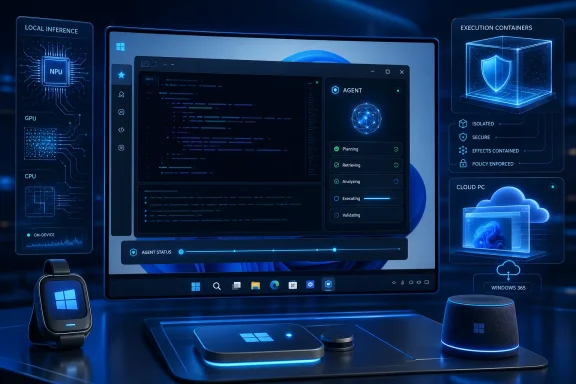
  5. Related coverage: notebookcheck.com
  6. Related coverage: nvidia.com
  1. Related coverage: notebookcheck.net
  2. Official source: blogs.microsoft.com
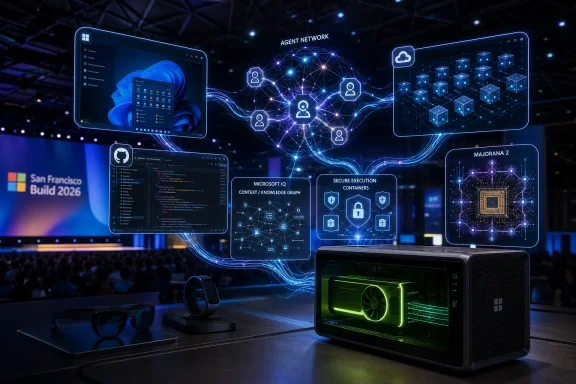
  3. Related coverage: buildfastwithai.com
  4. Related coverage: dataconomy.com
  5. Related coverage: windowsforum.com
  6. Related coverage: tech.yahoo.com
  7. Related coverage: gamesradar.com
  8. Related coverage: windowscentral.com
  9. Official source: pulse.microsoft.com
  10. Official source: news.microsoft.com
  11. Official source: cdn-dynmedia-1.microsoft.com
  12. Official source: microsoft.com
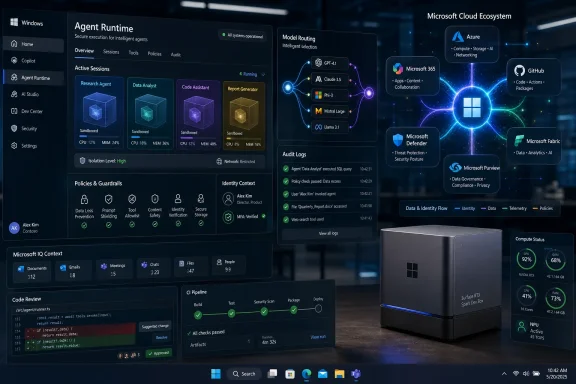
  13. Official source: adoption.microsoft.com
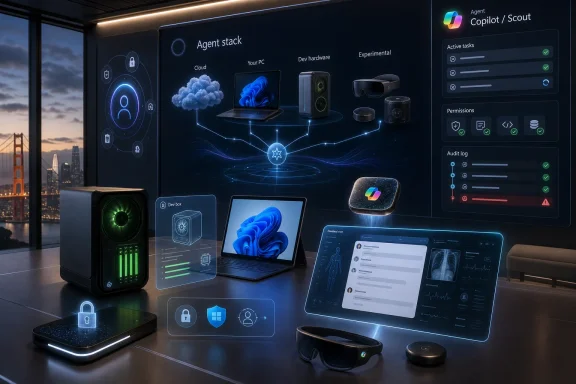
  14. Official source: techcommunity.microsoft.com
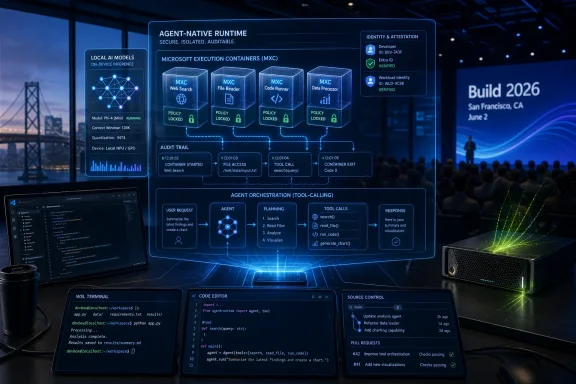
 

Microsoft Build 2026 opens June 2 at Fort Mason Center in San Francisco, with Satya Nadella’s keynote scheduled for 12:30 p.m. Eastern, as Microsoft prepares to frame Windows, Copilot, GitHub, Azure, and its own AI models as one developer platform. The company is not merely staging another AI showcase; it is trying to convince developers that the next Windows era will be built around agents running across cloud and local hardware. That is a harder sell than it sounds, because Microsoft must reconcile two audiences that increasingly want different things from the same stack: enterprises want control, while consumers want Windows to stop feeling like a product roadmap wearing an operating system’s clothes.

Microsoft Build 2026 conference stage shows an “Agentic Workflow” with Azure, GitHub, and Copilot icons.Microsoft Is Turning Build Into an AI Legitimacy Test​

Build has always been Microsoft’s most revealing conference because it speaks to the people who must actually implement the company’s strategy. Inspire tells partners where the money is. Ignite tells IT departments where the administration knobs are moving. Build tells developers what Microsoft believes the platform is becoming.
In 2026, that answer is almost certainly AI agents. Not chatbots in a side panel, not another Copilot button grafted onto a familiar app, but software that can plan, call tools, inspect local context, execute multi-step workflows, and hand results back with less human supervision. The Sunday Guardian’s preview frames the event around exactly that shift: Copilot evolving beyond a traditional assistant into something that can handle longer-running work.
That is the right frame, but it needs a sharper edge. Microsoft’s challenge at Build is not to announce more AI. It is to make AI feel like infrastructure rather than theater. After three years of Copilot branding across Windows, Microsoft 365, GitHub, Edge, Security, Azure, Power Platform, and practically every other product line, developers and administrators have become skilled at separating demos from deployable systems.
The San Francisco setting matters here. Build 2026 is not just returning Microsoft’s developer show to a city synonymous with platform shifts and AI competition; it is taking place as Microsoft’s relationship with OpenAI, Nvidia, GitHub developers, Windows users, and enterprise buyers all pull in slightly different directions. The keynote will likely be polished. The real question is whether the underlying platform story is finally coherent.

Copilot Is No Longer a Product, It Is the User Interface Strategy​

The reported idea of a Copilot “super app” is easy to mock because the phrase sounds like something a strategy deck generated after three espresso shots. But underneath the terminology is a serious problem Microsoft created for itself. Copilot has become a brand shared by too many products with too many permission models, context windows, admin controls, and billing paths.
A unified Copilot hub would be Microsoft’s attempt to impose order on that sprawl. If users can move between personal productivity, enterprise knowledge, Windows tasks, developer workflows, and agentic automation from one interface, Microsoft gets a new front door to computing. That is the prize: not simply answering questions, but mediating access to apps, files, cloud services, identity, and eventually local devices.
For Windows users, this is the most consequential part of the Build story. Microsoft has repeatedly tried to reshape the Windows shell around new paradigms, from live tiles to Cortana to widgets to search-as-advertising surface. Most of those efforts failed because they either interrupted existing workflows or solved Microsoft’s distribution problems more clearly than users’ problems.
Copilot can avoid that fate only if it becomes deeply useful without becoming unavoidable. That balance is difficult. An assistant that cannot access enough context is weak; an assistant that accesses too much context is a governance and privacy headache. An assistant that waits passively is just a chatbot; an assistant that acts proactively risks becoming the next generation of notification spam.
This is why developers matter. A Copilot super app without a healthy extension model is just another Microsoft client. A Copilot super app with durable APIs, agent permissions, local execution hooks, GitHub integration, and enterprise auditability could become the control plane for the next decade of Windows and Microsoft 365 automation.

The Real Build Story Is Whether Agents Get Guardrails​

The industry has moved quickly from “AI can write a paragraph” to “AI can use tools,” but tool use is where the boring problems become existential. If an agent can read email, edit files, run scripts, create tickets, query databases, or push code, then permissions are no longer a back-office detail. They are the product.
Microsoft knows this, and the Build agenda appears aimed at persuading developers that the company can provide the rails. Azure AI Foundry, GitHub, Windows, identity, security, and observability are likely to be packaged as parts of the same agentic stack. That is sensible, because no enterprise wants each business unit inventing its own way to let AI systems touch sensitive data.
But the risk is that Microsoft overstates the maturity of the model. “Agent” is rapidly becoming what “cloud-native” became a decade ago: a useful technical idea, diluted by marketing until almost anything can wear the label. Developers need to know how these systems fail, how they are sandboxed, how they recover from partial completion, how they log decisions, and how administrators revoke access after the fact.
A Windows agent platform also changes the threat model. The PC has always been a rich attack surface because it sits at the intersection of credentials, files, browsers, enterprise apps, and human trust. Add local AI agents that can act across that environment and you have a powerful productivity layer — and a powerful new target.
This is where Microsoft’s security story must be more than a footnote. The company has spent the past two years under pressure to improve its security culture, especially in cloud identity and enterprise service protection. Build 2026 gives Microsoft a chance to show that agentic computing will not repeat the same pattern: ship the integration first, ask administrators to tame it later.

Windows 11 Has to Become a Developer Machine Again​

The Sunday Guardian preview mentions a developer-focused Windows environment with preinstalled tools, applications, and scripts. That may sound modest next to foundation models and AI agents, but it may be one of the most practical announcements Microsoft can make. Windows needs to win back some of the developer affection that WSL, Dev Home, Windows Terminal, winget, and PowerToys started to rebuild.
The old Windows developer experience was often a scavenger hunt: install Visual Studio, configure runtimes, fight PATH variables, discover missing SDKs, reconcile package managers, then try to remember which terminal profile had the right environment. Microsoft has improved that significantly, especially for web, cloud, and cross-platform development. But the company still competes with macOS for many developers and Linux for infrastructure-native workflows.
A dedicated development environment could make Windows feel less like a general-purpose consumer OS that reluctantly tolerates programmers and more like a workstation-class platform. The obvious model is not just “preinstall tools,” but reproducible setup. A developer should be able to provision a machine for a project, pull dependencies, configure security boundaries, and know the system can be rebuilt without ritual.
That is especially important if Microsoft wants local AI development to happen on Windows PCs. Running models locally is not just about having a GPU or NPU. It requires model management, dependency control, driver stability, memory awareness, evaluation tooling, and a sane way to move workloads between laptop, workstation, and cloud.
Windows has the installed base. It has the hardware partner ecosystem. It has Visual Studio, VS Code, GitHub, WSL, and Azure. What it has lacked is the feeling that all of those pieces are part of a single developer workstation philosophy. Build 2026 is Microsoft’s opportunity to argue that Windows is no longer merely compatible with modern development; it is designed for it.

Local AI Is the PC Industry’s Escape Route From the Cloud Bill​

The expected focus on local AI processing is not just a performance story. It is an economic story. Cloud inference costs money every time a model is called, and the more agentic systems become, the more calls they make. A simple chatbot interaction might be cheap. A multi-step workflow that searches documents, calls tools, generates code, evaluates its own output, and tries again can become expensive very quickly.
Local execution offers three promises: lower latency, lower recurring cost, and better data control. Those are attractive to enterprises that cannot send every document, screen state, or customer record to a remote model endpoint. They are also attractive to developers who want to prototype without turning experimentation into a line item.
The catch is fragmentation. Windows PCs now span CPUs, GPUs, NPUs, Arm systems, x86 systems, integrated graphics, discrete graphics, enterprise-managed laptops, gaming rigs, and workstation-class hardware. If Microsoft and its partners cannot abstract that complexity, local AI becomes another compatibility matrix developers must fear.
This is where Nvidia’s RTX Spark-related push fits into the broader story. The idea of Windows machines equipped with Blackwell-class graphics, CUDA support, and large pools of unified memory is less about one device category and more about legitimizing the AI PC as a development target. Microsoft wants developers to think of the Windows PC as a place where meaningful inference and agent work can happen, not merely a thin client for Azure.
Still, the “AI PC” label has already been stretched thin. Consumers have seen Copilot+ PC branding, NPU TOPS numbers, and promises of future experiences that often depend on software arriving later. Developers will be less forgiving. If Build’s local AI message is real, Microsoft needs to show tooling, deployment patterns, performance expectations, and fallback paths — not just silicon logos.

Microsoft’s Own Models Make the OpenAI Relationship More Complicated​

The reported MAI-Thinking-1, MAI-Image-2.5, and MAI-Image-2.5-Flash announcements point to a Microsoft that is becoming more visibly multi-model. That does not mean Microsoft is walking away from OpenAI. It does mean Microsoft wants more control over cost, capability, latency, and product differentiation than any single partner can provide.
This has been the direction of travel for some time. Microsoft has already offered model choice through Azure AI Foundry and has invested in smaller, task-specific models alongside frontier systems. The reason is straightforward: not every enterprise workload needs the most expensive general-purpose model available. Many need something fast, governable, tuned for a narrow task, and affordable at scale.
A reasoning-focused Microsoft model would be strategically important because reasoning has become the prestige layer of the AI market. Vendors want to show models that can plan, solve multi-step problems, handle code, and produce less superficial answers. But reasoning models also introduce new trade-offs: they may be slower, more expensive, and harder to evaluate than conventional chat models.
Image generation is a different battlefield. Microsoft has consumer surfaces that benefit from image models, but enterprise adoption depends on rights, safety, brand controls, and predictable output. A faster or cheaper image model matters only if organizations trust it enough to put it inside workflows without creating legal and reputational headaches.
The broader message is that Microsoft no longer wants to be seen only as the distributor of someone else’s intelligence. It wants to be the platform where models compete, where enterprise policy is enforced, and where Windows and Azure provide the runtime. That is a defensible strategy, but it requires a delicate performance: praising OpenAI while proving Microsoft AI can stand on its own.

GitHub Is the Trust Layer Microsoft Cannot Afford to Mishandle​

GitHub’s role at Build is bigger than developer productivity. It is Microsoft’s living proof that developers will accept AI inside their daily workflow if the tool is useful enough. GitHub Copilot normalized AI code assistance long before many businesses had decided what their official AI policies were.
But GitHub is also where Microsoft’s platform ambitions meet developer skepticism most directly. Developers are tolerant of automation when it saves time and intolerant when it obscures control. A code assistant that suggests a function is helpful; an agent that rewrites a repository, opens a pull request, and claims success needs deeper trust.
The Sunday Guardian preview notes recent concerns around disruptions, security, and personnel changes. Whether each of those concerns receives airtime at Build is less important than the larger perception: GitHub cannot become just another Microsoft growth surface. It has to remain infrastructure developers trust, including developers who do not primarily build for Windows or Azure.
That creates tension. Microsoft wants GitHub to be the connective tissue for AI-native development: planning, coding, reviewing, testing, securing, deploying. The more GitHub becomes that orchestration layer, the more valuable it becomes to Microsoft’s cloud and AI business. But the more aggressively Microsoft integrates it, the more developers will watch for lock-in.
The smart Build message would be practical rather than triumphalist. Show how GitHub agents work with existing repositories. Show how organizations review AI-authored code. Show how secrets are protected. Show how provenance is tracked. Show where the automation stops and the human maintainer resumes responsibility.

Enterprise IT Will Judge the Demos by the Admin Console​

For IT departments, the excitement around Build is always filtered through deployment reality. A keynote demo can assume clean tenants, modern hardware, cooperative users, permissive policies, and a happy path. Enterprise environments are rarely so polite.
If Microsoft wants agentic AI inside Windows and Microsoft 365, administrators will ask familiar but urgent questions. Can it be disabled? Can it be scoped by group, device, geography, data class, or workload? Can prompts and actions be audited? Can outputs be retained or deleted according to policy? Can a user install an agent that bypasses corporate governance? Can a developer accidentally expose internal data through a plugin?
Those questions are not resistance to innovation. They are the mechanism by which innovation survives contact with regulated industries, legal departments, cyber insurance, and incident response teams. Microsoft’s advantage is that it already owns much of the enterprise control plane: Entra ID, Intune, Defender, Purview, Microsoft 365 admin tooling, Azure policy, GitHub Enterprise, and Windows management.
That advantage can become a liability if the experience is fragmented. Administrators do not want five separate AI governance stories depending on whether the agent lives in Windows, Teams, GitHub, Copilot Studio, or Azure. They want a consistent model for identity, consent, logging, data access, and revocation.
This is the hidden test of Build 2026. The flashy part will be agents doing work. The important part will be whether Microsoft can show that agents operate inside boundaries enterprises can understand. Without that, AI in Windows will remain a pilot-project generator rather than a production platform.

Consumers Are Still Waiting for AI That Makes Windows Less Annoying​

Microsoft’s consumer problem is more emotional. Many Windows users are not opposed to AI in principle. They are opposed to AI arriving as another thing to dismiss, configure, or suspect. The backlash to unwanted prompts, ads, account nudges, cloud defaults, and confusing settings has primed users to treat new Windows features defensively.
That is why Build’s developer-first framing matters even for everyday users. If AI agents are built as reliable platform capabilities, they could eventually automate the chores people actually dislike: fixing settings, managing files, summarizing notifications, troubleshooting hardware, cleaning startup items, preparing documents, or helping migrate to a new PC. If they are built as engagement surfaces, they will become another layer of noise.
Windows has a unique opportunity because it sits where work happens. A local assistant that understands the device, respects privacy, and can explain what it is doing could be genuinely useful. But Windows also has a unique burden because users remember every forced reboot, every Start menu experiment, and every unwanted recommendation.
The difference between helpful and intrusive will come down to defaults. Microsoft should make AI capabilities discoverable without making them compulsory. It should make privacy controls plain. It should let power users remove or suppress experiences they do not want. Most importantly, it should ship features that solve concrete problems before asking users to embrace another grand computing metaphor.
That may sound less exciting than a super app. It is also how trust is earned. The most successful AI feature in Windows may not be the one with the biggest keynote segment. It may be the one that quietly fixes something that has irritated users for years.

The Build 2026 Bet Comes Down to Control​

The shape of Microsoft’s argument is now visible. Copilot becomes the user interface. Agents become the workload model. GitHub becomes the development layer. Azure becomes the cloud runtime. Windows becomes the local runtime. Microsoft’s own models and partner models fill the intelligence layer. Security and identity sit underneath as the permission system.
That is a powerful stack, and few companies can assemble anything like it. Google has models, cloud, Android, Chrome, and Workspace, but not the Windows desktop. Apple has the client platform and silicon, but not the same enterprise cloud or developer platform breadth. Amazon has cloud depth, but no comparable desktop operating system or productivity suite. Microsoft’s strategic advantage is integration.
Its strategic risk is also integration. When everything is connected, every weak seam matters. A confusing Copilot SKU undermines the AI story. A buggy Windows feature undermines the local runtime story. A GitHub outage undermines developer trust. A security incident undermines agent permissions. A pricing surprise undermines enterprise adoption.
Build 2026 will therefore be less about whether Microsoft can announce enough and more about whether it can simplify enough. The company has spent years placing AI into every product. Now it must explain how those products fit together in a way customers can buy, administer, develop against, and trust.

The Announcements Matter Less Than the Contracts They Imply​

The immediate news cycle will focus on names: MAI-Thinking-1, MAI-Image-2.5, Copilot app previews, Windows developer environments, Nvidia-supported local AI hardware, GitHub updates. Names are easy. Contracts are harder.
A platform contract tells developers what they can rely on. It says which APIs will persist, which permission models will govern access, which runtimes will be supported, which hardware capabilities are optional, which deployment paths are recommended, and which parts of the stack are still experimental. Developers can tolerate rapid change if the boundaries are clear.
A user contract is different. It says what Microsoft will not do. It will not use AI as an excuse to bury settings. It will not make local files feel like training fodder. It will not turn Windows into a billboard for cloud subscriptions. It will not force every workflow through Copilot when conventional controls are faster.
An enterprise contract is stricter still. It says that AI actions are auditable, reversible, permissioned, and manageable. It says an administrator can understand what happened after the fact. It says a compliance officer can decide where data went. It says a security team can contain an agent just as it would contain a compromised account or device.
The strongest version of Microsoft Build 2026 would make those contracts explicit. The weakest version would treat them as implementation details to be solved after the demos have landed.

The Windows Crowd Should Watch the Plumbing, Not the Fireworks​

The most useful way to follow Build 2026 is to ignore the first burst of spectacle and look for signs that Microsoft is building durable infrastructure. For WindowsForum readers, the practical implications are not limited to developers. They touch how Windows PCs are bought, managed, secured, customized, and trusted.
  • Microsoft Build 2026 is likely to frame AI agents as the next major application model across Windows, Azure, GitHub, and Copilot.
  • A unified Copilot experience would matter only if Microsoft also clarifies permissions, extensibility, admin controls, and user choice.
  • Windows developer improvements could be more important than they first appear because local AI work requires reproducible environments, stable runtimes, and strong tooling.
  • Nvidia-backed local AI hardware strengthens the case for Windows as an inference platform, but developers will need abstraction layers that work beyond premium machines.
  • Microsoft’s own MAI models suggest a more independent, multi-model strategy that reduces reliance on any single AI partner.
  • GitHub remains the credibility test because developers will judge Microsoft’s AI strategy by whether it improves real coding workflows without eroding control.
The stakes are larger than one keynote. If Microsoft succeeds, Build 2026 may be remembered as the moment Windows stopped being treated as a passive endpoint for cloud AI and became an active AI platform in its own right. If it fails, the announcements will blur into the long procession of branded assistants, preview features, and hardware claims that promised to reinvent the PC but mostly added another icon to the taskbar.
Microsoft has the pieces to make the AI PC and the AI developer platform feel real: the operating system, the cloud, the IDEs, the code host, the identity layer, the enterprise relationships, and now a growing family of models. What it needs at Build 2026 is discipline. The future of Windows will not be won by proving that Copilot can appear everywhere; it will be won by proving that when Copilot acts, developers and users know exactly why, how, and under whose control.

References​

  1. Primary source: The Sunday Guardian
    Published: 2026-06-02T14:36:16.179968
  2. Independent coverage: Let's Data Science
    Published: Tue, 02 Jun 2026 12:17:02 GMT
  3. Related coverage: tomshardware.com
  4. Related coverage: techradar.com
  5. Related coverage: tomsguide.com
  6. Official source: build.microsoft.com
  1. Related coverage: nvidia.com
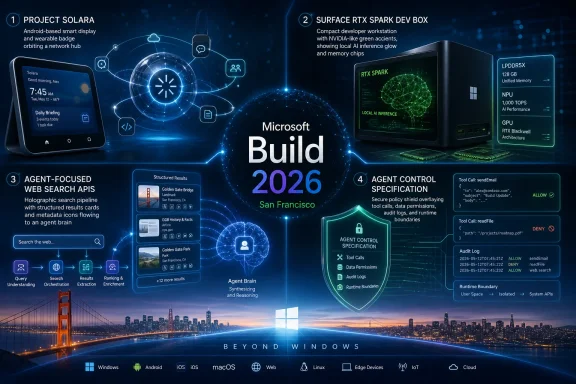
  2. Official source: news.microsoft.com
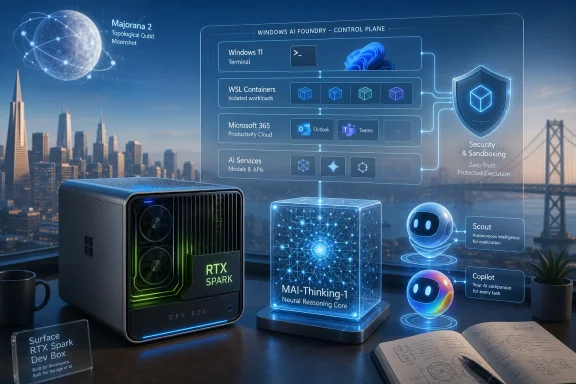
  3. Related coverage: notebookcheck.com
  4. Related coverage: dataconomy.com
  5. Related coverage: investing.com
  6. Related coverage: techcrunch.com
  7. Official source: microsoft.ai
  8. Related coverage: windowsforum.com
  9. Related coverage: engadget.com
  10. Related coverage: windowscentral.com
 

Microsoft Build 2026 opens today, June 2, at Fort Mason Center in San Francisco, with Satya Nadella’s keynote scheduled for 12:30 p.m. ET and expected to center on Windows, Copilot, Microsoft 365, and AI developer tooling. The timing is not accidental: Microsoft is using Build, alongside Computex, to argue that the next Windows cycle is less about a new version number and more about turning the PC into an AI workstation. That is a bigger claim than another Copilot button or another cloud demo. It is Microsoft’s attempt to make Windows feel strategically inevitable again.

Stage presentation at a tech event featuring a “Surface Laptop Ultra” display and AI workflow graphics.Microsoft Wants Build to Be the Moment Windows Stops Looking Defensive​

For the last two years, Microsoft has talked about AI as if the operating system were merely one more surface for Copilot. That was useful marketing, but it also made Windows look oddly passive. The browser had Copilot, Office had Copilot, Teams had Copilot, GitHub had Copilot, and Windows often seemed to be waiting for its own reason to matter.
Build 2026 is Microsoft’s opportunity to change that framing. The developer conference is still formally about software, cloud services, APIs, and tooling, but the context has shifted. The PC industry is gathering at Computex in Taiwan, Nvidia is pushing AI silicon deeper into client machines, and Microsoft has already introduced a Surface Laptop Ultra built around Nvidia’s RTX Spark platform.
That sequencing matters. Microsoft did not wait for the keynote to reveal the hardware because the hardware is no longer the surprise. The real pitch is that Windows can become the runtime for AI-heavy work that happens partly on the device, partly in the cloud, and increasingly through autonomous or semi-autonomous agents.
That is why a liveblog about Nadella’s keynote is not just event housekeeping. It captures a company trying to compress its biggest product arguments into one afternoon: Windows as the endpoint, Copilot as the interface, Microsoft 365 as the commercial channel, Azure as the compute fabric, and developers as the people expected to make the story real.

The Surface Laptop Ultra Is a Hardware Teaser for a Software Argument​

The Surface Laptop Ultra is the kind of machine Microsoft used to unveil as a prestige device. This time, it reads more like a declaration of architecture. A 15-inch Windows laptop with Nvidia’s RTX Spark system-on-chip, high-end graphics, and serious local AI capability is not aimed at the mainstream office worker who lives in Outlook and Edge. It is aimed at developers, creators, researchers, and power users who have begun to see ordinary thin-and-light laptops as the wrong tool for the AI era.
The comparison to Apple’s MacBook Pro is unavoidable, and Microsoft surely knows it. Apple has spent years selling the value of tightly integrated silicon, memory, graphics, battery life, and creative software. Microsoft’s traditional answer was variety: if you wanted more power, more ports, more gaming, more enterprise manageability, or more price points, the Windows ecosystem had you covered.
The AI PC era complicates that old response. Local models, GPU acceleration, large unified memory pools, and developer frameworks reward systems that feel coherent from silicon to software. Microsoft cannot simply say that every OEM will figure it out independently and hope the Windows brand benefits. Surface exists to show the rest of the ecosystem what “good” looks like.
The RTX Spark partnership is therefore a signal to Nvidia as much as to customers. Microsoft is telling the GPU giant that Windows is still the natural home for high-performance local AI development, even as cloud tooling, Linux workflows, and Apple’s developer story all compete for attention. Nvidia, for its part, gets to push beyond the workstation and gaming tower into the laptop category where Apple has spent years defining what premium creative compute looks like.
For Windows users, the practical question is not whether the Surface Laptop Ultra is expensive, niche, or overpowered. It probably is all three. The question is whether it gives Microsoft a credible flagship around which to reorganize the Windows AI story.

Windows on Arm Gets Another Chance, This Time With Nvidia Muscle​

Microsoft’s Windows on Arm project has always had a credibility problem. The battery-life story was attractive, the instant-on story was familiar, and the thin-device story was easy to understand. But compatibility, performance, and developer confidence kept dragging the platform back into “promising, but wait” territory.
The Snapdragon X era helped, especially as Copilot+ PCs gave Microsoft a clearer way to market neural processing units. But Copilot+ also exposed a tension. An NPU is useful for certain local AI workloads, but the workloads that excite developers and creators often lean heavily on GPUs, mature acceleration stacks, and memory bandwidth. That is Nvidia’s home turf.
A Windows on Arm laptop with Nvidia graphics and an Nvidia-led AI stack is not just another Arm PC. It is an attempt to fuse the portability and efficiency promise of Arm with the CUDA-centered world that many AI developers already know. If Microsoft and Nvidia can make compatibility credible, the result could be more important than any one Surface model.
That “if” is doing a lot of work. Windows compatibility has decades of accumulated edge cases, business applications, plug-ins, drivers, anti-cheat systems, creative tools, and obscure utilities that users expect to run because the machine says Windows on the box. Nvidia’s public confidence about app compatibility sounds bold, but IT professionals will want proof, not slogans.
The best version of this strategy is easy to see. Native Arm apps improve, emulation gets faster, GPU acceleration is available where it matters, and the developer story becomes strong enough that Windows on Arm stops being a compromise. The worst version is also familiar: impressive demos, expensive hardware, and a long tail of incompatibilities that keep admins buying conventional x86 laptops for anyone whose job cannot tolerate surprises.
Microsoft has been here before. The difference in 2026 is that AI gives Windows on Arm a reason to exist beyond battery life. That may finally be the stronger argument.

Copilot Is Moving From Feature to Operating Model​

Copilot began as a product name. It is now becoming Microsoft’s preferred way of describing how users should interact with software. That may sound like branding excess, but it is a real shift: instead of opening an app, choosing commands, and producing output manually, Microsoft wants users to delegate goals across apps, data, and workflows.
Build is the right stage for that argument because developers are the missing layer. A Copilot that summarizes a document or drafts an email is useful, but familiar. A Copilot that can call business systems, obey organizational policies, perform multi-step work, and hand off between local and cloud resources is a platform.
That platform story is where Microsoft has an advantage. It owns the productivity suite, the identity layer, the enterprise management stack, the cloud platform, the developer tools, and the operating system. Few companies can assemble that many layers into one commercial package. Fewer still can put it in front of CIOs and say it already fits their licensing and compliance model.
But the same breadth creates confusion. Copilot has appeared in Windows, Edge, Microsoft 365, GitHub, Security, Dynamics, Power Platform, and other corners of the company. For many customers, “Copilot” is no longer a single product but a family of related promises, some mature and some aspirational. Microsoft’s challenge at Build is not to say “AI” more loudly. It is to make the architecture legible.
That means explaining what runs locally, what runs in the cloud, what data is visible to which agent, what admins can govern, what developers can extend, and what users can undo. The more autonomous these systems become, the less tolerable vague answers will be.

Office 365 Becomes the Distribution Channel for Agentic Work​

The most commercially important Copilot news may not involve Windows at all. Microsoft 365 remains the place where Microsoft can turn AI ambition into recurring revenue, especially for businesses that already live inside Word, Excel, PowerPoint, Outlook, Teams, SharePoint, and OneDrive. If Copilot becomes bundled more deeply into business subscriptions, the sales motion changes from “try this add-on” to “this is now part of the productivity stack.”
That is a powerful move. Add-ons can be deferred, piloted, or rejected. Bundled SKUs become procurement conversations, renewal conversations, and partner conversations. For small and midsize businesses in particular, packaging Copilot with familiar Microsoft 365 tiers could reduce the friction of AI adoption even if it does not eliminate the need for training and governance.
The danger is that bundling can make adoption look faster than actual use. A company may buy a Copilot-inclusive plan because the pricing is attractive or the renewal path is simple, but that does not mean employees know when to trust it, how to prompt it, or how to integrate it into daily work. Seat count is not transformation.
This is where Microsoft’s enterprise instincts are both an asset and a liability. It understands identity, licensing, compliance, and partner channels better than almost anyone. But it also has a habit of turning product clarity into SKU complexity. If Build 2026 makes Copilot feel more coherent, it will be because Microsoft explains the work model, not merely the packaging.
For administrators, the hard questions remain familiar. Who can create agents? Which data sources can they access? How are actions logged? Can risky workflows require approval? What happens when an agent makes a mistake that looks plausible enough to escape notice? These are not edge cases; they are the enterprise adoption checklist.

The “Windows 12” Absence May Be the Point​

A certain segment of the Windows community keeps waiting for Windows 12 because version numbers are easy to understand. They create a before and after. They let Microsoft say a new era has begun, and they let users decide whether to upgrade, resist, or complain.
But Build 2026 appears to be organized around a different idea: the next Windows is not necessarily a new brand on the box. It is a set of capabilities layered into Windows 11, Copilot+ PCs, cloud services, developer tools, and new silicon. That is less satisfying as a launch moment, but it may be more accurate to how Microsoft now ships.
There are good reasons for this caution. Windows 10 to Windows 11 was disruptive enough, especially with hardware requirements that left many capable PCs outside the official upgrade path. Enterprises do not want another major client OS migration just because Microsoft needs a marketing reset. Consumers, meanwhile, have grown accustomed to Windows changing continuously whether they asked for it or not.
An AI-centered Windows evolution lets Microsoft avoid the drama of a clean version break while still changing the platform underneath. New local AI APIs, improved emulation, more capable Copilot hooks, developer frameworks, and hardware-dependent features can arrive without making every user feel like they are being pushed into another operating system transition.
The downside is fragmentation by another name. If the best Windows experiences require new NPUs, Nvidia-class GPUs, specific memory configurations, or Copilot+ branding, then “Windows 11” becomes a broad label hiding very different capabilities. Admins will need to know not just what OS version a machine runs, but what AI workloads it can handle locally, securely, and reliably.
Microsoft may be right to avoid making Build a Windows 12 event. But it still owes the ecosystem a clear compatibility map for the AI PC generation.

Developers Are Being Asked to Trust a Moving Platform​

Build is nominally a developer conference, and developers will judge the keynote by what they can actually build after the applause ends. AI demos are easy to admire and hard to operationalize. The question is whether Microsoft can give developers APIs, SDKs, runtimes, model choices, deployment paths, observability tools, and business incentives that survive contact with real users.
Microsoft has strong cards here. GitHub Copilot changed developer expectations around AI-assisted coding. Visual Studio Code remains one of the most important developer tools in the world. Azure gives Microsoft a cloud back end for model hosting, inference, data, and governance. Windows still sits on hundreds of millions of PCs.
But developers have also learned to be skeptical of platform pivots. Microsoft has asked them to bet on many futures over the years: UWP, Windows Phone, Progressive Web Apps, Store distribution, Fluent design, WinUI, Teams apps, mixed reality, and more. Some paid off, some narrowed, and some faded into the background.
The AI platform pitch must therefore be concrete. If Microsoft wants developers to build agents for Windows and Microsoft 365, it must show how those agents reach users, how they make money, how they are secured, how they are tested, and how they avoid becoming brittle wrappers around changing models. “Agentic” cannot remain a conference adjective.
Local AI makes this even more complicated. Developers may need to target machines with modest NPUs, powerful discrete GPUs, cloud-only fallbacks, or enterprise policies that disable entire categories of automation. Microsoft’s job is to abstract that complexity without hiding the details that determine whether an app works well.
If Build 2026 succeeds, it will be because developers leave with the feeling that Microsoft’s AI stack is not just broad, but dependable.

Enterprise IT Will Hear the Keynote as a Risk Assessment​

The consumer version of Copilot is about convenience. The enterprise version is about control. That difference will shape how sysadmins and IT leaders read every announcement from Build 2026.
An AI agent that helps a home user summarize a PDF is one kind of risk. An AI agent that can search corporate data, draft customer communications, update records, trigger workflows, or interact with internal systems is another. The more useful the agent becomes, the closer it moves to the blast radius of ordinary business operations.
Microsoft knows this, which is why governance language has become central to its AI messaging. Identity, permissions, data boundaries, audit logs, compliance, and admin controls are no longer secondary enterprise features. They are the product.
Still, the lived reality for IT teams is more complicated than a keynote. Many organizations already struggle with overshared SharePoint sites, stale Teams channels, poorly labeled data, inconsistent retention policies, and shadow IT. Copilot does not create those problems, but it can surface them faster and at larger scale.
That may be the uncomfortable truth of Microsoft’s AI strategy. Copilot works best in organizations that have already done the dull work of information governance. In organizations that have not, AI adoption can become a mirror held up to years of permission sprawl and content chaos.
For WindowsForum’s audience, this is where the excitement should meet caution. The AI PC may be real, but the AI-managed enterprise is still a discipline, not a SKU.

Security Is the Story Microsoft Cannot Afford to Treat as a Sidebar​

Any serious Build 2026 story has to include security, even if security is not the flashiest demo. Microsoft enters this AI cycle with enormous platform reach and an equally enormous burden. Windows is still the everyday target for attackers, Microsoft 365 is central to enterprise identity and communication, and Azure hosts workloads that matter far beyond Microsoft’s own customer base.
AI raises the stakes in both directions. It can help defenders summarize alerts, detect anomalies, automate response steps, and make security tools more usable. It can also help attackers draft convincing phishing messages, generate code, probe systems, and scale social engineering. The same productivity logic applies on both sides.
That is why local AI on Windows needs a security model that is more than “the model runs on your device.” Local execution can reduce some data exposure, but it also creates new questions about model access, prompt injection, sensitive context, plug-in behavior, and whether agents can be tricked into taking actions users did not intend.
The browser and productivity suite make this especially thorny. A user might encounter malicious content in a webpage, email, document, chat, or shared file. If an agent can read that content and also act across apps, Microsoft must assume adversaries will try to manipulate the agent. This is not science fiction; it is the natural next step once software starts accepting natural-language instructions from untrusted environments.
Microsoft’s best defense is to make security boringly explicit. Users should know when an agent is reading, reasoning, and acting. Admins should be able to restrict tools and data sources. Developers should get clear patterns for safe agent design. Audit trails should be good enough for incident response, not merely compliance theater.
The company that makes AI feel safe enough for ordinary enterprise workflows will own a substantial part of the next platform cycle. Microsoft is well positioned, but not entitled, to be that company.

The PC Industry Needs Microsoft to Make AI Feel Less Like a Sticker​

Computex has been filled with AI PC claims for several years now, and many of them have blurred together. New chips arrive, vendors mention TOPS, laptop lids get AI branding, and users are left wondering what changed besides the spec sheet. Microsoft has contributed to that confusion as much as anyone.
Build 2026 gives Microsoft a chance to impose order. If Windows can expose local AI capabilities in consistent ways, if Copilot can use them for visible user benefits, and if developers can target them without writing a separate strategy for every silicon vendor, then the AI PC label starts to mean something.
That would be good for OEMs, too. PC makers need reasons for customers to refresh machines after years of adequate performance. Thin bezels, better webcams, and incremental CPU gains are not enough to move every buyer. AI workloads could be the new demand driver, but only if the software makes the hardware feel necessary.
The Surface Laptop Ultra is Microsoft’s most aggressive attempt to define the high end of that market. It says the AI PC is not only a low-power NPU laptop for meeting blur and recall-like features. It can also be a workstation-class portable machine for running models, building apps, editing media, and handling GPU-heavy creative work.
That does not mean every Windows user needs such a machine. In fact, most do not. But flagship devices set expectations. They tell developers what performance envelope to imagine, they tell OEMs where Microsoft thinks the category is going, and they tell Apple that Windows wants to compete again at the top of the laptop market rather than merely across the price ladder.
The real test will come later, when performance numbers, battery life, thermals, app compatibility, driver stability, and pricing are all visible. Keynotes can launch a narrative. Daily use decides whether it survives.

Microsoft’s AI Bet Is Really a Bet on Trust​

Nadella’s Microsoft has been unusually good at turning strategic themes into business lines. Cloud became Azure’s growth engine. Developer goodwill became GitHub’s second act. Productivity became the launchpad for Microsoft 365 subscriptions. Security became a cross-company revenue pillar. AI is the attempt to bind all of those together.
But AI also pressures trust in a way those earlier shifts did not. Users must trust that Copilot understands enough to help but not so much that it feels invasive. Admins must trust that agents obey permissions and policies. Developers must trust that Microsoft’s platform abstractions will last. Hardware buyers must trust that AI PC features will not become abandoned checkboxes.
This is why Build 2026 feels more consequential than a routine developer conference. The company is not simply announcing features; it is trying to convince the Windows ecosystem that the next computing interface will be built through Microsoft’s stack. That is a platform claim, and platform claims are accepted only when enough people believe the trade-offs are worth it.
There are reasons to believe Microsoft can pull it off. It has distribution, enterprise relationships, developer tools, cloud infrastructure, and a Windows installed base that competitors would envy. There are also reasons to be wary. Microsoft’s AI branding has been noisy, its Windows feature rollouts have sometimes outpaced user consent, and its product matrix can make simple ideas feel bureaucratic.
The keynote will likely emphasize momentum. The more important story is whether Microsoft can convert momentum into coherent products that people understand, organizations can govern, and developers can extend.

The Build 2026 Signal Beneath the Liveblog Noise​

The liveblog format is built for moments: a demo lands, a phrase trends, a device appears, an executive promises a future that looks just polished enough to be plausible. The durable story is slower. Microsoft is trying to make Windows the place where AI agents, local acceleration, cloud intelligence, and productivity data meet.
That gives today’s keynote a few concrete stakes:
  • Microsoft is positioning Build 2026 as an AI platform event, not merely a Windows feature showcase.
  • The Surface Laptop Ultra is best understood as a reference point for high-performance local AI on Windows, not just as a premium Surface refresh.
  • Copilot’s future depends less on chat and more on whether Microsoft can make agents useful, governable, and comprehensible.
  • Windows on Arm may finally have a stronger story if Nvidia’s platform can deliver performance, compatibility, and developer confidence.
  • Enterprises should evaluate the announcements through data governance, auditability, permissions, and supportability rather than demo quality alone.
  • The absence of a Windows 12 banner does not mean Windows is standing still; it means Microsoft is changing the platform through hardware tiers, AI services, and continuous updates.
The right way to watch Build 2026 is not to ask whether Microsoft says “AI” more often than Google, Apple, or OpenAI. It is to ask whether the company can make AI feel like infrastructure rather than spectacle.
Microsoft has spent decades making Windows the default place where personal computing work gets done, and Build 2026 is its bid to keep that default status as the definition of work changes. If Nadella’s keynote delivers only another parade of Copilot demos, the skepticism will be deserved. If it shows a credible bridge between local hardware, enterprise controls, developer opportunity, and everyday Windows use, then today may be remembered less as a product launch than as the moment Microsoft finally explained what the AI PC is for.

References​

  1. Primary source: Engadget
    Published: Tue, 02 Jun 2026 13:22:35 GMT
  2. Related coverage: tomshardware.com
  3. Related coverage: windowscentral.com
  4. Related coverage: techradar.com
  5. Related coverage: notebookcheck.net
  6. Related coverage: notebookcheck.com
  1. Related coverage: notebookcheck.org
  2. Related coverage: axios.com
  3. Related coverage: technobezz.com
  4. Related coverage: pcworld.com
  5. Official source: blogs.windows.com
  6. Official source: build.microsoft.com
  7. Related coverage: dataconomy.com
  8. Related coverage: tomsguide.com
  9. Official source: microsoft.com
  10. Official source: news.microsoft.com
 

Microsoft used Build 2026 in San Francisco on June 2 to pitch Windows, Surface, Microsoft 365, and its AI stack as a unified platform for local agents, developer workflows, and post-cloud AI computing. The message was not subtle: the next Windows PC is supposed to be less like a passive desktop and more like a supervised workplace for software that acts on the user’s behalf. That is an ambitious bet, but it also makes Build 2026 feel less like a product showcase than a platform reset. Microsoft is trying to make the AI PC real by giving it hardware, terminals, containers, models, and corporate governance all at once.

Microsoft Build 2025 stage displays AI agent “Scout” on Windows 11/Microsoft 365 container and models dashboard graphics.Microsoft Turns the AI PC From Slogan Into Supply Chain​

For the last two years, “AI PC” has often meant a laptop with an NPU, a Copilot key, and a marketing slide about on-device inference. Build 2026 moves the argument into more concrete territory. Microsoft is no longer merely saying that Windows devices should run AI workloads locally; it is showing the pieces of a developer ecosystem meant to make that normal.
The Surface RTX Spark Dev Box is the clearest symbol of that shift. It is a small-form-factor developer machine built around Nvidia’s Arm-based RTX Spark silicon, with 128GB of unified memory and a Windows 11 Pro image tailored for local AI development. Microsoft says it is aimed at developers who want to run and test models on their own hardware rather than treat the cloud as the only practical place for serious AI work.
That matters because the AI PC has had a credibility problem. Consumers have been asked to believe in the category before there were enough compelling local workloads to justify it. Developers, meanwhile, have been asked to build for hardware that many users did not yet own and for APIs that were still settling. A dev box does not solve that chicken-and-egg problem by itself, but it is Microsoft acknowledging that the ecosystem needs a proving ground.
The comparison hanging over the announcement is Qualcomm’s canceled Windows-on-Arm developer kit. Microsoft’s new box is not just another reference machine; it is an attempt to restore confidence that Windows on Arm and local AI development will not be stranded between partner roadmaps. By putting the Surface brand on the device, Microsoft is taking more visible responsibility for the developer story.
The unanswered questions are still large. Microsoft has not disclosed full pricing or every specification, and “available in the US later this year” leaves plenty of room for delays, limited supply, or enterprise-only positioning. But the strategic point is already visible: Microsoft wants the next generation of Windows development to happen on machines that look more like compact AI workstations than conventional PCs.

Windows Learns to Speak Developer Again​

The most practical Windows news from Build may not be the most glamorous. Coreutils for Windows, Linux containers through WSL, and the experimental Intelligent Terminal all point toward the same conclusion: Microsoft knows it cannot win developers back with Copilot branding alone. It has to make Windows feel less like a compromise for people who live in terminals, containers, and cross-platform toolchains.
Coreutils is a particularly telling move. Microsoft describes it as Linux-like command-line utilities that run natively on Windows 11. That sounds small until you remember how much daily developer friction comes from tiny incompatibilities: a command that behaves differently, a script that needs translation, a workflow that assumes a Unix-like baseline. Native utilities do not make Windows into Linux, but they reduce the number of times a developer has to remember that Windows is the odd environment out.
The new WSL container work pushes further. Microsoft is adding the ability to create, run, and interact with Linux containers through Windows Subsystem for Linux, including APIs that native Windows apps can use. That is not just a convenience feature for hobbyists. It is an admission that modern software development is container-first, Linux-shaped, and increasingly local again as AI workloads move closer to the machine.
The Intelligent Terminal is the more speculative piece. Microsoft says it will provide context to a developer’s preferred AI-powered agent, which suggests a command line that becomes less of a neutral text interface and more of a mediated workspace. That could be useful if it helps explain errors, generate commands, and coordinate tasks across shells. It could also become maddening if it turns the terminal into another place where Microsoft inserts a layer of agentic interpretation between the user and the machine.
Still, the direction is important. Windows spent years trying to be more welcoming to developers through WSL, Windows Terminal, package management, and better open-source posture. Build 2026 extends that project from compatibility into orchestration. Microsoft is no longer just saying, “You can run Linux things here.” It is saying, “You can run Linux things, Windows things, containers, agents, and local models here — and Windows will be the control plane.”

The Agent Era Arrives With a Sandbox Attached​

Microsoft’s agent announcements are where Build 2026 becomes both interesting and risky. Scout, the always-on assistant built on OpenClaw, is designed to work across Microsoft 365 apps such as Outlook, OneDrive, and Teams. It can reportedly organize calendars, manage expense reporting, draft emails, and perform background work for business users.
That is exactly the kind of assistant Microsoft has been gesturing toward since it began folding generative AI into Office. The distinction now is persistence. Scout is not simply a chat box waiting for a prompt; it is part of a broader family of “Autopilot” agents that Microsoft says will have their own identities and operate in the background.
For Microsoft 365 customers, the pitch is obvious. The modern workplace is full of low-grade administrative labor that nobody loves: scheduling, filing, status chasing, document preparation, expense workflows, meeting follow-ups. If an agent can reliably take even a portion of that work off employees’ hands, Microsoft has a powerful reason to defend its productivity suite against both Google and the swarm of AI-native startups.
But the more autonomy Microsoft gives these agents, the more the security model matters. That is where Microsoft Execution Containers enter the story. MXC is intended to let developers define what agents can access on a device and run them in a sandboxed environment. The OpenClaw companion app similarly points toward a world where users can configure agents or connect to existing ones without granting them uncontrolled access to everything on the PC.
This is the right problem for Microsoft to emphasize. The biggest barrier to workplace agents is not whether a model can summarize an email thread. It is whether a business can trust an agent with inboxes, documents, calendars, credentials, internal files, customer data, and the ability to act. If Microsoft wants agents to become first-class citizens on Windows, containment cannot be an afterthought.
The challenge is that containment and convenience often pull in opposite directions. A tightly sandboxed agent may be safer but less useful; a deeply integrated agent may be useful but terrifying to administrators. Microsoft’s job now is to prove that Windows can offer enough guardrails to make persistent agents deployable without smothering the very automation that makes them attractive.

Project Solara Shows Microsoft Peering Beyond the PC​

Project Solara may be the strangest announcement in the Build lineup, and that makes it one of the most revealing. Microsoft showed an Android-based operating system designed to run agents across different devices, developed with Qualcomm and MediaTek. The examples included a desktop hub and a digital badge — not exactly mainstream PC categories.
The important point is not the hardware shown on stage. It is that Microsoft is imagining agents as entities that move between contexts rather than features trapped inside one app or one device. A PC could start a task, a companion device could continue it, and a badge or hub could serve as an ambient interface for the same workflow.
That is a very different conception of Windows’ role. Historically, Microsoft’s platform power came from making the PC the center of the user’s digital life. Smartphones weakened that model, and cloud services weakened it further. Project Solara suggests Microsoft is willing to let the Windows PC become one node in a broader agent fabric, provided Microsoft controls enough of the identity, productivity, and developer stack around it.
The use of Android is notable. Microsoft has learned, repeatedly and painfully, that it cannot simply will a third mobile platform into existence. By building around Android for some companion experiences, it can use an existing device ecosystem while trying to keep the higher-value agent layer tied to Microsoft services.
That strategy is pragmatic, but it also exposes the tension in Microsoft’s platform ambitions. Windows remains central, yet Microsoft knows many future AI interactions may happen on small screens, shared devices, badges, hubs, or hardware categories that do not look like PCs at all. Solara is Microsoft hedging against a future in which the operating system matters less than the agent runtime.

Microsoft’s Own Models Become a Strategic Escape Hatch​

Build 2026 also sharpened Microsoft’s evolving relationship with OpenAI. The company announced seven new in-house AI models, including MAI-Thinking-1, described as its first reasoning model, with 35 billion active parameters and a 128K context window. Microsoft says it is designed for complex multi-step instructions, long-context reasoning, code generation, and related workloads.
The significance is not that Microsoft has suddenly abandoned OpenAI. The two companies remain deeply intertwined commercially and technically. But Microsoft clearly wants more control over the models that power its products, both for cost reasons and for strategic independence.
Owning more of the model stack gives Microsoft leverage. It can tune models for GitHub Copilot, VS Code, Microsoft 365, Windows, and Azure without waiting for a partner’s priorities to align perfectly. It can optimize for enterprise deployment, latency, local execution, and product-specific behavior. It can also reduce the risk that its most important AI features are permanently dependent on another company’s roadmap.
The newly announced models span image, voice, code generation, transcription, and reasoning. That breadth matters because Microsoft is not trying to win a leaderboard contest in isolation. It is trying to fill product slots. A smaller, cheaper, deeply integrated model can be more valuable to Microsoft than a general-purpose flagship model that is expensive to run and awkward to deploy at scale.
For Windows users, the model news connects back to the hardware news. Local AI devices need models that can actually run locally or in hybrid patterns. If Microsoft can supply optimized models for its own agent framework, dev tools, and productivity apps, then the Surface RTX Spark Dev Box becomes more than a curiosity. It becomes part of a pipeline from model creation to developer testing to enterprise deployment.

Quantum Makes Its Annual Leap, but the Calendar Finally Matters​

Microsoft’s Majorana 2 announcement sits in a different category from the Windows and agent news, but it follows the same Build 2026 pattern: Microsoft wants to turn long-running research bets into product-shaped roadmaps. The company says the next-generation topological quantum chip uses a new material stack and contains qubits that are 1,000 times more accurate. Microsoft also says it could reach a practical quantum computer by 2029.
Quantum claims deserve caution. The field is famous for breakthroughs that are real in the lab but distant from practical impact. Microsoft’s topological approach has been especially ambitious, with a long history of scientific promise, controversy, and delayed payoff. A better chip does not automatically mean a useful quantum computer is around the corner.
Still, the 2029 target is meaningful because it gives Microsoft’s quantum story a sharper commercial horizon. The company is not merely saying that quantum will matter someday. It is trying to persuade developers, researchers, governments, and enterprise customers that its architecture is moving toward a practical machine on a foreseeable timeline.
The mention of Microsoft Discovery’s agentic AI in connection with Majorana 2 also fits the event’s larger theme. Microsoft is presenting AI not just as a product interface but as a research accelerator. In that framing, agents help design materials, improve chips, write software, administer workplaces, and coordinate developer environments. Build 2026’s real thesis is that agentic systems are becoming infrastructure.
That may be too neat, but it is coherent. Microsoft wants to be the company that supplies the cloud, the local PC, the developer tools, the productivity apps, the models, the containers, and eventually the scientific computing breakthroughs. Quantum is the farthest-out version of that ambition.

The Windows Platform Is Being Rebuilt Around Trust​

For WindowsForum readers, the most important question is not whether Build 2026 had enough announcements. It clearly did. The harder question is whether Microsoft’s new Windows strategy can earn enough trust to survive contact with real users and real administrators.
The company is asking for a lot. It wants developers to adopt new local AI hardware, trust Windows as a Linux-friendly development environment, run agents inside sandboxed containers, let assistants work across Microsoft 365 data, and believe that its in-house AI models will keep improving. Each piece may be defensible on its own. Together, they amount to a major change in the operating system’s social contract.
Windows has always been a general-purpose platform, but it has also been a messy one. It carries decades of compatibility baggage, enterprise policy layers, consumer annoyances, OEM customization, telemetry debates, and security tradeoffs. Adding persistent agents to that environment raises the stakes. A bad recommendation from an AI assistant is annoying; a bad autonomous action inside a corporate tenant is a governance incident.
This is why Microsoft’s emphasis on secured-core PCs, BitLocker, Defender, Entra ID, Intune, containers, and sandboxing is not just enterprise boilerplate. It is the price of admission. The more Microsoft turns Windows into an agent host, the more Windows has to behave like a platform that can define, audit, restrict, and explain what those agents are doing.
The developer angle also depends on trust. If Intelligent Terminal becomes a helpful layer that respects existing workflows, it could be a genuine improvement. If it feels like a forced AI veneer over the command line, developers will disable it, mock it, or avoid it. The same is true of Coreutils and WSL containers: the features will be judged by whether they reduce friction, not by whether they sound good in a keynote.
Microsoft’s advantage is that it owns many of the layers that matter. Its disadvantage is that users have learned to be skeptical when Windows is used as a distribution channel for whatever strategic priority Redmond is chasing this year. Build 2026 gives Microsoft a stronger technical story than the first wave of Copilot-era PC marketing. It does not automatically give it permission.

The Build 2026 Announcements That Will Actually Matter on Monday​

The keynote was broad, but the practical consequences narrow quickly once you view them through the eyes of developers, admins, and Windows power users. The announcements that matter most are the ones that change what can run locally, what can be managed centrally, and what can be trusted enough to automate.
  • Surface RTX Spark Dev Box gives Windows developers a dedicated local AI target with Nvidia silicon and 128GB of unified memory, but its real impact will depend on pricing, availability, and how many workloads Microsoft can make practical outside the cloud.
  • Coreutils for Windows and WSL-based Linux containers make Windows more credible as a first-class development machine for teams that already build around Unix-style tools and containerized workflows.
  • Intelligent Terminal will succeed only if it behaves like a useful assistant for experienced developers rather than a branded AI interruption inside one of the last interfaces power users still feel they control.
  • Scout and the broader Autopilot agent family put Microsoft 365 on a path toward persistent background automation, which raises the value of the suite while increasing the need for strong policy, audit, and containment.
  • Microsoft Execution Containers are not a side feature; they are the security mechanism that could decide whether enterprise agents are deployable or merely demo-friendly.
  • Microsoft’s new MAI models show that the company wants more independence in the AI stack, especially where smaller, cheaper, product-specific models can be integrated directly into Windows, Copilot, GitHub, and Microsoft 365.
The most interesting version of Build 2026 is not the one where every demo ships exactly as shown. It is the one where Microsoft’s scattered AI promises begin to harden into a platform: local hardware for developers, Windows primitives for containment, models tuned for Microsoft’s own products, and agents that can work across the places where people already spend their day. If Microsoft gets that right, the AI PC may finally become more than a sticker on a laptop box; if it gets it wrong, Windows users will remember Build 2026 as the moment the company tried to automate the desktop before proving it could be trusted with the controls.

References​

  1. Primary source: The Verge
    Published: Tue, 02 Jun 2026 19:23:52 GMT
  2. Related coverage: techradar.com
  3. Related coverage: windowscentral.com
  4. Official source: microsoft.com
  5. Related coverage: tomshardware.com
  6. Official source: blogs.windows.com
  1. Official source: news.microsoft.com
  2. Official source: opensource.microsoft.com
  3. Related coverage: techtimes.com
  4. Official source: build.microsoft.com
  5. Related coverage: investor.nvidia.com
  6. Official source: support.microsoft.com
  7. Official source: marketingassets.microsoft.com
 

Futuristic laptop with holographic AI/tech interface and floating robots in a smart city server room.Microsoft Build 2026: Windows becomes the secure platform for local AI agents​

Microsoft Build 2026 is not a traditional developer conference centered on one new Windows feature, one new Surface device, or one Copilot upgrade. This year, Microsoft is using Build to define a broader platform shift: agentic AI running across Windows, Microsoft 365, GitHub, Microsoft Foundry, Surface hardware, cloud infrastructure, and new classes of AI-first devices.
Build 2026 runs June 2–3 in San Francisco and online, with Microsoft using its live event hub and product blogs to publish keynote news and follow-up announcements. The message across those announcements is unusually consistent: Microsoft wants Windows to become the secure local execution layer for AI agents, while GitHub, Microsoft 365, Foundry, Azure, and Surface form the surrounding developer and enterprise stack.
The biggest announcements include Windows 11 developer upgrades, Windows security primitives for AI agents, new on-device AI models, expanded Windows AI APIs, Surface RTX Spark Dev Box, DGX Station for Windows, a new GitHub Copilot desktop app, Microsoft Scout for Microsoft 365, Project Solara for agent-first devices, seven new Microsoft AI models, major Microsoft Foundry updates, new security tooling for code and AI models, and Majorana 2, Microsoft’s next-generation quantum chip.
Microsoft Build live coverage

Microsoft’s real message: the PC is becoming an agent platform​

The most important takeaway from Build 2026 is not simply that Microsoft announced more AI features. It is that Microsoft is trying to move the industry from the app era into the agent era.
For decades, Windows has been the operating system where users launched apps, managed files, opened browser tabs, and switched between productivity tools. At Build 2026, Microsoft described a future where users increasingly express intent and let agents act across software, files, services, cloud environments, and devices.
That shift changes what Windows needs to be. It is no longer enough for Windows to be a reliable desktop operating system. Microsoft now wants Windows to become the secure execution layer for local and cloud-connected agents.
That is why so many announcements clustered around the same core problem: how do you let AI agents take action without giving them uncontrolled access to the user’s desktop, files, credentials, browser, clipboard, network, and enterprise data?
Microsoft’s answer is a stack that combines Windows, Agent 365, Microsoft Execution Containers, Intune, Entra ID, Defender, Purview, Windows 365, GitHub Copilot, Microsoft Foundry, and new local AI models.
This is not merely an AI button bolted onto Windows. Microsoft is building an operating environment where agents can run, be identified, be contained, be audited, and be managed.
That is a much bigger deal than a cosmetic Copilot refresh.

Windows 11 gets serious developer upgrades​

Microsoft’s Windows developer announcements at Build 2026 were unusually practical. Instead of focusing only on futuristic AI, Microsoft also addressed long-running developer pain points: setup friction, Linux interoperability, terminal workflows, container support, and repeatable development environments.
The Windows Developer Blog summarized the Build 2026 Windows platform updates as a push to make Windows a more trusted and productive platform for local and cloud development. Microsoft announced Coreutils for Windows, WSL containers, Windows Development Skills, Intelligent Terminal, Windows Developer Configurations, Windows 365 developer configurations, Microsoft Execution Containers, Windows 365 for Agents, expanded Windows AI APIs, Surface RTX Spark Dev Box, DGX Station for Windows, and Project Solara.
Windows Developer Blog: Furthering Windows as the trusted platform for development

Coreutils for Windows is now generally available​

Coreutils for Windows brings Linux-like command-line utilities natively to Windows. Built from the Rust-based uutils open-source project, the goal is to reduce friction for developers who move between Linux, macOS, WSL, containers, cloud shells, and Windows terminals.
This matters because many developers still treat Windows as the “GUI machine” and Linux as the “real dev environment.” Coreutils for Windows narrows that gap. Common command-line habits become more portable, and Windows becomes less awkward for developers who expect Unix-style tools to be available without installing a third-party compatibility layer.

WSL containers are coming to public preview​

Microsoft also announced WSL containers, a built-in way to create, run, and interact with Linux containers directly through WSL using a new CLI and API. Microsoft says this is intended to reduce dependency on third-party tooling while giving enterprises better visibility and policy control over local container workloads.
For Windows developers, this is one of the most important announcements. Containers have become central to modern application development, AI testing, microservices, CI/CD workflows, and reproducible dev environments. If WSL containers deliver what Microsoft is promising, Windows becomes a more complete local development environment without requiring developers to bolt together multiple products just to run Linux-based workloads.

Windows Developer Configurations are now generally available​

Windows Developer Configurations use WinGet to configure a Windows 11 device into a development-ready workstation. Microsoft says it can install common tools such as Visual Studio Code, GitHub Copilot, WSL, PowerShell 7, Git, GitHub CLI, Python, and other dependencies, while applying developer-friendly settings like visible file extensions and Git integration in File Explorer.
This is a practical win for IT departments and development teams. Instead of every developer manually rebuilding a workstation, teams can standardize a baseline and reduce onboarding time.

Intelligent Terminal enters experimental preview​

The new Intelligent Terminal adds agent-aware features to the Windows Terminal experience. Microsoft says it can surface context to agents through Agent Communication Protocol, help debug errors, run multi-step tasks, and keep developers inside the terminal instead of forcing them to copy errors into separate tools.
The bigger picture is obvious: the terminal is becoming an agent workspace. Microsoft wants the command line to become a place where agents can understand what just happened, propose fixes, execute commands, and operate under policy.

Windows becomes a secure platform for AI agents​

The most consequential Windows announcement was Microsoft Execution Containers, or MXC.
Microsoft describes MXC as a policy-driven execution layer that lets developers declare what an agent can access, including files and network resources, while Windows enforces boundaries at runtime. MXC is designed to work across Windows and WSL, and Microsoft is positioning it as a foundation for agent containment, identity, and enterprise governance.
Windows Developer Blog: Windows platform security for AI agents
This matters because AI agents are different from traditional applications. A normal application usually has predictable workflows. An agent may generate code, call tools, read files, summarize documents, access APIs, browse web content, interact with a UI, and chain actions together based on context.
That creates a new security problem: the agent’s behavior is partly dynamic and may be influenced by prompts, retrieved content, tool outputs, or malicious instructions hidden in data.
Microsoft’s answer is to make containment a native Windows primitive.

Process isolation and session isolation​

Microsoft says MXC will support different levels of containment. Process isolation is intended for lightweight use cases, such as coding agents that need responsiveness but should not have unrestricted access to files or networks.
Session isolation separates the agent’s execution from the user’s desktop, clipboard, UI, input devices, and active sessions, which helps reduce risks such as UI spoofing, input injection, and cross-session data leakage.
For enterprises, this is essential. If an AI agent can click through a user’s desktop, read files, scrape clipboard contents, or interact with applications under the user’s identity, then it becomes a security incident waiting to happen. Session isolation creates a cleaner boundary between human work and agent work.

OS-enforced agent identity​

Microsoft also said Windows will assign agents either a local ID or a cloud-provisioned identity backed by Entra ID, making it possible to distinguish human activity from agent activity. Agent 365 integration adds observability, governance, and policy controls through tools such as Intune, Defender, Entra, and Purview.
That may sound dry, but it is one of the most important parts of the entire conference. If agents are going to act in enterprise environments, IT and security teams need to know which agent acted, under whose authority, against which files, services, APIs, or apps, whether the action was allowed by policy, whether sensitive data was involved, and whether the activity can be audited later.
Microsoft is trying to make those questions answerable from the platform layer rather than forcing each app developer to invent their own agent security model.

Windows 365 for Agents is now generally available​

Windows 365 for Agents is now generally available within Agent 365. Microsoft says it provides Cloud PCs where agents can execute multi-step workflows across software, including opening apps, navigating interfaces, entering input, and processing data.
This is a logical extension of Windows 365. Instead of giving only humans a Cloud PC, Microsoft is giving agents a managed, isolated Cloud PC where they can operate without touching the user’s local desktop. For enterprises, that may become the safest way to let agents perform UI-based automation.

Local AI on Windows: Aion 1.0 Instruct, Aion 1.0 Plan, and expanded Windows AI APIs​

Build 2026 also pushed Windows toward local AI execution.
Microsoft announced two new on-device small language models: Aion 1.0 Instruct and Aion 1.0 Plan. Aion 1.0 Instruct is designed for everyday text intelligence such as summarization, rewriting, intent detection, and accessibility. Microsoft says it will be available in Edge Insider channels and later as open weights on Hugging Face.
Aion 1.0 Plan is a 14-billion-parameter reasoning and tool-calling model with a 32K context length that ships in-box as part of Windows on capable devices.
This is a major signal. Microsoft does not want every AI interaction to require a cloud model call. Local AI matters for cost, latency, privacy, offline use, and reliability. It also fits Microsoft’s broader strategy: frontier models in the cloud for hard problems, smaller local models for constant background intelligence and everyday tasks.

Speech Recognition API comes to Windows AI APIs​

Microsoft also announced a new Speech Recognition API for real-time or batch, on-device speech-to-text from microphones, streams, or files. The API is entering public preview, initially limited to English speech recognition, with expansion planned across global markets.
Local speech recognition is especially important for accessibility, transcription, dictation, meeting tools, media apps, and enterprise workflows where audio cannot always be sent to the cloud.

Windows AI APIs expand beyond NPUs​

Microsoft said Windows AI APIs are expanding beyond NPUs to CPUs and GPUs, bringing local AI capabilities to a broader range of Windows 11 devices. Existing Windows inbox small language model support is expanding to capable GPUs, while video super resolution and speech recognition are coming to CPUs in public preview.
This is good news for users who do not own the newest Copilot+ PC. It means Windows AI features are not only for NPU-equipped machines. Developers can target more hardware, and users with discrete GPUs or capable CPUs may still benefit from local AI workloads.

Surface RTX Spark Dev Box: Microsoft’s local AI workstation for developers​

One of the biggest hardware announcements was Surface RTX Spark Dev Box, a compact developer PC built around NVIDIA RTX Spark silicon.
Microsoft says Surface RTX Spark Dev Box is designed for local-first AI development, model prototyping, fine-tuning, inference, and agentic pipelines. It delivers up to 1 petaflop of AI compute with 128GB of unified memory, combining an NVIDIA Blackwell RTX GPU and NVIDIA Grace CPU.
Microsoft says the device can run 120B-plus parameter models with a 1-million-token context locally at interactive speeds or fine-tune models that previously required cloud GPU instances, according to NVIDIA-supplied performance claims.
Microsoft Devices Blog: Surface RTX Spark Dev Box
This is not a mainstream consumer Surface. It is a developer appliance for the AI era.
The machine ships with Windows 11 Pro preconfigured for developers. Microsoft says it includes WSL 2 with GPU passthrough and CUDA support, Visual Studio Code, GitHub Copilot, Git, Python, Node.js, PowerShell 7 as the default shell, Developer Mode enabled, and a simplified developer-focused Windows configuration.
For Windows developers working with local AI models, this could be significant. Cloud GPUs are expensive, quota-limited, and sometimes unpredictable. A local AI dev box gives teams a fixed-cost environment for iteration, testing, inference, fine-tuning, and privacy-sensitive work.

Why Surface RTX Spark Dev Box matters​

The bigger implication is that Microsoft is trying to bring high-end AI development back to the desk.
For the last several years, serious AI work has been associated with cloud GPUs. Build 2026 suggests a hybrid future: use local hardware for iteration, testing, privacy-sensitive workloads, and smaller models; use cloud GPUs for frontier models, production scaling, and massive training runs; use Windows as the local orchestration and security platform; and use Microsoft Foundry to move from local prototyping to production deployment.
That makes Surface RTX Spark Dev Box less like a normal desktop PC and more like a local node in Microsoft’s broader AI development platform.

DGX Station for Windows brings frontier-class AI hardware to the Windows ecosystem​

Microsoft also announced DGX Station for Windows, a deskside AI supercomputer powered by NVIDIA GB300 Grace Blackwell Ultra. Microsoft says it is designed to develop and run up to 1-trillion-parameter frontier AI models locally and connect always-on AI agents to enterprise applications and workflows.
This is not aimed at normal PC buyers. It is aimed at research labs, AI teams, enterprises, and developers who need extreme local compute. But strategically, it matters because Microsoft is making Windows part of the high-end AI workstation conversation.
The message is clear: Windows is not just where office workers run Word and Excel. Microsoft wants Windows to be where developers run agents, fine-tune models, orchestrate local and cloud AI, and manage serious AI workloads under enterprise controls.

GitHub Copilot becomes an agent-native desktop experience​

GitHub had one of the most important developer announcements at Build 2026: the GitHub Copilot app, described as an agent-native desktop experience.
The new Copilot app acts as a control center for agentic development. GitHub says developers can view active sessions, issues, pull requests, and background automations from a single “My Work” view across connected repositories. It is available in technical preview for Copilot Pro, Pro+, Business, and Enterprise users.
GitHub Blog: GitHub Copilot app
This is a major shift from Copilot as a code autocomplete tool. GitHub is now positioning Copilot as a multi-agent software engineering environment.

Canvases make agent work inspectable​

GitHub also introduced canvases in the Copilot app. Canvases are bidirectional work surfaces where humans and agents can operate together. A canvas might show a plan, pull request, browser session, terminal, deployment, dashboard, or workflow state. Agents update the canvas as they work, and developers can edit, approve, reorder, redirect, or verify that work.
This is an important UX development. Chat alone is a poor interface for long-running software work. Once an agent is debugging, changing files, running tests, opening pull requests, or responding to reviewers, developers need visibility and control. Canvases make the agent’s work inspectable instead of burying it in a long chat transcript.

Local and cloud sandboxes​

GitHub also announced local and cloud sandboxes for Copilot. Local sandboxing allows Copilot to run in an isolated environment on the developer’s machine with restricted filesystem, network, and system access. Cloud sandboxes run in fully isolated ephemeral Linux environments hosted by GitHub, with organizations defining policies.
This connects directly to Microsoft’s Windows agent security story. If AI agents are going to write, test, and execute code, they need safe execution environments.

Copilot code review and CLI upgrades​

Copilot code review is getting a “medium tier” review option that routes pull requests to a higher-reasoning model for improved precision and recall. GitHub also said /security-review provides a dedicated path for security-focused evaluation, while /rubberduck is now generally available for multi-model critique. Copilot code review is also coming natively to Azure DevOps.
GitHub Copilot CLI is also being upgraded with a redesigned terminal interface, voice input using on-device speech-to-text, scheduled recurring prompts via /every, and background cloud automations that can respond to GitHub events, open issues, and leave comments.
For developers, the practical takeaway is that Copilot is becoming less of a coding assistant and more of an AI software engineering platform.

Microsoft Scout: the always-on Microsoft 365 agent​

Microsoft also introduced Microsoft Scout, its first “Autopilot” agent.
Microsoft defines Autopilots as always-on agents that work autonomously, have their own identity, and act on a user’s behalf under organizational permissions and policies. Scout connects to Teams, Outlook, OneDrive, SharePoint, calendar, contacts, chats, email, and local resources through a desktop app and Microsoft 365 integration.
Microsoft 365 Blog: Introducing Microsoft Scout
Scout is designed to reduce coordination work. Microsoft says it can schedule meetings across time zones, flag important meetings, generate preparation materials, identify upcoming deliverables, block calendar time, and surface risks like stalled decisions. It is grounded in Work IQ, Microsoft’s work-context intelligence layer.

Why Scout is different from a chatbot​

Scout is not just a Copilot chat window. The key difference is persistence. Scout is intended to remain active in the background, keep track of priorities, and act when attention is elsewhere.
That makes it more useful — and more sensitive. An always-on agent that can read email, chats, calendars, files, and contacts must be governed carefully. Microsoft says Scout operates with enterprise-grade security, its own governed Entra identity, scoped credentials, approved resource access, human approval for sensitive actions, and Microsoft Purview enforcement for sensitivity labels and data loss prevention.
Scout is currently available as an experimental release through Microsoft’s Frontier program, with access requiring Frontier enrollment, Intune policy configuration, opt-in attestation, and a GitHub Copilot license.

Project Solara: Microsoft’s new platform for agent-first devices​

Build 2026 also revealed one of Microsoft’s more futuristic announcements: Project Solara, a platform for agent-first devices.
Project Solara is based on the idea that the next platform shift is from apps to agents — from software a user opens to intelligence a user invokes. Microsoft says Project Solara is designed for an open, multi-agent world where organizations use Microsoft agents, third-party agents, and custom agents together while respecting data, identity, security, privacy, and organizational boundaries.
Microsoft Command Line: Project Solara
This is not Windows 12. It is a separate platform concept for specialized AI devices.

Built on AOSP through Microsoft Device Ecosystem Platform​

Microsoft says Project Solara uses Microsoft Device Ecosystem Platform, an enterprise-grade operating system built on AOSP. The platform includes an agent shell, Intune management, Entra ID, Windows Hello for Business biometric authentication, privacy controls, microphone mute controls, listening and recording indicators, and approved chipsets and reference designs.
Independent coverage from The Verge described Solara as Android-based rather than Windows-based, aimed at AI-powered agent devices rather than traditional PCs or phones.
The Verge: Microsoft’s Project Solara is an OS for AI agent gadgets

Badge and desk concept devices​

Microsoft showed two concept reference designs.
The badge concept device is a lightweight, always-connected portable device aimed at information workers, nurses, frontline workers, and others who already use access badges. It includes a touchscreen, fingerprint authentication, privacy switch, microphone array, speaker, side-facing camera, Wi-Fi, Bluetooth, GNSS, 5G, and Qualcomm wearable silicon.
The desk concept device is a stationary companion device with a touchscreen, face authentication, privacy buttons, microphone mute, speaker, UWB presence sensor, USB-C ports, Wi-Fi, Bluetooth, and MediaTek IoT silicon. Microsoft says it can work standalone, as a Windows PC companion, or as a Windows 365 client when connected to an external display.
Microsoft says it will begin piloting the agent-first device ecosystem with companies including AccuWeather, Best Buy, CVS Health, Levi’s, Target, and others.

Why Project Solara matters​

Project Solara is Microsoft’s admission that agents may not always live inside a laptop screen. In hospitals, stores, warehouses, factories, offices, and field environments, the best agent device may be a badge, desk display, kiosk, wearable, or specialized appliance.
This is where Microsoft’s enterprise DNA matters. Consumer AI gadgets have struggled because they often lack a clear workflow, security model, or business reason to exist. Project Solara is aimed at enterprise scenarios where device management, identity, compliance, and workflow integration are already essential.

Microsoft launches seven new in-house MAI models​

Microsoft AI announced a family of seven new in-house models at Build 2026.
The most important are MAI-Thinking-1, Microsoft AI’s flagship reasoning model; MAI-Code-1-Flash, a lightweight coding model integrated into GitHub Copilot, Visual Studio Code, and the Microsoft stack; MAI-Image-2.5, supporting text-to-image and image editing; MAI-Transcribe-1.5, a transcription model with domain terminology support across 43 languages; MAI-Voice-2, a multilingual text-to-speech model with voice adaptation safeguards; and Flash variants designed for lower-cost, faster inference.
Microsoft AI: Launching seven new MAI models
Microsoft says MAI-Thinking-1 was trained from the ground up on clean data without distillation from third-party frontier models. The company also says MAI-Code-1-Flash is a 5-billion-parameter agentic coding model designed for GitHub Copilot and Visual Studio Code.
This matters strategically because Microsoft has long been closely associated with OpenAI models. Build 2026 makes clear that Microsoft is building more of its own model stack, while still making models available through Microsoft Foundry and developer platforms.

Frontier Tuning: custom models that learn organizational workflows​

Microsoft also emphasized Frontier Tuning, which uses reinforcement learning environments so models can learn from organization-specific workflows. Microsoft says Frontier Tuning lets organizations train models on their own data and work traces inside their environment, with institutional knowledge staying under their control.
Microsoft claimed that a tuned MAI model for Excel matched GPT-5.4 while being up to 10 times more efficient, and that a McKinsey-tuned MAI model achieved the highest win rate among tested models at roughly 10 times lower cost.
The practical point is that Microsoft is not just selling bigger models. It is selling the idea that enterprises will want smaller, cheaper, more specialized models tuned to their own work.

Microsoft Foundry becomes the production layer for enterprise agents​

Microsoft Foundry received a large set of updates at Build 2026. The theme is simple: Microsoft wants Foundry to be where developers build, host, ground, evaluate, govern, and optimize production agents.
The Foundry Build recap lists major updates across runtime, tools, memory, grounding, models, observability, and governance. Microsoft says hosted agents are expected to reach general availability by early July 2026, with sandboxed sessions, state, filesystem access, and framework flexibility. Foundry Toolkit for VS Code is now generally available.
Microsoft Foundry Blog: What’s new in Microsoft Foundry at Build 2026

Hosted agents, routines, Toolboxes, Voice Live, and memory​

Microsoft Foundry now includes or is previewing hosted agents for managed runtime, sandboxing, state, durable filesystem access, and framework flexibility; routines for scheduled agent execution; Toolboxes as a managed endpoint for tools, skills, MCP clients, and governance; Voice Live for prompt agents; and memory in public preview, including procedural memory, user memory, and session memory.
This is Microsoft’s attempt to solve the messy reality of agent development. Real agents need tools, memory, scheduling, runtime hosting, voice, enterprise data, security, observability, and deployment targets. Foundry is becoming the place where those pieces are supposed to come together.

Foundry IQ and Web IQ​

Foundry IQ replaces custom retrieval-augmented generation plumbing with a knowledge layer behind Foundry agents. Microsoft says it unifies Work IQ, Fabric IQ, Azure SQL, File Search, and MCP sources behind an SLA-backed retrieval endpoint.
Web IQ provides live web grounding with zero data retention and sub-200 ms grounding for browse, news, web, video, and image results for select Azure customers.
This is a big deal for developers tired of building custom RAG pipelines. Chunking, indexing, retrieval, permissions, freshness, labels, and governance are hard. Microsoft is trying to turn that into a managed platform service.

Agent governance: ASSERT, ACS, guardrails, tracing, and ROI​

Microsoft announced or highlighted several governance tools, including ASSERT, an open-source policy-driven agent evaluation framework; Agent Control Specification, an open industry specification for deterministic controls at input, LLM, state, tool execution, and output checkpoints; Guided Guardrail Setup in Foundry Agent Builder; rubric evaluation; tracing and evaluations for any framework; Agent Optimizer; and Agent ROI.
Agent governance is becoming one of the defining enterprise AI battlegrounds. Microsoft is trying to own that layer before unmanaged agents become the next shadow IT crisis.

Security: Microsoft wants to secure code, agents, data, and models together​

Microsoft’s security announcements at Build 2026 were broad, but the theme was consistent: AI increases development speed, but it also expands the attack surface.
Microsoft announced expanded preview availability for MDASH, a Microsoft Security multi-model agentic scanning harness. Microsoft says MDASH orchestrates more than 100 specialized AI agents and a panel of models to discover, validate, and prove exploitability across codebases.
Microsoft also announced that Defender integration with GitHub Code Security is now generally available, bringing runtime context such as internet exposure and data sensitivity into vulnerability prioritization and remediation workflows.
Microsoft Security Blog: Securing code, agents, and models across the development lifecycle
For AI agents, Microsoft highlighted the Agent 365 SDK, MXC, Windows 365 for Agents, Agent Registry, Defender, Entra, Intune, and Purview integrations. The company says Agent 365 can help surface unmanaged local agents discovered by Defender, Entra, and Intune, and that Purview will provide visibility into how local agents access sensitive data, runtime protections for risky prompts, and audit logging for agent activity.
Microsoft also announced Defender AI model scanning in preview, designed to detect and block potentially vulnerable or compromised models across registries, workspaces, and CI/CD pipelines before deployment.
The security takeaway is straightforward: Microsoft expects organizations to run many agents, many models, and many AI-enabled developer workflows. That future will require discovery, policy, containment, audit, evaluation, data loss prevention, and model scanning.

Majorana 2: Microsoft’s quantum announcement gets a major AI angle​

Microsoft also used Build 2026 to announce Majorana 2, its next-generation topological quantum chip.
Microsoft says Majorana 2 was developed with help from Microsoft Discovery’s agentic AI and includes a new materials stack that delivers a 1,000-fold improvement in reliability over the previous generation. Microsoft says the chip has a mean qubit lifetime of 20 seconds, with some instances lasting up to one minute, and that the company now expects to achieve a scalable quantum computer by 2029.
Microsoft: Majorana 2, made more reliable with Microsoft Discovery agentic AI
The quantum announcement matters for two reasons.
First, Microsoft is still pursuing topological quantum computing, a technically ambitious path that differs from many competitors. Second, Microsoft tied the announcement directly to AI-assisted scientific discovery. The company says Microsoft Discovery helped the quantum team manage workflows, automate measurements, optimize fabrication, identify flaws, and propose solutions.
Microsoft Discovery is now generally available, with a separate Discovery app in early preview that provides a local version of core capabilities for individuals with a GitHub Copilot account.
Reuters noted that Microsoft’s Majorana claims remain under scientific scrutiny, with some physicists calling for more reproducible and transparent data, even as Microsoft says it has provided sufficient data to agencies such as DARPA and stands by its physics.
Reuters: Microsoft reveals new quantum chip made with AI
That caution is important. Majorana 2 is a major claim, but quantum computing is a field where roadmaps often shift. The most useful way to view the announcement is as both a quantum milestone and a demonstration of Microsoft’s larger argument: AI agents can accelerate scientific research by helping teams reason across massive, complex, interdisciplinary data.

What this means for Windows users​

For everyday Windows users, the Build 2026 announcements will not all arrive immediately. Some are previews. Some are developer tools. Some require enterprise licensing. Some require new hardware. Some, like Project Solara, are early platform concepts.
But the direction is clear.
Windows is moving toward more local AI, more AI-assisted development, more Linux compatibility, more agent execution, more cloud-local hybrid workflows, more security boundaries around automation, more Microsoft 365 work-context integration, and more devices designed around agents rather than traditional apps.
This will likely show up gradually through Windows updates, Edge, Microsoft 365 Copilot, GitHub Copilot, Windows Terminal, WSL, Windows 365, Surface hardware, and enterprise management tools.

What this means for developers​

For developers, Build 2026 may be remembered as one of Microsoft’s most important agent-focused conferences.
The development workflow Microsoft is describing looks like this: configure a Windows 11 dev machine quickly with Windows Developer Configurations; use Coreutils for Windows, WSL, WSL containers, PowerShell 7, Visual Studio Code, and GitHub Copilot; use Intelligent Terminal and Copilot CLI for terminal-native agent workflows; use the GitHub Copilot app to supervise multiple agents, pull requests, canvases, sandboxes, and code reviews; use local AI models and Windows AI APIs when cloud calls are unnecessary; use Surface RTX Spark Dev Box or DGX Station for Windows for heavy local model workloads; use Microsoft Foundry to deploy hosted agents, connect tools, add memory, ground in enterprise knowledge, and evaluate behavior; and use Agent 365, MXC, Purview, Defender, Entra, and Intune to keep agents governed and auditable.
That is an end-to-end platform strategy.
Microsoft is trying to make Windows, GitHub, and Azure the default environment for building production AI agents.

What this means for IT admins and security teams​

For IT and security teams, Build 2026 is both exciting and alarming.
The good news is that Microsoft is acknowledging that agentic AI introduces a new class of risk. It is building controls into Windows, Agent 365, Defender, Intune, Entra, Purview, Foundry, and GitHub.
The bad news is that the need for those controls means the risk is real.
Agents will increasingly run code, read sensitive files, access APIs, use credentials, trigger workflows, interact with SaaS apps, summarize confidential data, operate locally and in the cloud, persist across time, and act with varying degrees of autonomy.
That means organizations need policies for agent identity, agent inventory, allowed tools, sandboxing, data loss prevention, prompt injection risk, audit logging, model provenance, source code review, and approval workflows.
Build 2026 makes clear that unmanaged agents will become the next major shadow IT challenge.

WindowsForum verdict​

Microsoft Build 2026 was one of Microsoft’s clearest statements yet that the company believes the future of computing is agentic, hybrid, local, cloud-connected, and enterprise-governed.
This was not a Windows 12 event. It was not a normal Surface event. It was not just another Copilot event.
It was Microsoft saying that Windows should be where agents run safely; GitHub should be where software agents collaborate with developers; Microsoft 365 should be where work agents understand context; Foundry should be where enterprise agents are built and governed; Surface should provide local AI compute for serious developers; Agent 365 should become the control plane for agent identity, policy, and governance; Project Solara should explore what happens when agents move beyond PCs into purpose-built devices; Microsoft AI should provide first-party models tuned for reasoning, code, image, voice, and transcription; and Microsoft Discovery should apply agents to science, research, and quantum breakthroughs.
The result is ambitious, complex, and risky — but also more coherent than Microsoft’s AI strategy has sometimes appeared over the last few years. Instead of scattering Copilot features everywhere, Microsoft is beginning to define the underlying platform: agents need models, memory, tools, identity, containment, local compute, cloud runtime, enterprise knowledge, evaluation, and governance.
That is what Build 2026 was really about.
For Windows users, the most exciting part may be the return of local computing as something powerful again. The cloud is not going away, but Microsoft is clearly betting that the AI PC, the developer workstation, and the managed Windows endpoint still matter. In fact, they may matter more than ever — because the next wave of AI will need somewhere secure, local, personal, and manageable to run.
For developers and IT professionals, the message is even clearer: start learning the agent stack now. The future Microsoft is building will not be defined by one chatbot. It will be defined by many agents, running across many environments, under policies that determine what they can see, do, remember, and change.
Microsoft Build 2026 was the moment that strategy came into focus.

FAQ​

What was the biggest announcement at Microsoft Build 2026?​

The biggest announcement was not one product, but Microsoft’s full-stack agentic AI strategy. Windows is becoming a secure agent execution platform, GitHub Copilot is becoming an agent-native development environment, Microsoft 365 is adding always-on agents like Scout, Foundry is becoming the production platform for enterprise agents, and Surface is adding local AI developer hardware.

Did Microsoft announce Windows 12 at Build 2026?​

No. Microsoft focused on Windows 11, Windows AI APIs, developer tools, local AI models, WSL improvements, agent security, and new AI-focused hardware. The Build 2026 announcements were about evolving Windows as an AI and developer platform rather than launching a new Windows version.

What is Microsoft Execution Containers?​

Microsoft Execution Containers, or MXC, is a policy-driven execution layer for AI agents on Windows and WSL. It allows developers and IT teams to define what an agent can access, while Windows enforces those limits through isolation mechanisms such as process isolation and session isolation.

What is Surface RTX Spark Dev Box?​

Surface RTX Spark Dev Box is a compact Windows AI developer PC powered by NVIDIA RTX Spark silicon. Microsoft says it delivers up to 1 petaflop of AI compute and 128GB unified memory, enabling developers to run large models, fine-tune models, and build agentic AI workloads locally.

What is Project Solara?​

Project Solara is Microsoft’s new platform for agent-first devices. It is designed for specialized devices built around agents rather than traditional apps. Microsoft showed badge and desk concept devices and is working with Qualcomm and MediaTek on reference designs.

What is Microsoft Scout?​

Microsoft Scout is Microsoft’s first Autopilot agent for Microsoft 365. It is an always-on agent designed to work across Teams, Outlook, OneDrive, SharePoint, calendar, contacts, chats, email, and local resources to coordinate work, prepare users for meetings, manage deliverables, and identify risks.

What are MAI models?​

MAI models are Microsoft AI’s in-house model family. At Build 2026, Microsoft announced models for reasoning, coding, image generation and editing, transcription, and voice. The flagship reasoning model is MAI-Thinking-1, while MAI-Code-1-Flash is designed for GitHub Copilot and Visual Studio Code.

What is Majorana 2?​

Majorana 2 is Microsoft’s next-generation topological quantum chip. Microsoft says it is 1,000 times more reliable than the previous generation and was developed with help from Microsoft Discovery’s agentic AI. Microsoft says it is targeting a scalable quantum computer by 2029.

Why does Build 2026 matter for WindowsForum readers?​

Build 2026 matters because Microsoft is redefining Windows as the secure local platform for AI agents. The announcements affect Windows developers, IT administrators, enterprise security teams, Microsoft 365 customers, GitHub users, Surface hardware buyers, and anyone tracking the future of AI PCs.
 

Microsoft opened Build 2026 on June 2 in San Francisco with Satya Nadella presenting an AI-heavy slate spanning a Surface RTX Spark Dev Box, Windows developer tooling, WSL and terminal upgrades, new MAI models, an always-on Scout agent, and the experimental Project Solara agent platform. The announcements were not a random collection of developer baubles. They were Microsoft’s clearest statement yet that Windows is being repositioned from a place where applications run into a place where agents live. That is an ambitious shift, and for Windows users it raises the old Microsoft question in a new form: is this a platform strategy, or another layer of complexity waiting to be managed?

Futuristic event stage showing AI compute and cloud security dashboards around a laptop and Surface device.Microsoft Wants the PC to Become the AI Workbench Again​

For most of the generative AI boom, the Windows PC has been oddly peripheral. The models lived in hyperscale data centers, the interfaces lived in browsers and chat panes, and the local machine mostly supplied a keyboard, screen, authentication token, and network connection. Build 2026 was Microsoft’s attempt to pull the center of gravity back toward Windows.
The Surface RTX Spark Dev Box is the bluntest expression of that ambition. Microsoft says the compact developer machine is built around Nvidia’s RTX Spark silicon, with 128 GB of unified memory and up to 1 petaflop of AI compute, aimed at running large local models and building agentic applications without treating the cloud as the only possible execution environment. The company has not yet given full pricing details, and availability is limited to the United States later this year, which tells us this is not a mass-market Surface moment.
That limitation matters. Microsoft is not selling the Dev Box as the next family PC, and it is not pretending every Copilot+ PC is suddenly a workstation for frontier inference. It is seeding a reference platform for developers who need enough local horsepower to prototype, test, and debug agents that may eventually move between Windows, Azure, GitHub, enterprise systems, and specialized devices.
The phrase local-first AI development does a lot of work here. It suggests faster iteration, lower cloud bills, better data locality, and a less brittle development loop for model-heavy software. But it also acknowledges an uncomfortable truth: if every serious AI workflow requires a rented slice of someone else’s GPU cluster, Windows risks becoming a client for other people’s platforms.

The Dev Box Is Really a Message to Nvidia, Developers, and Apple​

Surface hardware has often served as a physical argument. The original Surface argued that Windows could be a tablet OS if Microsoft controlled the whole experience. The Surface Studio argued that creative professionals might still want a giant Windows canvas. The Surface RTX Spark Dev Box argues that AI developers should not have to leave Windows to get a serious local model workstation.
That argument is aimed partly at Apple. Over the last few years, Apple Silicon machines have become popular among developers precisely because unified memory, quiet thermals, and capable local inference make them attractive for experimenting with language and vision models. Microsoft and Nvidia are now making a counteroffer: stay in the Windows ecosystem, get a Blackwell-era GPU stack, keep WSL, keep Visual Studio Code, keep GitHub Copilot, and do not apologize for needing CUDA.
It is also aimed at Linux. WSL has been one of Microsoft’s most successful developer reversals, turning “Windows versus Linux” into “Windows with Linux where you need it.” By shipping the Dev Box with WSL 2 configured for GPU passthrough and CUDA support, Microsoft is admitting that serious AI development still depends on the Linux-native toolchain. The difference is that Microsoft wants that toolchain to feel like a first-class Windows workflow instead of a reason to dual-boot or buy a separate machine.
The unanswered question is price. If the Dev Box lands as a boutique device for well-funded AI teams, it may still be strategically useful but culturally narrow. If Microsoft can make the device feel like a realistic purchase for independent developers, university labs, and small companies, it becomes more than a showcase; it becomes a seed crystal for a Windows AI developer economy.

Windows Gets More Unix-Like Because Developers Already Voted​

The most revealing Windows announcements at Build were not the flashiest. Microsoft’s decision to bring Coreutils to Windows, built from the Rust-based uutils project, is the kind of move that would have sounded absurd in the Ballmer era and inevitable in the Nadella era. Developers have spent decades smoothing over the differences between Windows and Unix-like environments; Microsoft is now doing more of that smoothing inside the OS.
This is not nostalgia for command-line purists. It is an acknowledgment that modern development is a chain of scripts, containers, package managers, shells, remote environments, and CI systems that assume a common vocabulary. If Windows lacks familiar primitives, developers do not patiently adapt; they install layers, jump into WSL, or leave.
Expanded container support in WSL fits the same pattern. AI development is especially dependent on reproducible environments, and reproducibility collapses quickly when GPU drivers, Python versions, model runtimes, native libraries, and host OS assumptions drift apart. Microsoft’s developer story increasingly depends on making the Windows boundary less painful.
The irony is that Windows becomes more valuable to developers by becoming less doctrinaire about what “Windows development” means. A credible Windows workstation in 2026 is not a sealed Microsoft environment. It is a machine where PowerShell, Linux tools, containers, CUDA, GitHub, Visual Studio Code, and cloud credentials can coexist without the user spending two days fighting the plumbing.

The Terminal Becomes the New Agent Dock​

The Intelligent Terminal announcement is easy to underestimate because terminals have always looked like yesterday’s interface. But for developers and administrators, the terminal is where intent is already compressed into commands, logs, errors, scripts, and system context. If Microsoft wants agents to become useful rather than ornamental, the command line is one of the least silly places to put them.
An agent inside a terminal can see what a developer is trying to do with more precision than a general-purpose chat sidebar. It can inspect errors, suggest commands, explain flags, propose fixes, and perhaps eventually execute multi-step workflows under supervision. In other words, it can operate near the place where mistakes are already visible.
That proximity is powerful, but it is also risky. A hallucinated paragraph in a chat window is annoying; a hallucinated command with filesystem, network, or cloud permissions can be destructive. Microsoft’s challenge is not merely to make the Intelligent Terminal clever. It has to make it legible, interruptible, auditable, and conservative in the right moments.
For sysadmins, the promise is obvious and uncomfortable. A terminal-aware assistant could reduce the friction of managing Windows fleets, debugging WSL environments, navigating Azure, or handling repetitive PowerShell work. It could also create a new class of “the agent did it” incidents unless policy, logging, and permission boundaries are treated as core features rather than enterprise add-ons.

The Always-On Assistant Is the Most Microsoft Part of the Story​

Microsoft Scout, described as an always-on personal agent for work built on OpenClaw, is where the keynote’s developer narrative bleeds into Microsoft’s broader productivity obsession. The company has been trying to build the office assistant for decades, from Clippy to Cortana to Copilot. The difference now is that the assistant is no longer just an interface; it is being framed as a persistent actor.
That is a bigger leap than the branding suggests. An always-on work agent implies awareness of calendars, email, documents, meetings, tasks, workflows, and organizational context. The useful version anticipates what matters and helps move work forward. The dangerous version becomes a privileged observer that is too hard to reason about and too deeply embedded to ignore.
Microsoft’s advantage is distribution. It owns Windows, Office, Teams, Outlook, Entra ID, Intune, GitHub, and Azure. No other vendor has quite the same map of the knowledge worker’s day. That is also why Microsoft’s agent push deserves scrutiny: the more complete the map, the more important consent, retention, controls, and administrative visibility become.
The company will argue that enterprise identity and management are exactly why its agents should be trusted. There is some merit to that. But trust in enterprise IT is not a keynote claim; it is a property earned through defaults, documentation, incident response, rollback paths, and years of boring reliability.

Microsoft’s In-House Models Change the Balance of Power​

Build 2026 also pushed Microsoft’s MAI models further into the foreground. The company’s AI Superintelligence team has been building a portfolio that now includes reasoning, code, voice, image, and transcription capabilities. That matters because Microsoft’s AI story has often been read as a wrapper around OpenAI’s.
The OpenAI relationship is still central, and it would be foolish to pretend otherwise. But Microsoft’s incentives are shifting. It wants optionality, cost control, product-specific tuning, and models that can be deployed where its own platform strategy needs them. A Windows agent ecosystem cannot depend entirely on a single external model provider if Microsoft wants to control the pace, price, and integration surface.
For users, the model brand may matter less than the resulting experience. If MAI models make Copilot faster, cheaper, more private, or better integrated with local Windows features, most people will not care whose weights are underneath. If the models lag competitors, the “in-house” label becomes corporate vanity.
For developers, the important question is whether Microsoft turns these models into practical building blocks rather than keynote trophies. Model choice, predictable pricing, fine-tuning or adaptation options, local execution paths, and integration with GitHub and Azure will matter more than benchmark slides. Microsoft has learned this lesson before: developers reward platforms that reduce friction, not platforms that merely announce ambition.

Project Solara Shows Microsoft Looking Beyond the PC Without Leaving Windows Behind​

Project Solara may be the strangest and most revealing piece of the Build slate. Microsoft describes it as a chip-to-cloud platform for agent-first devices, with reporting indicating a lightweight operating system built on AOSP and an interaction model designed around agents rather than traditional apps. That sounds less like “Windows 12” and more like Microsoft preparing for a world where Windows is not always the shell but still wants to be the control plane.
The Android base is not an accident. If Microsoft wants agents to live on companion devices, wearables, lightweight screens, embedded hardware, or specialized enterprise endpoints, the old Windows footprint may be too heavy and the old app model too rigid. AOSP gives Microsoft a hardware-friendly substrate while Entra ID, Intune, cloud services, and agent frameworks keep the device inside Microsoft’s orbit.
That is a shrewd move, but it also exposes the limits of the Windows brand. Microsoft can say Windows is the trusted platform for development while simultaneously building an agent-first platform that is not exactly Windows. The unifying layer becomes identity, management, developer tooling, and AI orchestration, not the Start menu.
This is where Microsoft’s strategy starts to resemble its cloud-era playbook. Windows remains important, but the real platform is the connective tissue. If Solara succeeds, Microsoft gets a way to participate in new device categories without needing every device to be a PC. If it fails, it will join a long list of Microsoft experiments that correctly identified a future interface but could not make the ecosystem care.

The Security Model Has to Be More Than a Slide​

Agentic computing changes the threat model because agents are not passive software. They interpret goals, call tools, access data, and take actions across systems. That makes them useful; it also makes them attractive targets and potential amplifiers of ordinary mistakes.
A Windows developer box running local models is one kind of risk. An always-on work agent connected to enterprise applications is another. A terminal-integrated assistant with command context is another still. Project Solara devices that keep agents close to the user throughout the day add yet another surface.
Microsoft knows the enterprise vocabulary here: secured-core PCs, BitLocker, Defender, Entra ID, Intune, policy, compliance, management. Those are real assets. The problem is that agent behavior does not fit neatly into yesterday’s device-management boxes. IT departments will need to know not only which app has access to which data, but which agent can invoke which tool, under what identity, with what memory, and with what human approval.
The practical test will be whether Microsoft gives administrators controls that are specific enough to be useful without making the whole system unusable. “Disable all agents” is a policy, but not a strategy. “Allow this agent to summarize documents but not send email, execute shell commands, alter records, or retain meeting transcripts beyond a defined window” is closer to what enterprises will actually need.

Build 2026 Was a Developer Conference With an Operating-System Agenda​

The surface-level reading of Build 2026 is that Microsoft announced new hardware, new AI models, new Windows developer features, and a new experimental platform. The deeper reading is that Microsoft is trying to define the next Windows abstraction before someone else does. In the 1990s, the abstraction was the Win32 application. In the 2010s, it was the cloud-backed service. In the 2020s, Microsoft wants it to be the managed agent.
That is why the announcements point in so many directions at once. The Dev Box gives developers a local machine for serious AI work. Coreutils and WSL make Windows less hostile to modern toolchains. Intelligent Terminal embeds assistance where work happens. MAI models reduce dependence and tune the stack. Scout pushes the agent into daily productivity. Solara tests what happens when the agent becomes the device experience.
The strategy is coherent. Coherence, however, is not the same as inevitability. Microsoft has a long record of building technically impressive platforms that failed to attract sustained developer enthusiasm outside its strongest franchises. The company’s advantage this time is that AI development is already fragmented and expensive enough that developers may welcome a more integrated path.
The danger is overreach. If every part of Windows becomes agent-aware before the underlying trust model is mature, users will experience the future as nagging, surveillance, or automation anxiety. Microsoft has to make the agentic PC feel like a tool users command, not a workplace panopticon wearing a friendly avatar.

The Concrete Signals Beneath the Keynote Glow​

The Build 2026 announcements are early, uneven, and in several places light on pricing or implementation detail. Still, they give Windows users and administrators enough signal to separate the immediate news from the strategic weather pattern.
  • Microsoft is treating local AI hardware as a developer wedge, not yet a mainstream PC requirement.
  • WSL, Coreutils, and container improvements show that Windows developer credibility now depends on meeting Unix-heavy workflows where they already are.
  • Intelligent Terminal could become one of the more practical AI integrations if Microsoft keeps execution transparent and permissioned.
  • Microsoft’s MAI models are about strategic independence as much as model performance.
  • Project Solara suggests Microsoft sees agent-first devices as adjacent to Windows, not necessarily contained inside Windows.
  • Enterprise adoption will depend less on keynote demos than on policy controls, audit trails, data boundaries, and predictable rollback options.
The most important thing Microsoft announced at Build 2026 was not a box, a model, or a terminal feature. It was a bet that the next personal-computing platform will be defined by agents that can move between local hardware, cloud services, enterprise identity, and specialized devices. If Microsoft can make that world manageable, Windows becomes newly central; if it cannot, the AI PC risks becoming another expensive promise waiting for administrators to clean up after it.

References​

  1. Primary source: Let's Data Science
    Published: Tue, 02 Jun 2026 19:31:54 GMT
  2. Related coverage: tomshardware.com
  3. Related coverage: axios.com
  4. Related coverage: windowscentral.com
  5. Related coverage: techradar.com
  6. Official source: microsoft.com
  1. Related coverage: nvidianews.nvidia.com
  2. Official source: blogs.windows.com
  3. Related coverage: thewincentral.com
  4. Official source: commandline.microsoft.com
  5. Related coverage: techtimes.com
  6. Related coverage: thenextweb.com
  7. Official source: news.microsoft.com
  8. Related coverage: business-standard.com
  9. Official source: download.microsoft.com
  10. Official source: info.microsoft.com
  11. Related coverage: techcrunch.com
  12. Related coverage: techspot.com
  13. Related coverage: geekwire.com
  14. Related coverage: thedatawire.com
  15. Related coverage: numerama.com
  16. Related coverage: redmondmag.com
  17. Related coverage: kersai.com
  18. Official source: cdn-dynmedia-1.microsoft.com
 

Microsoft used Build 2026, held June 2–3 in San Francisco, to recast Windows as a platform for running AI agents across PCs, servers, Cloud PCs, and edge nodes rather than merely a host for Copilot-branded assistants. The significance is not that Microsoft announced yet another AI framework; it is that the company is trying to make Windows the policy, runtime, identity, and distribution layer for agentic software. If the bet works, the next Windows platform war will not be about the Start menu, widgets, or even NPUs. It will be about who controls the place where autonomous software is allowed to act.

Futuristic AI security dashboard showing agent routes, permissions, logs, and cloud deployments over a city skyline.Microsoft Moves the Agent Fight Down into Windows​

For the past two years, Microsoft’s AI story has looked deceptively simple from the outside: put Copilot everywhere, wire it to OpenAI models, and charge for the productivity uplift. Build 2026 complicates that story. Microsoft is no longer presenting agents as cloud chatbots that happen to have Windows clients; it is presenting Windows as the operating environment where agents are declared, contained, inspected, and governed.
That is a different kind of platform claim. A sidebar assistant can be ignored, disabled, or replaced. A runtime embedded into the Windows development story is harder to route around, especially if it becomes the place where enterprise policy, identity, local inference, and cloud orchestration meet.
The Windows Agent Framework is the clearest expression of that shift. Microsoft is pitching it as a way for developers to define agents through YAML manifests and run them across Windows 11, Windows Server 2026, Windows 365 Cloud PCs, and cloud or edge environments connected through Azure’s agent fabric. That is not a feature announcement so much as an attempt to standardize the shape of a Windows agent before the market fragments into a mess of vendor-specific bots.
The MIT licensing matters here, assuming Microsoft keeps the implementation and surrounding tooling as open as advertised. It signals that Microsoft wants adoption more than rent extraction at the framework layer. The rent can come later, through Azure, management services, model catalogs, Copilot distribution, security tooling, and enterprise support.

YAML Is Boring, Which Is Exactly the Point​

The most important part of the Windows Agent Framework may be its least glamorous: declarative manifests. YAML does not make for a dazzling keynote demo, but it is the sort of substrate IT departments can reason about. A manifest can be reviewed, diffed, signed, scanned, versioned, and deployed through existing software lifecycle practices.
That is crucial because agents are not just apps with a chat box. They are software components that can interpret intent, call tools, read documents, invoke APIs, and in some cases operate user interfaces. If Microsoft wants enterprises to let agents touch production systems, it needs a model that looks less like “the AI decided” and more like “this declared component is allowed to do these things under these constraints.”
The initial Windows Agent Runtime preview, expected for Windows Insiders in June 2026, appears intentionally narrow. Microsoft is starting with text agents operating over structured and semi-structured files such as JSON, XML, and PDF, while leaving vision and UI-operating agents to a later roadmap. That restraint is notable. The company has spent years making aggressive AI claims, but here the first runtime slice is the sort of document-handling workload that can be tested and bounded.
That also hints at where early value will land. Sysadmins do not need a Windows agent that can hallucinate its way through Control Panel. They need one that can inspect logs, summarize XML-heavy configuration, reconcile policy files, draft remediation scripts, or operate within a controlled branch-and-review workflow. The more boring the first workloads sound, the more likely they are to survive contact with enterprise risk management.

The Copilot Sidebar Was Only the Beachhead​

Copilot has trained users to think of Microsoft’s AI ambitions as a conversational layer on top of existing products. That framing is now too small. Build 2026’s agent announcements suggest that Copilot is becoming an interface to a broader agent economy, not the economy itself.
This distinction matters because the interface can change without the platform changing. A developer might invoke an agent from VS Code, a sysadmin might trigger one through Intune or a Cloud PC workflow, and an end user might see the same underlying capability as a Copilot action. Microsoft’s strategic goal is to own the common plumbing beneath those surfaces.
The Microsoft Agent Framework 1.0 is part of that consolidation. It brings together the lineage of Semantic Kernel and AutoGen into a more formal developer stack, with .NET and Python support, graph orchestration, connectors for Azure OpenAI and OpenAI, and hooks into the GitHub Copilot SDK. This is Microsoft reducing the number of parallel agent stories it has been telling.
That consolidation is overdue. Microsoft’s AI developer stack has often felt like a fast-growing city with roads laid down by competing committees: Semantic Kernel over here, AutoGen over there, Copilot Studio for business users, Azure AI Foundry for model operations, and GitHub Copilot for developers. Build 2026 does not eliminate the complexity, but it starts drawing a map.

Foundry Local Makes the Cloud Bill Optional, Not Irrelevant​

Foundry Local reaching general availability is the practical counterweight to all the cloud orchestration talk. Microsoft says the runtime is small, embeddable, and available across Windows, macOS on Apple Silicon, and Linux x64. The headline for developers is simple: local inference without a per-token cloud meter.
That does not mean local AI is free. Hardware still costs money, power still costs money, and operational complexity does not vanish just because an inference request stays on a device. But it changes the default economic conversation. A team building an internal tool can now ask whether a local model is good enough before assuming every prompt must become an Azure or OpenAI line item.
The roughly 20 MB runtime figure, if borne out in real deployments, is especially interesting because it positions Foundry Local as something closer to an application dependency than a heavyweight AI server. In-process execution also matters. Developers do not want to ship a fragile daemon zoo just to add summarization, extraction, classification, or small-agent behaviors to desktop software.
For WindowsForum readers, the practical question is not whether Foundry Local will replace frontier models. It will not. The question is how much everyday AI work never needed a frontier model in the first place. Local models are plausible for log triage, document extraction, autocomplete-like workflows, privacy-sensitive drafts, and fast inner-loop testing before a larger model is used for final reasoning.

The Real Foundry Pitch Is Portability with a Meter Attached Somewhere Else​

Microsoft’s Foundry story now stretches from local runtimes to cloud model catalogs, visual RAG design, token budgets, agent services, and third-party model entries from providers such as Cohere, Mistral, and Stability AI. This is the old Microsoft playbook in modern clothing: make the local developer path convenient, then make the managed production path feel inevitable.
That is not necessarily sinister. Enterprises want a path from prototype to production that includes evaluation, budget controls, observability, and compliance hooks. A local runtime alone does not give a CIO confidence that 5,000 employees can safely run agent workflows against sensitive business systems. Foundry’s cloud services are where Microsoft will sell that confidence.
But developers should be clear-eyed. “No per-token cloud charge” applies to on-device runs, not to the broader AI lifecycle. The minute a workflow needs a hosted frontier model, centralized evaluation, managed retrieval, enterprise data connectors, or multi-region scale, the meter comes back in another form.
The right way to read Foundry Local is as a bargaining chip and a design option. It gives teams leverage against cloud-only architectures. It also gives Microsoft a way to keep developers inside the Foundry ecosystem even when the first inference call happens on a laptop.

Polaris Is Microsoft’s Copilot Independence Declaration​

Project Polaris may be the most strategically loaded announcement in the Build 2026 bundle. Microsoft’s reported plan to replace GPT-4 Turbo as the default GitHub Copilot engine in August 2026 with its own mixture-of-experts coding model changes the meaning of Copilot. The product that made AI coding mainstream would no longer be primarily an OpenAI front end for its default path.
That does not mean OpenAI disappears from Microsoft’s stack. The relationship remains deep, and model routing across providers is now a normal part of AI product design. But the default matters. Defaults shape cost, latency, telemetry, optimization priorities, and user perception.
A Microsoft-controlled coding model running on Microsoft’s Maia accelerators gives the company more control over the full economics of Copilot. GitHub Copilot is not a toy workload; it is one of the most visible and widely used paid AI products in software development. If Microsoft can serve a large share of that demand on its own model and silicon, it reduces dependence on external inference capacity while tuning the model for the workflows it directly observes.
The risk is also obvious. Developers are unusually sensitive to regressions. If Polaris is faster and cheaper for Microsoft but worse at the code paths users care about, the backlash will be immediate. GitHub Copilot earned trust by being useful inside the editor, not by matching a corporate architecture diagram.

Model Routing Becomes the New Fine Print​

The Copilot coding agent’s general availability across VS Code and JetBrains sharpens another point: the model behind the answer is becoming less fixed. Microsoft is describing workflows where an issue can become a branch, tests, and a pull request, with security checks such as CodeQL, secret scanning, and dependency review in the loop. Underneath that experience, models may be routed by task across Microsoft, OpenAI, Anthropic, Google, or other providers.
That is technically sensible. Different models have different strengths, and coding work is not a single workload. Test generation, dependency analysis, code explanation, refactoring, and repository-wide planning can benefit from different context windows, reasoning styles, and latency-cost tradeoffs.
But it creates a governance problem. Enterprises increasingly need to know not just whether “Copilot” touched code, but which model processed which data under which contractual and geographic terms. Microsoft’s documentation and admin controls will need to make that legible, because “the system routed it automatically” is not an answer that satisfies regulated industries.
This is where Project Polaris and Windows Agent Framework intersect. Microsoft wants enough model flexibility to optimize quality and cost, but enough platform control to make the whole system auditable. That is a hard balance. The companies that solve it will define the enterprise agent market.

The Security Story Starts with Containment, Not Magic​

Agents increase the blast radius of bad assumptions. A chatbot that gives a wrong answer is a problem. An agent that takes an action based on a wrong answer is an incident. Windows cannot become an agent platform unless it becomes a credible containment platform.
That is why Microsoft Execution Containers, agent permissions, Cloud PC isolation, and policy-driven access boundaries matter as much as the model announcements. The agent era makes old security questions newly urgent: What can this process read? What can it write? Can it reach the network? Which identity is it acting under? Is the user approving the action, or merely watching it happen?
The most sensible version of Microsoft’s architecture treats agents as semi-trusted workloads. They should not inherit unlimited user context just because they are helpful. They should have scoped file access, declared capabilities, logged actions, and revocable credentials. In other words, they should be treated more like service principals with UX than like magical interns.
This will frustrate some developers. The fastest demo is always the one where the agent can see everything and do anything. But enterprise deployment lives in the opposite direction. The winners will be the agents that can prove what they did, not the ones that can merely narrate it afterward.

Windows 365 Gives Agents a Place to Misbehave Safely​

Windows 365 Cloud PCs are an underrated part of this strategy. If agents need to operate desktop software, browse intranets, process documents, or run line-of-business tools, a managed Cloud PC can become a sandboxed workplace. It gives IT a machine boundary, a policy boundary, and an audit boundary.
That is more realistic than pretending every legacy business workflow will soon expose a clean API. Enterprises run on old portals, thick clients, shared drives, brittle scripts, and vendor applications that were never designed for agents. A Cloud PC gives Microsoft a way to let agents operate in that messy world without handing them a user’s primary device.
The danger is that this can become robotic process automation with a better language model and a higher bill. Microsoft will need to show that agentic Cloud PC workflows are more maintainable than the RPA systems many companies already regret. The difference must be not just that the agent can click buttons, but that it can operate under policy, recover from change, and explain its actions.
Azure Agent Mesh, expected later in 2026 according to trade coverage, extends that ambition into distributed environments. The phrase risks sounding like conference vapor, but the underlying need is real. Agents will not live in one place. They will span local PCs, Cloud PCs, edge nodes, hosted services, and developer environments. Microsoft wants to be the fabric between them.

The Open License Is a Doorway, Not a Guarantee​

The MIT license attached to Windows Agent Framework is a smart move, but it should not be mistaken for a complete openness guarantee. Modern platform control rarely lives only in the core library. It lives in the hosted services, identity systems, marketplaces, telemetry pipelines, management consoles, certification programs, and default integrations.
Microsoft knows this better than anyone. The company can open-source a framework and still win commercially if the easiest way to deploy, monitor, secure, and distribute agents runs through Microsoft services. That is not hypocrisy; it is the standard cloud-era business model.
For developers, the question is whether WAF remains useful outside the Microsoft stack. Can an agent defined for Windows run cleanly with non-Azure models, non-Microsoft tooling, and non-Copilot interfaces? Can enterprises audit and self-host enough of the path to satisfy their own risk models? Can the community influence the framework, or is the license mostly an adoption accelerant?
The answers will emerge in repositories, issue trackers, and deployment stories, not keynotes. MIT licensing lowers the barrier to experimentation. It does not by itself prevent lock-in.

Nvidia, OpenAI, and Anthropic Are Fighting Different Layers of the Same War​

Build 2026 landed in a week crowded with adjacent AI infrastructure narratives. Nvidia is pushing the silicon and datacenter orchestration layer. OpenAI remains the model provider whose technology catalyzed Microsoft’s current AI product wave. Anthropic is expanding its enterprise footprint with Claude. Microsoft’s claim is different: it wants the operating layer where agents meet users, files, identity, and policy.
That distinction explains the Windows emphasis. Nvidia can sell the factory. OpenAI and Anthropic can sell the intelligence. Microsoft wants to sell the workplace in which that intelligence is allowed to act.
This is also why Microsoft’s own model work matters. A company that controls only the shell around someone else’s model is vulnerable on margins and roadmap. A company that controls the OS, development environment, agent framework, cloud fabric, model routing, and at least some first-party models has far more room to maneuver.
The irony is that Microsoft’s strength may also become its burden. Customers will expect the company to make the whole stack coherent. If Windows agents, Foundry Local, Copilot Studio, GitHub Copilot, Azure AI Foundry, Windows 365, and Agent Framework feel like separate product islands, Microsoft’s platform story will collapse under its own branding.

Developers Get a New Inner Loop, Admins Get a New Attack Surface​

For developers, the Build 2026 announcements point toward a more local and iterative agent workflow. Define an agent, test it locally with Foundry Local where possible, inspect its traces, route harder tasks to larger models, and deploy through managed services when the use case graduates. That is a healthier loop than prototyping directly against expensive cloud endpoints and discovering the bill later.
For administrators, the same announcements introduce a new class of software to govern. Agents are not merely installed; they are authorized. They do not merely crash; they may take the wrong action. They do not merely consume CPU; they may consume tokens, expose data, or mutate repositories.
That means agent inventory will become as important as application inventory. Organizations will need to know which agents exist, which identities they use, which data sources they touch, which models they call, and who approved their deployment. The Windows management stack will need to evolve quickly if Microsoft wants agent adoption to move beyond experiments.
The uncomfortable truth is that many companies are not ready for this. They still struggle with script sprawl, OAuth app consent, unmanaged browser extensions, and shadow SaaS. Agents combine the worst governance properties of all four unless the platform makes safe defaults easy.

The Windows Agent Era Will Be Won in Policy Consoles​

The consumer version of this story is easy to imagine: helpful agents that organize files, summarize documents, and automate chores. The enterprise version is less cinematic and more consequential. It lives in policy consoles, audit logs, budget alerts, conditional access rules, and incident response playbooks.
That is where Microsoft has an advantage. Windows is already where many enterprise endpoints are managed. Entra is already where identities are governed. Intune is already where device policy lives. GitHub is already where many developers work. Azure is already where many companies run infrastructure. Microsoft does not need to invent the enterprise control plane from scratch; it needs to extend it to agents without making it incomprehensible.
The company also has to avoid repeating the mistakes of previous Windows platform pushes. Developers will not embrace an agent framework that exists mainly to funnel them into one store or one cloud SKU. Enterprises will not embrace a runtime that cannot be constrained. Users will not embrace agents that feel like uninvited automation.
The prize is enormous precisely because the trust bar is high. If Microsoft can make agents feel manageable, it can turn Windows into the default agent runtime for the enterprise. If it cannot, agents will remain a patchwork of browser tools, IDE extensions, SaaS bots, and local experiments.

The Build 2026 Bet Comes Down to Control Without Paralysis​

Build 2026’s agent announcements are best read as a control strategy. Microsoft wants developers to have enough freedom to build useful agents, users to have enough agency to trust them, and administrators to have enough control to approve them. Any one of those constituencies can veto the platform in practice.
The concrete implications are already visible:
  • Windows Agent Framework is Microsoft’s attempt to make agent definitions portable, inspectable, and native to the Windows ecosystem rather than leaving every vendor to invent its own runtime contract.
  • Foundry Local gives developers a credible local inference path for suitable workloads, but it does not eliminate the economic or governance role of cloud AI services.
  • Project Polaris signals that Microsoft wants direct control over a major Copilot model path, especially where coding workloads and inference economics are strategically important.
  • The Copilot coding agent turns AI assistance from suggestion into action, which makes security scanning, review workflows, and identity boundaries central rather than optional.
  • Windows 365 and Azure-connected agent fabrics give Microsoft a way to run agents against messy enterprise environments without pretending every workflow has a modern API.
  • The most important adoption battle will be fought over auditability, permissions, and model-routing transparency, not over keynote demos.
Microsoft has spent decades teaching the industry that Windows is where work happens; at Build 2026, it argued that Windows should also be where AI work is authorized to happen. That is a bolder claim than adding Copilot to another pane, and it will be judged by a harsher standard. If the company can make agents local when they should be local, cloud-backed when they must be powerful, and constrained whenever they touch real systems, Windows may gain a second life as the enterprise agent substrate. If not, Build 2026 will be remembered as the moment Microsoft correctly identified the next platform shift but buried it under too many moving parts.

References​

  1. Primary source: abhs.in
    Published: 2026-06-02T19:40:09.798564
  2. Related coverage: techradar.com
  3. Official source: learn.microsoft.com
  4. Official source: devblogs.microsoft.com
  5. Official source: blogs.windows.com
  6. Related coverage: enterprisedna.co
  1. Official source: techcommunity.microsoft.com
  2. Related coverage: techtimes.com
  3. Related coverage: redmondmag.com
  4. Official source: cdn-dynmedia-1.microsoft.com
  5. Official source: adoption.microsoft.com
  6. Official source: marketingassets.microsoft.com
  7. Related coverage: isg.sitefinity.cloud
 

Microsoft used Build 2026 in San Francisco on June 2 to announce a broad agentic-AI platform push spanning new in-house models, agent search infrastructure, AI testing tools, device concepts, workplace agents, and a claimed quantum-computing advance targeting commercial systems by 2029. The through-line was not subtle: Microsoft wants developers to stop treating AI as a feature bolted onto software and start treating it as the substrate on which software is built. That is a bigger claim than “Copilot everywhere,” and it carries bigger risks. If Microsoft is right, Build 2026 will be remembered as the moment the company tried to turn the agent hype cycle into an operating model for the whole enterprise stack.

Microsoft “Build 2026” graphic shows an agent supply chain with AI, testing, workplace apps, and Azure.Microsoft Turns Build Into an Agent Supply Chain​

For the past three years, Microsoft’s AI story has been easy to summarize and difficult to evaluate. The company had the most important partnership in enterprise AI through OpenAI, the most pervasive productivity suite through Microsoft 365, and the most credible developer wedge through GitHub Copilot. That gave Microsoft distribution, but it also left an unresolved question hanging over every keynote: was Microsoft building the future of AI, or simply packaging someone else’s?
Build 2026 was an answer to that question, or at least an attempt at one. The event’s announcements stretched from model development to agent runtime behavior, search grounding, hardware concepts, workplace orchestration, and quantum research. In other words, Microsoft did not merely unveil tools; it sketched an AI industrial stack.
That matters because agents are not just chatbots with longer prompts. An agent that can inspect files, call services, query the web, update code, schedule meetings, trigger workflows, and make recommendations becomes part of the enterprise control plane. Once that happens, the old software categories start to blur. Search becomes memory. Office becomes a work surface. GitHub becomes a delegation layer. Azure becomes the factory floor.
Microsoft’s bet is that customers will prefer an integrated, governed, Microsoft-shaped version of this future to a swarm of disconnected AI services stitched together by startups, browser extensions, and shadow IT. That is a plausible bet. It is also the kind of bet that invites lock-in, compliance anxiety, and a whole new class of operational failures.

In-House Models Are Microsoft’s Declaration of Independence​

The headline model announcement, MAI-Thinking-1, is strategically more important than its benchmark claims. Microsoft describes it as its first in-house reasoning model from its AI Superintelligence team, a 35-billion-active-parameter system with a 128,000-token context window, trained from scratch on commercially licensed data rather than distilled from third-party model outputs. In a market still shaped by the Microsoft-OpenAI relationship, that last point lands with deliberate force.
The company is not abandoning OpenAI, and it would be foolish to read the announcement that way. Azure’s AI business still depends on offering customers access to frontier models from multiple providers, including OpenAI. But MAI-Thinking-1 signals that Microsoft no longer wants its AI roadmap to be interpreted mainly as a function of another lab’s release schedule.
That shift is particularly visible in the companion models. MAI-Code-1 targets GitHub Copilot and VS Code, the places where Microsoft has the clearest feedback loop between model behavior and user productivity. MAI-Image-2.5 slots into PowerPoint and OneDrive, where image generation is less about artistic novelty than about document workflows. MAI-Transcribe-1.5 targets multilingual transcription, a deceptively important enterprise capability because meetings, support calls, compliance reviews, and training archives all begin as messy human speech.
This is the shape of a company building models around distribution channels it already controls. Microsoft does not need every model to win every public leaderboard if it can tune the model, the product surface, the telemetry, and the admin controls as one system. That is the advantage of the platform incumbent: it can make the model feel inevitable by embedding it where work already happens.
The risk is that “good enough inside Microsoft” becomes the new enterprise default before the market has fully learned how to measure agent quality. A coding model that is slightly less capable but deeply integrated may still win procurement. A transcription model that is bundled into Microsoft 365 may displace specialist tools. That may be efficient for customers, but it also concentrates the AI stack inside the same vendor many organizations already rely on for identity, email, documents, collaboration, endpoint management, and cloud infrastructure.

Web IQ Recasts Search as Fuel for Machines​

Web IQ may be the most revealing announcement of the group because it shows how far the agent era bends old assumptions. Traditional search is designed to return ranked results to people. Agent search is designed to retrieve, compress, verify, and package information so a model can use it during inference. Those are not the same product.
Microsoft says Web IQ is built on Bing’s index but re-engineered for AI systems, with an emphasis on extracting precise information from web documents quickly and efficiently. The company also says the system is already used by Microsoft Copilot and OpenAI’s ChatGPT. If that claim holds up in production, Web IQ becomes something much larger than “Bing for agents.” It becomes an information utility underneath some of the most widely used AI interfaces in the market.
That raises a subtle but important point for developers and publishers. Agentic systems do not browse the web the way humans do. They do not scan ten blue links, weigh domain familiarity, and click through pages. They request grounding material and receive synthesized context, often with the messy work of retrieval hidden from the user. Whoever controls that retrieval layer gains influence over what the model sees before it answers.
For Microsoft, this is a chance to make Bing relevant in a way it never quite managed against Google in consumer search. The company does not need people to switch their default search engine if agents increasingly mediate search on their behalf. The query box may matter less than the grounding API.
For the broader web, the stakes are uncomfortable. Publishers already worry that AI summaries siphon value from original reporting, documentation, reviews, and community knowledge. A faster, more machine-oriented search layer may improve answer quality, but it may also accelerate the conversion of web pages into raw material for AI systems. Microsoft’s challenge will be to convince the ecosystem that Web IQ is not simply a better refinery for everyone else’s work.

ASSERT Admits the Agent Problem Microsoft Cannot Demo Away​

ASSERT, short for Adaptive Spec-driven Scoring for Evaluation and Regression Testing, is less glamorous than a reasoning model or a quantum chip. It may also be more important to the people who actually have to ship software. The framework lets developers describe desired AI behavior in plain language, convert those descriptions into structured tests, run them against a target AI system, score the results, and inspect the path the AI took when it failed.
That is Microsoft acknowledging a truth the industry’s demos often avoid: agents are not hard merely because they are probabilistic. They are hard because they are probabilistic while being connected to systems that matter. A chatbot can be wrong in an answer. An agent can be wrong while taking action.
Traditional software testing assumes that the same input should generally produce the same output. AI systems complicate that contract. They may answer differently across model versions, prompt changes, tool states, retrieval results, or subtle context shifts. Regression testing an agent therefore requires testing behavior, not only code.
ASSERT fits into a larger enterprise concern: how do administrators, developers, auditors, and security teams know when an AI system has become unsafe, unreliable, or simply expensive? A model can pass a benchmark while failing a company policy. An agent can summarize a document accurately while mishandling confidential information. A coding assistant can produce working code that violates an internal security standard.
The plain-language testing angle is smart because AI governance is rarely owned by one group. Legal teams define policies. Security teams define boundaries. Developers implement controls. Product managers define user experience. If the translation layer between policy and test remains purely technical, many organizations will not test enough. If ASSERT can make behavior testing more accessible, it could become part of the missing QA discipline for agentic software.
But this is also where Microsoft’s platform narrative meets the mess of reality. The more capable agents become, the more inadequate a single test harness can look. Enterprises will need red-team exercises, runtime monitoring, audit logs, permission scoping, model scanning, data-loss prevention, incident response, and procurement rules that account for AI-specific failure modes. ASSERT is a useful admission that the agent era needs testing. It is not, by itself, a safety net.

Solara Pushes the Agent Beyond the PC​

Project Solara is the announcement most likely to sound futuristic in the keynote and confusing in the budget meeting. Microsoft describes it as an Android-based platform for agent-first devices, with reference designs including a desktop hub and a wearable employee badge. Early pilots reportedly involve AccuWeather, Best Buy, CVS Healthcare, and Target.
The choice of Android is telling. Microsoft has spent decades trying to extend Windows into every device category with mixed results. For agent-first hardware, the company appears less interested in forcing a Windows identity onto the device and more interested in owning the cloud, agent, management, and developer layers around it. That is a pragmatic Microsoft.
Solara also reflects a larger industry move away from the smartphone as the only interface for personal computing. If agents can understand context, listen continuously, summarize events, and trigger workflows, then the hardware can become smaller, more ambient, and more specialized. A badge for retail, healthcare, or field work does not need to behave like a phone. It needs to know who the worker is, what environment they are in, what systems they are allowed to access, and when silence is more appropriate than assistance.
That is where the privacy implications become unavoidable. An always-available agent device in a workplace could help an employee answer customer questions, document an incident, translate a conversation, or retrieve a procedure. It could also normalize persistent sensing in environments where workers already feel measured, monitored, and optimized by software.
Microsoft will frame Solara in terms of productivity and frontline empowerment. Enterprises will hear possibilities around training, support, compliance, and workflow automation. Employees may hear something else: a company-issued AI badge that listens, interprets, and reports. The difference between those interpretations will depend less on keynote language than on deployment rules, labor agreements, retention policies, and whether workers can tell when the agent is active.

Scout Makes Microsoft 365 the Agent’s Home Territory​

Scout, the always-on agent integrated across Teams, Outlook, OneDrive, SharePoint, and other Microsoft 365 surfaces, is the most predictable announcement and probably the most commercially powerful. Microsoft 365 is where knowledge work already leaves its exhaust: messages, files, calendars, meetings, approvals, comments, versions, and organizational relationships. An agent with access to that graph does not need to be magical to be useful.
The pitch is obvious. Scout can monitor work context, surface relevant documents, prepare briefings, follow up on meetings, track decisions, and coordinate across applications. For users drowning in Teams threads and Outlook debt, that sounds like relief. For Microsoft, it is a chance to make Microsoft 365 Copilot feel less like a sidebar and more like a persistent co-worker.
The phrase “always-on” should make IT administrators sit up straight. In practice, the usefulness of Scout will depend on permissions, identity, retention, sensitivity labels, tenant boundaries, and auditability. A work agent that can see too little is a novelty. A work agent that can see too much is a compliance incident waiting for a prompt.
This is the central Microsoft 365 Copilot tension, now sharpened by agents. Microsoft has the enterprise graph, but many enterprises have not fully cleaned up access to that graph. SharePoint sprawl, over-broad Teams permissions, stale groups, misclassified files, and legacy retention practices all become more consequential when an AI layer can find and synthesize information at machine speed.
For disciplined organizations, Scout could become a major productivity layer. For messy tenants, it could become a mirror held up to years of governance debt. That does not make Scout a bad product. It means that agent deployment is not merely a licensing decision. It is an information architecture reckoning.

Majorana 2 Gives the Keynote a Moonshot​

The Majorana 2 announcement gave Build 2026 its moonshot moment. Microsoft says the next-generation topological quantum chip was developed with assistance from its Discovery agentic AI platform, swaps aluminum for lead as its superconductor, changes the semiconductor active region with a new materials stack, and delivers a 1,000-fold improvement in qubit reliability over the previous generation. The company says the qubits have a mean lifetime of 20 seconds, with some instances lasting up to a minute, and that it now targets a scalable, commercially useful quantum computer by 2029.
Quantum timelines should always be handled with asbestos gloves. The field is famous for extraordinary progress, difficult engineering, and optimistic roadmaps. Microsoft’s topological approach has also carried a long history of promise and controversy because the payoff, if it works, could be substantial: more stable qubits with lower error-correction overhead. But getting from a better chip to a commercially useful quantum computer is not a straight line drawn on a keynote slide.
Still, the inclusion of Majorana 2 in the Build story is not random. Microsoft is trying to link agentic AI, materials discovery, and quantum hardware into a single narrative of accelerated invention. The message is that AI is not only a product category; it is now a method for building the next generation of products.
That is the most ambitious version of the Microsoft thesis. AI writes code, tests behavior, grounds agents, powers workplace assistants, helps design devices, and accelerates scientific research. If all of those loops improve together, Microsoft can argue that it is building a compounding platform rather than a set of disconnected features.
The 2029 target will draw scrutiny because quantum computing has seen many “soon” moments. But even if the date slips, the strategic function of the announcement is clear. Microsoft wants developers and enterprises to believe that the same company wiring agents into Office and Windows is also working on the post-classical compute horizon. It is selling continuity from today’s Copilot license to tomorrow’s quantum cloud service.

Windows Is No Longer Just the Place Where Apps Run​

For WindowsForum readers, the most interesting subtext of Build 2026 is what this agent push does to Windows itself. Microsoft has been inching toward an argument that Windows is not merely a desktop operating system but a managed, secure, AI-capable endpoint for local and cloud agents. That is a meaningful repositioning after years in which much of the developer energy moved toward browsers, Linux servers, containers, and mobile platforms.
The Windows angle is not just about NPUs or AI PCs, though those matter. It is about whether Microsoft can make Windows the trusted local runtime for agents that need identity, containment, device access, enterprise policy, and compatibility with existing workflows. In that framing, the PC becomes a staging ground for agent execution rather than simply a screen attached to cloud services.
This is why security and manageability matter so much. An AI agent that can act locally has to be constrained locally. It needs OS-enforced identity, sandboxing, policy controls, and telemetry that administrators can understand. Otherwise, agentic Windows becomes a larger attack surface wrapped in friendlier language.
There is a real opportunity here. Developers want local tooling that can use GPUs and NPUs without turning every workflow into a cloud bill. Enterprises want agents that respect existing management boundaries. Power users want AI features that do not require handing every file to a remote service. Windows can credibly serve those needs if Microsoft resists the temptation to make every agent experience a subscription funnel.
But Microsoft’s recent history also invites skepticism. Windows users have seen AI features arrive faster than clear controls, and administrators have had to parse shifting policies around Copilot availability, telemetry, and default experiences. If Windows is to become a serious agent platform, Microsoft needs to treat opt-in, auditability, and administrative clarity as core features, not afterthoughts.

The Enterprise Will Buy the Platform and Inherit the Blast Radius​

The business case for Microsoft’s Build 2026 announcements is easy to understand. Enterprises already buy Microsoft identity, productivity, security, endpoint management, developer tooling, and cloud services. Adding agent infrastructure to that bundle reduces vendor sprawl and gives CIOs a familiar procurement path. In a market full of AI startups promising transformation and disappearing behind API dependencies, Microsoft looks reassuringly boring.
That reassurance is part of the product. Microsoft is selling agentic AI as something that can be governed, audited, tested, deployed, and supported inside the enterprise systems customers already use. This is the opposite of the consumer AI story, where the magic is frictionless interaction. The enterprise story is controlled delegation.
But the blast radius grows with the integration. A standalone AI writing tool can leak a document. An integrated Microsoft 365 agent can potentially infer relationships across documents, meetings, chats, and permissions. A coding agent inside GitHub and VS Code can alter the software supply chain. A device agent on a worker badge can touch physical operations. A grounding API can shape what an agent believes to be true.
This does not mean enterprises should avoid the technology. It means they should stop pretending that agent adoption is an experiment contained inside innovation teams. Once agents connect to real systems, they become part of operational risk. That risk has to be owned by the same people who own identity, security, compliance, architecture, and business continuity.
Microsoft’s advantage is that it can offer tools across many of those domains. Its disadvantage is that customers may assume the bundle solves the governance problem automatically. It does not. The hardest problems will still be local: which data is clean, which permissions are sane, which processes can tolerate automation, which users are trained, and which failures are acceptable.

Developers Get More Power and Less Excuse​

For developers, Build 2026 is both enabling and demanding. The new models, Web IQ, ASSERT, Foundry availability, GitHub integrations, and Windows agent platform work all point toward a world where building AI-enabled software becomes less exotic. The toolchain is maturing from “call a model API” to “design a system with retrieval, testing, permissions, monitoring, and deployment.”
That is good news for serious builders. It means fewer teams will need to assemble every piece of the stack themselves. It also means the competitive baseline rises. If Microsoft makes agent scaffolding easier, customers will expect more than a chatbot interface pasted onto an old workflow.
The practical burden shifts from prompt novelty to product judgment. Developers will need to decide when an agent should act autonomously, when it should ask permission, when it should explain itself, and when it should refuse. They will need to build fallbacks for bad retrieval, expired credentials, unavailable APIs, and model drift. They will need to know enough about security and compliance to avoid turning convenience into exposure.
This is where tools like ASSERT become culturally important. They nudge AI development toward repeatability. They remind teams that an agent’s behavior is a product surface, not an emergent mystery to be admired in demos.
The best developers will treat Microsoft’s stack as leverage rather than destiny. They will use the integrated tools where they reduce undifferentiated work, but they will keep enough architectural independence to avoid being trapped by one vendor’s assumptions. That balance will matter more as agent platforms become the new middleware.

The Build 2026 Bet Comes With a Bill​

Microsoft’s announcements add up to a coherent vision: agents need models, grounding, tests, devices, work context, developer surfaces, and eventually new forms of compute. That coherence is the point. It is also why customers should pay close attention before treating the keynote as a shopping list.
  • Microsoft is building more of its own AI stack, and MAI-Thinking-1 is a signal that the company wants strategic independence even while it continues to benefit from OpenAI.
  • Web IQ turns search into infrastructure for agents, which could make Bing more important behind the scenes than it ever was as a consumer search destination.
  • ASSERT is an admission that agent behavior needs regression testing, not just impressive demos and benchmark slides.
  • Project Solara and Scout extend agents beyond chat windows into workplace hardware and Microsoft 365’s organizational graph, raising privacy and governance stakes.
  • Majorana 2 gives Microsoft a long-range quantum narrative, but the 2029 commercial target deserves careful scrutiny as engineering reality catches up with keynote ambition.
  • Windows users and administrators should expect the operating system to become a more explicit agent runtime, with security controls becoming just as important as AI features.
Microsoft did not use Build 2026 merely to announce a wave of AI products; it used the conference to argue that the next platform shift will be managed through Microsoft’s cloud, Microsoft’s apps, Microsoft’s developer tools, Microsoft’s search infrastructure, and, increasingly, Microsoft’s own models. That is a powerful proposition for organizations that want the agent era packaged, governed, and purchasable. It is also a warning that the next phase of AI adoption will not be about whether agents can do impressive things in demos, but whether enterprises can absorb them without surrendering control over their data, workflows, devices, and judgment.

References​

  1. Primary source: Pulse 2.0
    Published: 2026-06-02T21:00:27.413367
  2. Related coverage: techradar.com
  3. Official source: blogs.microsoft.com
  4. Related coverage: techcrunch.com
  5. Official source: microsoft.com
  6. Official source: news.microsoft.com
  1. Related coverage: investing.com
  2. Related coverage: redmondmag.com
  3. Related coverage: thenextweb.com
  4. Related coverage: constellationr.com
  5. Related coverage: techrepublic.com
  6. Related coverage: techxplore.com
 

Microsoft used Build 2026 on June 2 in San Francisco and online to recast Windows as a platform for AI agents, announcing developer tools, sandboxing, Cloud PC execution, local models, and device concepts meant to let agents build, run, and act across Windows environments. That is more than another Copilot branding exercise. It is Microsoft’s clearest attempt yet to make Windows the place where agentic AI gets a runtime, a permission model, and a business case.
The pitch is simple enough to fit on a keynote slide: agents are moving from chat boxes into work. The consequence is messier. Once software can read files, run commands, call tools, modify environments, and coordinate tasks, the operating system stops being background plumbing and becomes the line between productivity and chaos.

Futuristic cloud AI console shows agent status, secure containers, and Windows 365 on a blue HUD.Microsoft Is Moving the Agent From the Sidebar to the System​

For the last two years, Microsoft’s AI story has mostly been about assistance. Copilot could summarize, draft, search, explain, generate, and occasionally automate a carefully bounded workflow. At Build 2026, the Windows story changed tone: the agent is no longer just sitting beside the app, waiting for a prompt; it is being prepared to operate inside the developer workflow and across the Windows estate.
That shift matters because Windows has always been a platform by accumulation. It has inherited Win32, .NET, WPF, WinUI, PowerShell, WSL, Terminal, Hyper-V, Intune management, Entra identity, Defender controls, and decades of business software habits. If agents are going to do real work in enterprises, Microsoft wants them to inherit that same gravity.
The announcements around Windows Development Skills, Intelligent Terminal, Microsoft Execution Containers, Windows 365 for Agents, Aion 1.0 Plan, and Project Solara all point in the same direction. Microsoft is not simply trying to make Windows more pleasant for developers using AI. It is trying to define where an agent is allowed to think, where it is allowed to act, and where IT can say no.
That is a more interesting claim than “AI PCs are here.” The AI PC story often collapsed into hardware marketing: NPUs, local inference, battery life, and a few Windows experiences that did not always justify the silicon. Build 2026 is closer to a platform argument. Agents need specialized context, execution surfaces, safe sandboxes, and governed environments; Windows, Microsoft argues, can provide all four.

Native Windows Development Gets Its Own Agent Playbook​

The most practical announcement for Windows developers is Windows Development Skills, now generally available. The idea is straightforward: instead of giving a general coding agent a vague request to build a Windows app and hoping it guesses the right idioms, Microsoft is packaging Windows-specific development knowledge that agents can use across the app lifecycle.
That matters because native Windows development is not a single happy path. A developer choosing WinUI 3, migrating from WPF, packaging an app, testing UI behavior, and aligning with Windows design conventions has to navigate a stack that is powerful but unevenly documented in practice. Coding agents are good at pattern completion, but they are also good at confidently inventing patterns that do not survive contact with a compiler.
Microsoft’s GitHub repository for the effort makes the intent unusually explicit. The skills are framed around the inner loop of app creation: scaffold, design, build, run, test, package, and ship. The repository also points to support for GitHub Copilot, Claude Code, and OpenAI Codex, which is a notable signal that Microsoft is not pretending the Windows developer world will be exclusively mediated by one assistant.
This is a useful concession to reality. Developers are already mixing agents, IDEs, command-line tools, and model providers. Microsoft’s advantage is not that it can force every developer into a single AI surface. Its advantage is that it owns enough of the platform to teach agents how Windows work should actually be done.
There is a subtle but important distinction here. Microsoft is not only making agents better at writing code. It is attempting to make Windows development more legible to agents. If that works, the payoff is not just fewer syntax errors; it is a future in which the platform’s conventions are encoded as reusable agent skills rather than scattered across docs, blog posts, templates, and Stack Overflow archaeology.

The Terminal Becomes an Agent’s Natural Habitat​

Intelligent Terminal 0.1 is the more experimental, and arguably more revealing, part of the developer story. Microsoft describes it as an open-source experimental fork of Windows Terminal with native agent integration. It adds an agent status bar, an agent pane, automatic error detection, and support for Agent Client Protocol-compatible agents, with GitHub Copilot CLI as the default experience.
The terminal is an obvious place for this to happen. It already contains a developer’s most useful failure data: compiler output, package restore errors, failed tests, Git conflicts, environment variables, shell history, and the exact command that just broke. For years, developers have copied that material out of terminals and pasted it into search engines, chatbots, or issue trackers. Intelligent Terminal tries to collapse that loop.
The phrase “pair-programmer in the shell” sounds like the kind of thing every vendor now says, but the placement is significant. IDE copilots tend to see files, projects, and editor buffers. A terminal agent sees execution. That makes it better suited to diagnosing the messy edges of development: missing dependencies, broken build chains, authentication failures, bad paths, and command-line tools whose errors are technically correct but socially hostile.
This also changes the risk profile. An agent that can read terminal output and suggest a fix is one thing. An agent that can run the fix is another. The shell is where developers routinely execute commands with broad file-system access, credentials in environment variables, and implicit trust in package ecosystems. Putting an agent there is powerful precisely because the terminal is powerful.
That is why Intelligent Terminal should be read alongside Microsoft Execution Containers, not apart from it. Microsoft is creating new places for agents to act, and then trying to create containment systems for the actions it just made more convenient. The two moves are inseparable.

The Security Story Is the Product, Not the Footnote​

Microsoft’s security framing around agents is unusually blunt: agents are no longer merely answering questions. They are taking actions across systems. They read files, invoke services, modify environments, and chain operations together. In other words, they behave less like chatbots and more like unpredictable junior operators with API access.
That is the context for Microsoft Execution Containers, or MXC. Microsoft is positioning MXC as a policy-driven execution layer for agents on Windows and WSL, giving developers a way to define constraints and have Windows enforce them at runtime. The GitHub project describes sandboxed code execution for untrusted code, including model output, plugins, and tools, across Windows, Linux, and macOS.
The caveat is just as important as the promise. Microsoft’s own early-preview materials say MXC profiles should not yet be treated as security boundaries. That is not a small disclaimer. It means MXC is directionally important but not something cautious administrators should mistake for a mature containment primitive today.
Still, the strategy is clear. Microsoft is trying to make agent containment a platform feature rather than an app-by-app improvisation. The company has described levels that include process isolation for coding-agent scenarios, session isolation for longer-running work, and future work around micro-VMs, Linux containers, and integration with Windows 365 for Agents.
The enterprise need is obvious. If agents become common in software development, IT cannot review every command they generate or every script they attempt to run. Organizations will need policy that says which files an agent can read, which network endpoints it can reach, which tools it can call, and which actions require human approval. Prompt discipline is not a control plane.
The adoption of MXC process isolation by GitHub Copilot CLI, as Microsoft described it, gives the effort a practical anchor. Coding agents are a natural early use case because developers already tolerate some breakage in the inner loop. But the longer-term stakes are broader: if Microsoft can make sandboxing feel native to Windows agent execution, it can turn security from a blocker into a selling point.

Windows 365 Gives Computer-Using Agents a Disposable Office​

Local containment solves only part of the problem. Some agents need more than a constrained process; they need a full desktop environment. That is where Windows 365 for Agents enters the story.
Microsoft’s documentation frames the use case plainly: sometimes a task cannot be completed through APIs alone. An agent may need to interact with a desktop app, a web application without reliable automation hooks, a legacy business system, or a workflow that still expects a Windows session. In those cases, Windows 365 for Agents gives the agent a Cloud PC where it can operate.
This is Microsoft’s most enterprise-flavored answer to the rise of computer-using agents. Instead of letting an agent click around on a user’s actual machine, Windows 365 can provision a governed environment with managed identity, device posture, session lifecycle controls, isolation, and operational reliability. That is a familiar Microsoft move: take a messy new computing behavior and wrap it in identity, policy, and administrative tooling.
The Cloud PC angle also helps Microsoft avoid a trap that has plagued local AI demos. Many enterprise workflows are not constrained by model capability; they are constrained by access, identity, UI compatibility, and auditability. A model that can reason through a task is not useful if the only way to complete it is to remote into an accounting system, open a thick-client app, and operate within Conditional Access policy.
Windows 365 for Agents gives Microsoft a place to say: let the agent work over there. Not on the user’s laptop, not in an unmanaged browser session, and not inside a bespoke automation rig under someone’s desk. A Cloud PC becomes the disposable, observable, governable workspace for agent action.
That has cost and complexity implications, of course. Cloud PCs are not free, and agent sessions will need lifecycle discipline to avoid becoming a new form of compute sprawl. But from an IT perspective, the model is legible. If agents are going to act like users in some workflows, giving them managed desktops may be less frightening than giving them invisible back-end powers.

Local Models Are Back, but This Time the Claim Is Agency​

Aion 1.0 Plan adds the local inference side of the story. Microsoft describes it as a 14-billion-parameter reasoning and tool-calling model with a 32K context length, planned to ship in-box as part of Windows on capable devices. The company says it will enable applications to reason over user intent, invoke tools, manage files, and orchestrate sub-agents on the device.
That is an ambitious description for an in-box model. The practical significance will depend on latency, memory footprint, hardware requirements, model quality, developer access, and whether users and administrators can understand what local agentic workflows are doing. A 14B model can be useful, but it is not magic; the difference between an impressive demo and a reliable local workflow is usually found in edge cases.
Still, the direction is important. Microsoft has been under pressure to make local AI on Windows feel less like a hardware checklist and more like a developer platform. Expanding Windows AI APIs beyond NPUs to CPUs and GPUs is part of that. So is support for inbox small language models on capable GPUs and local features such as Video Super Resolution and Speech Recognition on CPUs.
The broader shift is from “this PC can run AI effects” to “this PC can host agentic behavior.” That is a different kind of platform bet. It implies that Windows applications may eventually assume the presence of local reasoning, local tool invocation, and local context handling, with cloud models used when scale, quality, or organizational policy demands it.
For privacy-minded users and regulated organizations, local execution has obvious appeal. Some tasks should not leave the device. Some should not wait for a network round trip. Some should run even when cloud services are unavailable. But local agents also raise governance questions that cloud agents made easier to centralize. If Windows becomes a host for local agentic workflows, administrators will need visibility into what those agents can access and how their actions are controlled.

Solara Shows the Device Ambition Behind the Developer Tools​

Project Solara is the most speculative part of Microsoft’s Build 2026 Windows-adjacent story, but it is not a sideshow. Microsoft describes Solara as a chip-to-cloud platform for agent-first experiences and new device form factors. The company is talking about a world in which agents are not just software units but interaction units, shaping devices around tasks, context, and environment.
The concept is familiar in broad strokes. New interaction models tend to create new computers. The mouse and graphical interface helped define the PC. Touch helped define the smartphone. Voice and sensors helped define smart speakers and wearables. Microsoft’s Solara argument is that agents, natural language, multimodal input, and just-in-time UI could enable more specialized computers without requiring every device maker to build an entire app ecosystem from scratch.
The company’s examples include badge-like portable devices and desk-based companion concepts, with Qualcomm and MediaTek named as early silicon partners. Microsoft’s materials emphasize enterprise attributes: Intune management, Entra ID, Hello for Business, privacy controls, approved chipsets, and agent shells that can load multiple cloud-based agents. It is a very Microsoft version of ambient computing, which is to say that the lanyard badge still reports to the admin center.
That may sound less glamorous than consumer AI gadgets, but it is probably the smarter market. The first wave of standalone AI devices struggled because they were trying to replace phones without matching their utility. Enterprise agent-first devices do not need to replace the PC or phone. They need to make a nurse’s shift, a retail workflow, a desk routine, or a field-service job slightly less fragmented.
Solara also reveals why Windows 365 matters in this agent story. Microsoft’s desk concept can operate as a companion to a Windows PC or become a Windows 365 client when connected to an external display. The agent-first device becomes a thin access point into a governed Windows environment. That is a much more coherent Microsoft vision than a standalone AI gadget floating outside the enterprise stack.

The Maturity Gap Is Where IT Should Pay Attention​

The Build 2026 Windows agent story is broad, but the components are not equally ready. Windows Development Skills and Windows Developer Configurations are generally available. Intelligent Terminal is experimental. MXC is in early preview. Aion 1.0 Plan is expected in the coming months. Project Solara is an early platform look rather than something most developers can build against today.
That mixed maturity is not a criticism by itself. Platform transitions always arrive unevenly. The problem is that AI marketing tends to flatten maturity distinctions until every preview sounds like a product and every concept sounds like a roadmap commitment. IT buyers and Windows administrators should resist that flattening.
The practical near-term value is likely to show up in developer workflows. Windows-specific skills for agents, better Copilot integration around WinUI and packaging, and shell-aware troubleshooting can save time now. Even if Intelligent Terminal remains experimental, its model of bringing agent context closer to command output is almost certainly where developer tooling is heading.
The security and execution layers will take longer. MXC is promising, but early-preview containment should be treated as a design signal, not a compliance answer. Windows 365 for Agents is more operationally understandable, but organizations will still need to model licensing, governance, audit trails, data access, and the lifecycle of agent-provisioned Cloud PCs.
The local model story is even more hardware-dependent. Developers may welcome broader CPU and GPU support, but enterprises will need to know which devices are “capable,” what policies control local models, and how local inference interacts with data protection requirements. Aion’s value will depend less on the parameter count than on the trust envelope around tool use and file access.

The Old Windows Problem Returns in Agent Form​

There is a familiar tension at the center of all this. Windows is powerful because it is permissive, compatible, and everywhere. Windows is difficult to secure for the same reasons. Agents amplify both sides of that equation.
A Windows agent that understands project structure, shell output, local files, installed tools, and enterprise context could be dramatically more useful than a browser chatbot. It could also become a new route for accidental data exposure, destructive automation, dependency-chain abuse, or plain old confusion at machine speed. The agent does not need to be malicious to do damage; it only needs to be overconfident in the wrong directory.
Microsoft appears to understand this, at least in its framing. The company’s line that the value of an agent depends on whether it can be trusted in production is the right thesis. The question is whether the products can live up to it.
For administrators, the first-order question should not be “Which agent is smartest?” It should be: where does the agent run, what identity does it use, what can it read, what can it change, how is it observed, how are actions logged, and how quickly can it be revoked? Those are Windows questions as much as AI questions.
For developers, the opportunity is real. Agents that understand native Windows app patterns could reduce the friction that has pushed many teams toward web-first development. If Microsoft can make WinUI, packaging, testing, and migration easier through agent skills, it may give native Windows development a modest but meaningful second wind.
For users, the impact will be uneven. The near-term benefits may feel invisible: fewer broken builds, smarter terminal help, better local AI APIs, or enterprise agents that complete drudge work in Cloud PCs. The more visible future — agent-first devices, local orchestration, ambient enterprise assistants — will depend on whether Microsoft can avoid turning every surface into another Copilot button in search of a job.

Redmond’s Agent Platform Now Has a Windows Checklist​

Microsoft’s Build 2026 Windows announcements are best understood as a checklist for making agents operational rather than theatrical. The pieces are early, uneven, and sometimes more architectural than usable, but the direction is coherent.
  • Microsoft is making native Windows development more agent-readable through Windows Development Skills and WinUI-focused workflows.
  • Intelligent Terminal shows that agent assistance is moving into the shell, where build failures, command output, and project context already live.
  • Microsoft Execution Containers point to a future where agent-generated code and tool calls are constrained by platform policy, though the current preview should not be treated as a mature security boundary.
  • Windows 365 for Agents gives computer-using agents a managed Cloud PC environment instead of letting them operate on a user’s primary desktop.
  • Aion 1.0 Plan and expanded Windows AI APIs show that Microsoft still wants local models to matter, but now in service of agentic workflows rather than isolated AI features.
  • Project Solara stretches the argument beyond PCs, suggesting that enterprise agent devices may become specialized access points into Microsoft’s identity, management, and Windows 365 stack.
The useful way to read Build 2026 is not as a declaration that Windows has suddenly become an agentic operating system. It has not. The useful reading is that Microsoft has identified the layers an agentic Windows will require: skills, terminals, sandboxes, local models, cloud desktops, device concepts, and administrative control.
That is the right problem space. Whether Microsoft solves it will depend on the boring details: policy enforcement, audit quality, developer ergonomics, licensing, hardware support, and whether the company can keep experimental agent features from outrunning enterprise trust. Windows has survived multiple platform shifts by absorbing them into its sprawl; with agents, Microsoft is trying to do something harder — absorb the shift without letting the sprawl become autonomous.

References​

  1. Primary source: redmondmag.com
    Published: Tue, 02 Jun 2026 19:05:01 GMT
 

Microsoft used Build 2026 in San Francisco on June 2 to unveil a broad AI platform push spanning the Surface RTX Spark Dev Box, GitHub Copilot App, Project Solara, Majorana 2, Microsoft IQ, new MAI and Aion models, and Windows tools for autonomous agents. The message was not subtle: Microsoft no longer wants AI to be a feature sprinkled across Windows, GitHub, Azure, and Surface. It wants AI agents to become the organizing principle of the whole stack.
That ambition is both coherent and risky. Build 2026 showed a company trying to collapse the distance between local hardware, cloud models, developer workflows, enterprise data, and experimental devices. For Windows users and administrators, the question is no longer whether AI is coming to the PC. The question is who controls the agents once they arrive.

Futuristic Microsoft AI tech demo at a conference with cloud, secure containers, and quantum-style network graphics.Microsoft Turns Build Into an Operating System Argument​

For years, Build has been Microsoft’s stage for developer tooling: Visual Studio updates, Azure services, Windows APIs, GitHub announcements, and the occasional hardware flourish. Build 2026 felt different because the announcements were less like separate product launches and more like a manifesto. Microsoft is arguing that the next computing platform is not an app store, a browser, or even a conventional operating system. It is a mesh of agents, models, permissions, local accelerators, cloud context, and corporate knowledge.
That is why the Surface RTX Spark Dev Box matters beyond its spec sheet. It is not merely a compact workstation with a powerful NVIDIA platform inside. It is Microsoft’s physical answer to a software problem: developers cannot build credible local AI applications if every meaningful test has to be shipped to a cloud endpoint, rate-limited, metered, logged, and abstracted away.
The same logic runs through Project Solara. Microsoft is not describing it as Windows with a new shell. It is presenting Solara as a platform for agent-first devices, a phrase that sounds like marketing until you consider what it implies. In Microsoft’s preferred future, the user may not begin by opening Word, Outlook, Terminal, or Teams. The user may begin by assigning intent to an always-available assistant that can move across those tools on their behalf.
That is a profound shift for WindowsForum readers because Windows has always been a compromise between compatibility and control. It runs old applications, supports messy hardware ecosystems, and gives administrators a long menu of ways to say “no.” Agentic computing challenges that bargain. It asks Windows to become more permissive, more contextual, and more proactive at exactly the moment enterprise IT is trying to make endpoints more locked down.

The Surface RTX Spark Dev Box Is a Local AI Bet With Cloud Economics in Mind​

The Surface RTX Spark Dev Box is the easiest announcement to understand because its pitch is concrete. Microsoft says the machine is a compact developer PC based on NVIDIA’s RTX Spark platform, pairing a Grace CPU with a Blackwell-generation RTX GPU and 128GB of unified memory. The headline number is up to one petaflop of AI performance, but the more important figure for developers is memory: enough local capacity, Microsoft says, to work with models above 120 billion parameters and context windows up to one million tokens.
That does not make the device a replacement for Azure. It makes it a pressure valve. Over the last two years, AI development has become entangled with cloud bills, quota negotiations, data-handling reviews, and model availability. A workstation that can run serious inference locally gives teams a way to prototype, debug, fine-tune, and evaluate without turning every experiment into a procurement event.
Microsoft is also positioning the box as a turnkey Windows AI workstation. It ships with Windows 11 Pro and the expected developer stack: Visual Studio Code, GitHub Copilot, WSL2 with GPU passthrough, CUDA support, Python, Git, Node.js, and PowerShell 7. That sounds mundane, but it is part of the pitch. Microsoft wants developers to believe that Windows can be the native workstation environment for AI, not just the corporate laptop OS from which they SSH into Linux boxes.
The aluminum chassis that doubles as a heatsink and the sustained 100-watt thermal envelope are not incidental details. Local AI workloads punish hardware differently than bursty office productivity. If Microsoft is serious about placing high-end inference on desks rather than in racks, thermals, acoustics, driver maturity, and serviceability will matter as much as benchmark numbers.
The product also tightens Microsoft’s dependence on NVIDIA. That is not a criticism; NVIDIA remains the gravity well of modern AI compute. But it complicates the story Microsoft has been telling about NPUs in Copilot+ PCs. The Surface RTX Spark Dev Box is not about modest on-device AI features sipping power on a laptop. It is about bringing workstation-class GPU memory and CUDA gravity into the Windows developer story.

Windows Gets a Workstation It Can Point At​

For Windows developers, the Dev Box is a symbolic correction. The AI boom has often treated Windows as either a client endpoint or a gaming platform, while serious model work happened on Linux servers, cloud notebooks, or macOS laptops connected to remote GPUs. Microsoft is now trying to make Windows credible at the high end of local AI development.
That effort depends on WSL2 as much as Windows itself. GPU passthrough, CUDA support, and Linux-compatible development workflows are the bridge between the Windows desktop and the AI ecosystem developers actually use. In practice, the Dev Box is a Windows machine that admits a hard truth: the AI toolchain is deeply Unix-shaped, and Windows wins by hosting that reality well rather than pretending it does not exist.
The most interesting audience may be neither hobbyists nor hyperscale AI labs. It may be enterprise developers who need to test agents against sensitive code, documents, logs, or operational data that cannot casually leave the organization. Local inference does not solve governance by itself, but it gives security teams another deployment pattern besides “trust the cloud endpoint.”
There is also a cost argument hiding under the glamour. Cloud GPUs are flexible, but they are not emotionally neutral once finance starts reading the bill. If a team has predictable local workloads, a capable workstation can become easier to justify than a permanently expanding cloud allocation. Microsoft knows this because Azure has trained customers to think in meters; the Dev Box gives Microsoft a way to sell into the backlash against those meters without abandoning the cloud.

GitHub Copilot App Moves From Assistant to Coworker​

The GitHub Copilot App announcement continues the same platform logic. Copilot is no longer being framed as autocomplete with better branding. Microsoft and GitHub are pushing it toward planning, implementation, debugging, testing, documentation, and project awareness. In other words, Copilot is being recast from a tool inside the editor to an agent that can participate in the software lifecycle.
That is a more consequential change than it may sound. The first era of Copilot helped developers write code faster in the moment. The next era asks developers to delegate units of work: inspect this repository, propose a plan, modify these files, run tests, explain the diff, open the pull request. That changes not only coding speed but also accountability.
The danger is that “AI teammate” becomes a phrase that hides the boring machinery of software quality. Developers do not merely need code output; they need traceability, reproducibility, test coverage, dependency awareness, security review, and a comprehensible audit trail. If Copilot can provide those things, it becomes infrastructure. If it cannot, it becomes a very confident intern with commit access.
Microsoft knows the enterprise version of this pitch must be about control. GitHub’s agentic direction has repeatedly emphasized logs, policy enforcement, branch protections, and human review. That emphasis is not window dressing. The difference between an AI assistant and an AI liability is often whether the organization can reconstruct what happened after something breaks.
For Windows developers, the GitHub Copilot App also signals a broader convergence. The editor, terminal, issue tracker, pull request, cloud environment, and operating system are becoming surfaces for the same agentic workflow. Microsoft wants Copilot to be the connective tissue, and GitHub is the most credible place to start because developers already accept it as the system of record for code.

Project Solara Is the Weirdest Announcement Because It Is the Most Honest​

Project Solara is the announcement that sounds most speculative and may reveal the most about Microsoft’s intentions. Microsoft describes it as a platform for devices built around AI agents rather than traditional applications. The company showed concept reference designs, including a desk-based assistant with facial recognition and a wearable badge with a camera, fingerprint scanner, and real-time conversation transcription.
Microsoft says it does not plan to sell those devices itself. That is an important distinction, but not a dismissal. Reference designs are how platform companies tell hardware partners what the future should look like before the market knows whether it wants that future.
Solara’s premise is that an AI device should not feel like a phone, PC, or smart speaker with an added chatbot. It should be designed around persistent context, identity, sensors, voice, vision, and delegated tasks. That is a clean conceptual break from Windows, which remains organized around apps, files, windows, drivers, user sessions, and decades of compatibility obligations.
The problem is that the same features that make Solara interesting also make it dangerous. Facial recognition, wearable cameras, continuous transcription, and always-on assistants are not minor UX details. They are privacy and governance events. If Microsoft wants partners to build Solara-class devices, it will need to persuade users, employers, regulators, and bystanders that agentic hardware can be useful without becoming ambient surveillance.
The timing is telling. Microsoft’s Copilot+ PC rollout was shadowed by the controversy around Recall, which forced the company to rework privacy and security controls before broader availability. Project Solara appears to be born with that lesson in mind, but the public will not grade it on intent. It will be judged on defaults, permissions, local processing, data retention, enterprise controls, and whether users can meaningfully turn things off.

Majorana 2 Gives the AI Story a Quantum Tail​

The Majorana 2 announcement sits somewhat apart from the Windows and developer tooling news, but Microsoft clearly wants it inside the same narrative. The company says its next-generation topological quantum chip uses a new materials stack, improves qubit reliability by 1,000 times over the previous generation, and achieves a mean qubit lifetime of 20 seconds, with some instances lasting longer. Microsoft now says it is targeting a scalable quantum computer by 2029.
Those are striking claims, and they should be treated as claims. Microsoft’s quantum program has always been ambitious, in part because topological qubits promise an elegant route to more stable quantum computing if the physics and engineering can be made to work at scale. That “if” is the whole story. The history of quantum computing is full of milestones that are real, impressive, and still far from commercial utility.
What makes Majorana 2 relevant to Build 2026 is Microsoft’s claim that agentic AI helped accelerate the research and engineering process. That is the meta-message of the conference: AI is not only a product feature but also a tool for making the next generation of products, chips, software, and scientific platforms. Microsoft is selling AI as both the machine and the machinist.
For IT pros, the quantum timeline does not change next quarter’s patching schedule. But it does matter strategically. If Microsoft can tie Azure, AI agents, scientific discovery tooling, and quantum development into a unified enterprise platform, it gives large organizations another reason to remain inside Microsoft’s orbit. Even speculative breakthroughs can become sticky if they shape research workflows and long-term vendor commitments.
Still, skepticism is healthy. A one-million-qubit future by 2029 is not the same thing as a commercially useful quantum computer available for ordinary enterprise workloads. Microsoft’s quantum announcements deserve attention, but they should not be read as a reason to panic about encryption next week or rewrite infrastructure plans this summer.

Microsoft IQ Is the Enterprise Version of “Context Is Everything”​

Microsoft IQ may prove to be one of the more important announcements precisely because it is less flashy than Solara or the Dev Box. The company is pitching it as an enterprise intelligence platform that gives AI systems access to organizational knowledge and context. In plain English, Microsoft wants agents to understand the business, not just the prompt.
That is the missing layer in many enterprise AI deployments. A generic model can summarize, draft, classify, and reason in broad strokes. But a useful enterprise agent needs to know which documents are authoritative, which systems contain current records, which employees own which processes, which policies override informal practice, and which data it is allowed to touch.
Microsoft already has enormous leverage here through Microsoft 365, Entra, SharePoint, Teams, Purview, GitHub, Dynamics, and Azure. Microsoft IQ appears to extend that logic: the more business context that lives inside Microsoft’s graph, the more useful Microsoft’s agents become. That is good for integration and dangerous for lock-in.
Administrators will immediately see the governance challenge. If agents can act across enterprise systems, permission models become operational safety mechanisms rather than compliance paperwork. Stale groups, overbroad SharePoint access, abandoned service accounts, and sloppy data classification all become agent fuel. The quality of an organization’s identity and information architecture will determine whether Microsoft IQ is empowering or terrifying.
That may be the real enterprise story of Build 2026. Microsoft is not just selling smarter models. It is selling the idea that your tenant, repository, directory, device fleet, and knowledge base can become a substrate for autonomous work. Organizations that have treated governance as a quarterly checkbox may discover that agents make old messes newly active.

Aion and MAI Show Microsoft Wants More Than OpenAI Plumbing​

The MAI-Thinking-1 reasoning model and Aion on-device model family point to another strategic shift. Microsoft still has a deep relationship with OpenAI, but it is increasingly building and branding its own model portfolio. That is not surprising. No platform company wants its most important layer to be entirely dependent on another company’s roadmap, pricing, outages, or policy choices.
MAI-Thinking-1 is positioned around reasoning, planning, and multi-step problem solving. That places it in the part of the market where vendors are competing not only on fluency but on task execution, tool use, and reliable decomposition of complex work. For agentic development and enterprise workflows, reasoning models are the difference between “write a paragraph” and “carry out a sequence without losing the plot.”
Aion, by contrast, matters because it runs on Windows devices. On-device models are not just about speed or offline use. They are about privacy, latency, cost, and resilience. If a device can handle some AI tasks locally, Microsoft can reduce dependency on cloud round-trips and make AI features feel more native to Windows.
But on-device AI also creates fragmentation. Different PCs have different NPUs, GPUs, drivers, memory ceilings, and thermal limits. Developers will need clear abstractions if Aion-powered features are to work reliably across the Windows ecosystem. Microsoft has lived this problem before with graphics, touch, pen, biometrics, and hardware security. AI acceleration will not be any tidier.
The larger point is that Microsoft wants models at every layer: large cloud models for heavyweight reasoning, local models for private and low-latency tasks, coding models for GitHub workflows, and domain-specific models for enterprise intelligence. That is a platform strategy, not a feature strategy. It is also a support burden waiting to happen.

Autonomous Agents Make Windows Security a First-Class Platform Problem​

The most consequential Windows-related announcements may be the least consumer-friendly to explain: execution containers, agent security primitives, and tooling for running autonomous agents on Windows. These are the plumbing pieces that determine whether agentic computing becomes usable or unmanageable.
An autonomous agent needs to read files, call APIs, manipulate applications, execute code, browse internal systems, and sometimes make changes. Every one of those actions is a security boundary problem. Traditional desktop security assumes that a user launches a program and the program operates within a permission model. Agentic computing complicates that by introducing delegated intent: the user asked an agent to do something, the agent chose steps, and tools executed those steps.
That is why isolation matters. If Microsoft Execution Containers and related primitives can constrain what agents can see, do, persist, and modify, Windows has a chance to host agents without turning every endpoint into a chaos machine. If the controls are too weak or too confusing, administrators will disable the features or be forced into endless exception management.
This is where Microsoft’s enterprise DNA is both an advantage and a liability. The company understands identity, policy, device management, and compliance at a depth most AI startups do not. But Microsoft also has a habit of layering powerful features into licensing tiers, admin portals, preview programs, and overlapping product names until even experts need a map.
For WindowsForum’s sysadmin audience, the practical question is not whether agents can be impressive in a keynote. It is whether they can be inventoried, logged, patched, restricted, revoked, and explained to auditors. The future of Windows AI will be decided in Intune policies, Entra groups, event logs, endpoint detection consoles, and procurement meetings as much as in developer demos.

The Copilot+ PC Story Now Has a Bigger Sibling​

Build 2026 also reframes the Copilot+ PC category. When Microsoft introduced Copilot+ PCs, the emphasis was on NPUs, battery-friendly local AI features, and consumer-facing experiences such as captions, image generation, and Recall. The Surface RTX Spark Dev Box and Aion models expand that story upward and sideways.
The PC is no longer just a place where AI features appear. It is becoming a node in a distributed AI system. Some tasks will run on the NPU, some on the GPU, some in WSL, some in Azure, some in GitHub, and some through enterprise agents drawing on Microsoft IQ. The Windows device becomes less like a standalone machine and more like an execution surface for a negotiated workload.
That could be powerful if Microsoft makes the layers understandable. Developers should not have to guess whether a feature belongs on an NPU, GPU, cloud model, local small model, or enterprise agent. Administrators should not have to reverse-engineer where data went after a Copilot button was clicked. Users should not need a product taxonomy lesson to understand what is private, what is synced, and what is billed.
Microsoft’s risk is that “AI PC” becomes too elastic to mean anything. A low-power Copilot+ laptop, a Surface RTX Spark Dev Box, a Solara reference badge, and an Azure-hosted agent are all part of the same AI story, but they are not the same kind of product. The company will need sharper language as these things move from keynote slides into purchasing decisions.
The reward, if Microsoft gets it right, is significant. Windows could become the most flexible AI client platform precisely because it spans consumer devices, enterprise endpoints, developer workstations, gaming GPUs, Linux workflows, and cloud identity. That breadth is messy, but it is also Microsoft’s historical advantage.

The Build 2026 Bet Comes Down to Trust, Not Tokens​

The concrete lesson from Build 2026 is that Microsoft is trying to make AI agents ordinary before the industry has fully decided how to govern them. The company has enough platform surface area to make that happen. It also has enough baggage that users and administrators will demand proof before surrendering more control.
  • The Surface RTX Spark Dev Box makes local high-end AI development a first-class Windows scenario rather than a cloud-only workflow.
  • The GitHub Copilot App moves Copilot deeper into planning, testing, debugging, documentation, and pull-request-level software work.
  • Project Solara shows Microsoft preparing for devices where agents, sensors, identity, and context matter more than traditional apps.
  • Majorana 2 extends Microsoft’s AI narrative into scientific discovery and quantum computing, but its commercial impact remains a longer-term bet.
  • Microsoft IQ and agent execution tooling will force enterprises to confront whether their identity, data, and permission hygiene are ready for autonomous systems.
  • The Windows AI future will be judged less by keynote demos than by defaults, logs, admin controls, security boundaries, and real-world failure modes.
Microsoft’s Build 2026 announcements form a clear thesis: the next platform war will be fought over where agents run, what they know, what they are allowed to do, and which company supplies the connective tissue. For Windows users, that future could bring genuinely useful local AI, smarter developer workflows, and devices that feel less like passive screens. It could also bring new surveillance anxieties, governance headaches, and another layer of Microsoft dependency. The next year will show whether Redmond can turn agentic ambition into trustworthy infrastructure, because the winners in this cycle will not be the companies with the loudest AI demos; they will be the ones whose agents can be safely left alone.

References​

  1. Primary source: The Tech Portal
    Published: Tue, 02 Jun 2026 19:19:07 GMT
  2. Related coverage: techradar.com
  3. Official source: blogs.windows.com
  4. Official source: commandline.microsoft.com
  5. Official source: learn.microsoft.com
  6. Official source: github.com
  1. Related coverage: nvidianews.nvidia.com
  2. Related coverage: techcrunch.com
  3. Related coverage: thenextweb.com
  4. Official source: news.microsoft.com
  5. Related coverage: tomsguide.com
  6. Official source: developer.microsoft.com
  7. Official source: quantum.microsoft.com
  8. Official source: azure.microsoft.com
  9. Official source: techcommunity.microsoft.com
  10. Official source: microsoft.com
  11. Official source: smt.microsoft.com
 

At Microsoft Build 2026 on June 2 in San Francisco and online, Microsoft announced a developer platform push built around enterprise AI agents, Microsoft IQ, new MAI models, Windows agent sandboxes, Surface RTX Spark Dev Box hardware, and scientific computing tools. The headline was not simply “more Copilot.” It was Microsoft’s attempt to turn the messy AI developer stack into a governed operating environment that begins on a Windows machine and ends in Azure, Microsoft 365, GitHub, Fabric, Defender, and Purview.
The pitch is familiar because Microsoft has been making versions of it for decades: developers want freedom, enterprises want control, and Redmond would very much like to be the company that sells both. What changed at Build 2026 is the unit of abstraction. The app is no longer the center of the story; the agent is.

Dashboard-style graphic showing Microsoft “Agent Runtime” with AI model routing, policies, audit logs, and compute status.Microsoft Wants the Agent Era to Look Like the Windows Era​

Microsoft’s Build message was carefully framed as a defense of developer choice. Developers can choose tools, models, local hardware, cloud services, and workflows, the company argued, while still getting enterprise-grade identity, governance, observability, and security. That is a seductive promise, especially for organizations currently watching AI pilots multiply faster than policies can be written.
But the deeper argument is more strategic. Microsoft is trying to make the AI agent economy legible to enterprise IT in the same way Windows made personal computing legible to corporate buyers. The company is not claiming to own every model or every tool; it is claiming to own the layer where those things become manageable.
That is why the announcements sprawl across so many products. Microsoft IQ handles context. Foundry handles model and agent deployment. GitHub handles the developer workflow. Agent 365, Defender, Entra, and Purview handle governance. Windows becomes the local runtime. Surface RTX Spark Dev Box becomes the proof that the local machine still matters.
This is the old Microsoft instinct, updated for a world where the most important software may not have a conventional user interface. If AI agents are going to read documents, schedule meetings, touch code, call APIs, and reason over business data, then the company that controls identity, data permissions, productivity context, and endpoint policy has enormous leverage.

Context Becomes the New Platform Lock-In​

The centerpiece of the Build story is Microsoft IQ, a context layer Microsoft says is generally available across GitHub Copilot, Microsoft Foundry, and Copilot Studio. That sounds abstract until you translate it into enterprise reality: Microsoft wants agents to understand not just the internet, but the organization.
Work IQ is the most obvious piece of that strategy. It is designed to capture the connective tissue of Microsoft 365 work: people, emails, documents, meetings, relationships, and the way information moves through an organization. Fabric IQ gives structured business data a semantic foundation. Foundry IQ ties retrieval across enterprise knowledge and the live web. Web IQ adds a model-agnostic, MCP-native search stack for grounding agents in external information.
This is a powerful idea because generic intelligence is becoming cheap and interchangeable. The hard part is not asking a model to summarize a market report; it is asking an enterprise agent to know which version of the market report matters, who approved it, what customer account it affects, whether the user is allowed to see it, and what downstream process it should trigger.
Microsoft is trying to make that context a native platform capability rather than a custom integration project. That is attractive to companies tired of fragile retrieval pipelines, permissions bugs, and one-off Copilot experiments. It is also classic lock-in by another name: if the most valuable AI behavior depends on Microsoft’s map of your workplace, leaving the Microsoft stack becomes harder.
The company’s language around “your intelligence” is doing a lot of work here. It suggests ownership, but ownership in this case runs through Microsoft’s cloud, APIs, identity graph, productivity suite, and developer services. Enterprises may own the data, but Microsoft wants to own the mechanism by which that data becomes actionable intelligence.

Model Choice Is the Friendly Face of Platform Control​

Microsoft also used Build to expand its in-house MAI model family, including MAI-Thinking-1, a 35-billion-active-parameter reasoning model with a 256K context window, plus image, speech, voice, and coding models. The company’s positioning is careful: Microsoft is not asking developers to bet only on Microsoft models. It is saying they can choose the right model for the job inside a governed Microsoft environment.
That is why the Fireworks AI, Baseten, and OpenRouter angle matters. Microsoft knows that developers do not want a monoculture, especially when model performance shifts every few months. A good model today can become a middling model by autumn. Developers want access to the frontier, open models, specialized models, cheap models, fast models, and models tuned for particular domains.
The strategic move is to separate model choice from platform choice. Microsoft can tolerate diversity at the model layer if Foundry, GitHub, Azure, Microsoft 365, and Windows remain the operating environment. In that world, OpenAI, Anthropic, Meta, Microsoft AI, and smaller model providers become inputs into a larger Microsoft-controlled workflow.
That is not necessarily bad for customers. Enterprise AI teams need routing, evaluation, governance, data residency, cost controls, and auditability. The fantasy that every company will independently stitch together a durable AI platform from raw APIs has already run into the reality of security reviews and budget meetings.
Still, there is a tension between openness and gravity. Microsoft’s platform can be heterogeneous while still pulling work toward Microsoft’s commercial center. Build 2026 was Microsoft saying: bring your own model, as long as the place where it becomes useful is ours.

Windows Is Recast as an Agent Runtime, Not Just a Desktop OS​

For WindowsForum readers, the most consequential part of the Build story may be the least flashy: Microsoft wants Windows to become an agent-native runtime. That means the operating system is no longer just where developers run editors, terminals, browsers, and local services. It becomes a place where agents execute tasks under OS-enforced boundaries.
Microsoft Execution Containers, now in preview, are the clearest expression of that direction. The company describes MXC as a way for developers and administrators to define sandboxed environments for agents, with containment enforced by Windows itself. Agents can be granted or denied access to files, networks, tools, and other resources through policy rather than hope.
This is where Microsoft’s AI vision collides with the practical anxieties of administrators. An autonomous agent that can browse a repo, edit files, call services, and interact with corporate data is not just a productivity tool. It is a new class of privileged software actor. If it behaves badly, leaks data, follows a malicious prompt, or chains together actions no human intended, the blast radius could be serious.
By putting sandboxing into the OS story, Microsoft is acknowledging that agentic computing cannot be secured only at the model layer. Prompt filters and safety evaluations matter, but they do not replace process isolation, identity controls, endpoint telemetry, and policy enforcement. The operating system still has a job.
This also gives Windows a fresh developer narrative after years in which many developers treated it as a host for browsers, WSL, and remote cloud environments. Microsoft’s message is blunt: Windows is not merely for “Windows developers.” It wants to be the machine where modern AI development starts, whether the code ultimately targets Linux containers, Azure services, Microsoft 365 agents, or cross-platform apps.

The Surface RTX Spark Dev Box Is a Bet That Local AI Still Matters​

The Surface RTX Spark Dev Box is the hardware proof point for Microsoft’s local-first AI argument. Built with NVIDIA RTX Spark, 128GB of unified memory, WSL 2 with GPU passthrough, CUDA support, Visual Studio Code, GitHub Copilot, and developer-tuned Windows settings, it is aimed at people who want to run serious AI workloads locally without immediately renting cloud GPUs.
The headline claims are aggressive: up to one petaflop of AI compute, support for large models, and enough memory to work with model classes that ordinary developer laptops cannot comfortably touch. Microsoft says the device will be available later this year in the United States through Microsoft.com. Price, thermals, real-world performance, and developer uptake will determine whether it becomes a beloved workstation or another interesting niche box.
The existence of the product matters even if most developers never buy one. It signals that Microsoft does not want the AI developer experience to be purely cloud-mediated. Local experimentation, private data, latency-sensitive workflows, offline prototyping, and cost control all create a case for beefier developer machines.
There is also a psychological element. The PC industry has spent years trying to convince users that “AI PCs” are more than battery life tweaks and background blur. A developer box built for local agents and model work is a more credible version of that argument. It gives the AI PC a workload that developers can actually understand.
But Microsoft must avoid repeating old developer hardware mistakes. A beautiful dev box that is expensive, under-supplied, locked to narrow configurations, or awkward to upgrade will not reshape workflows. Developers are unforgiving hardware customers because they know exactly what compromises they are being asked to accept.

GitHub Copilot Moves From Assistant to Orchestrator​

The GitHub Copilot app, now in preview, is another sign that Microsoft sees agentic development as a workflow shift rather than a smarter autocomplete box. The app is designed to let developers start from an idea, issue, or pull request, then run multiple agent sessions in parallel while changes move through review, CI, and merge.
That changes the implied role of the developer. The human is less often typing every line and more often supervising competing streams of machine-generated work. Git worktrees become a coordination mechanism. Pull requests become checkpoints. CI becomes a safety rail. Review becomes the place where judgment re-enters the loop.
This is exciting and unsettling for the same reason. Software teams are already wrestling with code that arrives faster than it can be reviewed. Agentic coding tools can increase throughput, but they can also increase the volume of plausible-looking mistakes, dependency churn, architectural drift, and security defects.
Microsoft’s answer is not to slow the agents down. It is to wrap them in the existing machinery of GitHub, policy, evaluation, and enterprise controls. That is sensible, but it shifts pressure onto review culture and automated validation. If organizations do not invest in tests, secure coding rules, dependency hygiene, and architectural ownership, agentic coding may simply accelerate entropy.
The Copilot app also broadens the audience. A native desktop experience can make agentic development feel less like a terminal trick and more like mainstream software work. Microsoft wants Copilot to be where developers plan, delegate, inspect, and ship, not merely where they ask for a function body.

Governance Is the Product Microsoft Is Really Selling​

Agent 365 for local agents extends Entra, Defender, and Purview into a control plane for observing, governing, and securing agents. That may not produce the biggest keynote applause, but it is the feature enterprise buyers will understand fastest. The agent problem is not just “Can it do the task?” It is “Can we prove what it did, why it did it, what it touched, and whether it was allowed?”
Microsoft also introduced an open trust stack for AI agents, including ASSERT for policy-driven safety evaluation and regression testing, plus the Agent Control Specification for standardizing where controls apply in the agent loop. Codename MDASH, described as a multi-model agentic security system using more than 100 agents to find exploitable bugs and deliver context-aware fixes through the Defender Portal, pushes the same theme into security operations.
This is Microsoft at its most pragmatic. The company knows that AI enthusiasm inside enterprises is now constrained less by demo quality than by risk management. Legal teams worry about data exposure. CISOs worry about prompt injection and tool abuse. Compliance officers worry about audit trails. Developers worry about being forced into slow approval processes that make the tools useless.
The Build 2026 answer is to make governance a first-class runtime feature. If Microsoft can convince enterprises that its platform lets agents act without becoming invisible, it will have a stronger selling point than any single model benchmark. Benchmarks age quickly. Governance architecture sticks around.
Still, administrators should read the fine print. A unified control plane sounds wonderful until it meets hybrid estates, third-party SaaS, unmanaged endpoints, shadow AI tools, and legacy permissions nobody wants to untangle. Microsoft can provide the frame, but customers still have to do the hard work of deciding which agents deserve access to which parts of the business.

The Fabric and Foundry Pieces Point to Production, Not Demos​

Rayfin, now in preview, is Microsoft’s attempt to smooth the path from prototype to production by bringing a managed backend-as-a-service model to Microsoft Fabric through GitHub-based workflows. The Replit integration is designed to create a fast path from prototype to enterprise deployment. Azure HorizonDB, a fully managed PostgreSQL service, is positioned as the database layer for demanding agentic applications.
The common thread is that Microsoft wants to collapse the distance between the quick AI demo and the governed business application. Anyone who has watched an impressive prototype die in integration hell will recognize the problem. The first 80 percent of an AI app can be shockingly fast; the last 20 percent can involve authentication, data modeling, deployment, observability, cost management, and organizational politics.
Microsoft is betting that developers want fewer seams. Build in GitHub, connect context through Microsoft IQ, deploy agents in Foundry, use Fabric for data, govern through Microsoft’s security stack, and surface experiences in Teams, Microsoft 365, or wherever employees already work. It is not a neutral architecture, but it is a coherent one.
For IT pros, this raises a familiar procurement question: is the integrated stack worth the dependency? Microsoft’s answer is yes because the alternative is fragmentation. Skeptics will answer that fragmentation is sometimes another word for bargaining power.
The practical middle ground is likely where many enterprises land. They will use Microsoft’s stack where it already maps to their identity, productivity, and compliance systems, while keeping pressure on model portability, data exportability, and open standards. The smart customers will not reject the platform; they will negotiate with it.

Science Gives the Platform a Halo​

Microsoft also used Build to push beyond office work and software development into scientific discovery. Microsoft Discovery is generally available as an agentic AI platform for research workflows, with a free local app in preview for the broader scientific community. The company cited use cases in mining, semiconductor research, and drug discovery.
This part of the keynote functions differently from the developer tooling. It gives the platform a civilizational halo. Agents are not merely going to triage email or refactor code; they are going to help find materials, accelerate research, and change the pace of scientific progress.
The Majorana 2 quantum chip announcement extends that arc. Microsoft described longer qubit lifetimes, higher reliability than its previous generation, and a path toward a million-qubit chip. The company also claimed that agentic AI will help it reach a scalable quantum machine by 2029.
That is the kind of claim readers should treat with interest and caution. Quantum roadmaps have a long history of optimism, and scalable quantum computing remains one of the hardest engineering problems in technology. But Microsoft’s inclusion of quantum and scientific discovery in the Build story is revealing: the company wants its agent platform to be seen as infrastructure for knowledge work at every scale, from a developer’s laptop to a research lab.
The risk is that the halo can obscure the operational reality. Most organizations are not trying to reinvent materials science next quarter. They are trying to govern agents that can safely search SharePoint, update CRM records, analyze contracts, and generate code without creating new compliance nightmares.

The Windows Community Should Watch the Runtime, Not the Slogan​

For Windows enthusiasts and administrators, the phrase “agentic Windows” can sound like another branding layer pasted over the OS. The more important development is architectural. If Windows becomes a place where agents execute inside policy-defined containers, with GPU-backed local inference, WSL integration, and enterprise control planes, then the endpoint becomes strategically important again.
That would mark a real shift from the thin-client mood of the last decade. Cloud still matters, and Azure is everywhere in this story, but Microsoft is no longer treating the local machine as a dumb access point. It is treating it as an execution environment for AI work that may be private, latency-sensitive, experimental, or too expensive to run entirely in the cloud.
This could benefit developers who live in hybrid workflows. A modern Windows machine with WSL, CUDA, Copilot in the terminal, local sandboxes, and serious memory capacity is a very different proposition from the Windows developer experience of old. It is also a challenge to Microsoft’s own execution discipline. Developer trust is earned through reliability, performance, transparency, and control, not keynote phrasing.
Administrators should also prepare for a new category of endpoint policy. Managing browsers, Office macros, PowerShell, and local admin rights was already complicated. Managing agents that can chain tools, inspect data, and act semi-autonomously will require sharper boundaries and better telemetry.
The prize is meaningful. If Microsoft gets this right, Windows could become the best-controlled environment for local enterprise AI development. If it gets it wrong, it could become the place where every AI ambition is buried under prompts, permissions, and policy confusion.

The Real Build 2026 Story Is Microsoft Turning AI Chaos Into an Admin Surface​

The announcements are too broad to reduce to one product, but the pattern is clear: Microsoft is trying to make agents buildable by developers and governable by enterprises at the same time. That is the real Build 2026 thesis.
  • Microsoft IQ is the strategic core because enterprise agents become more valuable when they understand workplace context, business data, and permissions.
  • MAI models matter less as a standalone model family than as proof that Microsoft wants its own place in a multi-model ecosystem.
  • Windows is being repositioned as a local agent runtime, with MXC providing the security vocabulary administrators will need.
  • Surface RTX Spark Dev Box is a developer signal that serious local AI work remains part of Microsoft’s platform vision.
  • GitHub Copilot is moving from code assistant toward orchestration layer, which will make review, testing, and governance more important.
  • The enterprise win condition is not the smartest demo agent, but the agent that can be observed, constrained, audited, and improved without paralyzing the people using it.
Microsoft’s Build 2026 message is that the agent era will not be won by models alone. It will be won by the companies that turn models into systems, systems into workflows, and workflows into governed business infrastructure. That is a very Microsoft bet: less glamorous than the frontier-model race, more durable if it works, and deeply consequential for anyone who manages Windows, writes software, secures endpoints, or has to explain to a board why the company’s new AI agents can be trusted.

References​

  1. Primary source: The Official Microsoft Blog
    Published: Tue, 02 Jun 2026 19:59:05 GMT
  2. Related coverage: axios.com
  3. Related coverage: tomshardware.com
  4. Related coverage: windowscentral.com
  5. Related coverage: techradar.com
  6. Official source: microsoft.com
  1. Official source: devblogs.microsoft.com
  2. Official source: learn.microsoft.com
  3. Official source: blogs.windows.com
  4. Official source: news.microsoft.com
  5. Official source: cdn-dynmedia-1.microsoft.com
  6. Related coverage: isg.sitefinity.cloud
  7. Related coverage: reality-tech.com
 

Microsoft used Build 2026 in San Francisco on Tuesday to pitch Windows, Surface, Copilot, and its own AI models as pieces of a single agent-driven computing stack spanning cloud services, local PCs, developer hardware, and experimental devices. The headline is not one gadget or one chatbot upgrade. It is Microsoft’s attempt to make the AI PC less of a marketing sticker and more of an operating model. If the company succeeds, Windows becomes the place where agents are built, governed, deployed, and trusted; if it fails, Build 2026 will look like another ambitious platform reset that arrived before customers were ready.

Futuristic office scene showing an “Agent stack” tech dashboard with devices and Copilot/Scout controls.Microsoft Wants the Agent Era to Belong to Windows, Not Just the Cloud​

The most important word in Microsoft’s Build pitch was not “Copilot.” It was “stack.” The company is trying to bind together silicon, operating-system controls, developer tools, cloud orchestration, and foundation models into something enterprises can buy without stitching together half a dozen vendors.
That is a familiar Microsoft move. Windows won the PC era not merely because it was an operating system, but because it became the default substrate for developers, IT departments, hardware makers, and business software vendors. Azure grew by convincing enterprises that Microsoft could make cloud adoption feel adjacent to their existing identity, security, and productivity investments. Now Microsoft is trying to do the same thing for agents.
The company’s argument is simple enough: AI agents will not remain confined to a browser tab or chatbot pane. They will read files, summarize meetings, operate apps, schedule work, move data, and eventually take actions across systems that today require a human sitting in front of a desktop. That creates a giant business opportunity, but also a giant governance problem.
For Windows users and administrators, the promise is seductive and unsettling in equal measure. A useful agent needs context and permission. A dangerous agent has too much of both. Build 2026 was Microsoft’s attempt to say that the same company that gave IT admins Group Policy, Intune, Defender, Entra ID, BitLocker, and Windows security baselines can also make agentic computing safe enough for corporate laptops.

The Surface RTX Spark Dev Box Is a Developer Machine With Platform Ambitions​

The Surface RTX Spark Dev Box is the most concrete expression of Microsoft’s local-AI pitch. It is a compact developer PC powered by Nvidia’s RTX Spark silicon, with Microsoft saying it is designed for local-first AI development, sustained workloads, and models that would overwhelm ordinary PCs. The company’s own Build messaging describes 1 petaflop of AI compute and 128GB of unified memory, enough to run models up to 120 billion parameters locally.
That matters because the economics of AI development are starting to look less like traditional software engineering and more like a cloud-metering exercise. Every experiment can carry a cost. Every test loop can depend on latency, quota, model availability, and data-movement rules. A powerful local machine does not eliminate the cloud, but it gives developers a place to prototype, fine-tune, test agents, and handle sensitive workloads without sending every iteration to a hosted service.
Microsoft’s Surface line has played this role before. Surface devices are rarely just devices; they are reference designs for what Microsoft wants the Windows ecosystem to become. The original Surface pushed OEMs toward premium touch hardware. Surface Pro helped normalize the detachable Windows tablet. Copilot+ PCs pushed neural processors into the Windows mainstream. The Surface RTX Spark Dev Box now signals that Microsoft wants a new class of Windows machine for agent developers, not merely productivity workers.
The risk is that developer boxes can become symbols rather than markets. Microsoft’s previous Arm developer hardware has not always aged gracefully, and Windows on Arm still carries years of compatibility skepticism. The Dev Box therefore has to prove not just that it can load large models, but that developers can actually use it as a dependable part of their daily workflow.

Nvidia Gives Microsoft the AI PC Story It Could Not Tell Alone​

Microsoft’s partnership with Nvidia is doing strategic work here. The PC industry spent the last two years trying to explain why a neural processing unit should matter to consumers. The answer often sounded vague: better camera effects, local transcription, background blur, offline image tools, and the promise of future software that might care. Nvidia’s RTX Spark pitch is more direct: agents need serious local compute, and Windows needs hardware that can run those agents with less dependence on remote inference.
That is a much stronger story than the first wave of AI PCs offered. A local agent that can reason over files, interact with apps, and run smaller or specialized models on-device gives the PC a purpose in the AI era beyond being a thin client for cloud chatbots. It also gives Microsoft a reason to defend Windows as a runtime, not just as a shell around web apps.
The Surface Laptop Ultra, announced around the same Nvidia push, extends that idea into premium mobile hardware. Microsoft and Nvidia are positioning RTX Spark systems as high-end Windows machines built for a future in which local AI workloads are routine. That places them against Apple’s premium laptops, but the comparison is not merely about battery life, display quality, or industrial design. It is about whether Windows can become the better workstation for developers and businesses building agentic systems.
The catch is price and timing. Premium AI hardware tends to arrive before the software that justifies it for mainstream buyers. Enterprises may pilot these machines for AI teams, data scientists, developers, and regulated workflows, but broad deployment will require a clearer return on investment than “the future of computing.” IT departments are conservative for good reasons: they have procurement cycles, support costs, security reviews, and fleets of perfectly usable PCs.

Project Solara Shows Microsoft Looking Beyond the PC Without Abandoning It​

Project Solara is the stranger, and perhaps more revealing, part of Microsoft’s Build story. According to the Build demonstrations and syndicated reporting, Solara is a family of prototype devices ranging from smart-speaker-sized hardware to badge-like devices, using chips from Qualcomm and MediaTek. They have screens and microphones, but Microsoft is not presenting them as traditional app platforms. They are agent hosts.
That is a subtle but important shift. Smartphones trained users to think of computing as a grid of apps. Smart speakers trained users to think of ambient computing as voice commands, timers, music, and brittle integrations. Microsoft is sketching something different: small, purpose-built devices that invoke agents connected to cloud systems, enterprise data, and specific workflows.
The medical-visit example is instructive. A badge or desk device that helps document a nurse’s interaction with a patient is not trying to replace a laptop. It is trying to sit inside a workflow where opening a laptop or tapping through a phone interface is friction. This is where agent devices may first become useful: not as general-purpose consumer gadgets, but as narrow enterprise endpoints with clear jobs.
That also explains why Microsoft is talking to developers and enterprises rather than trying to sell Solara as the next must-have household object. The last decade is littered with failed ambient computing hardware because the use cases were too vague. “Talk to a device and it does things” is not a product. “Capture this clinical interaction, summarize it, apply policy, and route it into an approved system” is at least a plausible workflow.

Scout Is Copilot Learning to Wait for the Human Bottleneck​

The new Scout agent inside Copilot is Microsoft’s attempt to move from answering prompts to managing work. The reported examples are mundane in the best possible way: gathering emails or messages that require user decisions, surfacing pending items, and helping a person move through blocked tasks. That is where office automation becomes genuinely useful, because much of knowledge work is not writing a paragraph from scratch. It is finding the five things that need judgment before the day collapses into meetings.
This is also where Microsoft has a structural advantage. Google has Gmail, Workspace, Android, and search. OpenAI has mindshare and model momentum. Anthropic has a strong enterprise trust narrative. But Microsoft has Outlook, Teams, SharePoint, OneDrive, Office documents, Windows endpoints, GitHub, Azure, and enterprise identity. Scout does not need to be a genius if it has privileged access to the right work graph and can act within policies admins already understand.
The danger is that agents in productivity suites can become notification machines wearing AI clothing. If Scout merely repackages email triage, users will ignore it like every other “focused inbox” feature that promised calm and delivered another pane. To matter, it has to reduce cognitive load without creating a new supervisory job. An agent that constantly asks permission is annoying; an agent that acts without legible boundaries is dangerous.
That is why Microsoft’s governance story matters as much as its model story. Enterprises will not deploy autonomous assistants broadly unless they can audit what happened, constrain what tools were available, and prevent agents from turning an innocent instruction into a compliance incident. Microsoft’s Build demos around preventing destructive actions, such as mass deletion of desktop files, are theatrical, but the underlying issue is real.

OpenClaw Is a Warning Shot From the Open-Agent World​

One of the more interesting details in the Build coverage is Microsoft’s attention to OpenClaw, described as open-source software capable of directing groups of AI agents to carry out everyday tasks. Microsoft’s pitch is not simply that Windows will run it. The pitch is that Windows can make it safe enough for business environments.
That framing is revealing. Microsoft knows that the agent ecosystem will not be fully owned by Microsoft. Developers will use open-source frameworks, fast-moving community projects, and third-party models. Some of those tools will be powerful, chaotic, and culturally far from the compliance-heavy world of enterprise IT. If Windows cannot host them safely, developers may go elsewhere.
This is where Microsoft’s platform instincts are strongest. Rather than pretending every agent will be a Copilot-branded feature, the company is trying to provide controls around agents generally. If Windows can become the place where agents get permissions, run in constrained environments, call tools through auditable interfaces, and respect corporate policy, Microsoft can win even when the agent itself comes from outside Redmond.
That is the same trick Windows pulled with Win32 software decades ago, albeit in a much messier security environment. The difference is that agentic software is less predictable than traditional applications. A spreadsheet macro does what it was written to do, even when that is malicious. An agent interprets goals, calls tools, chains steps, and may behave differently depending on context. The operating system now has to govern not just code, but intent.

Microsoft’s In-House Models Are a Hedge Against Its Own OpenAI Dependence​

Build 2026 also showed Microsoft continuing to build model capacity under its own name. Microsoft AI’s release of MAI-Thinking-1, its first reasoning model, alongside other in-house models, is not a minor branding exercise. It is part of a broader effort to ensure Microsoft is not permanently dependent on OpenAI for frontier AI capability.
That does not mean the Microsoft-OpenAI relationship is suddenly irrelevant. The partnership has reshaped both companies and remains central to Microsoft’s AI story. But Microsoft is too large, too vertically ambitious, and too exposed to enterprise expectations to rely on one outside lab for its entire model roadmap. Customers buying into Microsoft’s AI stack want continuity, pricing predictability, data assurances, and product integration. Those are harder to guarantee if the most important layer is controlled elsewhere.
The reported benchmark comparison between MAI-Thinking-1 and Anthropic’s Claude Opus line should be treated carefully. Vendor benchmarks are marketing until independent users can test the models across real workloads. Still, the direction is unmistakable: Microsoft wants to compete at the model layer, not merely rent intelligence and wrap it in Office.
The Mayo Clinic partnership adds another dimension. Healthcare is one of the few domains where “agent as teammate” is both obviously useful and obviously risky. Faster diagnosis, better documentation, and clinical decision support are appealing goals, but they sit inside liability, privacy, bias, and workflow realities that punish naive automation. Microsoft’s healthcare push suggests it wants its reasoning models to be judged not only by coding demos and benchmark charts, but by high-stakes institutional use cases.

The Enterprise Pitch Is Trust, but the Enterprise Problem Is Proof​

Microsoft’s Build message leans heavily on trust. That is sensible because enterprise AI buyers are increasingly less impressed by demos and more concerned with deployment risk. They want to know where data goes, which model handled it, how outputs are logged, who approved tool access, what happens offline, and whether a regulator or plaintiff’s attorney can reconstruct the chain of events.
Microsoft has credible pieces of that story. Windows secured-core PCs, BitLocker, Defender, Entra ID, Intune, audit logs, endpoint management, and Azure policy controls are already familiar to IT departments. If agent controls can be integrated into those systems rather than bolted on as a new admin universe, Microsoft has a real advantage.
But trust is not inherited automatically. The company has spent the Windows 11 era reminding users that platform control can feel like coercion when poorly handled. Copilot branding has been everywhere, sometimes ahead of clear user value. Recall, Microsoft’s earlier attempt to create a searchable timeline of PC activity, triggered a privacy backlash before being reworked with stronger security and opt-in controls. The lesson is obvious: when AI features touch personal or corporate context, implementation details become the product.
Enterprise buyers will ask hard questions. Can local agents be disabled cleanly? Can admins define exactly which data sources an agent can inspect? Can actions be approved, simulated, or rolled back? Can third-party agents run without becoming a shadow IT nightmare? Can Microsoft explain the boundary between local inference, cloud inference, telemetry, and model improvement in language that survives legal review?

Local AI Is Not a Rejection of the Cloud; It Is a Bargaining Chip​

It would be a mistake to read Microsoft’s local-AI hardware push as a retreat from Azure. The cloud remains where the largest models, training workloads, orchestration systems, and enterprise AI services will live. What is changing is the division of labor. Microsoft is positioning the PC as the edge of the AI stack, where privacy, latency, cost, and user context make local execution valuable.
That is a practical shift. Not every task needs a frontier model. Speech recognition, document classification, semantic search across local files, code assistance, image manipulation, lightweight planning, and specialized agents can often run locally or in hybrid form. Keeping some of that work on-device reduces round trips and can make AI feel less like a remote service and more like part of the machine.
It also gives customers leverage. If every AI action requires a cloud call, vendors control the meter. If some workloads can run locally on hardware the customer owns, procurement becomes more flexible. Developers can test without burning tokens. Regulated businesses can keep more data inside controlled environments. Users can get faster responses for routine tasks.
The hard part is deciding what belongs where. Microsoft will be tempted to present hybrid AI as seamless, but administrators will need clarity. A feature that appears local but silently escalates to the cloud under certain conditions is a governance problem. A local model that is too weak to be useful is a novelty. The winning implementation will be boringly explicit: this ran here, this data stayed there, this policy applied, this action was logged.

Developers Are the Real Audience for the Hardware Theater​

Build is a developer conference, and that matters. The Surface RTX Spark Dev Box, Project Solara prototypes, OpenClaw support, Windows AI APIs, and Copilot agent tooling are not primarily aimed at consumers browsing Best Buy shelves. They are aimed at the people Microsoft needs to convince before the agent era becomes real: developers building the workflows, extensions, integrations, and line-of-business tools that make AI useful inside organizations.
That is why the Dev Box matters even if it sells in modest numbers. It gives Microsoft a physical artifact around which to organize an ecosystem. It tells developers that local model development on Windows is supposed to be first-class. It tells hardware partners where the company wants premium PCs to go. It tells IT departments that Microsoft sees agent development as something that should happen within managed Windows environments, not only on cloud notebooks or developer Macs.
There is a defensive angle too. Apple has benefited from a developer culture that values quiet, efficient, high-memory laptops capable of local AI experimentation. Linux remains the default for much AI infrastructure work. If Windows is seen as a second-class AI development environment, Microsoft risks losing influence even while Azure remains strong. RTX Spark and Surface Dev Box are attempts to keep the developer workstation inside the Windows orbit.
The challenge is that developers are allergic to platform speeches that are not backed by tooling. They will care less about keynote language than driver stability, memory bandwidth, container support, WSL behavior, Python and CUDA compatibility, model runtime performance, package management, and whether common open-source agent frameworks work without yak shaving. Microsoft does not need developers to applaud the strategy. It needs them to stop reaching for another machine.

The Consumer Story Is Still Unfinished​

For ordinary Windows users, Build 2026 may feel both futuristic and remote. A badge-like Solara device documenting medical visits is not tomorrow’s home PC. A 128GB unified-memory AI dev box is not a family laptop. Scout may become useful inside Microsoft 365, but the broader consumer value proposition remains fuzzy.
That does not mean consumers are irrelevant. Microsoft’s long-term ambition is clearly to make the PC feel less like a passive tool and more like a participant. The company wants users to ask for outcomes, not open apps. It wants Windows to understand context, bridge tasks, and surface decisions. In theory, that is a major improvement over today’s fragmented desktop experience.
In practice, consumers will judge AI PCs by mundane standards. Does the battery last? Does the fan spin? Does the device cost too much? Does the assistant save time, or does it interrupt? Can the user tell when private data is being inspected? Can features be turned off? Does Windows become calmer, or does it become an operating system full of animated suggestions?
The first AI PC wave suffered from an imbalance between branding and usefulness. Microsoft cannot afford a second wave that feels the same. The RTX Spark generation may solve the hardware side for premium users, but the software side must demonstrate everyday competence. The agent era will not arrive because a keynote says “ubiquitous.” It will arrive when users stop noticing that the computer did five small chores correctly.

The Real Build 2026 Message Is Control​

The connective tissue across Microsoft’s announcements is control. Control over the hardware reference design. Control over the operating-system security model. Control over developer tooling. Control over enterprise policy. Control over cloud orchestration. Control, increasingly, over Microsoft’s own models.
That may sound ominous, but it is also what enterprises are asking for. The open internet version of AI agents is thrilling and reckless. Businesses do not want autonomous systems wandering through HR files, source repositories, patient records, and financial workbooks without guardrails. Microsoft is betting that the agent era will reward the company that can make autonomy administrable.
The tension is that too much control can choke the ecosystem Microsoft wants to cultivate. Developers want flexibility. Open-source projects move quickly. Hardware partners want differentiation. Users want agency over their own machines. Regulators want accountability. Microsoft has to make Windows safe for agents without making it hostile to experimentation.
That balance will define the next phase of Windows. The operating system can no longer be merely a launcher, a file manager, and a compatibility layer. If Microsoft is right, Windows becomes a policy engine for intelligent action. That is a far more ambitious role, and a far more politically sensitive one.

The Build 2026 Bet Comes Down to Five Concrete Tests​

The announcements are broad, but the success criteria are not mysterious. Microsoft’s AI hardware and agent strategy will be judged by whether it turns into dependable workflows rather than keynote choreography.
  • The Surface RTX Spark Dev Box has to prove that local AI development on Windows is faster, cheaper, or safer than defaulting to cloud notebooks and Linux workstations.
  • Project Solara has to find narrow enterprise workflows where agent-first devices are obviously better than phones, tablets, laptops, or smart speakers.
  • Scout has to reduce real workplace friction without becoming another inbox, notification feed, or supervisory chore.
  • Windows agent controls have to be legible enough for IT departments to trust third-party and open-source agents on managed devices.
  • Microsoft’s in-house models have to earn credibility outside vendor benchmarks, especially in domains such as healthcare where mistakes have consequences.
  • Hybrid AI has to be transparent about what runs locally, what runs in the cloud, what data moves, and which policies apply.
Microsoft is making the correct strategic bet that AI will not live only in chat windows. But the company is also taking on the harder burden of making agents governable, local hardware useful, and Windows relevant to a generation of developers who can choose their own tools. Build 2026 was the opening argument for a Windows-centered agent stack; the verdict will come later, in procurement pilots, developer benches, admin consoles, and the quiet daily test of whether the computer actually does the work without making new work in its place.

References​

  1. Primary source: Devdiscourse
    Published: 2026-06-02T22:04:32.897940
  2. Independent coverage: forth.news
    Published: Tue, 02 Jun 2026 18:58:19 GMT
  3. Related coverage: axios.com
  4. Related coverage: windowscentral.com
  5. Official source: microsoft.com
  6. Related coverage: tomshardware.com
  1. Official source: blogs.windows.com
  2. Official source: news.microsoft.com
  3. Related coverage: techcrunch.com
  4. Related coverage: thewincentral.com
  5. Related coverage: anatoliapulse.com
  6. Official source: blogs.microsoft.com
 

Microsoft used Build 2026 in San Francisco on June 2 to pitch Windows 11 as the local operating system for building, testing, securing, and deploying AI agents, backed by new Windows runtimes, local models, GitHub integrations, and NVIDIA-powered developer hardware. That is a bigger claim than “Copilot is now in the taskbar,” and it arrives after years of user frustration with Microsoft’s earlier AI-in-Windows strategy. The company is no longer merely asking people to accept AI features sprinkled across the shell. It is arguing that Windows itself should become the control plane for the next phase of software development.

Futuristic conference tech dashboard showing agent-native runtime, secure containers, and orchestration flow.Microsoft Reframes Windows as the Workshop, Not the Demo​

The central shift at Build 2026 was subtle but important: Microsoft talked less like a company trying to make Windows feel intelligent and more like one trying to make Windows useful to people building intelligence into software. That distinction matters because the first version of the Windows AI push often felt backwards. Users saw Copilot buttons, web-powered panels, Recall controversies, and AI branding before they saw a faster Start menu, a cleaner shell, or a persuasive reason to let the operating system mediate more of their work.
This week’s pitch is aimed at a different audience. Developers, IT administrators, and enterprise architects are not primarily asking whether Windows can summarize a web page. They are asking whether it can run local models reliably, contain autonomous agents safely, connect to Linux tooling without friction, and give organizations visibility into what all those systems are doing.
Microsoft’s answer is to position Windows 11 as a trusted platform for AI development. That phrase is doing a lot of work. It implies security, governance, identity, observability, and integration — all the dull, expensive, unglamorous things that turn a demo into something an enterprise can deploy.
The problem for Microsoft is that trust is not a launch feature. It is a reputation, and Windows 11 has spent much of its life burning some of that reputation among precisely the users Microsoft now needs to impress.

The Copilot Backlash Taught Microsoft an Expensive Lesson​

The first wave of Copilot-in-Windows was a classic platform-owner overreach. Microsoft had a strategically important AI assistant, control of the desktop, and a strong incentive to make the two inseparable. The company treated visibility as adoption: put Copilot in more surfaces, add more buttons, wire it into more inbox apps, and assume usefulness would follow.
It did not quite work that way. For many Windows users, the result felt less like a smarter operating system and more like another layer of promotional chrome around an OS that still had unresolved quality issues. Complaints about sluggish shell behavior, inconsistent UI frameworks, update rough edges, web dependencies, and unwanted AI entry points became part of the Windows 11 story.
Microsoft has since signaled a partial retreat from the “AI everywhere” approach. Reports earlier this year described a renewed focus on performance, reliability, and reducing unnecessary Copilot placements across parts of Windows. That retreat was not an abandonment of AI; it was an admission that the company had confused distribution with product-market fit.
Build 2026 is the counterproposal. Instead of asking consumers to care about Copilot because it is present, Microsoft is asking developers to care about Windows because it can solve real AI infrastructure problems. That is a better argument. It is also a harder one to execute.

The New Bet Is Agents, and Agents Need an Operating System​

AI agents were the gravitational center of Build 2026. Microsoft’s broader vision is that software will increasingly be built, extended, and operated by systems that can reason over context, call tools, modify files, trigger workflows, and collaborate with other agents. In that world, a chatbot window is not the platform. The runtime is.
This is where Windows becomes strategically interesting again. If agents are going to operate on local files, apps, terminals, repositories, credentials, and enterprise data, the operating system has leverage. It can enforce boundaries. It can assign identities. It can mediate access. It can log behavior. It can decide whether an agent gets to touch the network, the file system, or another application.
Microsoft’s Windows Developer Blog described Windows as becoming an “agent-native runtime,” and that phrase is more than conference language. It is Microsoft’s attempt to define the PC not as a passive endpoint for cloud AI, but as a managed execution environment for semi-autonomous software.
That framing also helps explain why Microsoft is trying to pull GitHub, VS Code, Azure AI Foundry, Microsoft 365, Fabric, Entra, Intune, Windows, and local models into one story. The company does not want to win only the code editor or only the cloud endpoint. It wants to own the path from idea to agent to enterprise deployment.

Microsoft Execution Containers Are the Security Pitch Windows Needed​

The most consequential Windows-specific announcement may be Microsoft Execution Containers, or MXC. These are described as policy-driven execution environments that let developers define what an agent can access while Windows enforces the boundaries at runtime. In plain English: Microsoft wants AI agents to run less like random scripts with user privileges and more like contained workloads with explicit permissions.
That is the right problem to attack. An AI agent that can read files, invoke tools, manipulate apps, and interact with the network is not just a productivity feature. It is a new attack surface. It can make mistakes at machine speed, leak sensitive data through unintended tool calls, or be manipulated through prompts and poisoned context.
Microsoft’s answer is identity and containment. Windows can assign agents a local identity or a cloud-provisioned identity backed by Entra, then attribute activity from a container to that identity. That matters because enterprise IT does not merely want to know that “something” accessed a file or called a service. It wants to know whether a human did it, whether an agent did it, which agent did it, under whose authority, and under what policy.
This is the most credible version of AI in Windows because it plays to Windows’ institutional strengths. Microsoft has spent decades building identity, management, policy, endpoint security, and enterprise administration systems. If agents become common, the winners will not be the companies with the flashiest sidebar. They will be the companies that make agents governable.

Local Models Move the AI PC Beyond Marketing​

The Copilot+ PC era introduced the idea that NPUs would make Windows PCs meaningfully different, but many users struggled to find daily features that justified the branding. Local AI sounded powerful; the visible software payoff was often narrow. Build 2026 tries to close that gap by talking about local models and APIs as developer infrastructure, not just consumer experiences.
Microsoft announced Aion 1.0 Instruct and Aion 1.0 Plan as local models for Windows. Aion 1.0 Plan is particularly important because Microsoft describes it as a reasoning and tool-calling model for local agent workflows. That points to a future where a Windows machine can plan tasks, invoke tools, coordinate sub-agents, and operate over local context without sending every interaction to a remote model.
The company also expanded Windows AI APIs beyond NPUs to GPUs and CPUs. That is a practical concession to the real Windows hardware base. If local AI is limited only to the newest premium AI PCs, it remains a showcase technology. If developers can target a broader range of CPUs, GPUs, NPUs, and hybrid configurations, Windows becomes a more plausible platform for experimentation and deployment.
This is where NVIDIA’s role becomes important. RTX Spark-powered developer systems and NVIDIA’s broader Windows AI hardware push give Microsoft a high-performance local compute story that does not depend solely on thin-and-light NPUs. Developers building agents, evaluating models, and running local inference often need memory bandwidth, GPU acceleration, CUDA support, and enough headroom to iterate. Microsoft cannot credibly pitch Windows as the AI developer OS while ignoring the hardware developers actually use.

Windows Cannot Win AI Developers by Pretending Linux Is Optional​

One of the more honest parts of Microsoft’s Build message is its embrace of Linux tooling. Modern AI development is deeply tied to Linux environments, Python, containers, CUDA, open-source frameworks, and command-line workflows. Any Windows AI strategy that treats those as foreign objects is doomed.
Microsoft appears to understand this. Windows Subsystem for Linux has already become one of the company’s most successful developer concessions: a recognition that developers may like Windows hardware, Windows management, or Windows apps while still needing Linux-native workflows. Build 2026 extends that logic with WSL containers, improved Linux command-line support, and an AI-assisted terminal experience.
This is not merely about convenience. It is about legitimacy. Developers building AI systems do not want a platform that asks them to choose between enterprise Windows and the Linux ecosystem where much of the AI stack lives. They want both, and they want the boundary to be boring.
If Microsoft can make Windows the best place to run Linux-adjacent AI workflows on managed enterprise hardware, it has a real opening. The company does not need to persuade every developer that Windows is more “native” to AI than Linux. It needs to persuade organizations that Windows can host Linux-based AI development without becoming a support nightmare.
That is a much more realistic goal. It also fits Microsoft’s post-Ballmer playbook: embrace the thing developers already use, wrap it in Microsoft tooling, and make the integrated version attractive to enterprises.

GitHub Is the Front Door, Windows Is the Workbench, Azure Is the Factory​

Microsoft’s AI developer stack is becoming easier to describe and harder to escape. GitHub and VS Code are where developers write and review code. GitHub Copilot is the AI pair-programming and agent interface. Microsoft Foundry hosts, evaluates, and manages AI applications and agents. Azure supplies cloud infrastructure. Windows becomes the local runtime and endpoint. Microsoft 365, Fabric, and Teams provide enterprise context and distribution.
That is a powerful stack because it follows the work rather than merely selling a product. Developers already live in GitHub and VS Code. Enterprises already live in Microsoft 365, Entra, Intune, and Windows. Azure is already a major cloud. The opportunity is to connect those layers so that building an agent does not require each organization to invent its own glue.
Microsoft IQ is part of that connective tissue. The company describes it as a context layer that brings together work data, business data, web knowledge, and agent knowledge across Microsoft’s ecosystem. The idea is that agents become more useful when they can reason over organizational context without bypassing governance.
Project Rayfin, meanwhile, points at the backend problem. If agents are going to become application builders or application components, developers need ways to provision backends, connect data, manage state, and deploy services without turning every agent experiment into a bespoke infrastructure project. Microsoft is trying to make the agent app lifecycle feel less like a research lab and more like enterprise software.
The risk is obvious: integration can become lock-in by another name. Microsoft says it wants optionality, and it repeatedly emphasizes support for multiple models, tools, and frameworks. But the gravitational pull of a unified Microsoft stack will be strong. For some enterprises, that is the point. For developers wary of platform capture, it will be a reason to keep one hand on the exit.

“Optionality” Is Microsoft’s New Word for Control Without Saying Control​

Microsoft’s repeated use of optionality is revealing. The company knows that developers do not want to be told there is one blessed model, one IDE, one agent framework, one cloud, or one workflow. The AI market is moving too quickly for that pitch to work. Claude Code, Codex, GitHub Copilot, OpenClaw, local models, hosted models, open-source frameworks, and enterprise platforms are all competing for attention.
So Microsoft is offering a different bargain. Use whatever tools you want, it says, but let Windows, GitHub, Foundry, Entra, Intune, and Microsoft IQ provide the layer that makes those tools governable. That is a clever repositioning. It lets Microsoft present itself as the neutral integrator while still making its platforms harder to displace.
Enterprises will find this appealing because fragmentation is becoming painful. AI pilots have multiplied faster than oversight systems. Different teams use different models, different agents, different data stores, and different billing paths. Security teams worry about data exposure. Finance teams worry about token spend. Compliance teams worry about audit trails. Engineering leaders worry about code quality and deployment risk.
Microsoft’s argument is that Windows 11 can be part of the answer because it sits at the edge where people, code, agents, files, devices, and corporate identity meet. That is not a bad argument. In fact, it may be the strongest Windows platform argument Microsoft has made in years.
But optionality will be judged by the escape hatches. If Windows supports multiple models but privileges Microsoft services at every meaningful decision point, developers will notice. If governance works best only when everything runs through Microsoft’s stack, enterprises may accept it, but the broader developer community will treat the promise with skepticism.

The Old Windows Problems Still Matter More Than the New AI Vocabulary​

There is a danger in all of this: Microsoft may be right about the future of agentic development and still fail to make Windows the preferred place to do it. That failure would not come from lack of strategy. It would come from the daily irritations that have shaped Windows 11’s reputation.
Developers are unusually sensitive to friction. A shell that stutters, a Start menu that feels less capable than older versions, search results polluted by web content, settings split across old and new interfaces, unpredictable updates, and inconsistent UI behavior are not cosmetic issues to this audience. They are signals about whether the platform owner is paying attention.
Microsoft appears to know this. Recent messaging around Windows has emphasized performance, reliability, responsiveness, memory usage, shell quality, and reducing unnecessary AI intrusions. That is not glamorous work, but it is foundational. A developer platform cannot be built on a desktop environment people distrust.
The irony is that Microsoft’s AI ambitions make basic Windows quality more important, not less. If the company wants the operating system to broker agent activity, enforce policies, manage local models, run containers, and connect enterprise context, users must believe the OS is stable and comprehensible. The more powerful the platform becomes, the less tolerance there is for arbitrary behavior.
This is the lesson of the Copilot backlash. Users were not simply rejecting AI. Many were rejecting the sense that Microsoft was prioritizing AI distribution over OS craft. Build 2026’s developer-first pitch is stronger because it is more concrete, but it will collapse if Windows itself feels neglected.

Enterprise IT Will Like the Governance Story and Fear the Blast Radius​

For IT administrators, Microsoft’s Build 2026 pitch is both reassuring and alarming. It is reassuring because Microsoft is speaking their language: identities, policies, containers, observability, Intune integration, Entra-backed control, and enterprise-ready agent runtimes. These are the tools administrators need if AI agents are going to move from experiments to production workflows.
It is alarming because the scope is enormous. An agent-native Windows implies more autonomous activity on endpoints, more dynamic access to local and cloud resources, and more complex relationships between users, agents, apps, and data. Every new runtime is also a new place where configuration errors, vendor bugs, and attacker creativity can converge.
The history of Windows security is a history of Microsoft gradually moving power away from ambient user privilege and toward isolation, policy, signing, virtualization, and identity. AI agents accelerate that trend. The old model of “the user launched it, therefore it can do what the user can do” is not good enough when the launched thing can interpret instructions, call tools, and chain actions.
MXC, Agent 365 integration, and identity-backed attribution are promising because they acknowledge that agents need a different trust model. But enterprises will want proof in the form of documentation, defaults, management controls, incident response tooling, and painful edge-case handling. A security architecture is only as good as its failure modes.
The biggest question is whether Microsoft can make the secure path the easy path. If developers have to fight the platform to build useful agents, they will bypass controls. If administrators have to manually police a sprawl of agent runtimes, they will lock features down. Microsoft’s success depends on making governance feel like plumbing, not paperwork.

NVIDIA Gives Windows a Workstation Story Again​

The NVIDIA angle is not incidental. Local AI development is hardware-hungry, and Microsoft’s recent Windows story has often been split between mainstream PCs, Copilot+ laptops, and cloud-connected AI services. NVIDIA’s RTX Spark push gives Windows a more muscular developer narrative: local CUDA acceleration, large unified memory pools, and systems designed to run serious AI workloads at the desk.
That matters because developers do not only build in the cloud. They prototype locally, test offline, run smaller models privately, evaluate latency, debug tool calls, and iterate in environments they control. A credible local AI platform needs hardware that makes those workflows practical.
It also strengthens Windows on Arm if NVIDIA and Microsoft can deliver a first-class developer experience. Windows on Arm has improved significantly, but developer trust is earned slowly. AI workloads may provide the reason for a new class of Windows machines to exist, especially if they combine efficiency, GPU performance, memory capacity, and strong Linux tooling.
Still, hardware announcements have a way of outrunning software reality. The Windows AI developer platform will not be judged by keynote specifications alone. It will be judged by driver stability, framework compatibility, container behavior, thermals, pricing, availability, and whether common AI toolchains work without elaborate forum archaeology.
For WindowsForum readers, this is where the story becomes practical. The future Microsoft described is exciting only if it makes real machines more useful. Otherwise, it becomes another round of premium hardware sold against a software promise that arrives unevenly.

The Real Battle Is Not Windows Versus macOS or Linux​

It is tempting to frame this as a traditional desktop OS fight: Windows versus macOS for developers, Windows versus Linux for AI, Windows versus ChromeOS for managed fleets. That misses the more interesting competition. Microsoft is fighting fragmentation, and fragmentation is not a company.
The modern AI developer workflow is a messy federation of tools. A developer might use VS Code on Windows, WSL for Linux packages, Docker or another container stack, GitHub for source control, GitHub Copilot for code help, Claude or another model for planning, local models for privacy-sensitive experiments, Azure or AWS for deployment, Slack or Teams for collaboration, and a pile of scripts to connect the pieces.
Microsoft’s Build 2026 strategy is to make that mess legible and governable through its platforms. Windows becomes the local node. GitHub becomes the development hub. Foundry becomes the agent platform. Microsoft IQ becomes the context layer. Entra and Intune become the control plane. Azure becomes the scale-out destination.
The threat is not that developers cannot do these things elsewhere. They can. The threat is that doing them elsewhere may require more integration work, more security review, and more operational glue. Microsoft has always been formidable when it turns scattered enterprise needs into a bundled platform.
But AI also rewards openness and speed. The models change quickly. The best tools can come from startups, open-source projects, research labs, or competing hyperscalers. If Microsoft’s stack feels too slow, too prescriptive, or too commercially self-serving, developers will route around it. The company has to be integrated without being suffocating.

This Time, Microsoft Has a Better Argument — and Less Room for Error​

Build 2026 marks a more mature phase of Microsoft’s Windows AI strategy. The company has moved from “look, AI is in Windows” to “Windows can make AI development safer, more local, more observable, and more deployable.” That is the argument it should have led with all along.
The new approach also fits the reality of enterprise adoption. Businesses are not short on AI demos. They are short on systems that can be secured, audited, managed, budgeted, and connected to real workflows. Microsoft’s greatest advantage is not that it has a chatbot. It is that it has the enterprise substrate around the chatbot.
Yet the credibility gap remains. Windows 11 users remember unwanted Copilot surfaces, shell regressions, webby experiences, and the feeling that Microsoft was using the OS as a billboard for its AI ambitions. Developers remember every time Windows got in their way. Administrators remember every feature that arrived before the controls did.
That history does not doom the new strategy, but it changes the burden of proof. Microsoft cannot simply announce an agent-native Windows and expect applause. It has to ship one that behaves predictably, respects user intent, integrates with the tools developers already use, and gives administrators real control before chaos arrives.

The Windows AI Bet Finally Has Concrete Stakes​

Microsoft’s Build 2026 message can be reduced to a practical set of consequences for Windows users, developers, and IT teams. The important point is not that Windows 11 is getting more AI branding. It is that Microsoft is trying to move AI from the level of assistant features into the operating system’s runtime, security, and development model.
  • Windows 11 is being positioned as a local AI development platform, not merely a consumer operating system with Copilot features attached.
  • Microsoft Execution Containers are intended to give AI agents defined permissions, runtime containment, and identity-backed attribution on Windows.
  • Microsoft’s local Aion models and expanded Windows AI APIs are meant to make on-device agent workflows practical across more hardware configurations.
  • GitHub, VS Code, Microsoft Foundry, Microsoft IQ, Entra, Intune, and Azure are being arranged into a single enterprise AI development and governance stack.
  • WSL, Linux containers, CUDA workflows, and NVIDIA RTX Spark systems show that Microsoft knows AI developers will not accept a Windows-only toolchain.
  • The strategy will fail if Microsoft does not also make Windows 11 faster, cleaner, more reliable, and less cluttered by unwanted AI entry points.
Microsoft’s Windows AI reset is therefore less a repudiation of Copilot than a correction of sequencing. The company tried to make users want AI by putting it everywhere. Now it is trying to make developers and enterprises need Windows by putting serious AI plumbing where only an operating system can provide it. If Microsoft can match the Build 2026 architecture with disciplined execution, Windows 11 may yet become a credible home for agentic development; if it cannot, the next wave of AI software will simply treat Windows as another client to be managed, bypassed, or tolerated.

References​

  1. Primary source: Windows Latest
    Published: Wed, 03 Jun 2026 00:12:36 GMT
  2. Related coverage: tomshardware.com
  3. Related coverage: windowscentral.com
  4. Related coverage: techradar.com
  5. Official source: blogs.microsoft.com
  6. Official source: blogs.windows.com
  1. Official source: news.microsoft.com
  2. Official source: devblogs.microsoft.com
  3. Related coverage: constellationr.com
  4. Related coverage: que.es
  5. Official source: techcommunity.microsoft.com
  6. Related coverage: tomsguide.com
 

Microsoft used Build 2026 in San Francisco on June 2 to unveil Project Solara, Surface RTX Spark Dev Box, agent-focused web search APIs, and a new Agent Control Specification for governing how AI agents use tools, data, and the web. The announcements mark a shift from treating AI as a feature inside Windows to treating agents as a new computing layer that may sit beside, above, and sometimes outside Windows entirely. That is the real story of Build 2026: Microsoft is no longer merely adding Copilot buttons to familiar products. It is trying to define the operating environment for software that acts on a user’s behalf.
The irony is hard to miss. The company that spent four decades making Windows the center of personal computing is now showing off an agent-first device platform built on Android, a developer desktop built around Nvidia silicon, and search infrastructure meant less for humans than for machines. Microsoft is not abandoning Windows; it is admitting that Windows alone is not enough to contain the next platform war.

Microsoft Build 2026 promo graphic with AI agent concepts, dev hardware, and San Francisco skyline.Microsoft’s Agent Pitch Has Moved From Demo Theater to Platform Design​

For the past two years, “AI agent” has been the industry’s favorite overused phrase. It has meant everything from a chatbot with a to-do list to a semi-autonomous workflow engine that can call APIs, browse the web, write code, and make decisions within a defined scope. Build 2026 suggests Microsoft is trying to turn that fuzzy category into something more like an operating model.
That matters because agents are not just chatbots with better branding. A chatbot answers; an agent acts. The moment software begins opening files, querying enterprise systems, booking meetings, paying invoices, submitting code, or navigating websites on behalf of a user, it stops being a novelty and becomes infrastructure.
Microsoft’s announcements all orbit that problem. Solara is about where agents live. RTX Spark is about where they compute. The new web APIs are about how they retrieve information. The Agent Control Specification is about how organizations keep them from becoming ungoverned automation with a friendly voice.
This is Microsoft at its most strategic and its most revealing. The company is not betting on a single killer AI app. It is trying to own the connective tissue: identity, policy, runtime, search, developer tooling, and enterprise deployment.
That is the same playbook that made Windows and Office dominant, then helped Azure become indispensable. But the technical terrain is different this time. Agents are messy, probabilistic, cross-platform, and hungry for context. They do not fit neatly inside the application boxes that defined the last generation of software.

Project Solara Is the Most Un-Windows Microsoft Announcement in Years​

Project Solara is the announcement that should make Windows watchers sit up straight. Microsoft describes it as a new platform for agent-first devices, spanning silicon, device software, cloud services, and the AI agents themselves. The company demonstrated the concept on small dedicated devices, including a smart-display-like unit and a wearable badge-style form factor.
The surprise is not that Microsoft wants AI gadgets. Everyone from Apple to Meta to OpenAI’s hardware partners is circling the question of what comes after the smartphone as the default personal interface. The surprise is that Solara is built on Android rather than Windows.
That choice is less shocking if you think like a product manager instead of a Windows loyalist. Android is already well suited to lightweight devices, touch interfaces, embedded hardware, mobile radios, sensors, cameras, and low-power silicon. It also carries a mature app and driver ecosystem for device makers who do not want the overhead of turning every AI appliance into a PC.
But it is still a symbolically loaded move. Microsoft spent years trying to make Windows work everywhere, from phones to tablets to mixed reality headsets. Some of those efforts produced useful technology; many produced expensive lessons. Solara looks like a company choosing pragmatism over platform ego.
That does not mean Windows is irrelevant to Microsoft’s agent strategy. It means Microsoft sees the agent layer as more important than the kernel underneath it. If the user experiences the device primarily through an agent, the operating system becomes less a visible environment and more a substrate.
For Windows enthusiasts, that is both fascinating and uncomfortable. The future Microsoft is sketching is not one in which every intelligent device runs Windows. It is one in which Microsoft’s cloud, identity, model, policy, and developer frameworks follow users across devices that may run Windows, Android, Linux, or something more specialized.

Android Is Not the Betrayal; It Is the Tell​

The easy take is that Solara running on Android proves Windows is too heavy for the AI gadget era. There is some truth there, but it is not the whole story. Windows is a general-purpose desktop operating system with decades of compatibility obligations, enterprise management hooks, legacy APIs, and a user interface designed around windows, files, input devices, and applications.
An agent badge or ambient display does not need all of that. It needs fast wake, sensor access, tight power management, secure identity, network reliability, and a UI that can be generated dynamically by an assistant rather than assembled from traditional apps. Android is closer to that world by default.
The deeper implication is that Microsoft has internalized a lesson from the mobile era: the platform that wins is not always the one with the richest desktop heritage. Windows Phone had elegance, but Android had breadth. Solara appears designed to borrow that breadth rather than fight it.
There is also a developer logic. If Microsoft wants hardware partners to experiment with small agent devices, it needs to lower the friction. Asking a device maker to adopt an Android-derived stack is a very different proposition from asking it to ship a miniature Windows PC.
That makes Solara less of a consumer product announcement and more of a recruitment pitch. Microsoft is telling OEMs, silicon vendors, and developers that they can build agent-first hardware without waiting for Windows to be reshaped into an embedded AI appliance OS.

The Agent Device Is Still a Bet, Not a Category​

None of this means Solara devices are about to flood Best Buy. Microsoft showed concepts, not finished products with prices, dates, and channel commitments. That distinction matters.
The history of consumer technology is littered with ambient assistants that looked plausible in demos and awkward in kitchens, offices, and pockets. Smart displays found a niche but never became the center of computing. Wearable AI pins and badges have struggled with battery life, privacy concerns, latency, limited usefulness, and the brutal reality that most people already carry a phone.
Solara’s success will depend on whether agents become useful enough to justify dedicated hardware. A badge that merely answers questions is a worse phone. A display that summarizes calendar items is a worse tablet. But a device that can quietly coordinate workflows, mediate meetings, track tasks, interact with local sensors, and hand off context to a PC could become something else.
Microsoft’s challenge is to make these devices feel less like gadgets and more like endpoints. That means identity, permissions, audit trails, device management, and enterprise support will matter as much as voice interaction or generative UI.
This is where Microsoft has an advantage over many AI hardware hopefuls. It already lives in the workplace. If Solara becomes a managed endpoint for Microsoft 365, Teams, Copilot, and Foundry agents, it does not need to win the consumer gadget lottery on day one.

RTX Spark Shows Microsoft Wants Local AI to Be More Than a Marketing Checkbox​

The Surface RTX Spark Dev Box is the more traditionally Microsoft announcement: a compact developer machine with a very specific job. It is built around Nvidia’s RTX Spark platform, which pairs Arm CPU cores, Blackwell-class GPU technology, and up to 128GB of unified memory for local AI workloads. Microsoft is positioning the Dev Box for sustained jobs such as model fine-tuning, agent pipelines, and local development.
The important word is local. For most users, AI still means a cloud service: you type something, a remote model responds, and the expensive computation happens somewhere in a data center. Developers building AI applications often live with the same dependency, using cloud endpoints for serious testing and reserving their laptops for lightweight experiments.
RTX Spark is part of the industry’s attempt to rebalance that equation. Local AI does not replace the cloud, especially for frontier-scale models. But it can reduce latency, protect sensitive data, lower iteration costs, and let developers test agent behavior in a controlled environment without pushing every prompt, tool call, and file interaction to a hosted service.
The Surface RTX Spark Dev Box is not aimed at mainstream PC buyers. It is aimed at the people building the software Microsoft hopes will justify the next wave of Windows and agent hardware. In that sense, it resembles a developer kit as much as a workstation.
The bet is that agent development needs a new class of machine. Traditional developer PCs are good at compiling code, running containers, and juggling browsers, IDEs, and virtual machines. Agent development adds long-running inference, local model orchestration, vector databases, multimodal processing, and simulations of tool use. That pushes memory and GPU requirements in directions that ordinary thin-and-light laptops cannot satisfy.

Windows on Arm Gets a New Reason to Exist​

RTX Spark also gives Windows on Arm a more compelling story than battery life alone. For years, Windows on Arm has been caught between promise and compromise. The battery life pitch was real, but app compatibility, performance perception, and x86 inertia made the platform feel optional for many users.
Nvidia’s involvement changes the framing. Instead of asking users to accept Arm because it is efficient, Microsoft and Nvidia are asking developers and creators to consider Arm because it can be the foundation for a high-memory, high-throughput local AI machine. That is a more interesting argument.
The Surface RTX Spark Dev Box also sits alongside a broader push around RTX Spark laptops and Windows PCs purpose-built for personal agents. If the platform delivers, Windows on Arm could finally become more than a Qualcomm-versus-Intel side story. It could become one branch of a larger local AI workstation strategy.
There are still practical questions. Developers will want to know how well existing Windows tools run, how mature the drivers are, how containers behave, how Linux workflows are supported, and how performance compares with conventional GPU desktops. They will also care about price, thermals, noise, repairability, and whether this is a one-off Surface experiment or the start of a real ecosystem.
Microsoft has learned the hard way that impressive silicon announcements do not automatically create developer trust. The Dev Box will need to be boring in the best sense: reliable, available, well-documented, and supported long enough for teams to standardize on it.

The Cloud Is Not Going Away, but the Cost Model Is Under Pressure​

Microsoft is one of the companies most invested in cloud AI, so its local AI push should not be mistaken for a retreat from Azure. The more likely strategy is hybrid by design. Run smaller models and sensitive workflows locally, burst to the cloud for larger models, and use Microsoft’s management plane to coordinate the two.
That is sensible, but it also acknowledges a pain point. Cloud AI can be expensive, unpredictable, and difficult to budget when agents perform multi-step tasks. A human search query costs almost nothing. An agent that searches, reads, summarizes, calls tools, evaluates alternatives, retries failures, and writes outputs may consume far more compute than a user realizes.
Local hardware gives developers another lever. It lets them prototype without metering every experiment through a cloud bill. It also lets organizations keep certain data flows on premises or on device, which matters in regulated environments.
The risk is that “local AI” becomes a premium feature for developers and power users while ordinary workers continue to experience AI mostly as a cloud subscription. That may be fine for Microsoft’s business. It is less satisfying for users hoping the AI PC era would produce broad, obvious benefits.
For WindowsForum readers, the practical question is whether RTX Spark becomes a real platform or another high-end niche. If OEMs ship compelling systems and Microsoft makes the software stack coherent, it could reshape what a developer workstation looks like. If availability is limited and pricing is aggressive, it will be admired from a distance.

A Search Engine for Agents Reveals the Weakness of Search for Humans​

Microsoft’s agent-focused web APIs may be the least flashy announcement, but they are among the most consequential. The company is effectively acknowledging that AI agents should not have to browse the web the way humans do. A traditional search results page is designed for a person scanning titles, snippets, ads, source names, and links. An agent needs structured, relevant, machine-readable results it can incorporate into a task.
That is why descriptions of the service as a “Bing for AI agents” are useful but incomplete. This is not simply a new front end for search. It is search becoming infrastructure for automated reasoning systems.
The current web is hostile terrain for agents. Pages are cluttered, paywalled, personalized, dynamically rendered, and frequently optimized for search engines rather than clarity. Humans compensate with judgment. Agents compensate with more calls, more parsing, more retries, and more hallucination risk.
Structured web retrieval can improve that. If an agent can ask for fresh, relevant information and receive normalized results with metadata, it can move faster and make fewer brittle assumptions. That is especially important for assistants embedded in productivity software, coding tools, customer service systems, and research workflows.
But there is a tension here. The more the web is mediated through agent APIs, the less visible the original web becomes to users. Publishers already worry about search engines extracting value from their content. AI agents intensify that concern by turning search into an invisible supply chain for answers and actions.
Microsoft will argue that better retrieval produces better agents and better user outcomes. That may be true. But the economics and attribution model of an agent-mediated web remain unsettled, and Microsoft is now positioning itself as one of the gatekeepers.

Copilot and ChatGPT Need the Web to Be Less Slippery​

The claim that Microsoft’s APIs are already being used by Copilot, ChatGPT, and others is significant because it points to a shared industry problem. Large language models are powerful but stale without retrieval. Retrieval is powerful but noisy without ranking, context, and source handling. Agents need both, plus a way to decide when information is fresh enough to act on.
That is not a minor engineering detail. If an AI assistant is drafting a memo, a stale fact may be embarrassing. If it is helping with procurement, compliance, finance, vulnerability response, or legal discovery, stale or misread information can become operational risk.
Agent search APIs are an attempt to industrialize what many AI products currently do through fragile browsing flows. Instead of pretending every agent is a human with a browser, Microsoft is building a data path for software agents as first-class search clients.
This is also strategically useful for Bing. Microsoft never displaced Google in human search, but agent search is a new market with different defaults. If Copilot, ChatGPT, and enterprise agents rely on Microsoft’s retrieval infrastructure, Bing’s relevance no longer depends only on whether humans choose it in a browser address bar.
That is classic Microsoft platform maneuvering. Win the layer developers depend on, even if you do not win the most visible consumer interface.

Agent Control Specification Is the Enterprise Announcement Hiding in Plain Sight​

The Agent Control Specification may sound like the least exciting part of Build 2026, but it is the one many IT and security teams will care about first. Microsoft is proposing an open specification for defining what agents are allowed to do, with policies that can travel with agents across frameworks and environments.
This is the difference between agents as demos and agents as deployable enterprise software. No serious organization wants autonomous tools rummaging through files, calling APIs, sending messages, or making decisions without enforceable limits. Prompt instructions are not enough. Good intentions in a system message are not governance.
A portable policy file is appealing because agent development is already fragmented. Teams may use Microsoft Foundry, Copilot Studio, OpenAI tooling, LangChain, Semantic Kernel, custom orchestration, or vendor-specific platforms. If every framework has its own policy model, security teams end up rebuilding controls for each stack.
Microsoft’s pitch is that policy should become part of the agent artifact. The rules governing data access, tool execution, state, inputs, outputs, and runtime behavior should not be scattered across dashboards and custom code. They should move with the agent and be enforceable wherever the agent runs.
That is a big ambition. It will only work if other vendors adopt the specification, if enforcement is technically credible, and if auditors can understand what the policies actually guarantee. Still, the direction is right. Agents need something closer to application control, data loss prevention, identity governance, and runtime sandboxing than to chatbot etiquette.

The Security Model Has to Assume Agents Will Misbehave​

The reason agent control matters is simple: agents will make mistakes. They will misunderstand intent, overreach permissions, follow malicious instructions, misuse tools, expose sensitive data, or combine harmless steps into harmful outcomes. The more capable they become, the more consequential their failures become.
Traditional software security assumes deterministic code with known behavior paths. AI agents are different. Their behavior is shaped by prompts, model outputs, retrieved context, tool descriptions, user instructions, and environmental state. That makes them useful and difficult to govern.
Microsoft’s specification appears designed around the idea that policy enforcement must happen at multiple points, not just at the beginning of a session. Inputs can be constrained. Tool calls can be approved or denied. State can be protected. Outputs can be checked. Access can be scoped. Runtime behavior can be logged.
That layered approach is necessary because no single control is sufficient. A model can be instructed not to exfiltrate data, but a tool permission boundary must still prevent it from accessing files it should not see. A user can ask for a harmless summary, but output controls may still need to prevent confidential material from being pasted into a public channel.
This is where enterprise IT will separate useful agents from reckless ones. The winning agent platforms will not be the ones with the flashiest demos. They will be the ones that let administrators say yes without losing sleep.

Build 2026 Was Really About the Post-App Interface​

Step back from the individual announcements and the pattern becomes clearer. Solara reduces the importance of traditional apps on small devices. RTX Spark gives developers local horsepower for agents that run outside simple request-response chat. Agent search APIs let software retrieve the web without a human-facing search page. Agent Control Specification gives organizations policy handles for autonomous behavior.
This is a post-app story. Not anti-app, but post-app. Microsoft is preparing for a world where users do not always open an application, navigate menus, and perform a sequence of visible steps. Instead, they state intent, delegate work, and expect software agents to coordinate across services.
That future is still uneven. Many tasks are too ambiguous. Many agents are too unreliable. Many workflows require judgment, trust, or institutional context that models do not possess. But the direction is obvious enough that Microsoft is building the scaffolding before the experience is fully mature.
The stakes for Windows are complicated. Windows remains the place where much of the world’s knowledge work happens. It has the files, apps, peripherals, enterprise management, and developer base that agents will need. But if agents become the primary interface, Windows risks becoming less visible even as it remains essential.
Microsoft seems comfortable with that trade. Better to own the agent runtime, policy model, and cloud integration than to insist that every future interaction look like a Windows desktop session.

Everyday Users Will Feel This First Through Work, Not Gadgets​

For ordinary users, the immediate impact will not be a Solara badge or an RTX Spark workstation. It will be Copilot behaving differently inside work tools. Agents will become more proactive, more integrated, and more constrained by organizational rules.
That may sound contradictory, but it is the likely path. The more freedom agents get to act, the more rules they need. A company may allow an agent to summarize meetings, draft follow-ups, search internal documents, and update project trackers, while blocking it from sending external emails, accessing salary files, or browsing unapproved sites.
If Microsoft executes well, users may not see the policy machinery at all. They will simply experience agents that know what they can and cannot do. That is preferable to the current pattern of AI tools that oscillate between overconfidence and refusal.
Home users may see benefits through faster, fresher Copilot responses and eventually through dedicated devices. But the enterprise will be the proving ground because it has both the budget and the pain. Businesses have repetitive workflows, sprawling data, compliance requirements, and enough administrative overhead to justify experimentation.
That is why Build 2026 felt less like a consumer AI showcase and more like Microsoft laying plumbing under the next decade of workplace software.

Investors Saw a Roadmap, Not a Product Cycle​

Microsoft shares were down around the time of the announcements, with the stock trading in the low $440s during the day. It would be foolish to attribute a single trading move entirely to Build, especially in a market where megacap tech stocks move on rates, earnings expectations, AI capex anxiety, and broader sentiment. Still, the market reaction is a useful reminder that platform strategy and near-term revenue are not the same thing.
Build 2026 delivered ambition. It did not deliver a new mass-market Surface category ready to ship next week, nor did it provide a simple consumer upgrade story. Project Solara is conceptual. The Surface RTX Spark Dev Box still needs price, availability, and real-world benchmarks. Agent policy standards require adoption. Agent search APIs need business models and trust.
That does not make the announcements weak. It makes them early. Microsoft is building for a transition that may take years and may not unfold exactly as advertised.
The company’s AI strategy is already expensive. Data centers, GPUs, model partnerships, product integration, and developer incentives all cost money. Investors want to know where the durable returns emerge. Build 2026’s answer is that Microsoft intends to monetize the agent era across cloud, devices, developer tools, search, Microsoft 365, and enterprise governance.
That is plausible. It is also sprawling. The risk is not that Microsoft lacks assets. The risk is that the agent era becomes fragmented faster than Microsoft can standardize it.

The Windows Community Should Watch the Plumbing, Not the Sizzle Reel​

Windows enthusiasts tend to look for the next visible feature: a Start menu change, a new Settings panel, a redesigned shell, a faster update process, a better File Explorer, a new Surface device. Build 2026 asks for a different kind of attention. The most important changes may be below the user interface.
If agents become central to Windows, the key questions will be architectural. How are agents permissioned? How are tool calls logged? How does Windows isolate local models and agent processes? What happens when an agent interacts with legacy Win32 software? How do users revoke access? How do administrators audit behavior?
These are not glamorous questions, but they determine whether agentic Windows is empowering or creepy. A PC that can act for you is useful only if you understand and control what “for you” means.
Nvidia’s OpenShell work and Microsoft’s security primitives suggest that the companies know this. But implementation will matter more than vocabulary. Windows already has a long history of powerful capabilities buried behind confusing permissions, inconsistent prompts, and enterprise settings that consumers never see.
The best version of this future would make agency visible. Users should be able to see which agents are running, what they can access, what they have done, what they plan to do, and how to stop them. If Microsoft hides too much of that behind magic, it will invite backlash.

The Build 2026 Scorecard Favors Patience Over Hype​

Microsoft’s announcements are easier to understand if they are treated as infrastructure rather than finished consumer products. The pieces are early, but they point in a coherent direction: agents need devices, compute, retrieval, and control.
  • Project Solara shows Microsoft is willing to use Android when the device category demands a lighter, more embedded foundation than Windows.
  • Surface RTX Spark Dev Box signals that serious agent development will require local AI hardware with large memory pools and sustained GPU performance.
  • Microsoft’s agent-focused search APIs turn Bing from a human search destination into infrastructure for Copilot, ChatGPT, and other automated systems.
  • Agent Control Specification is Microsoft’s attempt to make AI agent governance portable, enforceable, and legible to enterprise security teams.
  • The biggest near-term impact will likely arrive through workplace Copilot and developer tooling, not through consumer Solara hardware.
  • Windows remains central to Microsoft’s strategy, but Build 2026 made clear that the agent layer is becoming a platform of its own.
The temptation is to judge Build 2026 by whether any one announcement feels ready to buy. That misses the point. Microsoft is sketching the boundaries of an agentic computing stack before the market has agreed on what an agentic computer even is.
The company may be early, and parts of this roadmap may never reach mainstream users in their current form. But the direction is unmistakable: Microsoft wants the next generation of computing to be governed by its identity systems, developed with its tools, accelerated by its hardware partnerships, informed by its search infrastructure, and constrained by its policy model. Windows is still in the story, but it is no longer the whole stage. The next fight is over who defines the rules for software that does not wait for a click before it acts.

References​

  1. Primary source: explosion.com
    Published: 2026-06-02T20:52:08.725450
  2. Related coverage: tomshardware.com
  3. Related coverage: windowscentral.com
  4. Related coverage: nvidianews.nvidia.com
  5. Related coverage: arstechnica.com
  6. Official source: blogs.microsoft.com
  1. Official source: commandline.microsoft.com
  2. Related coverage: thetechportal.com
  3. Official source: devblogs.microsoft.com
  4. Official source: news.microsoft.com
  5. Related coverage: techcrunch.com
  6. Related coverage: thenextweb.com
  7. Official source: blogs.windows.com
  8. Official source: adoption.microsoft.com
  9. Official source: microsoft.com
  10. Official source: cdn-dynmedia-1.microsoft.com
  11. Official source: info.microsoft.com
 

Back
Top