Hi
Qim,
Yes — I understand the problem now.
The current
AndorraIN in Thunderbird and in
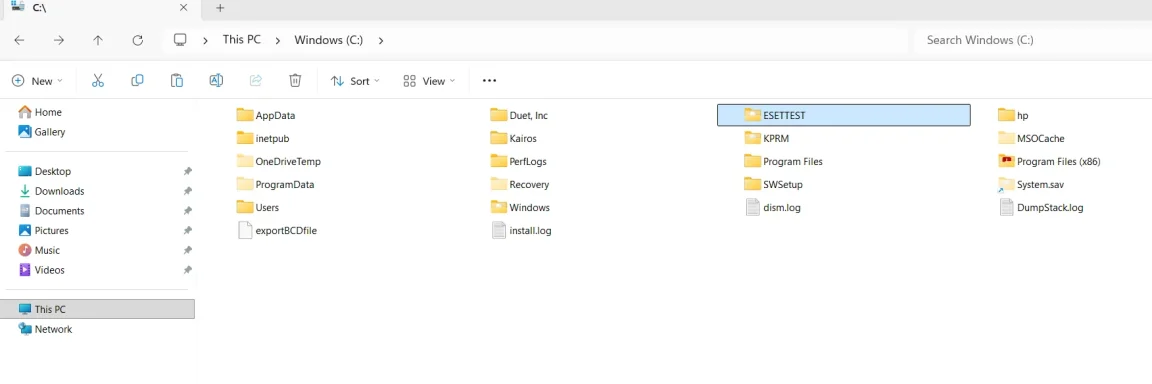
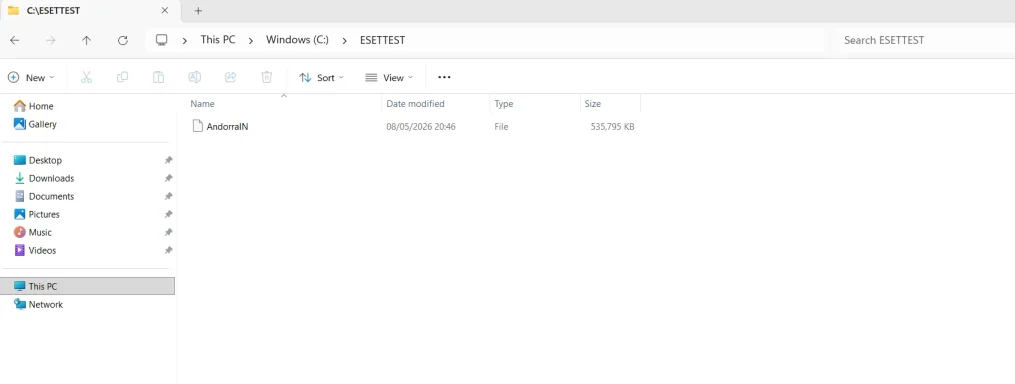
C:\ESETTEST is
not the full mailbox. It is your
reduced test version, where you deleted all years except
2024.
So yes, if you want to continue finding the other bad email, you need to work again from the
full original AndorraIN from the pen drive.
But I would change the wording slightly:
Do not think of it as “importing the virus back.”
Think of it as restoring a
controlled test copy of the old mailbox so you can identify and clean it.
Important correction
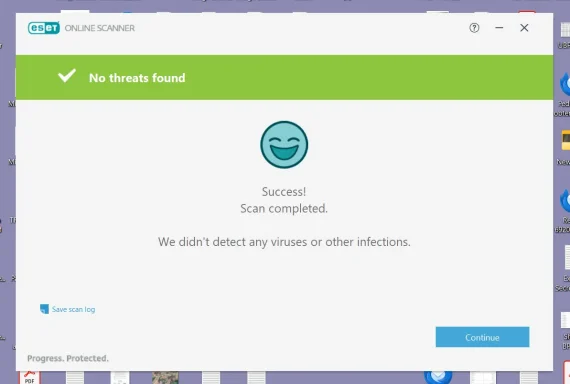
ESET cleaned the copy in:
C:\ESETTEST\AndorraIN
It did
not prove Thunderbird cleaned it. ESET cleaned the copied mailbox file.
That is still useful.
Best next plan
Since we know one bad item was probably in
2024, do this:
1. Keep the pen drive original untouched
Do
not rename it.
Do
not edit it.
That remains your master backup.
2. Save your current reduced Thunderbird file
Close Thunderbird.
Go to:
C:\Users\open1\AppData\Roaming\Thunderbird\Profiles\cricit3s.default\Mail\pop.gmail-1.com
Rename the current file:
AndorraIN
to something like:
AndorraIN.2024_TEST_CLEANED
Also rename:
AndorraIN.msf
to:
AndorraIN.msf.2024_TEST_CLEANED
This preserves the cleaned 2024 test version.
3. Copy the full original back from the pen drive
Copy the original full:
AndorraIN
from the pen drive back into:
C:\Users\open1\AppData\Roaming\Thunderbird\Profiles\cricit3s.default\Mail\pop.gmail-1.com
Then open Thunderbird.
Thunderbird should recreate the
.msf index if needed.
Then continue testing
Because 2024 already produced a detection, I would now do this:
4. Delete 2024 first
In Thunderbird:
- Open
AndorraIN.
- Delete 2024 emails with attachments.
- Empty Thunderbird Trash.
- Run File > Compact Folders.
- Close Thunderbird.
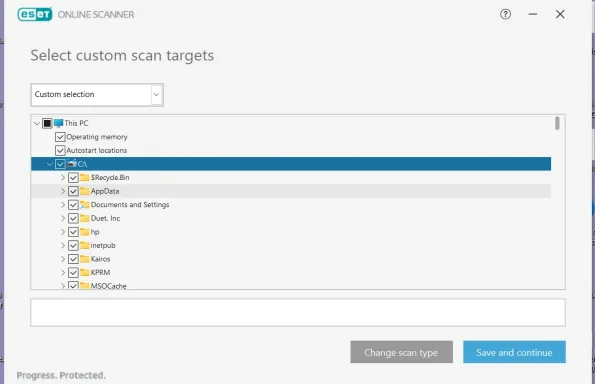
5. Test with ESETTEST
- Empty
C:\ESETTEST.
- Copy the current Thunderbird
AndorraIN into C:\ESETTEST.
- Scan only
C:\ESETTEST with ESET.
How to read the result
If ESET says clean
Then both detections were probably in
2024.
If ESET still finds one
Then one bad item was in
2024, and the other is in another year.
Then continue year by year:
- Restore full original again if needed.
- Delete 2024 first.
- Delete 2023.
- Compact.
- Scan
C:\ESETTEST.
- If still detected, continue with 2022, 2021, etc.
My recommendation
Yes, you can continue your investigation, but do it like this:
- Do not change the pen drive original.
- Use the Thunderbird copy on C: as the working copy.
- Use
C:\ESETTEST only for scanning.
- Let ESET clean only the
C:\ESETTEST copy, not your master backup.
- At the end, when you have removed the bad year/messages, keep the cleaned Thunderbird file.
Safety note
This is still not behaving like an active Windows infection. It is stored inside a Thunderbird mailbox file. Just keep doing what you are doing:
Do not open the suspicious attachments.
Short answer:
Yes, restore the full original AndorraIN from the pen drive to Thunderbird, but keep the pen drive original unchanged, and use C:\ESETTEST for the scans.