Hi
qim,
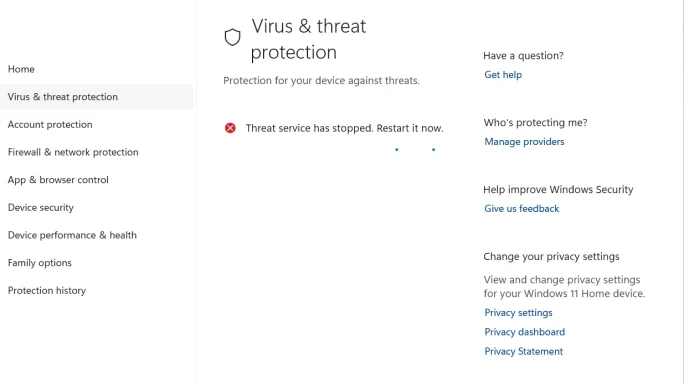
Yes — that restart prompt almost certainly means
restart the PC, not just restart Defender.
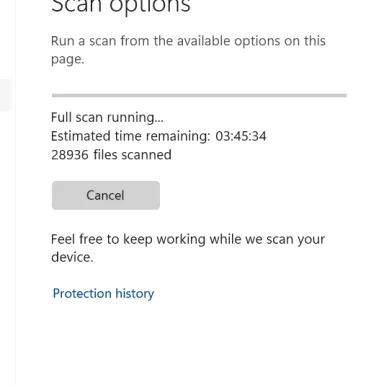
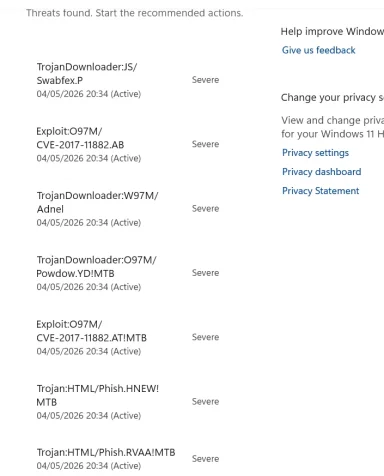
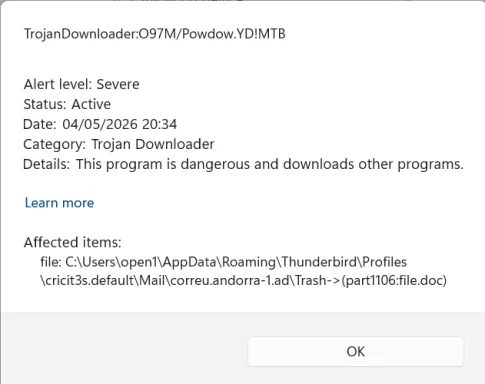
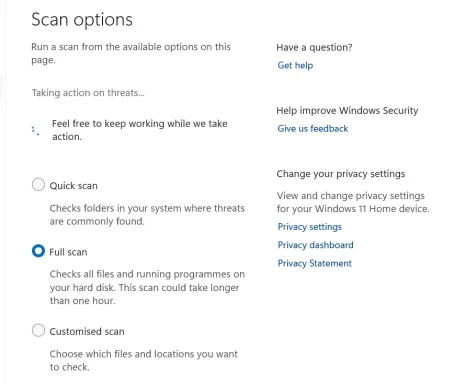
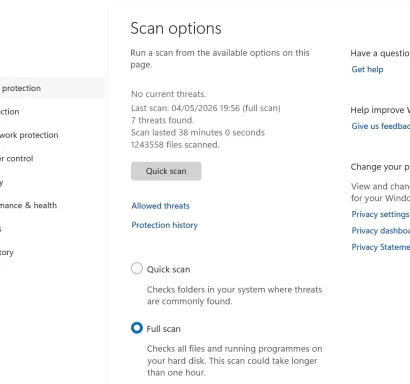
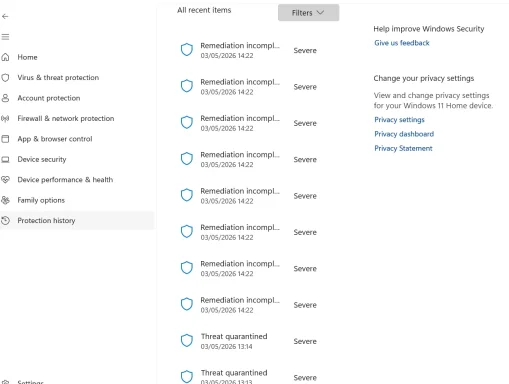
From your screenshots, the key problem is this:
- “Threat service has stopped. Restart it now.”
- Multiple “Remediation incomplete” entries marked Severe
That usually means Defender
did detect something, but cleanup could not finish because:
- the Microsoft Defender service is crashing/stopping
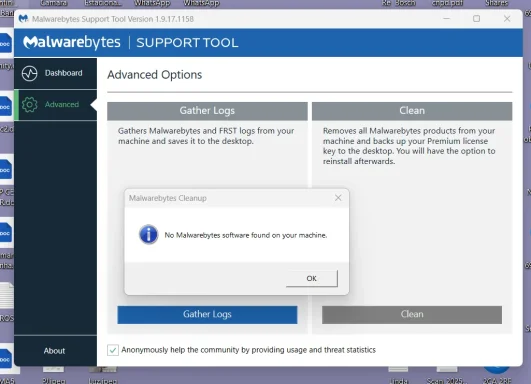
- leftover Malwarebytes components are still interfering
- Windows Security files/services are damaged
What I would do first
Before the repair steps below, back up anything important. If System Restore is working, create a restore point too.
1. Restart Windows normally once
- Save your work.
- Restart the PC manually.
- After reboot, open Windows Security again.
2. Make sure Windows and Defender are fully updated
- Go to Settings > Windows Update.
- Install all pending updates.
- Restart again if asked.
- Then open Windows Security > Virus & threat protection > Protection updates.
- Click Check for updates.
3. Check for leftover Malwarebytes components
Because you had Malwarebytes recently, this is important.
- Go to Settings > Apps > Installed apps.
- Remove anything still related to Malwarebytes.
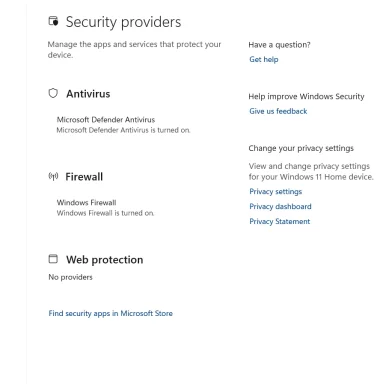
- In Windows Security, click Manage providers.
- Make sure Microsoft Defender Antivirus is the only active antivirus.
If Malwarebytes still appears there, that strongly suggests leftovers.
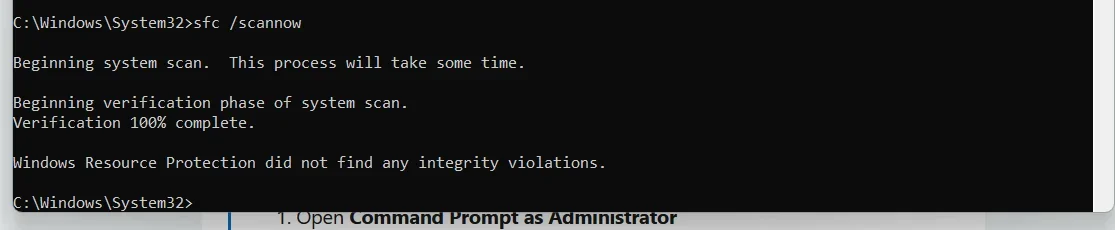
4. Repair Windows system files
Open
Terminal / Command Prompt as Administrator and run:
Code:
DISM /Online /Cleanup-Image /RestoreHealth
sfc /scannow
Then
restart the PC.
5. Run a Microsoft Defender Offline scan
This is better than another Full Scan when remediation is failing.
- Open Windows Security > Virus & threat protection.
- Click Scan options.
- Select Microsoft Defender Offline scan.
- Click Scan now.
Or from
PowerShell as Administrator:
Start-MpWDOScan
This will reboot the PC and scan
before Windows fully loads, which helps remove stubborn malware.
6. If Windows Security still says the threat service stopped
Try repairing the app itself.
- Go to Settings > Apps > Installed apps.
- Find Windows Security.
- Open Advanced options.
- Click Repair.
- If that does not help, click Reset.
7. If the errors continue
Please open
one of the
“Remediation incomplete” items in
Protection history and post:
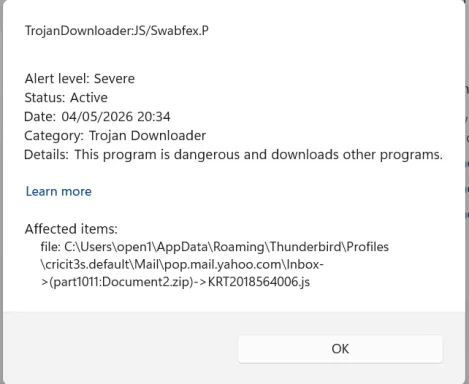
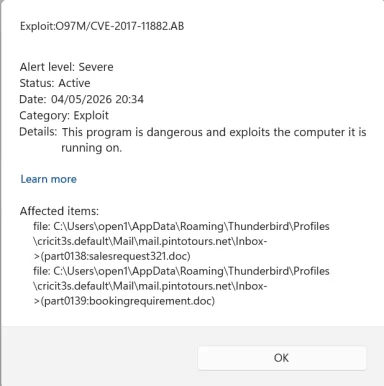
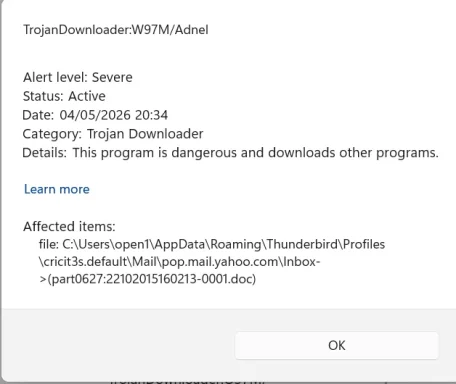
- the threat name
- the affected file/path
- any error text
That will tell us whether this is:
- a real active infection
- a stuck quarantine item
- or just Defender failing because of leftover AV drivers
My best guess
Since
Quick Scan worked, but
Full Scan found issues and then the threat service stopped, and you
recently uninstalled Malwarebytes, I suspect
leftover Malwarebytes drivers/services are interfering with Defender during cleanup.
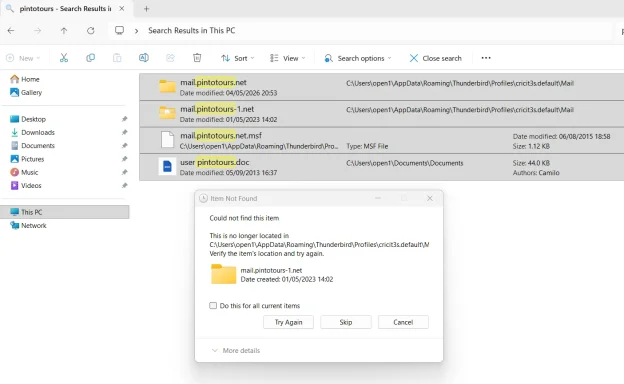
About the 3rd attachment
If you can still edit your post:
- Click Edit on your post.
- Open the attachment manager.
- Remove the unwanted image.
- Save the post.
If the forum no longer allows editing, a
moderator/admin may need to remove it.
Please report back with these 3 things
- Does Manage providers still show Malwarebytes?
- Does Microsoft Defender Offline scan run successfully?
- What exact threat name appears in one Remediation incomplete entry?
If you want, I can give you the
next cleanup step specifically for Malwarebytes leftovers after you check
Manage providers.





 ISM /Online /Cleanup-Image /RestoreHealth