Zevik83
Active Member
- Joined
- Nov 9, 2025
- Messages
- 156
- Thread Author
- #1
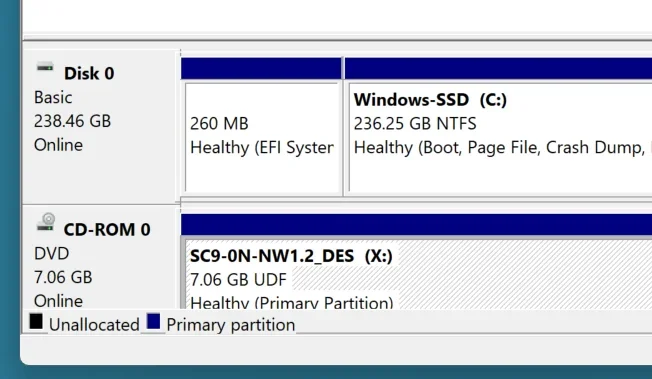
Got my new Samsung t7 2TB SSD set up on my Lenovo Ideapad3 with various partition sizes J - Q. Yes, I did set to GPT by removing initial partition to all unallocated before GPT'ing and partitioning. Go to my Dell Inspiron. Clicking on the left panel asks me if I want to go Dynamic. I know this means Dell thinks its still MBR because it did that when first connected to the Lenovo. Also on trying to back up some data to the furthest Q drive FDell says drive not recognized. Dell File Explorer and Disk Manager seers drives D: and on sequentially, not what I designated on the Lenovo J - Q
Question: How do I get Dell to recognize the drive as GPT and accept drive letters assigned on the Lenovo and have all those partitions accessible?
Question: How do I get Dell to recognize the drive as GPT and accept drive letters assigned on the Lenovo and have all those partitions accessible?