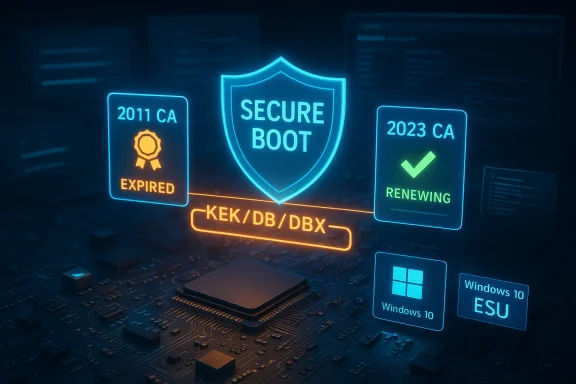
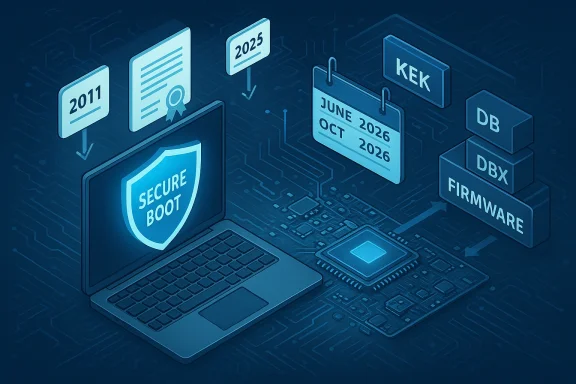
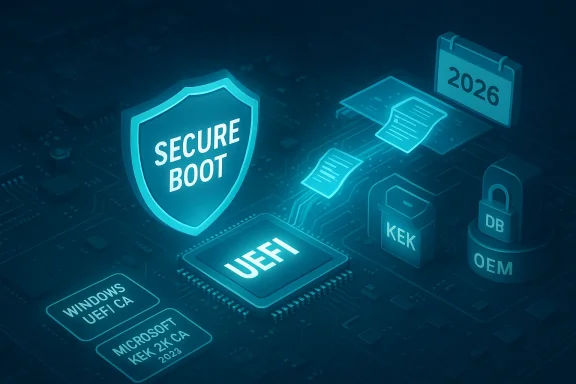
IT administrators now have practical, fleet-scale ways to check whether Windows devices are carrying the updated Secure Boot certificate chain and whether they’re ready to accept the upcoming Secure Boot updates — a crucial capability as Microsoft and OEMs rotate the platform’s cryptographic trust anchors ahead of the 2011 CA expirations in 2026.
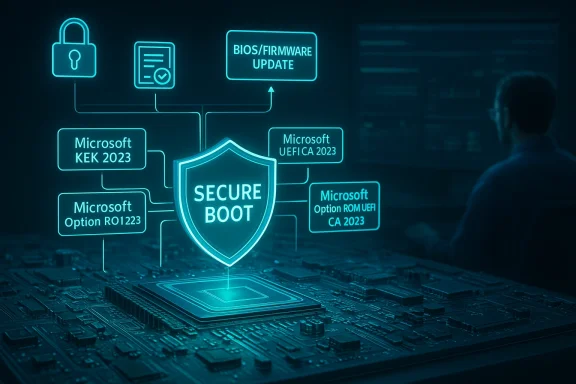
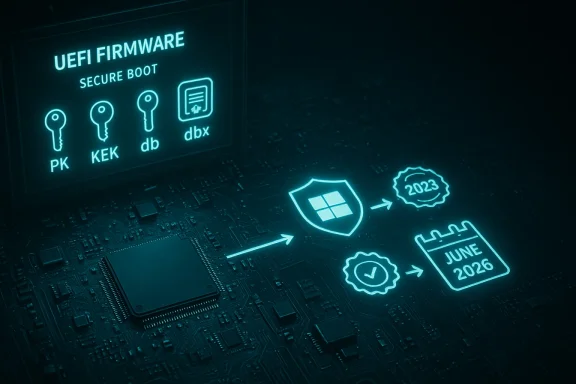
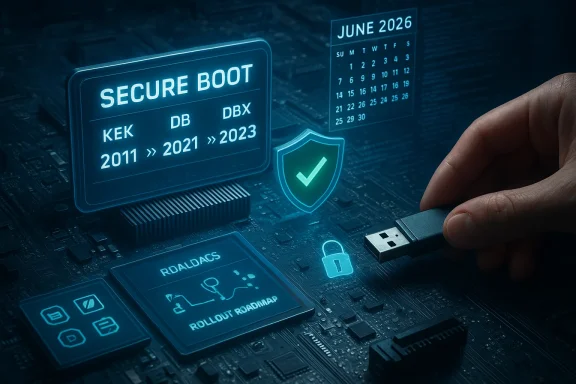
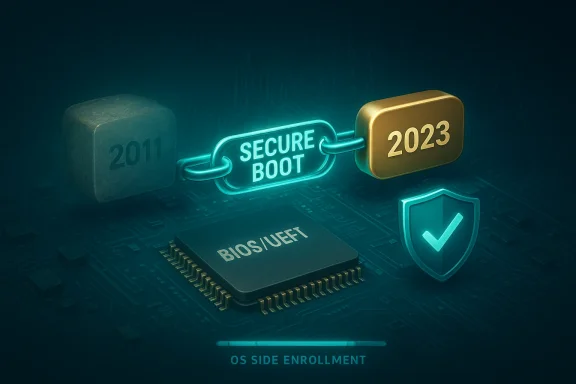
Secure Boot is the UEFI firmware mechanism that enforces a small set of cryptographic authorities to validate boot components before the operating system runs. When those authorities (the CAs and Key Exchange Keys stored in the firmware DB/KEK/DBX variables) approach the end of their lifetimes, Microsoft and OEMs must provision replacement certificates so devices can continue to accept signed boot updates and revocations. Microsoft published a playbook and management controls that let administrators monitor, pilot, and — where necessary — trigger the replacement flow from the OS side.
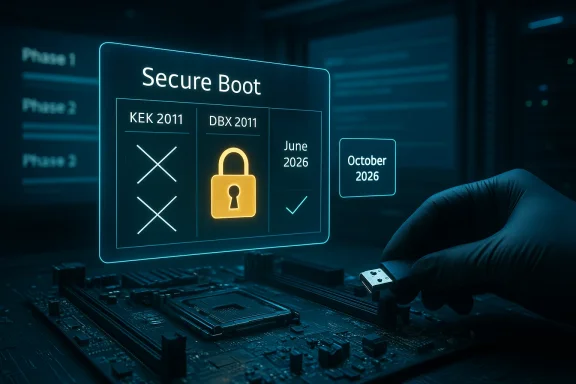
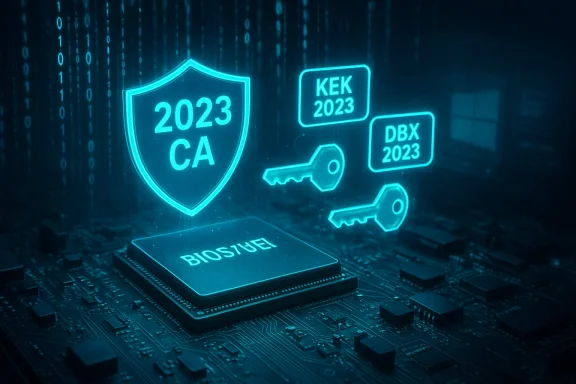
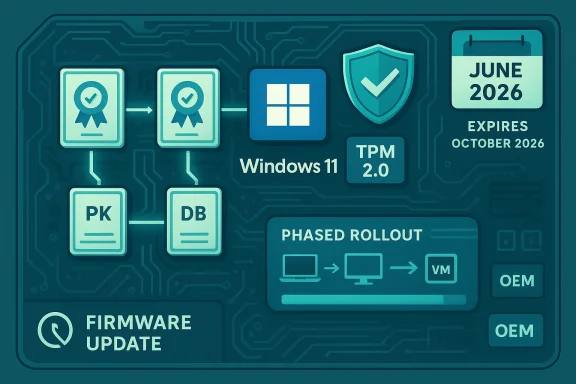
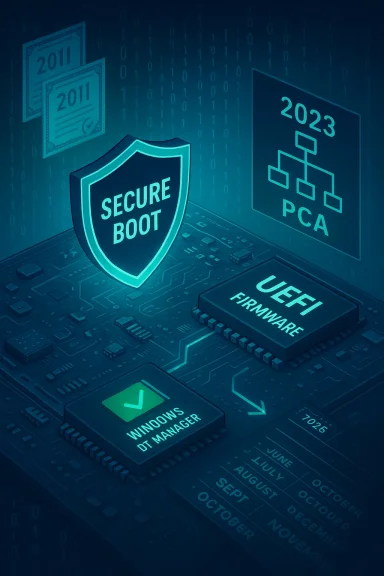
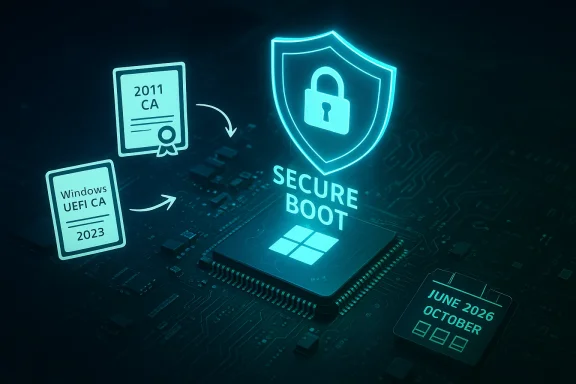
Why this matters: the legacy Microsoft-supplied CAs created around 2011 begin to expire in mid‑2026, and a second related authority follows later in 2026. If a device still depends solely on the old 2011 authorities when those certificates lapse, Windows will be unable to deliver future Secure Boot updates or boot-manager re-signing under the new 2023 CA family — putting those machines at risk of losing pre-boot mitigations or encountering compatibility failures for newly signed components. Microsoft’s published guidance frames the replacement as an operational project for IT teams — not a purely mechanical monthly patch — because it spans firmware, OS servicing, and vendor coordination.
The Secure Boot certificate rotation is not an abstract security exercise — it’s a time‑bound, cross‑ecosystem operation that must be inventoried, piloted, and executed with the same change control discipline you apply to major firmware or platform changes. Use the Intune and management controls to get visibility today, couple PowerShell checks with registry and event log telemetry for reliable reporting, and plan firmware coordination and image updates so you aren’t forced into emergency device replacements as the 2011 CAs lapse. Act now, test responsibly, and document exceptions — that approach will minimize disruption and keep your fleet able to receive pre‑boot security updates going forward.
Source: Neowin https://www.neowin.net/news/it-admi...re-boot-in-windows-devices-across-their-firm/
 Background / Overview
Secure Boot is the UEFI firmware mechanism that enforces a small set of cryptographic authorities to validate boot components before the operating system runs. When those authorities (the CAs and Key Exchange Keys stored in the firmware DB/KEK/DBX variables) approach the end of their lifetimes, Microsoft and OEMs must provision replacement certificates so devices can continue to accept signed boot updates and revocations. Microsoft published a playbook and management controls that let administrators monitor, pilot, and — where necessary — trigger the replacement flow from the OS side.Why this matters: the legacy Microsoft-supplied CAs created around 2011 begin to expire in mid‑2026, and a second related authority follows later in 2026. If a device still depends solely on the old 2011 authorities when those certificates lapse, Windows will be unable to deliver future Secure Boot updates or boot-manager re-signing under the new 2023 CA family — putting those machines at risk of losing pre-boot mitigations or encountering compatibility failures for newly signed components. Microsoft’s published guidance frames the replacement as an operational project for IT teams — not a purely mechanical monthly patch — because it spans firmware, OS servicing, and vendor coordination.
What changed: fleet-scale visibility and controls for admins
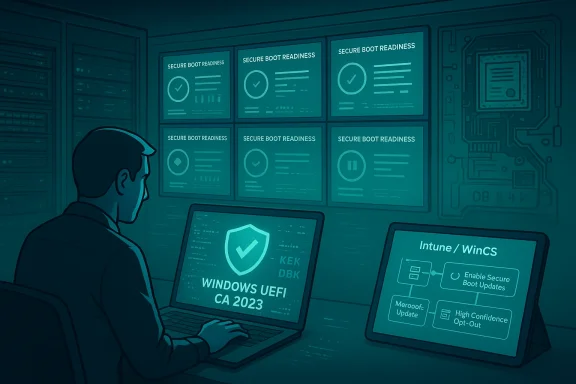
Microsoft and its management tooling now provide multiple, auditable ways for IT teams to determine Secure Boot readiness and certificate state across managed devices:- Intune (Settings Catalog) exposes specific Secure Boot settings that map to the OS servicing controls: Enable Secureboot Certificate Updates, Configure Microsoft Update Managed Opt‑In, and Configure High Confidence Opt‑Out. These settings let you opt devices into the OS-driven enrollment flow, control whether devices are eligible for Microsoft’s telemetry‑gated rollout, and block automatic monthly delivery when required for compliance testing.
- Group Policy and registry controls are documented and can be set centrally. The core registry path the Secure Boot servicing task inspects is HKEY_LOCAL_MACHINE\SYSTEM\CurrentControlSet\Control\SecureBoot\Servicing and its keys such as AvailableUpdates, MicrosoftUpdateManagedOptIn, HighConfidenceOptOut, UEFICA2023Status, and UEFICA2023Error. Administrators can use these values to request the full staged update bitmask, opt devices into/out of Microsoft-managed flows, and monitor per-device status indicators.
- Microsoft provides a domain/enterprise CLI (WinCS) for large-scale, scripted control, plus registry or GPO approaches for WSUS/ConfigMgr-managed environments. The playbook outlines when to use the Microsoft-managed telemetry-gated path (lowest effort for consumer-like devices) versus the registry/GPO/WinCS paths (recommended for managed fleets that need explicit control).
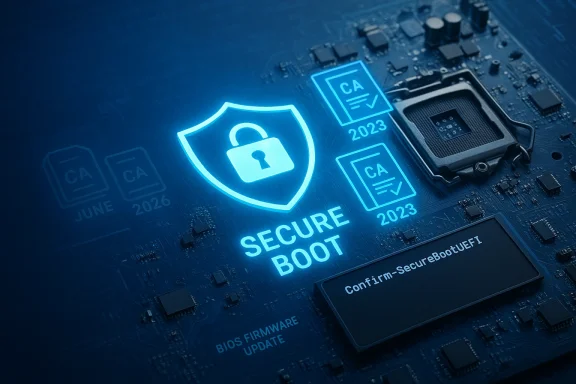
- PowerShell cmdlets and low-level UEFI checks (Confirm‑SecureBootUEFI and Get‑SecureBootUEFI) allow per-device, scriptable verification of Secure Boot state and inspection of the KEK/DB/DBX contents for strings such as Windows UEFI CA 2023. These commands are the basis for fast inventory scripts and remote checks.
How to verify Secure Boot status — tactical checks for admins
Below are the standard checks that should be incorporated into automated inventory jobs and manual spot checks. Each check is safe, read-only, and scriptable where noted.GUI quick checks (fast, per-device)
- Run System Information (msinfo32). Confirm BIOS Mode = UEFI and Secure Boot State = On/Off/Unsupported. This is the canonical visual check many OEM guides reference.
PowerShell (scriptable, recommended for fleet sweeps)
- Confirm Secure Boot is enabled:
- Confirm‑SecureBootUEFI — returns True when Secure Boot is active; False when supported but disabled; and an error when UEFI isn’t present.
- Inspect UEFI variables:
- Get‑SecureBootUEFI db — returns the DB bytes; you can search them for the string "Windows UEFI CA 2023".
- Example quick test (run as Administrator):
 :ASCII.GetString((Get‑SecureBootUEFI db).bytes) -match 'Windows UEFI CA 2023') — returns True/False.
Registry indicators (diagnostic, machine-level progress)
- Poll HKEY_LOCAL_MACHINE\SYSTEM\CurrentControlSet\Control\SecureBoot\Servicing for:
- AvailableUpdates — the bitmask that requests specific steps of the servicing flow (for example, 0x40 for DB updates, or the enterprise full bitmask 0x5944 for a complete sequence).
- UEFICA2023Status — string values that progress from NotStarted → InProgress → Updated as the sequence runs.
- UEFICA2023Error — non‑zero indicates a failure code to investigate.
Administrators can use Intune to push these registry values via Settings Catalog, or use Group Policy templates that map to the same keys.
Event logs (for success/failure signals)
Key event IDs to monitor via Event Forwarding or SIEM:- Event ID 1808 — success: indicates the device applied the new Secure Boot certificates and updated the boot manager.
- Event ID 1801 — failure during certificate apply.
- Event ID 1795 — firmware rejected an authenticated variable write (common when firmware refuses OS-initiated KEK/DB changes).
How to trigger or accelerate updates safely (when needed)
Microsoft and the playbook provide supported ways to trigger the OS‑driven enrollment on a device-by-device basis or at scale — but they should be used only after you’ve validated firmware readiness and BitLocker safeguards in a pilot.- Local trigger (admin on a single device): set the registry AvailableUpdates bit to request DB change and then start the scheduled servicing task:
- reg add HKEY_LOCAL_MACHINE\SYSTEM\CurrentControlSet\Control\SecureBoot /v AvailableUpdates /t REG_DWORD /d 0x40 /f
- Start-ScheduledTask -TaskName "\Microsoft\Windows\PI\Secure-Boot-Update"
- Reboot twice and verify the DB contains "Windows UEFI CA 2023" via Get‑SecureBootUEFI.
- Enterprise trigger (GPO / registry / WinCS): set AvailableUpdates to the recommended enterprise bitmask (documented in Microsoft’s playbook) — for example the full sequence bitmask 0x5944 — and use WinCS or Group Policy to apply this value across rings after successful pilot validation. Be aware: once certificate entries are written into firmware variables they cannot be removed via OS control; GPO removal does not revert applied certificate changes.
- Intune-managed opt-in: use the Windows 10 and later Settings Catalog profile to set Enable Secureboot Certificate Updates = Enabled, Configure Microsoft Update Managed Opt‑In = Enabled/Disabled and Configure High Confidence Opt‑Out appropriately for your risk posture and telemetry allowances. For telemetry-gated Microsoft-managed rollout, ensure diagnostic data is configured as required for CFR signaling.
- Always ensure BitLocker protectors are suspended or that recovery keys are escrowed before the reboot sequence that applies the boot-manager replacement; otherwise you will likely trigger BitLocker recovery prompts on affected devices.
- Validate OEM firmware readiness first: some devices require vendor firmware updates before they will accept KEK/DB changes; if firmware rejects writes, Event ID 1795 and UEFICA2023Error will indicate that and OEM intervention is usually required.
Deployment options — tradeoffs and when to use each
- Microsoft-managed (telemetry-gated) rollout
- Best for consumer-style or homogenous fleets where telemetry policy is acceptable and where you prefer minimal operational overhead.
- Tradeoff: requires devices to be eligible under Microsoft’s confidence buckets; not suitable where you need explicit, auditable control for compliance.
- Registry / Group Policy trigger
- Best for tight enterprise control and where you want predictable sequencing across pilot rings.
- Tradeoff: requires careful orchestration and validation of BitLocker/WinRE and firmware interactions; registry triggers persist in system state.
- WinCS (domain-level CLI) / scripted enterprise approach
- Best for large, domain-joined estates and when combined with existing CMDB/ConfigMgr automation.
- Tradeoff: requires strong change control and monitoring for UEFICA2023Error results and firmware rejections.
- OEM firmware provisioning
- Required where firmware refuses OS-initiated writes; OEMs can embed KEK/DB changes directly into firmware updates.
- Tradeoff: depends on vendor cadence, model support, and sometimes device end-of-support constraints.
Operational risks and caveats (what to watch for)
- Firmware diversity is the dominant operational risk. A single vendor model or firmware family that refuses OS writes will become a remediation case requiring OEM firmware or field replacement. Document these devices early and escalate to procurement/OEM teams.
- Telemetry gating influences Microsoft’s automated reach. Environments that disable or restrict diagnostic/telemetry data as a policy may not be automatically targeted by Microsoft’s CFR path and will require manual enrollment methods. Plan accordingly.
- BitLocker and pre-boot encryption interactions are real and frequent. Firmware changes that swap boot managers or alter Secure Boot variables often trigger BitLocker recovery unless protectors are suspended or keys are escrowed. Make BitLocker key escrow and suspension part of every pilot checklist.
- Virtualized and cloud images can behave differently: hypervisor vendors may need to update virtual firmware images or allow guest-driven enrollment. Test VMs and cloud images early because some virtual platform images may not accept the new certificates or may need the host to be updated.
- DBX revocations and irreversible changes: some DBX (revocation) updates are effectively permanent on many platforms. Microsoft and OEMs intentionally sequence these changes cautiously; administrators must not apply broad DBX revocations without thorough testing.
Practical, prioritized checklist for IT teams (recommended sequence)
- Inventory (immediate)
- Gather OEM model, firmware/UEFI version/date, Secure Boot state, TPM presence, partition style (GPT/MBR), Windows build, and whether the device accepts OS-initiated UEFI writes. Use msinfo32, Confirm‑SecureBootUEFI, and Get‑SecureBootUEFI as part of this sweep.
- Map OEM readiness (days 0–7)
- For each OEM/model, check vendor advisories for required BIOS/UEFI versions. Where firmware updates are necessary, plan pilot deployments.
- Pilot (weeks 1–3)
- Select representative models and test the full sequence: DB update → KEK write → boot-manager replacement → reboot and BitLocker recovery checks. Monitor UEFICA2023Status and Event ID 1808 for positive confirmation.
- Update images and recovery media (before broad rollout)
- Inject required cumulative updates and Safe OS dynamic updates into golden images and WinRE so recovery and reimaging workflows will not rely on expired authorities. Test Reset/Refresh and bare‑metal scenarios.
- Deploy in waves (controlled)
- Use Intune/Group Policy/WinCS to expand from pilot → broad test → production. Track UEFICA2023Error cases and escalate non‑zero codes to OEMs where firmware rejects writes.
- Document exceptions and replacements
- For unsupported/legacy devices that cannot be updated, record compensating controls (segmentation, restricted access) and plan replacement timelines ahead of the 2011 CA expirations.
Example PowerShell snippets administrators should embed in scripts
- Confirm Secure Boot state (returns True/False):
Confirm-SecureBootUEFI
Use this for simple on/off checks across your fleet. - Check DB contents for the new CA (admin PowerShell):
(::ASCII.GetString((Get-SecureBootUEFI db).bytes) -match 'Windows UEFI CA 2023')
A True result means the DB contains the 2023 certificate strings. Use this to categorize devices that are already enrolled. - Trigger a local DB update (admin, for single-device testing only):
Reboot twice and re-check the DB to validate progress. Do not run this at scale until you validate BitLocker and firmware behavior in a pilot.Code:reg add HKEY_LOCAL_MACHINE\SYSTEM\CurrentControlSet\Control\SecureBoot /v AvailableUpdates /t REG_DWORD /d 0x40 /f Start-ScheduledTask -TaskName "\Microsoft\Windows\PI\Secure-Boot-Update" Restart-Computer -Force
Critical analysis — strengths, limitations, and strategic implications
Strengths- The new, documented visibility and the Intune/GPO/WinCS controls give enterprises actionable tools to inventory and manage the certificate rotation rather than guessing or reacting to failures. The availability of per‑device status keys and event IDs enables reliable telemetry and SIEM integration.
- Microsoft’s telemetry‑gated rollout model reduces blast radius for automatic enrollments on devices that demonstrate healthy update behavior, which is prudent for a change that touches firmware trust anchors. The combination of automated and manual controls gives administrators the ability to choose risk vs. operational overhead.
- The power to inspect DB/KEK/DBX via PowerShell and the provision of a WinCS tool for domain-scale orchestration are strong enablers for scripted, auditable operations — exactly what larger enterprise teams need.
- Firmware fragmentation and OEM readiness remain the single greatest operational constraint. Where firmware refuses OS writes or where vendors do not produce timely updates, individual devices must be remediated or replaced — sometimes at scale. This is an operational, not a purely technical, problem.
- Telemetry gating and Microsoft-managed rollouts work well for many devices, but they do not cover closed networks, air-gapped systems, or privacy-restricted fleets that opt out of required diagnostic data. Those devices will likely require manual enrollment and careful coordination.
- Irreversible DBX revocations and permanent record changes make thorough piloting essential; mistakes or insufficient pilot coverage could have long-term compatibility consequences for multi‑boot systems, legacy option ROMs, or specialized hardware.
- Treat this work as a cross-functional program: security teams, endpoint management, procurement, and OEM/vendor management must coordinate. The operational window is bounded (mid‑2026 and later deadlines exist), and the cost of last‑minute remediation is materially higher than phased, pre-planned rollouts.
Closing recommendations and the immediate three-step plan for admins
- Inventory now. Run Confirm‑SecureBootUEFI and Get‑SecureBootUEFI across representative devices and centralize results. Populate a matrix of OEM/model/firmware versions to spot likely problem sets.
- Pilot early. Pick a small but representative set of devices from each OEM/firmware family. Validate the full servicing flow, BitLocker behavior, WinRE and recovery image compatibility, and event log signals (Event ID 1808 success). Expand rings only after repeated success across device classes.
- Coordinate firmware and imaging workstreams. Request OEM firmware for devices that reject writes, and update golden images and WinRE so recovery does not rely on expired authorities. Maintain an exception register for devices scheduled for replacement.
The Secure Boot certificate rotation is not an abstract security exercise — it’s a time‑bound, cross‑ecosystem operation that must be inventoried, piloted, and executed with the same change control discipline you apply to major firmware or platform changes. Use the Intune and management controls to get visibility today, couple PowerShell checks with registry and event log telemetry for reliable reporting, and plan firmware coordination and image updates so you aren’t forced into emergency device replacements as the 2011 CAs lapse. Act now, test responsibly, and document exceptions — that approach will minimize disruption and keep your fleet able to receive pre‑boot security updates going forward.
Source: Neowin https://www.neowin.net/news/it-admi...re-boot-in-windows-devices-across-their-firm/