

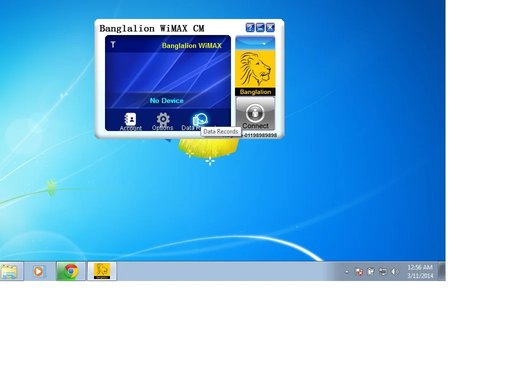
Solution

did you try to up the resolution?
If this is a fresh install of windows 7 you may wish to install some updates as for me that corrected the resolution issues I had without the need of the driver.
If this is a fresh install of windows 7 you may wish to install some updates as for me that corrected the resolution issues I had without the need of the driver.

badrobot
Senior Member
- Joined
- Jun 14, 2012
- Messages
- 1,008
Right click on desktop and select "Screen resolution" and change settings to 100% if it is on different settings (125%, etc.). Make sure your screen resolution is also set on recommended highest setting..

Last edited by a moderator:

Ralph Bromley
Fantastic Member
- Joined
- Jun 1, 2012
- Messages
- 577
did you try to up the resolution?
If this is a fresh install of windows 7 you may wish to install some updates as for me that corrected the resolution issues I had without the need of the driver.
If this is a fresh install of windows 7 you may wish to install some updates as for me that corrected the resolution issues I had without the need of the driver.
Similar threads
- Replies
- 1
- Views
- 1K
