I am trying to view a site that uses Adobe flash for its presentation and Chrome blocks it. There is an option on Edge to use it "once". Is it safe to do? I don't know the ins and outs of the flash product but guess it is not usually safe to use - it is out of favor obviously. Thanks.
📎 AI Summary:
The forum discussion revolves around concerns about enabling Adobe Flash to view certain website content, with users sharing experiences and suggestions for managing Flash settings in Chrome and Edge. Despite attempts to enable Flash, some users encounter blocked content or functionality issues, highlighting the security risks and the end-of-life status of Flash. Overall, the conversation suggests that enabling Flash is not entirely safe or straightforward, and many participants have unresolved frustrations with Flash-dependent content.
The forum discussion revolves around concerns about enabling Adobe Flash to view certain website content, with users sharing experiences and suggestions for managing Flash settings in Chrome and Edge. Despite attempts to enable Flash, some users encounter blocked content or functionality issues, highlighting the security risks and the end-of-life status of Flash. Overall, the conversation suggests that enabling Flash is not entirely safe or straightforward, and many participants have unresolved frustrations with Flash-dependent content.
Solution
I am trying to view a site that uses Adobe flash for its presentation and Chrome blocks it. There is an option on Edge to use it "once". Is it safe to do? I don't know the ins and outs of the flash product but guess it is not usually safe to use - it is out of favor obviously. Thanks.
Google Chrome also runs Flash on a click-to-run basis only these days. The browser highlights Flash content on pages with a jigsaw piece icon.
If you get a message in Chrome saying that Adobe content was blocked, you’ll need to click the jigsaw piece icon and press the Allow button.
If you can’t select the Allow button to run the multimedia content, you might need to configure Chrome’s Flash settings as follows:
- Press the Customize...

Member details
- Joined
- Jul 4, 2015
- Messages
- 8,995
Flash is supposed to be EOL this year, but you can enable it for Chrome if you need to.
In a Chrome tab copy and paste the following
chrome://settings/content/flash
Change it to "Ask First" after you visit the site you should be prompted to allow or not
In a Chrome tab copy and paste the following
chrome://settings/content/flash
Change it to "Ask First" after you visit the site you should be prompted to allow or not
Thanks. I went into Chrome settings to Privacy and Security and changed that flash setting to ask first but still no go on that site where it is blocked. Maybe that isn't the way to do it but looks like same path.

Member details
- Joined
- May 25, 2009
- Messages
- 6,684
Hi
I've been dealing with this for years.
I have Comcast and use their homepage.
There are always videos that I click on that will not open in Chrome, it tells you to activate Flash and shows you how, but when you do it you always get a message that says we are having a problem, try again later.
It's the same for everyone as far as I know and has really been a problem for years.
I've never found a way to get around it, just below these videos on the page are videos that will run fine from YouTube etc.
I don't know why this issue is never addressed, but I've never really tried another browser to see if I can make them work there.
Mike
I've been dealing with this for years.
I have Comcast and use their homepage.
There are always videos that I click on that will not open in Chrome, it tells you to activate Flash and shows you how, but when you do it you always get a message that says we are having a problem, try again later.
It's the same for everyone as far as I know and has really been a problem for years.
I've never found a way to get around it, just below these videos on the page are videos that will run fine from YouTube etc.
I don't know why this issue is never addressed, but I've never really tried another browser to see if I can make them work there.
Mike
Last edited:
Thanks for that Mike. This isn't even a video issue. It's the way this site chooses to present their images. No motion at all except at the beginning. One image is animated - so is that a video? - I guess it is. The rest of the images are not. Flash does work on Edge but not Chrome. I did try to fix it for Chrome in the settings area but no deal. Thanks again.
AdrianG001
Senior Member
Member details
- Joined
- Feb 19, 2018
- Messages
- 108
I am trying to view a site that uses Adobe flash for its presentation and Chrome blocks it. There is an option on Edge to use it "once". Is it safe to do? I don't know the ins and outs of the flash product but guess it is not usually safe to use - it is out of favor obviously. Thanks.
Google Chrome also runs Flash on a click-to-run basis only these days. The browser highlights Flash content on pages with a jigsaw piece icon.
If you get a message in Chrome saying that Adobe content was blocked, you’ll need to click the jigsaw piece icon and press the Allow button.
If you can’t select the Allow button to run the multimedia content, you might need to configure Chrome’s Flash settings as follows:
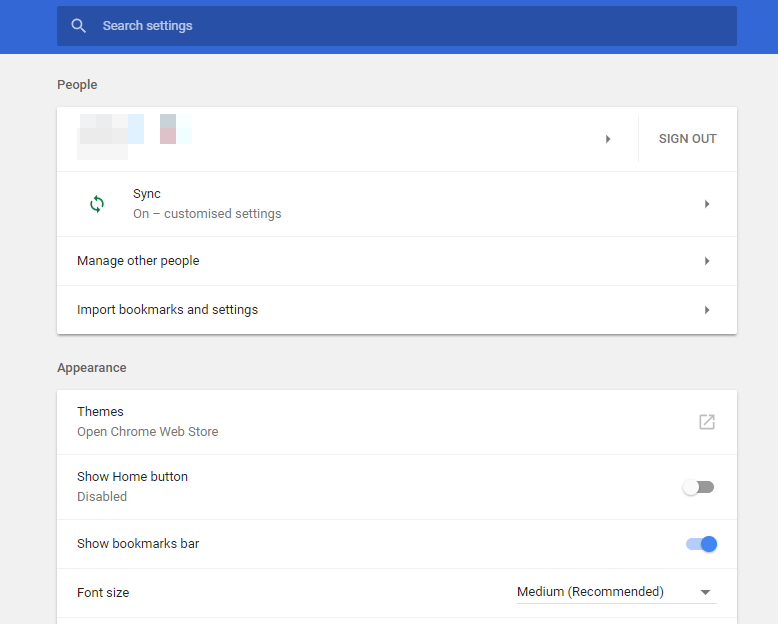
- Press the Customize Google Chrome button to open the browser‘s menu.
- Click Settings to open the tab shown in the snapshot directly below.
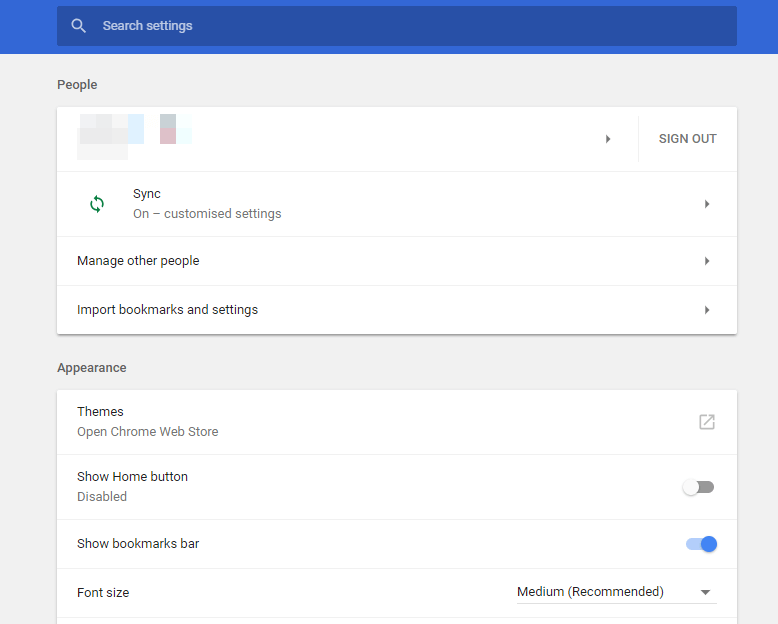
- Scroll to the bottom of the page and click Advanced.
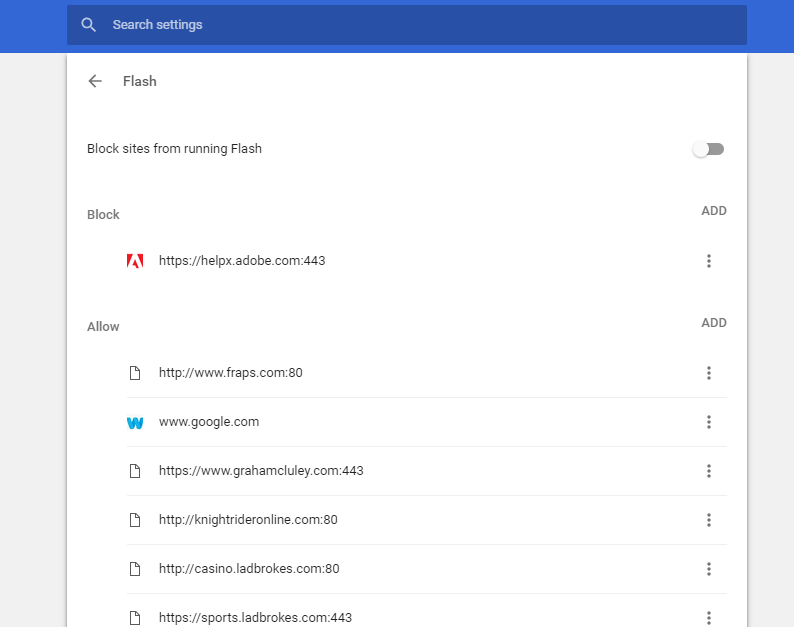
- Then click Contents settings and select Flash to open the options shown in the snapshot directly below.
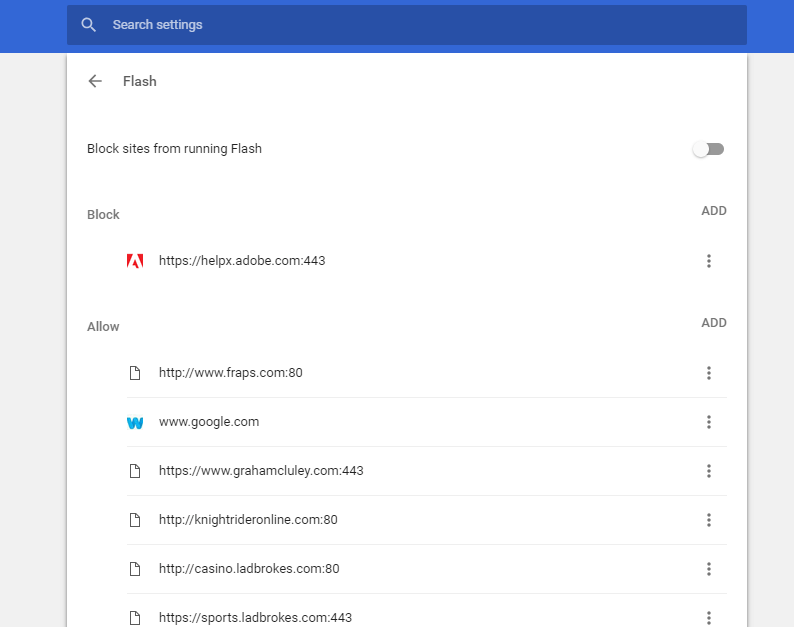
- You can unblock Adobe Flash content by switching Block sites from running Flash to Ask first (recommended).
- You can also add websites to the Allow list to enable Adobe Flash to always run on them. To do that, click Add, input a website URL and press the Add button.