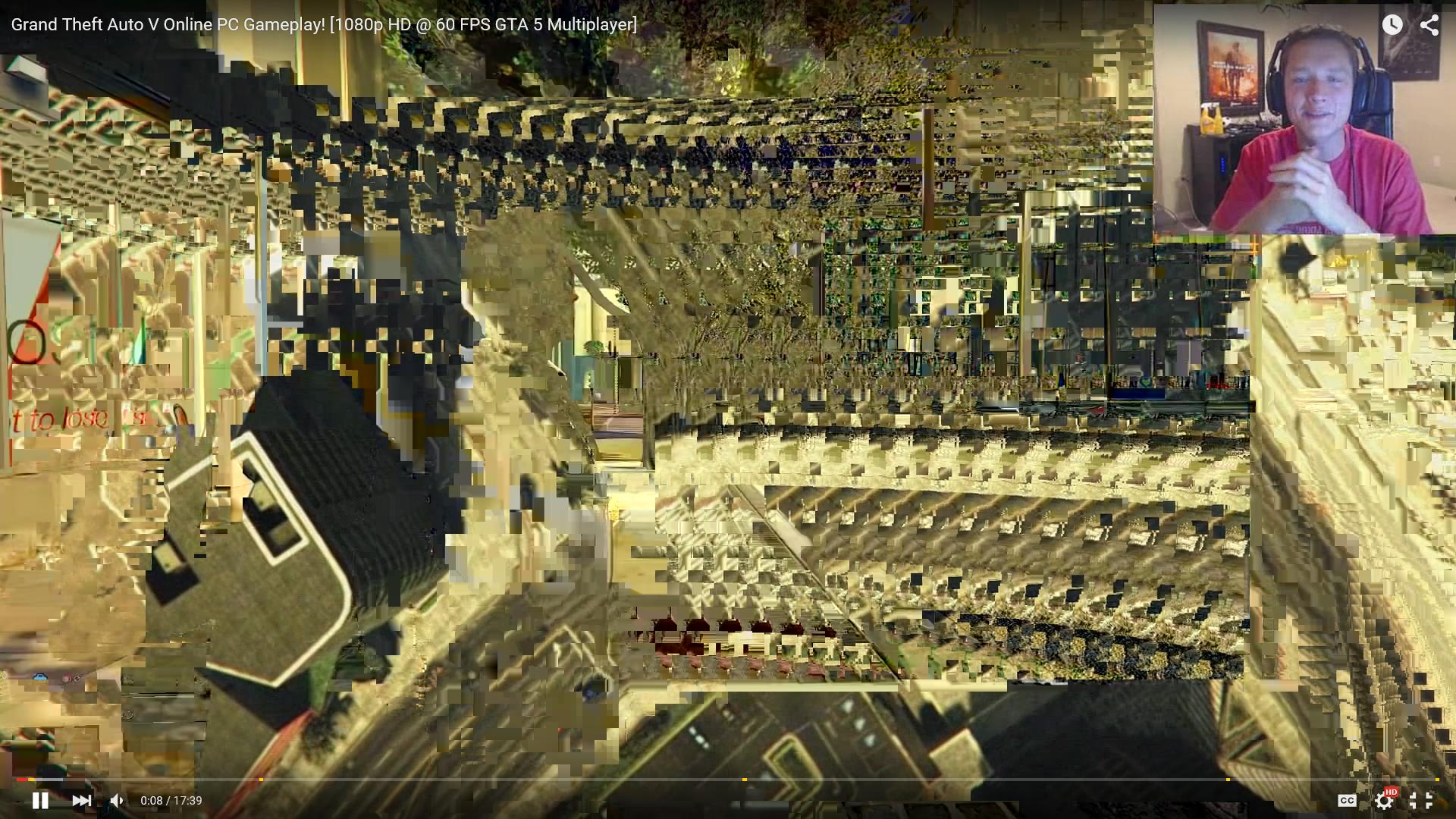
📎 AI Summary: The forum thread discusses an issue related to playing a Full HD 60FPS video, with the original poster sharing an image of the problem. A user suggests that graphics drivers may be causing the issue, which is echoed by another contributor who mentions that display and graphics card limitations can also be the root cause. Overall, the discussion points toward graphics driver or hardware limitations as possible reasons for video playback issues.
Sometimes the issue is that your display / graphics drivers / graphics card simply cannot handle either Full HD or 60FPS or both. That is most likely the issue - I had this on my laptop and display and graphics drivers seemed to be the issue because with a new display and a new graphics driver it was all fixed.
Sometimes the issue is that your display / graphics drivers / graphics card simply cannot handle either Full HD or 60FPS or both. That is most likely the issue - I had this on my laptop and display and graphics drivers seemed to be the issue because with a new display and a new graphics driver it was all fixed.