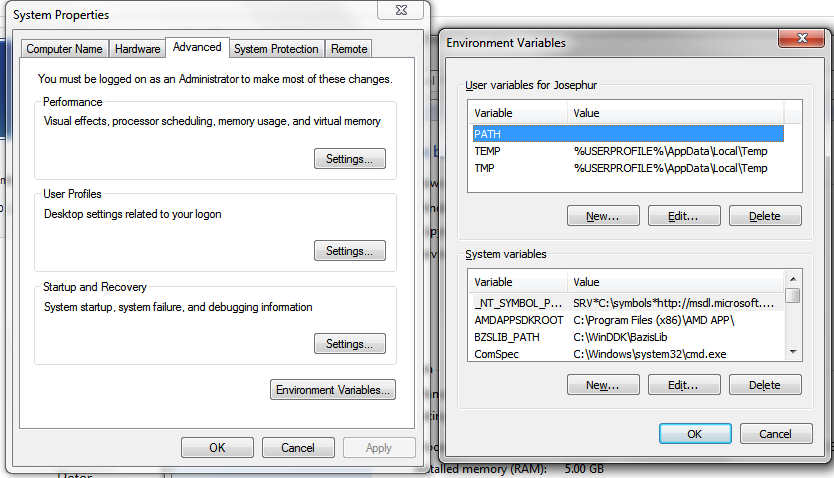
When I type at the CmdPrompt "set" then two core response lines are:
TEMP=D:\temp
TMP=D:\temp
So from my point of view the path to the official system wide temporary folder is obviously D:\temp
I expected that this folder is automatically protected and hidden in Windows Explorer.
BUT: it is not!
Yes, in "Folder Options" menu/dialog of Windows Explorer I enabled "Don't show hidden files" and
"Hide protected operating system files" but the D:\temp folder is visible anyway.
It looks like a "normal" folder.
So I guess the systems temporary folder is not set/recognized correctly.
Is there another way (beside "set") to find out what the system thinks it is the official system temporary folder?
How else can I set it? Directly in Registry?
Peter
TEMP=D:\temp
TMP=D:\temp
So from my point of view the path to the official system wide temporary folder is obviously D:\temp
I expected that this folder is automatically protected and hidden in Windows Explorer.
BUT: it is not!
Yes, in "Folder Options" menu/dialog of Windows Explorer I enabled "Don't show hidden files" and
"Hide protected operating system files" but the D:\temp folder is visible anyway.
It looks like a "normal" folder.
So I guess the systems temporary folder is not set/recognized correctly.
Is there another way (beside "set") to find out what the system thinks it is the official system temporary folder?
How else can I set it? Directly in Registry?
Peter